Customer Ratings & Reviews
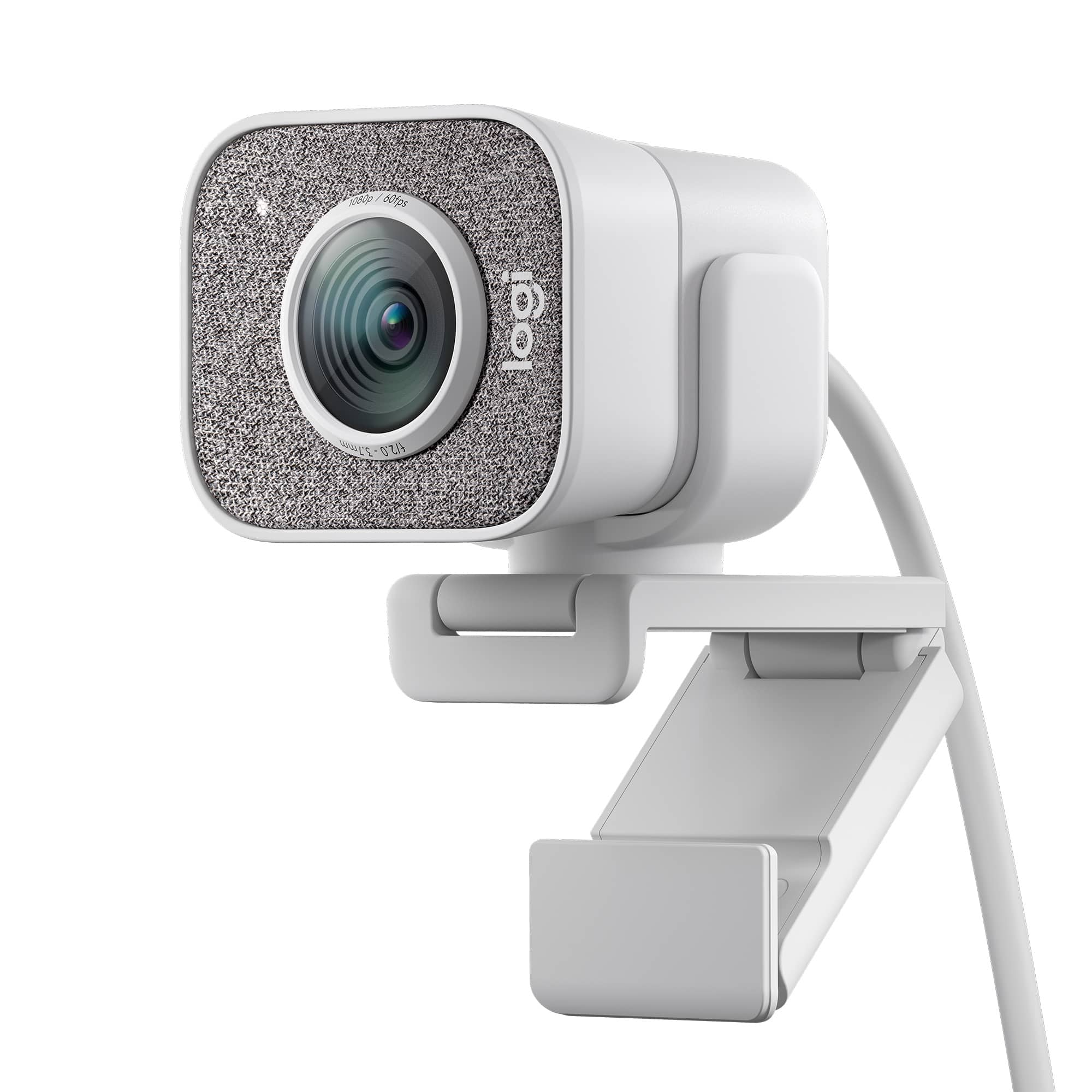
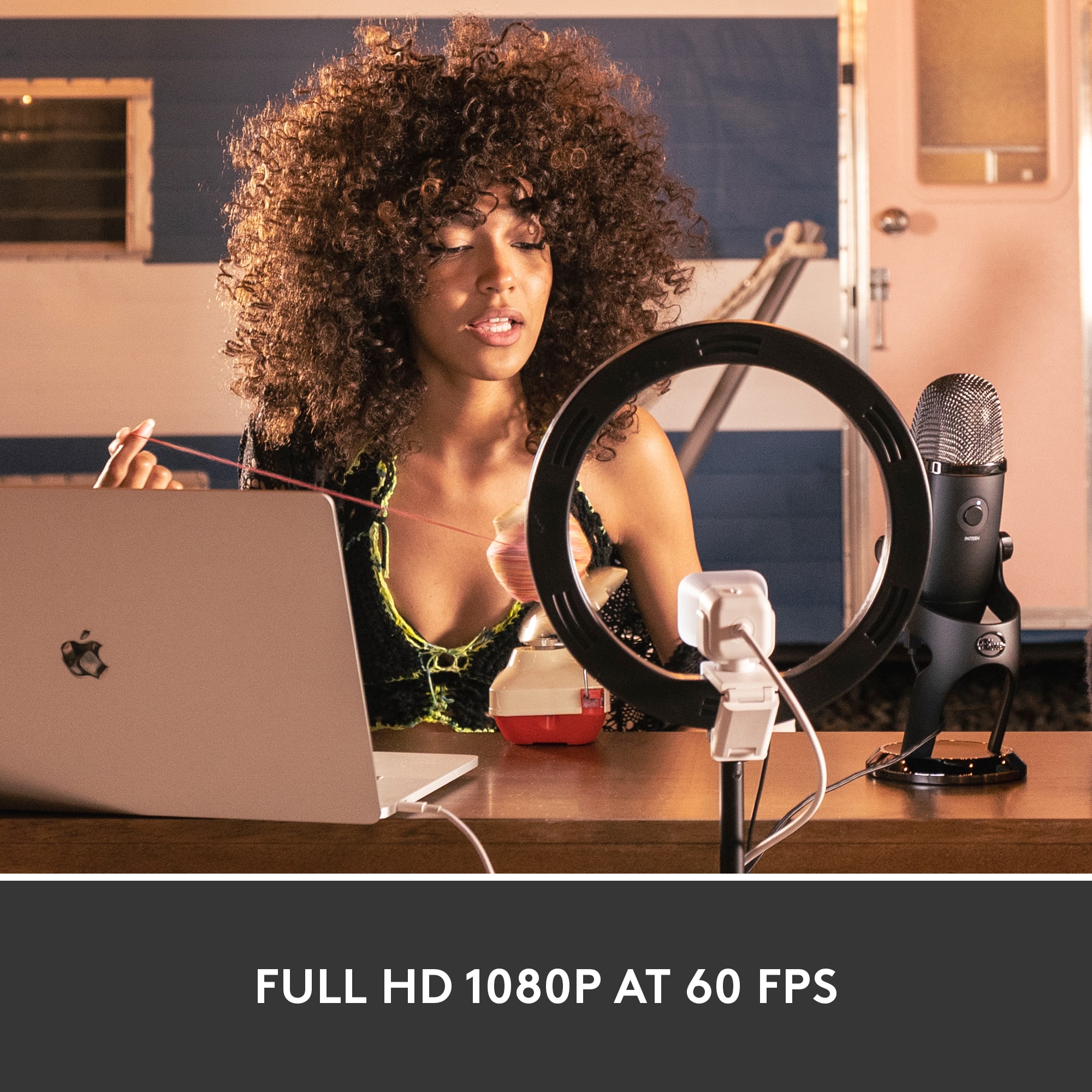


![COMPATIBILITY [TWITCH, YOUTUBE GAMING, DISCORD, STREAMLABS OBS]](https://pisces.bbystatic.com/image2/BestBuy_US/images/products/abdf9958-99ed-45d9-aa63-02c17c181c7e.jpg)

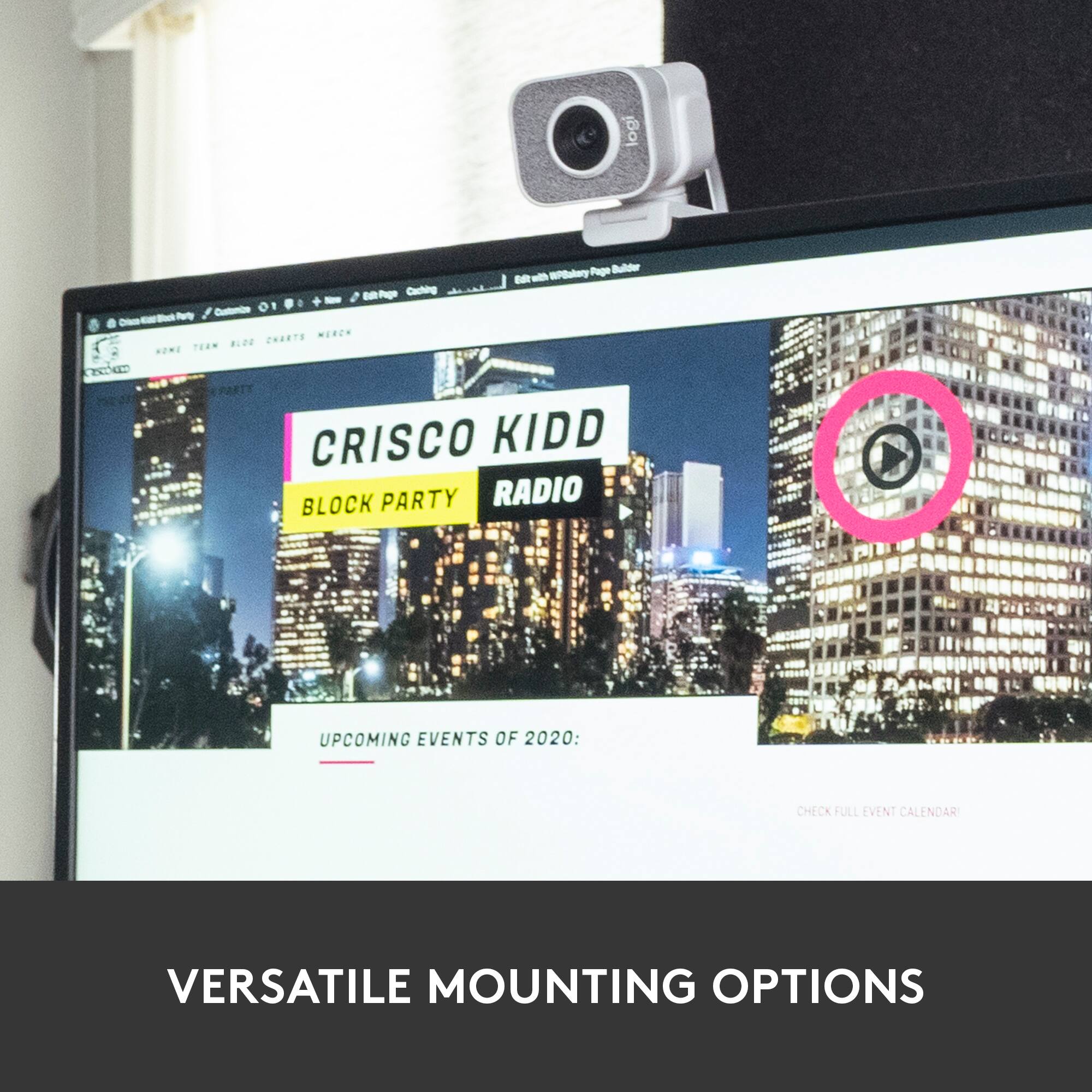

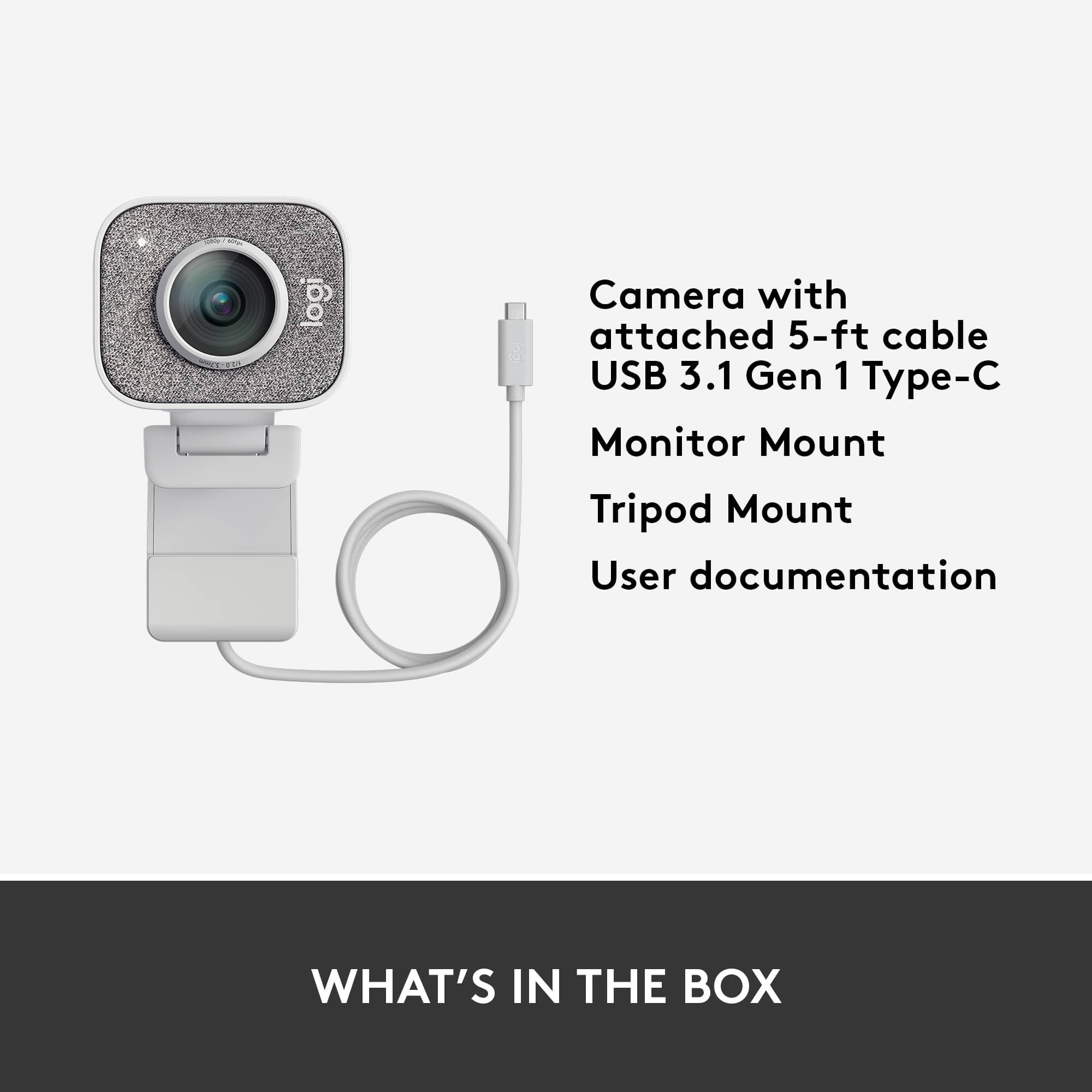
- Model:
- 960-001289
- SKU:
- 6404199
Rating by feature
- Value
Rating 4.2 out of 5 stars
- Quality
Rating 4.6 out of 5 stars
- Ease of Use
Rating 4.5 out of 5 stars
Customers are saying
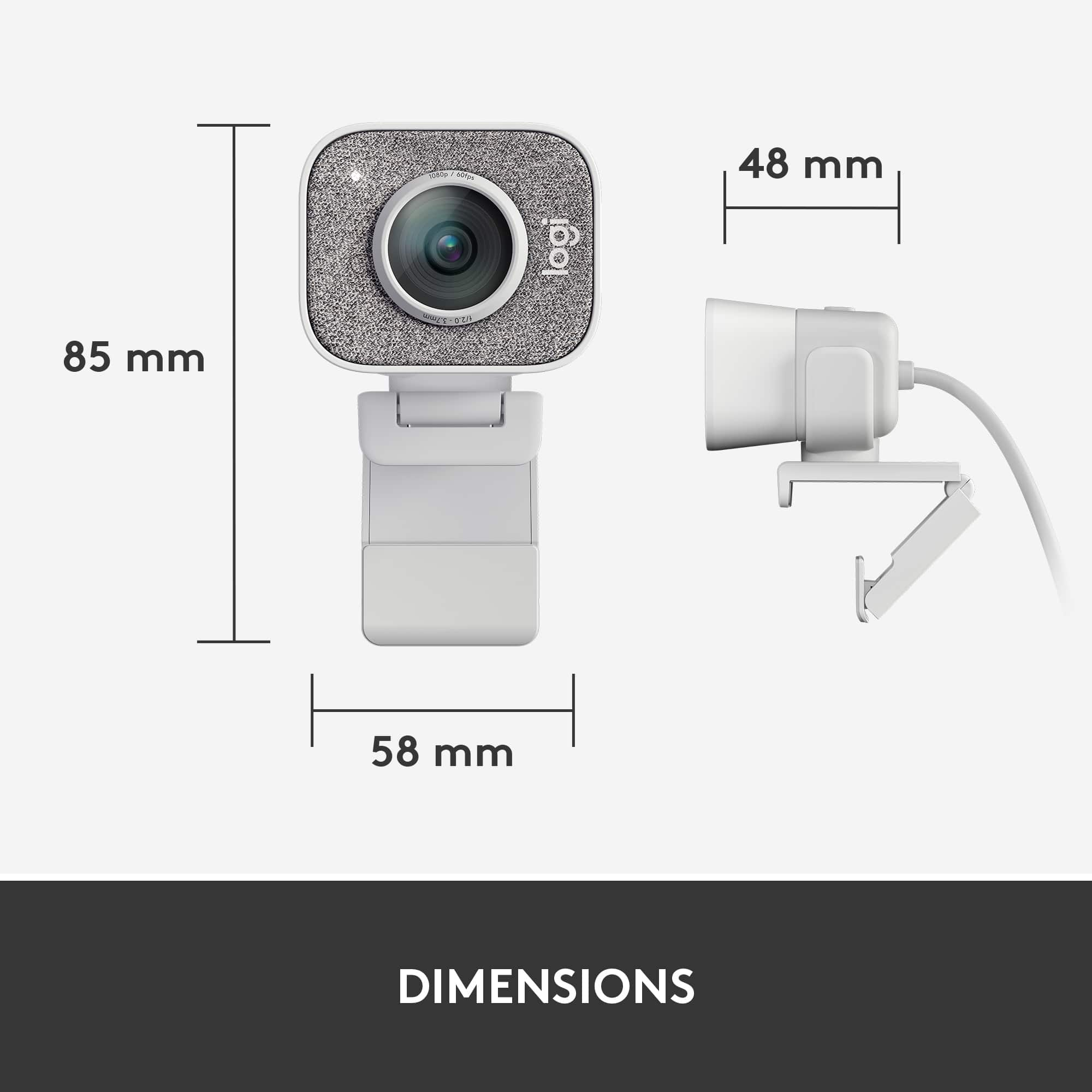
Customers value the excellent image quality, ease of use, and straightforward plug-and-play setup. However, some concerns have been raised regarding its USB-C only connectivity, short cable length, and somewhat bulky size. Additionally, a few users expressed a preference for a wider field of view, though the software experience is generally considered acceptable.
This summary was generated by AI based on customer reviews.
- Pros mentioned:Image quality
Very happy
||Posted . Owned for 1 month when reviewed.This reviewer received promo considerations or sweepstakes entry for writing a review.Great quality. Bit expensive but you get what you pay for.
I would recommend this to a friend Needs Privacy Cover Included
||Posted .This reviewer received promo considerations or sweepstakes entry for writing a review.Would have been perfect if it came with a privacy cover.
I would recommend this to a friendPretty okay
||Posted .This reviewer received promo considerations or sweepstakes entry for writing a review.Decent for what it is, but the auto settings often mess with color hues. I’ll be streaming and suddenly turn very blue or pink at the slightest adjustment of the room or light.
I would recommend this to a friendBrand response from Logitech
Posted .Thanks for sharing your experience. For more control, we recommend adjusting settings manually in Logi Capture or G HUB. If the issue persists, please reach out to our support team so we can help you directly.

Solid webcam for the price
||Posted . Owned for 1 week when reviewed.This reviewer received promo considerations or sweepstakes entry for writing a review.I ordered this webcam to attend online classes, and it has definitely served it's purpose flawlessly! I did have an issue when I first connected the camera to my computer with it not going past 720p and 30 fps, however, I moved it to a different USB-C port and the issue went away. Full HD and 60 fps. Can't beat it at the price point!
I would recommend this to a friend- Pros mentioned:Image quality
Awesome
||Posted . Owned for 1 month when reviewed.This reviewer received promo considerations or sweepstakes entry for writing a review.Had no issues great quality and all around great camera
I would recommend this to a friend - Pros mentioned:Image quality
Great camera
||Posted . Owned for 1 week when reviewed.This reviewer received promo considerations or sweepstakes entry for writing a review.Very good , is great quality camera, pic great resolution
I would recommend this to a friend Quality for Streaming
||Posted . Owned for 3 months when reviewed.This reviewer received promo considerations or sweepstakes entry for writing a review.I use this webcam with OBS to stream to multiple platforms, and have been pleased with the output. It refocuses when needed and also provides great colors even in low light.
I would recommend this to a friendPerfect for the home office
||Posted . Owned for 1 month when reviewed.This reviewer received promo considerations or sweepstakes entry for writing a review.Ok, COVID changed things. Work became remote. With the number of meetings I have in a day, I hated seeing my face from below on a laptop webcam. Highlighting the fact that I look like a worm. This came to the rescue, I can adjust it to use for family Zoom meetings with multiple people. So many great features. Hits the spot for me.
I would recommend this to a friendZoom workouts
||Posted . Owned for 3 weeks when reviewed.This reviewer received promo considerations or sweepstakes entry for writing a review.We moved from Iowa to Texas and I wanted to stay with my personal trainer. My laptop is a MacBook Air and the screen is small. We bought this camera to hook to a TV and now it is easier to communicate via zoom.
I would recommend this to a friend- Pros mentioned:Ease of use
Great web cam for anyine
||Posted . Owned for 3 weeks when reviewed.This reviewer received promo considerations or sweepstakes entry for writing a review.Very easygoing use. Just plug it in and watch it work.
No, I would not recommend this to a friend Awesome Webcam
||Posted . Owned for 1 month when reviewed.This reviewer received promo considerations or sweepstakes entry for writing a review.This instrument is plug & play and can't be simpler
I would recommend this to a friendPerfect
||Posted . Owned for 1 month when reviewed.This reviewer received promo considerations or sweepstakes entry for writing a review.Works great easy setup I’d recommend it to a friend
I would recommend this to a friendStreamcam Plus
||Posted . Owned for 1.5 years when reviewed.This reviewer received promo considerations or sweepstakes entry for writing a review.I use this camera whenever I’m streaming on twitch. The resolution is really good, but my only problem is, is that the focus is not all that great. It gets out of focus here and there, but it’s not bad.
I would recommend this to a friend- Pros mentioned:Setup
Great quality for any user!
||Posted . Owned for 1 week when reviewed.This reviewer received promo considerations or sweepstakes entry for writing a review.Super easy to set up and immediately ready to use!
I would recommend this to a friend - Cons mentioned:Connectivity
I guess it works for tthe 170 price
||Posted .This reviewer received promo considerations or sweepstakes entry for writing a review.On my second one. I liked the camera but the USBC connection failed after 2 months. 1080p 30 for calls on a 100mbps connection could be better for this year, and autofocus sucks, just dont get the software and youll be fine.
No, I would not recommend this to a friend Not the best with other programs running.
||Posted .This reviewer received promo considerations or sweepstakes entry for writing a review.This is a great camera! It slowed the computer down for what I needed it for. I was teaching online classes and couldn't run both the camera software and my class software.
No, I would not recommend this to a friendBrand response from Logitech
Posted .Hello, Jenn! I'm sorry to hear your computer slowed down while using the camera software and your class software. If you aren't using any of the extra features in Logitech Capture, you don't need to run the program for the webcam to work. Otherwise, your computer may not have enough RAM to support two bigger software to run at the same time. Feel free to reach out to our support team here https://support.logi.com/hc/en-us/requests/new?ticket_form_id=360000621393 if you ever need any assistance, if your computer slowing persists, or if something happens in the 1-year limited hardware warranty. Thank you for the review and for shopping Logitech! - Maggie from Logitech
Logitech Review
||Posted . Owned for 1 month when reviewed.This reviewer received promo considerations or sweepstakes entry for writing a review.Love it. Use it while teaching online. Face to face great camera, but if I use it as a document camera ... Well I wish it had a clearer focus for paperwork shown closer up. You can read everything but seems little out of focus. Could be so close you see where the ink spread on the paper.
I would recommend this to a friendKeep getting better
||Posted .This reviewer received promo considerations or sweepstakes entry for writing a review.Best computer camera I have had. They keep getting better. Has USB C. Bought an adapter from amazon for usb c to usb a. Be careful if you get an adapter that it does a true conversion. If it does not work, unplug and flip the usb c the other way when going into usb a.
I would recommend this to a friend
High quality picture
|Posted . Owned for 2 months when reviewed.This reviewer received promo considerations or sweepstakes entry for writing a review.[Employee of bestbuy] I bought this camera so I can have a 2nd angle when I stream. Or sometimes I have it set up to show my hand in a bird's eye view when stream gameplay. (shooter games)
I would recommend this to a friend- Pros mentioned:Image quality
Unfortunately couldn't get it to stop screen teari
||Posted .This reviewer received promo considerations or sweepstakes entry for writing a review.Unfortunately, I couldn't get the camera to stop screen tearing. I tried just about everything I could think of. I imagine its a driver issue or a Windows 10 issue, or something with my laptop just not liking this particular unit. Whatever the case, I did like how it was a pretty simple set up, and really smooth looking picture when the picture wasn't tearing itself to pieces. I mean the picture was really something to behold even in low light, and the Logitech Capture software was really great to play around with, but no matter what settings I adjusted, the picture just kept tearing. I imagine that when this product works, its a great product.
No, I would not recommend this to a friendBrand response from Logitech
Posted .Hello riderfoxtrot! I'm sorry to hear your StreamCam Plus is running into screen tearing! I would recommend making sure the camera is up to date using the Logitech Capture software here https://support.logi.com/hc/en-us/articles/360025141614 . If you've already tried this or it doesn't work, I would recommend reaching out to our support team here https://support.logi.com/hc/en-us/requests/new?ticket_form_id=360000621393 to start a warranty claim. Thank you so much for this feedback and I will be passing this along. Thank you for choosing Logitech! - Maggie from Logitech