Customer Ratings & Reviews
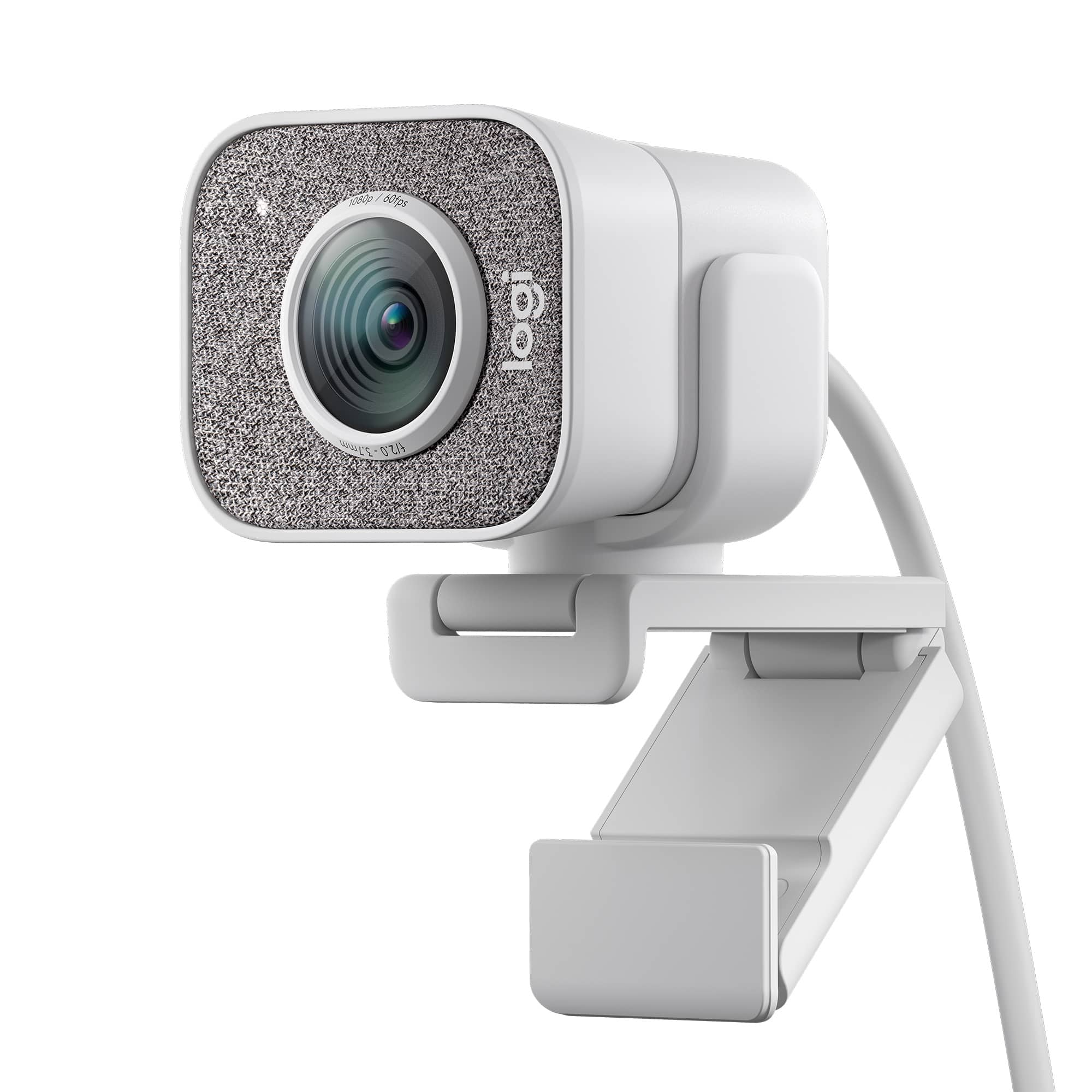
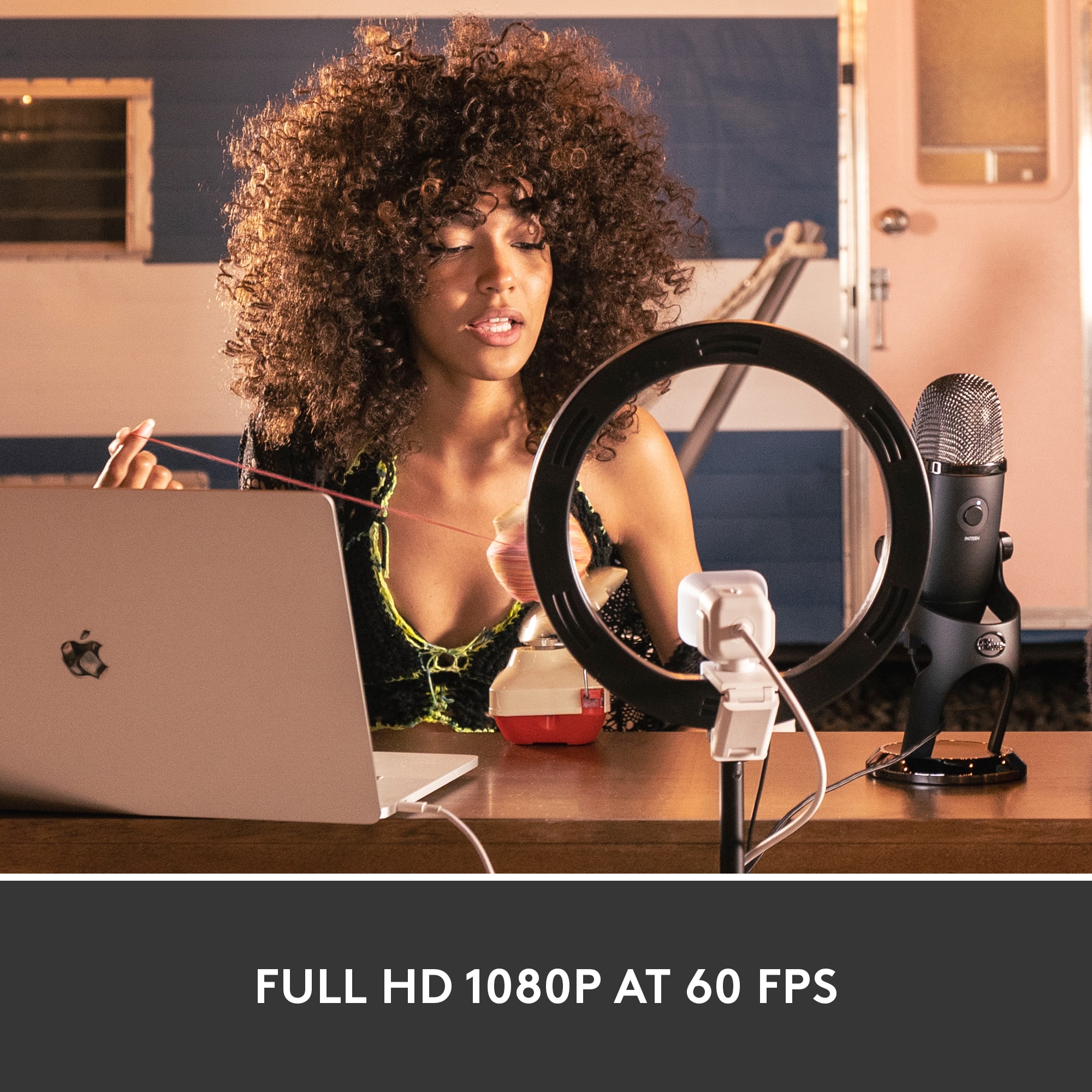


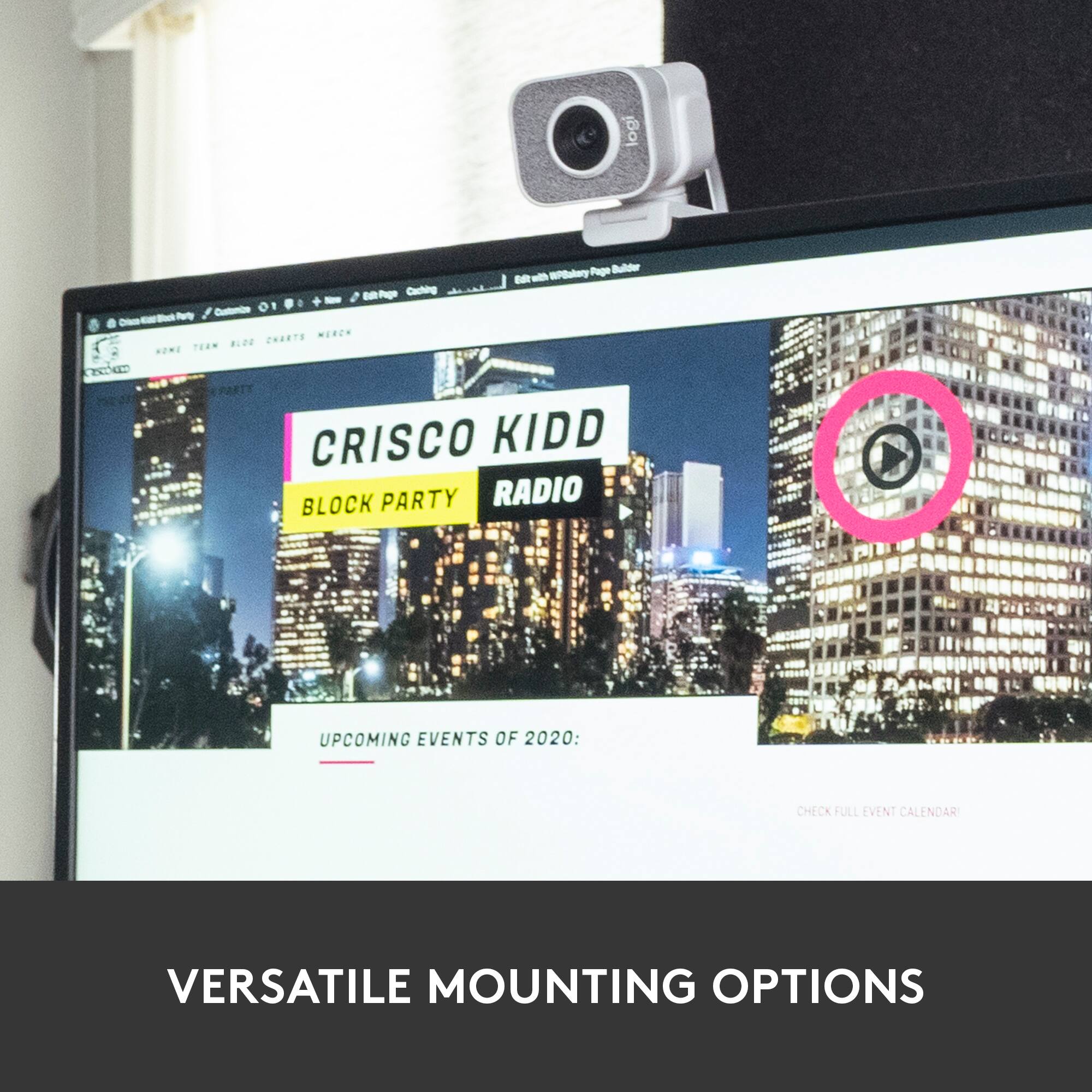
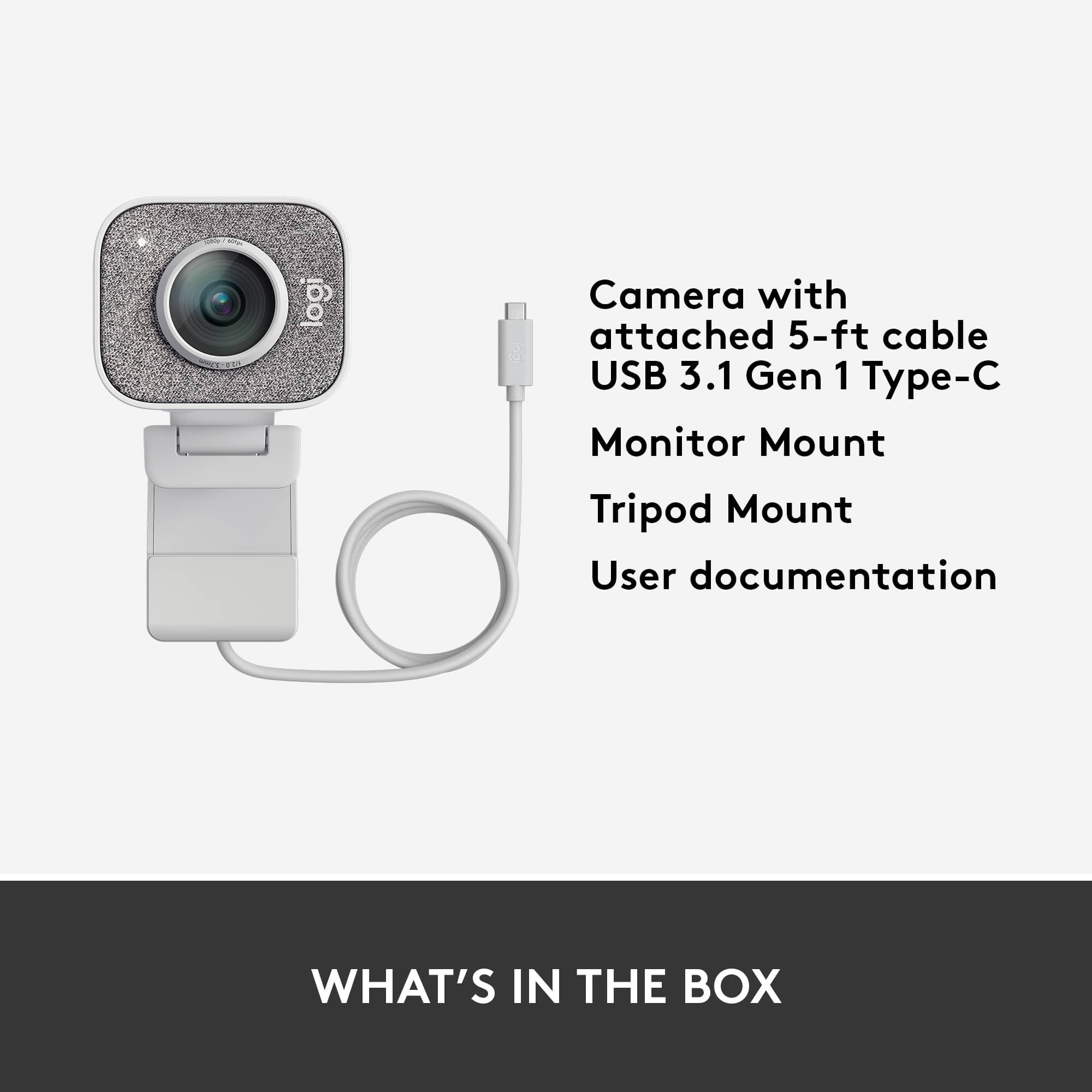
![COMPATIBILITY [TWITCH, YOUTUBE GAMING, DISCORD, STREAMLABS OBS]](https://pisces.bbystatic.com/image2/BestBuy_US/images/products/abdf9958-99ed-45d9-aa63-02c17c181c7e.jpg)


- Model:
- 960-001289
- SKU:
- 6404199
Rating by feature
- Value
Rating 4.2 out of 5 stars
- Quality
Rating 4.6 out of 5 stars
- Ease of Use
Rating 4.5 out of 5 stars
Customers are saying
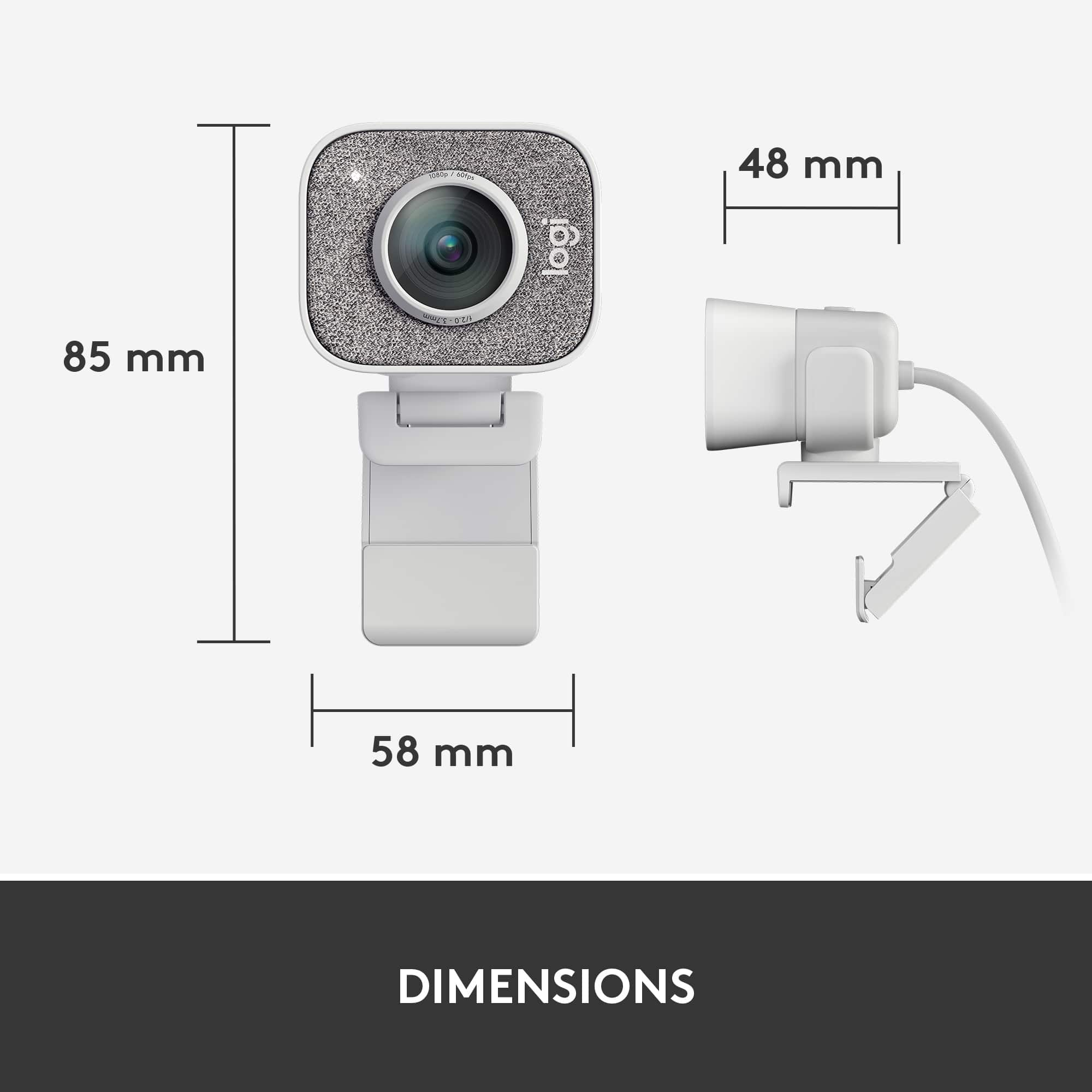
Customers frequently mention that the product delivers excellent image quality while being remarkably easy to set up and use. While users appreciate these core performance features, some have expressed concerns regarding the limited connectivity options and the short length of the included cable. Additionally, a few customers noted that the device is somewhat bulky and has a more restricted field of view than they would prefer. Overall, the feedback highlights a strong satisfaction with functionality despite minor physical and technical limitations.
This summary was generated by AI based on customer reviews.
Webcam
||Posted . Owned for 2 weeks when reviewed.This reviewer received promo considerations or sweepstakes entry for writing a review.It’s a nice webcam for live-streaming Facebook YouTube
I would recommend this to a friendIssues with customer service
||Posted . Owned for 3 weeks when reviewed.This reviewer received promo considerations or sweepstakes entry for writing a review.Did not plug into my computer. I needed some advice, so i sent an email to customer service at Logitech and they never answered. Customer service is everything! Poor rating is based on that.
No, I would not recommend this to a friendSick of returning things!
||Posted . Owned for 3 weeks when reviewed.This reviewer received promo considerations or sweepstakes entry for writing a review.Could not get it to work with my HP computer? Went to return, picked out another, Miss priced in shelf. I ended up getting one from Amazon.
No, I would not recommend this to a friendNot A True 1080P 60 FPS Camera... Complete Garbage
||Posted . Owned for 2 months when reviewed.This reviewer received promo considerations or sweepstakes entry for writing a review.Well past the return date because I was waiting for my new PCs to show up and even on a USB 3.2 Machine there's SO MUCH motion blur that this camera can't be 60 FPS. I recall the C922 Pro in 720p 60 doing a butter smooth frame rate but it's only performing at 720p. It seems as though you have to pretty much double the res and match or purchase a product with a higher framerate in order to get the quality you want these days. Now I'm looking for a 4K 60 or 120 if they make one to get 1080p 60... Great job Logitech!
No, I would not recommend this to a friendConstantly freezes
||Posted . Owned for 1 month when reviewed.This reviewer received promo considerations or sweepstakes entry for writing a review.The video works for about 15-90 seconds then freezes. Then I have to turn off the video and turn it back on in whatever software im using. This woukd be ok occassionally, but having video cut out every minute of a 2 hour zoom session every week is a bit much. Additionally, logitech refuses to help and wants Best Buy to handle all warranty issues even outside of their return period.
No, I would not recommend this to a friendBrand response from Logitech
Posted .Truly sorry to hear about your unpleasant experience with the StreamCam and. This is surely not what we intend to deliver. Your feedback is crucial to us as we continue to enhance our products and user experience. We'd recommend you to get in touch with the support team and explain them the situation who will assist you with the utmost dedication and care.
Very Adequate
||Posted . Owned for 2 weeks when reviewed.This reviewer received promo considerations or sweepstakes entry for writing a review.I liked that it got the job done when we were livestreaming a service. Would recommend if all you want is a webcam.
I would recommend this to a friendNot worth it
||Posted . Owned for 1 year when reviewed.This reviewer received promo considerations or sweepstakes entry for writing a review.It worked great before it was broken. It was more fragile than we anticipated
No, I would not recommend this to a friendBrand response from Logitech
Posted .Hello! We sincerely apologize for the inconvenience caused by the Logitech StreamCam Plus 1080 webcam breaking unexpectedly. We understand your frustration, especially if it felt more fragile than you expected. In order to help you effectively, please provide your information to our support team via email at socialcare@logitech.com with your
- Name:
- Email Address:
- Country:
- Product Name:
- Brief description of issue:
- Pros mentioned:Image qualityCons mentioned:Field of view

Really oddly branded. Decent camera.
|Posted .This reviewer received promo considerations or sweepstakes entry for writing a review.I replaced a Logitech C920 with this camera. I only mention this because it may be a pretty common case where you bought a C920 (or C922) as a webcam to stream with because it's pretty cheap and maybe now you're looking to upgrade. This camera costs almost 3 times as much as the C920 so it must be so much better, right?! Let's start with the positives. The picture quality of the camera is pretty nice. It should be for the price. I would never recommend using auto focus and auto white balance on the C920 but the StreamCam handles is incredibly well. Depending on your lighting, I found it very hard to really over expose my face with the StreamCam. You can use the Logitech Capture software to adjust details if you feel like you want to enhance your picture or tweak some values. I found the default setup to be pretty OK. I may tweak it a little here and there if I adjust some lighting conditions but the auto white balance improvement is really immense here. The ability to be able to capture 1080p at 60fps is also great if you're streaming at 60fps. I mentioned the Logitech Capture software. This software may be useful to you. You can use the Logitech Capture as a device as well so whatever picture the software gets will output to your streaming software like OBS. You can use it to add chroma key or simple overlays. I'd rather just use the Logitech Capture software to adjust settings and then keep using the actual device in OBS, though. One thing that either the camera is doing itself or the Logitech Capture software is doing in the background is the StreamCam actually saves settings between reboots! The C920 was notorious for resetting settings after your rebooted your computer and this feature alone almost makes it worth the steep price to me. Do I think the picture quality is worth triple the price? I'm torn. To me, I feel like it is. I've been streaming for a while and the only place to go from here would be a full, mirror-less DLSR camera which would cost me so much more. This was a good enough upgrade to my C920 for me with the picture improvements and not having to worry about verifying my settings every time I go live. I would have liked to see a larger field of view for this price but it's not the end of the world. If you're looking for a larger field of view, this isn't the camera for you. If you want a pretty good camera that will hopefully last you until you're ready to upgrade to the big time cameras AND you just have extra budget to blow, then I'd say go for it. But if you're just getting started and need something cheap that will look good enough, the C920 is still your best bet. My biggest real issue with this camera is the branding. It feels like a cash grab without any real research going into it. To me, it feels like Logitech knows absolutely nothing about streaming or they're focusing on streaming that can't really take advantage of this webcam anyways. To me, Logitech sees that streaming is becoming a more popular thing and that people are using their webcams for it so they just slapped the StreamCam title on it to try and sell it as a premium. I think this camera would be a must buy closer to the $100 price point, but it feels like Logitech jacked up the price to try and sell it to streamers as "THE" camera to use for streaming. The issue is, nothing about the camera is something a streamer wants or needs. Literally nothing aside from the image it creates is usable by a streamer. Some of the big features that this camera talks about are completely useless to streamers. Let's go over these real quick. 1. You can turn the camera sideways. The docking clip they have allow you to use the camera in landscape and portrait orientation. This isn't something I've ever seen in any streaming setup. The only thing I can think of for this is maybe mobile streaming setups... but you can't really do those with a webcam so it baffles me. A lot of their marketing material has a girl painting her face with the camera in portrait mode. It's great if you're going to film a short Instagram or Tik Tok video to post later, but that's not really called "streaming" anymore. 2. Image stabalization. Why? I don't understand this at all. The camera comes with two mounting options. It has the standard monitor mount that just hangs on the top of your monitor (a very stationary object) or a small tripod you can also mount the camera one.. Tripods are also very well known for being stationary. Not once have I EVER thought "Huh... Sure wish my webcam had some image stabalization. That would surely make my stream a lot better today." It's just another out of touch feature that probably could have been ditched to bring the price point down to something a little more reasonable. 3. Dual microphones with some noise cancelization. Face, meet palm. You know who uses the microphone in their webcam for streaming? No one. Exactly zero people. If you're thinking about buying this camera because of the microphone, please just buy a C920 and then get yourself a decent microphone for that extra $100. The single time I think someone might use a microphone built in their webcam is when grandma is using it to Skype their grandkids. Webcams should no longer contain microphones and any camera that states that it's made for "streamers" should be ditching the microphone to try and lower the price of the object because NO ONE is going to use it. I guess my final conclusion is that I was really excited to see a product that was being marketed towards streamers but I was immediately disappointed when I figured out that Logitech doesn't know what streamers are or do. So should you buy one? I'd say if you have a little bit of extra money burning a whole in your pocket and want a slight upgrade in picture quality on your stream, yes. Go for it. I think this camera is overpriced but without a lot of options filling in the $75-$150 range for webcams, this might be your best bet until you can afford a "real" camera. I wish Logitech would have talked to actual streamers and would have left out a lot of the useless features to make this a more affordable option. If it was closer to the $100 price range, I'd tell everyone to buy it as their first camera. As it is now, it's only an expensive camera you should buy if you really want to spend some extra money right now.
I would recommend this to a friend DO NOT BUY!
||Posted .This reviewer received promo considerations or sweepstakes entry for writing a review.Worked for about a week then the problems started. Super bummed had to buy a better camera. Too expensive for this many issues this is a $45 camera
No, I would not recommend this to a friendBrand response from Logitech
Posted .Hello,
Thank you for choosing Logitech and for taking the time to share your experience. I am sorry that you experienced problems with your StreamCam Plus Webcam; I would like to help. If you have not already done so, please check your computer for system and driver updates. Also, please download the Logitech "Capture" software for customization and best overall experience. I have attached a link to the "Getting Started" support page for your webcam where you will find product guides, software downloads and further support. I hope you will enjoy your StreamCam Plus, please visit the Logitech website for further support.
Best regards,
John at Logitech
https://support.logi.com/hc/en-us/articles/360043221373
- Cons mentioned:Connectivity
Not happy with this product.
||Posted . Owned for 1 year when reviewed.This reviewer received promo considerations or sweepstakes entry for writing a review.I cannot get it to work well with my desk top computer. I gave up and disconnected it.
No, I would not recommend this to a friendBrand response from Logitech
Posted .That sounds troublesome! Try a different USB port on your computer and make sure the camera isn't connected to a USB hub or docking station. Also, try rebooting your computer and connect the camera to a different computer to see if it works.
Randomly stopped working after a year.
||Posted . Owned for 1 year when reviewed.This reviewer received promo considerations or sweepstakes entry for writing a review.Cable is poor quality and the choice to only provide a USB-C option is questionable at best. About a year into owning this and using it lightly, probably 20-30 times, the device is bricked. This must have been a faulty one because it worked great while it worked and other reviews are positive, but Logitech support is a nightmare and Best Buy hasn't been helpful. I can't recommend this product.
No, I would not recommend this to a friendBrand response from Logitech
Posted .Hello Matt,
I am sorry to hear that you can no longer operate your Logitech camera. Since this is not a typical issue, I suggest you double-check your webcam settings and the application settings for the software you use with the camera. I hope this information is helpful. Logitech appreciates your product review. - Leo from Logitech
Not 1080p and terrible grip design
||Posted . Owned for 1 month when reviewed.This reviewer received promo considerations or sweepstakes entry for writing a review.No better than the $30 webcam I was trying to upgrade from because it's not actually 1080p and the white balance is always VERY off no matter how much you adjust it in their software. Worse is that the plastic bit it grips onto to be able to put it on a tripod (same with the standard one, it's the same design just a different bottom part) doesn't fit or grip. It's such a lazy and dysfunctional design that I don't know how anyone has good reviews for this.
No, I would not recommend this to a friendBrand response from Logitech
Posted .Hello Danielle,
I am sorry that you are having trouble using the StreamCam as intended. The StreamCam is 1080p @ 60SPF, so feel free to call Logitech technical support for assistance setting up your StreamCam. Logitech appreciates your product review. - Leo from Logitech
Returned- never a video without glitches
||Posted .This reviewer received promo considerations or sweepstakes entry for writing a review.I had to return because I got a faulty one. I optimized all of my power settings on my RazerBlade 15 to ensure I didn't have dropouts in the usb-c port, but I still had glitches. The packaging was also thin and flimsy with nothing really protecting the camera except the box itself. The cable is attached to the camera, so if you ever had issues with that, it would be toast. It was disappointing and underwhelming.
No, I would not recommend this to a friendBrand response from Logitech
Posted .Hi Sadpanda, Thank you for your feedback. Sorry for the inconvenience you had with your device. If you ever need assistance please contact Logitech Support on the website. LaShonda from Logitech
Not worth it
||Posted .This reviewer received promo considerations or sweepstakes entry for writing a review.I just purchased this item two weeks ago. I have only used it three times and Already the app freezes on my brand new macbook.
No, I would not recommend this to a friendBrand response from Logitech
Posted .Hi Latasha,
Thank you for your feedback. Sorry for the inconvenience you're experiencing. Be sure to download the drivers for your device from https://support.logi.com/hc/en-us/articles/360043221373. Also you can download Logitech Capture software for your StreamCam from logitech.com/product/capture to access all the features for your device. If you need further assistance please contact Logitech Support on the website. LaShonda from Logitech
- Cons mentioned:Connectivity
Frustrated with the faulty camera
||Posted .This reviewer received promo considerations or sweepstakes entry for writing a review.Camera was shaking and there were flashes. They told me it was probably faulty wiring.
No, I would not recommend this to a friendBrand response from Logitech
Posted .Hi Cameras, Thank you for your feedback. Sorry for any inconvenience. Be sure to download the software for your device and Logitech Options Software to access all the features for your device. If you ever need assistance, please contact Logitech Support on the website. LaShonda from Logitech
Nice webcam
||Posted .This reviewer received promo considerations or sweepstakes entry for writing a review.Got this during black Friday and it has been a really great webcam
I would recommend this to a friendCamera
||Posted .This reviewer received promo considerations or sweepstakes entry for writing a review.Just what my son wanted. He saw this and wanted it for college.
I would recommend this to a friendBang for your buck!
||Posted . Owned for 2 weeks when reviewed.This reviewer received promo considerations or sweepstakes entry for writing a review.If you need a streaming camera, this is the one for you!
I would recommend this to a friendGreat Camera
||Posted . Owned for 3 weeks when reviewed.This reviewer received promo considerations or sweepstakes entry for writing a review.Great! Camera use it everyday for zoom and teams call
I would recommend this to a friend- Cons mentioned:Connectivity
The cord will not plug into a standard usb
||Posted . Owned for 1 week when reviewed.This reviewer received promo considerations or sweepstakes entry for writing a review.Poor connector planning, and no adapter is included.
No, I would not recommend this to a friendBrand response from Logitech
Posted .Hello customer, I'm sorry to hear that you had some issues with the Streamcam plus webcam. The Streamcam plus was primarily designed for apple devices such as the MacBook, hence why it uses USB C instead of USB A. Your feedback is greatly appreciated. -Weston from Logitech.