Customer Ratings & Reviews








- Model:
- 6GQ-01353
- SKU:
- 6402562
Rating by feature
- Value
Rating 4.4 out of 5 stars
- Quality
Rating 4.6 out of 5 stars
- Ease of Use
Rating 4.4 out of 5 stars
Customers are saying
Customers love the 365 Family subscription for its ease of use, compatibility across multiple systems, and great price. Many appreciate its performance, software features, and cloud storage capabilities. Installation is straightforward, and users value the regular updates and tools like Excel. However, some customers dislike the yearly subscription model, and a few have experienced issues with Outlook.
This summary was generated by AI based on customer reviews.
- Pros mentioned:Compatibility, Price
Office 365
||Posted . Owned for 3 weeks when reviewed.This reviewer received promo considerations or sweepstakes entry for writing a review.Office 365 has become a better value with the family plan and being able to get online updates instead of purchasing a disc to install, old days, is a better way of doing things. Being able to use Office 365 on Apple computers makes things much simpler.
I would recommend this to a friend - Pros mentioned:Performance
Happy Family with Microsoft
||Posted . Owned for 1 month when reviewed.This reviewer received promo considerations or sweepstakes entry for writing a review.Excellent card, it helps us a lot to carry out activities in our daily lives, my family and I, on our computers, laptops, cell phones, and everything we need on our devices. We bought the annual Microsoft Family Card and it works great for us, thank you Microsoft.
I would recommend this to a friend - Pros mentioned:Performance
Pc program
||Posted . Owned for 6 months when reviewed.This reviewer received promo considerations or sweepstakes entry for writing a review.Very good program allowed us to utilize and create many documents.
I would recommend this to a friend love the office suite
||Posted .This reviewer received promo considerations or sweepstakes entry for writing a review.I miss being able to own my own copy of office. I got a new computer and I couldn't load my old office 2017 on it. At least this way I don't have to do updates.
I would recommend this to a friendA Deep Dive into Microsoft 365 Family
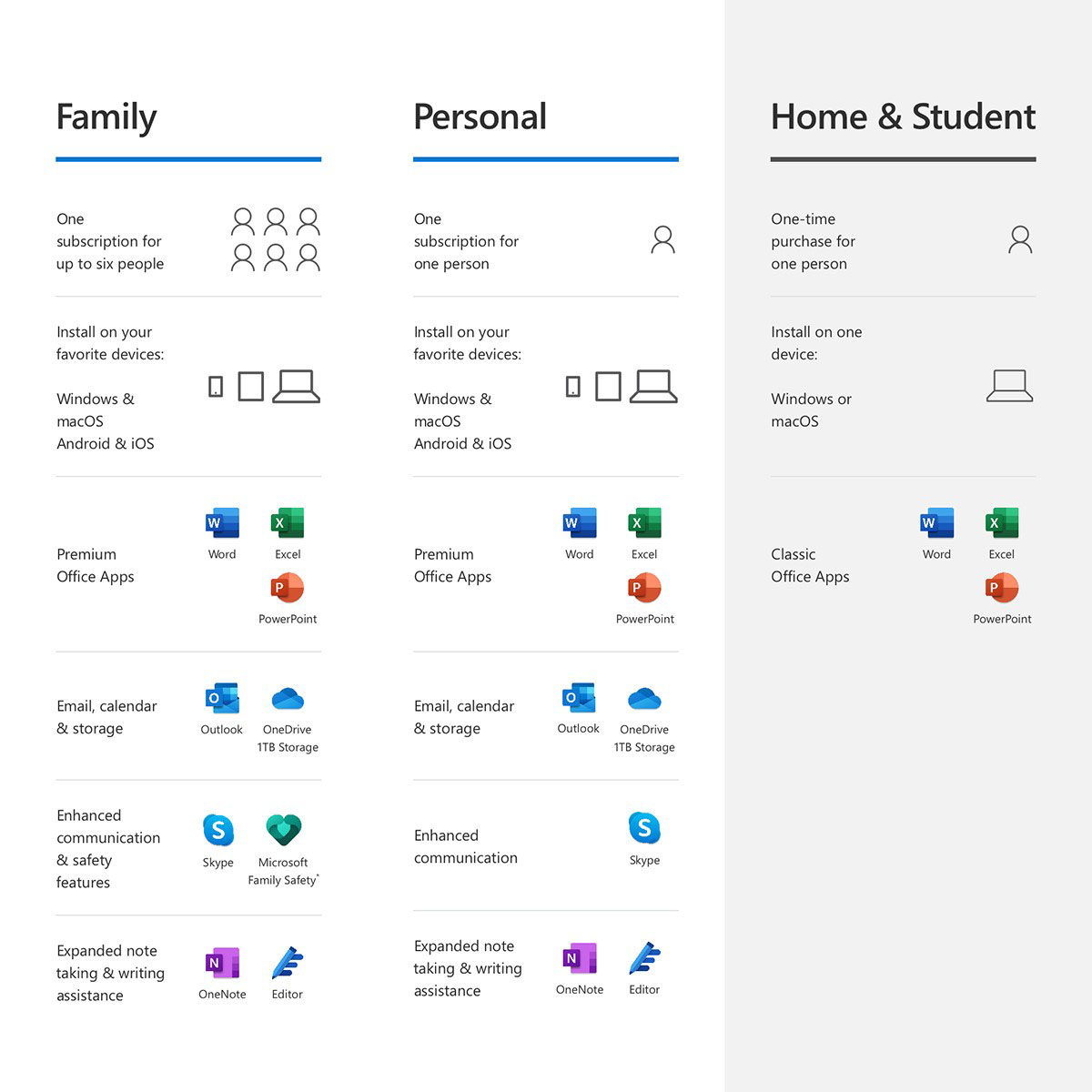
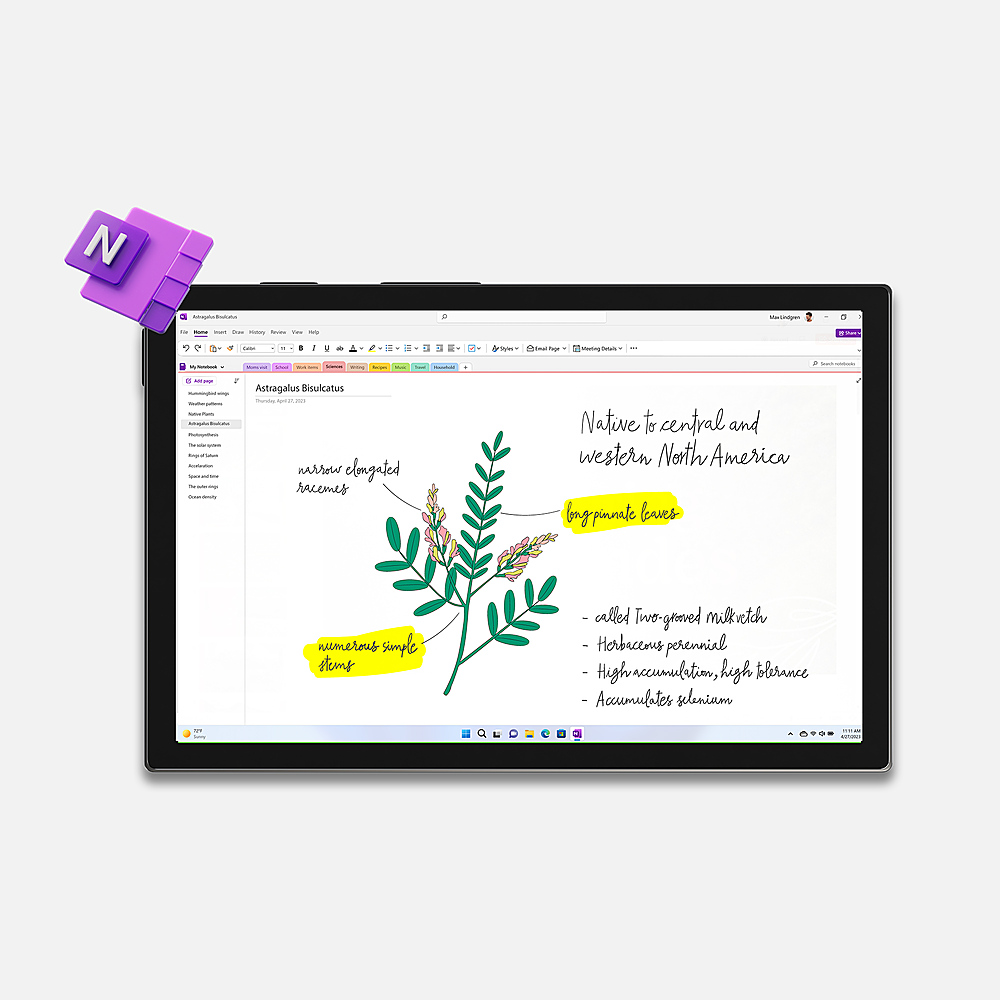
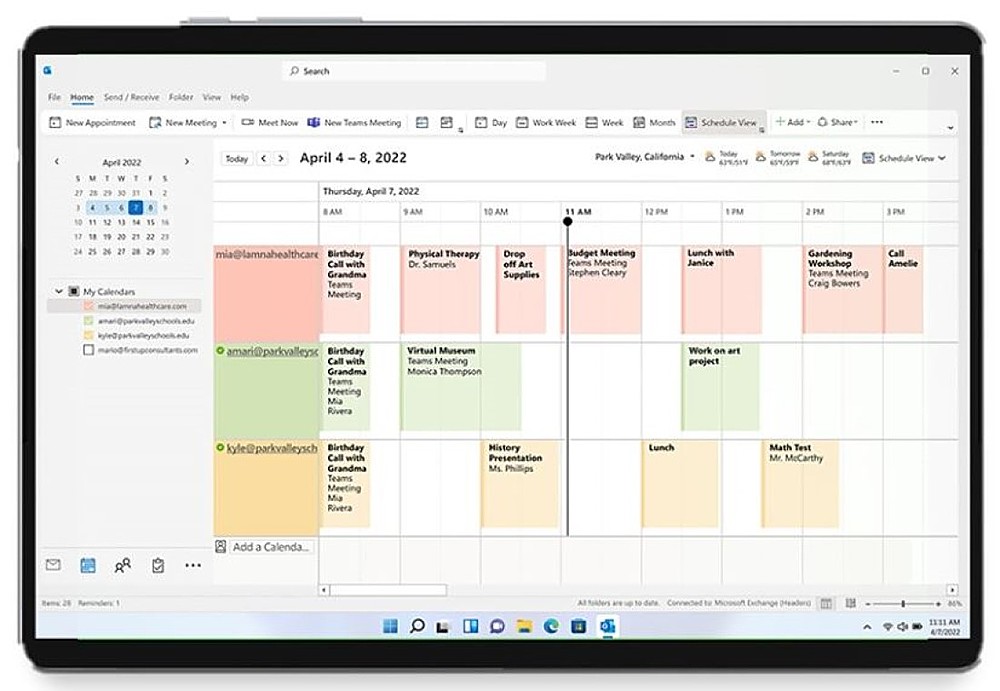
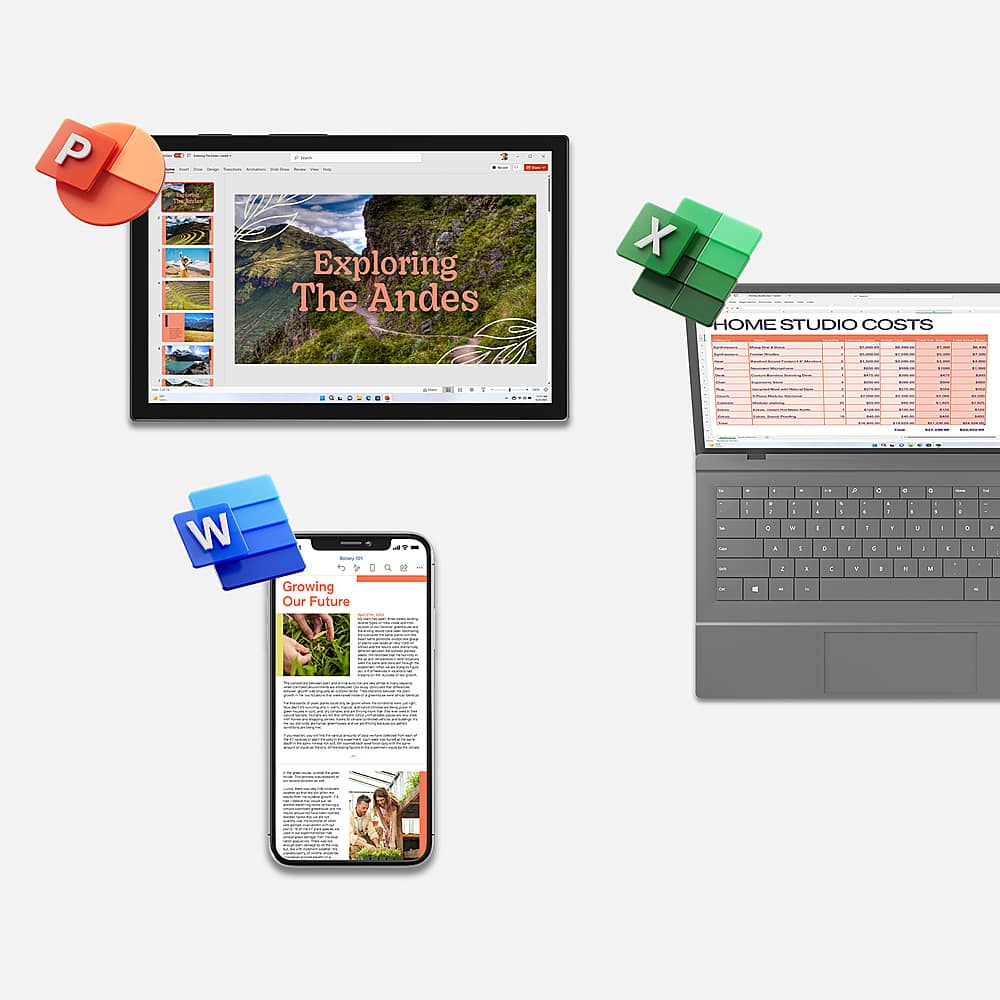
||Posted . Owned for 1.5 years when reviewed.This reviewer received promo considerations or sweepstakes entry for writing a review.Microsoft 365 Family is a robust suite of productivity tools designed to enhance collaboration, streamline workflows, and empower individuals and families to achieve more. With a range of applications tailored for various needs, Microsoft 365 Family offers unparalleled versatility and efficiency. One of the standout features of Microsoft 365 Family is its intuitive user interface across all applications. Whether you're using Word for document editing, Excel for data analysis, or Outlook for email management, the interface remains consistent, making it easy to navigate for users of all skill levels. The seamless integration between different applications further enhances usability, allowing for smooth transitions between tasks and minimizing learning curves. Microsoft 365 Family includes a comprehensive suite of productivity tools that cater to diverse needs. Word, Excel, PowerPoint, and OneNote serve as the foundation for document creation, data analysis, presentation design, and note-taking, respectively. These applications are packed with features ranging from advanced formatting options to powerful collaboration tools, enabling users to create professional-quality content with ease. In today's interconnected world, collaboration and communication are essential for success. Microsoft 365 Family excels in this aspect by offering tools such as Teams, SharePoint, and Outlook that facilitate seamless collaboration and communication among team members. Whether you're working on a group project, scheduling meetings, or sharing files, these tools ensure that everyone stays on the same page, regardless of their location. With Microsoft 365 Family, users benefit from cloud storage through OneDrive, allowing them to access their files from anywhere and on any device. This feature not only enhances flexibility but also ensures data security through robust encryption and multi-factor authentication. Moreover, regular updates and patches from Microsoft further bolster security, keeping users' data safe from potential threats. Considering the breadth of features and benefits offered, Microsoft 365 Family provides exceptional value for money. With a single subscription, users gain access to a comprehensive suite of productivity tools, cloud storage, and collaboration features, eliminating the need for multiple subscriptions or standalone software purchases. Furthermore, the option to install the suite on multiple devices for up to six users under a single subscription enhances its cost-effectiveness for families. In conclusion, Microsoft 365 Family stands out as a top-tier productivity solution that caters to the diverse needs of individuals and families. With its user-friendly interface, extensive range of productivity tools, seamless collaboration features, robust security measures, and excellent value for money, Microsoft 365 Family earns a well-deserved five-star rating. Whether you're a student, professional, or parent, Microsoft 365 Family empowers you to achieve more, both personally and professionally.
I would recommend this to a friend- Pros mentioned:Price
Excellent Deal
||Posted . Owned for 3 weeks when reviewed.This reviewer received promo considerations or sweepstakes entry for writing a review.Probably unlike other users, I approached this purchase from the point of view that I needed a cloud storage solution like dropbox or google drive. The price of this with 1TB one-drive is very competitive to dropbox and google drive. Then getting the latest versions of Office is a major bonus.
I would recommend this to a friendBrand response from MicrosoftOutreachTeam
Posted .Hi there,
We're so glad to hear that you are taking advantage of the 1TB of OneDrive cloud storage. It's one of our favorite features.
Thanks for the review,
Nelson
Office Customer Care
- Pros mentioned:Performance
Our Windows 365
||Posted . Owned for 3 weeks when reviewed.This reviewer received promo considerations or sweepstakes entry for writing a review.Love this purchase with two college students and family that have or just purchased new units. Laptops and/or desktops. Still learning from my kids all the features this product offers.
I would recommend this to a friend - Pros mentioned:Compatibility
HP laptop
||Posted .This reviewer received promo considerations or sweepstakes entry for writing a review.very easy to download to my new laptop. Especially like that it's good for up to 6 family computers
I would recommend this to a friend - Pros mentioned:Price
Easy installation
||Posted .This reviewer received promo considerations or sweepstakes entry for writing a review.easy installation, number of licenses and constant updates make this product well worth it's relatively low price.
I would recommend this to a friend - Pros mentioned:Ease of use, Software
Office for 5 people for a year, what a deal
||Posted .This reviewer received promo considerations or sweepstakes entry for writing a review.This is so great, the software automatically updates and when new versions of the software come out, you get them. No more being stuck on 2010 when 2013 comes out, etc.. Sure you are now on a subscription plan which has annual costs, but keeping everything up-to-date and running across 5 different PC's or laptops is so easy to manage t it is worth the cost!
I would recommend this to a friend - Pros mentioned:Compatibility, Ease of use
Microsoft Office
||Posted . Owned for 3 months when reviewed.This reviewer received promo considerations or sweepstakes entry for writing a review.Installed on multiple devices with no issues. Programs included in bundle are very useful.
I would recommend this to a friend - Pros mentioned:Compatibility, Price
Good deal for the money.
||Posted .This reviewer received promo considerations or sweepstakes entry for writing a review.I bought this Office product when I purchased my new Asus laptop. At this time I have limited need for Office, but there really aren't any word-processing programs in Windows 8.1 I discovered. My 2 daughters also needed to keep their Office 365 subscriptions active, and this covers 5 devices, so I covered all the bases, and still have two devices for future use, if needed. For about $50 at the time I got the laptop, it was a good deal. It will definitely meet my needs.
I would recommend this to a friend - Pros mentioned:Compatibility, Ease of useCons mentioned:Subscription
Perfact for my Macbook Pro!
||Posted .This reviewer received promo considerations or sweepstakes entry for writing a review.I love the tutorial given to new users. Works perfect with my MacBook Pro. I hate it only last a year.
I would recommend this to a friend - Pros mentioned:Compatibility, Performance
MS365 Family
||Posted . Owned for 3 weeks when reviewed.This reviewer received promo considerations or sweepstakes entry for writing a review.MS365 Family was a great purchase. It is helpful to have all the office products on all available devices.
I would recommend this to a friend Microsoft 365 family
||Posted . Owned for 11 months when reviewed.This reviewer received promo considerations or sweepstakes entry for writing a review.I am a college student and have to make so many files, presentations, and essays that require me to either save for another time or for future references. I have family members that are part of the family microsoft 365 for one family member is highschool, college, and teacher. Having Microsoft 365 family plan allows all of us to have a lard storage for our works that is saved and can be accessed in other devices as long as same account. Having the accessibility and storage helps me and my family save and keep track of our work.
I would recommend this to a friend- Pros mentioned:Ease of use
Solid programs
||Posted .This reviewer received promo considerations or sweepstakes entry for writing a review.Good solid programs with lots of features, easy to get started with & use. Easy/fast install process.
I would recommend this to a friend - Pros mentioned:Performance
Microsoft 365
||Posted . Owned for 3 weeks when reviewed.This reviewer received promo considerations or sweepstakes entry for writing a review.This is just what my husband and daughter needed to make working on their computers easier.
I would recommend this to a friend - Pros mentioned:Ease of use
Simply the best Office product
||Posted . Owned for 1 year when reviewed.This reviewer received promo considerations or sweepstakes entry for writing a review.This is a must have if you have several devices / family members. Easy to use and gives you all the updates you will need. Activate and you are off to the races.
I would recommend this to a friend - Pros mentioned:Compatibility, Ease of use
Microsoft 365 family
||Posted . Owned for 1 month when reviewed.This reviewer received promo considerations or sweepstakes entry for writing a review.Best of breed. Always easy to understand even when they upgrade. it's hard to imagine a competing product used in business, school, or home situations. I do wish they had left the holidays on their calendar, when planning travel it's nice to know what days not to travel.
I would recommend this to a friend - Pros mentioned:Compatibility
Best MS product I have used
||Posted .This reviewer received promo considerations or sweepstakes entry for writing a review.Being a Mac user I avoid most Microsoft products when I can. However, my Office 2011 was showing it's age, so when I upgraded my Mac and did the same with Office 365. I will say this was the easiest MS product I have every installed. Works great across 3 Macs, 2 iPads and 2 iPhones. I took one star back because it is slow to load the programs (this may be a Mac issue) and when offline it wants to verify my subscription which is annoying.
I would recommend this to a friend