Customer Ratings & Reviews






- Model:
- 6GQ-01353
- |
- SKU:
- 6402562
Customer reviews
Rating 4.5 out of 5 stars with 11214 reviews
(11,214 customer reviews)Rating by feature
- Value4.4
Rating 4.4 out of 5 stars
- Quality4.6
Rating 4.6 out of 5 stars
- Ease of Use4.4
Rating 4.4 out of 5 stars
Customers are saying
Customers love the 365 Family subscription for its ease of use, compatibility across multiple systems, and great price. Many appreciate its performance, software features, and cloud storage capabilities. Installation is straightforward, and users value the regular updates and tools like Excel. However, some customers dislike the yearly subscription model, and a few have experienced issues with Outlook.
This summary was generated by AI based on customer reviews.
- Pros mentioned:Performance
Rated 5 out of 5 stars
Great
||Posted .This reviewer received promo considerations or sweepstakes entry for writing a review.Haven’t had this software in ages. Really needed it on my laptop. Got the family software which is great.
This review is from Microsoft - 365 Family (Up to 6 People) (12-Month Subscription) - Activation Required - Windows, Mac OS, Apple iOS, Android [Digital]
I would recommend this to a friend Rated 4 out of 5 stars
Disliked auto linking of all my computers
||Posted . Owned for 2 weeks when reviewed.This reviewer received promo considerations or sweepstakes entry for writing a review.I disliked the fact that it linked each computer to my cloud desktop files, so each computer regardless if it was mine showed all my personal files on every computer automatically. I had to spend a lot of time unlinking each one and removing my files on each of the computers since they were not all my computers but my kids computers which could be taken almost anywhere and I certainly didn't want my files accessible to anyone they might be around. I would have had personal files as well as business files available for everyone and anyone to get into. This setting should be off when each computer user installed the programs, not automatically on. Otherwise the program is great.
This review is from Microsoft - 365 Family (Up to 6 People) (12-Month Subscription) - Activation Required - Windows, Mac OS, Apple iOS, Android [Digital]
I would recommend this to a friend- Pros mentioned:Ease of use
Rated 5 out of 5 stars
Microsoft Suite is Sweet
||Posted . Owned for 3 weeks when reviewed.This reviewer received promo considerations or sweepstakes entry for writing a review.I've had the Microsoft suite for many years. I find the programs rather easy to use and meets the needs I have for writing, displays, spreadsheets and email. I am glad for this product!
This review is from Microsoft - 365 Family (Up to 6 People) (12-Month Subscription) - Activation Required - Windows, Mac OS, Apple iOS, Android [Digital]
I would recommend this to a friend Rated 5 out of 5 stars
Review for Microsoft - 365 Family (Up to 6 People)
||Posted . Owned for 3 weeks when reviewed.This reviewer received promo considerations or sweepstakes entry for writing a review.Microsoft 365 Family is a comprehensive subscription service designed to cater to households with up to six individuals. It offers a suite of productivity tools, ample cloud storage, and advanced security features, making it a valuable asset for families seeking to streamline their digital lives.
This review is from Microsoft - 365 Family (Up to 6 People) (12-Month Subscription) - Activation Required - Windows, Mac OS, Apple iOS, Android [Digital]
I would recommend this to a friend- Pros mentioned:Performance
Rated 5 out of 5 stars
Everything you need
||Posted . Owned for 3 weeks when reviewed.This reviewer received promo considerations or sweepstakes entry for writing a review.Good Value for everything you need. Do wish it would change me already installed on Laptop.
This review is from Microsoft - 365 Family (Up to 6 People) (12-Month Subscription) - Activation Required - Windows, Mac OS, Apple iOS, Android [Digital]
I would recommend this to a friend - Pros mentioned:Compatibility, Ease of use
Rated 5 out of 5 stars
Great Idea "your Office where every you are"
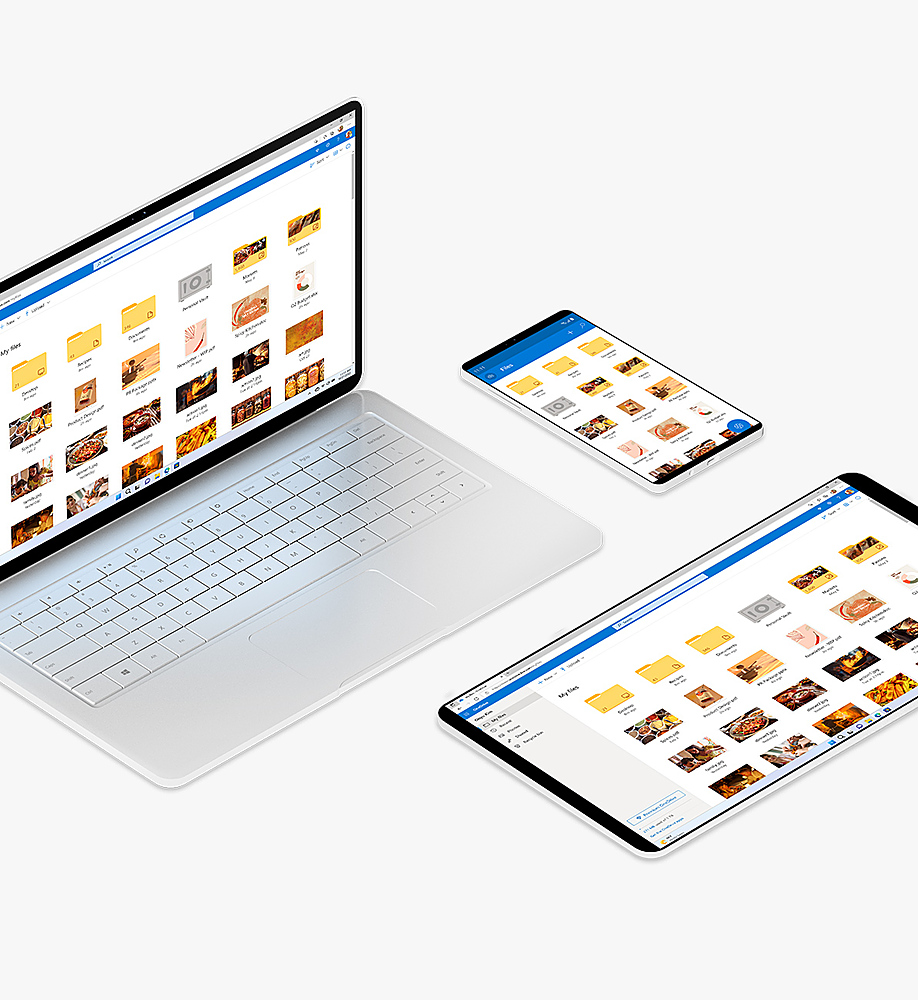
||Posted .This reviewer received promo considerations or sweepstakes entry for writing a review.I have been using M.S.Office since Office 97, and every new one since, 2000, 2003, 2007, 2010, 2013 and now Office 365 Home. I was hesitant about using it, thinking it would only work if I was on line, but you just need to be online to download it, and use the cloud to save your work. but you can use Office 365 all the time, and all the Office features that you have come to know over the years. But the best thing about Office 365 is saving your work to One Drive, No more saving your work to a thumb drive to bring you work with you. Another great feature is you only need 1 office product, Office will work with PC and Mac alike. NO problems with it, been using it now for about 5 weeks, and it has made my computer work more productive.
This review is from Microsoft - 365 Family, 1-year subscription, 5 PCs/Macs (Product Key Card)
I would recommend this to a friend - Pros mentioned:Performance
Rated 5 out of 5 stars
Just simply amazing
||Posted . Owned for 3 weeks when reviewed.This reviewer received promo considerations or sweepstakes entry for writing a review.Best Buy is fantastic! The deal along with the laptop was phenomenal. Bought laptop and 365 for family for my 15 years old daughter. She hasn't stopped saying thank you daddy and been a month. Best Buy had made thus dad the Best Guy!
This review is from Microsoft - 365 Family (Up to 6 People) (12-Month Subscription) - Activation Required - Windows, Mac OS, Apple iOS, Android [Digital]
I would recommend this to a friend - Pros mentioned:Ease of use
Rated 5 out of 5 stars
Microsoft 365 Provider Transfer
||Posted . Owned for 1 month when reviewed.This reviewer received promo considerations or sweepstakes entry for writing a review.I purchased Microsoft 365 from Best Buy recently when I purchased a new laptop. As a senior Total Tech Member, I sought assistance to make sure I had switched correctly from a previous provider, as I did not want to pay twice. It was smooth and inviting other family members was seamless.
This review is from Microsoft - 365 Family (Up to 6 People) (12-Month Subscription) - Activation Required - Windows, Mac OS, Apple iOS, Android [Digital]
I would recommend this to a friend - Pros mentioned:Compatibility, Ease of use
Rated 5 out of 5 stars
Essential software
||Posted . Owned for 1 month when reviewed.This reviewer received promo considerations or sweepstakes entry for writing a review.It’s almost every person’s essential software program for school or business all in one download. Easy to setup and use if you have used previous versions. Plus I can use it one more than one computer.
This review is from Microsoft - 365 Family (Up to 6 People) (12-Month Subscription) - Activation Required - Windows, Mac OS, Apple iOS, Android [Digital]
I would recommend this to a friend - Pros mentioned:Ease of use
Rated 5 out of 5 stars
Effective product
||Posted .This reviewer received promo considerations or sweepstakes entry for writing a review.The advantages of this subscription version are that updates are automatically provided and that its functions are available anywhere. The disadvantage (if it can be called that) is there is an annual cost, so the length of time one uses the programs, the more expensive they become. Admittedly, that is from the perspective of an old grouchy curmudgeon.... More seriously, this seems to be a fine product.
This review is from Microsoft - 365 Family, 1-year subscription, 5 PCs/Macs (Product Key Card)
I would recommend this to a friend - Pros mentioned:Performance
Rated 5 out of 5 stars
A must for people who use this
||Posted .This reviewer received promo considerations or sweepstakes entry for writing a review.It is everything that I and my daughter needed, especially for my photos
This review is from Microsoft - 365 Family (Up to 6 People) (12-Month Subscription) - Activation Required - Windows, Mac OS, Apple iOS, Android [Digital]
I would recommend this to a friend - Pros mentioned:Ease of use
Rated 5 out of 5 stars
Making this more Efficient
||Posted . Owned for 3 weeks when reviewed.This reviewer received promo considerations or sweepstakes entry for writing a review.Great Product for a small business. Was able to quickly download the product on each computer. Has everything we need included and more!
This review is from Microsoft - 365 Family (Up to 6 People) (12-Month Subscription) - Activation Required - Windows, Mac OS, Apple iOS, Android [Digital]
I would recommend this to a friend Rated 5 out of 5 stars
Without Microsoft 365 my records were a mess!
||Posted . Owned for 1 month when reviewed.This reviewer received promo considerations or sweepstakes entry for writing a review.Microsoft 365 has been something I have had on my PC for a number of years and I have found Excel and Word to be extremely valuable to me in my family record keeping and correspondence. I would be lost without both of these products. For years before I my computers I had to maintain all my records and write all my correspondence by pen or pencil and that was never as neat and a presentable for my work. Then making correction or additions or other modifications or notation was a pain. Now 365 has allowed me to maintain excellent records and always provide work I am proud to share with others in my family and friends or business associates.
This review is from Microsoft - 365 Family (Up to 6 People) (12-Month Subscription) - Activation Required - Windows, Mac OS, Apple iOS, Android [Digital]
I would recommend this to a friend- Pros mentioned:Performance, Software
Rated 5 out of 5 stars
Finally, an Office that looks as nice as it works
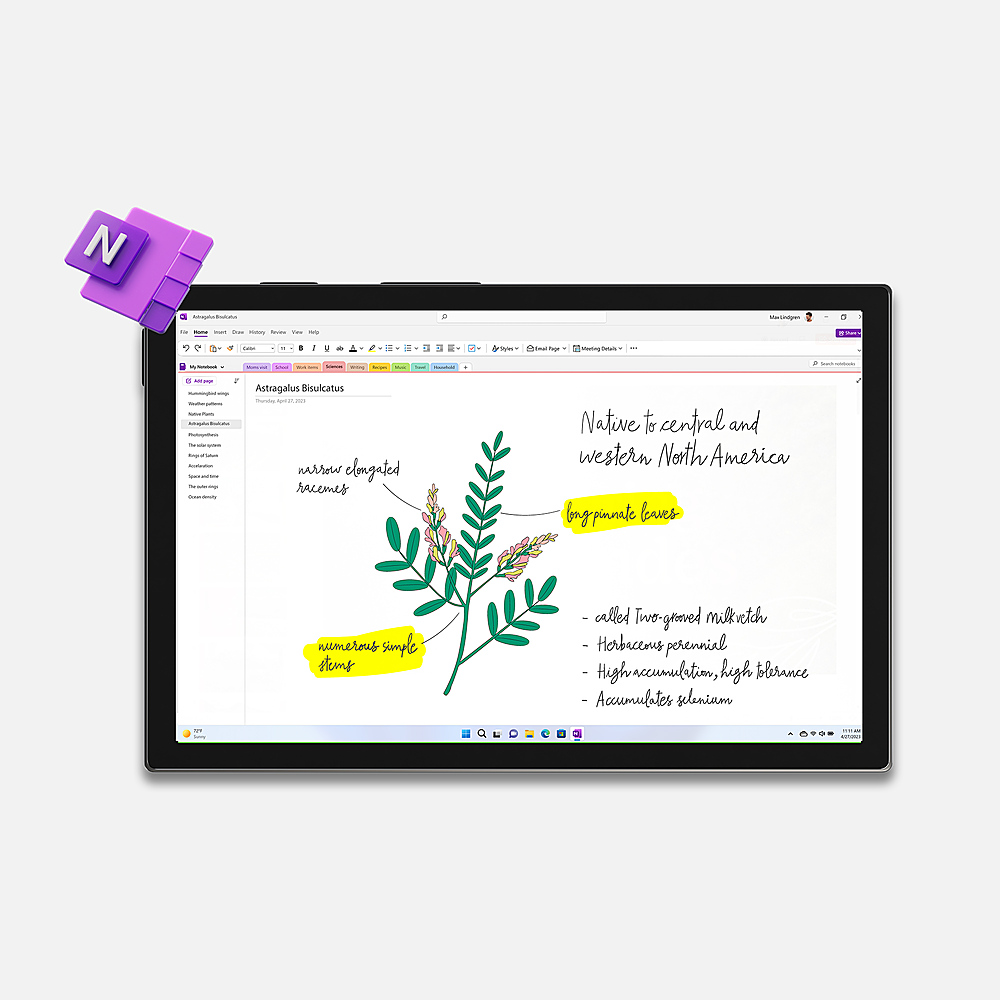
||Posted .This reviewer received promo considerations or sweepstakes entry for writing a review.Bought this for my household, two PCs and one Mac. And the local apps for both work great. I run a small communications consultancy from my home office, and having free access to OneDrive and real-time file sharing has streamlined collaboration and version control. This really makes small business tick. I haven't spent much time with OneNote, but am looking forward to getting more familiar.
This review is from Microsoft - 365 Family, 1-year subscription, 5 PCs/Macs (Product Key Card)
I would recommend this to a friend - Pros mentioned:Ease of use
Rated 5 out of 5 stars
User friendly
||Posted .This reviewer received promo considerations or sweepstakes entry for writing a review.As a senior citizen and not to tech savvy, I was wonderfully surprised on how easy I was able to purchase, receive and install the Microsoft programs onto my wife’s laptop as well as my own.
This review is from Microsoft - 365 Family (Up to 6 People) (12-Month Subscription) - Activation Required - Windows, Mac OS, Apple iOS, Android [Digital]
I would recommend this to a friend Rated 5 out of 5 stars
Easy Install
||Posted . Owned for 2 weeks when reviewed.This reviewer received promo considerations or sweepstakes entry for writing a review.Great product. Really easy for senior citizen to install. I have no experience doing this bu was successful on my first attempt.
This review is from Microsoft - 365 Family (Up to 6 People) (12-Month Subscription) - Activation Required - Windows, Mac OS, Apple iOS, Android [Digital]
I would recommend this to a friend- Pros mentioned:Compatibility
Rated 5 out of 5 stars
microsoft office has been around for years
||Posted .This reviewer received promo considerations or sweepstakes entry for writing a review.It is the staple of true office programs. I have purchased a new version of this each time i bought a new desktop, laptop, and now for my surface tablet. This has a set of programs i cannot live without and the imitators just dont compare. Dont give in to cheaper products, remember....you get what you pay for
This review is from Microsoft - 365 Family, 1-year subscription, 5 PCs/Macs (Product Key Card)
I would recommend this to a friend - Pros mentioned:Ease of use
Rated 5 out of 5 stars
Microsoft office
||Posted . Owned for more than 2 years when reviewed.This reviewer received promo considerations or sweepstakes entry for writing a review.Great product for mi family Very easy to use and the 1 tb of store very useful
This review is from Microsoft - 365 Family (Up to 6 People) (12-Month Subscription) - Activation Required - Windows, Mac OS, Apple iOS, Android [Digital]
I would recommend this to a friend - Pros mentioned:Performance
Rated 5 out of 5 stars
My Review
||Posted . Owned for 1 month when reviewed.This reviewer received promo considerations or sweepstakes entry for writing a review.Microsoft Family is great, I thought it was going to be less useful, but once you start using these products it is extremely useful and very friendly to the novice computer person
This review is from Microsoft - 365 Family (Up to 6 People) (12-Month Subscription) - Activation Required - Windows, Mac OS, Apple iOS, Android [Digital]
I would recommend this to a friend Rated 5 out of 5 stars
Microsoft Family
||Posted . Owned for 1 month when reviewed.This reviewer received promo considerations or sweepstakes entry for writing a review.Able to use this on 5 different devices without an additional charge. Don't have to pay for it monthly, its a yearly payment. Easy to install
This review is from Microsoft - 365 Family (Up to 6 People) (12-Month Subscription) - Activation Required - Windows, Mac OS, Apple iOS, Android [Digital]
I would recommend this to a friend