Customer Ratings & Reviews


- Model:
- 6GQ-01354
- |
- SKU:
- 6344087
Customer reviews
Rating 4.5 out of 5 stars with 11214 reviews
(11,214 customer reviews)Rating by feature
- Value4.4
Rating 4.4 out of 5 stars
- Quality4.6
Rating 4.6 out of 5 stars
- Ease of Use4.4
Rating 4.4 out of 5 stars
Customers are saying
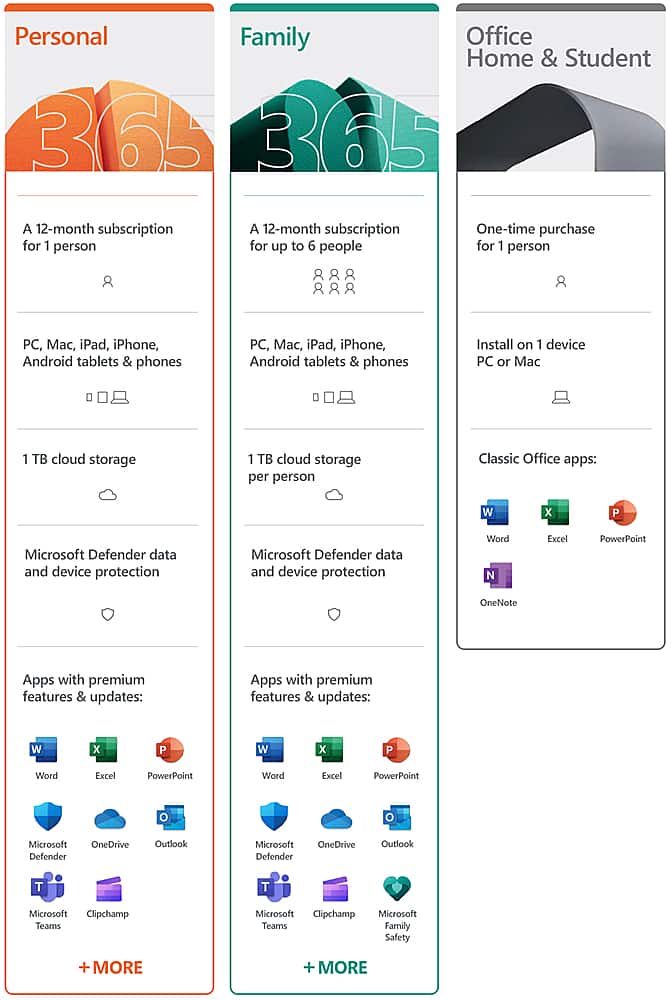
Customers love the 365 Family subscription for its ease of use, compatibility across multiple systems, and great price. Many appreciate its performance, software features, and cloud storage capabilities. Installation is straightforward, and users value the regular updates and tools like Excel. However, some customers dislike the yearly subscription model, and a few have experienced issues with Outlook.
This summary was generated by AI based on customer reviews.
- Pros mentioned:Ease of use, Price
Rated 5 out of 5 stars
Using for years
||Posted . Owned for 3 months when reviewed.This reviewer received promo considerations or sweepstakes entry for writing a review.Use Office on all family laptops. Excellent value for the price. Great for home, college, and other extra curricular activities. All the tools you need to manage, manipulate, and share data. Every year it is easy to update and share with all family members to ensure we all have the most current version.
This review is from Microsoft - 365 Family (Up to 6 People) (12-Month Subscription) - Activation Required - Windows, Mac OS, Apple iOS, Android [Digital]
I would recommend this to a friend - Pros mentioned:Ease of useCons mentioned:Outlook
Rated 4 out of 5 stars
terry3002
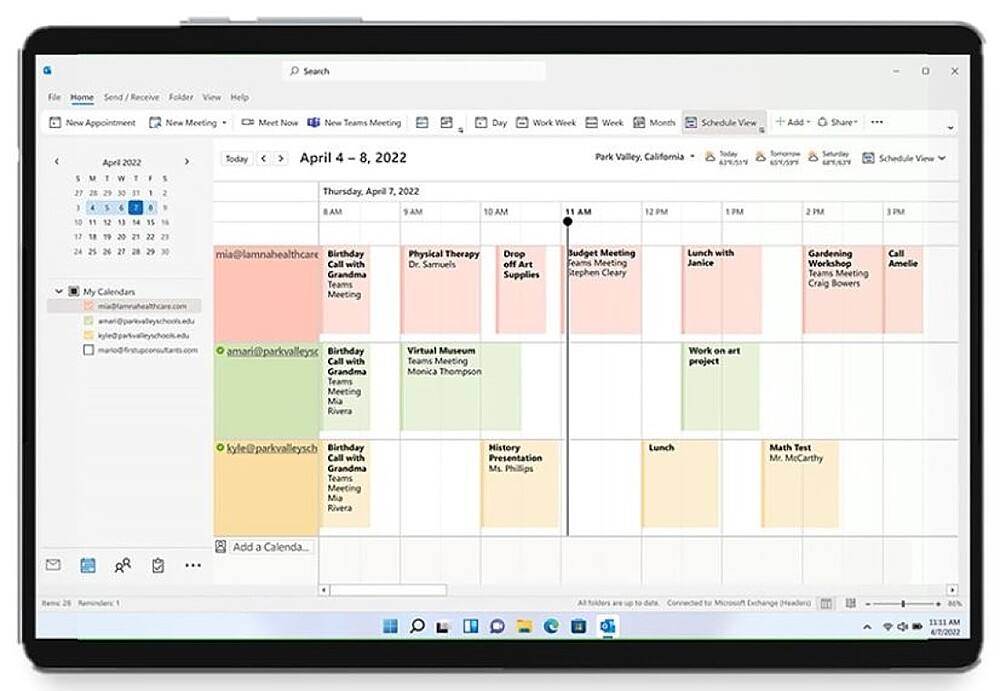
||Posted . Owned for 1 month when reviewed.This reviewer received promo considerations or sweepstakes entry for writing a review.I have not completely adjusted to the Microsoft 365 Family, yet. This was a big change from MS Office 2010. It is going to be a learning experience. The biggest problem is Outlook, one day it works and the next day it does not. I have setup MS 365 on three computers. Following the directions from the MS website the setup was very straight forward. At present I would it as a 4 star after some more time (learning/playing according to my wife), I belive it could be rated a 5.
This review is from Microsoft - 365 Family (Up to 6 People) (12-Month Subscription) - Activation Required - Windows, Mac OS, Apple iOS, Android [Digital]
I would recommend this to a friend - Pros mentioned:Performance
Rated 5 out of 5 stars
Dependable
||Posted .This reviewer received promo considerations or sweepstakes entry for writing a review.Perfect just what I needed easy to install Zero problems
This review is from Microsoft - 365 Family (Up to 6 People) (12-Month Subscription) - Activation Required - Windows, Mac OS, Apple iOS, Android [Digital]
I would recommend this to a friend Rated 5 out of 5 stars
Great Value, Easy Set Up and Sharing
||Posted . Owned for 2 weeks when reviewed.This reviewer received promo considerations or sweepstakes entry for writing a review.I recently got the Microsoft 365 Family Subscription, and I’m pleased with it. Sharing it with family keeps costs down, and we each get access to premium apps and 1 TB of cloud storage. Best Buy installed it, and activation at home was quick and smooth. Highly recommend!
This review is from Microsoft - 365 Family (Up to 6 People) (12-Month Subscription) - Activation Required - Windows, Mac OS, Apple iOS, Android [Digital]
I would recommend this to a friend- Cons mentioned:Subscription
Rated 5 out of 5 stars
Microsoft 360
||Posted .This reviewer received promo considerations or sweepstakes entry for writing a review.Love that I can buy a family membership but hate I have to renew every year in order to maintain use of the product
This review is from Microsoft - 365 Family (Up to 6 People) (12-Month Subscription) - Activation Required - Windows, Mac OS, Apple iOS, Android [Digital]
I would recommend this to a friend Rated 5 out of 5 stars
Hands down when going back to school!
||Posted .This reviewer received promo considerations or sweepstakes entry for writing a review.I was able to save more money with this and their storage use is amazing! I don’t have to worry about deleting so much emails after getting this. Also I get to store as much work as possible, keeping me up to date and able to save my work automatically when doing my college essays and projects.
This review is from Microsoft - 365 Family (Up to 6 People) (12-Month Subscription) - Activation Required - Windows, Mac OS, Apple iOS, Android [Digital]
I would recommend this to a friendRated 5 out of 5 stars
Microsoft Office 365 Family
||Posted . Owned for 1 month when reviewed.This reviewer received promo considerations or sweepstakes entry for writing a review.I have used this product for over 10 years at home and love the ease of downloading Word, Excel, and PowerPoint files. I also love that my family can downloard this product on their laptops and desktops. Thank you!
This review is from Microsoft - 365 Family (Up to 6 People) (12-Month Subscription) - Activation Required - Windows, Mac OS, Apple iOS, Android [Digital]
I would recommend this to a friend- Pros mentioned:Ease of use, Price
Rated 5 out of 5 stars
The more the merrier Microsoft 365 Family 6 users!
||Posted . Owned for 10 months when reviewed.This reviewer received promo considerations or sweepstakes entry for writing a review.Purchased this item on-line at Best Buy. This is an amazing deal for multiple users, easy to install from web, highly recommend this 365 Family Microsoft software.
This review is from Microsoft - 365 Family (Up to 6 People) (12-Month Subscription) - Activation Required - Windows, Mac OS, Apple iOS, Android [Digital]
I would recommend this to a friend - Pros mentioned:Performance
Rated 5 out of 5 stars
Geek Squad
||Posted . Owned for 1 month when reviewed.This reviewer received promo considerations or sweepstakes entry for writing a review.This is a wonderful thing for our family! Everything is running smoothly. Thank you Geek squad!
This review is from Microsoft - 365 Family (Up to 6 People) (12-Month Subscription) - Activation Required - Windows, Mac OS, Apple iOS, Android [Digital]
I would recommend this to a friend - Pros mentioned:Compatibility, Ease of use, Software
Rated 5 out of 5 stars
Excellent upgrade
||Posted .This reviewer received promo considerations or sweepstakes entry for writing a review.Very easy to install an very happy that I can install on my other devices. Very glad that I will always have most current version of the MS programs.
This review is from Microsoft - 365 Family, 1-year subscription, 5 PCs/Macs (Product Key Card)
I would recommend this to a friend - Pros mentioned:Performance
Rated 4 out of 5 stars
Watch for
||Posted . Owned for 3 weeks when reviewed.This reviewer received promo considerations or sweepstakes entry for writing a review.Watch out for ads that want you to download meaningless apps during the loading process. Instructions were not very clear. But other than those it is a good product
This review is from Microsoft - 365 Family (Up to 6 People) (12-Month Subscription) - Activation Required - Windows, Mac OS, Apple iOS, Android [Digital]
I would recommend this to a friend - Pros mentioned:Compatibility, Ease of use, Performance
Rated 5 out of 5 stars
Works great
||Posted . Owned for 3 weeks when reviewed.This reviewer received promo considerations or sweepstakes entry for writing a review.So far I really like this antivirus software , it is a much better product than I had anticipated !! It has not interfered with my computers software and is easy to install and use , hopefully I will not have any problem down the line , but as it stands now I really like the 365
I would recommend this to a friend Rated 5 out of 5 stars
Highly recommended Office Software for aii
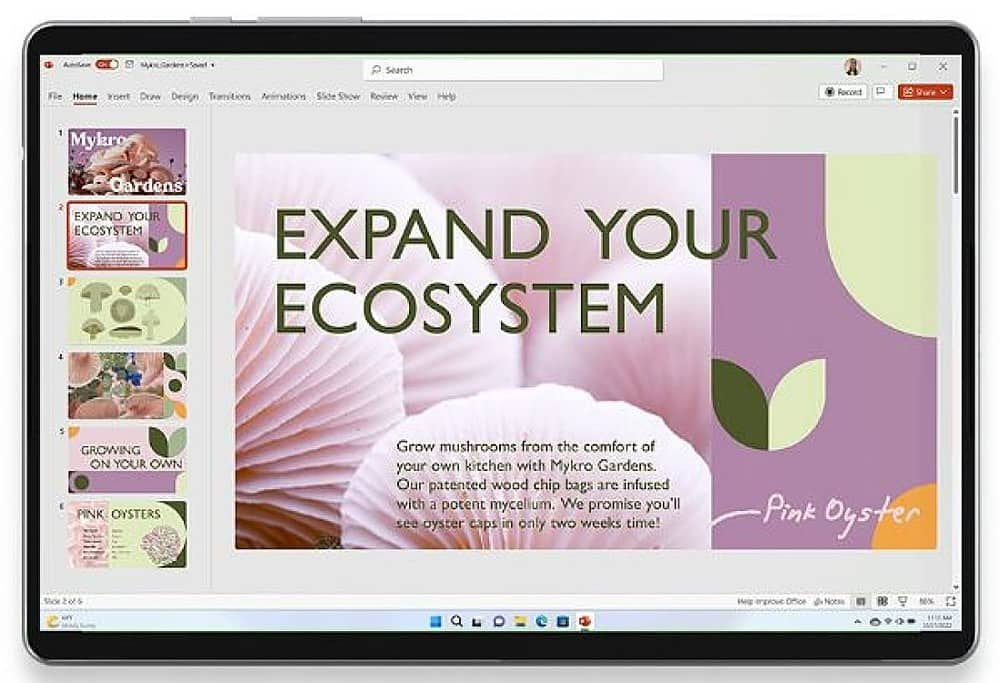
||Posted . Owned for 3 weeks when reviewed.This reviewer received promo considerations or sweepstakes entry for writing a review.Microsoft 365 Family is an annual subscription software product that includes ACCESS (Database), EXCEL (Spreadsheet), OneNote (Notes), OUTLOOK (email), PowerPoint (Presentation). PUBLISHER (Brochures), and WORD (Text software). These are premium office applications that are extremely popular in the business world. I have been using these apps for more than two decades. I have used other software on WINDOWS computers, but they were slightly buggy. With your purchase you get 1 TB of cloud storage (OneDrive) per user. The Family version allows you to have up to 6 users on 5 devices. I found OneDrive to be slightly confusing, even after several years of using it. I believe Microsoft needs to simplify it for home users. I highly recommend this excellent product to all.
This review is from Microsoft - 365 Family (Up to 6 People) (12-Month Subscription) - Activation Required - Windows, Mac OS, Apple iOS, Android [Digital]
I would recommend this to a friend- Pros mentioned:Ease of use
Rated 4 out of 5 stars
Value for money
||Posted . Owned for 9 months when reviewed.This reviewer received promo considerations or sweepstakes entry for writing a review.Good value for money. Easy to use. Purchase on the recomendation of sale person.
This review is from Microsoft - 365 Family (Up to 6 People) (12-Month Subscription) - Activation Required - Windows, Mac OS, Apple iOS, Android [Digital]
I would recommend this to a friend - Pros mentioned:Compatibility
Rated 5 out of 5 stars
Good value
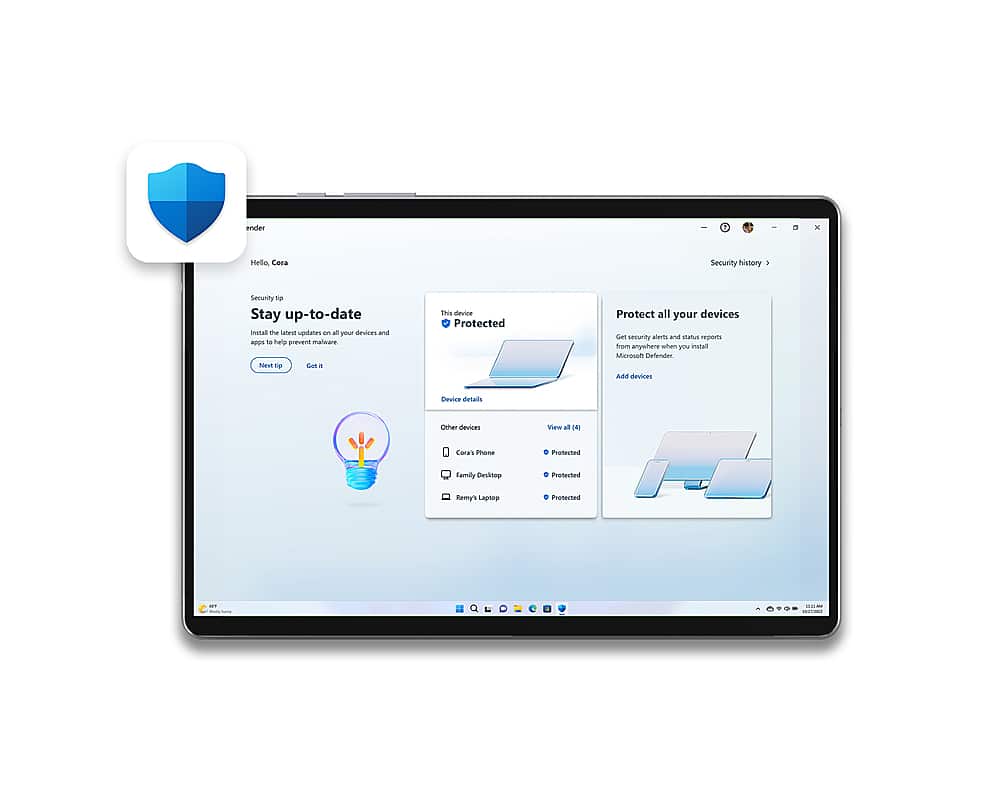
||Posted .This reviewer received promo considerations or sweepstakes entry for writing a review.I like that it can cover 10 devices per person and make ctosoft has been a reputable brand. It was a good suite if software including defender.
This review is from Microsoft - 365 Family (Up to 6 People) (12-Month Subscription) - Activation Required - Windows, Mac OS, Apple iOS, Android [Digital]
I would recommend this to a friend - Pros mentioned:Ease of use
Rated 5 out of 5 stars
Great! Love the access from anywhere
||Posted .This reviewer received promo considerations or sweepstakes entry for writing a review.I'm very familiar with Office 365. I've used it with my current job and then some. The only reason I decided to purchase my own copy is because I'm leaving my old job for a new one. I think it's very useful if you have multiple users or machines (like I do) and you don't want to pay for multiple installs. Google Docs, and iWorks, but I've always been a fan of Office. The 1TB of Storage is nice as well. Again, I only recommend purchasing this if you are a heavy Office User and need it on multiple machines and for multiple people. It is $99 each year.
This review is from Microsoft - 365 Family, 1-year subscription, 5 PCs/Macs (Product Key Card)
I would recommend this to a friend - Pros mentioned:Compatibility, Ease of use
Rated 2 out of 5 stars
NOT FOR DRAGON NATURALLY SPEAKING USERS
||Posted .This reviewer received promo considerations or sweepstakes entry for writing a review.I initially rejected the notion of a continuing-pay for use model, but with two laptops and a desktop to keep current, I reconsidered when I recently replaced one of the laptops. Installation was curiously easy and I quickly learned that ease of installation is related to the product’s most glaring shortcoming! The applications do not become 100% resident on the target devices. Instead, some sort of hybrid local/cloud/background is employed. It is this non-localized application residence that renders Office 365 largely incompatible with Nuance’s Dragon Naturally Speaking! Neither company is particularly forthcoming about this glaring shortcoming. Each conveniently points a finger at the other, while neither bothers of offer a reasonably visible and/or accessible compatibility warning ― not one that a customer is likely to see prior to purchase anyway. So… If you are a fan/user of Nuance’s Dragon Naturally Speaking, know that Dragon will NOT FUNTION with Microsoft Office 365 applications as you expect them to and certainly NOT in the way that Dragon users have become accustomed. Dragon dictation CANNOT be input directly into (for example) a Word document. The ONLY means of input is the multi-step process of (1) dictating first to the simple text Dragon dictation Pad, (2) selecting the desired text from the pad, (3) cutting or copying the selected text from the Pad and (4) pasting the text to your Word document. Even Google’s free office suite does a better job than this! It too requires use of the Dragon Pad, but the with the Google app, the Dragon Pad is called up when dictating begins and moving the Dragon Pad text to the document is accomplished more easily with the Dragon Pad Transfer command. So… While this wholly unexpected and unacceptable compatibly issue lingers, at least I get to keep paying each and every year for the privilege of, Microsoft Office 365. Apart from that, Office 365 functions like Microsoft Office. I have the sense that this issue will catch up with and perhaps haunt Microsoft and/or Nuance (Dragon), but a lot of money will have changed hands by then and a lot of users will feel frustrated at best, and duped at worst. CAUTION DRAGON NATURALLY SPEAKING USERS ― THINK TWICE ABOUT OFFICE 365!
This review is from Microsoft - 365 Family, 1-year subscription, 5 PCs/Macs (Product Key Card)
No, I would not recommend this to a friend - Pros mentioned:Compatibility, Software
Rated 5 out of 5 stars
Great purchase
||Posted . Owned for 3 weeks when reviewed.This reviewer received promo considerations or sweepstakes entry for writing a review.Great item for the entire family cause you never know when you will need some of the programs.
This review is from Microsoft - 365 Family (Up to 6 People) (12-Month Subscription) - Activation Required - Windows, Mac OS, Apple iOS, Android [Digital]
I would recommend this to a friend Rated 5 out of 5 stars
Geovanny in Tampa
||Posted . Owned for 1 week when reviewed.This reviewer received promo considerations or sweepstakes entry for writing a review.Best buy, please acknowledge your geek squad employee Geovanny in Tampa. I have been a Best Buy member and Geek Squad customer for 7 years. The Geek role is difficult especially during the holidays. I witnessed Geovanny step up as employees were clearly late or absent, while customers’ expectations and demands percolated. I have worked with Geovanny on several occasions: his knowledge, ability to explain and easy going demeanor are highly valued. I appreciate your Geek Squad employee and hope you do too, Best Buy!
This review is from Microsoft - 365 Family (Up to 6 People) (12-Month Subscription) - Activation Required - Windows, Mac OS, Apple iOS, Android [Digital]
I would recommend this to a friend- Pros mentioned:Compatibility, Software
Rated 4 out of 5 stars
Nice for multiple people.
||Posted . Owned for 3 weeks when reviewed.This reviewer received promo considerations or sweepstakes entry for writing a review.I like that this was included with product we ordered from Best Buy. That we can use the excel, word, etc with up to six people. This works for our office just fine. Only wish they could included adobe with this package. It's convenient.
This review is from Microsoft - 365 Family (up to 6 people) (15-month subscription - Auto Renew) - Activation Required - Windows, Mac OS, Apple iOS, Android [Digital]
I would recommend this to a friend