Customer Ratings & Reviews



- Model:
- CZV-00051
- SKU:
- 5859106
Rating by feature
- Value
Rating 4.4 out of 5 stars
- Quality
Rating 4.7 out of 5 stars
- Ease of Use
Rating 4.6 out of 5 stars
to a friend
Customers are saying
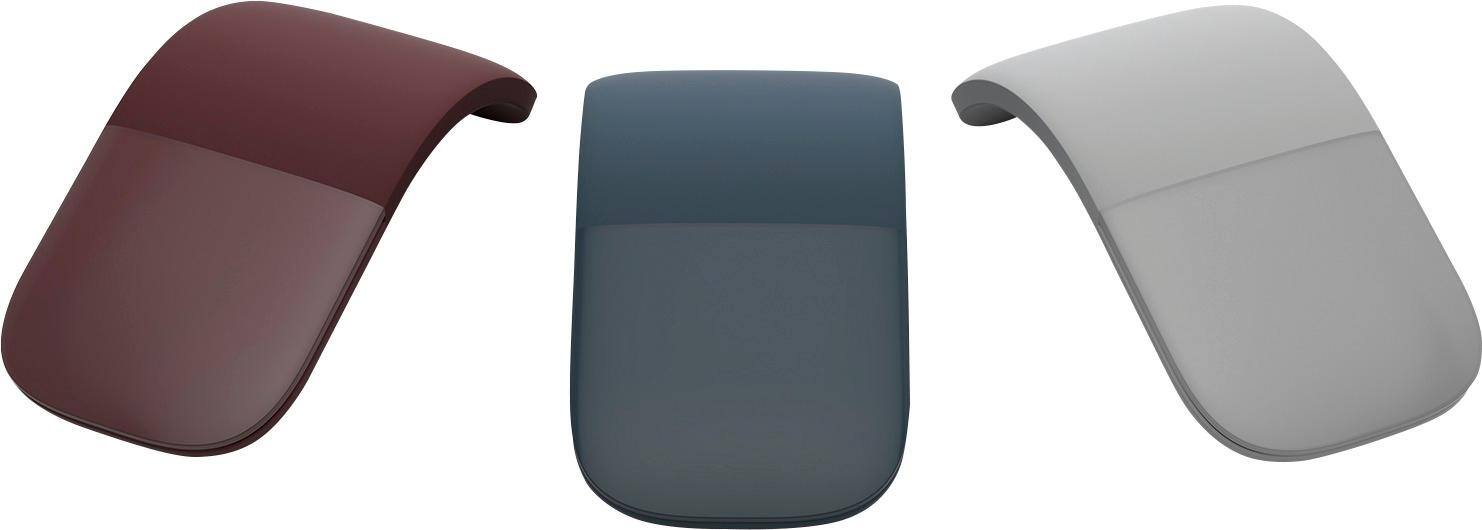
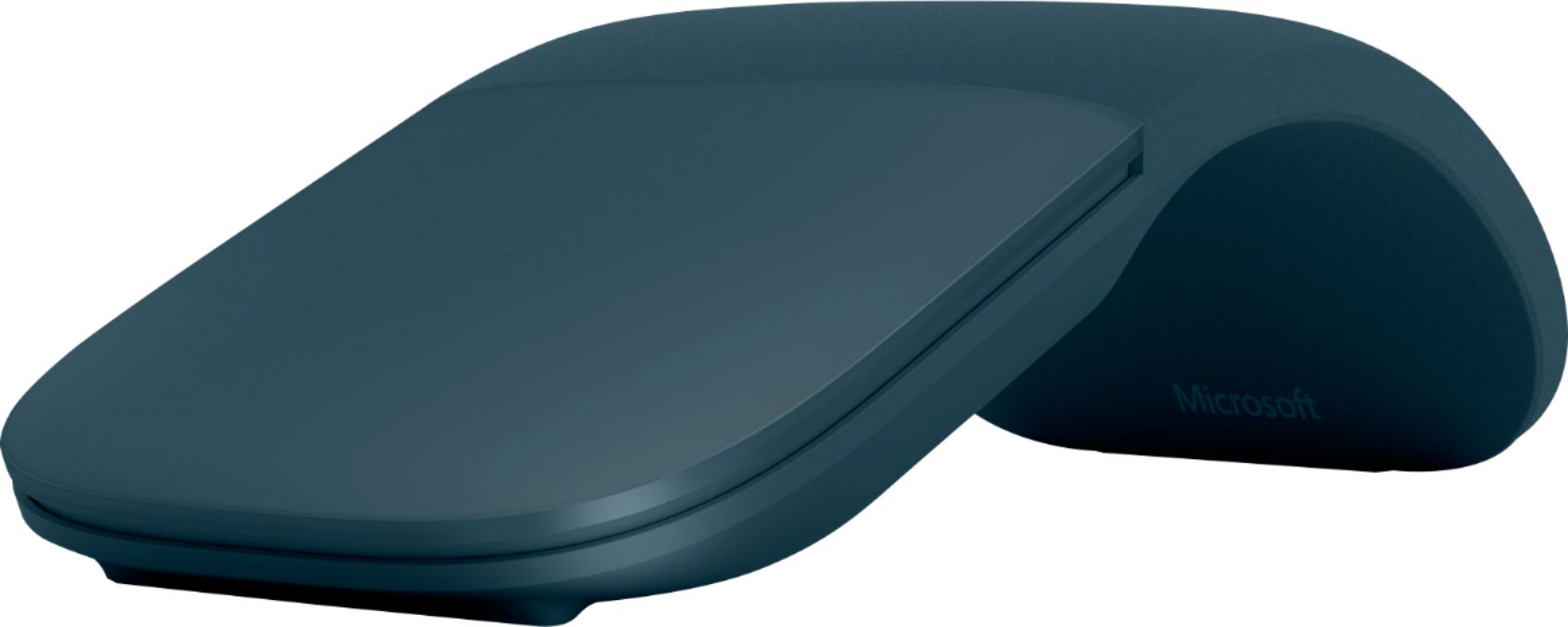
Customers enjoy the product's excellent portability, slick design, and comfortable feel, often highlighting its convenient size, light weight, and good battery life. They also appreciate its improved Bluetooth connectivity, overall performance, and compatibility with devices like the Surface computer. However, some customers have expressed concerns regarding the scrolling experience, finding it not very smooth, and also note that the price is a bit high and the right-click functionality can be annoying.
This summary was generated by AI based on customer reviews.
It's a really solid GOOD
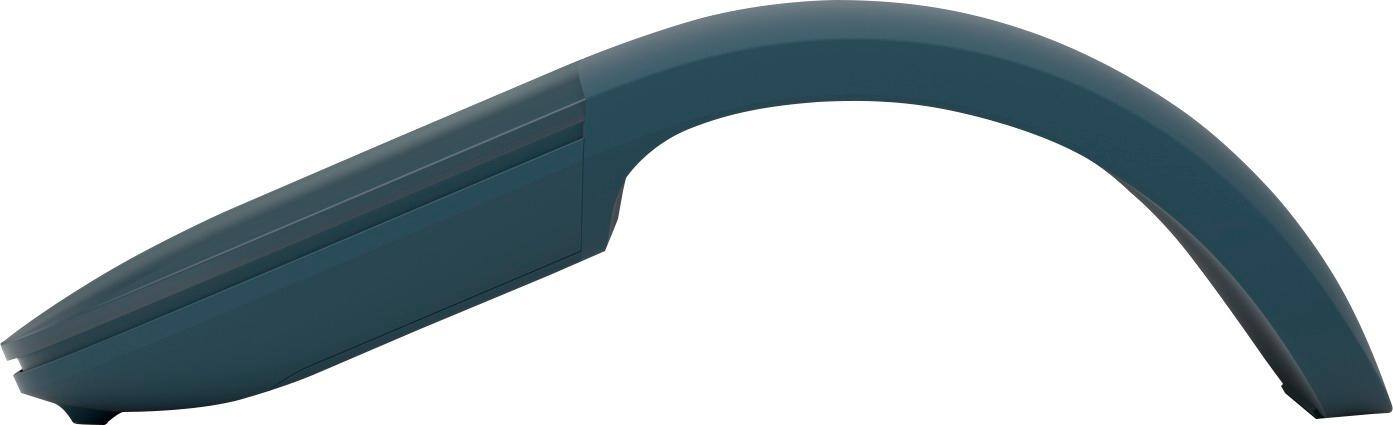
||Posted . Owned for less than 1 week when reviewed.This reviewer received promo considerations or sweepstakes entry for writing a review.To start off with, let me say that there is nothing wrong with a solid GOOD rating. It's a mouse after all. I think it is slightly overpriced at $79. PROS: Easy setup/use... arc the mouse and it powers on and connects automatically on the first use. Flatten the mouse and it powers off and disconnects. Great battery life from the 2 AAA batteries. CONS: No ability to reverse the scroll direction. Rechargeable would be preferred over replacing batteries.
I would recommend this to a friendLove that Arc!
||Posted . Owned for 1 month when reviewed.This reviewer received promo considerations or sweepstakes entry for writing a review.Sleeker design than my last one, which I lost. I had to get another one! I really love that it stores flat to fit nicely in my briefcase, and when on and curved, fits nicely in my hand and glides smoothly, scroll down is smooth and a light touch as well.
I would recommend this to a friendLove it
||Posted . Owned for 1 year when reviewed.This reviewer received promo considerations or sweepstakes entry for writing a review.I have had this mouse since may 2023. I absolutely love it. Light and easy to carrie around in a bag. Highly recommended it. I boughtbthis on sale for 50. It is pricey but it is worth the investment. Intried using the mx master 3s because of all the rage but i liked my arc better due to the track pad and how lightnit is. Highly recommend
I would recommend this to a friendSleek Product that takes some getting used to.
||Posted . Owned for 5 months when reviewed.This reviewer received promo considerations or sweepstakes entry for writing a review.If you're coming from a normal mouse, then this may take some getting used to. Sometimes you may click in the wrong area of the mouse and it will right-click instead of left-click. It really is a good mouse once you get used to it. Would I recommend it to someone who works fast and may get frustrated easily? No. However, if you're willing to try a sleek new product that may take some getting used to, this is a good one. Very smooth and functions well. Battery lasts a decent amount of time (AAA). I used it heavily for about 6 months before I needed to change the battery. Mind you, it had 5% left.
I would recommend this to a friendAttractive and Functional
||Posted .This reviewer received promo considerations or sweepstakes entry for writing a review.This device is exceptionally nice to use and easy to store and carry around. It is lightweight, powers off via flattening (not the usual tiny switch on the bottom); and the flattened mouse is very easy to carry or store. It has worked flawlessly with my Microsoft SurfacePro Laptop in various environments.
I would recommend this to a friendkoray05
||Posted . Owned for 2 weeks when reviewed.This reviewer received promo considerations or sweepstakes entry for writing a review.sytlish and very modern . flexible and an elastic mouse
I would recommend this to a friendExcellent mouse.
||Posted .This reviewer received promo considerations or sweepstakes entry for writing a review.Love my new bluetooth mouse. Would always lose the USB portion of previous ones. This also folds flat for easy storage. Very comfortable. Only downside is you cannot left click to drag (hold down) then simultaneously right click, (only have to do this in CorelDraw.) Highly recommend.
I would recommend this to a friendLove this mouse!
||Posted . Owned for 1 month when reviewed.This reviewer received promo considerations or sweepstakes entry for writing a review.This one I actually bought for my girlfriend. I have the exact same one and I recommended it to her. I have had mine for almost a year and haven’t had to change the battery. In fact, the battery still says it’s at 78% after a year of use! Super easy to transport!
I would recommend this to a friendSuper cool
||Posted .This reviewer received promo considerations or sweepstakes entry for writing a review.I got this for my husband and it is the coolest thing.
I would recommend this to a friendUnique style
||Posted . Owned for 2 weeks when reviewed.This reviewer received promo considerations or sweepstakes entry for writing a review.Nice look sleek in size .just like a cute toy in the hand . A very valuable and briliant structure of shape.
I would recommend this to a friendSlim, convenient, functional
||Posted . Owned for 1 month when reviewed.This reviewer received promo considerations or sweepstakes entry for writing a review.Slim for easy storage, convenient 4-way swipe when needed (beats using a wheel that’s just another moving part) and gets the job done. Easy to power off by just collapsing flat.
I would recommend this to a friendExcellent
||Posted . Owned for 1 month when reviewed.This reviewer received promo considerations or sweepstakes entry for writing a review.Excellent mouse. The size and design are ideal to bring in my case with the laptop.
I would recommend this to a friendBest Travel Mouse
||Posted .This reviewer received promo considerations or sweepstakes entry for writing a review.If you don't mind changing batteries this is, in my opinion, the best travel mouse you can get. It lays really thin when not put on so I can slide it in the pocket of a portfolio and I have never had connectivity issues I have purchased multiples of this mouse for other people it works great.
I would recommend this to a friendBrand response from MicrosoftOutreachTeam
Posted .Hi there,
Thanks for letting us know that your experience with the Surface Arc Mouse has been exceptional! We're excited that this mouse has been the perfect travel companion with its ultra portable design.
Kind regards,
Jessica
Surface Customer Care

Good on Space
|Posted . Owned for 2 weeks when reviewed.This reviewer received promo considerations or sweepstakes entry for writing a review.[Employee of bestbuy] Great if you’re traveling and need something compact, flat means it’s off and when you make the arc it pairs instantly, works amazing with the surface!
I would recommend this to a friendWay Cool Portable Bluetooth Mouse
||Posted . Owned for 1 month when reviewed.This reviewer received promo considerations or sweepstakes entry for writing a review.Love the re-design for this wireless mouse. It lays flat when not in use. Its also has no spin wheel to move your on screen cursor up or down the page - just put slight pressure on the mouse pad section and it will scroll pages up / down and move them. Sleek and easy to use .
I would recommend this to a friendNot worth $70 but if you can find it for under $50
||Posted .This reviewer received promo considerations or sweepstakes entry for writing a review.Would have been five stars easily as there's no longer a dongle it's very smooth to operate but the paint comes off within a month from your fingers unlike all the previous generations. Still using it and works fine but there's a nice line in the middle from my thumb from scrolling up and down where the paint is completely faded. (Didn't get much worse even after the first month and had it quite a while now) oh yeah one other thing that I thought was important this one does not vibrate when you're scrolling up or down like all the other previous generations I was kind of disappointed by that but over time I got used to it. I still think for the price they want which I think was $70 I paid $49.99 that the paint shouldn't come off it should have the vibration motor and they should make skins for them if they're going to make the paint come off that easily so you can change it to whatever color you want and include one free. Also have the custom Chinese dragon version of the previous model that used a dongle and that still works flawlessly.
I would recommend this to a friendGreat Microsoft Mouse
||Posted . Owned for 1 month when reviewed.This reviewer received promo considerations or sweepstakes entry for writing a review.This is the best model of Microsoft Mouse. Arc Mouse folds flat and turns off power. Incredible battery life (two "AA" batteries). Soft to the touch, precise, easy to clean. This mouse is well worth its price..
I would recommend this to a friendForm + function!
||Posted . Owned for 3 weeks when reviewed.This reviewer received promo considerations or sweepstakes entry for writing a review.Bought this mouse because I can’t stand track pads and prefer the mouse to the pen when using the Surface Pro like a laptop. This mouse is ergonomic yet still super sleek. I love that clicking it flat turns it off to conserve battery but it reconnects via Bluetooth instantly and automatically when turned back on. Being able to flatten it also makes it easy to slip in my bag with my computer when it’s time to go, and clicking it into the arc position looks cool. Highly functional. Works on multiple surfaces, good shape, scrolls easily vertically and horizontally. Great purchase
I would recommend this to a friendThe Perfect Add-On
||Posted . Owned for 1 year when reviewed.This reviewer received promo considerations or sweepstakes entry for writing a review.If you are buying any non-Apple branded Laptop, this is the mouse to get! Lays flat when not using it and once its bent (on position) it instantly connects and works like a charm. Has a great handfeel and perfect design with ultimate portability. MUST HAVE!
I would recommend this to a friendSurface mouse.
||Posted . Owned for 1 week when reviewed.This reviewer received promo considerations or sweepstakes entry for writing a review.I need to chance my old mouse. And I saw this one, it is super easy to connect to the computer and easy to take when you are in the road.
I would recommend this to a friend