Customer Ratings & Reviews



- Model:
- CZV-00051
- SKU:
- 5859106
Rating by feature
- Value
Rating 4.4 out of 5 stars
- Quality
Rating 4.7 out of 5 stars
- Ease of Use
Rating 4.6 out of 5 stars
to a friend
Customers are saying
Customers enjoy the product's excellent portability, slick design, and comfortable feel, often highlighting its convenient size, light weight, and good battery life. They also appreciate its improved Bluetooth connectivity, overall performance, and compatibility with devices like the Surface computer. However, some customers have expressed concerns regarding the scrolling experience, finding it not very smooth, and also note that the price is a bit high and the right-click functionality can be annoying.
This summary was generated by AI based on customer reviews.
Compact, low profile laptop travel mouse
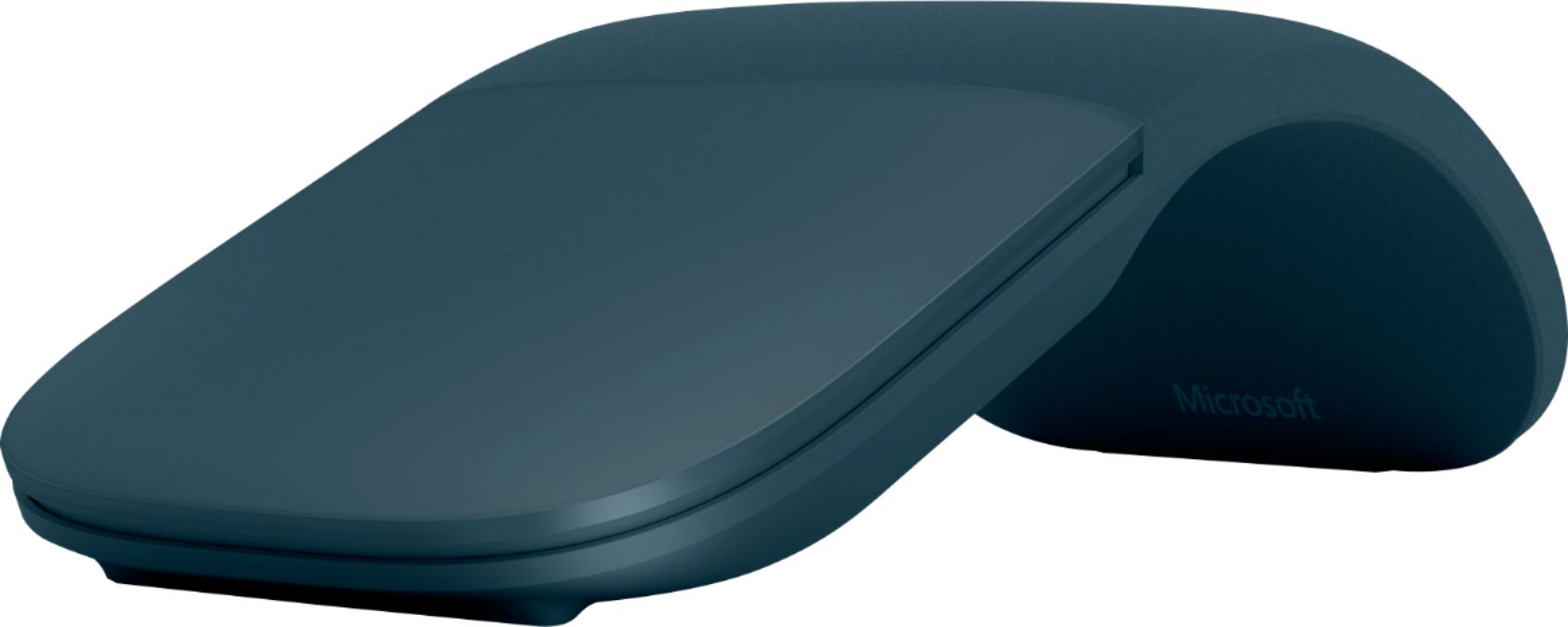
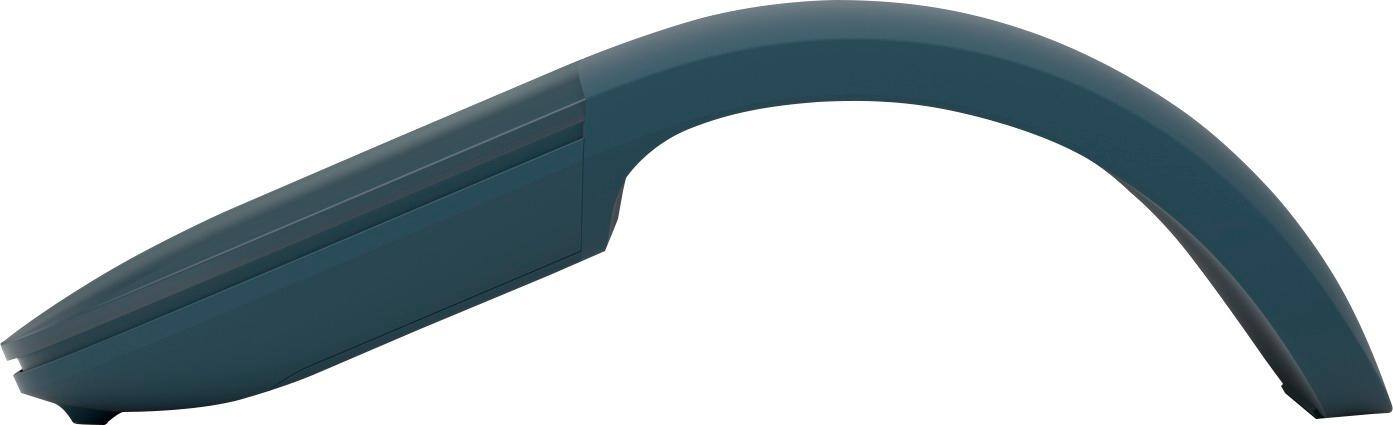
||Posted . Owned for 1 month when reviewed.This reviewer received promo considerations or sweepstakes entry for writing a review.I often have to grab my laptop and mouse for meetings out of the office. My normal mouse is quite bulky in a jacket pocket or laptop bag. I wanted something I could keep in my laptop bag all the time that was flat and easily transportable. I saw a coworker used one of these, so I decided to try it. It's wireless and connects seamlessly when I bend it. Flattening it turns it off to save battery life. Very pleased with it.
I would recommend this to a friendGreat mouse
||Posted .This reviewer received promo considerations or sweepstakes entry for writing a review.Easy to install, easy to use. Nice design, lightweight. Kinda pricey.
I would recommend this to a friendFlexible and functional
||Posted .This reviewer received promo considerations or sweepstakes entry for writing a review.Love the flexibility design and it feels like a normal mouse. Has a smooth feel.
I would recommend this to a friendHand Friendly
||Posted .This reviewer received promo considerations or sweepstakes entry for writing a review.Best mouse ever. I have used this mouse and find it is very comfortable to the hand. This mouse it ideal for transporting to different work areas.
I would recommend this to a friendAwesome
||Posted . Owned for 1 month when reviewed.This reviewer received promo considerations or sweepstakes entry for writing a review.Works really well. Very light weight and convenient for travelling
I would recommend this to a friendClean, simple, and reliable mouse
||Posted . Owned for 9 months when reviewed.This reviewer received promo considerations or sweepstakes entry for writing a review.This mouse is simple, lightweight, and works exactly as expected. Bluetooth pairing was easy, tracking feels smooth, and the design is clean enough for a desk, laptop bag, or travel setup. It is a great option if you want a dependable wireless mouse without extra cables or unnecessary complexity.
I would recommend this to a friendCool mouse
||Posted . Owned for 10 months when reviewed.This reviewer received promo considerations or sweepstakes entry for writing a review.I love this mouse, it lays flat when not in use and feels and works great. I feel like this item and it’s well worth the money. Real comfortable handling and fits the hand perfect. It’s not big and bulky, easy to just lay on the computer and doesn’t knock off.
I would recommend this to a friendBrand response from MicrosoftOutreachTeam
Posted .Hi there,
Thanks for the awesome review! We're thrilled to hear you're enjoying the comfortable form and travel features of Surface Arc Mouse. Thanks again for shouting out some of your favorite features of Surface Arc Mouse, and we hope you continue to enjoy!
Cheers,
Heather
Surface Customer Care
Wonderful Mouse
||Posted . Owned for 2 months when reviewed.This reviewer received promo considerations or sweepstakes entry for writing a review.The best portable mouse there is. Connects seamlessly, small (the fold flat is everything) and light weight. Batteries last a good while. Works well on a variety of surfaces.
I would recommend this to a friendBetter Design
||Posted . Owned for 1 month when reviewed.This reviewer received promo considerations or sweepstakes entry for writing a review.Purchased for my new Microsoft computer. This new innovative design is just perfect for me. It feels great in my hand, works with little effort and stores flat when not being used. I will never go back to the "old" original style mouse.
I would recommend this to a friendPerfect
||Posted .This reviewer received promo considerations or sweepstakes entry for writing a review.ıt was perfect. Looking is also adorable. You should give a chance.
I would recommend this to a friendGreat mouse
||Posted . Owned for 1 year when reviewed.This reviewer received promo considerations or sweepstakes entry for writing a review.Love this mouse. Very ergonomic. Great for portability and works flawlessly across multiple laptops through Bluetooth.
I would recommend this to a friendNot bad, but doesn't work for me.
||Posted . Owned for 2 weeks when reviewed.This reviewer received promo considerations or sweepstakes entry for writing a review.Saw this at a business I frequent, so I thought I would get one (actually bought two). Great design in that it turns off when in "flattened" position, and stores great in soft tablet case. The problem I had with it was to get it to right click, I had to press the very right hand edge of the surface area. Pressing anywhere else away from that right edge produced a left click. Very annoying. The other "con" was that "scrolling" with this is produces much less travel than a scroll wheel. Wearing my index finger out moving up and down a document or page. I decided to return both of them and go with a more traditional style mouse. Too bad, too. Really liked the slim design, and I would have learned to live with the scrolling difference. Three stars because of the great design. Otherwise it would only be one star.
No, I would not recommend this to a friendWorth the price
||Posted . Owned for 2 weeks when reviewed.This reviewer received promo considerations or sweepstakes entry for writing a review.Very compact when unfolded and fits well in the hand when curled up. Accurate and smooth cursor control.
I would recommend this to a friendGreat design, travels well.
||Posted . Owned for 2 months when reviewed.This reviewer received promo considerations or sweepstakes entry for writing a review.This is a great mouse. It snaps flat to easily fit in my travel bag. I like the innovative design. It’s comfortable to use. I do wish the resolution was a little better. I normally used the Logitech MX mouses, and this is definitely not up to their specs.
I would recommend this to a friendBest portable mouse you will find.
||Posted . Owned for more than 2 years when reviewed.This reviewer received promo considerations or sweepstakes entry for writing a review.I have been using this mouse for over 2 years and it has been one of the best purchases I have made. shockingly I have only had to replace the battery once. It connects to my laptop pretty much instantaneously and rarely has any connection issues. my only complaints are that the buttons have a pretty heavy activation weight and they are on the louder side, however its compact flat design makes it so portable that these are more than made up for.
I would recommend this to a friendSleek design
||Posted . Owned for 3 weeks when reviewed.This reviewer received promo considerations or sweepstakes entry for writing a review.Lightweight, making it easier to carry around as a portable mouse .
I would recommend this to a friendi love this mouse
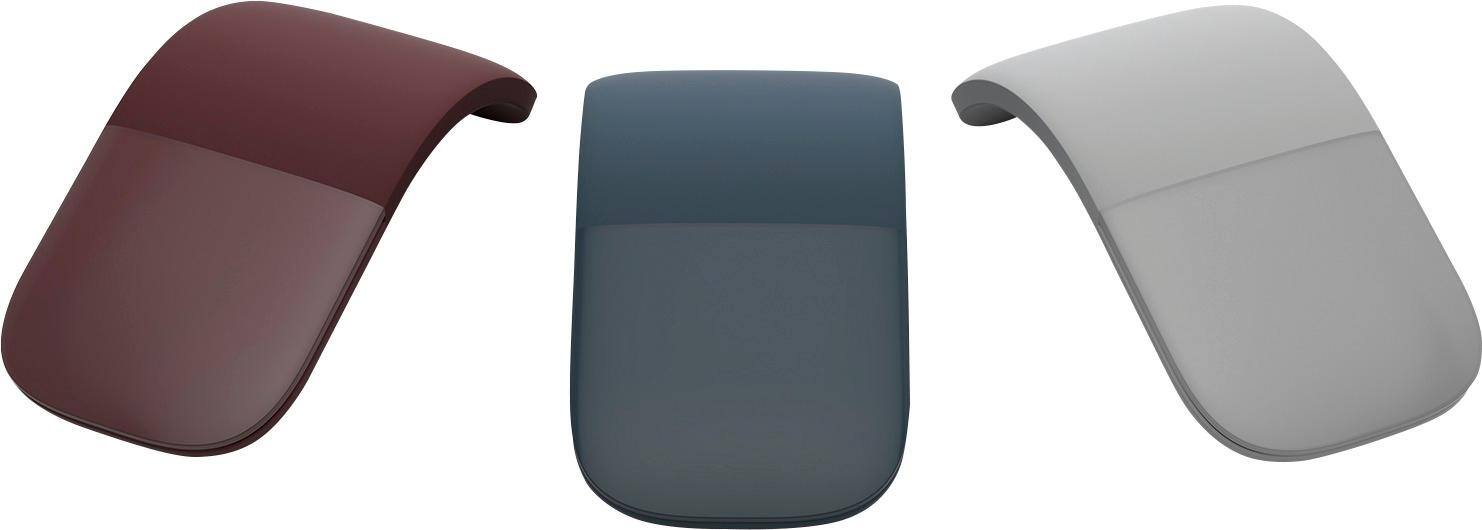
||Posted . Owned for 3 weeks when reviewed.This reviewer received promo considerations or sweepstakes entry for writing a review.this mouse is so compact, light and easy to use and store. I enjoy it's different abilities to use with my surface pro. I love the fact that it comes in different colors and it matches both my surface laptop and my wireless keyboard.
I would recommend this to a friendGreat mouse
||Posted . Owned for 2 weeks when reviewed.This reviewer received promo considerations or sweepstakes entry for writing a review.Great mouse, comfortable. The battery lasts long. Easy to set up. You do not need to occupy your usb port. Smooth movement. Soft material. Very travel friendly. Worth the money.
I would recommend this to a friendMicrosoft Surface Arc Bluetooth
||Posted . Owned for 1 year when reviewed.This reviewer received promo considerations or sweepstakes entry for writing a review.I love the way it fits in the palm. I own 3 of these and purchased one for my wife. I hope they continue making these.
I would recommend this to a friendA fun gadget that complements your Surface
||Posted .This reviewer received promo considerations or sweepstakes entry for writing a review.A fun gadget, easily operated and smoothly operating (albeit a tad on the expensive side), the mouse is definitely worth buying to complement your Surface Book. Cost aside, it beats the heck out of the trackpad mouse built into the Surface laptop.
I would recommend this to a friendBrand response from MicrosoftOutreachTeam
Posted .Hi there,
Thanks for letting us know how you are liking the Surface Arc Mouse. We work hard to make sure our Surface accessories pair flawlessly with your favorite Surface devices. We're so glad you are having a smooth experience!
Best,
Jessica
Surface Customer Care