Customer Ratings & Reviews

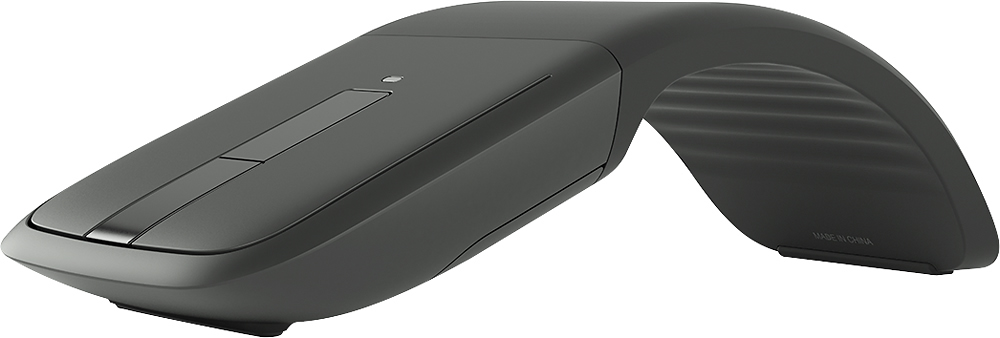
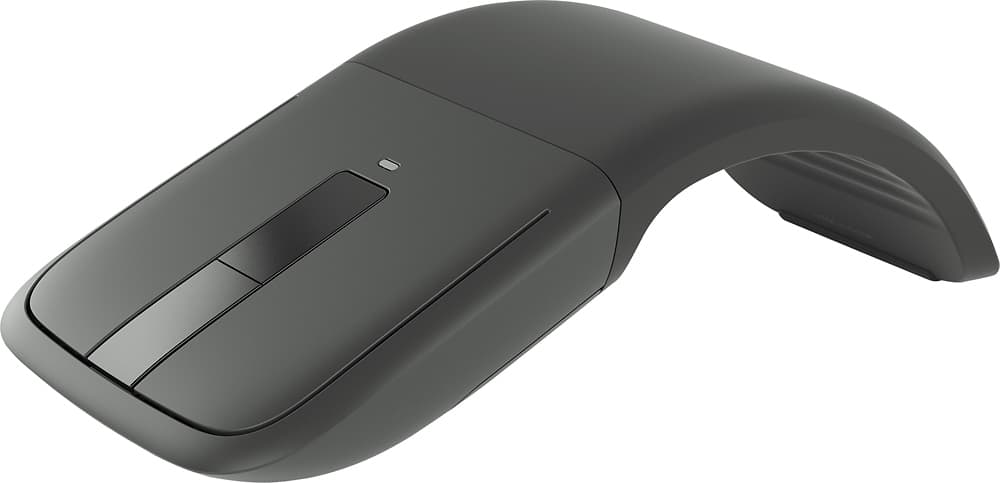
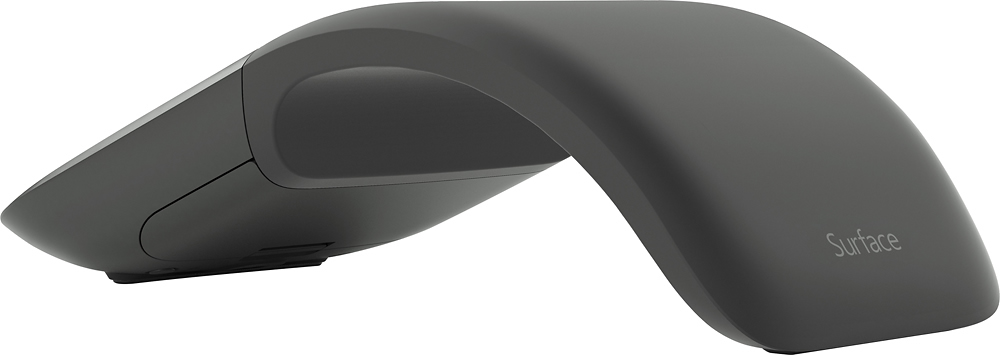
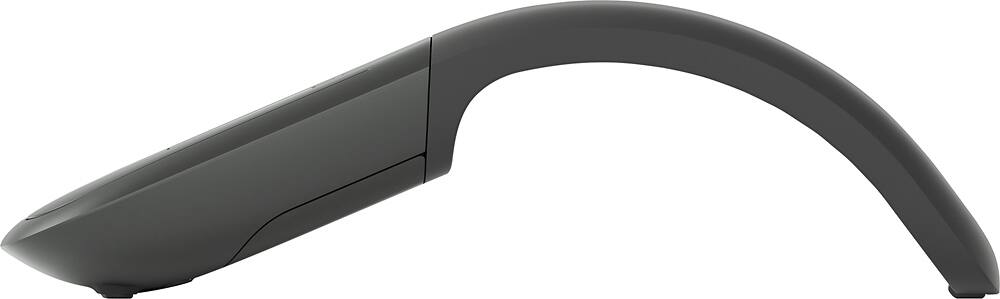
- Model:
- E6W-00001
- |
- SKU:
- 2265102
Customer reviews
Rating 4.4 out of 5 stars with 2279 reviews
(2,279 customer reviews)Rating by feature
- Ease of Use4.7
Rating 4.7 out of 5 stars
Customers are saying
Customers find value in the Arc Touch Surface Edition Mouse's portability, design, and Bluetooth connectivity. Many appreciate its comfortable shape, size, and excellent battery life, along with its responsiveness and compatibility with various surfaces. However, some users report issues with the scroll wheel's functionality. The price point is also a factor for some customers.
This summary was generated by AI based on customer reviews.
Rated 5 out of 5 stars
comfortable
||Posted .This reviewer received promo considerations or sweepstakes entry for writing a review.This is this the most comfortable mouse I have ever used.
I would recommend this to a friendRated 5 out of 5 stars
Easy to setup with the surface computer
||Posted .This reviewer received promo considerations or sweepstakes entry for writing a review.I previously had a Arc Touch mouse and used it with my Surface. I had to buy a USB hub for my Surface. This mouse works well. The only knock for me is the device will only work with one computer. It will have to be repaired when you use the mouse on a second computer.
I would recommend this to a friendRated 4 out of 5 stars
Good, but still thinking about other BT mice
||Posted .This reviewer received promo considerations or sweepstakes entry for writing a review.Connects good and works good. Great mobility. Little costly, but expected for a Bluetooth mouse. Still has me wanting that gaming desktop mouse feel (Logitech). So good for short-term use. If I need more long-term uses, I'll continue researching for that perfect mobile, desktop feel BT mouse.
I would recommend this to a friendRated 5 out of 5 stars
Arc Mouse with no dongle
||Posted .This reviewer received promo considerations or sweepstakes entry for writing a review.This was exactly what I was looking for - an Arc Mouse with no dongle. I purchased the cheaper Arc Mouse, but it came with a dongle. It works fine for a PC or Laptop with a few USB ports, but I wanted to use this to connect to my Windows 10 tablet and didn't want to use the USB port for the dongle.
I would recommend this to a friendRated 5 out of 5 stars
Convenient. Works well.
||Posted .This reviewer received promo considerations or sweepstakes entry for writing a review.Stores easily in work bag. Responsive and easy to use.
I would recommend this to a friendRated 3 out of 5 stars
It's OK
||Posted .This reviewer received promo considerations or sweepstakes entry for writing a review.I have bought 4 of them and all disconnect on a regular basis.
I would recommend this to a friend- Pros mentioned:Portability
Rated 5 out of 5 stars
Excellent bluetooth mouse
||Posted .This reviewer received promo considerations or sweepstakes entry for writing a review.I love this mouse, wow so easy to use, just a delight
I would recommend this to a friend Rated 4 out of 5 stars
Good bluetooth mouse...
||Posted .This reviewer received promo considerations or sweepstakes entry for writing a review.The Arc bluetooth mouse has worked for what I need it for. The build quality is good, feels good in the hand, and connects quickly. The center scroll buttons are a little wonky. The concept is good, execution not so much. Overall, this is a good quality product.
This review is from Microsoft - Arc Touch Bluetooth BlueTrack Mouse - Gray
I would recommend this to a friend- Pros mentioned:Portability
Rated 5 out of 5 stars
Great design and simplicity
||Posted .This reviewer received promo considerations or sweepstakes entry for writing a review.Awesome little piece of hardware that works flawlessly
I would recommend this to a friend - Pros mentioned:Portability
Rated 5 out of 5 stars
Great and Compact
||Posted .This reviewer received promo considerations or sweepstakes entry for writing a review.Very good response Bluetooth signal, very compact .
I would recommend this to a friend Rated 3 out of 5 stars
WORKS WELL WITH MY SURFACE PRO
||Posted .This reviewer received promo considerations or sweepstakes entry for writing a review.This efficiently pairs and works with my Surface. It's comfortable and moves well but I'm not sure it's the best design for a mobile platform. I would rather have a device that folds flat to store in my bag.
I would recommend this to a friend- Pros mentioned:Bluetooth
Rated 5 out of 5 stars
Small and portable
||Posted .This reviewer received promo considerations or sweepstakes entry for writing a review.Connects easily with Bluetooth no plug ins needed.
I would recommend this to a friend Rated 5 out of 5 stars
Great product
||Posted .This reviewer received promo considerations or sweepstakes entry for writing a review.Great mouse. I like how it folds flat for storage.
I would recommend this to a friendRated 5 out of 5 stars
Needs Windows 7 Compatibility
||Posted .This reviewer received promo considerations or sweepstakes entry for writing a review.This device can be made to pair with Windows 7, but it uses Bluetooth 4.0LE for which MS refuses to release drivers for Windows 7. As a result, when I use it with a Windows 7 machine, I am forced to repeatedly repair the device any time it goes into power saving mode. Otherwise, it works great I am very happy with it.
I would recommend this to a friend- Pros mentioned:DesignCons mentioned:Scroll wheel
Rated 2 out of 5 stars
Not for me
||Posted .This reviewer received promo considerations or sweepstakes entry for writing a review.I liked the arc and how it turns off and on. I did not like the way the scroll pad worked, it was very hard to get it to scroll the way I wanted. I returned it.
No, I would not recommend this to a friend Rated 2 out of 5 stars
Skipedee Do Dah
||Posted .This reviewer received promo considerations or sweepstakes entry for writing a review.The mouse connected with no problem. After that, it did not work well for me. Overall analysis: I think that this mouse might work well for someone with smaller hands and someone who does not have a separate USB 3.0 HUB attached to their computer. When my HUB was off, this mouse worked very well. No skips or jumps. It even worked across the room! Specific details and issues: My equipment is a 2012 Mac Mini with 16 GB 1600 MHz DDR3, a 2.3 GHz Intel Core i7, a SAMSUNG 840 Pro Series 2.5" 256GB SATA III MLC Internal Solid State Drive (SSD), and I am running Mavericks OS. The arc and width of the mouse did not work for me. I pick up and move the mouse to re-position quite a bit and had a very difficult time doing that with this design. I also turn it on and off every time I leave the computer for an extended period of time / at the end of each day. This "spooked me out" a bit as you have to flatten the mouse to turn it off and re-arc the mouse to turn it on. I was afraid that the mechanics of the mouse might not handle that too well and it might not even last a month. This was just my personal concern, not a proven fact! The overall main drawback for me was that I purchased this mouse in an attempt to resolve a skipping issue that I was having with my Logitech M510. I had hoped that a Bluetooth mouse would resolve the interference issue and the skips, jumps, and disappearing mouse pointer problems would be resolved. They were not. This mouse still skipped, jumped and the pointer would be lost off screen. The same as before with the 2.4 GHz Logitech. I have isolated the problem to the USB 3.0 HUB that is attached to my computer. The interference that this causes is almost unbeatable and is unbearable. Huge skips and jumps.. what happened to my mouse pointer, etc. My final resolution for that problem came by reattaching my USB 2.0, 4 port HUB to a USB 3.0 port on the back of my Mac Mini. The Logitech receiver is 6 to 12 inches away from my mouse at all times and is in front of the computer itself. It sits right at the front most point of the base of my monitor on the right hand side as I am right handed. So now I'm back to my favorite mouse and no more skips and jumps. In my attempt to resolve the skipping and jumping issue, I ran several mice through several tests. As noted above, this mouse worked well without the USB 3.0 hub attached. Without the Hub attached it performed better than most others I tried. Depending on circumstances of equipment being used, the size of a persons hands, and intended use, I would recommend this mouse to a friend. Cheers!
This review is from Microsoft - Arc Touch Bluetooth BlueTrack Mouse - Gray
I would recommend this to a friendRated 3 out of 5 stars
Mouse
||Posted .This reviewer received promo considerations or sweepstakes entry for writing a review.It's ok it may be it takes time for me to get use to
This review is from Microsoft - Arc Touch Bluetooth BlueTrack Mouse - Gray
I would recommend this to a friend- Pros mentioned:Bluetooth
Rated 3 out of 5 stars
Good but not
||Posted .This reviewer received promo considerations or sweepstakes entry for writing a review.I like the mouse when it works. Really like the fact I don't need a USB receiver,but will just stop working periodically. Tried changing Bluetooth/ power settings on laptop per forums but no luck
This review is from Microsoft - Arc Touch Bluetooth BlueTrack Mouse - Gray
No, I would not recommend this to a friend Rated 4 out of 5 stars
Linux fail
||Posted .This reviewer received promo considerations or sweepstakes entry for writing a review.Working great with Windows and Mac. I use Linux as my primary OS and I finally gave up on trying to get Bluetooth working with this. I simply couldn't get it to pair. I've used an Arc Touch for a long time. Awesome travel mouse.
I would recommend this to a friend- Pros mentioned:Battery life
Rated 3 out of 5 stars
i guess its ok
||Posted .This reviewer received promo considerations or sweepstakes entry for writing a review.pluses: easy connection to my laptop via bluetooth. expected good battery usage. easy on/off. cons: seems to drop connection too easily. random jumps on pages make it challenging to use
No, I would not recommend this to a friend