Customer Ratings & Reviews
- Model:
- T5D-03190
- SKU:
- 6402559
to a friend
Customers are saying
Customers highly value the ease of use, especially praising the user-friendly installation and navigation. The inclusion of Outlook, Excel, Word, and PowerPoint are frequently cited as key reasons for purchase, along with the overall value for the price. While some users experienced minor challenges with the installation process, many appreciate the one-time purchase option and the software's compatibility.
This summary was generated by AI based on customer reviews.

Worthy Upgrade from Office 2013 or earlier
|Posted .This reviewer received promo considerations or sweepstakes entry for writing a review.This review is for Microsoft Office 2019 Home & Business, which comes with Powerpoint, Word, Excel, oneNote, and Outlook. It is an upgrade to the previous version, Office 2016, installed "on-premise", i.e., stand-alone, and the only time it needs an Internet connection is to download and install the code, which by the way works easy as pie. Here is the thing, though: Any stand-alone versions of Office will never be en par with Office 365, meaning, the annual subscription version of Office, Office 365, will always be more powerful and richer in features on-goingly than Office 2019, which does offer some minor graphical improvements, such as newer, more modern icons over previous Office versions. As such, if you want to have the always more powerful version of Office, you need to go with 365. As Office 365 is cloud-based, you'll get new features and/or improvements seamlessly as they become available that will not necessarily rolled out into Office 2019. I came from Office 2016, and have not yet seen any major improvements, new features, or differences. Office 2019 appears to be rock-solid and rock-stable, and simply does what each of the Office apps is supposed to do. I want to say if you are on Office 2013 or earlier, and do not want to go the subscription-based Office 365 way, then Office 2019 is worth upgrading to. Not so sure about whether or not an upgrade from Office 2016 is worth it as I haven't seen anything yet that would create a "Wow" in my face. Overall, I give Office 2019 four stars, as I still prefer Apple's KeyNote presentation software over Powerpoint. I was hoping to see an improved slide management system similar to what KeyNote offers (e.g., sectionizing slides that you can collapse and expand upon need), but it's not offered. Nevertheless, there is nothing wrong with Office 2019. It is the de-facto market standard and probably always will be. I'll stick to "on-premise" versions like Office 2019 a while longer ...
I would recommend this to a friendBrand response from MicrosoftOutreachTeam
Posted .Hi there,
Thanks for your feedback. We value our customers input and care about your experience with your Microsoft product. That being said, we want to address some of the points you touched on.
First, Office 2019 will update periodically, meaning, you're not left in the dust compared to Office 365 users. You can also manually force updates for Office 2019. Follow this link for more information: https://support.office.com/en-us/article/Install-Office-updates-2ab296f3-7f03-43a2-8e50-46de917611c5
We also think you might enjoy learning about some of the ways PowerPoint can work for you. So, here's a link filled with great tips and tricks for PowerPoint: https://support.office.com/office-training-center/PowerPoint-tips
We hope this all helps to enhance your experience with Office!
Sincerely,
Jo
Office Customer Care
Quality product, stingy license
|Posted .This reviewer received promo considerations or sweepstakes entry for writing a review.I picked up Microsoft Office 2019 primarily for use by a member of my household who had used older versions of Office for many years for both personal and business use. For several months recently she had to do without it for for personal use, and felt lost without it. To view and edit any of her many personal Word and Excel documents, she tried using some of the popular free alternatives, but was unable to find a knack for their use. She was both relieved and excited to try the latest Office offering. The familiar ribbon-based interface design that has remained relatively consistent through the last several iterations of Office afforded a smooth migration experience that allowed her to hop straight into productive use of the applications in the suite. Of the few new features introduced to this latest version of Office, she particularly liked the set of inking features, which is a great way to add annotations to a document that are markedly separate from the document’s core content. For better or worse, the applications in the Microsoft Office suite are well-ingrained industry standards. Fortunately, these applications are good at what they do, providing countless features that cater to casual and power users alike, wrapped in interfaces that are designed for efficient productivity, and offer rock-solid and hassle-free operation, which I couldn’t honestly say for the vast majority of software I use. Unfortunate, however, is the single-device licensing with no discounted upgrade path for users with older versions of Office, which seems well suited to usher users towards Office 365 instead. If you don’t have a need to use Office on multiple devices and either have Office 2013 or older or don’t have Office at all, then this is likely a worthwhile purchase.
I would recommend this to a friendBrand response from MicrosoftOutreachTeam
Posted .Hi there,
Thank you so much for leaving your detailed review of Office. We appreciate hearing from you and always value customer input.
To ensure your comments are heard by our internal Microsoft teams, we ask you submit your review to our User Voice site: https://office365.uservoice.com/
You can also give Microsoft your feedback within any app in your Office 2019 software.
Thanks for being a part of the Microsoft family.
Sincerely,
Jo
Office Customer Care
Still the gold standard for the office
|Posted .This reviewer received promo considerations or sweepstakes entry for writing a review.Not really sure what can be said that hasn't already been said. This is the latest version of Office and it performs just like all previous versions. With the inclusion of Outlook, I no longer have to login to my corporate webmail to access emails like some vagabond contractor. Word/Excel work great and haven't had any issues so far with crashing. Only real downside is the price. With LibreOffice, Open Office and Google Docs, there are plenty of free alternatives for creating documents these days.
I would recommend this to a friendBrand response from MicrosoftOutreachTeam
Posted .Hey there,
Thanks so much for your review. We love hearing feedback from our customers and value all you have to say.
That being said, with the Office 365 package, you do get free and unlimited access to our Support Center and Customer Support Team. Those features are invaluable and aren't easily found with other software suites. You can look into both of these resources at this link, whenever you want: https://support.office.com/
Thanks for being a member of the Microsoft family!
Sincerely,
Jo
Office Customer Care
- Pros mentioned:Ease of use
consistently good software
|Posted .This reviewer received promo considerations or sweepstakes entry for writing a review.The software is consistently reliable and easy to use. The last software I used was Office 2016 and the format didn't change much but I really enjoyed being able to use outlook with the business account and the ease with sharing files.The bundled software is great as always and I have no complaints. I definitely recommend the software for all small business owners.
I would recommend this to a friend Worth the Upgrade from 2013 and Older
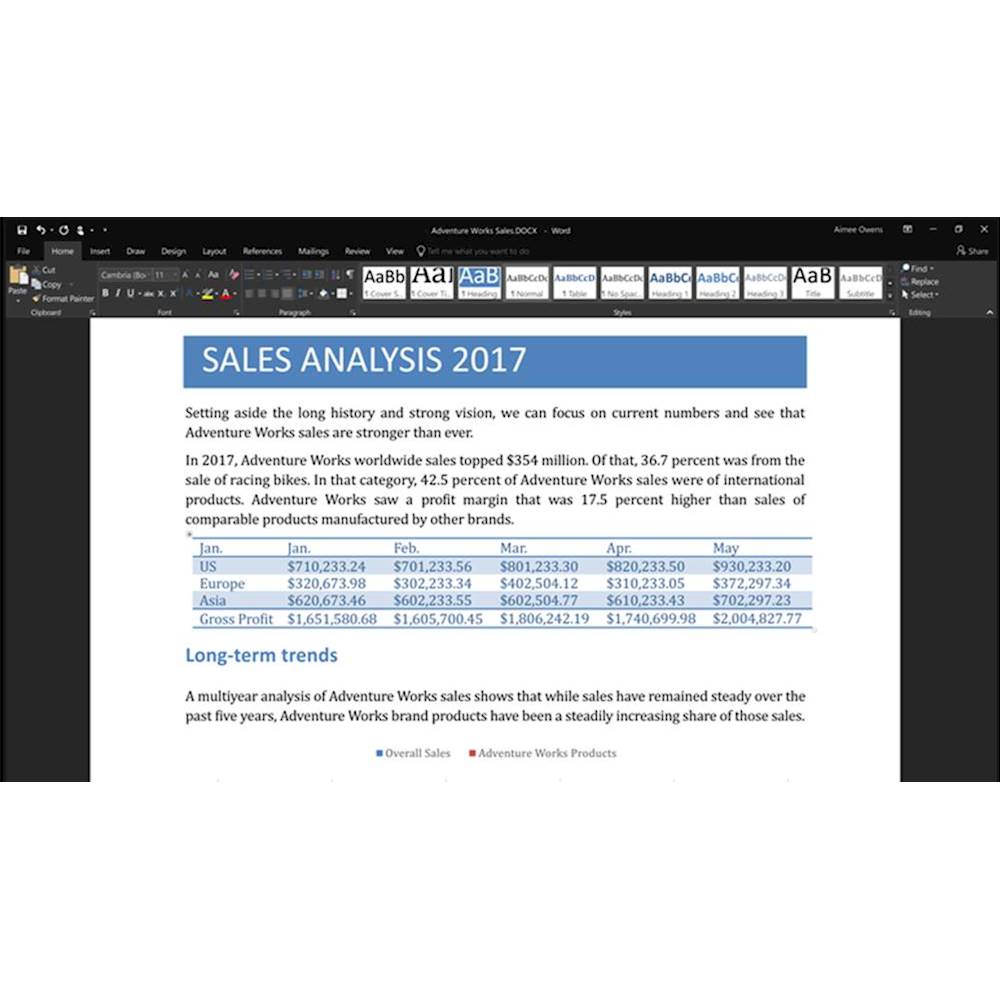
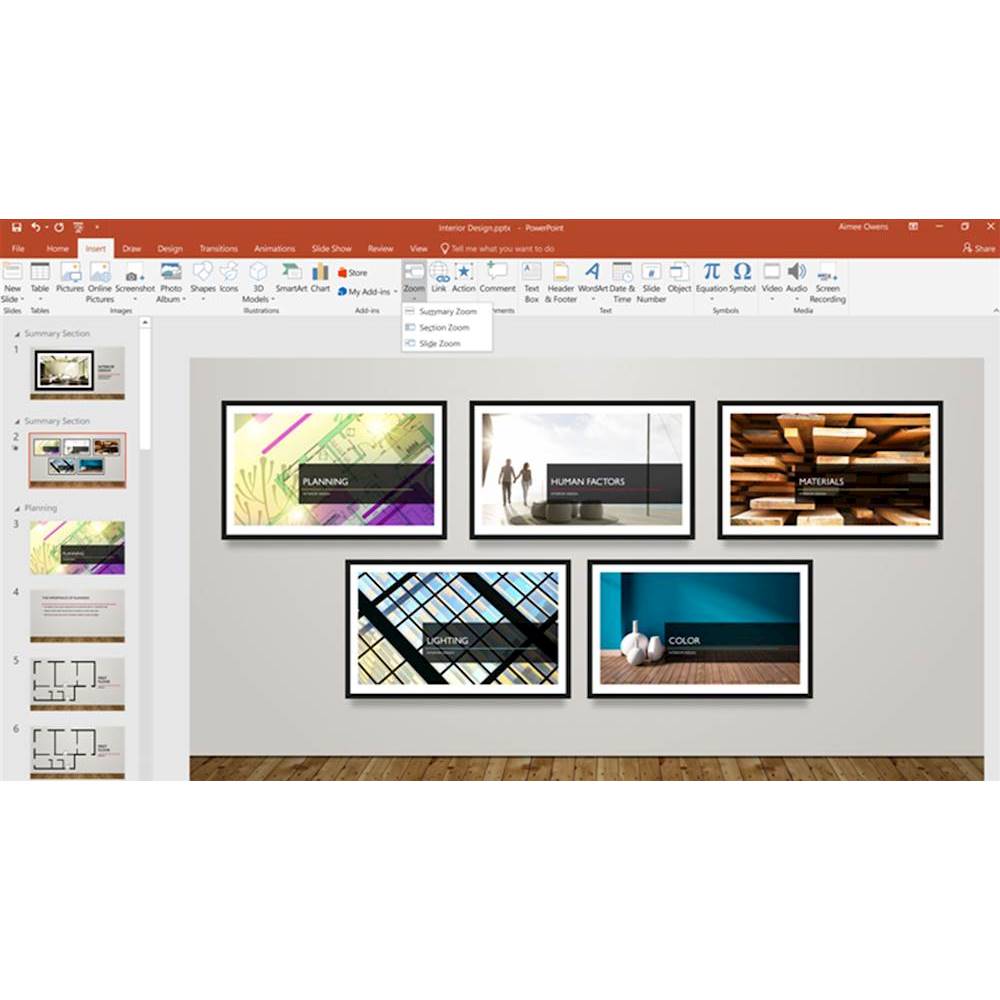
|Posted .This reviewer received promo considerations or sweepstakes entry for writing a review.If you're coming from Office 2013 or older, I think this is definitely worth the upgrade. Though Microsoft's main Office focus is now O365 (which I also have a subscription to), I think they were wise to release this for those unwilling to pay a yearly subscription to have the essentials; the main downside is that this product receives no functionality updates like O365, but the trade off will be worth it to some. Visually, things look a little cleaner than older versions of Office, but things will be very familiar for anyone used to their "ribbon" interface. What you get is upgraded functionality under the hood (new charting abilities, templates, etc) that makes this worth the cost for anyone that needs to create documents, spreadsheets, or slides. Some of my favorite new features are: -Dark mode: allows you to change the background to black. Honestly, this is a small but incredibly beneficial UI option; not sure what took so long! -PowerPoint Zoom: this allows you to create really interactive PP slide decks that allow you to have much greater control over navigation. This is a huge update and will be a favorite of PowerPoint power users The inclusion of Outlook and OneNote may not be needed for some users, but if you know you need these, then this is the version to get. Overall, this is a worthy upgrade, especially for users on 2013 and older.
I would recommend this to a friendStill solid but nothing noteworthy.
|Posted .This reviewer received promo considerations or sweepstakes entry for writing a review.I just upgraded my 2016 version of the standalone Office suite. From the inside, it’s still a solid set of tools even though I’ve been using Mac’s suite of similar apps more lately. So far, both Word and Powepoint have been super fast and issue-free. Outlook seems to feel the same as well. I typically don’t use Excel too often so I won’t have input on its update. The look and feel are familiar with a few noticeable changes like updated icons. I really haven’t noticed much more than that. That’s the main point here. The update is probably great from the coding point of view but it’s so similar to my previous version that there’s nothing major to notate. Not sure if it’s worth the price to update if you are already happy with the 2016 version. It works. It works well. And I guess that’s all that really matters.
I would recommend this to a friendBrand response from MicrosoftOutreachTeam
Posted .Hello there,
Thanks for the review and for letting us know how your experience with Office has been. So you can have a clear picture of what's new with Office 2019, we suggest checking out this link: https://support.office.com/en-us/article/what-s-new-in-office-2019-5077cbbe-0d94-44cc-b30e-654e37629b0c?ui=en-US&rs=en-US&ad=US
If you have any further questions or concerns about your software, reach out to our Customer Support Team: https://support.microsoft.com/en-us/contactus/
Take care,
Jo
Office Customer Care
The workplace standard. Not many changes from 2016
|Posted .This reviewer received promo considerations or sweepstakes entry for writing a review.What really is left to say about Microsoft Office that isn't already known? If you've worked in office environment chances are very likely you've used it before. The best Word processor and best Spreadsheet software to collaborate with other users, especially in business, and it's not even close. The obvious advantage of purchasing the product key version is that you actually own the software. It may not be compatible with Microsoft's own cloud services in another 5 years but as evident from Office 2013 to this very own 2019 not much of the interface has changed. For that very reason, if you're on Office 2016, I can't recommend 2019 as it's not much of an upgrade. For any users still using Office 2013 or earlier, I strongly suggest to consider and would recommend Office 2019.
I would recommend this to a friendBrand response from MicrosoftOutreachTeam
Posted .Hi there,
Thanks so much for leaving a review! We appreciate it and love hearing what our customers have to say about Office.
If you're curious to learn the particulars about what's new to Office 2019, check out this link: https://support.office.com/en-us/article/what-s-new-in-office-2019-5077cbbe-0d94-44cc-b30e-654e37629b0c?ui=en-US&rs=en-US&ad=US
We hope that helps you to achieve more!
Take care,
Jo
Office Customer Care
Useful
Posted .This reviewer received promo considerations or sweepstakes entry for writing a review.Very useful software that complements my laptop. Thanks!
I would recommend this to a friendA big jump from older office, not much from 2016.
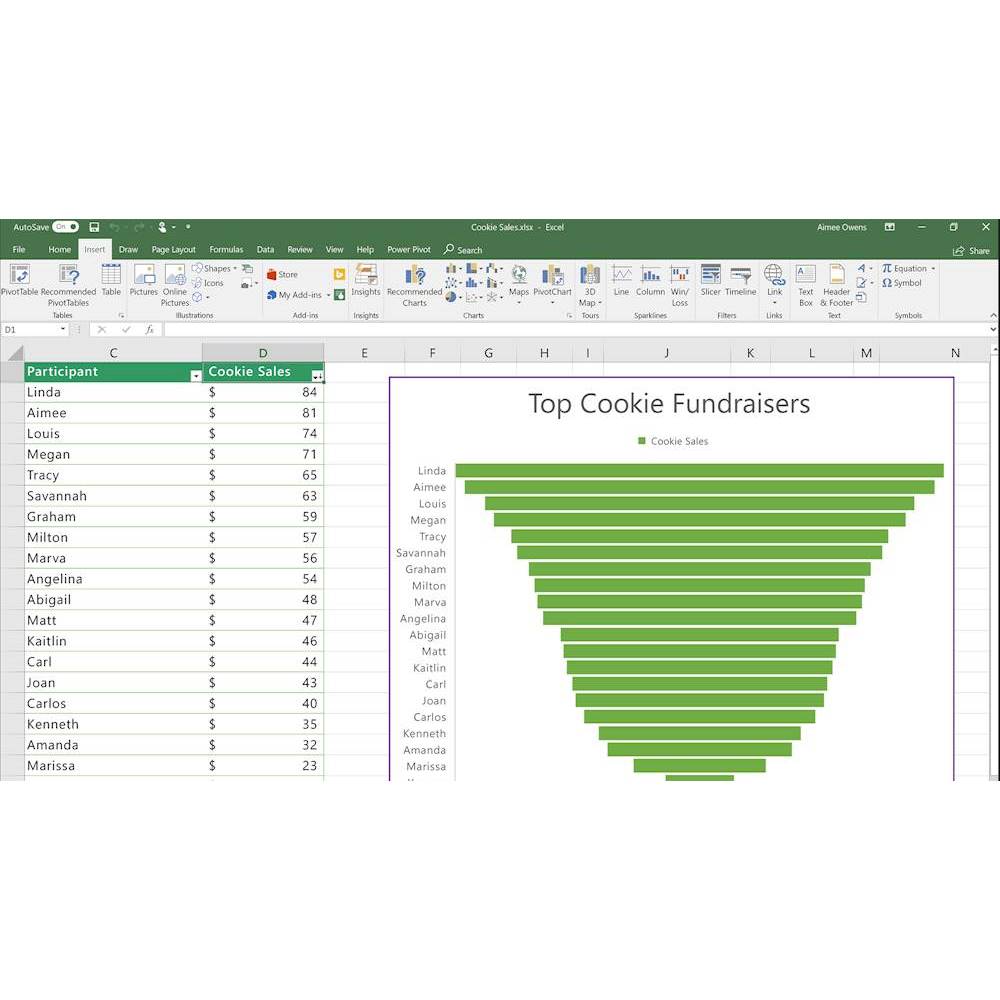
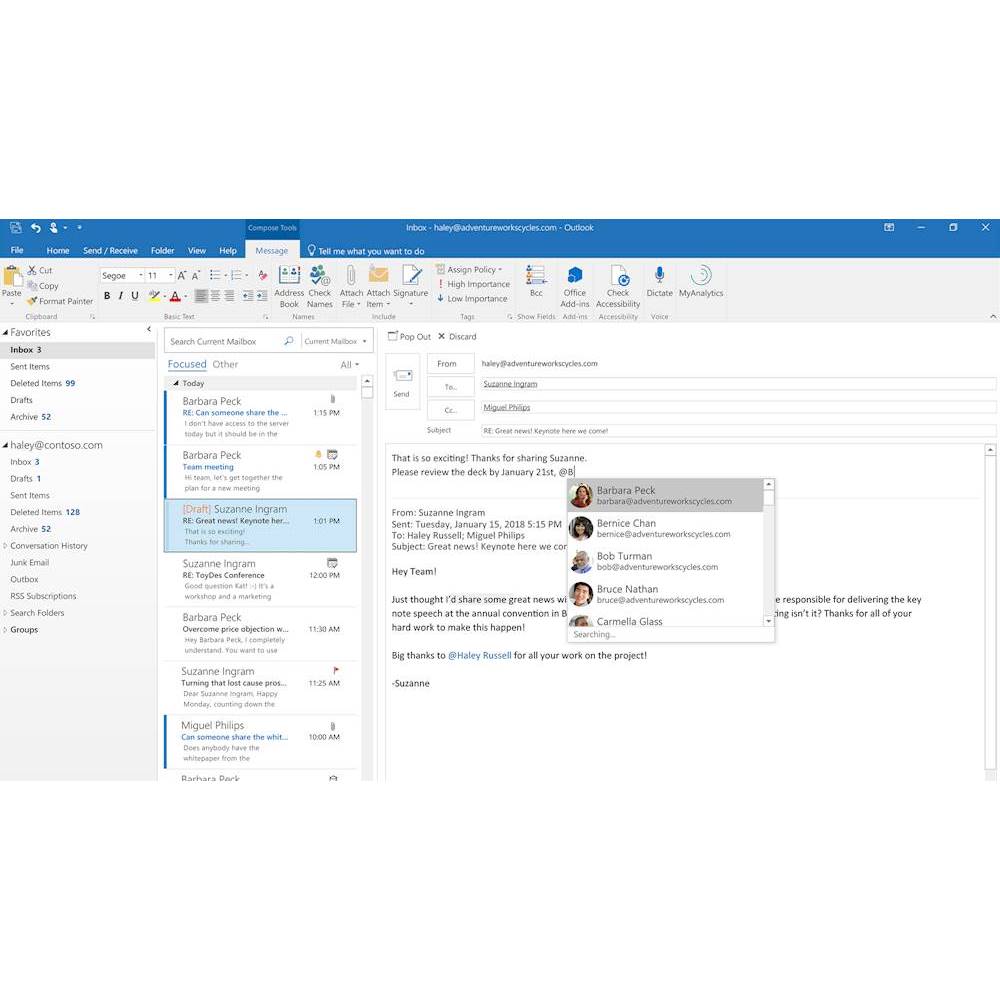
|Posted .This reviewer received promo considerations or sweepstakes entry for writing a review.Let's get right to it. Office 2019 is a point-in-time snapshot of the continually evolving Office 365 applications. So - if you haven't moved to the O365 subscription licensing model yet and want to OWN you copy of Office AND you are looking to upgrade from Office 2010 or 2013, then Office 2019 might be for you. It runs only on Windows 10 and the 3 newest Mac OS'es and the feature set addition from Office 2016 is this: Word -Black theme -Learning tools (captions and audio descriptions) -Speech feature (text-to-speech) -Improved inking functionality- -Accessibility improvements Excel -Funnel charts, 2D maps, and timelines -New Excel functions and connectors -Ability to publish Excel to PowerBI -PowerPivot enhancements -PowerQuery enhancements PowerPoint -Zoom capabilities for ordering of slides within presentations -Morph transition feature -Ability to insert and manage Icons, SVG, and 3D models -Improved roaming pencil case Outlook -Updated contact cards -Office 365 Groups1 -@mentions -Focused inbox -Travel and delivery summary cards Again - if you have an older version of Office - this is definitely worth it if you are trying to avoid the cloud. In the end, you'll likely be forced to the cloud anyway....just saying. Recommended for people upgrading from older versions only.
I would recommend this to a friend- Pros mentioned:Ease of use
To purchase or to Rent?
Posted .This reviewer received promo considerations or sweepstakes entry for writing a review.Excellent product and very easy to download and install. I use all features included with Office, and get a new copy frequently. I might consider moving to the cloud based program next time.
I would recommend this to a friend - Pros mentioned:Ease of use
still can't get along with just google apps
Posted .This reviewer received promo considerations or sweepstakes entry for writing a review.Office is still basically a necessity for getting things done at the office so I still use this everyday. It's not cheap but its worth it.
I would recommend this to a friend Great Product!
Posted .This reviewer received promo considerations or sweepstakes entry for writing a review.I previously bought the subscribed Office 365 but when their verification servers went down, I decided to go old school and get the download. I am very pleased with that decision as I have had no further issues.
I would recommend this to a friend