Customer Ratings & Reviews



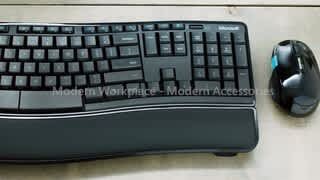
- Model:
- L5V-00001
- SKU:
- 1818024
Rating by feature
- Value
Rating 4.3 out of 5 stars
- Quality
Rating 4.5 out of 5 stars
- Ease of Use
Rating 4.5 out of 5 stars
Customers are saying
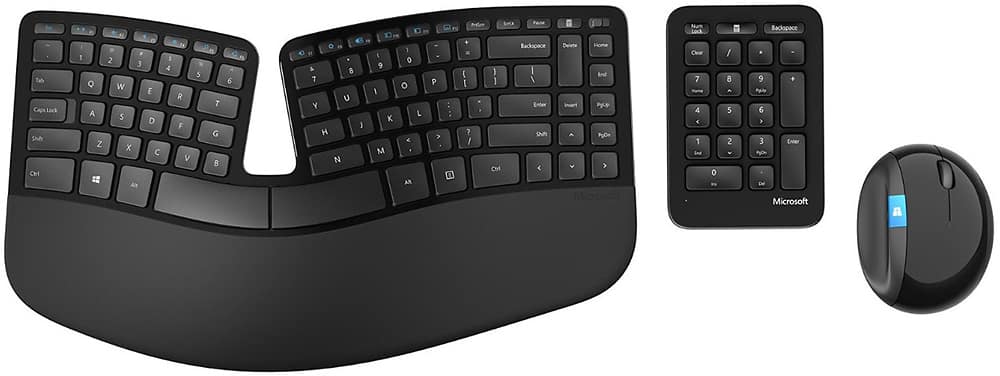
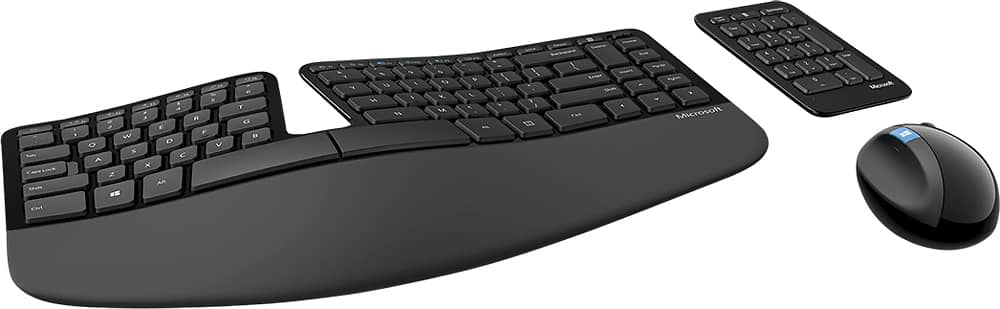
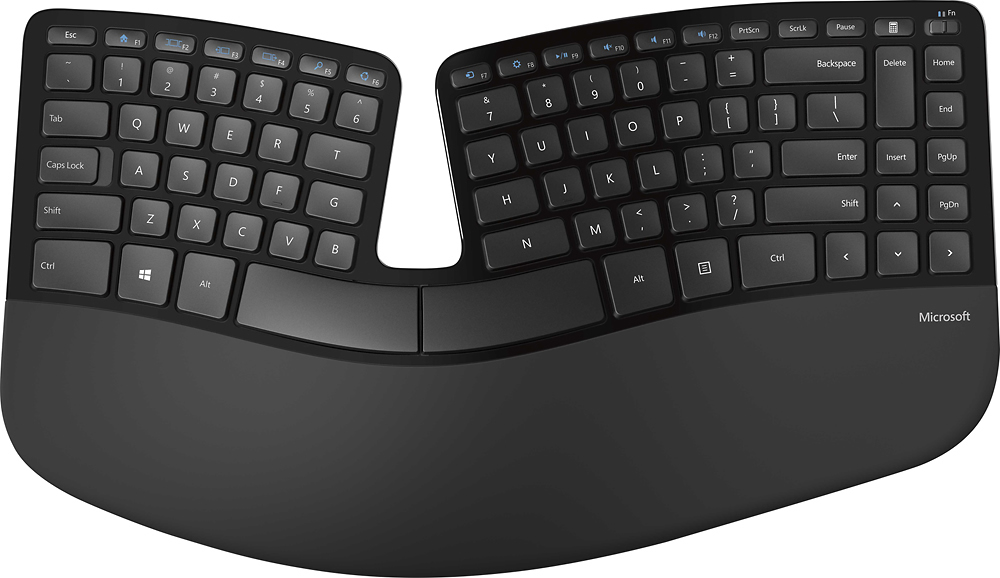
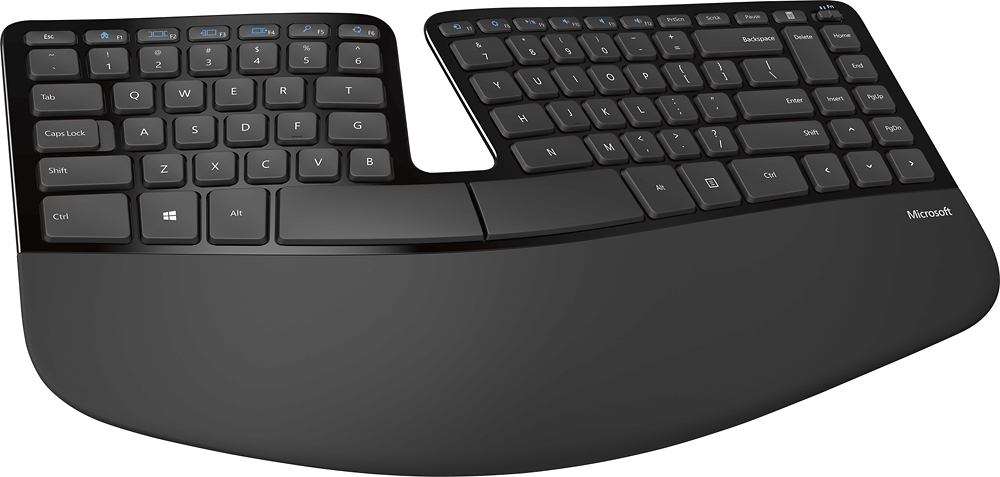
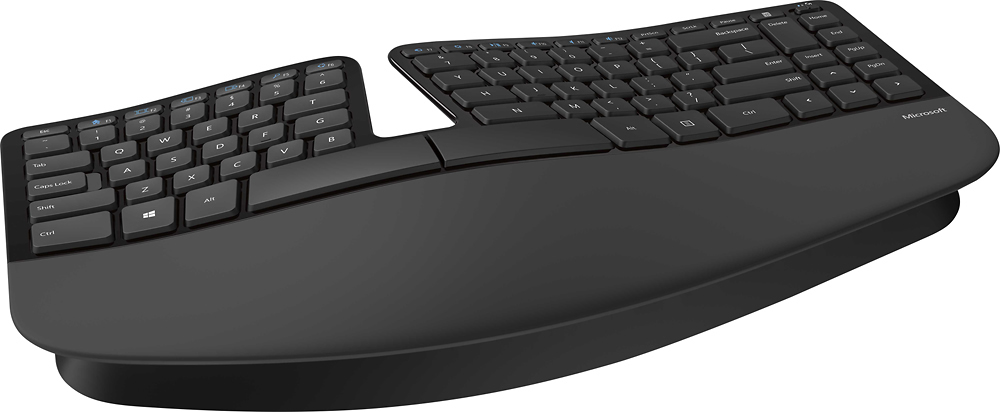
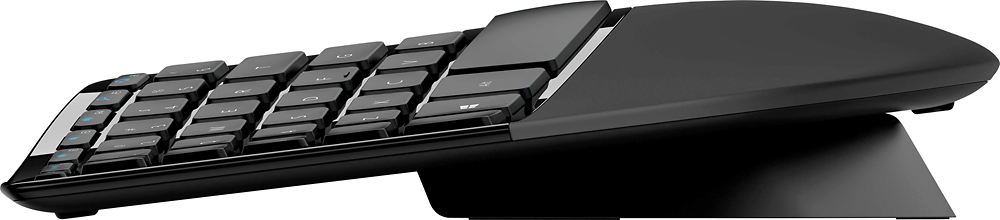
Customers love the ergonomic design of the Sculpt Keyboard and Mouse Bundle, praising its comfort and pain relief during extended typing sessions. The wireless feature is also well-received for its convenience, especially when working with spreadsheets. However, some users have concerns about the mouse's durability and responsiveness, as well as the keyboard's learning curve and battery life.
This summary was generated by AI based on customer reviews.
Worst experience
||Posted .This reviewer received promo considerations or sweepstakes entry for writing a review.It's really frustrating to get such service and waste alot of time
No, I would not recommend this to a friendBrand response from MicrosoftOutreachTeam
Posted .Hi there,
Thanks for taking the time to reach out. We're sorry to hear about your recent difficulties with Microsoft Sculpt Ergonomic Desktop. We genuinely appreciate your feedback, and we would love to hear more details about your experience so we can be of some assistance. We highly recommend reaching out to our support team here: https://support.microsoft.com/en-us/contactus/.
We hope to hear from you soon.
Kindly,
Jessica
Microsoft Customer Care
blue screen
||Posted .This reviewer received promo considerations or sweepstakes entry for writing a review.This keyboard causes windows 10 to bluescreen. I was not pleased
No, I would not recommend this to a friendVery hard to use
||Posted .This reviewer received promo considerations or sweepstakes entry for writing a review.Very awkward, and I've used ergonomic keyboards in the past.
No, I would not recommend this to a friend- Cons mentioned:Mouse
Microsoft Ergonomic Keyboard
Posted .This reviewer received promo considerations or sweepstakes entry for writing a review.This keyboard is extremely comfortable, and I'm enjoying using it. However, the mouse did not work for me, which is why I put 4 stars instead of 5. There was nothing wrong with the mouse, it just was not comfortable. We also bought 4 additional keyboards, per Ergonomic staff recommendations.
I would recommend this to a friend - Pros mentioned:Ergonomic, Wireless
Work from home life
Posted .This reviewer received promo considerations or sweepstakes entry for writing a review.I bought this for work and it is wonderful! Easy to use and great on my wrists.
I would recommend this to a friend - Pros mentioned:Ergonomic
Best wireless keyboard & mouse I have ever had
Posted .This reviewer received promo considerations or sweepstakes entry for writing a review.I use this combo every day at work and just went out and purchased this exact same one for my wife this weekend. Not only does it work great, the form is very pleasing as well. It is one of the smallest ergonomic keyboards that I have seen or used. The mouse does take some getting used to, but after I got used to it I have less hand & wrist fatigue from the mouse. I have recommended it to several people and they are please with it as well. The separate 10 key gives you a great option put it aside when you don't need it, as well. So overall a great product...
I would recommend this to a friend - Cons mentioned:Battery life
Love using, battery life is not good
Posted .This reviewer received promo considerations or sweepstakes entry for writing a review.I bought 3 of these keyboards from Best Buy. 2 were on sale for $69.99 and they price matched Amazon to bring the 3rd one down to $69.99 from $99.99. I was very disappointed when I recently went back to get another one and saw they raised the price to $129.95. Yes, this keyboard looks cool. Yes, I like typing on it and replaced 2 MS Wireless Comfort Desktop 5000 sets which had nothing wrong with them. The reason I rated it a 3 is because I have had to replace the batteries in at least one component/set each month since I have owned it. I have changed the keyboard batteries 4 of the past 6 months. In the 4+ years I owned the Desktop 5000 I can only remember changing the batteries a few times in the mouse. However, if you are not concerned about the battery issue then I highly recommend it at a lower price!
I would recommend this to a friend - Pros mentioned:Ergonomic
My favorite ergonomic keyboard and mouse.
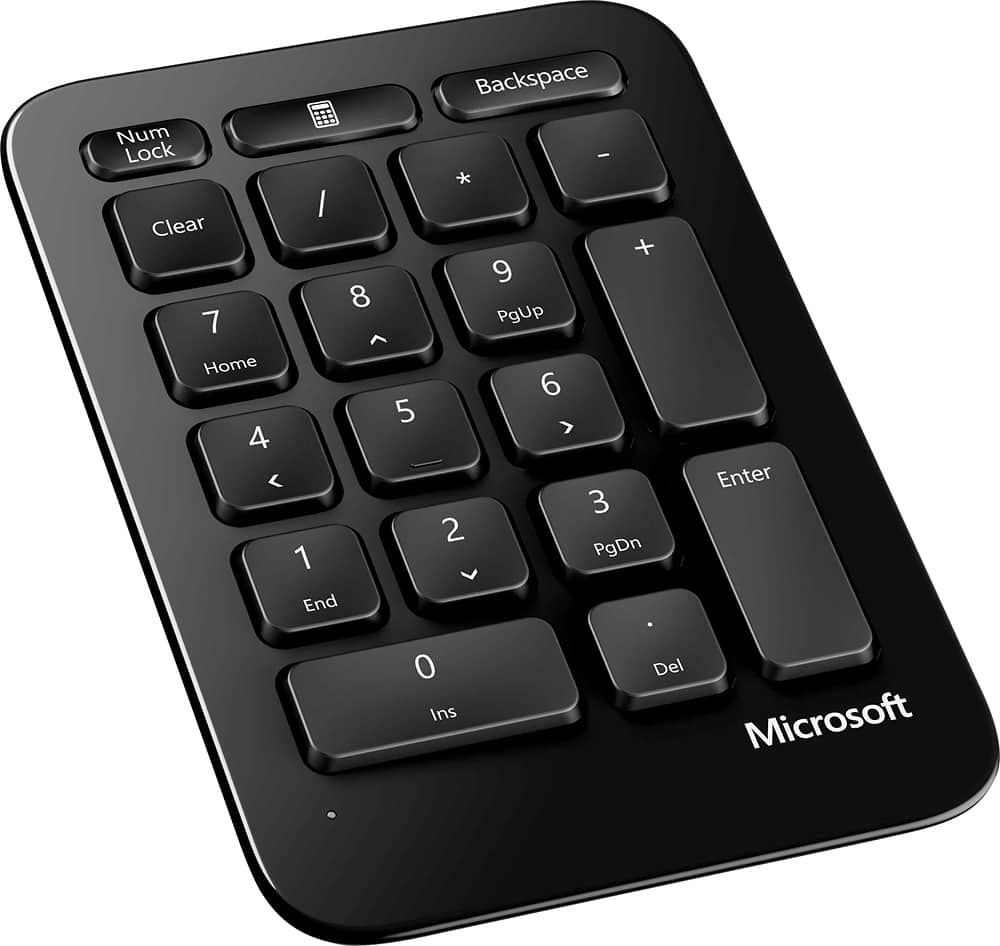
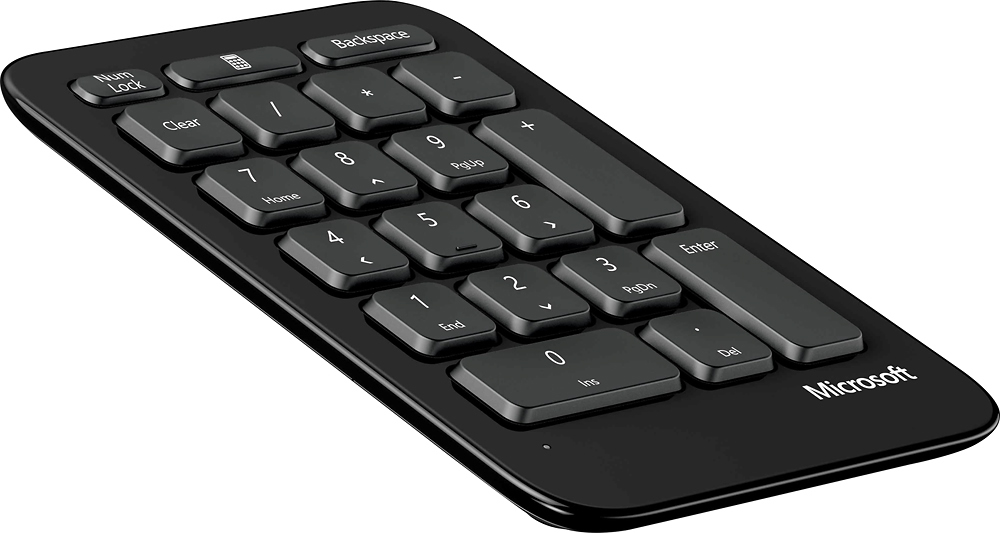
Posted .This reviewer received promo considerations or sweepstakes entry for writing a review.I have purchased this product a few times now. Hands down my favorite ergonomic keyboard and mouse. A sneaky bonus is the separate numeric keypad. That makes it very easy on a crowded desktop to ensure the typing keys are centered to your body.
I would recommend this to a friend - Pros mentioned:Ergonomic
A Great Keyboard and Mouse Set but be warned...
Posted .This reviewer received promo considerations or sweepstakes entry for writing a review.The Sculpt Ergonomic Keyboard and Mouse Set is a very comfortable to use addition to a computer workspace. The separate number pad allows for greater flexibility for placement, although it takes some time to get used to it. It's a pure Windows 8 focused set with features that allow easy navigation on the Windows 8 OS. The whole set is dependent on an included USB dongle and requires some downloaded software to function and allow customization however, the USB dongle is surprisingly easy to break and is coded to work only with that one keyboard and mouse. So if it breaks, the keyboard and mouse becomes useless. You would have to buy another set to be able to use it again. Overall, an excellent keyboard and mouse with only one flaw: the included USB dongle.
No, I would not recommend this to a friend - Pros mentioned:Ergonomic
This is about the mouse
Posted .This reviewer received promo considerations or sweepstakes entry for writing a review.It's fat and a little homely, and shaped more like a ball than a mouse. That being said, it works well for me. If you are an everyday all day user of a computer, and you feel any wrist strain from a more conventional mouse, this alleviates the problem. I've had this mouse for over a year now. My hand used to cramp up from mousing, especially in my wrist and upper hand. My fingers would also feel a bit trembly after mousing all day, especially along the lower part of my thumb. The fat ball shape fits your hand like a glove, and is a natural feel. Your hand feels perfectly at rest on it. Yes, people in my office laugh a little when they see it sitting on my desk, but I think I get the last laugh at the end of the day. They say things like, "what the heck is that?" Time is the real test of any product, and after more than a year, I'm thanking myself for buying it. The mouse was worth every dime. Responds well too, which is to be expected with a quality product from Microsoft. I love it.
I would recommend this to a friend - Pros mentioned:Ergonomic
Natural hand positioning helps wrists a lot too!!
Posted .This reviewer received promo considerations or sweepstakes entry for writing a review.The answer for someone who works on a keyboard all day! It takes a bit of getting used to, but when it becomes natural, you will be so glad that your wrists no longer ache!! Good for people with arthritis in their hands too.
I would recommend this to a friend - Pros mentioned:Ergonomic, Separate number pad
Fantastic relief of wrist strain
Posted .This reviewer received promo considerations or sweepstakes entry for writing a review.I have recurrent inflammation of my right TFCC ligament (pinkie side of wrist), often to the point where I can't tolerate using a regular keyboard and mouse. Switching to this keyboard was seriously a godsend - I'm no longer typing with one hand just to avoid pain. The separate number pad is an added bonus for me - I can use it with my left hand to minimize movement of my right. The mouse is also very comfortable for me since I don't have to turn my wrist flat to use it. My only caveat is this - you must be comfortable with touch typing to really benefit from the keyboard. Typing was a bit clumsy for me at first, I practiced a bit on keybr.com to get used to it. Otherwise, I like the feel of the keys and the clicking doesn't bother me. I HIGHLY recommend this to anyone with a wrist issue.
I would recommend this to a friend - Pros mentioned:Ergonomic, Wireless
Love this set
Posted .This reviewer received promo considerations or sweepstakes entry for writing a review.This is the 2nd time purchasing this keyboard in the last 5 years, and as long as they keep making them I will keep using it! I broke my hand in 2017 and was having a really difficult time finding a mouse that would work and feel comfortable for me. The shape of this mouse is perfect, at the end of my 10 hour shift, I have no pain. I’m also really tough on keyboards as again I work long days and spend the whole time typing. I bring this thing with me when I have to travel for work as it just plugs into the usb in my laptop and I can use it wirelessly. Using anything else is unimaginable.
I would recommend this to a friend - Pros mentioned:Ergonomic
wrist pain instantly releaf
Posted .This reviewer received promo considerations or sweepstakes entry for writing a review.I code almost 14 hours a day as a full time programmer for 3 companies. I had been having issues the last 4 months and I was continually ignoring the pain in my wrists and fingers until I decided that I need to go for an ergonomic keyboard. To be honest, there were several options on the store and I had to evaluate each keyboard in order to look the keyboard that fit the most to my body natural disposition. there were bulky keyboards on the Microsoft brand, there were curved keyboards that constrains worse my wrists and after several testings my best option was this keyboard. after adding the addon that it goes under the keyboard after an hour I felt very rested from my wrist. the learning curve to use this keyboard depends in your capabilities of writing. in my case it didn't took me more than 3 hours to get to my normal coding speed, but time by time I had to check visually where I type when I do a typo to do some muscle memory. My fingers feels more relaxed and building muscle memory on my fingers took a little. It was in my personal case and this could change in another person's performace. The mouse: I had a Logitech MX 420 that could pair with this mouse, but definitively I go with the provided on the box. it is quite confortable and I can rest my hand properly without constraining my wrist. I had a Razer Mamba mouse that I used almost daily and no point of comparison against Microsoft's ergonomic mouse. You feel the rest on your wrist when you start to use it. you shouldn't judge the appearance of the mouse. The wireless number keypad I place it next to my mouse and it is quite confortable if those two are close to my hand's disposition. If you are an avid writer, coder or gamer with carpal tunnel issues, you could go with this one.
I would recommend this to a friend - Pros mentioned:Ergonomic
Happy lil typer
Posted .This reviewer received promo considerations or sweepstakes entry for writing a review.Got it for my Husband as a xmas present. He has carpal tunnel and was having has trouble with traditional keyboard. His pain has subsided ans I couldn't be more happier..
I would recommend this to a friend - Pros mentioned:Wireless
Very good, and comfy.
Posted .This reviewer received promo considerations or sweepstakes entry for writing a review.Got it for christmas for my new laptop from my dad. At first i thought it wasnt that good, because I wanted RGB and a mechanical keyboard. It is very comfy and I love it.
I would recommend this to a friend - Pros mentioned:Ergonomic
Microsoft Keyboard
Posted .This reviewer received promo considerations or sweepstakes entry for writing a review.I have used this keyboard for years now no longer available so I’m glad I found this.
I would recommend this to a friend - Pros mentioned:Ergonomic
MRS
Posted .This reviewer received promo considerations or sweepstakes entry for writing a review.The Microsoft- Sculpt Desktop is useful my hands hurt less as I type all day long, Comfortable and efficient.
I would recommend this to a friend Best Keyboard I’ve ever used
Posted .This reviewer received promo considerations or sweepstakes entry for writing a review.I bought because I fell in love with the one purchased by my employer from my choosing it. The dongle became loose from my packing in my bag still connected to the keyboard vs removing and storing back in mouse. Lesson learned. This Lightweight, quiet keys and I bought a carrying case for it off Amazon. Love love this keyboard
I would recommend this to a friend- Pros mentioned:Ergonomic, Wireless
Excellent specially after practice
Posted .This reviewer received promo considerations or sweepstakes entry for writing a review.Very nice and comfortable keyboard. I had to practice with a typing program to get used to it at first, but after that, it was great. Same goes for the mouse. after a couple of days, it feels very comfortable. The only issue is the esc and function keys. They are not the same quality as the rest. Also, the "fn" key is kind of annoying. But for me, these are not deal breaker.
I would recommend this to a friend