Customer Ratings & Reviews
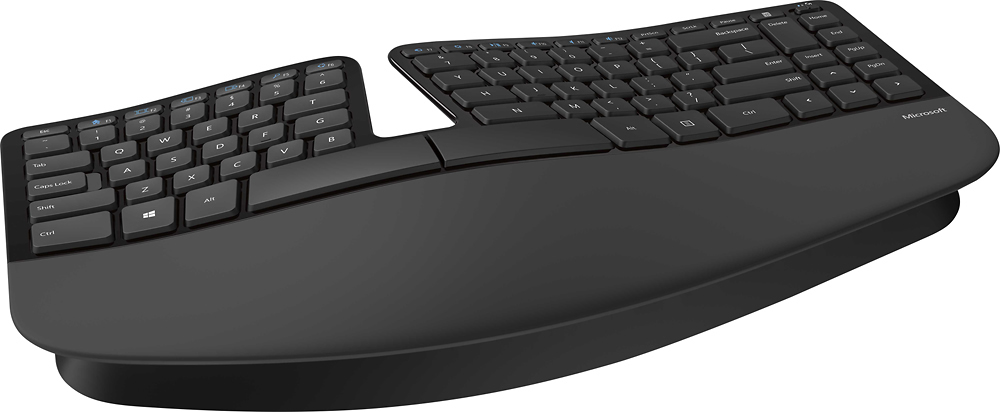

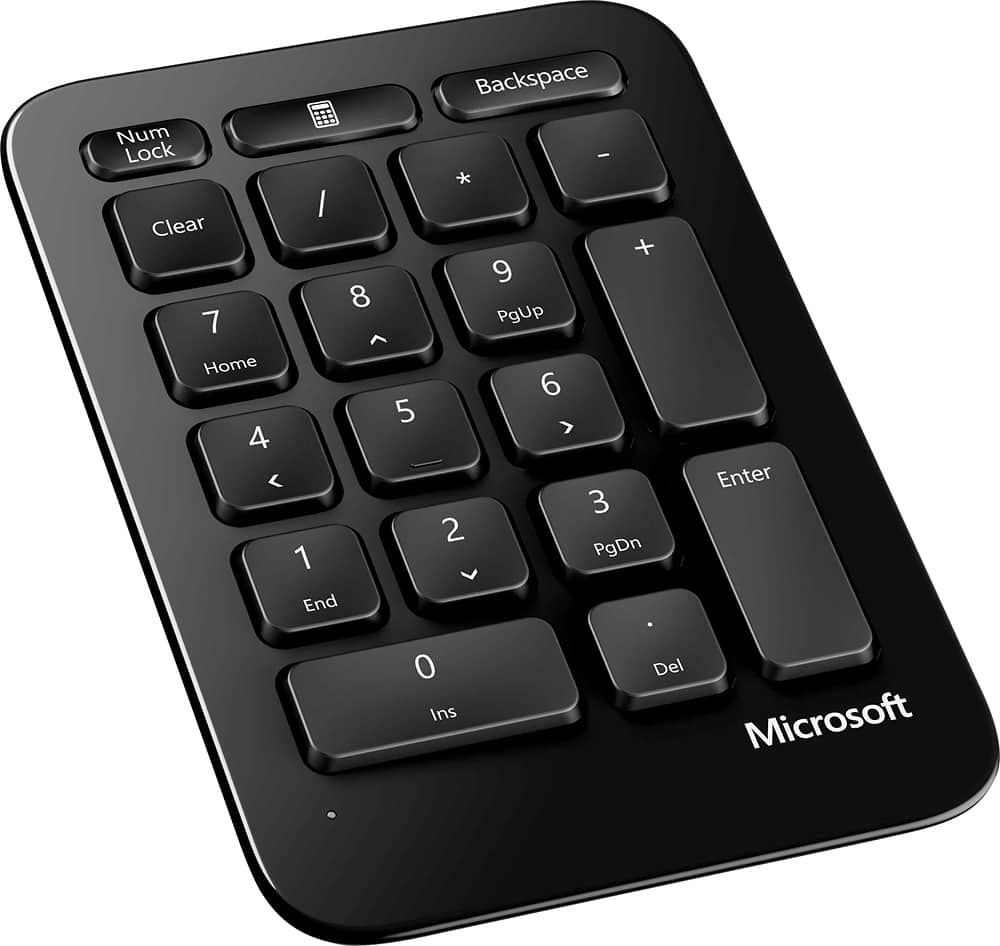
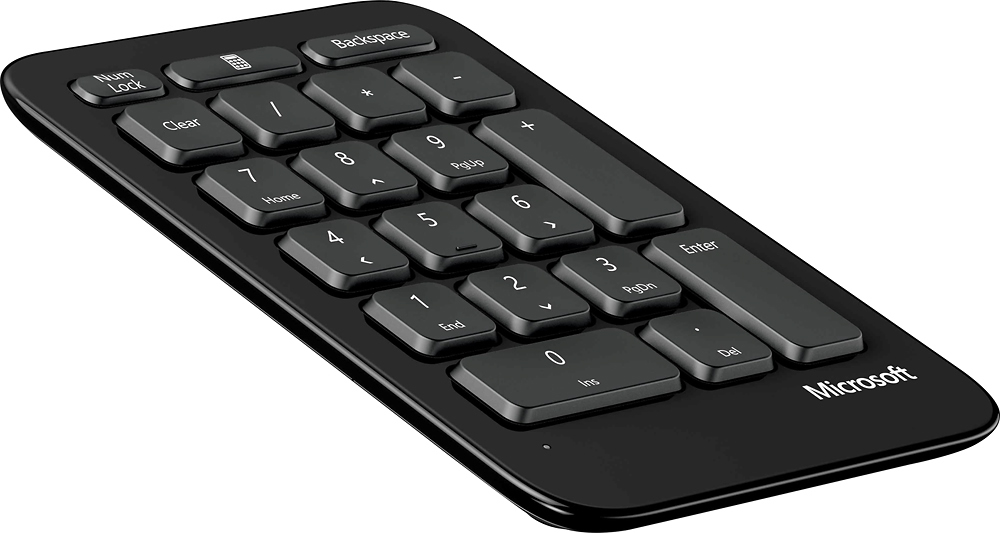

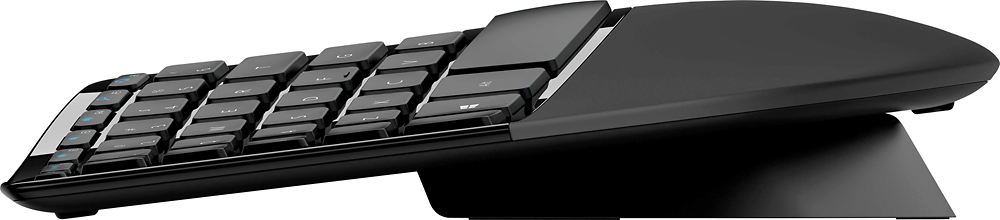

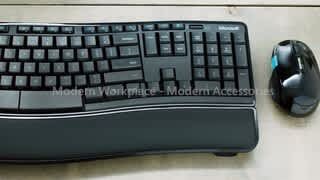
- Model:
- L5V-00001
- SKU:
- 1818024
Rating by feature
- Value
Rating 4.3 out of 5 stars
- Quality
Rating 4.5 out of 5 stars
- Ease of Use
Rating 4.5 out of 5 stars
Customers are saying
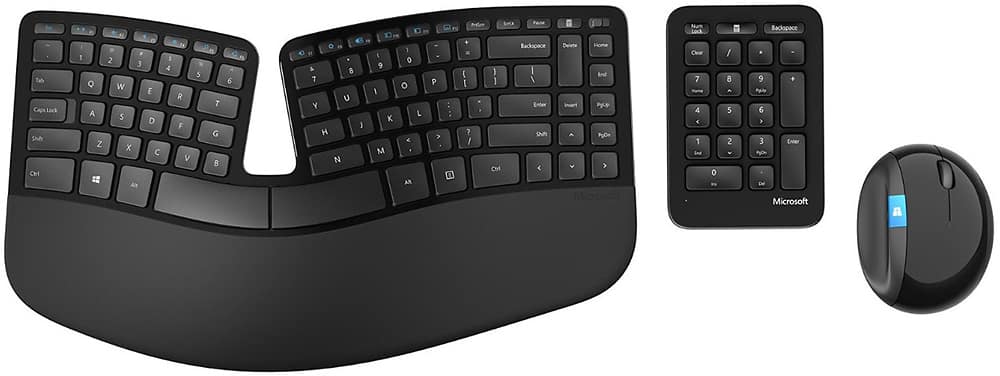
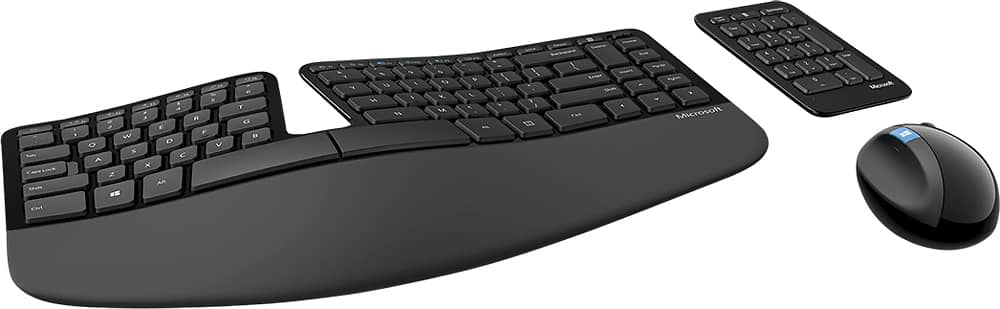
Customers love the ergonomic design of the Sculpt Keyboard and Mouse Bundle, praising its comfort and pain relief during extended typing sessions. The wireless feature is also well-received for its convenience, especially when working with spreadsheets. However, some users have concerns about the mouse's durability and responsiveness, as well as the keyboard's learning curve and battery life.
This summary was generated by AI based on customer reviews.
The keyboard worked one day and then died.
Posted .This reviewer received promo considerations or sweepstakes entry for writing a review.It's a nice keyboard and very comfortable to use but that means nothing if it doesn't work. It worked flawlessly on its first day of use when an eight-page paper was typed. The next time it was used, it didn't work at all. The mouse and little keyboard did so the dongle worked. I replaced the batteries in the main keyboard and it worked as expected until it was unused for about a minute then it went to sleep and never woke up. The old batteries were reinstalled. Again, it woke up and worked fine until it wasn't used for a minute and then went to back to sleep again. Tried it in 3 computers, same problem. The only way to revive it is to disconnect the batteries and then you had better not stop typing or will go back to sleep. My second complaint is that the dongle is too tight and requires way too much force inserting it into usb ports. This may be why so many users are complaining about broken dongles. It really grinds going in and it won't go in some ports at all. I have tried the whole system on three different computers. Same problems on both. This product is the result of very poor quality control. It's too bad. It had a shot at greatness. If this is how Microsoft builds things, Surface computers will not be an option for this user.
No, I would not recommend this to a friendCan't review when missing USB
Posted .This reviewer received promo considerations or sweepstakes entry for writing a review.This isn't on the product, because as much as I was looking forward to using this, I can't because the USB was missing when I opened the mouse. The USB is probably the most important component in the entire unit, but alas, nope. So, then I call the store and they won't check to see if they have more in stock, but tell me to bring it back and they will make sure I'm taken care of. When I asked if they would ensure I was taken care of in store, I was then told "Well, yes, if we have another unit in stock." Not good customer service Best Buy, not at all. I was trying to avoid having to drive 35 miles if they didn't have another one but apparently walking 100 feet to the shelves isn't in the job description. Maybe one day I can try the keyboard, but not today, and maybe not tomorrow, you know, since dude-with-no-name was less than helpful.
I would recommend this to a friendDO NOT BUY OPEN BOX VERSION OF THIS ITEM
Posted .This reviewer received promo considerations or sweepstakes entry for writing a review.Saw an open box listing for this item, with condition listed as "Excellent". Package didn't include the USB receiver (it should be stowed in the mouse battery compartment, and it wasn't there or anywhere else in the accessories or box). Without the USB receiver, the entire set is literally useless. I will be returning for a refund, and sincerely hope that BB does not attempt to hold me responsible for the missing USB receiver. Best Buy has completely failed in this case, as they did not very the completeness of the contents. Per online policy, Best Buy says it verifies functionality and completeness and notes missing accessories, etc. That process clearly failed in this case.
No, I would not recommend this to a friendNo light indicator for Caps Lock
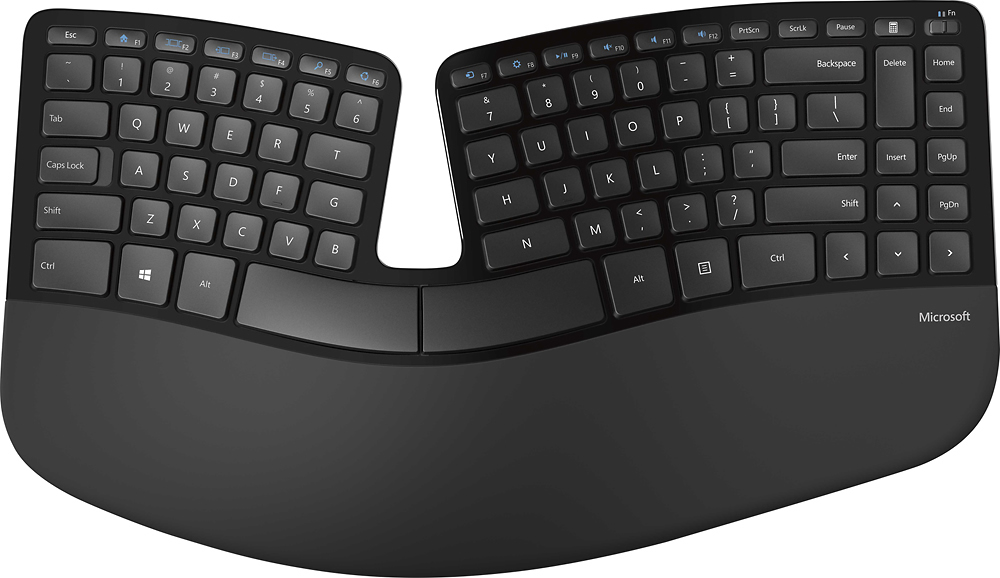
Posted .This reviewer received promo considerations or sweepstakes entry for writing a review.I like this pretty much, but I find that not having a CAPS LOCK indicator light is a problem. Because of that I cannot recommend.
No, I would not recommend this to a friendBrand response from MicrosoftOutreachTeam
Posted .Hi there,
Thank you for taking the time to share your experience with Sculpt Ergonomic Desktop Wireless USB Keyboard and Mouse. We genuinely appreciate your feedback about Sculpt Ergonomic Desktop Wireless USB Keyboard not having a caps lock indicator and will be passing it along to our team.
Best,
Rebecca
Microsoft Customer Care
Not worth it
Posted .This reviewer received promo considerations or sweepstakes entry for writing a review.I bought this a few months ago. It worked OK. Then, my computer slipped and hit the wall of my desk, and the transceiver somehow snapped. It was not a serious impact, and looking at the USB portion, it looks very cheap and you cannot replace it! Now the entire purchase is useless. You cannot return the item. It is very expensive seeing that there are other, better technologies out there that you would not run into such problems. (E.g. Bluetooth, universal recievers)
No, I would not recommend this to a friendDoes Not Work
Posted .This reviewer received promo considerations or sweepstakes entry for writing a review.After a week this product stopped connecting to my MacBook Air in a reliable way, requiring 2-5 minutes of turning on and off and plugging and unplugging the keyboard and mouse before the keyboard and mouse would connect to my MacBook. Sometimes, even after fussing in this way, it does not work at all. I do not recommend this product.
No, I would not recommend this to a friendGreat keyboard, horrible technology
Posted .This reviewer received promo considerations or sweepstakes entry for writing a review.This keyboard uses a proprietary USB transceiver. If you lose the dongle, the keyboard (and mouse - in my case) becomes useless. There are no replacement dongles available. Do yourself a favor and buy any other brand when it comes to keyboards and mice because, clearly, Microsoft doesn't have the intelligence to design a keyboard or mouse for the modern world.
No, I would not recommend this to a friendFaulty, cheap construction
Posted .This reviewer received promo considerations or sweepstakes entry for writing a review.After owning this keyboard just shy of a year, I can say that I love its form and concept. However, I've always had issues with the number keypad not responding and now the mouse has crapped out and loses connection frequently. It's beyond frustrating.
No, I would not recommend this to a friendNo replacement part available!
Posted .This reviewer received promo considerations or sweepstakes entry for writing a review.This device might be a good choice, BUT the USB connector device, if lost, is not replaceable. Microsoft recommends that we begin again with an alternative keyboard.
No, I would not recommend this to a friendBrand response from MicrosoftOutreachTeam
Posted .Hello,
We understand your frustration and will be sure to pass it along to our team for their future consideration. We do apologize for the inconvenience.
Kindly,
Victoria
Microsoft Customer Care
Do not buy unless you want to throw money away
Posted .This reviewer received promo considerations or sweepstakes entry for writing a review.The transceiver will fail or will be misplaced and when it does you can't get it replaced so be ready to throw they beautiful keyboard in the trash.
No, I would not recommend this to a friendBrand response from MicrosoftOutreachTeam
Posted .Hi Wyatt,
Thanks for expressing your concerns regarding the durability of the Sculpt Ergonomic Desktop's receiver. We're passing the feedback along to our team for their future consideration of potential product updates.
Kind regards,
Jessica
Microsoft Customer Care