Customer Ratings & Reviews
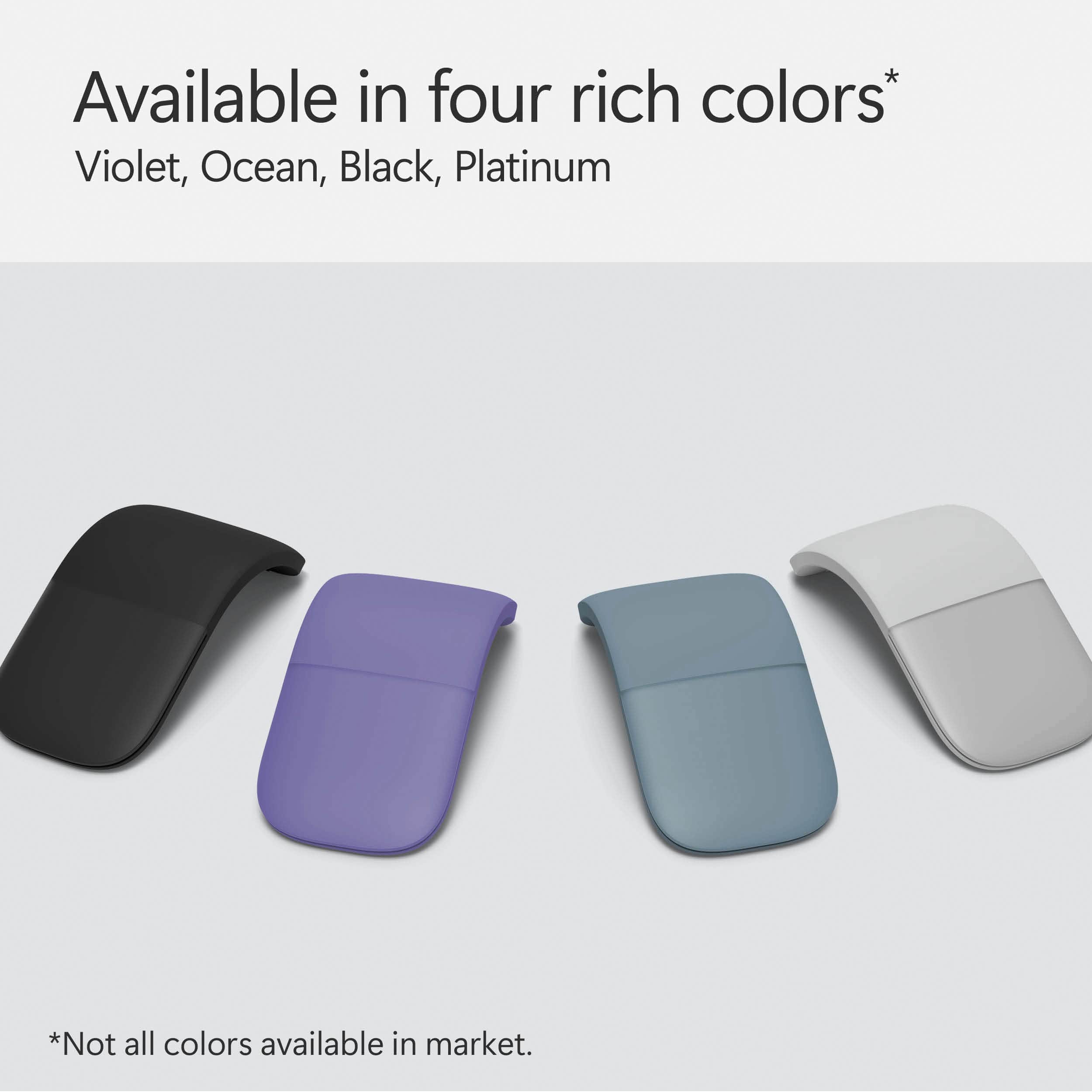
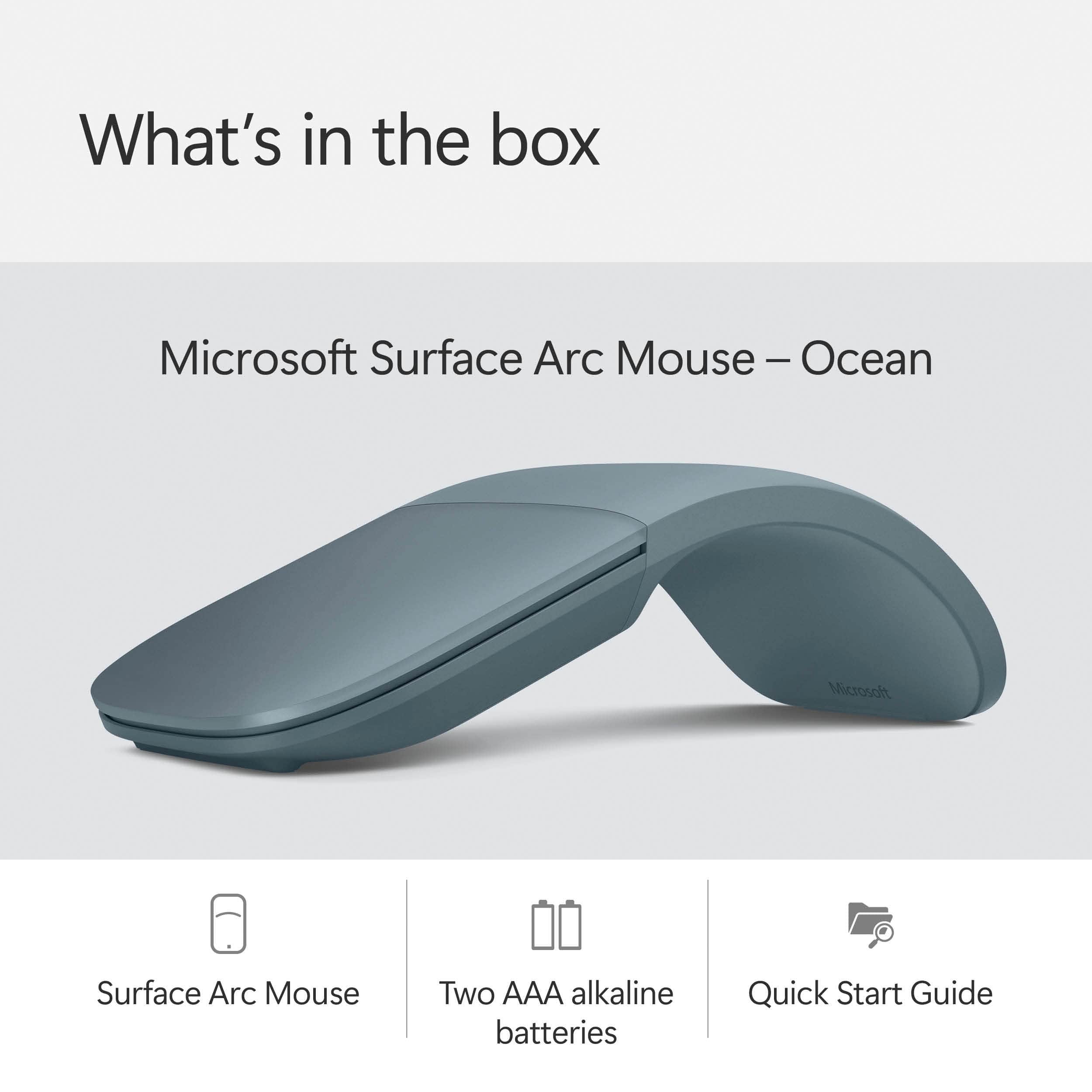

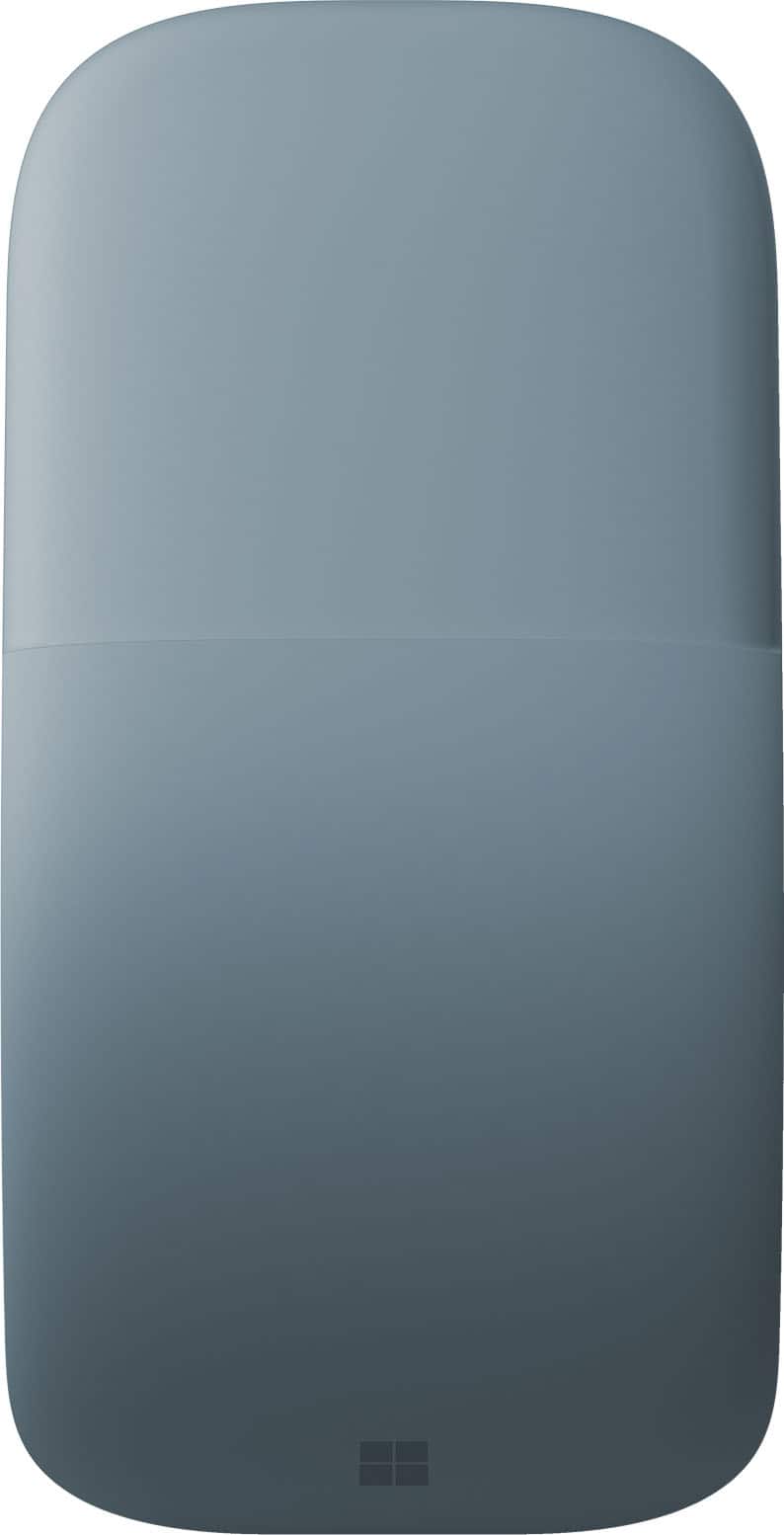
- Model:
- EP2-32755
- SKU:
- 11332291
Rating by feature
- Value
Rating 4.4 out of 5 stars
- Quality
Rating 4.7 out of 5 stars
- Ease of Use
Rating 4.6 out of 5 stars
to a friend
Uncomfortable, no features to make it worth the $$
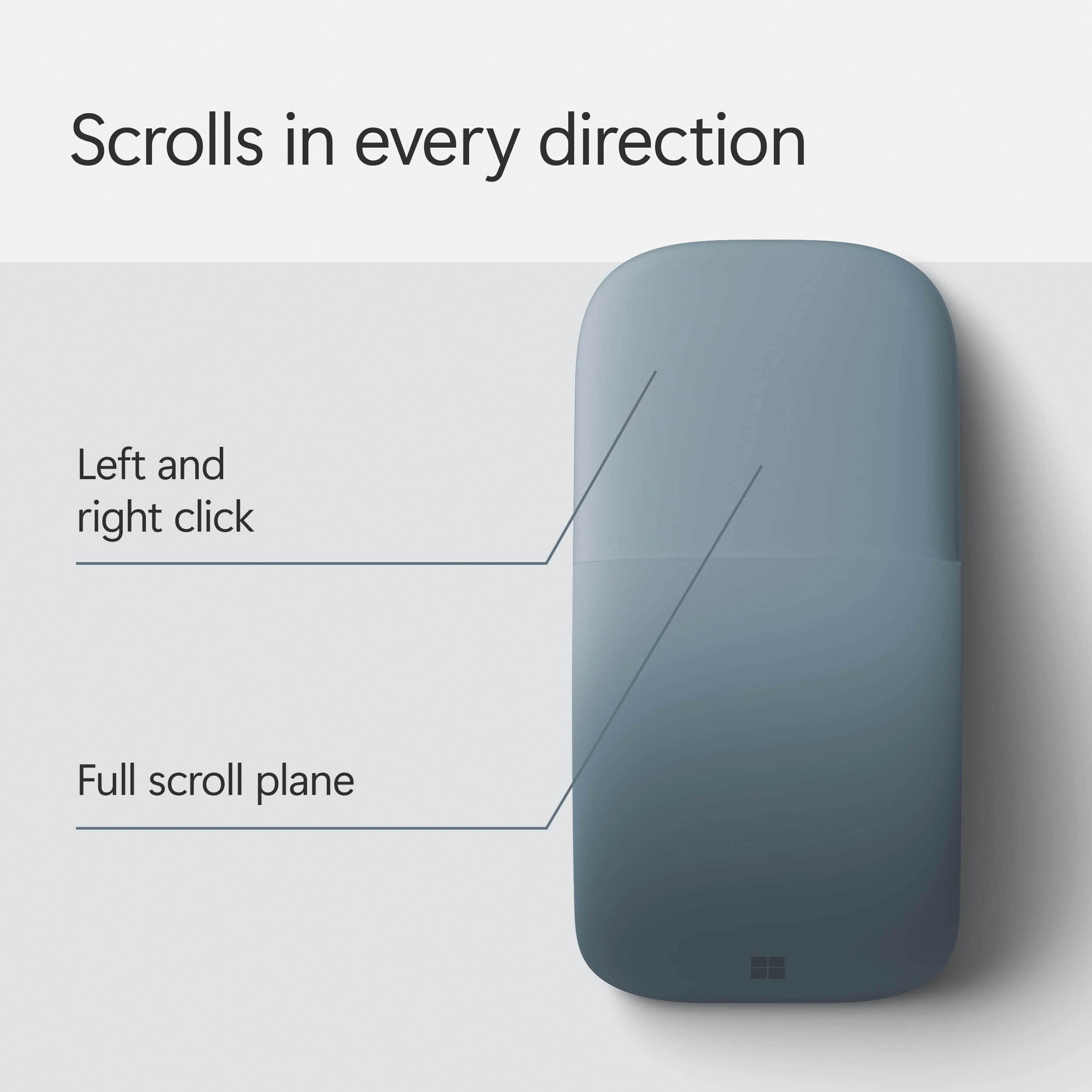
||Posted .This reviewer received promo considerations or sweepstakes entry for writing a review.I am a big fan of Apple products. Unfortunately, I took a job with a company that is all Windows. Going back to PC has not been fun. I really miss my Apple Magic Mouse. While the mouse can be used with Windows, the swipe and gestures that can be used on Mac are not available on PC without third party software, something that cannot be installed on a work computer. I have been looking for something comparable and found this. The good, the swipe to scroll works fine. The click of the mouse is satisfying. The mouse feels like it is well constructed and should last a long time. The bad. For my had, it is terribly uncomfortable. I am not sure why this feels so bad in the hand. It is not any bigger height wise than the mouse I am currently using, maybe it is just wider, but either way, it just does not fit comfortably in my hand. Second, while the swipe to scroll works fine, it does not appear that there are ways to customize the touch surface for other gestures. You can swipe left and right to scroll left and right, but the Magic Mouse allowed you to navigate back or forward on your internet pages with left and right swipes. This was much more useful for surfing and online research, especially since most web pages are designed to take up the page (there is no left and right scrolling on a web page). Because it is much less comfortable and has no more features than a basic $12 mouse, it is of no use to me. Back it will go.
No, I would not recommend this to a friendOverall good mouse
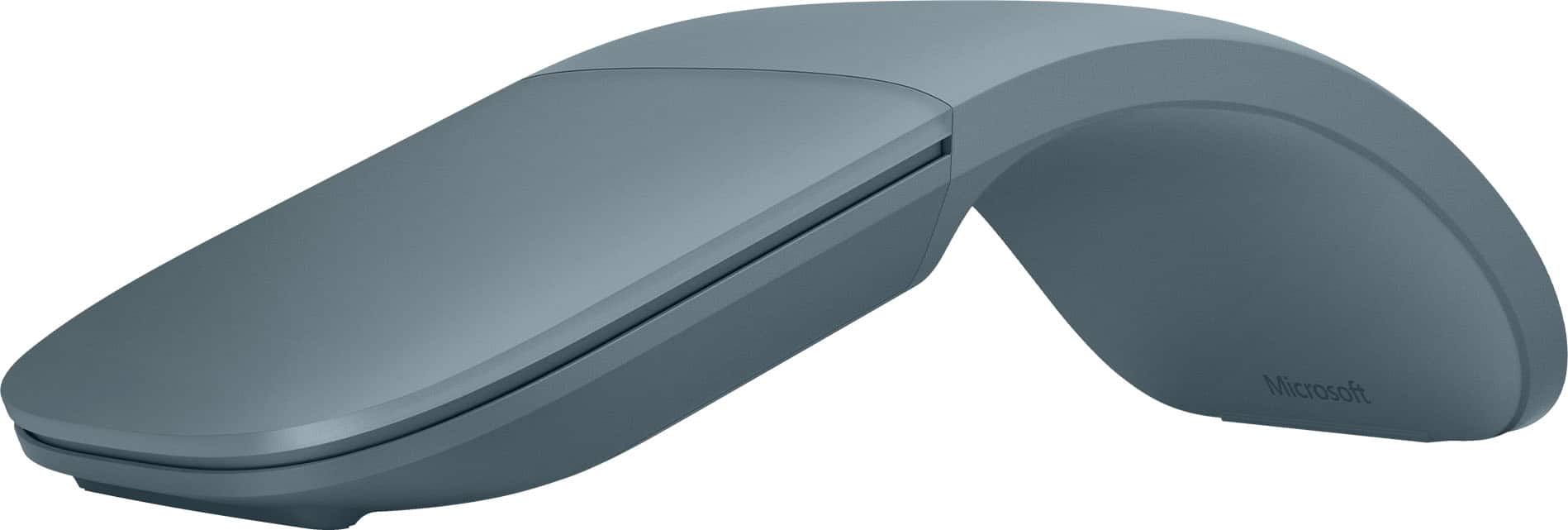
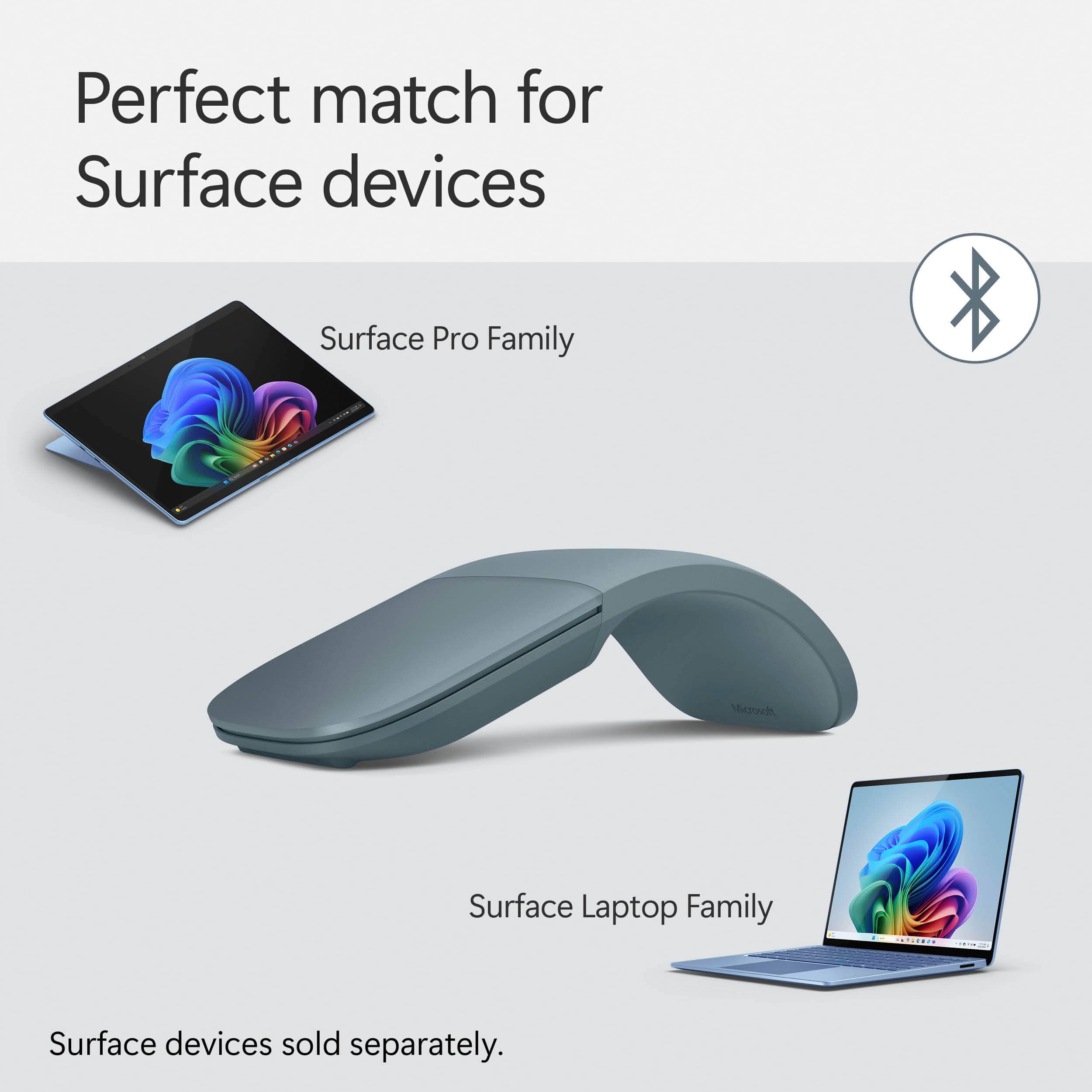
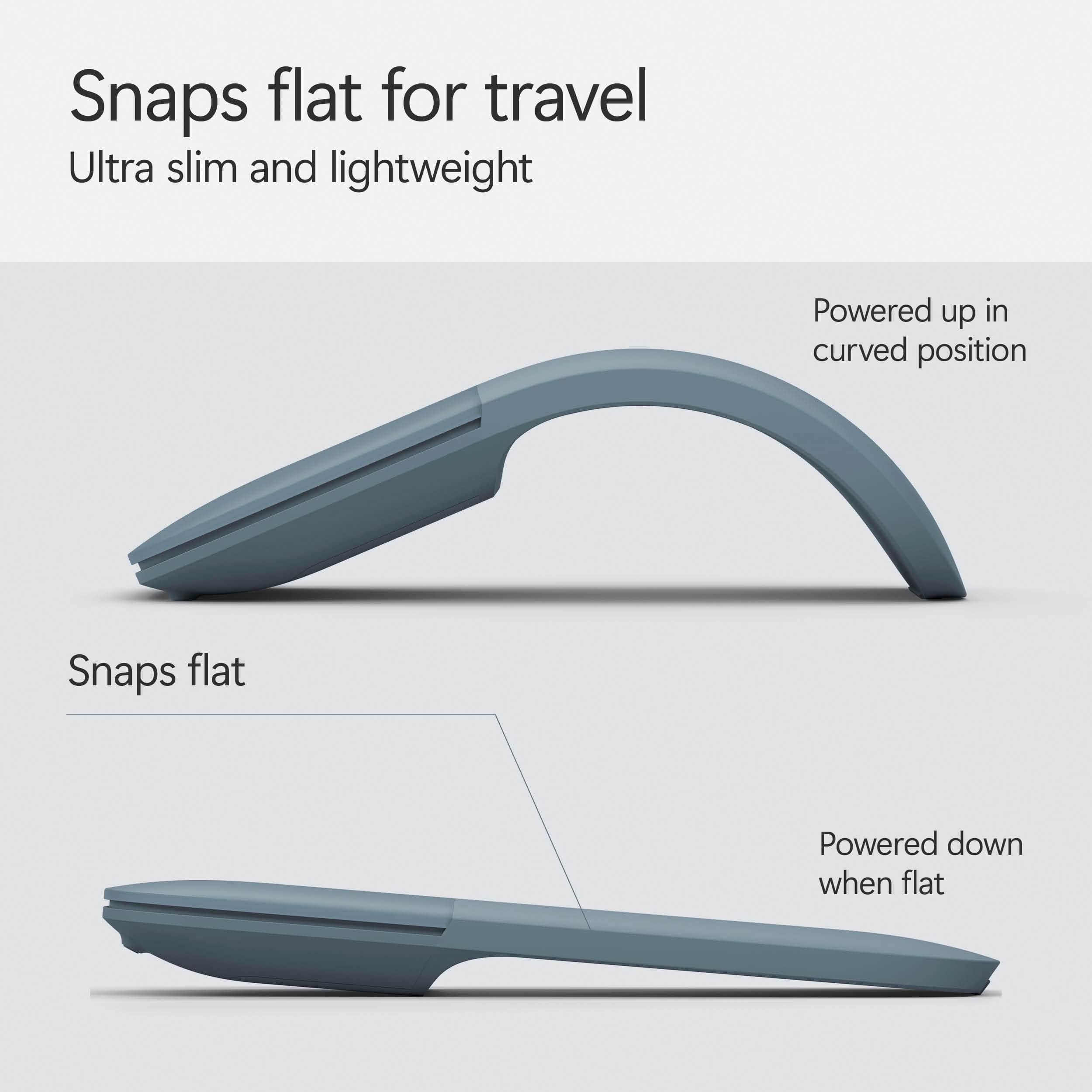
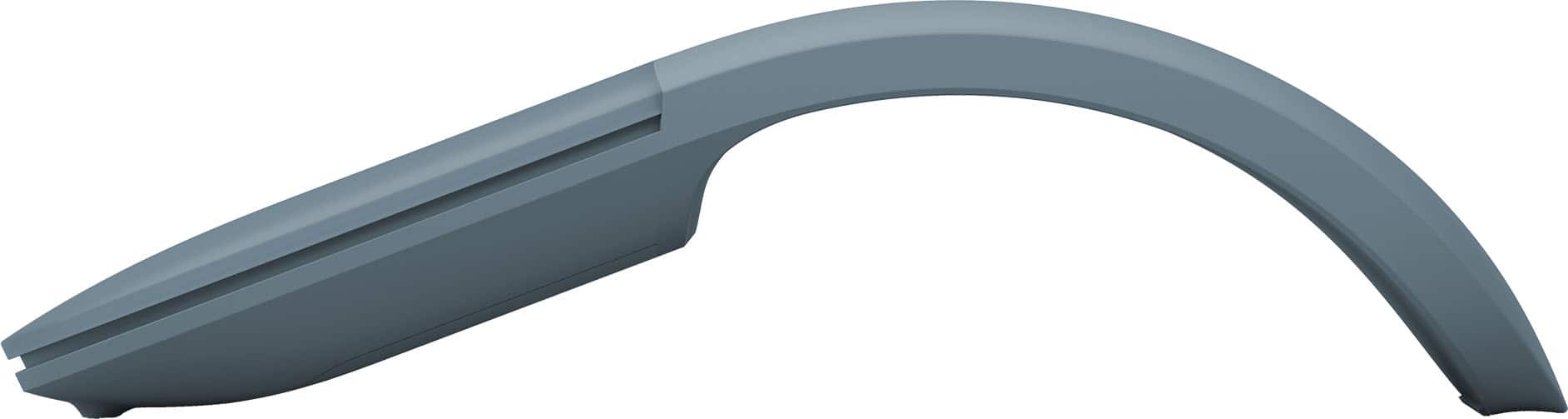
||Posted .This reviewer received promo considerations or sweepstakes entry for writing a review.Fairly easy integration with the Surface Pro. I find it mostly easy to use. I don't use a mousepad so in some cases it doesn't flow as nicely as I'd like on some surfaces that other mice do better on. As with all Surface accessories it is overpriced. The best feature to me is the fold flat for off and arc for on. When flat/off it is the lowest profile mouse I know of which is great for transporting it. It also has a nice form factor so it looks stylish if that's important to you.
I would recommend this to a friendBrand response from MicrosoftOutreachTeam
Posted .Hi there,
Thanks for sharing your feedback and leaving this review. We're glad the device is able to save you space while traveling. We read every review, so we'll be sure to share your feedback with our team. To be sure your mouse is set up the way you like, try downloading the Mouse and Keyboard Center to have full control over your device's settings: https://www.microsoft.com/accessories/en-us/downloads/mouse-keyboard-center.
Take care,
Amanda
Surface Customer Care
New Microsoft Arc Mouse
||Posted . Owned for 3 weeks when reviewed.This reviewer received promo considerations or sweepstakes entry for writing a review.I really like the updated version from the first iteration. It's great for travel, and easy to use with either hand. My only issue so far has been that the "right click" does not consistently recognize and I have to re-click multiple times, sometimes.
I would recommend this to a friendPerfect
||Posted . Owned for 3 weeks when reviewed.This reviewer received promo considerations or sweepstakes entry for writing a review.Works great. Love how it goes flat to turn off for easy travel and bend to a curve for comfort. I used it for with everyday.
I would recommend this to a friendGreat Travel Mouse
||Posted . Owned for 3 weeks when reviewed.This reviewer received promo considerations or sweepstakes entry for writing a review.I've used an Arc Mouse previously - actually two different models. This one seems to be the best yet, and I hope it will last longer than my previous two. Having the smooth surface on the top makes it easier to clean and no creases for anything to fall into. Great operation and haven't had to reset it yet with constant use.
I would recommend this to a friendBest portable mouse I have every used
||Posted .This reviewer received promo considerations or sweepstakes entry for writing a review.This mouse is so amazing. I LOVE the way you just push it flat and it shuts off for easy travel. Battery life is fantastic. It's fun to hand the mouse in the flat position and then ask someone what they think it is... then show them it's a mouse, pop it into the arched position and watch the WOW effect!
I would recommend this to a friendBrand response from MicrosoftOutreachTeam
Posted .Hi there,
Thanks for raving about us to the community! We're delighted that you love our sleek and portable design. We're glad that you have been having a great experience with your Surface Arc Mouse.
Cheers,
Jessica
Surface Customer Care
Works - Most of the Time
||Posted .This reviewer received promo considerations or sweepstakes entry for writing a review.This bluetooth mouse is convenient, does not require a plug-in (dongle) and works most of the time when you learn to use it; there are not obvious buttons so there can be a learning curve to get used to the surface. My only complaint is that the buttons do not always work. I don't know why. When I plug my wi-fi mouse back in, I have no problems. I really don't want to you the only USB port for my mouse so I use this bluetooth mouse and the touchscreen when the mouse fails.
I would recommend this to a friendBrand response from MicrosoftOutreachTeam
Posted .Hi Greg,
Thanks for giving the Surface Arc Mouse a try. We're thrilled to hear that you're loving the convenience of the Bluetooth design! We're sorry to hear that you are experiencing some connections issues with your device, but know that we're here to help. We highly recommend troubleshooting your mouse on our support page: https://support.microsoft.com/en-us/help/4023522/surface-troubleshoot-problems-with-your-bluetooth-mouse. It could be as simple as restarting your PC to refresh the drivers, and checking on your mouse settings on your Surface device.
If you should still be experiencing any issues at all after troubleshooting, please don't hesitate to contact our support team here: https://support.microsoft.com/en-us/contactus/. They will be happy to get your Surface Arc Mouse performing optimally!
Kind regards,
Jessica
Surface Customer Care
Very comfortable!
||Posted .This reviewer received promo considerations or sweepstakes entry for writing a review.I bought this mouse as an alternative to my Magic Mouse because I was getting hand cramps. This mouse is great! It's very comfortable for a bigger hand like mine, it's very smooth, and folds up to fit into a small pocket in a bag. I really love the mouse. Only reason for 4 stars is that the bluetooth is finicky sometimes and randomly disconnects for a couple seconds, but it comes right back. I'm not surprised because it is a Microsoft mouse paired to a Mac. But overall it's a great mouse!
I would recommend this to a friendBrand response from MicrosoftOutreachTeam
Posted .Hello Mike,
We're happy to hear that you're enjoying your Surface Arc Mouse! As for the Bluetooth, we hear you. We'll pass that information along to our team. In the meantime, you may find this troubleshoot page is just what you need: https://support.microsoft.com/en-us/help/4023522/surface-troubleshoot-problems-with-surface-mouse-and-microsoft-surface.
Kindly,
Victoria
Surface Customer Care
Amazing mouse
||Posted .This reviewer received promo considerations or sweepstakes entry for writing a review.The mouse is kind of on the expensive side, but it is my favorite. It is comfortable and feels natural in my hand. I love how responsive it is and how it does not have the mouse wheel but you can still scroll up and down and even side to side. It has a nice feature that you can flatten it and it turns off the mouse and it makes it easy for storage or transporting.
I would recommend this to a friendAwesome
||Posted .This reviewer received promo considerations or sweepstakes entry for writing a review.Took a week to get use to the form - now it is difficult to use another mouse
I would recommend this to a friendGreat mouse for single device use
||Posted . Owned for 1 month when reviewed.This reviewer received promo considerations or sweepstakes entry for writing a review.Loved this mouse so much, I bought 2! Hate the fact that I had to buy two. Would be so much better if it could be switched between multiple devices. Obviously I could go into device settings and switch bluetooth, but I just have a dedicated mouse for my work and personal computer. At least they're color matched? Otherwise, stays connected, moves smoothly, does what it's supposed to do.
I would recommend this to a friendIdeal travel buddy
||Posted . Owned for 1 year when reviewed.This reviewer received promo considerations or sweepstakes entry for writing a review.Small, convinient, precise. Fits perfectly in the cover pocket for SP 8 and doesn't require charging. For work and travel - ideal companion
I would recommend this to a friendI purchased it for daughter for the comfort of her
||Posted .This reviewer received promo considerations or sweepstakes entry for writing a review.My daughter uses it for comfort of her wrist. She uses it for work.
I would recommend this to a friendResponsive and Slim Mouse
||Posted . Owned for 1 week when reviewed.This reviewer received promo considerations or sweepstakes entry for writing a review.This is my second Microsoft Arc wireless blue track ambidextrous mouse. I wore out the first after five years. This mouse is very responsive and easy to use. It flattens nicely for convenient compact storage
I would recommend this to a friendLove this mouse!!
||Posted .This reviewer received promo considerations or sweepstakes entry for writing a review.I love this mouse now that I've gotten used to it. It was a Valentine present from my husband after a friend got one from her husband. I can't be out-gadgeted! My only complaint is that it only works with my Surface...not with my HP laptop. I especially like that it flattens to carry in the small accessory pocket of my bag. Bend it and it's on!. I just love it!
I would recommend this to a friendNice portable mouse
||Posted .This reviewer received promo considerations or sweepstakes entry for writing a review.I bought this only because it was easily thrown in my back pack. To be honest I was worried after reading some of the reviews but ended up being pleasantly surprised. The fact it lays flat helps make it easily transported. It is responsive and for the most part comfortable. I found if you try to hold it like a regular mouse it is uncomfortable but holding it off to the side and it isn’t that bad.
I would recommend this to a friendMouse when you want it, packs flat when you don't
||Posted . Owned for 1 month when reviewed.This reviewer received promo considerations or sweepstakes entry for writing a review.compact, easy, and usable. No stupid dongle to plug in - just works. I don't know why MS is moving away from these great accessories.
I would recommend this to a friendLacks presses scroll wheel function
||Posted .This reviewer received promo considerations or sweepstakes entry for writing a review.Overall, this is a great, portable mouse that fits easily in my small Surface Pro carrying case without bulk. The only reason I didn't give it five stars is that it lacks the function of depressing a scroll wheel, which I use with some software. The frustrating part is that I asked about this specifically in the store before purchasing it. You have scrolling functionality (which the sales person may have thought I meant) by using the track pad on the mouse.
I would recommend this to a friendBrand response from MicrosoftOutreachTeam
Posted .Hi Jerry,
Thanks for taking the time to share your honest experience with us. We're sorry to hear that Surface Arc Mouse didn't come with the feature you expected. Although Surface Arc Mouse does not come with a traditional scroll wheel, you may find this guide helpful to learn all the gestures that this mouse recognizes: https://support.microsoft.com/en-us/contactus/.
We hope this helps.
Kindly,
Jessica
Surface Customer Care
Flat mouse
||Posted . Owned for 1 year when reviewed.This reviewer received promo considerations or sweepstakes entry for writing a review.Love that it laying flat to pack. Kind heavy fot its size.
I would recommend this to a friendLighter mouse looks better than dark IMHO
||Posted . Owned for 2 months when reviewed.This reviewer received promo considerations or sweepstakes entry for writing a review.Definitely wins aesthetic awards but functionality wise, lacks multi-device support, click/scroll pad is elegant in design but not very practical - no middle click button. Needed more finger force to click compared to my existing mice - and that gets noticeable quickly. Not great for gaming. Got this on-sale but still returned it.
No, I would not recommend this to a friend