Customer Ratings & Reviews





- Model:
- CZV-00075
- SKU:
- 6379971
Rating by feature
- Value
Rating 4.3 out of 5 stars
- Quality
Rating 4.7 out of 5 stars
- Ease of Use
Rating 4.6 out of 5 stars
to a friend
Customers are saying
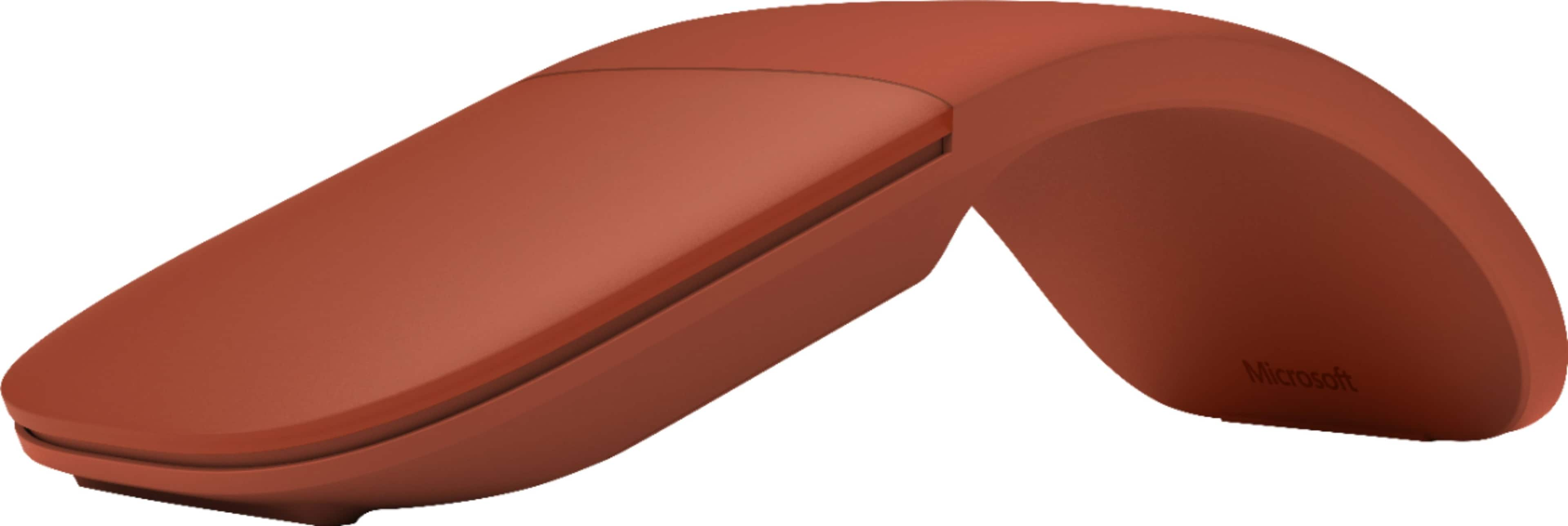
Customers have good things to say about the Arc Wireless BlueTrack Ambidextrous Mouse, particularly praising its portability, design, and comfort. Many appreciate its convenient size, good battery life, and reliable Bluetooth connectivity. However, some customers have noted concerns regarding the smoothness of scrolling, the price point, and the functionality of the right-click feature.
This summary was generated by AI based on customer reviews.
Mouse
Posted .This reviewer received promo considerations or sweepstakes entry for writing a review.Great price, exactly what my grandson wanted you should not require a certain # of characters
I would recommend this to a friendSlim and Smooth
Posted .This reviewer received promo considerations or sweepstakes entry for writing a review.Wireless, Very comfortable and easy to use. Quiet click for pc.
I would recommend this to a friendA travel mouse that requires a USB-A dongle?
Posted .This reviewer received promo considerations or sweepstakes entry for writing a review.Don't buy this mouse. It's supposed to be for travel, but it requires you to use a USB-A dongle to connect. It won't pair over Bluetooth without the dongle. This is a fatal flaw. My modern laptop does not even have USB-A ports any more, and would I bring a dongle on a trip just to use my mouse? No way...
I would recommend this to a friendRight click EPIC FAIL
Posted .This reviewer received promo considerations or sweepstakes entry for writing a review.Terrible design. You cannot right click if the fore finger is resting on the left click button area. ( I am right handed ) If any another finger is touching the surface of the mouse, it treats even a right click as a left click . This is by design !! To get a successful right click, you need to take all other fingers off the top surface. Who does that !!! Ridiculous.
No, I would not recommend this to a friendUnstable. Chintzy Construction
Posted .This reviewer received promo considerations or sweepstakes entry for writing a review.I liked my original Arc mouse so much that I didn't hesitate to replace it with another after the original finally gave out after several years of constant use. But this mouse is several steps inferior to the original. First, it lacks the solid construction of the original - having a light, plasticky feel compared to the original Arc's more solid construction. But worse is the performance. It has a hard time synching with my Lenovo laptop. I constantly experience jerky motions on the screen, requiring that I turn the mouse off, then restart - only to have the jerkiness return. Very, very frustrating. I've updated my graphics card and tried some other tweaks on my computer, but to no avail. Also, it's way overpriced for what you get. You can get much better products for considerably less money. After only a few months, I'm shopping around for a non-Microsoft mouse to replace this one.
No, I would not recommend this to a friendBrand response from MicrosoftOutreachTeam
Posted .Hello,
Thanks for reaching out. We're truly sorry that you've been experiencing some difficulties with your new Surface Arc Mouse. To assist, we recommend starting with this troubleshooting link here: https://support.microsoft.com/en-us/help/4023522.
If you continue to experience the same issues with your Surface Arc Mouse, please feel free to reach out to our team here: https://aka.ms/AA4rbq6.
Kindly,
Heather
Surface Customer Care
Scammer… don’t use online store
Posted .This reviewer received promo considerations or sweepstakes entry for writing a review.I didn’t take this item. Instead of this product you sent different one( Logitech) I went to explain this to your store your stuff said we don’t care
No, I would not recommend this to a friend