Customer Ratings & Reviews

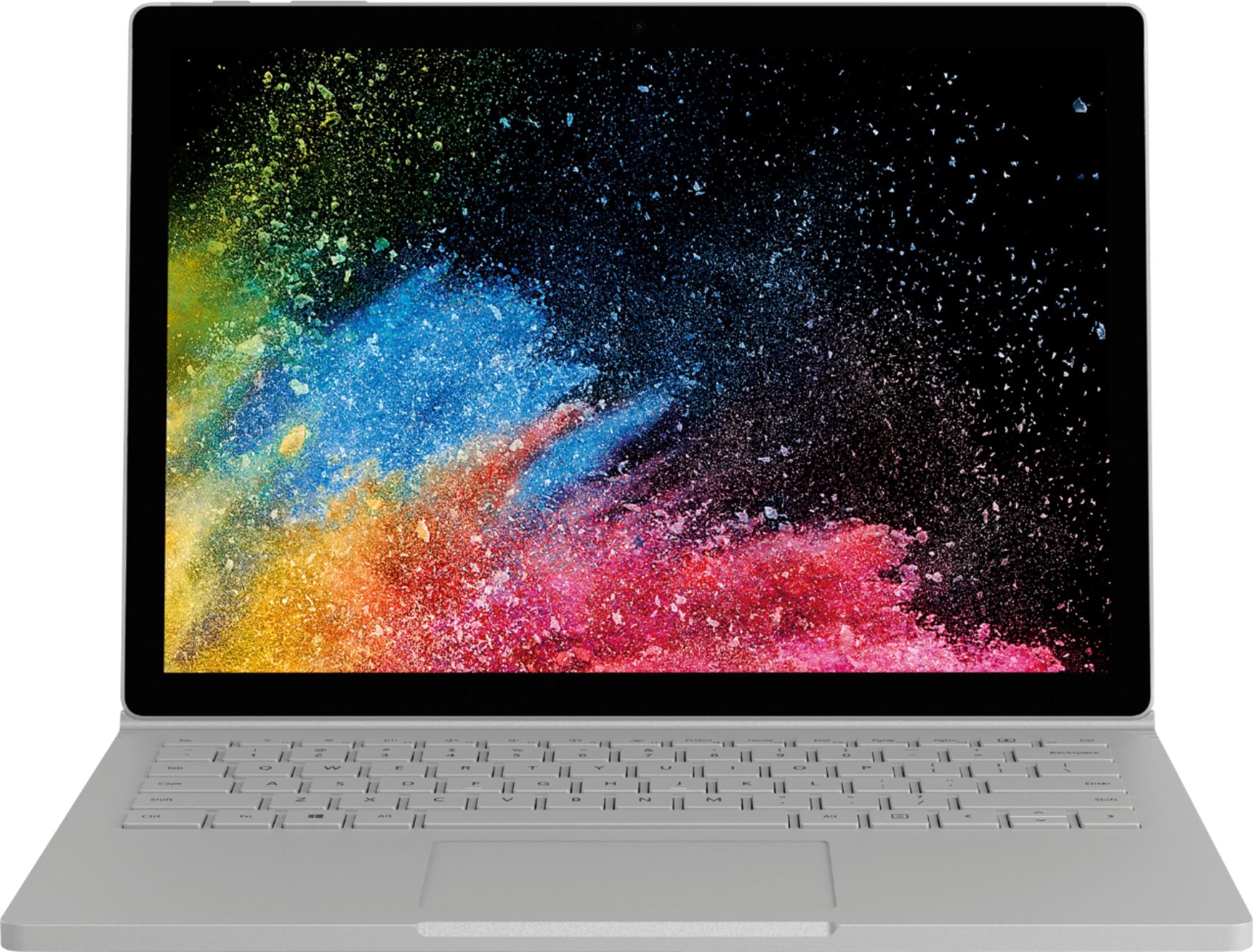
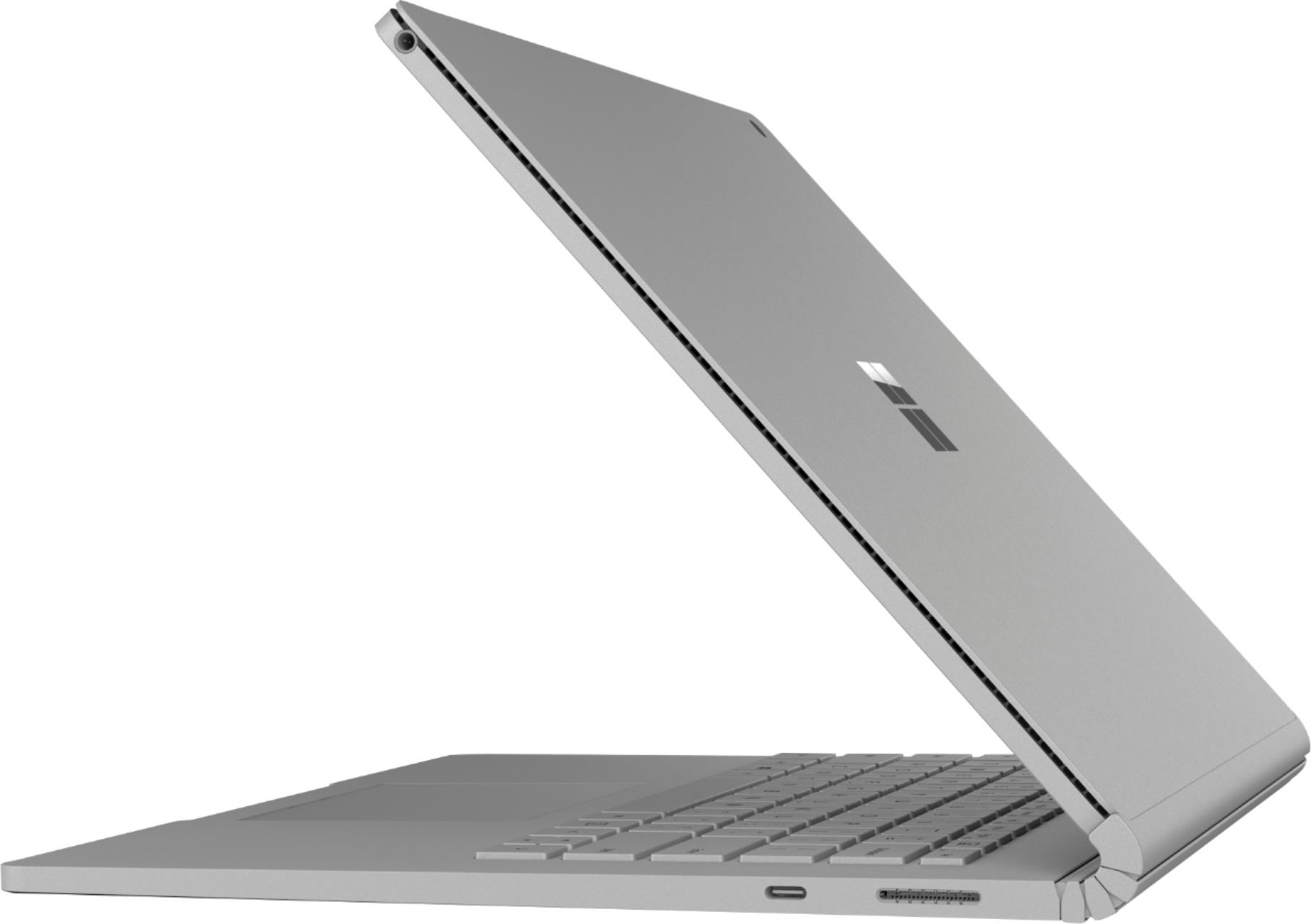
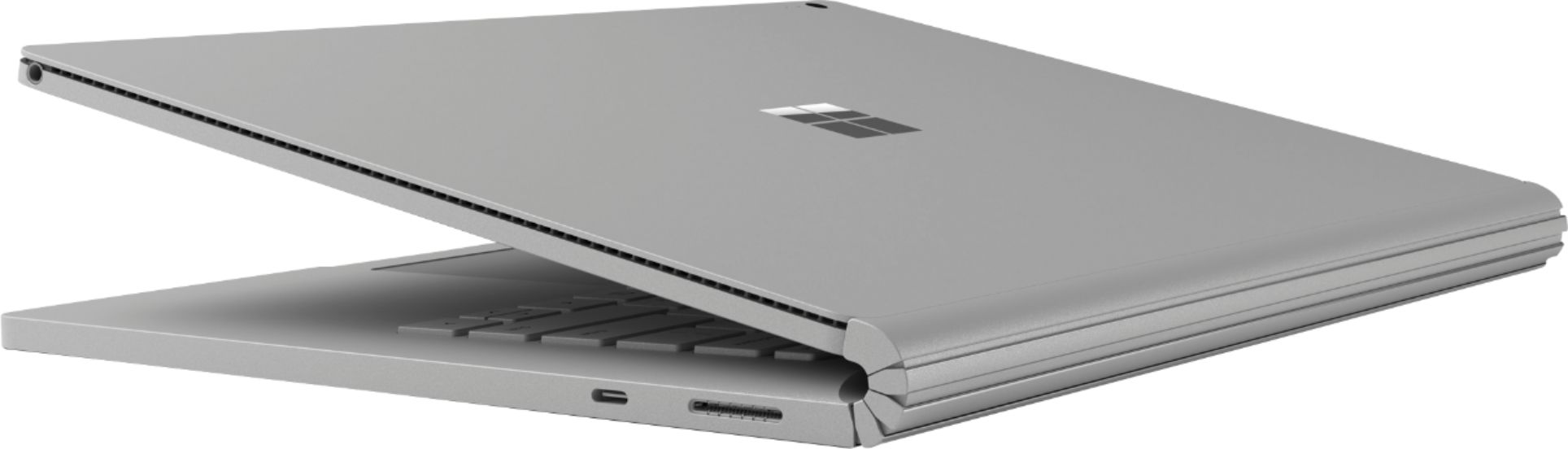


- Model:
- HMU-00001
- SKU:
- 6181705
Rating by feature
- Battery Life
Rating 3.8 out of 5 stars
- Speed
Rating 4.2 out of 5 stars
- Display
Rating 4.5 out of 5 stars
Customers are saying
Customers highly value the Surface Book 2's ease of use, excellent keyboard, and impressive battery life. Many appreciate its portability and lightweight design, finding the tablet mode particularly handy. While some find the price high, positive feedback on the device's functionality outweighs this concern.
This summary was generated by AI based on customer reviews.
Nice
||Posted .This reviewer received promo considerations or sweepstakes entry for writing a review.Need more directions, would really appreciate a pamphlet to help
No, I would not recommend this to a friendBrand response from MicrosoftOutreachTeam
Posted .Hi Chuck,
Thanks for the feedback, we have plenty of tools for you to choose from to help you get to know your Surface Book 2. Check out our Surface Book products help page here: https://support.microsoft.com/en-us/products/surface-devices/surface-book. Be sure to select "Get to know Surface Book" and browse all the tools and tips we have to offer you. We're glad you chose Surface Book 2, welcome to the Surface family!
Kindly,
Jessica
Surface Customer Care
Great picture clear
||Posted . Owned for 2 weeks when reviewed.This reviewer received promo considerations or sweepstakes entry for writing a review.Simply to use and great quality. I love my computer.
I would recommend this to a friendLove it.
||Posted . Owned for 1 month when reviewed.This reviewer received promo considerations or sweepstakes entry for writing a review.Love it. Great laptop. Use it everyday. Love it. .
I would recommend this to a friendGood looking Laptop
||Posted .This reviewer received promo considerations or sweepstakes entry for writing a review.It's a great product for the average user. No complaints. I decided to upgrade because I needed a little more power and a dedicated graphic card for graphic design stuff. Otherwise if you don't do graphics, video or 3d modeling you should be happy with this one.
I would recommend this to a friendMicrosoft - Surface Book 2
||Posted .This reviewer received promo considerations or sweepstakes entry for writing a review.Excellent for an Engineer for Office and Travelling
I would recommend this to a friendGreat
||Posted .This reviewer received promo considerations or sweepstakes entry for writing a review.I have many laptops but this one is so much better.
I would recommend this to a friend- Pros mentioned:Battery life, Ease of use, Keyboard quality
Worth the Investment!
Posted .This reviewer received promo considerations or sweepstakes entry for writing a review.The Surface Book 2 is really an amazing machine! Well worth the investment if you use your computer for more than surfing the web. Break free of the desk and desk top with all the computing power you need for 95% of what you do. Just buy it, you’ll feel guilty for spending the money, but only till you start to use it and realize you should have done this sooner. File and photos are handled easily, Microsoft One Drive cloud service is a great built in feature that you will come to love quickly, if you haven’t been using the cloud for your current work files. Then hook up a WD my book drive to permanently store all your files. It handles photoshop cs6 just fine for small quick projects, but it’s a little hard to use for anything a little more involved without a mouse and more screen real estate. Making small video clips for you tube is a little awkward, but not to bad. I started with a Surface Pro and wanted a little more screen and laptop ability and this is perfect. Actually having both the SP i5 8g and this SB i5 8g is a great combo for work if the budget allows. I think I would recommend the Surface Book 2 over the Pro if you had to choose, it just has a couple more features that make it a little more useful. And the larger screen is nice to have. I have been using the SP for 6 weeks and SB for about a month, and they have been flawless. The screens are amazing and both keyboards feel really good to type on. They both fit their purpose perfectly. Coming from only a desk top and an Android tablet, this is the perfect marriage of mobile, speed, size, and Windows. In fact, while dealing with my vendors, its hard watching someone fire up a $500 HP laptop waiting for it to wake up, then trying to open a pdf I emailed them, and I’m sitting there, like we just wasted 5 mins for nothing, and then for some reason the pfd still can’t open… ahhh I’m thinking please buy a SB before I come back! It might feel a little small in the store when your shopping for the SP12.5 or SB13.5’’ but once you start to use it and the trackpad, it’s really just right, it keeps you focused on the current task and I think actually made my computing faster then my old giant 27’’ monitor with windows open all over the place. The screen looks great and for some reason is really easy on the eyes, even when your doing long stents on the Surfaces. Detaching the screen has come in handy several times, and the cool factor of your whole i5 computer 13.5’’ tablet, in your hands weighing almost nothing is nice. And the thirty dollar pens work great with both, no need to spend a hondo on one. You will also come to love One Note and 3d Paint for getting work done. I am surprised at all I have been missing with only a desktop from Win10, amazing features that make you more productive. These devices have really helped me and my company and that’s why I have written these reviews. If they last 4-5 years then the value will be great. The SB has a little bit of the “coil whine” sometimes when your sitting in a “perfectly” quite room, but you really cant fault it as a negative. Battery life on the SP is really really good, after all day tasks still 30% left! The battery on the SBook2 seams ok. With the extra battery capacity and only a little larger screen it really seams like it should last a lot longer. I unplug from 100% full and a hour latter I’m down to 70%, then I drop about 20% an hour, surfing the web and typing word docs. I would also recommend an Anker USB network adaptor, not so much for speed but to keep GB’s of radio radiation from your body. Over the course of a month I racked up 30gb of wifi data on my SP, and that’s sitting right over mommy and daddy parts while its transmitting. After an hour of syncing photos holding my Surface Pro my one hand actually was a little tingly. Just a fyi.
I would recommend this to a friendBrand response from MicrosoftOutreachTeam
Posted .Hi Jim,
Wow! Thank you for going above and beyond providing us with your feedback! We thoroughly enjoyed reading your detailed experience of the Surface Book 2 so far. We're thrilled to know how highly you value your new device, and we're delighted that you have such great things to say! We're also proud to inform you that we have a number accessories to enhance your Surface experience, including various mice to choose from. We highly recommend checking out the Surface Arc Mouse on Best Buy's website: https://www.bestbuy.com/site/microsoft-surface-arc-mouse-light-grey/5859104.p?skuId=5859104. This can be used for anything from surfing the web, to complex Photoshop projects to make handling more precise.
We would also like to touch base with you regarding battery life of your device. The Surface Book 2 battery should last as long as 17 hours on a single charge, depending on your settings. To optimize your battery settings, follow the instructions on our support page here: https://support.microsoft.com/en-us/help/4023450/surface-surface-battery-and-power.
These tips and tricks should hopefully enhance your Surface experience! We're ecstatic that our device has helped empower you in your day-to-day company tasks, and we hope we can continue to help you be successful in all your endeavors.
Kind regards,
Jessica
Surface Customer Care
The computer run super slow
||Posted .This reviewer received promo considerations or sweepstakes entry for writing a review.I was so happy when I got this computer. The quality of the design and all the feature had me excited. All the reviews from YouTube and CNET were great,but nothing about UI being slow. From all aspects, the computer is super slow from opening the internet, apps, and downloads are all slow. The lagging of simple task is so disappointing and crazy for this price. I will be returning this product so make sure you research this problem for yourself before buying!
No, I would not recommend this to a friendBrand response from MicrosoftOutreachTeam
Posted .Hi there,
Thanks for taking the time to reach out. We're sorry to hear that you have been experiencing some difficulties with your Surface Book 2. We deeply care about your experience, and we'd like to chime in to let you know we're here to help! We have some excellent ways for you to optimize the speed of your device here: https://support.microsoft.com/en-us/help/4023507/surface-what-to-do-if-surface-is-running-slower.
However, if you should still be experiencing some unusual slowness, we have alerted our specialized care team, and they are prepared to assist you. To accept this specialized support, please begin by filing a ticket here: aka.ms/SurfaceCare-us. Be sure to use your unique reference number: 1902047620219.
We are eager to hear an update from you soon.
Kind regards,
Jessica
Surface Customer Care
We want to hear your Surface story. Share your experience by leaving a review.
Great computer! Charger is problematic
||Posted . Owned for 2 months when reviewed.This reviewer received promo considerations or sweepstakes entry for writing a review.I love this computer but no matter where I go the charger only works on certain outlets. Will be going back to the store to replace.
I would recommend this to a friendBrand response from MicrosoftOutreachTeam
Posted .Hi Ayesha,
We're sorry to hear you've been having some issues charging your Surface Book 2, and we're glad you decided to reach out. We highly recommend checking out this link on troubleshooting your power supply here: https://support.microsoft.com/en-us/help/4023536.
We sincerely hope that helps.
Best,
Heather
Surface Customer Care
Good but not
||Posted .This reviewer received promo considerations or sweepstakes entry for writing a review.I love this laptop but the Internet so freaking slow and takes up the whole Internet because when its on, no other devices work on the internet.
No, I would not recommend this to a friendBrand response from MicrosoftOutreachTeam
Posted .Hi Olivia,
We're happy to hear you're loving your new Surface Book 2! We're sorry to hear you're having trouble browsing the web on other devices. From what you described, it sounds like there may be a problem with your network hardware or the network itself. Try visiting our support page and follow the instructions under "Can't browse the web on any devices" to restart your network hardware. Visit this link for full instructions: https://support.microsoft.com/en-us/help/4023500/surface-surface-is-connected-to-a-wireless-network-but-wi-fi-is-limite.
This should hopefully help solve the issues you're experiencing!
Kind regards,
Jessica
Surface Customer Care
Ok Computer
||Posted . Owned for more than 2 years when reviewed.This reviewer received promo considerations or sweepstakes entry for writing a review.I'm sure its a good computer. I just couldn't get used to it not being an Apple. Ended up returning it.
No, I would not recommend this to a friendProduct is Good,But worst experience at Best Buy
||Posted .This reviewer received promo considerations or sweepstakes entry for writing a review.One month of using this laptop, great combo laptop and tablet but purchase experience was awful,
I would recommend this to a friendlaptop
||Posted . Owned for 1 month when reviewed.This reviewer received promo considerations or sweepstakes entry for writing a review.Product is good so far. Purchased for school and has been efficient so far.
I would recommend this to a friendNot pleased.
||Posted . Owned for 3 weeks when reviewed.This reviewer received promo considerations or sweepstakes entry for writing a review.Returned this product and bought a tablet from best buy.
No, I would not recommend this to a friendBrand response from MicrosoftOutreachTeam
Posted .Hi Pete,
Thanks for leaving some feedback. We're sorry to hear you decided to return your Surface Book 2, and we'd like to learn more about the difficulties you had. At your earliest convenience, please feel free to reach out to our team here: https://aka.ms/AA4rbq6, with any additional feedback you'd like to provide.
Kindly,
Heather
Surface Customer Care
Do not buy a Surface!
||Posted . Owned for 7 months when reviewed.This reviewer received promo considerations or sweepstakes entry for writing a review.I have had this laptop for less than 2 years and it has just died. I brought it to Geek Squad only to be told that they cannot be fixed...they can't even be opened. I have since done a lot of research only to find that this is a very common issue with the model and yet no one shared that with customers. I would have liked to have known that it is impossible to repair for any reason prior to me purchasing a $1200+ machine. Do Not Buy This or any Surface!
No, I would not recommend this to a friendCool idea, terrible product
||Posted .This reviewer received promo considerations or sweepstakes entry for writing a review.Fine laptop, and being able to switch to tablet mode is great, but the surface book 2 is plagued with battery issues. On top of that, the thing is virtually unserviceable.
No, I would not recommend this to a friendUsed to be a fan
||Posted .This reviewer received promo considerations or sweepstakes entry for writing a review.This is my second Surface device and it replaced a long running Surface tablet that died suddenly last Spring. Up until this morning barely 7 months after bringing it home the cameras suddenly failed. A log on to Microsoft support (twice) failed to cure the problem and now they are telling me to try and restore the factory image and they hope that will fix it. I was a huge supporter of the Surface Book and now regretfully had recommended it to my friends. I also wonder what will fail next as I have little faith in the hardware . Save your money and spend half what these cost if they are only going to fail on you
No, I would not recommend this to a friendBrand response from MicrosoftOutreachTeam
Posted .Hi there,
Thanks for taking the time to reach out. We are sorry to hear you're experiencing some difficulties with your Surface Book 2. We'd like to take a moment to chime in, and let you know we greatly care about your experience, and we'd like to offer you some specialized care. We have alerted our care team, and they are ready to assist you. To accept this specialized care, please start by filing a ticket here: aka.ms/SurfaceCare-us. Be sure to use your unique reference number we have created on your behalf: 1812068090168.
We look forward to hearing from you soon.
Kind regards,
Jessica
Surface Customer Care
Poor performance
||Posted . Owned for 5 months when reviewed.This reviewer received promo considerations or sweepstakes entry for writing a review.I bought this Surface at the Gaithersburg store and paid for all the requested "services". I had to make an appointment to drop it and to pick it up. Unfortunately i did not use it until the COVID 19 problem started so it was hard to call again and get an appointment. Trying to get and appointment is a joke. There are no appointments!! Obviously, the "service" was not perform right. There is only one Geek Squad technician i trust and they would not let me talk to him. So now i am stuck with trying to get help online. What a joke!
No, I would not recommend this to a friendHard to rate
||Posted .This reviewer received promo considerations or sweepstakes entry for writing a review.Can't get email to work and none of the apps in the app store have a download/install button. Support can't get to work either. Soooooo I'm not too happy with this $1500 laptop.
No, I would not recommend this to a friendBrand response from MicrosoftOutreachTeam
Posted .Hello,
We regret to hear that you have been experiencing some odd issues with your new purchase of the Surface Book 2. We expect more from our devices, and rest assured we are here to help. We have alerted our special support team, and created a unique reference number for your case to get you up and running. We highly encourage you to file a ticket using the reference number, 1808127730079 on our website: aka.ms/SurfaceCare-us.
We hope to hear from you soon!
Kind regards,
Jessica
Surface Customer Care
- Pros mentioned:Keyboard quality, WeightCons mentioned:Price
Meets all specifications with high workmanship
Posted .This reviewer received promo considerations or sweepstakes entry for writing a review.This 2-in-1 laptop meets all of its specifications and advertising claims with a high degree of workmanship. This earns it 4 stars. As a potential buyer, I believe you can look at the advertising copy and draw a conclusion that will be supported by your experience when you see and use the laptop. FYI: Earning 5 stars is not easy. To earn 5 stars, a product must deliver value and features in excess of what one should expect. At the price point of the Surface Book 2, that did not happen. Having said that, there is plenty to know that isn't specified. I will try to add some knowledge, at least about the 13.5 inch, basic model that I bought. 1. Get the 256 GB memory. I bought the 128, cause I was told an I7 processor was bundled with 256. That isn't true, BestBuy, so I recommend the I5 with 256 GB. 2. The claimed battery life of 17 hours is with the tablet attached to the keyboard. Tablet and keyboard have separate batteries. Battery life is 4.5 hours (claimed) with tablet detached from keyboard. It may be less in practice. Be sure to use the low battery settings as soon as you detach the tablet, so you extend battery life. Microsoft: Add some more battery to the tablet. 3. The tablet weighs 1.6 lbs. That is 0.1 lb. less than the Pro model, and with a larger screen. While that is impressive, it translates to short battery life on tablet mode. 4. The squared off edges of the tablet make it uncomfortable to hold. Rounded edges are usually standard on tablets. 5. The touchscreen works as good as any I've ever used, including Apple. The image quality is as good as Apple Retina. 6. The wireless favors 2.4 GHz, even when a 5 GHz signal is available with a 3X faster speed link. That may be because 5 GHz is always weaker than 2.4 GHz, unless you stand under the access point. I set the wireless adapter to 5 GHz only, and tripled my speed. I am not happy with this workaround, because 5 GHz is often not available. Microsoft: Work on this issue! 7. Recharge of the batteries is slow. The supplied brick is 44 W, and that is weak for a laptop. A 60 W charger would be much faster, at least up to 80% charge. 8. Microsoft has not written a user manual for this 2-in-1. Come on guys! Write a user manual. You can add it to the image for $0.00.
I would recommend this to a friendBrand response from MicrosoftOutreachTeam
Posted .Hi there,
Thanks for taking the time to share you in-depth experience of Surface Book 2 with the community! We know reviews like this take time and effort, and we want you to know how deeply we appreciate your valuable feedback. We're delighted you're loving the incredibly intuitive touch-screen capabilities, as well as highly powerful and versatile build of your machine. We would love to help you get to know your device even more! For this we highly recommend checking out the Surface App on your Surface Book 2 to get to know all the great features Surface has to offer. To learn more about this app, click here: https://www.microsoft.com/en-us/p/surface/9wzdncrfjb8p?rtc=1&activetab=pivot:overviewtab.
Kindly,
Jessica
Surface Customer Care
We want to hear your Surface story. Share your experience by leaving a review.