Customer Ratings & Reviews


- Model:
- HNL-00001
- SKU:
- 6145606
Rating by feature
- Value
Rating 4.1 out of 5 stars
- Quality
Rating 4.6 out of 5 stars
- Ease of Use
Rating 4.6 out of 5 stars
Customers are saying
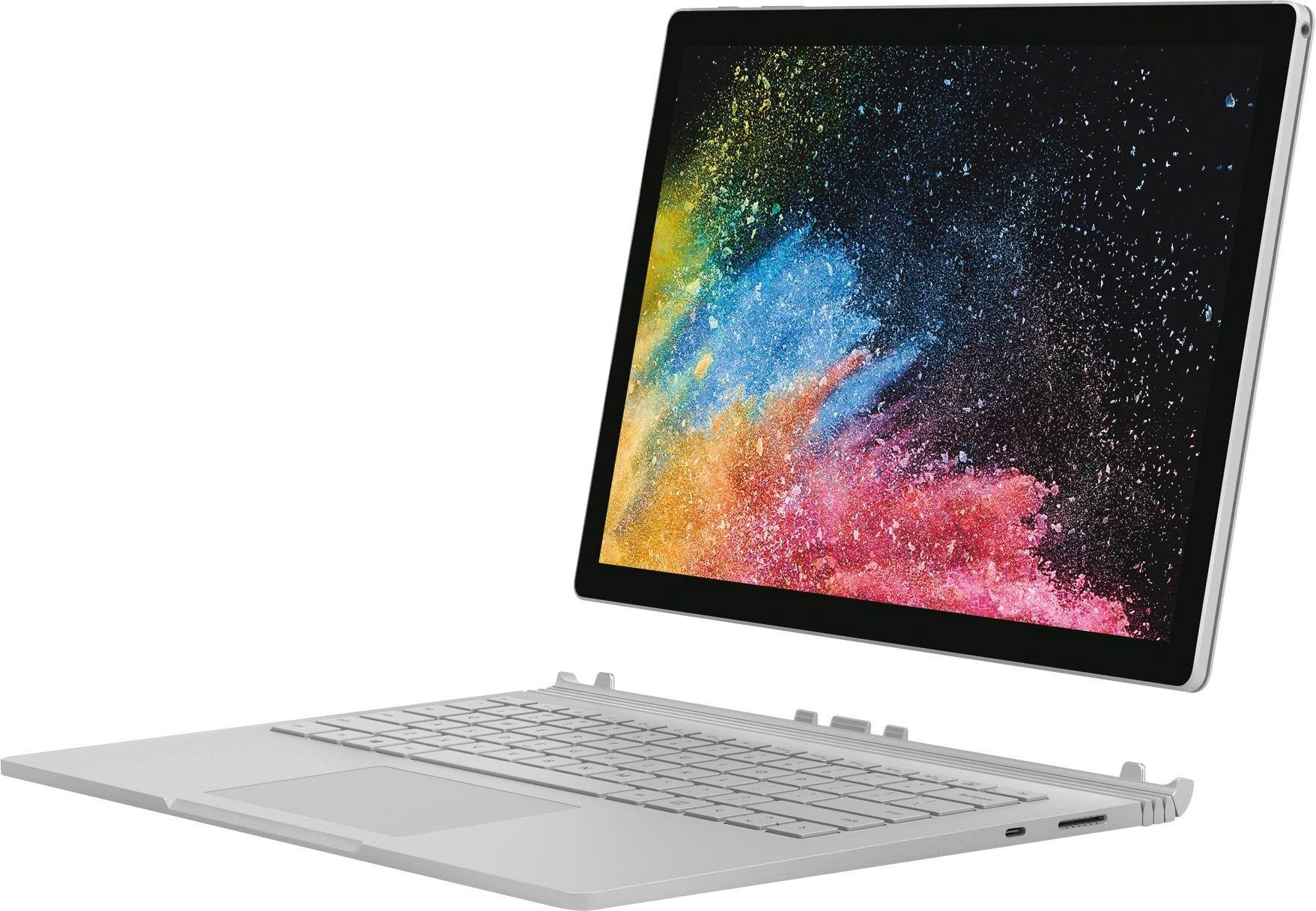
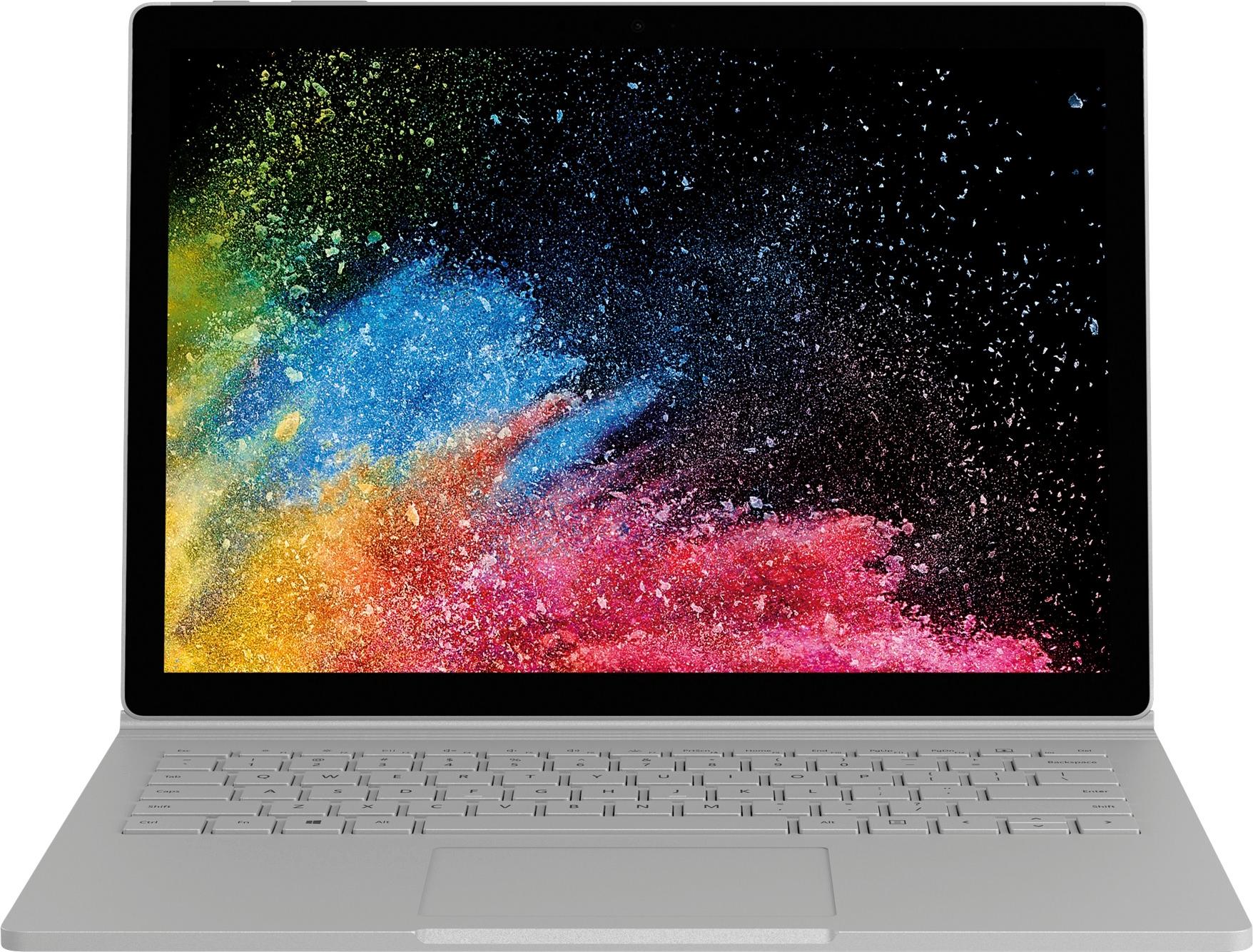
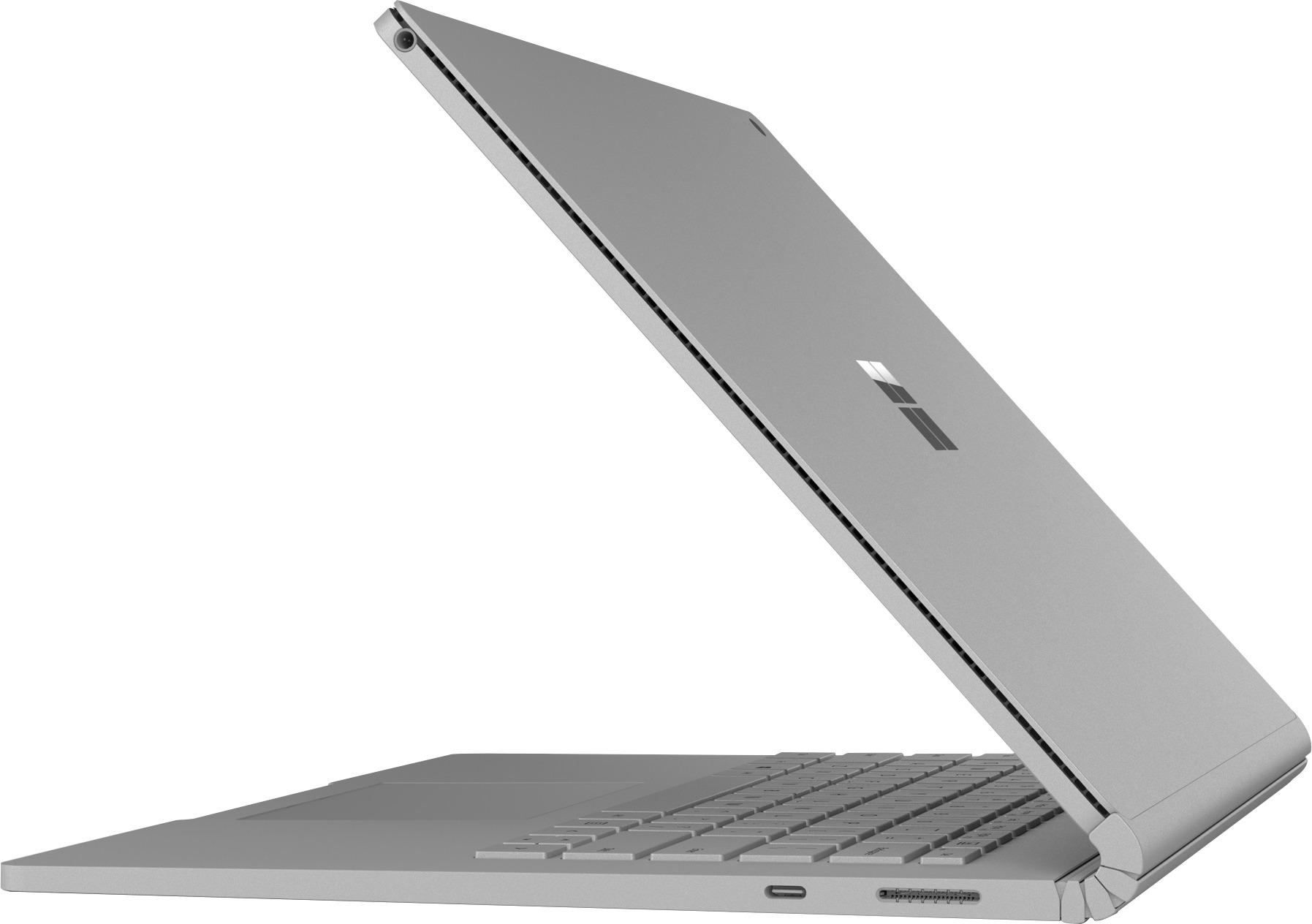
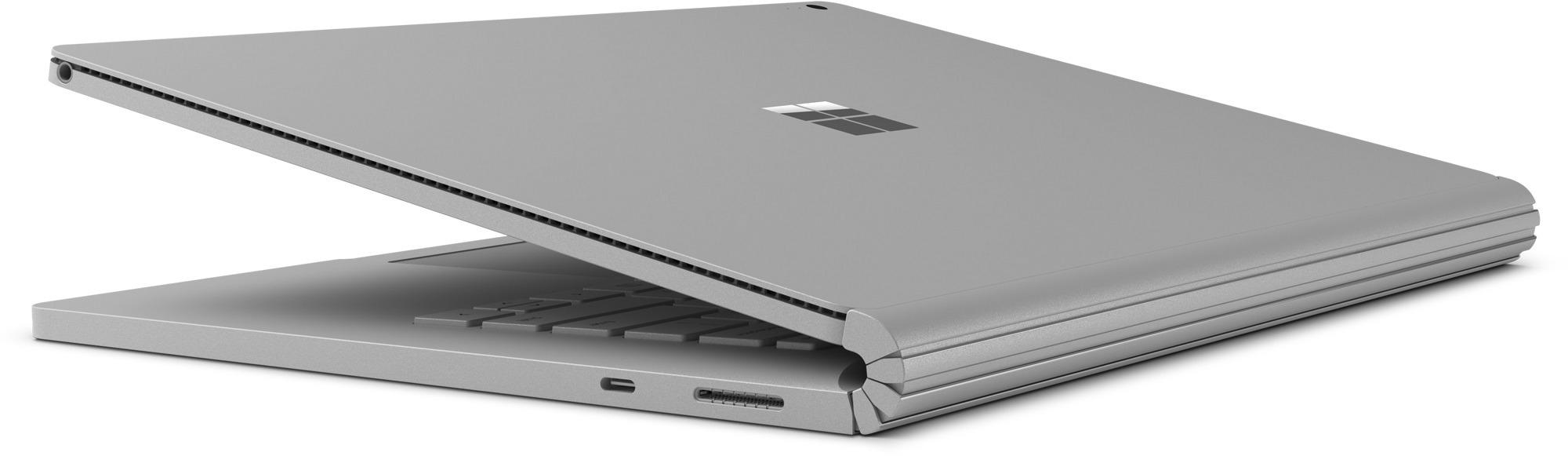
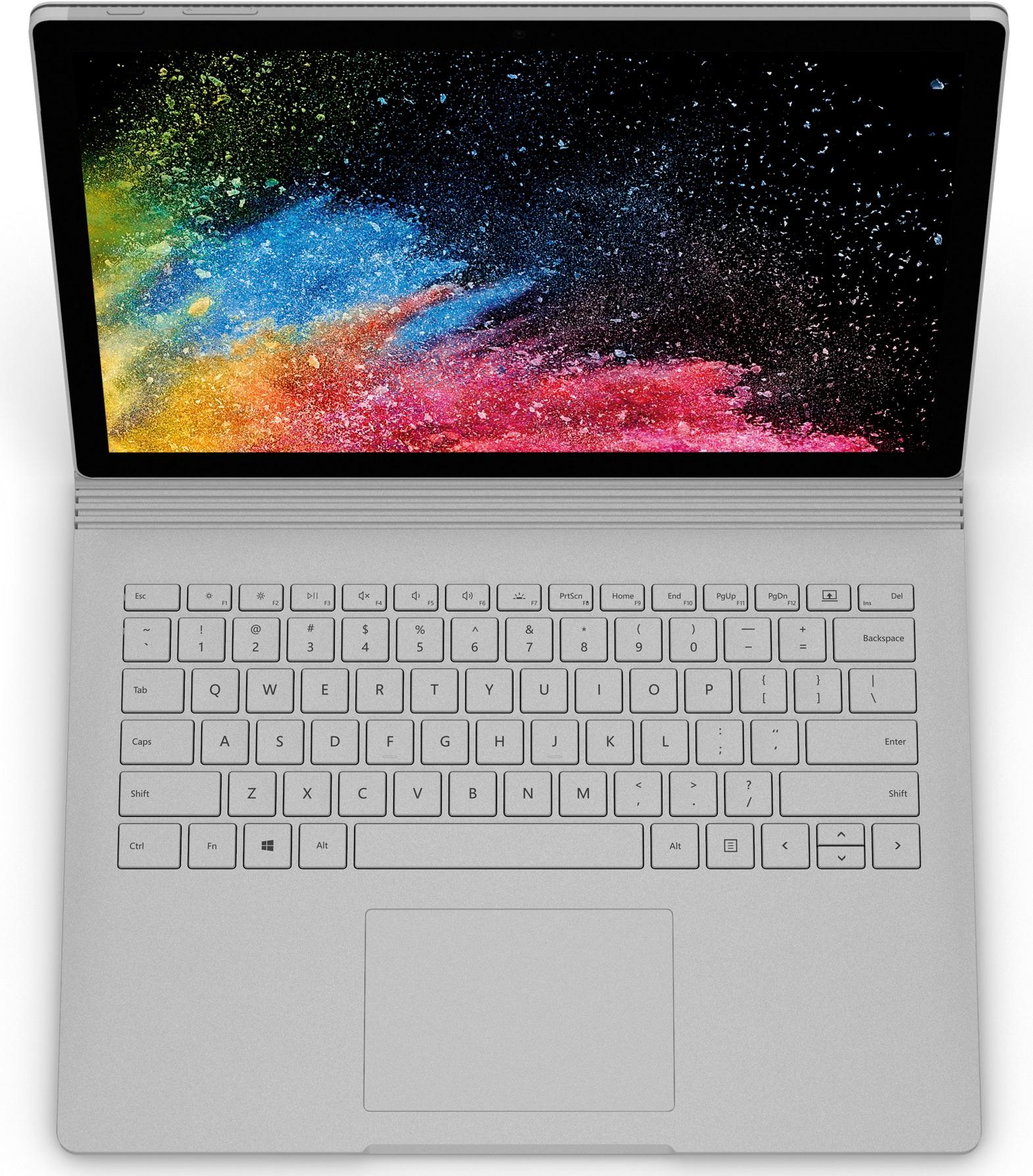
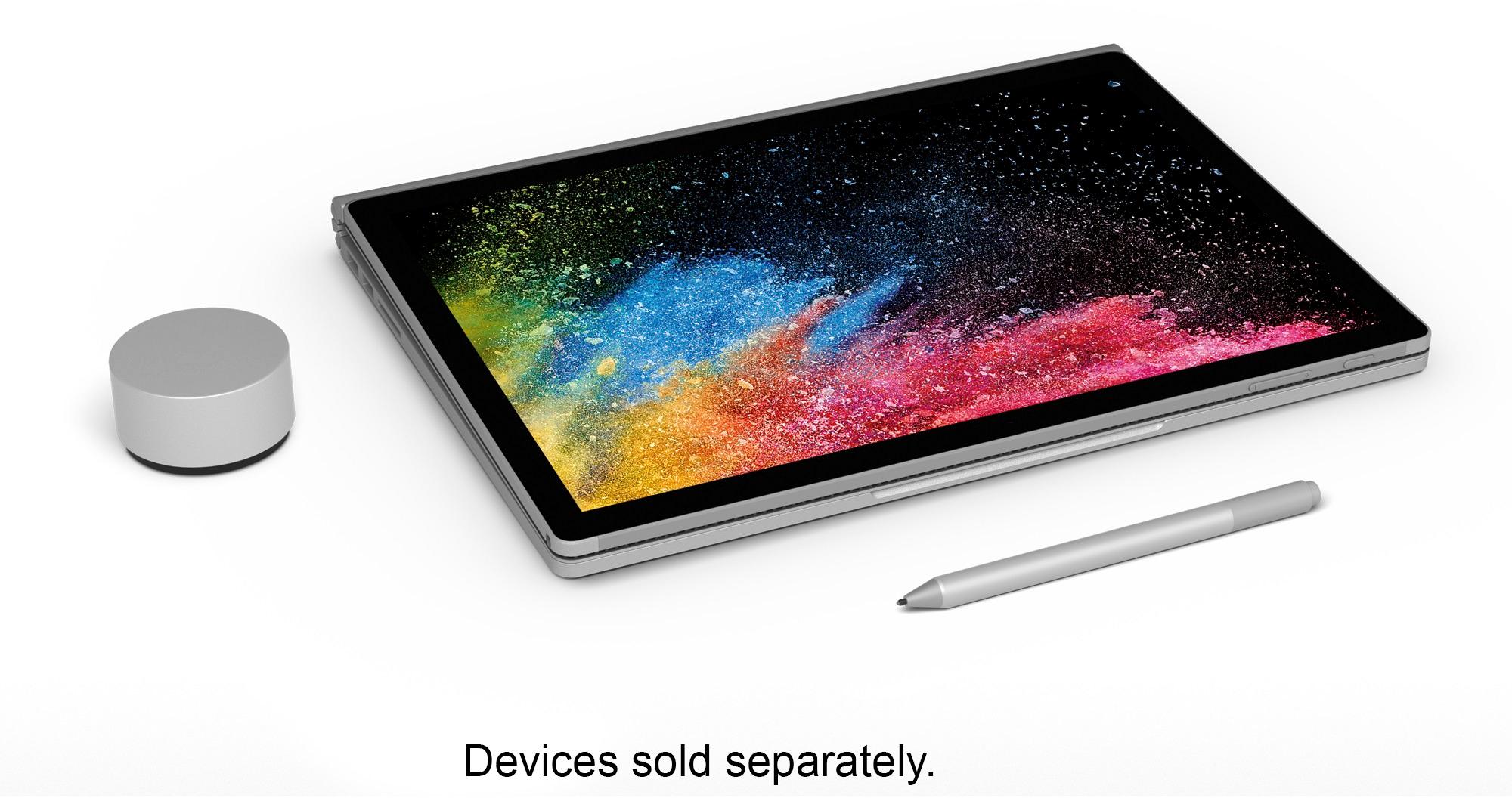
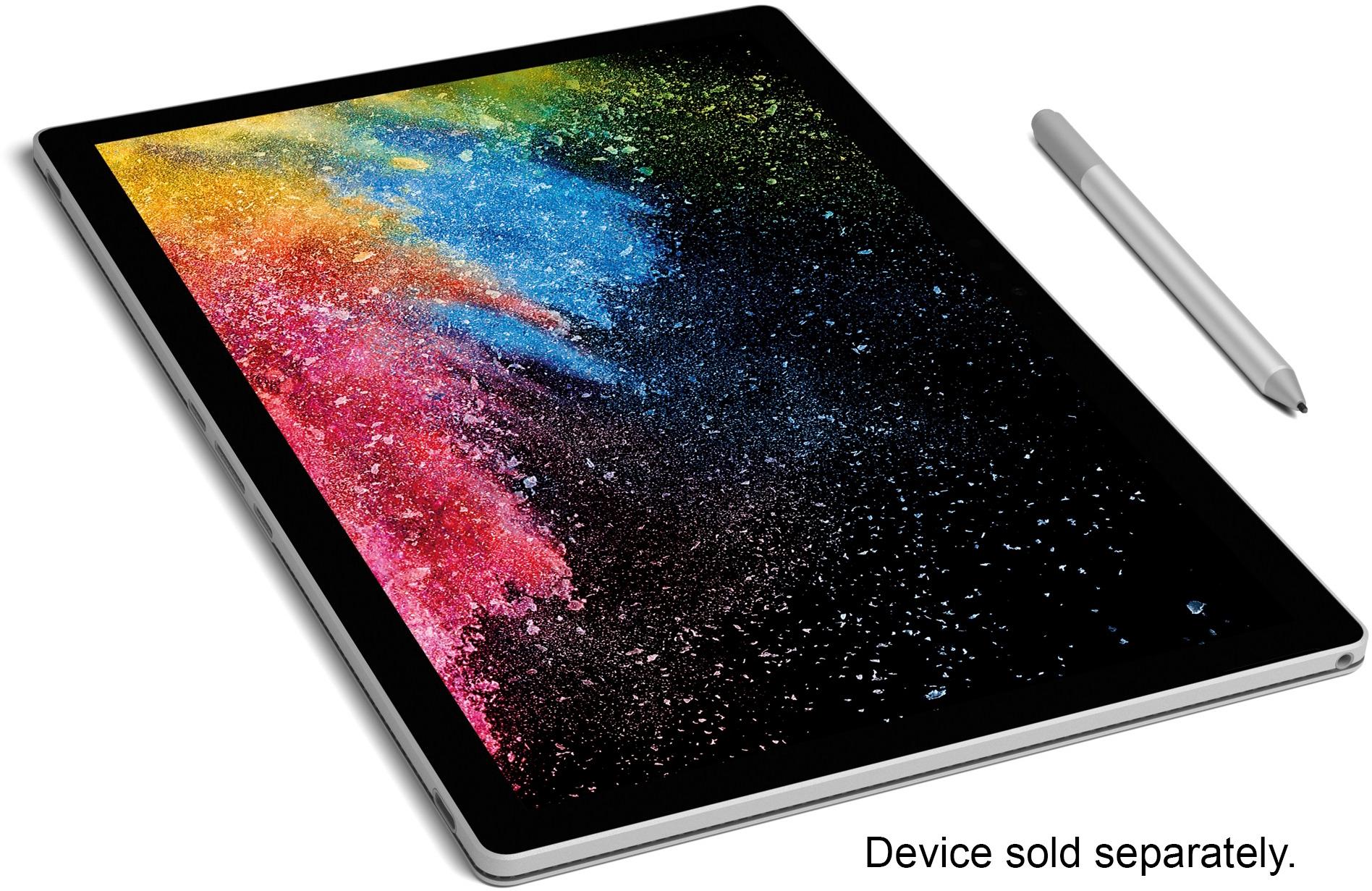
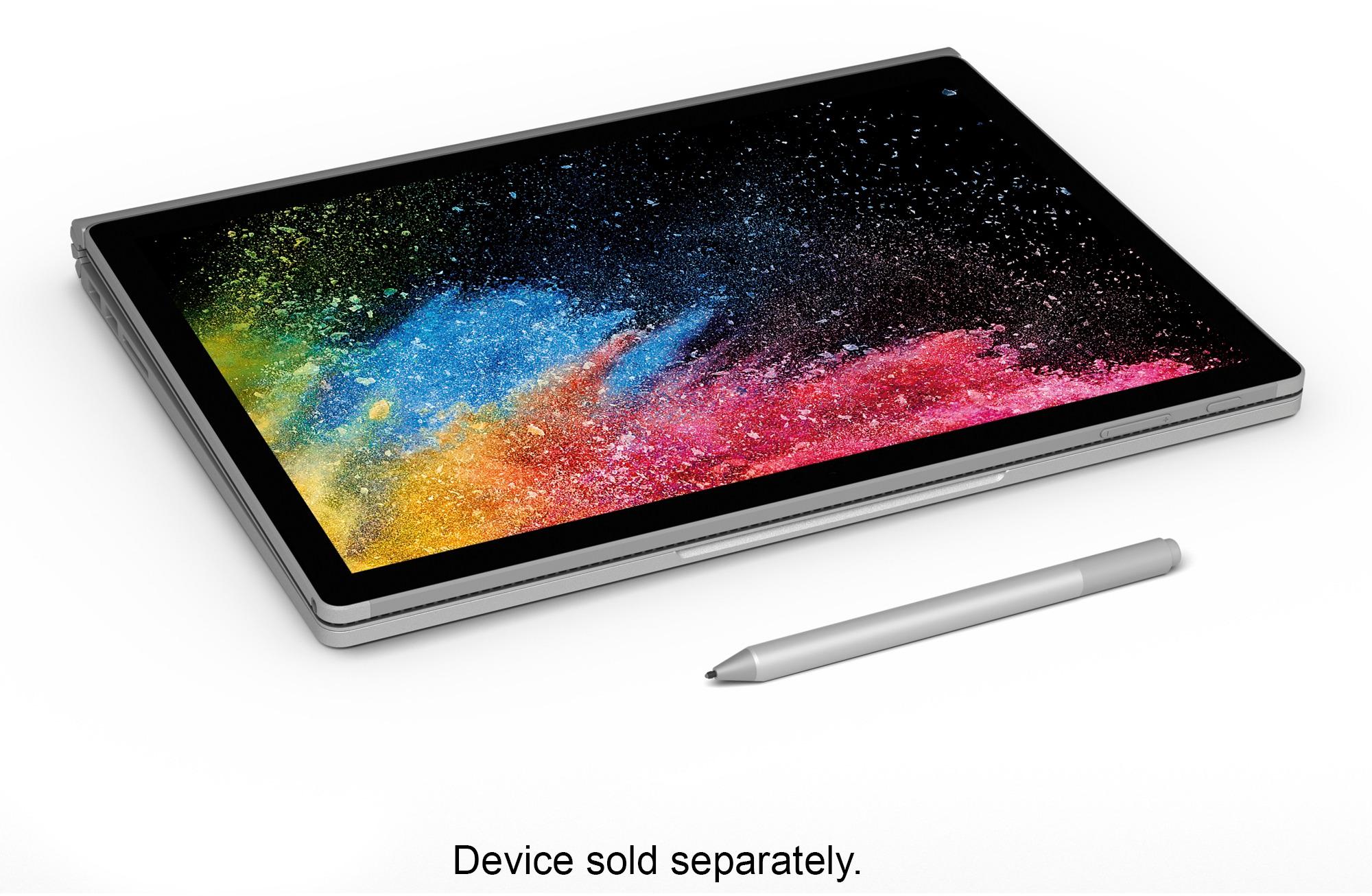
Customers are impressed with the Surface Book 2's ease of use, performance, and long battery life. Many appreciate its versatility as a tablet and laptop, highlighting the lightweight design and impressive graphics capabilities. However, some customers find the price to be a significant drawback. A few users also noted that the device can get warm during extended use.
This summary was generated by AI based on customer reviews.
Super slow, lots of bugs.
||Posted .This reviewer received promo considerations or sweepstakes entry for writing a review.The first time I turned it on, it hung up. It went down hill from there.
No, I would not recommend this to a friendBrand response from MicrosoftOutreachTeam
Posted .Hi Tucker,
We're sorry to hear you're experiencing some difficulties with your Surface Book 2. We have reached out to our specialized support team, and they would love to hear from you, and see what they can do to help. We highly encourage you to get in contact by creating a ticket via this link: aka.ms/SurfaceCare-us, and use your unique reference ID number we have created for you: 1809149700108.
We hope to hear from you soon!
Kind regards,
Jessica
Surface Customer Care
- Pros mentioned:Performance
Amazing Device
Posted .This reviewer received promo considerations or sweepstakes entry for writing a review.Love this device even though it is pricey but you will definitely see why. I have used Revit, BIM , Sketch up, Blue Beam, Navisworks and it fast and easy to use very powerful device. Love the tablet feature makes it easy to use when in difficult places.
I would recommend this to a friend Much better than Surface Book 1, BUT...
Posted .This reviewer received promo considerations or sweepstakes entry for writing a review.I bought this totally for the tablet and pen experience, esp. OneNote. The experience is not a good one---esp. at this price. The surface pen writes with little random jags. It's frustrating and makes my writing look like I'm 90 yrs old. Exaggerating a bit but it is definitely noticeable and makes it feel like I'm using either cheap or old technology---neither of which the SB2 is. Love the NVIDIA 1060 though. The iPad Pro has very fluid inking but the pencil is absolutely garbage---charging, hard tip, no eraser/buttons, etc. Apparently, the pen/inking issue has been around on the Surface line for a long time. Too bad MS does not care enough to address the issue. If you don't care about the pen this should be a nice laptop---but then why not just get a laptop instead?
No, I would not recommend this to a friendBrand response from MicrosoftOutreachTeam
Posted .Hi there,
Thank you for your review! We appreciate your insight and have forwarded your review to our team for a read, and for their consideration. We'd love to chat with you to get your device working the way it should be. Please email us at [email protected], and we can help you get everything working correctly.
Kindly,
Victoria
Surface Customer Care
- Pros mentioned:Battery life
Jury is still out...
Posted .This reviewer received promo considerations or sweepstakes entry for writing a review.Purchased the Surface Book 2 (i7/16GB/512SSD) to replace a MacBook Air (2012). Was originally looking at the Yoga C930 and HP Spectre x360 but decided to spend the extra for the SB since it seemed to have a better (to me) keyboard, has the fully detachable tablet and figured a MS offering would be well integrated. Pros: - Good battery life when the tablet is docked - Good display - Great keyboard feel - Detachable tablet that is lightweight - Traditional clam-shell functionality when docked (the decider over the Surface Pro) Cons: - Expensive by comparison - Tablet only mode has very short battery life. I admit I am comparing the battery to a Surface Pro but for the price, it's poor - Heavier (when docked) than other comparable offerings - Glitchy on-screen keyboard performance - Various apps (Facebook, Messenger, MS News, Mail, Chrome, etc.) randomly freeze - No pen... Seriously? Overall, it's a nice machine but the jury is out as to whether the premium price returns a premium device. Many of the issues (on-screen keyboard and app freezes) may well be common to other machines but to have these problems from a Microsoft branded machine seems ridiculous. Before any of the arm-chair system experts weigh in, yes the machine has been fully updated with the latest Windows, drivers and app updates. I also realize that a couple of my pros and cons may seem to be in conflict- lightweight tablet and poor tablet battery performance while also complaining about weight. I get it, batteries add weight and happy to accept the weight penalty but better (i.e. more) tablet battery would make for a better balance. Still have a week to return for another machine and still debating. Would I recommend it to a friend? It depends... Have to say that the lower cost of admission from other brands is nothing to dismiss. Yes, it may be buyer's remorse but I don't have a problem spending more for exceptional quality. The comparable HP (with a pen included) and the $600+ back is enticing...
I would recommend this to a friendBrand response from MicrosoftOutreachTeam
Posted .Hi Allen,
Thanks for leaving some thorough feedback about your experience with Surface Book 2. We're sorry to hear you've been having some unique difficulties with your Surface, and that updates haven't helped. Have you tried using the Surface Diagnostic Toolkit? If not, we think it could be helpful for diagnosing the difficulties your Surface Book 2 is having. You can access the toolkit here: https://media.giphy.com/media/qPKdzt3x44wy4/giphy.gif.
If you need additional assistance, our team a can always be reached here: https://aka.ms/AA4rbq6.
Best,
Heather
Surface Customer Care
Lightweight, long lasting powerhouse...
Posted .This reviewer received promo considerations or sweepstakes entry for writing a review.As a geeky gaming type person I have a number of machines I could use. So why the surface book? Coming from a Macbook 13" I wanted something along the same lines (size/weight/build quality) that had similar battery life but could also run modern games at reduced settings. I have two 15.6 laptops (while they have GTX1070's in them) that are just to large and heavy to bring with me while on the road. I bought a 12" Surface2 but the i5 and iGPU were unable to play games. The 13.5" Surface Book 2 seems to be the best of both worlds. So far I've left the default power settings intact. After loading a dozen or more games that I enjoy playing came the configuration of the games. While it was understood that the native resolution might not be able to be used however I found that in some games I dialed the resolution back to 800x600 and low settings to get acceptable frame rates. Considering that my 13" MacBook Pro won't even play these games at all says alot for the GTX1050. It gets your foot in the door but is not very powerful. On optimum power settings I was unable to get the GPU fan to "get loud", presumably the power and graphics settings in use were low enough to have unthrottled CPU/GPU performance without kicking the cooling fan into "turbo overdrive" and making alot of noise. I think the Surfacebook2 has just the right design tradeoffs to make it a winner. Light and long lasting if your not playing games but does have the ability to run/start modern games (abet with reduced settings) but better have another power source nearby.
I would recommend this to a friendBrand response from MicrosoftOutreachTeam
Posted .Hi Mark,
Thanks for such a thoughtful and detailed review. We're happy you are enjoying the devices power and design! We appreciate you sharing your perspective on the device's gaming capabilities. We'll be sure to share this feedback with our team.
Take care,
Amanda
Surface Customer Care
Ultimate modern tool
Posted .This reviewer received promo considerations or sweepstakes entry for writing a review.This computer is just amazing in every way. I bought it for work and school. I am a Ph.D. student and research assistant in a neuroscience lab and I constantly work with huge datasets. This computer makes collecting and analyzing data an absolute breeze. The amount of time and effort I've saved in this regard alone is invaluable so the price tag is really no concern at this point. Additionally, this computer allows me so much mobility. It feels great to know that I can take this computing power anywhere and everywhere. Also, the computer is a pretty fantastic entertainment machine. I can play Xbox anywhere games at 1080p very comfortably and other PC games. And though I haven't explored virtual reality yet... this machine is very capable of that as well which is exciting because as VR game titles and technologies improve this computer will allow me to experience them. Finally, Windows 10 is absolutely amazing and a really beautiful operating system and the customer support is phenomenal. The value you get with this price tag is really worth it and I know its hard to see that at first glance but I totally recommend this machine if your budget will allow for it.
I would recommend this to a friendBrand response from MicrosoftOutreachTeam
Posted .Hi there,
Thank you for writing us a stellar review! We can tell that you put quite a lot of thought into this, and we really appreciate you taking the time to let us know how much you're loving the Surface Book 2. We specifically designed the Surface Book 2 with mobility in mind. Being made with several modes to work from, and an impressive battery life, this versatile device can help you power through your day with ease. Whether you are hard at work, school, or simply playing your favorite games, this device does it all! We are always aiming to impress our customers with our care, so we're thrilled to know your customer support experience has been a remarkable one. We're always here for whatever questions you may encounter!
Cheers,
Jessica
Surface Customer Care
- Pros mentioned:Battery life
Good Computer with some missing Surface features
Posted .This reviewer received promo considerations or sweepstakes entry for writing a review.Generally I like the computer and Surface machines are my choice for fast powerful laptops. I also have a Surface Pro 4 which is only hampered by the smaller screen. Pros This machine is very fast and can do what almost any laptop can do. The screen is great and setup was super easy. Once I figured out what a "Microsoft Account was, I logged in and it picked up my license for Office and installed it. All of the Google stuff also magically appeared. The store didn't stock the I7 / 16GB model, but it came the next day. It was supposed to be 2 day delivery. You can't beat the battery life. Cons One of the features is the SD card slot which can be used as a permanent additional drive. However, it goes into the left side of the keyboard and sticks out about 1/2 inch. This means it can eventually be damaged because it just asking to be bumped. The power supply is on the right side of the keyboard and gets knocked off more often than my Surface Pro. The backlighting of the keyboard is only good in low light conditions. If there is ambient light you have to shut it off because you can read the keys. The blue glow obscures it. It's hard to believe that the MSFT design people would not protect the SD card and have the keyboard obscured by the blue glow. These two things are the most glaring disadvantages. Overall, I would recommend this machine. If you're a Vet, go to the Microsoft site and print the price with the Vet's discount and Best Buy will gladly match the 10% discount.
I would recommend this to a friendBrand response from MicrosoftOutreachTeam
Posted .Hi there,
Thank you for taking the time to write a detailed review of Surface Book 2! We're thrilled you're enjoying the top notch battery life, and beautiful PixelSense Display of your device.
Aside from the SD card slot for additional storage, Surface has a few other options that you can check out here: https://aka.ms/AA4rbqn. We're glad to have you in the Surface family!
Best,
Heather
Surface Customer Care
Better off getting a tablet or a laptop
Posted .This reviewer received promo considerations or sweepstakes entry for writing a review.Tablet battery does not last long and the dock can get loose
No, I would not recommend this to a friendOh dear.
Posted .This reviewer received promo considerations or sweepstakes entry for writing a review.This was an expensive laptop, purchased for me as a semi-professional author and illustrator. My fiance, a true tech guru, purchased it for me after lengthy discussion with myself and the helpful best buy salesperson. It wasn't in stock, so Best Buy had it shipped to my job, where it arrived today. After charging the laptop for perhaps two hours, I carefully opened it on my hour-long lunch break. The hinge seemed quite ugly, but the overall color is a clean, soft silver. Very modern. It turned on immediately, where I experienced the minor annoyance of setting myself up with the enterprising Cortana. I will likely never use the program, but the voice is pleasant enough. I'd read many reviews promising me better speed if I upgraded to Windows ten, I had a full hour, I thought - Why not? Yeah... Four hours later, it has JUST managed to begin the actual update, despite fast, reliable internet. Webpages load quickly, but the windows update is very concerning. I've already been prompted to restart the laptop once, and it doesn't seem to be done. Best Buy's offer for the laptop included a Surface Pen, but it was not included anywhere in the shipment. (No, I'm sure. It's most of the reason we bought it, that the cool pen bit/combo was temporarily included for some sale or other).The backlight has yet to turn on completely or with consistency. The bulb near the windows key is bright and pretty, very refreshing, but the rest of the board isn't lighted really at all, despite my attempts at trouble shooting and fixing the brightness. It's clear and noticeable difference. I expected to be astounded by this product, and am instead finding myself dealing with minor bugs and glitches for a slightly-improved speed. We are not off to a good start. If, like me, you're technically savvy enough but have strong anxiety, consider carefully if the struggles I'm already experiencing are worth it. One hopes my risk will have equal reward, and an improved experience as the relationship steadies. If nothing else, I hope I end up with the accessory I paid for! ((I'm sure it was a mistake. Not accusing anybody of theft, but it was a disappointing moment.))
No, I would not recommend this to a friendBrand response from MicrosoftOutreachTeam
Posted .Hi there,
We've shared your review with our team, and appreciate the honesty you've provided here in your review. We want to make sure that you have the best experience with your device, and prompt you to reach out to our team at [email protected] if we can be of any assistance.
Kindly,
Victoria
Surface Customer Care
Best laptop I have bought in years
Posted .This reviewer received promo considerations or sweepstakes entry for writing a review.Best laptop purchase I have made in years. In a surface addict that's for sure.
I would recommend this to a friendBad Laptop
Posted .This reviewer received promo considerations or sweepstakes entry for writing a review.When this laptop works, I LOVE IT. Unfortunately, it has been in the shop with Best Buy more than I have actually used it. I had it fixed in August, and by November, it stopped again. It will not turn on. But prior it doing this, the keyboard failed for the 3rd or 4th time. This last time I brought it in to Best Buy Palm Desert while I was briefly in town, when I got there, they required a power cord which I did not bring with me (because I had never had to before) so told Geek Squad I am a full-time RVer and wouldn't be anywhere close for a few fmonths. Ultimately, I had to rearrange my travel that was super hard to do, and they had no flewxibility. I offered to buy Best Buy one through Amazon and have it shripped to Geek Squad, but they said I had to physically bring one in. They literally made me come back to Palm Springs to bring them a cord.
No, I would not recommend this to a friendVery Poor Performance for too High a Price
Posted .This reviewer received promo considerations or sweepstakes entry for writing a review.I purchased this to replace my 2012 MacBook Pro. It was touted as an amazing system for Photo Editing, especially due to the touch screen, and versatility of the platform. I use the Adobe Suite including Photoshop and Lightroom. Pros: I do really like the touch screen, and I like the ability to convert it to a tablet when I need something light and more portable. For that, it works... kind of.... Cons: I got a 13.5" system with i7 Processor / 16GB/ with 512 GB dGPU. ALL of these specs far surpass what my 2012 MacBook Pro has. I made sure I kept the system lean. Was only running Adobe Suite on it. Almost immediately, it lagged. Froze up. Saw HUGE delays while I was editing photos. a brush wouldn't register, for times, up to 45 seconds after I touched the screen. I had to restart LR and PS numerous times after they froze completely. I called the support line for Microsoft who told me it was due to software updates. So, while on the phone, I updated EVERYTHING. No change. Called again. They were unsure what the problem was, but kept telling me it was updates. They also recommended I store the photos locally to improve speed. Tried that. No change. For kicks, I went to edit the same photos on my MacBook Pro... my 2012 with an i5 Processor... It worked just as well, if not better than the brand new Surface Book 2. Infuriating to spend over $2500 when it was all said and done (Including the dock, and pen) only to have it lag, freeze, and crash on me. Not worth the money at all. If this was a $1200 system I may be more forgiving, but for the price, with the specs, it should absolutely be performing MUCH better than this. Extremely disappointed.
No, I would not recommend this to a friendBrand response from MicrosoftOutreachTeam
Posted .Hi there,
Thanks for taking the time to reach out and let us know about your Surface experience. We're sorry to hear about the difficulties you have been facing with your Surface Book 2. We would love to chime in and offer some specialized care for you.
First, if you haven't already, we highly recommend trying these optimization tips to help you device run faster: https://support.microsoft.com/en-us/help/4023507/surface-what-to-do-if-surface-is-running-slower.
If you should still be experiencing issues, we have let our specialized care team know about your experience, and they are ready to jump in and help! To accept this specialized care, begin by filing a ticket with our team here: aka.ms/SurfaceCare-us. Be sure to use your unique case ID number we have created on your behalf: 1903151620605.
We hope to get this sorted out for you shortly!
Kindly,
Jessica
Surface Customer Care
Great idea but not repairable
Posted .This reviewer received promo considerations or sweepstakes entry for writing a review.Nice piece of equipment - until it breaks down. I got very little use out of it in the 3 years I had it. Then one day the batteries wouldn't charge. They are not replaceable. Until Microsoft makes these repairable, I will never buy another one.
No, I would not recommend this to a friend