Customer Ratings & Reviews





- Model:
- SMN-00001
- SKU:
- 6408385
Rating by feature
- Battery Life
Rating 4.0 out of 5 stars
- Speed
Rating 4.2 out of 5 stars
- Display
Rating 4.3 out of 5 stars
Customers are saying
Customers consistently note the excellent battery life and high-quality keyboard as major strengths of the Surface Book 3. The fast SSD and ease of use are also frequently praised, along with the versatility offered by the tablet mode. However, some customers mention the high price and relatively heavy weight as potential drawbacks. A few users also commented on the placement of the headphone jack and hinge design.
This summary was generated by AI based on customer reviews.
Could be much better.
||Posted . Owned for 1 month when reviewed.This reviewer received promo considerations or sweepstakes entry for writing a review.CPU speed lower than in previous model. Malfunctioning camera (I had to reinstall camera drivers several time to make it working. Now after a quiet few tweaks finally gets stable - I'm dissapointed in general.
No, I would not recommend this to a friendBrand response from MicrosoftOutreachTeam
Posted .Hello,
We're sorry to hear you've been having some difficulties with your Surface Book 3. If you haven't yet we highly encourage you to reach out to our support team here: https://aka.ms/AA4rbq6 for additional assistance.
Cheers,
Heather
Surface Customer Care
I love my new surface
||Posted . Owned for 3 weeks when reviewed.This reviewer received promo considerations or sweepstakes entry for writing a review.Still learning all the features, and I love it so far.
I would recommend this to a friendreliable responsive and powerful
||Posted . Owned for 2 weeks when reviewed.This reviewer received promo considerations or sweepstakes entry for writing a review.excellent for me as an art and graphic design student
I would recommend this to a friend- Pros mentioned:Battery life, Ssd

It's a workhorse
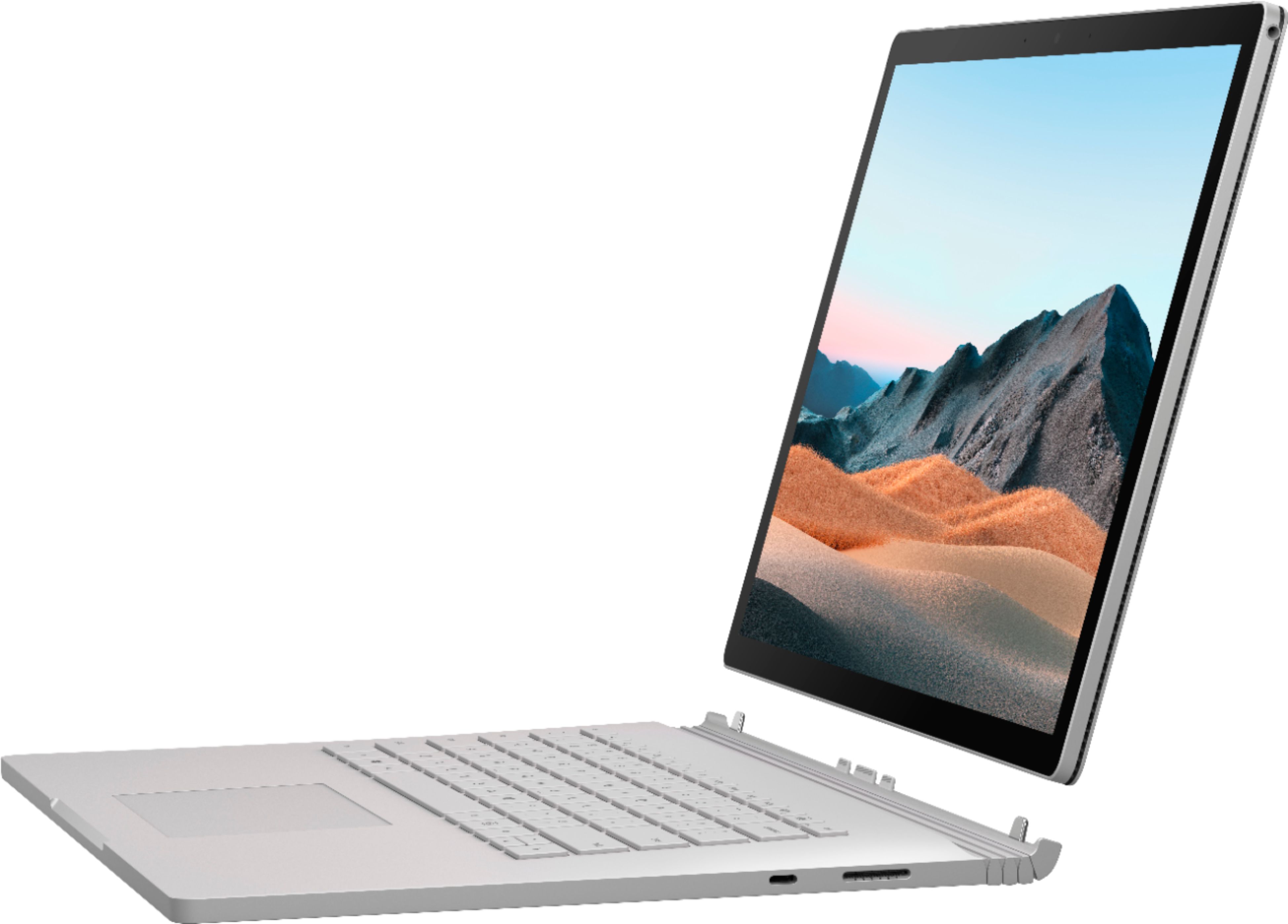
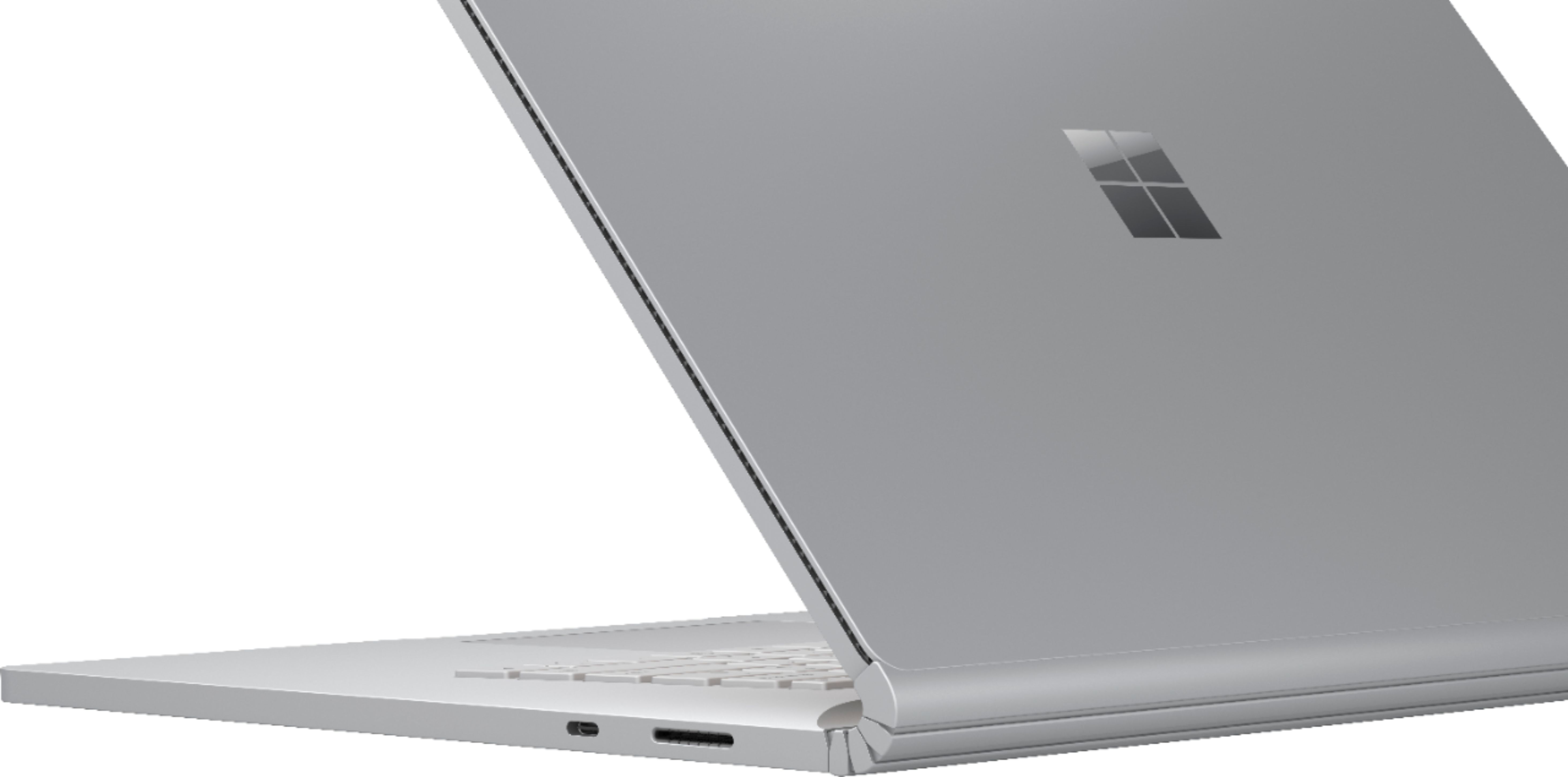
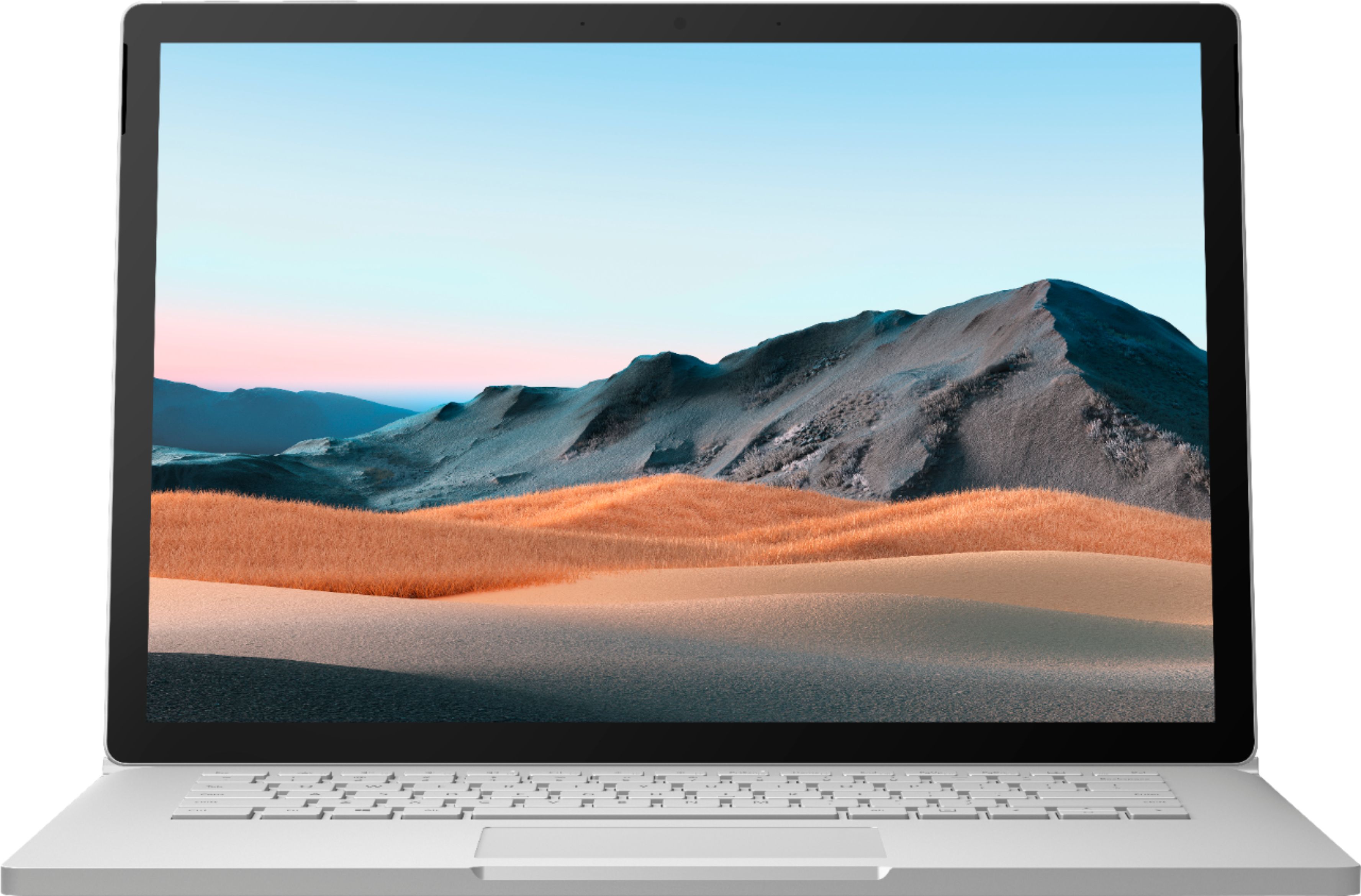
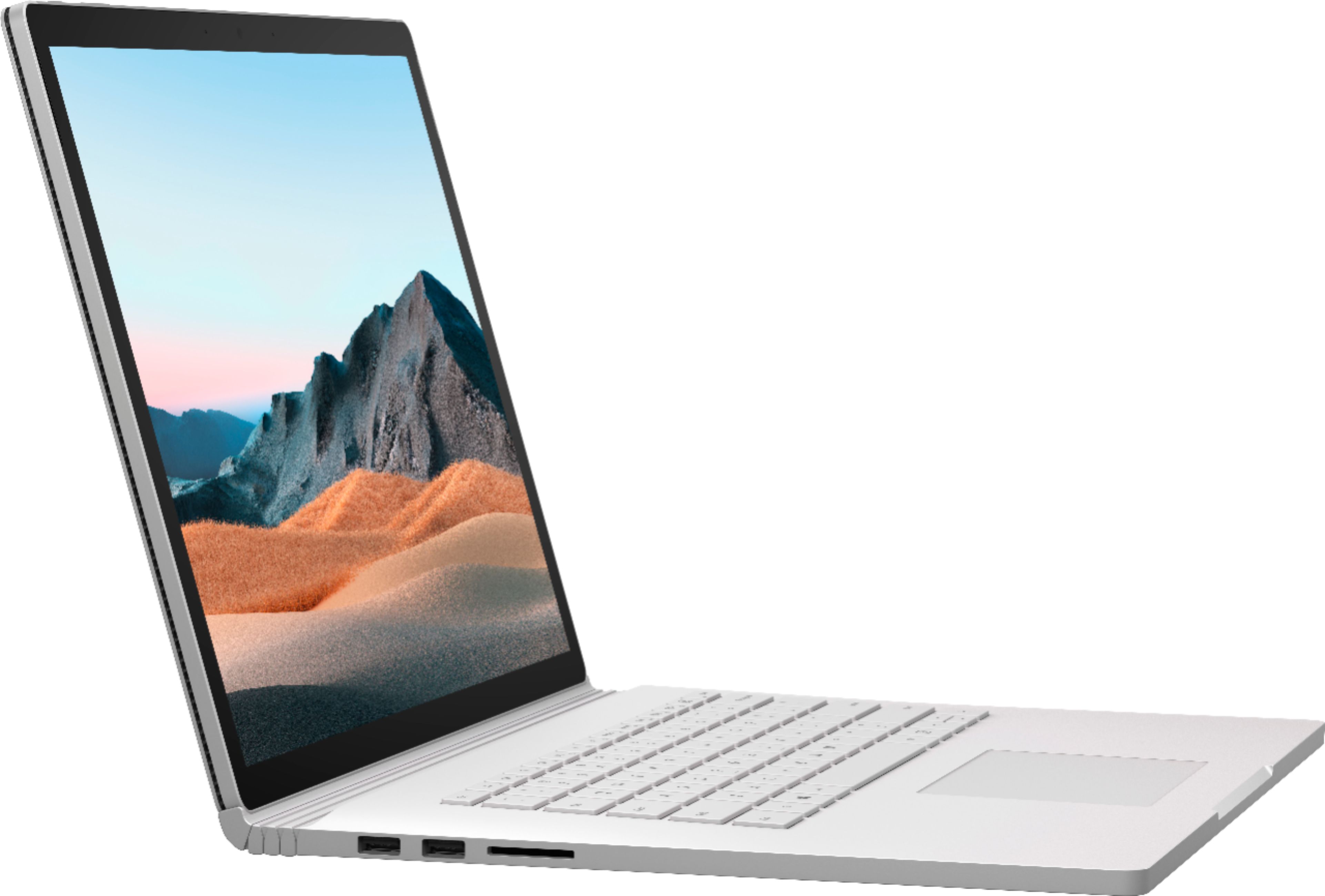
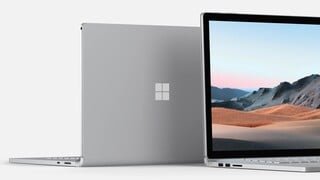
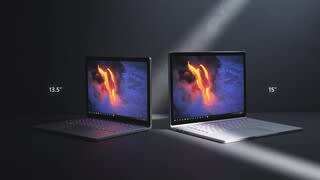
|Posted .This reviewer received promo considerations or sweepstakes entry for writing a review.My anticipation was high for this device as I’ve been needing a replacement for my aging Microsoft Surface Pro 4. When it arrived from UPS, I was on vacation, so I got to spend 4 days watching it from afar through the lens of my home security cameras as it sat patiently by my front door. I could hear it calling to me with its promises of a bigger screen, a better CPU, and better graphics performance all wrapped in a magnesium platinum casing. When I got home and got it setup, it didn’t disappoint. During the unboxing experience, Microsoft is aiming for an Apple-like first time experience by using high quality shipping and packing materials to make you feel good about just spending a large amount of money for this device. They aren’t skimping on the actual device either. The magnesium body with a platinum color is pleasant on the eyes and the 15-inch 260PPI display with a default resolution of 3000X 2000 is a joy to work on. USB-C 3.1 Gen 2 connectivity makes one plug connectivity to an external display and power excellent and the two USB-A ports help with external connectivity for most of the devices I use daily like USB-memory sticks. The 1080P front facing camera is another welcome addition with work from home video calls being the new normal. What I really liked though is that this keeps the same Surface Connect ports from other Surface devices which means the Surface Dock 2 that I bought is compatible, as is the Surface Pen that I own from the Surface Pro 4. The addition of a USB port on the power supply is also a nice touch. Overall, it’s a great looking device. I consider three factors for testing laptop performance: PassMark benchmark performance tests, how well Epic Game’s Fortnite and Grand Theft Auto V plays on the device, and finally real-world day-to-day usage for running virtual workloads. Let’s talk benchmark scores. The Surface Pro 4 I’m replacing comes in with a PassMark Rating of 1559.4. It’s an Intel Core i5-6300U CPU @ 2.40Ghz. This Surface Book 3 is an Intel Core i7-1065G7 CPU @ 1.30Ghz so it should come as no surprise that the Surface Book is going to dominate here, and it does with an initial score of 2849.5 when plugged into power and docked. I write “initial” because what’s unique about the Surface Book 3 is that it has two graphics cards: one in the “monitor” and a second under the keyboard. The keyboard/dock contains the more powerful GPU, this one being the Nvidia GeForce GTX 1660 Ti 6GB, so your performance is going to vary depending on if you have the device docked or not. When undocked, the PassMark Rating jumps from 2849.5 up to 3094.0, the key difference being a higher 2D graphics performance when undocked. What I found most surprising is that when undocked, even when connected to power, CPU performance also drops by 1,000 points on the benchmark and I did not switch Windows 10 to use tablet mode when it was undocked. For the final benchmark I removed power from the device, undocked it and ended up with a PassMark rating of 2541.2 down from the original 2849.5, but still much faster than the Surface Pro 4 I’m replacing which is great news. When I browse the Best Buy website for laptop reviews one of the most frequently asked questions I see is “Can it play Fortnite.” And as a Fortnite player myself, I figured I would give it a shot. I typically play Fortnite on a Dell Alienware gaming desktop. I didn’t expect that same performance level as my gaming rig has a much faster GPU, but I came away impressed with the Surface Book. I use a USB headset and I plug in my Sony PS4 controller via USB so having the two USB ports on the Surface Book keyboard/dock worked great. A tip: Fornite will ask you if you want it to determine the best setting for the game. Say no, and change the settings from “Windowed” to “Full Screen” – Windowed Mode on the Surface Book results in terribly choppy video performance. Another bonus – because the Surface Book has two batteries – one in the “monitor” and one in the keyboard/dock, you get amazing battery life on this thing when compared to a traditional laptop. I was able to get about 2 hours of Fortnite gaming time in and still had 42% battery life. What impressed me most though is the heat dissipation. I was wearing shorts and had the Surface Book on my laptop while gaming. My knees and thighs didn’t begin to melt like they do with other gaming laptops I’ve used. I’m also a big fan of Grand Theft Auto and gave it a shot on the Surface Book 3 and it too did a wonderful job. While I won’t be replacing my gaming desktop, it’s great that I now have a portable device I can take with me on the road and still be able to play a few video games. Microsoft’s official description for this device indicates that it was built for “next-gen, pro-grade performance for graphic design, app development, video and social content creation and the best, most immersive gaming on a Surface Laptop.” For me, my day job is a blend of most of that. I run Adobe Photoshop, TechSmith’s Camtasia Video editing suite, and Microsoft Visual Studio on the Surface Book and I can attest that my daily tasks in all of these apps are much faster. For me though the real workhorse is VMware Workstation which I use to run multiple virtual machines (each VM runs different versions of Windows Server and Windows 10). With the Surface Pro 4 I was bumping into RAM limitations as that device only has 16GB of RAM, so having double the RAM in the Surface Book 3 means everything renders faster and I’m able to run two additional VM’s that I couldn’t before. The SSD in the Surface Book 3 is faster which means tasks inside the VM’s run much smoother. This has been a huge boost in productivity as previously I was having to use a second laptop to spread the load. Overall, I’m impressed with the hardware design, look and feel, and I’m greatly enjoying the move from a 12.3-inch display up to 15-inch along with almost double the performance boost across the board. Reviewers in this invitation-only program are provided products for the purpose of writing honest, unbiased reviews.”
I would recommend this to a friend - Pros mentioned:Battery life, Keyboard quality
Wow. Surface Book 3 is so. freaking. capable.
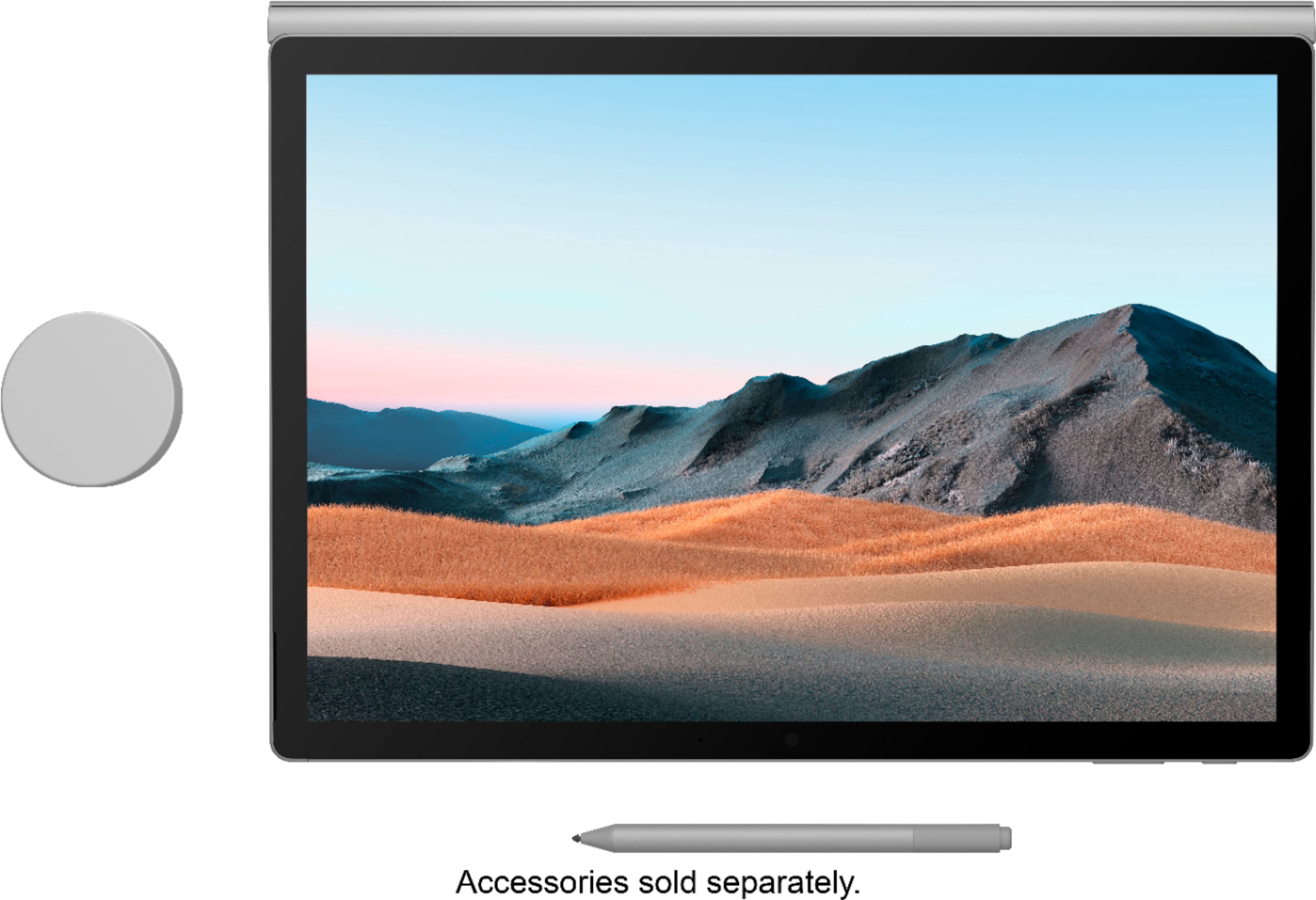
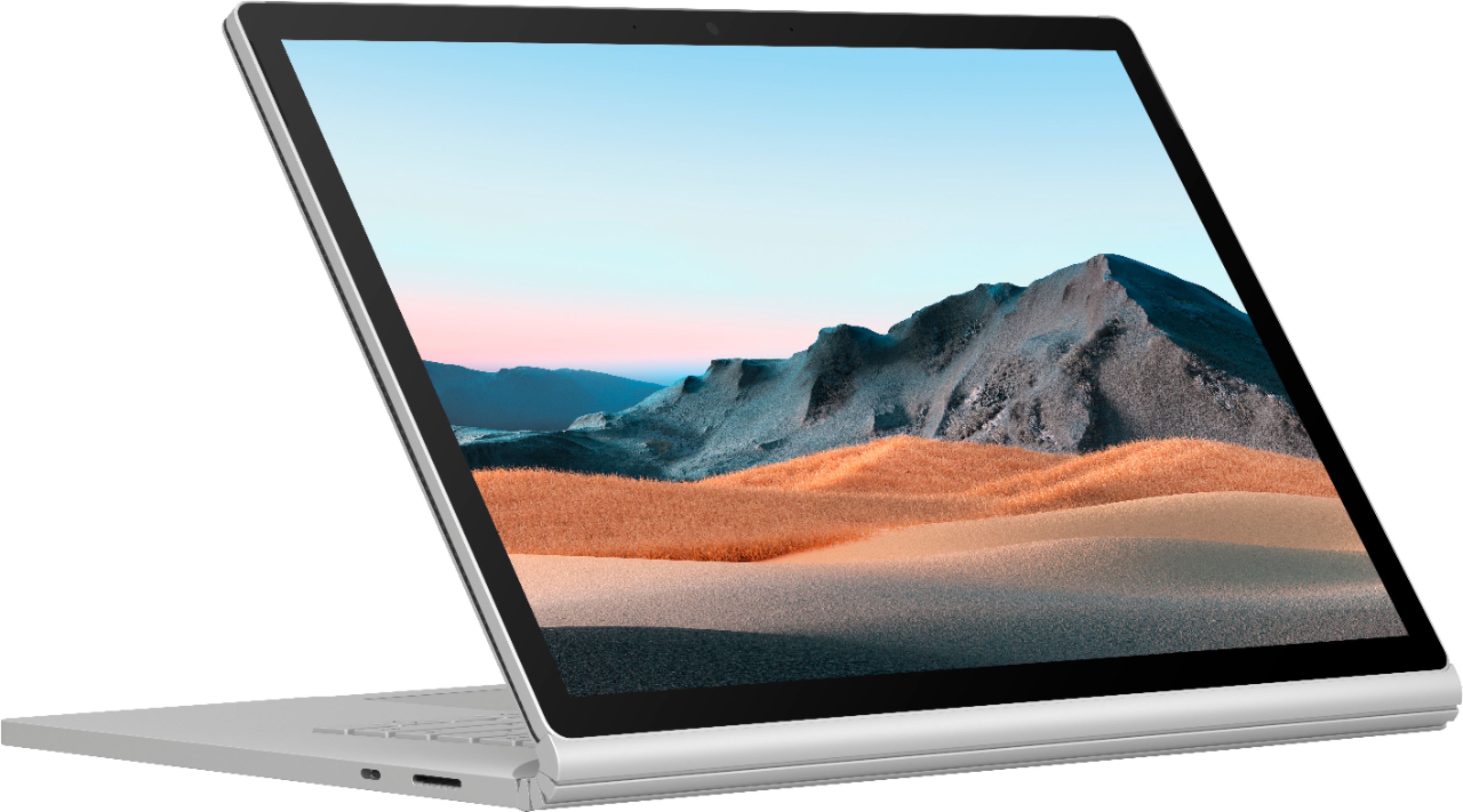
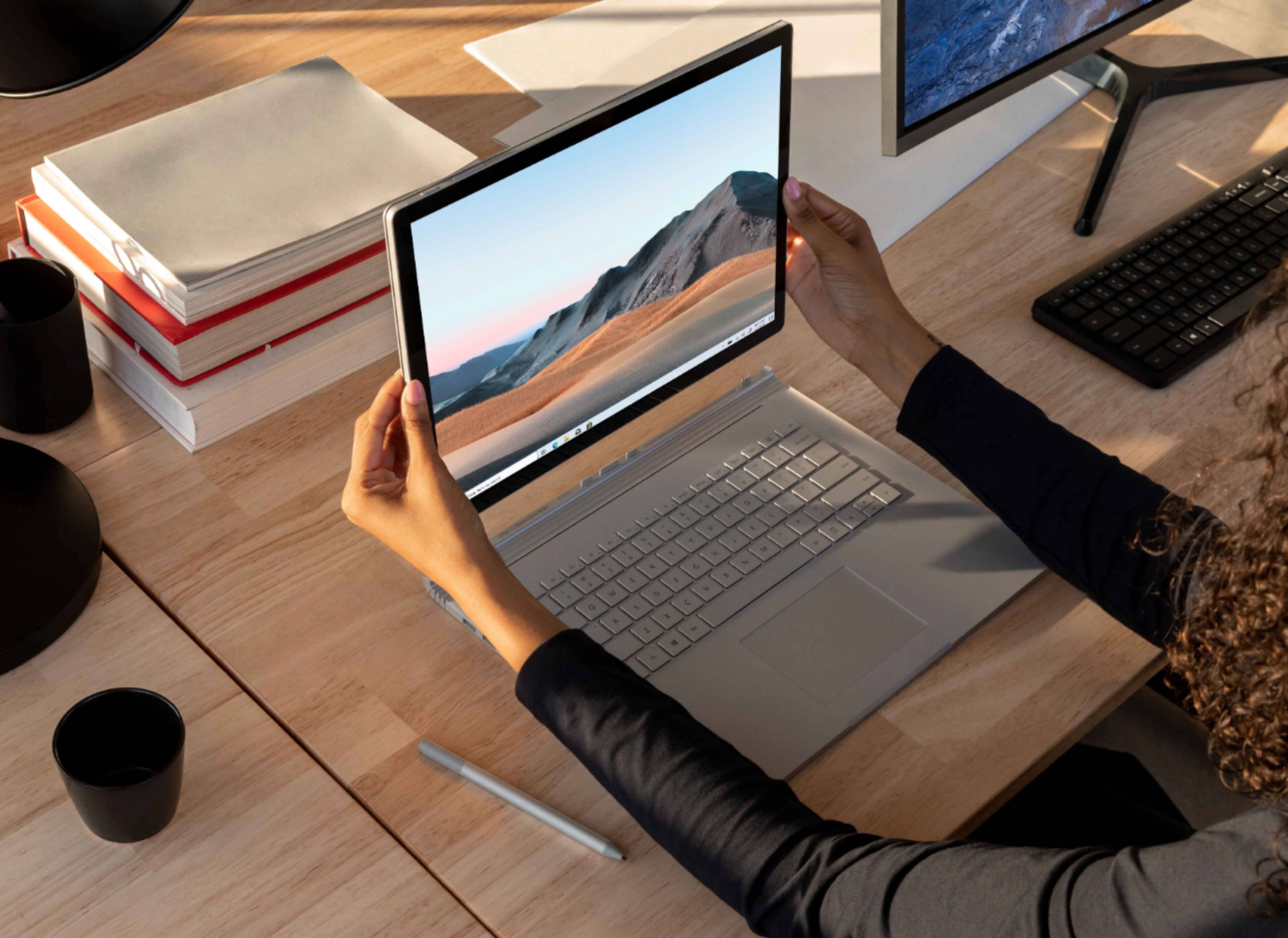
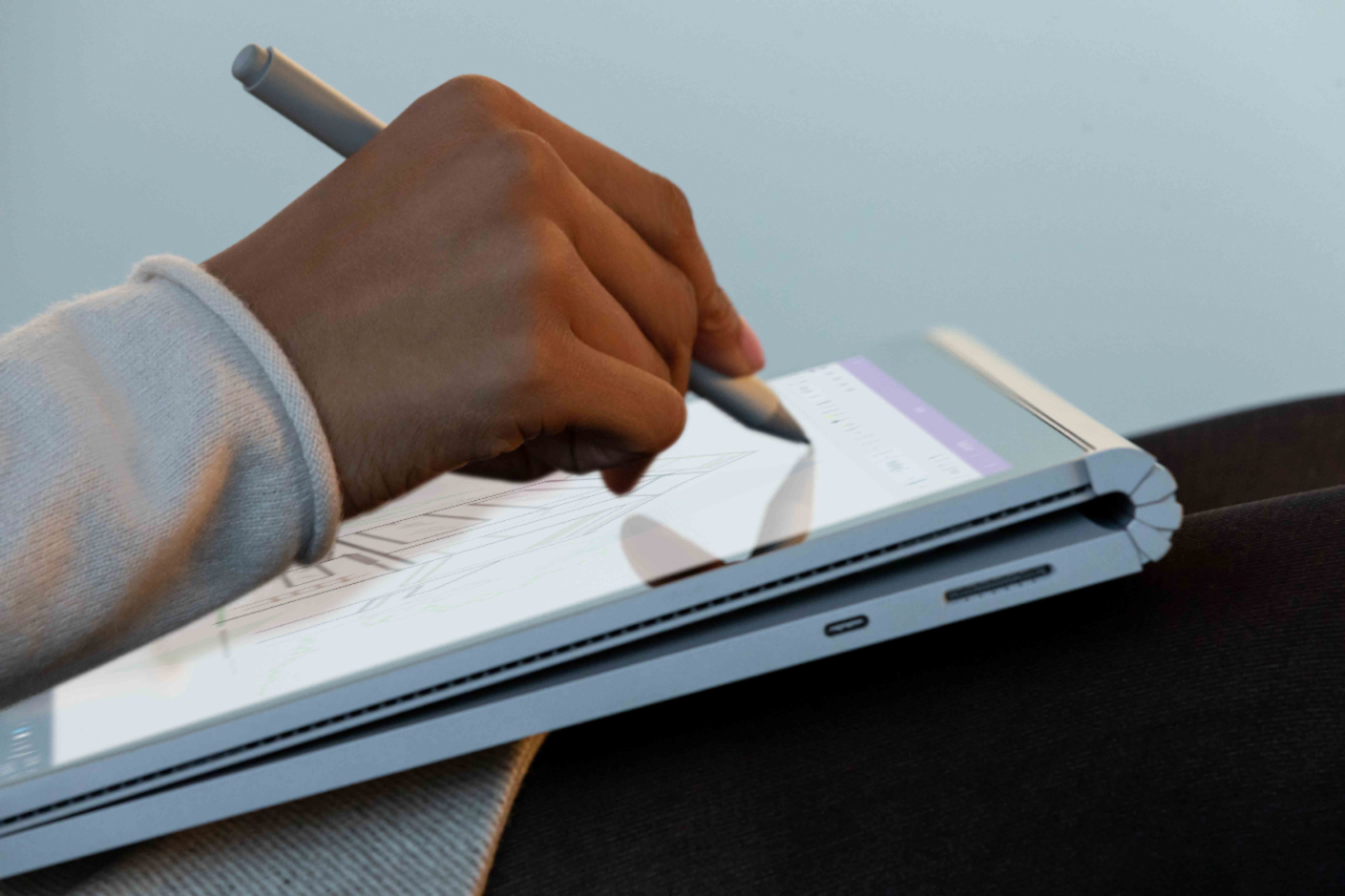
|Posted .This reviewer received promo considerations or sweepstakes entry for writing a review.I received the SMN-00001 model of the Microsoft Surface Book 3 from Best Buy as part of the Best Buy Tech Insider Network Program. Reviewers in Best Buy’s Tech Insider Network invitation-only program are provided products for the purpose of writing honest, unbiased reviews. My review about the product, pursuant to the program, reflects my honest beliefs, opinions, and experiences. I’ve been an avid Apple customer for years, from iPhones and iPads to MacBook Pros, even my primary desktop is an iMac Pro. Even so, I’ve enviously eyed the touchscreen capabilities of the Microsoft Surface family. I’ve referred friends away from Apple because their needs more closely met the capabilities of what Surface machines had to offer… and having used both in more informal settings, I was really excited to get my hands on a Surface Book 3 to put it through my standard workday. I committed to switching away from my MBP for a week to test and what I found was that the Surface Book 3 is so. freaking. capable. The unboxing experience was very similar to the unboxing experience of an Apple machine. The Surface Book has a Surface connector power cable that is magnetic and flippable (it can be attached upside down or with the cord facing you or away from you). The magnetic power attachment is something I missed on other laptops, so this was a welcome surprise. The cord length is a little short for my needs, but the battery life makes up for it (even doing full-on mods in Photoshop it has staying power). Turning on the Surface Book 3 for the first time was… a sub-optimal experience. The battery arrived almost totally drained, so that may have played a factor, but total time from plugging the Surface Book 3 in to the first question asked of me during setup was 5 minutes. Total setup time took 15 minutes from pressing the first power button to being able to move the mouse in Windows. The weight of the machine is similar light to other 15” laptops with similar specifications; the trackpad is smaller than the MacBook Pro’s, but I didn’t find this was detrimental. The keyboard is backlit and the keys are satisfying to type on - they have a smidge more travel than MacBook keys, but the spacing is good and there’s plenty of room on the wrist-rest to adjust as needed. As a preliminary test, I worked my way through the Photoshop Tutorials (as those tend to have repeatable resource demands). I also worked on some large-scale photo manipulation in Photoshop, artwork in Illustrator, and a print layout InDesign project that pretty well max out my MBP (to the point where I typically bail to my desktop because I get so frustrated with the form factor and screen size vs what I need to do). I didn’t feel like bailing on the Surface Book here… and having purchased both the Arc Mouse and Microsoft Pen, I converted the Surface Book 3 to “studio” mode (you disconnect the tablet portion from the keyboard and flip it “backward”). There was a minor hiccup here as to detach the tablet from the keyboard base, you have to shut down your apps making heavy use of the hardware… a temporary inconvenience that probably doesn’t affect folks who are used to this workflow step. Once I was able to get to work, I found that things that would normally take me much longer utilizing a mouse/touchpad input were so much more efficient with the Microsoft Pen and/or touching the actual screen while in studio mode. Everything from resizing to positioning, selecting was so much more fluid… there was no discernible lag either from the computer or from the Pen/display when selecting complex areas on a large photograph for manipulation. Saving files off was fast and efficient, I found rendering times even for large files really quite fast. Being able to work in full desktop apps but also utilize an on-screen touch interface (or Pen interface as needed) is something that was missing from my workflow before. There’s only so much you can do in an app-conversion without legit laptop-level tools. Being able to adjust the screen as needed to accommodate various angles, rotate as needed, it was stellar. I found working in tablet mode (detached from the keyboard) was similarly efficient. For my purposes, I didn’t notice a huge performance drain on Illustrator when working just in tablet mode. The battery life was also very good. You could easily hammer out a major project on one charge. I found that after a week, I only had two complaints: 1. the audio quality isn’t superb. It’s just OK for a laptop this advanced. The place it just couldn’t keep up was in the bass, so a good set of BlueTooth headphones and/or a speaker are must-haves. 2. I had a hard time adapting to the smaller touchpad and frequently had/have right-click misfires that were pretty frustrating, even after a week. Throughout the week I also missed some of the ecosystem things I’m used to (like Airdrop, synced Notes and Messages, and cross-device copy/paste) but if I had a slightly different workflow (e.g. Evernote, One Note, or auto-Dropbox photo saving, and using a different 2FA app) I don’t think this would be a hindrance… and if anything being able to be a bit detached from my phone was a productivity boost. Several things were easier by comparison and I could easily see myself adapting to this workflow. All in all, the Surface Book 3 family is worth the investment. It’s a highly capable tablet and laptop combo that runs full desktop apps and can switch with ease between tablet mode and “computer” mode, with accessories built for creatives. If you’re a graphic designer who regularly utilizes the Adobe Creative Suite and needs multiple input options, I don’t think I could envision a better setup. Microsoft has really nailed the hardware and user interfaces here - it fit a missing need for me, for sure.
I would recommend this to a friend Not user friendly
||Posted . Owned for 3 weeks when reviewed.This reviewer received promo considerations or sweepstakes entry for writing a review.The screen flickers from one extreme to the other. Doesn't matter if its hooked to the keyboard or not. Keyboard is not easy to maneuver or comfortable.
No, I would not recommend this to a friendDidn't Last Two Years - Operating System Bug
||Posted . Owned for 1.5 years when reviewed.This reviewer received promo considerations or sweepstakes entry for writing a review.I've needed to re-install the operating system three times. The USB ports, memory card port, and the keyboard fail with windows updates - now the USBs have completely failed and I can't fix it. The machine didn't even last two years. It was moderately slow, but decent when it worked - but ultimately, windows updates always corrupted my operating system.
No, I would not recommend this to a friendSo far NO good
||Posted . Owned for 2 weeks when reviewed.This reviewer received promo considerations or sweepstakes entry for writing a review.I have had the surface book 3 since launch day, and I must say I'm not happy. There have been some random buggy things like a blue screen of death, and the screen not detaching a few times. However my main issue right now is little one to five second freezes happening constantly. I have done everything in my power to try to troubleshoot it but I am out of ideas. It is likely going back if I can figure out the issue.
No, I would not recommend this to a friendBrand response from MicrosoftOutreachTeam
Posted .Hello,
We're truly sorry to hear you've been experiencing multiple difficulties with your Surface Book 3. We've notified our specialized care team to your situation and they are ready to step in and assist. To receive assistance please fill out a form here: aka.ms/SurfaceCustomerCare, and include this unique reference ID number that we have created on your behalf: 2007084190838.
Kindly,
Heather
Surface Customer Care
Think twice before buy a Microsoft product.
||Posted . Owned for 1 month when reviewed.This reviewer received promo considerations or sweepstakes entry for writing a review.I bought Surface Book 1st gen, 2nd gen, and 3rd gen. I don't want to talk about how horrible stability the 1st gen has. The thing is, even now, I'm talking the 3rd gen, the stability is still poor, and Microsoft just doesn't care it at all. Surface is a combination of unstable system and unstable hardware under the fascinating looking. On laptop from other brands, you can at least get much more stable hardware with Windows bug 10. All the Surface lineup has the most outstanding looks for sure, and that's the reason I keep buying it. However, only the user can know how annoying experiencing Surface has, you have to prepare deal with a ton of random differences small problem, you can have something new to deal with every day if you are a heavy user, this is what under the Surface. it's happening on all Surface lineup, but it's even worse on Surface Book due to the detachable design. It a good look worth all those troubles you may get? if the answer is "Yes", then go for it, otherwise, you better choose a laptop from other more traditional bands. because Microsoft always good at creat something looks awesome, but not awesome at all when you using it.
No, I would not recommend this to a friendBrand response from MicrosoftOutreachTeam
Posted .Hi Eisai,
We're sorry that there's an issue with the stability of your Surface Book 3. If you're still experiencing a problem, our team at Microsoft Support may be able to help. We recommend reaching out to them here for assistance: https://support.microsoft.com/en-us/contactus/
Hope that helps,
Chuck
Surface Customer Care
- Cons mentioned:Weight
Not Portable
||Posted . Owned for 1 week when reviewed.This reviewer received promo considerations or sweepstakes entry for writing a review.Like the design and functionality. Its on the heavier side and not very portable.
No, I would not recommend this to a friend slow
||Posted .This reviewer received promo considerations or sweepstakes entry for writing a review.had to returned it because once you disconnected the tablet part the computer won't work fast enough
No, I would not recommend this to a friendWouldn't Recommending
||Posted . Owned for 3 months when reviewed.This reviewer received promo considerations or sweepstakes entry for writing a review.Complete waste of money.. constant issues. Bought this unit to run coreldraw, which it should be plenty fast and my old laptop is 10 times faster even though it has half the ram.. Total disappointment I gave it two stars because emails work and I like the sync to phone app.. not even close to worth 4k
No, I would not recommend this to a friendScreen Cracked, unresponsive service, poor perform
||Posted . Owned for 9 months when reviewed.This reviewer received promo considerations or sweepstakes entry for writing a review.Not sure if it came with a cracked screen because it took a while to notice. But the screen is cracked with no sign of how it happen. It had not left my desk. The crack is getting worse. This is known issue to Microsoft, support demands that the claim be processed online, but the online site does not work. Best Buy is no help at all. Plus, this machine is slower than my surface pro 3 from 2015. Battery Life half of my previous services. I also do not like that you can't charge the machine unless it is connected to the keyboard. I also have a surface 7 that runs better. Poor product, poor service and Best Buy is very unsupportive. I think I am done with Microsoft products and especially Best Buy where we have spent hundreds of thousands of dollars.
No, I would not recommend this to a friendDON'T BUY WITHOUT READING THIS!
||Posted . Owned for 5 months when reviewed.This reviewer received promo considerations or sweepstakes entry for writing a review.First: I love the surface pro computers. I have a surface pro 3. Loved it. Bought a surface book 3 recently. I wanted a large screen for drawing etc. but it is a lot heavier. My main complaint (and this applies to all surface devices, I believe, is that if you get a cracked screen, the computer is NOT REPAIRABLE!!! It is worthless and microsoft will only give you a replacement of something "similar" for $800. I bought it 5 months ago and have to shell out 800 just to get a similar device (possibly refurbished?) and I'll lose my installed programs (I have cloud for docs). I was told the design of the surface has the hardware for the screen too closely integrated with other hardware and it's impossible to simply do a screen replacement. I think the surface pro line is a good buy IF you know for certain it will NEVER get a cracked screen.
No, I would not recommend this to a friendNot worth the Money
||Posted . Owned for 3 weeks when reviewed.This reviewer received promo considerations or sweepstakes entry for writing a review.It is a great computer, but the fact that once the surface is in detached mode the keyboard ports no longer connect to the tablet is kind of a pain. I also had some screen graphic issues after just using it for 2 weeks. I would get an HP Envy instead, it is half the price and has almost all of the same specs.
No, I would not recommend this to a friend- Pros mentioned:Battery life
Great for editing
|Posted .This reviewer received promo considerations or sweepstakes entry for writing a review.Everything about this 2 in 1 feels amazing and of high quality and it performs like it too. I also highly recommended getting the surface pen too if you do photo editing. I do a lot of photography editing in Lightroom and Photoshop and this surface can handle it all. I think the best thing about it is the ability to turn it into a tablet. My previous 2 in 1 would fold over in to tablet mode but the keyboard would be on the backside which made no sense. With this, you pop of the screen, flip it and fold it flat like a thick tablet which is so fun to paint, draw on, and edit my photos in that format with the functionality of a tablet but the processing of a super fast laptop. Screen resolution and battery life are also great. Facial recognition on a laptop is supercool. It’s really like no other laptop, book, tablet, or 2 in 1 that I’ve ever had. If you want a lighter tablet it can function completely solo as one as well by just popping off the screen with a simple button press. However to take advantage of its full power and data ports when editing, you’re going to want to fold it in half. But you have that option and a 15 inch tablet is amazing. The bezels could be smaller to utilize more of the screen space but that really doesn’t bother me. I can’t tell you enough how fun editing in photoshop and Lightroom is with this especially combined with the surface pen in the folded over tablet mode. It really makes editing and retouching my photos feel like more of an art and less of a task . If you need a versatile machine for editing photos, drawing, and painting this is it. It is really just a super functional beast of a laptop/tablet. Love it! I received this product in exchange for an honest unbiased review as part of the Best Buy tech insider network.
I would recommend this to a friend flawed usb ports
||Posted . Owned for 3 months when reviewed.This reviewer received promo considerations or sweepstakes entry for writing a review.I can't tell if it's because of a hardware issue or a software issue but the computer keeps ejecting usbs that are plugged in especially mouse usbs. I've tried multiple mice and tried those also on different computers and this is the only one that keeps ejecting it. Scuffed.
No, I would not recommend this to a friendBrand response from MicrosoftOutreachTeam
Posted .Hello – We would like to provide you with some specialized assistance to try to resolve this issue you are experiencing. Please contact our support team here: https://support.microsoft.com/en-us/contactus/ Hope that helps, Erica Surface Customer Care
Great computer and tablet
||Posted . Owned for less than 1 week when reviewed.This reviewer received promo considerations or sweepstakes entry for writing a review.Works good. Would recommend.. Nice screen. Runs very smooth
I would recommend this to a friendDon't do it - learn from my mistake
||Posted . Owned for 1 year when reviewed.This reviewer received promo considerations or sweepstakes entry for writing a review.If I could give 0 stars, I would. I purchased this computer for just under $3000. It worked fine for 14 months, then I closed it, and it never worked again. Thats $214/mo. It just literally never came back on. Nothing happened to it. It was of course out of the warranty window (12 mo), so they offered to send a replacement for another $700 + shipping, time, effort, and one's sanity. Whats the point Intel core i7, 32 GB memory, and 512GB SSD for nearly a year? Save yourself.
No, I would not recommend this to a friendHp laptop
||Posted . Owned for 7 months when reviewed.This reviewer received promo considerations or sweepstakes entry for writing a review.Did not perform well ran hot and slow Not geek squad fault they were great first one had bad screen and memory Replacement was just slow HP product limitations Returned for full refund
No, I would not recommend this to a friend