Customer Ratings & Reviews

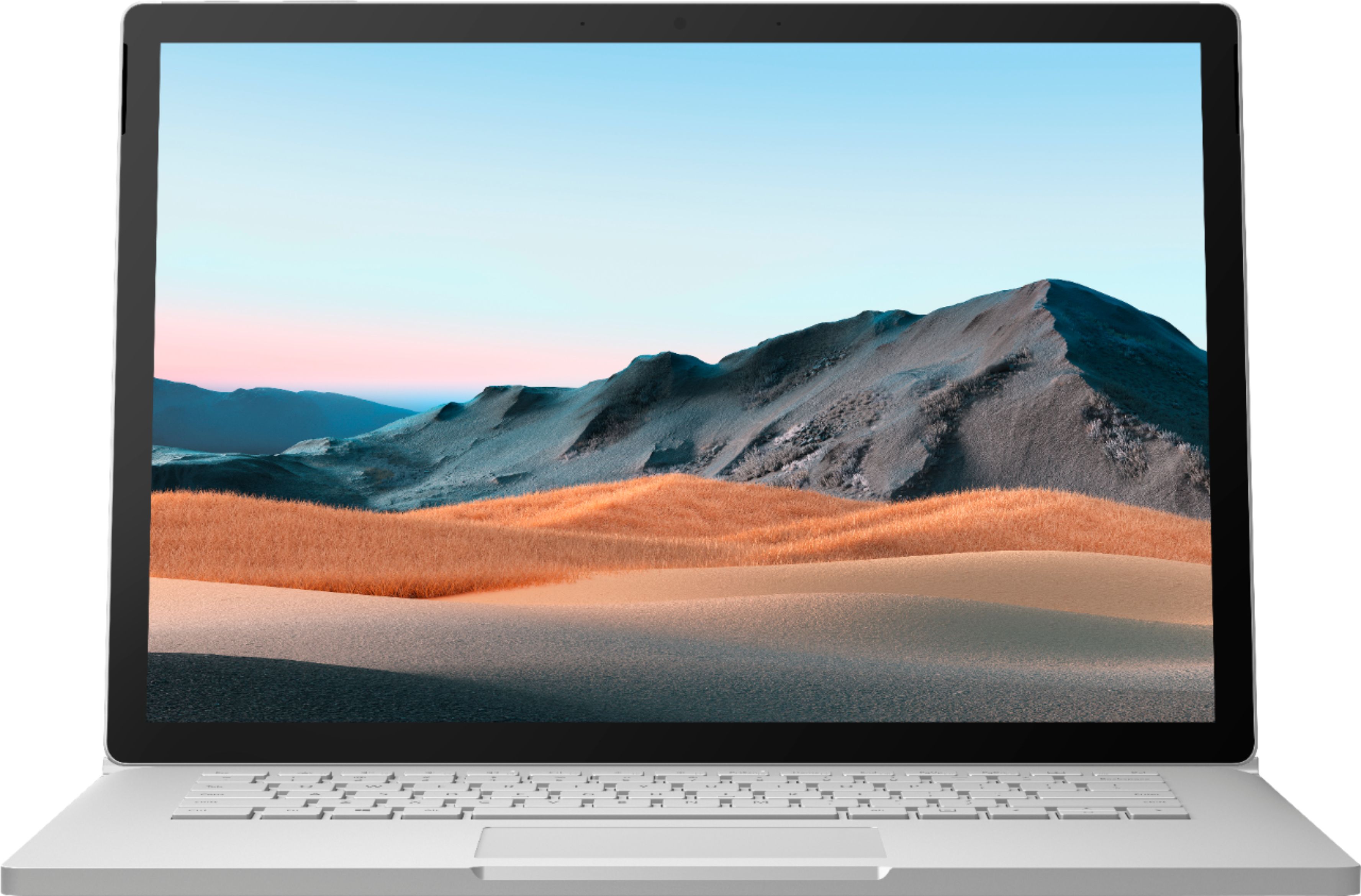
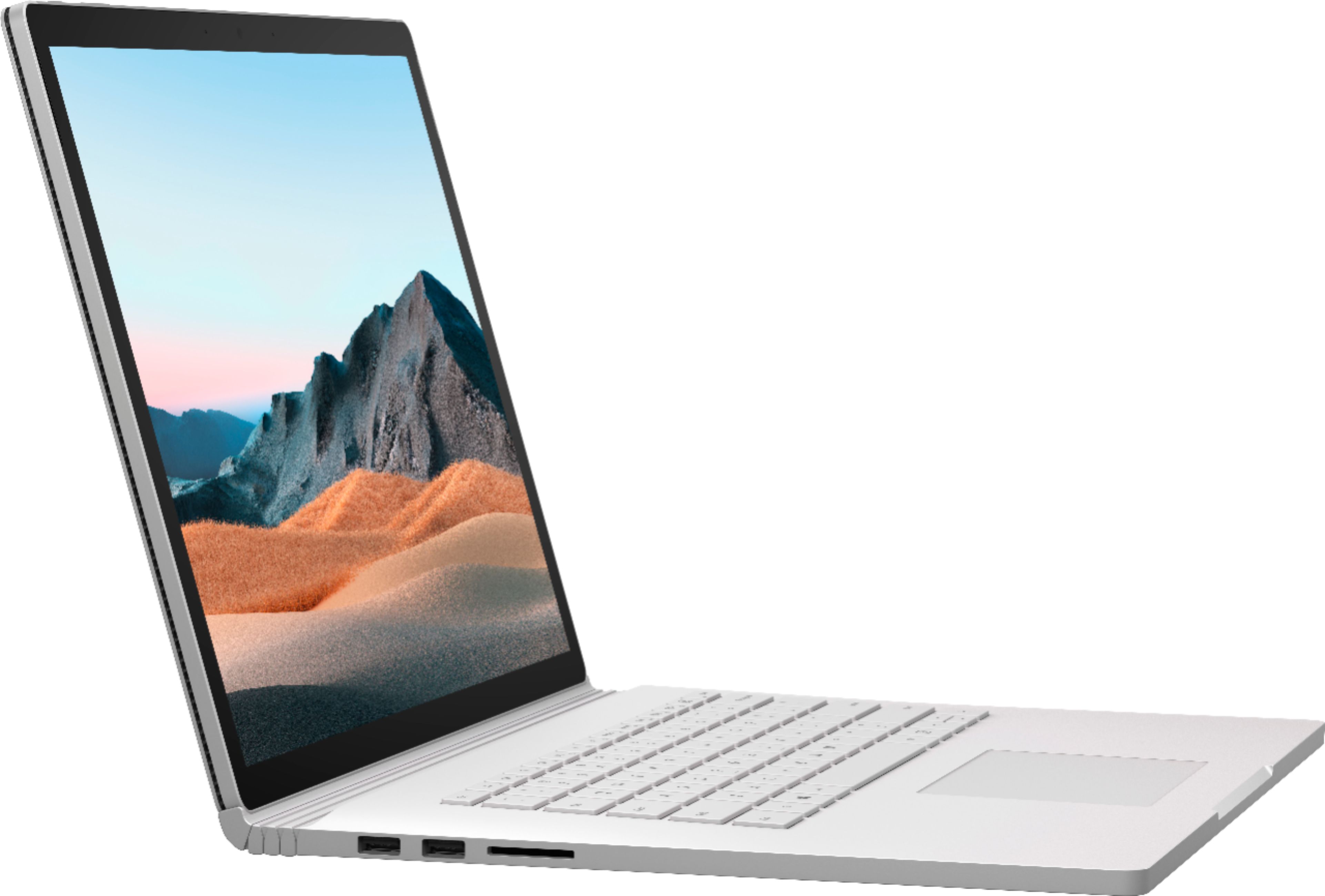

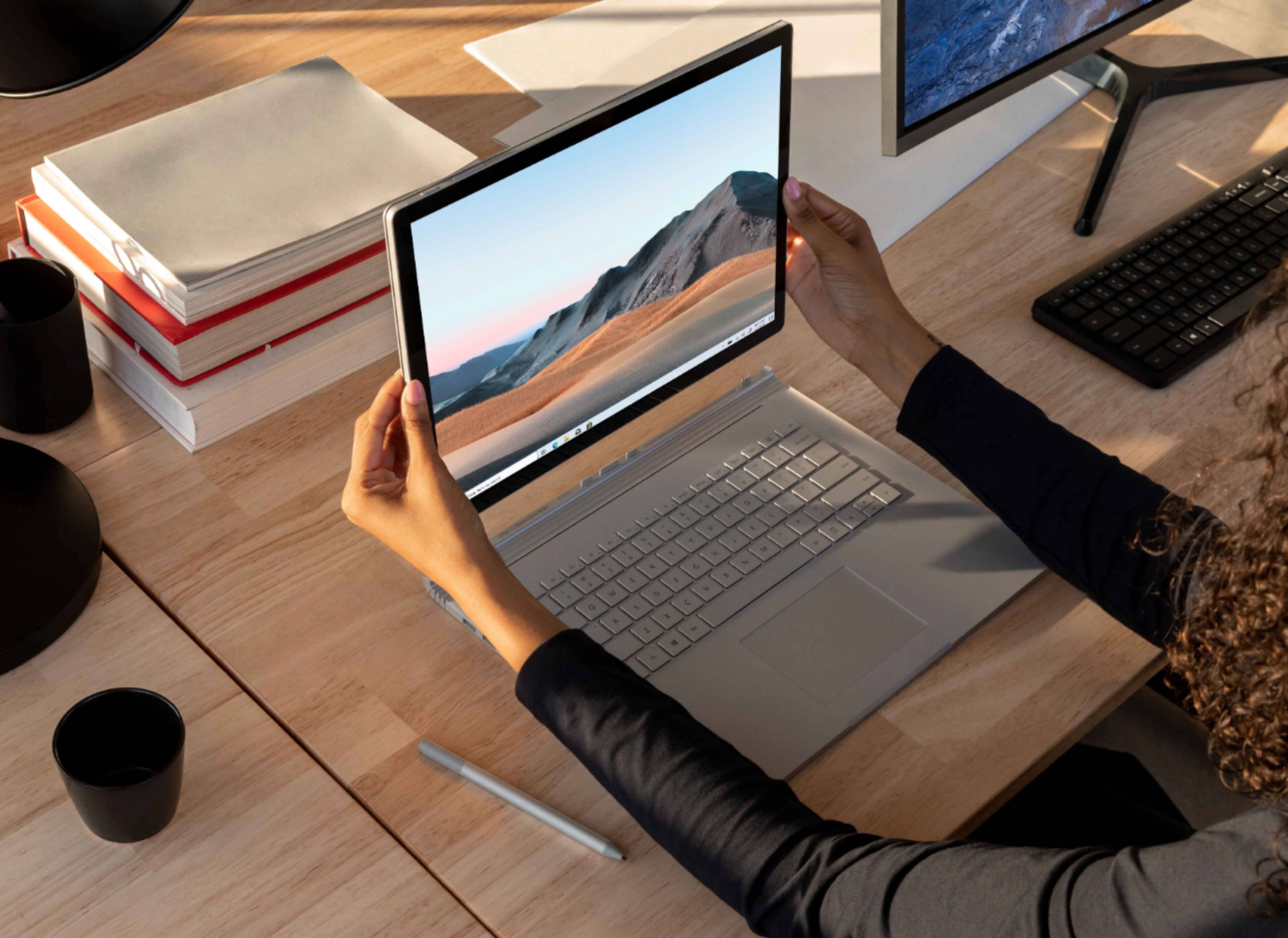
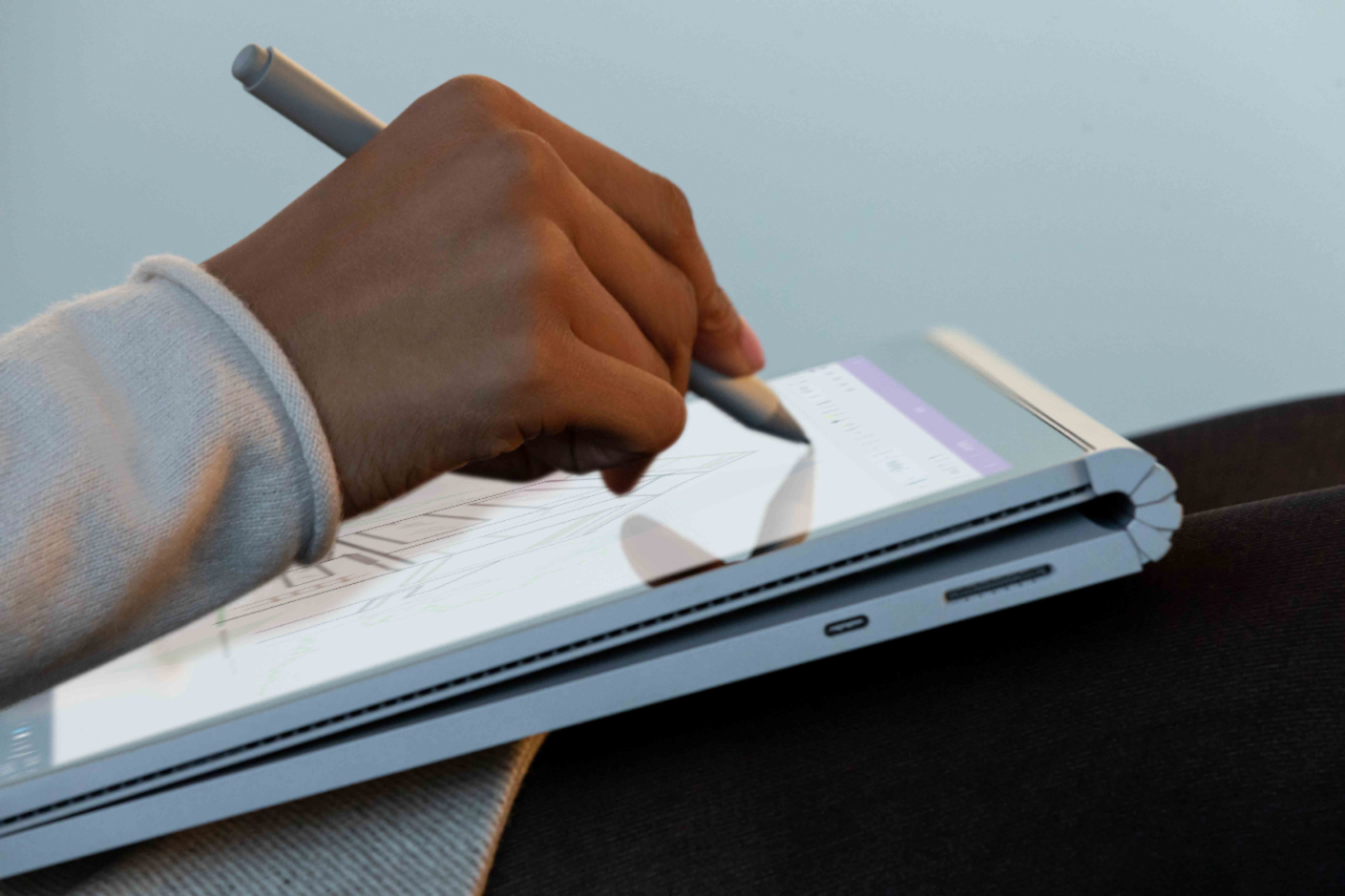

- Model:
- SMN-00001
- SKU:
- 6408385
Rating by feature
- Battery Life
Rating 4.0 out of 5 stars
- Speed
Rating 4.2 out of 5 stars
- Display
Rating 4.3 out of 5 stars
Customers are saying
Customers consistently note the excellent battery life and high-quality keyboard as major strengths of the Surface Book 3. The fast SSD and ease of use are also frequently praised, along with the versatility offered by the tablet mode. However, some customers mention the high price and relatively heavy weight as potential drawbacks. A few users also commented on the placement of the headphone jack and hinge design.
This summary was generated by AI based on customer reviews.
Very slow
||Posted . Owned for 1 week when reviewed.This reviewer received promo considerations or sweepstakes entry for writing a review.It’s just wasting of time to buy this machine, I am a civil engineer and I Always open many blueprints every day, I tried to open the say file that I used to open it in my gaming laptop ( basic gaming laptop bought it for $1300), on the new Surface, by the way mine was the highest options it cost 2799 + tax , The file opened but so bad and so slow, I felt that I was doing rendering!!!!!!!! The processor was so hot and it was mess. DONT WASTE YOUR TIME WITH THIS MACHINE, You can get 3 machines with the same price and works much way better.
No, I would not recommend this to a friend- Pros mentioned:Processor speed, Ssd

Great for Professionals and hobbiests alike
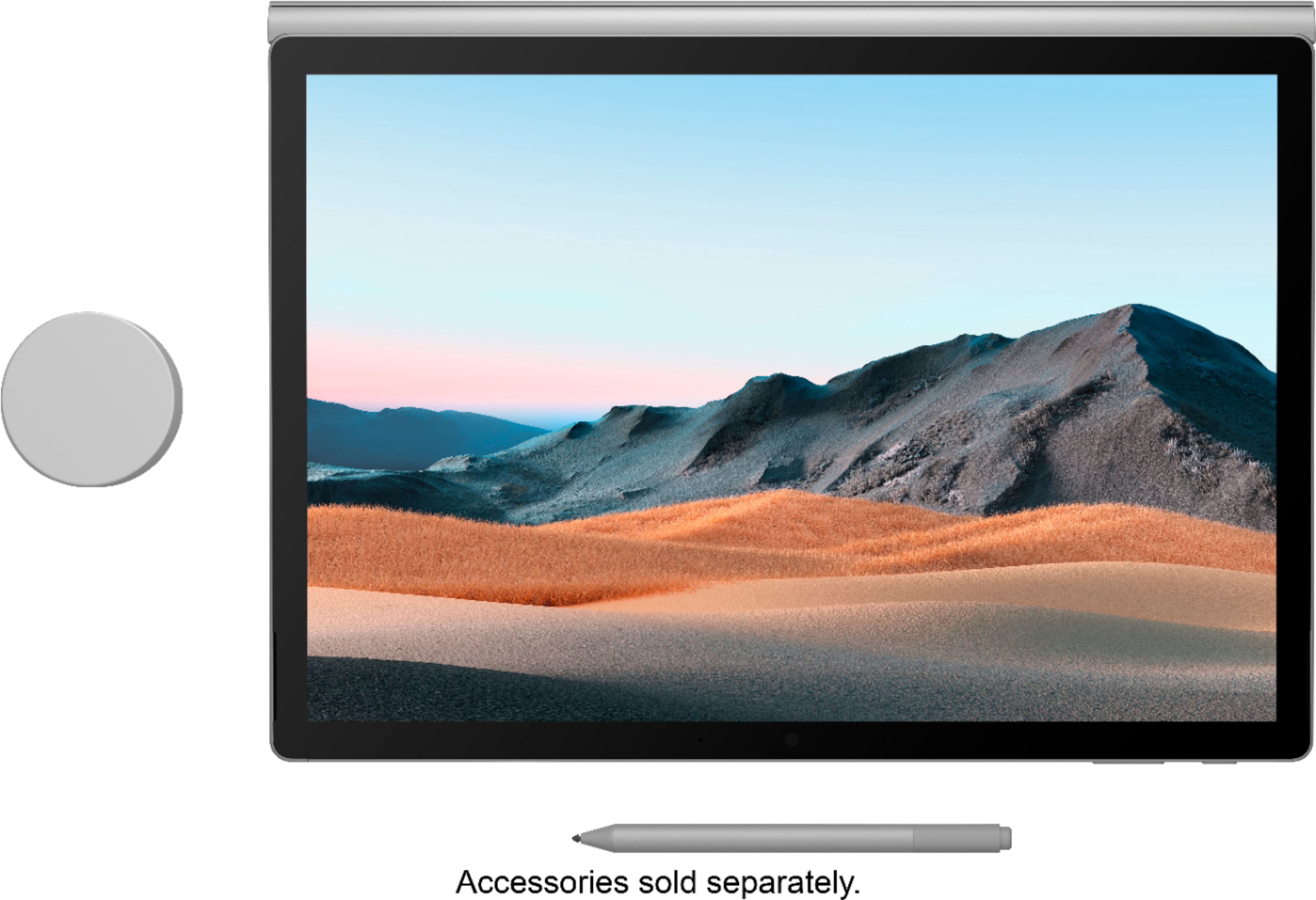
|Posted .This reviewer received promo considerations or sweepstakes entry for writing a review.Reviewers in this invitation-only program are provided products for the purpose of writing honest, unbiased review. As a professional graphic designer, the Surface Book 3 has been a game changer. Plenty of power to run both Adobe Photoshop and Illustrator at the same time but also portable enough that I can use it around the office or when meeting with clients. The solid state drive is great with plenty of storage and allows for very quick load times. I purchased the Surface pen separately as it was not included and if you plan on doing any type of art with it I would highly recommend you do the same. It is very intuitive and has some great functions that are unique to this stylus. Overall this is the best pc I've used for graphic design and I would highly recommend it to any professionals looking for a very mobile pc.
I would recommend this to a friend Terrible
||Posted . Owned for 6 months when reviewed.This reviewer received promo considerations or sweepstakes entry for writing a review.This is the worst machine ever made. It has so much power, but it freezes a lot. Save your money. I had to through it to the garbage after using for 2 months of full frustration. I made all updates and done all drivers as needed. I took it Asurion and contacted Microsoft and no one could help. I spent 2800 on this machine. I moved to apple. Apple definitely knows how to make products.
No, I would not recommend this to a friend- Pros mentioned:Ease of use, Processor speed
Great computer
|Posted .This reviewer received promo considerations or sweepstakes entry for writing a review.Love this computer so far. It was easy to set up, it is simple to remove the tablet from the keyboard and is super snappy. I want to mostly use it to process my daughters youtube videos. I immediately downloaded a copy of my Adobe premier elements and got to work editing. the processing speed was phenomenal. never have I been able to complete a fully video with out having to wait 5-10 minutes while it unfreezes. it rendered quickly and didn't lag in download! NOTE: Reviewers in this invitation-only program are provided products for the purpose of writing honest, unbiased reviews
I would recommend this to a friend Dare I Say Perfect?
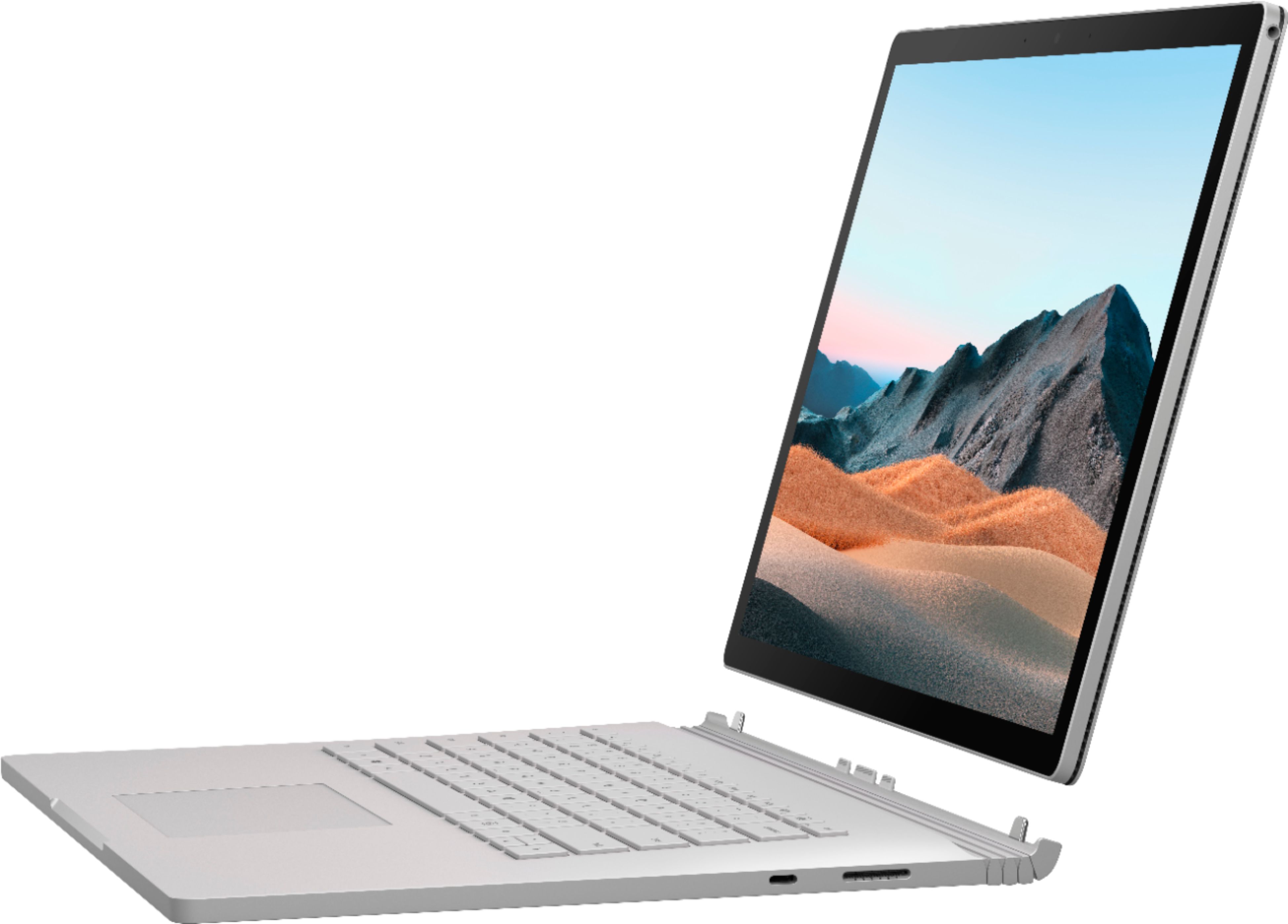
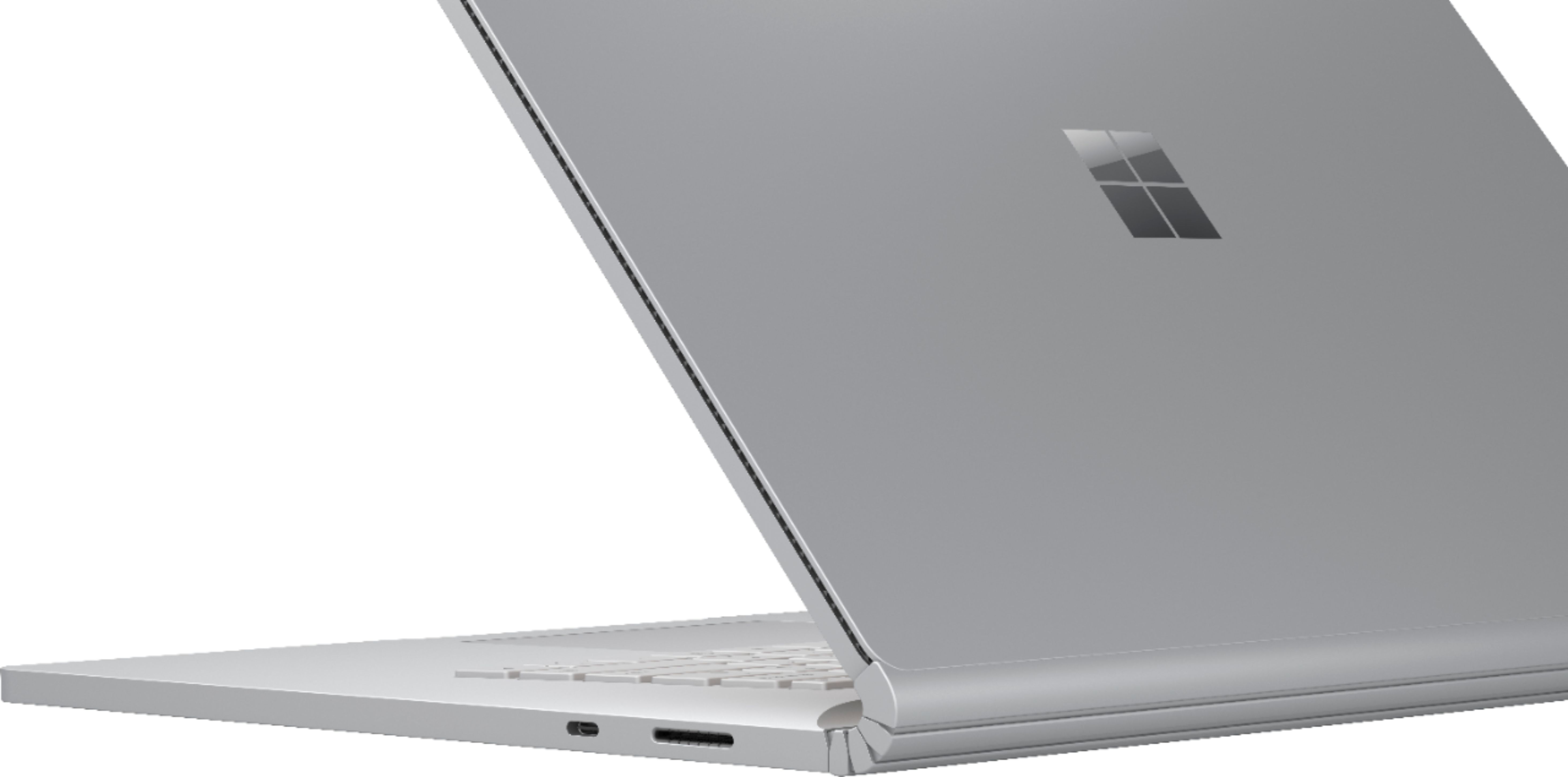
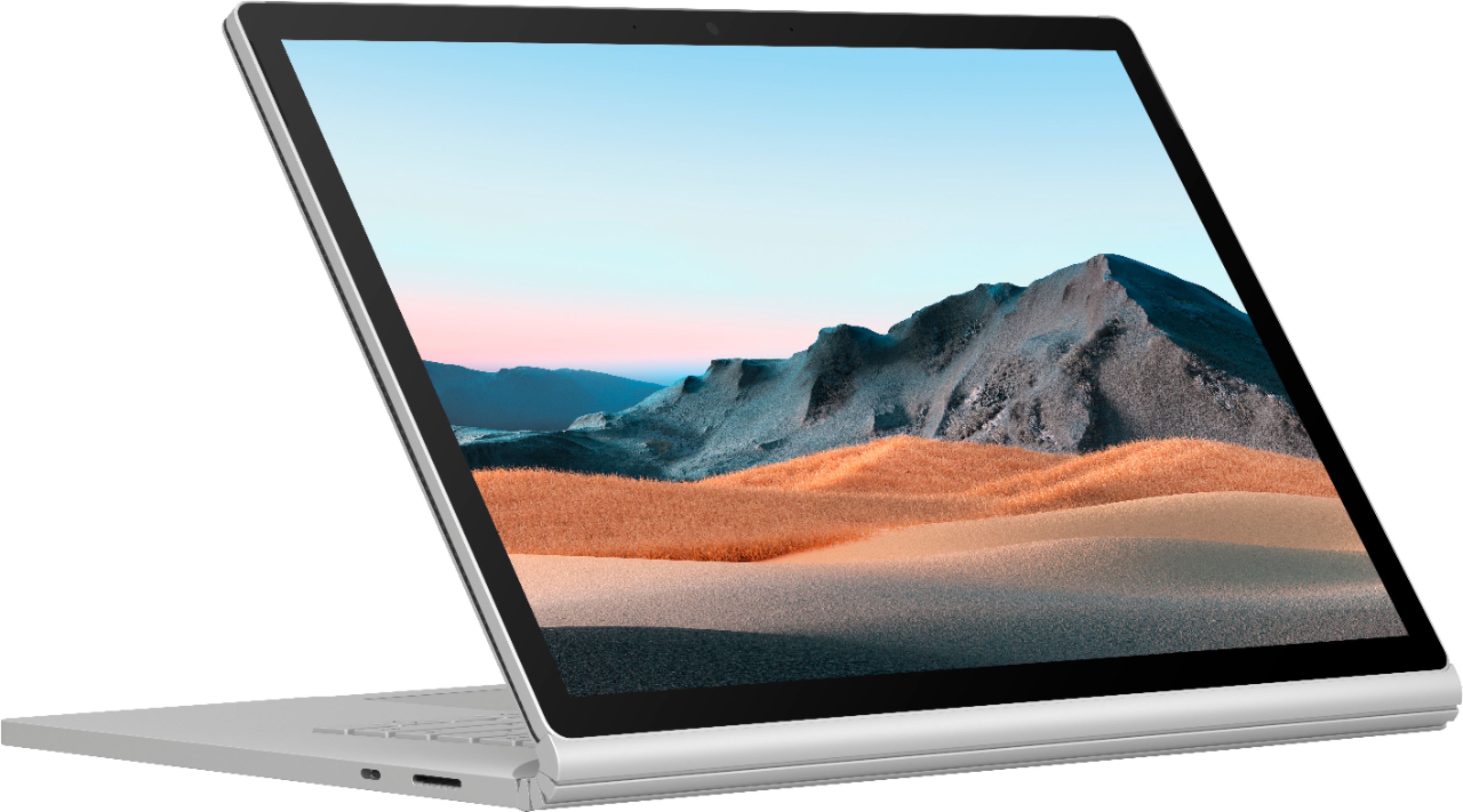
|Posted .This reviewer received promo considerations or sweepstakes entry for writing a review.Full disclosure, I'm a member of the Best Buy Tech Insider Network. Reviewers in this invitation-only program are provided products for the purpose of writing honest, unbiased reviews. My honest, unbiased review that this laptop, out of the dozens I've owned over the years (and desktops, too for that matter) is my absolute favorite and possibly a perfect machine. First off, it's amazingly sleek. It's thin and fairly lightweight. Wile it seems heavier than a MacBook pro I don't think it's much heavier. I've gone back and forth between Mac and Windows many times and this may be the machine that keeps me on the Windows side, for several reasons. First off, it's gorgeous. The titanium finish is clean and nicely textured. The screen has a very small bezel. Nothing is gaudy or ostentatious about it, it just looks professional and grown up, even understated. This is my first surface book. The hinge is a little weird and the way it closes with the gap in the back takes some getting used to, but I'm kind of glad it does. Having owned MacBooks that close flat and collect grease from the keyboard on the screen this is a welcome change. Speaking of the hinge, the process of "ejecting" the screen from the hinge is just way too cool. There's an eject button that physically unlatches the screen (it's in there safely!) and hands off video processing duty from the discreet Nvidia 1660ti to the incorporated Intel GPU smoothly. I'm completely impressed with the power that's packed in this thin chassis. I've been working professionally in video production for the last couple decades, most recently in online video asset management and IT. Macs have always been preferred in this area because of their power and stability. That said, after playing with the Surface Book for a few days I wouldn't trade it for anything. One of the first things I tried was transcoding 4K video using Handbrake (the graphical front end for the industry favorite FFmpeg) using one of the GPU-assisted presets to go from 4K to 1080p. I was getting 130+ frames/second without the machine breaking a sweat. That's a little over 5X real time, or 12 minutes to transcode 60 minutes of footage. Impressive for a desktop, amazing for something this thin and light! If you're doing filmmaking or editing on the go You'll save a great deal of time transcoding and rendering. Keep in mind, however, that the internal SSD is 512GB and is not upgradeable. You will need to do some media management or use an external hard drive if you're working with a lot of footage. Next off I loaded some high bitrate 4K footage shot on a Panasonic Lumix G7 into Adobe Premiere Pro 2020 using the built-in full size SD card reader. Again, the software took advantage of the Nvidia GPU to do the heavy lifting and was also helped along by the sheer amount of processing power. I was able to work with several layers of 4K footage in real time without having to drop to an intermediate codec or prerender the footage. Not only does Premiere benefit from the GPU/CPU combo, but also the 32 freaking gigabytes of RAM this thing packs helps to avoid memory paging, therefore speeding up real-time effects. Admittedly I've never used a machine with that much RAM and have never appreciated how much difference it makes. Add in the speed of the SSD and you'll be spoiled by how quickly you can edit. I tried piling on some real-time processing like unsharp mask and was still able to work in real-time. And all of this was working with playback in high quality. If you drop output to half-resolution you can probably do even more. The 15" screen looks huge and has plenty of real-estate for the canvas, timeline and all the audio meters and video tools you need. The fans will get a bit loud while doing all of this, but not to the point of being distracting, and you're probably going to be monitoring audio through headphones or desktop monitors anyway. Color is amazing and I would feel confident doing color-correction on it. Backlighting is very even and neutral and colors are consistent at any angle. While the screen is a glossy glass I have no issues with glare from my overhead lights. I'm not certain, but it's likely there's some kind of internal anti-glare coating. If you want to work on a bigger monitor you can connect to one using a USB-C adaptor or the optional dock. On the subject of headphones, I was disappointed there wasn't a headphone jack. Then, later in the first day I was shocked to find one on the top-right side of the screen. I assumed it would be on the base, but it was built into the screen for use in tablet mode. I can't imagine how they were able to fit one as it takes up almost the width of the tablet/screen. Really impressive. The quality of the built in DAC isn't anything to write home about, but it did drive my Sennheiser HD598SR headset with plenty of clean volume. The built in speakers do a great job. Obviously there isn't much low-end, but they're not tinny at all and put out a lot of volume and separation. Movies sound great, and dialogue is clear. Overall sound from movies is very rich for a laptop. Again they're built into the screen, so that sound quality is there whether you're using it as a laptop or tablet. Which leads me to another point, the fact that when you don't need all of the fancy GPU stuff you can take the screen off and use it as a tablet. I have a 12" iPad pro and wasn't sure what I would think of a 15" tablet, but man is it nice. Relaxing at the end of the day and watching movies and TV shows on a light, portable 4K screen is absolutely a treat! Battery life takes a hit (there are batteries in the tablet portion AND the base!) but I'm able to get 2-3 hours of media consumption at high brightness. Tablet mode is also a great way to review raw footage with other people without the awkwardness of trying to hold a laptop. Also, since the Surface supports the Surface Pen, I would imagine this would be an amazing way to work on artwork in a lean-back kind of way. While the Surface Book isn't a gaming laptop, I had to try out a couple games on that Nvidia GPU. I was able to get 50+ FPS in full resolution from Tom Clancy's the Division. Again, very impressive for something so portable. It also paired with my Xbox controller without a dongle. I have a dedicated gaming laptop from about three years ago and this outperforms it easily! Ports are fairly sparse, with two USB ports on one side and a USB-C on the other next to the proprietary Surface connector. There are no USB ports on the tablet portion when disconnected. That may be my only complaint. There is another Surface connector, however, so you can charge while using the tablet. The USB-C port does not support Thunderbolt (None of Microsoft's stuff does though) so don't plan on using an eGPU or any Thunderbolt video hardware. The keyboard is good and stiff and has a good feel to it. It's backlit, but I find the backlighting to be a little "blotchy" for lack of a better description. Given how thrilled I am with everything else it really is a minor observation. I've become pretty jaded about using Windows machines for production and asset management, and this is the machine that turned that all around in a very short time. At this point I would highly recommend a Surface Book 3 for professional work, even if you're not planning on using it as a portable. I honestly see no compromise over using a desktop with the processing power of the SB3.
I would recommend this to a friendReplaced my desktop - no looking back!
|Posted .This reviewer received promo considerations or sweepstakes entry for writing a review.I am a member of an technology influencer program for Best Buy. I did not purchase this product. Reviewers in this invitation-only program are provided products for the purpose of writing honest, unbiased reviews. I set out on the experiment of determining if this Surface Book 3 could replace my two year old Core i7 desktop which is used for two key functions. The first function is building marketing materials (images and video) for my personal business. In particular, being able to do this on the go instead of being tied to a desk. The second function is everyday computing tasks related to the business, including accounting and social media tasks. I will focus mostly on the first one as i think it helps to illustrate the value of this product. Two products I use regularly in support of my business are Photoshop and Premiere. The challenge with this has always been mobility, as you can often think you took a great shot or cut of video only to sit down and find out it didn’t capture well on the camera. I was able to take the Surface Book 3 out with me on a recent production to create a sizzle reel for my business and within seconds I was able to move my video clips into Premiere, render them, and build the framework of my film. Being able to do this on the fly was a huge win, and the Surface Book 3 handled everything so quickly and smoothly that I forgot i was using a Hybrid laptop/tablet product. The processor is stronger than my desktop and with 32gb of RAM i was able to rip through the tasks I needed and get back to my day. Premiere can be very system intensive depending on how many layers of effects you are using and at no time did I feel like I was experiencing the laptop performance penalty I’ve endured with other devices. Once i got back home I was able to use Premiere to add all the necessary effects and once again things went quickly and smoothly. I do recommend the purchase of the Surface Dock 2 if you’re going to be using this unit regularly with a home setup. It gave me all the ports i needed and runs my 38” widescreen monitor without so much as a hiccup. Some things i would have liked to see on the device are a backlit keyboard and a little better control of the two webcams (one faces front and the other back) because I was unable it i specify which one I needed to connect to in certain web applications and found myself awkwardly staring at the back of the unit from time to time. I also don’t know that I have much need for detaching the screen since it’s a bit heavy and awkward to lug around on its own, but i appreciate the flexibility to do so and the unlatch button on the keyboard was a nice touch. Based on the time savings and total computing power of the Surface Book, i was able to retire my desktop and improve my efficiency overall. I highly recommend this system to anyone looking to ditch their desktop and get into a more professional photo and video rig.
I would recommend this to a friend- Pros mentioned:Keyboard quality, Ssd
A++ Device Poor Ext Warranty Service for Business
Posted .This reviewer received promo considerations or sweepstakes entry for writing a review.I pre-ordered with 32gb Ram, GTX 1660ti, intel i7 processor, 1tb SSD 15". I am an entrepreneur, and I develop technical solutions for companies. This is my second as I upgraded from the SB2. The 32 gb of ram I thought would now allow me to work with my virtual environments and develop solutions on this machine among other things. That turned out to be true. So, I am able to develop my web page blogs, videos and photo editing and develop and test solutions within my VM environments and even run VM network database virtually on this machine. The pen is a necessary component of my content creation work. Pros - 1 - Perfect screen aspect ratio for coding and content creation work. 2 - 32 Gb of ram works very good for my Virtual Machine environments. 3 - The keys are a pleasure to use and probably the best I have used up there with Lenovo Thinkpad 4 - The pen is an added bonus of which I wouldn't have this device is not for the pen. 5 - The ability to use the added power of the GPU and the pen when working with pictures and zooming into refine detailing is a breeze CONS - 1 - The worlds worst extended warranty support and process for business. I have tried to get an extended warranty for my machine literally 4 times and have yet to get a warranty for this machine. The process for business is extremely convoluted and I have been stuck at the confirmation process of approving the price of the warranty 4 times, no kidding 4 times and havn't heard back from the vendor. I tried in May, June and July, it's now September and I haven't heard anything. As a business owner, if anything is to happen to this device. I will move onto a Dell XPS and an iPad and abandon the whole Surface Book 3 device. 2 - The speakers leave way to much to be desired. I look at HBO Max while working and my Galaxy Note 10 Plus is way louder than the Surface Book 3 on it's loudest settings. That is even embarrassing to say out loud. It's not just HBO Max, anything I play on my Galaxy Note 10 plays way louder than on my SB3.
No, I would not recommend this to a friend It works for what i needed
Posted .This reviewer received promo considerations or sweepstakes entry for writing a review.Love how light it is, cobs is that in winter i have to heat up the top lap for it to turn on…
I would recommend this to a friend- Pros mentioned:Keyboard quality
I Love it!
Posted .This reviewer received promo considerations or sweepstakes entry for writing a review.I love my new Surface Book 3. Yes, it's expensive, but this is something I will spent hours on every day and, to me, worth splurging on. I love the 3 x 2 aspect ratio as is offers a lot of vertical as well as horizontal space. I also love that it looks unique; really there is nothing else like it out there. Popping it off the keyboard is great, too. To top it off, the keyboard is absolutely fantastic.
I would recommend this to a friend Expensive failure
Posted .This reviewer received promo considerations or sweepstakes entry for writing a review.I purchased this Surface Book 3 15" just over a year ago. It worked fine, until it didn't. Now it takes multiple attempts just to turn it on, and sometimes will not respond to anything on the keyboard -- track pad or key press -- until I "reattach" the keyboard, which had never been detached in the first place. It's a very expensive and very regrettable purchase. I expected better, based on my Surface Pro 5th generation tablet which has never failed to perform as it should.
No, I would not recommend this to a friend