Customer Ratings & Reviews
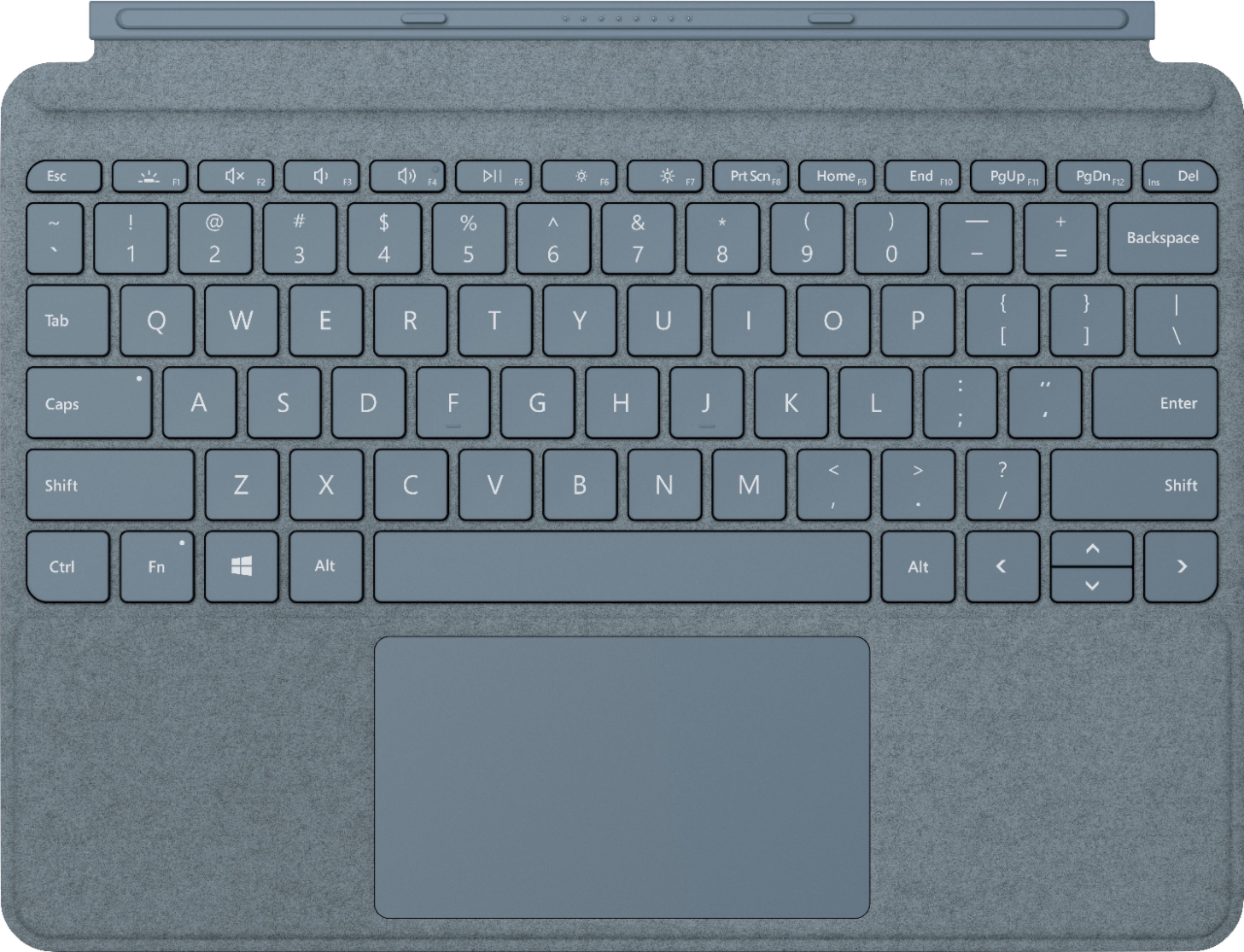
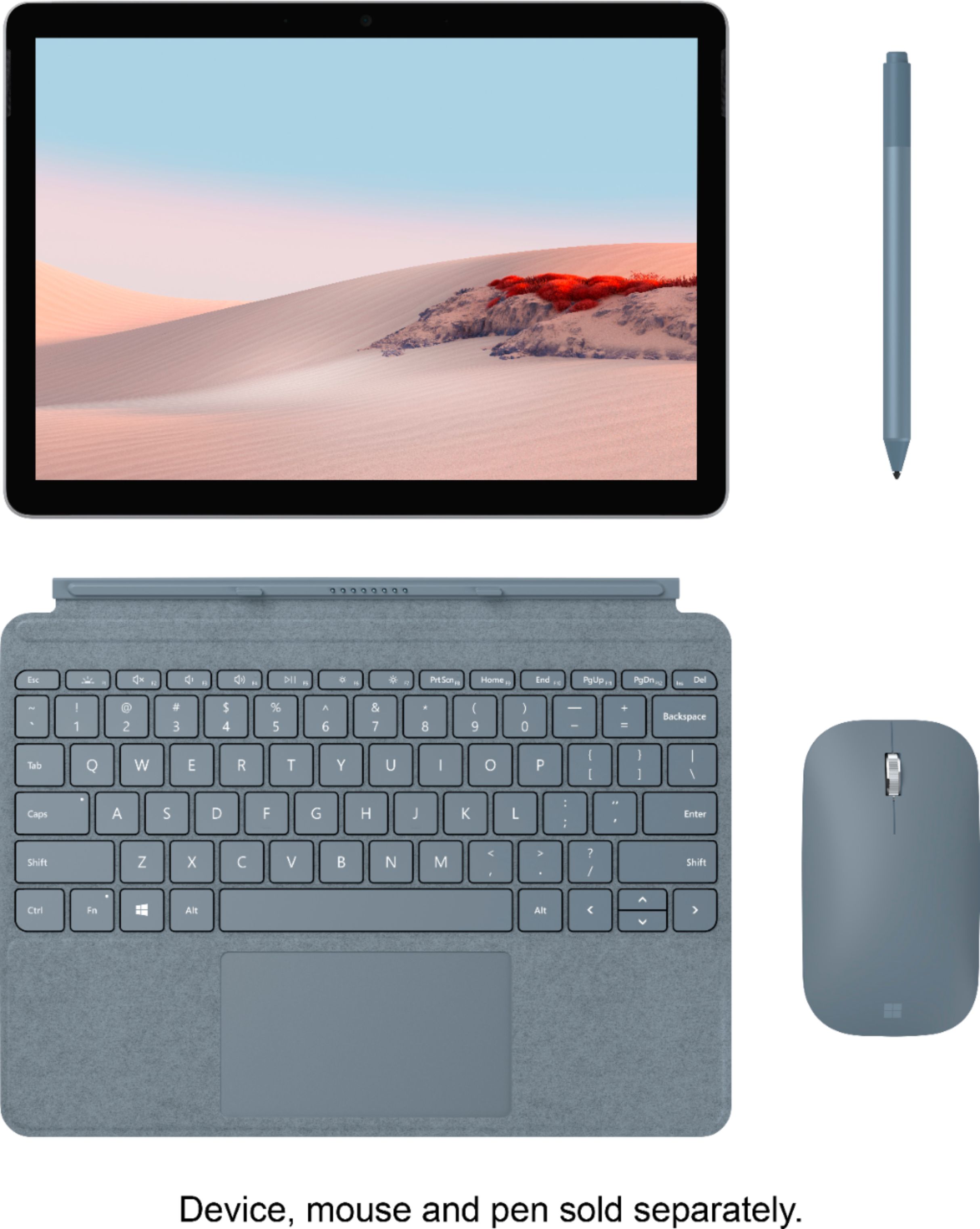
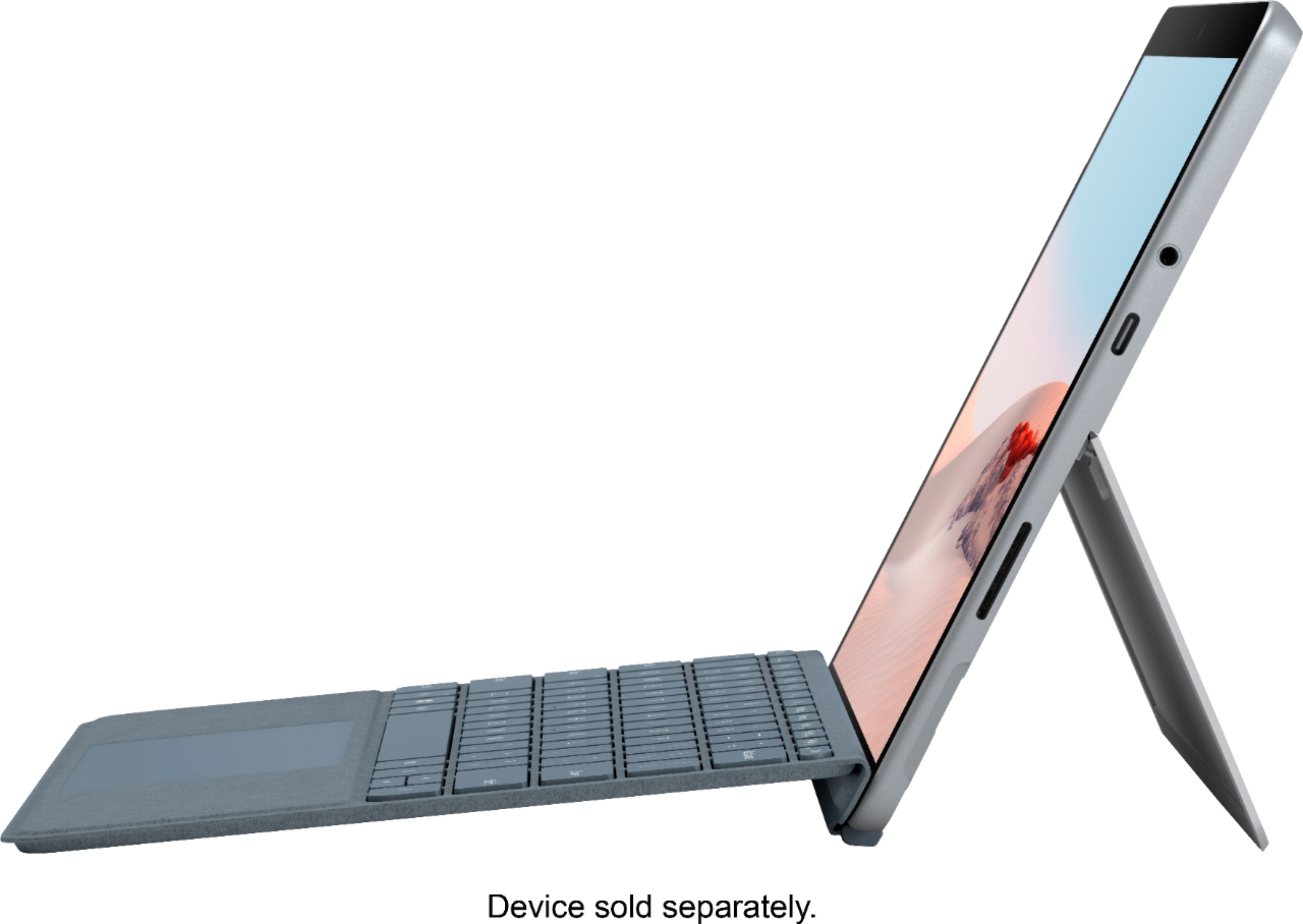
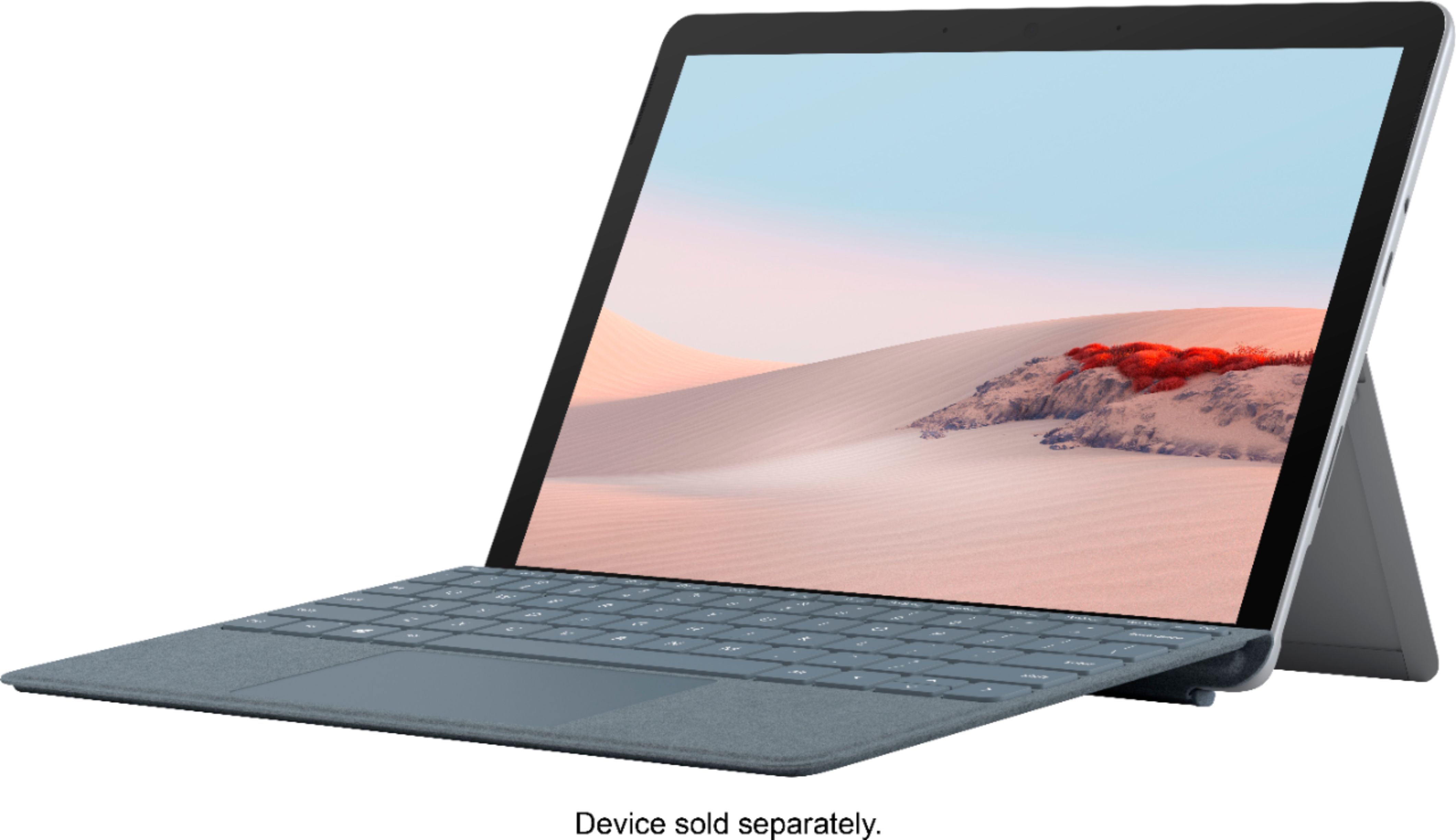


- Model:
- KCS-00105
- SKU:
- 6408901
Rating by feature
- Value
Rating 4.4 out of 5 stars
- Quality
Rating 4.7 out of 5 stars
- Ease of Use
Rating 4.7 out of 5 stars
Customers are saying
Customers are satisfied with the Surface Go Signature Type Cover's keyboard quality, ease of use, and its attractive color options. Many appreciate its compact size and lightweight design, making it a convenient accessory. However, some customers find the price to be relatively high. A few users also noted concerns about the impact on battery life.
This summary was generated by AI based on customer reviews.
- Pros mentioned:Keyboard quality

Great little keyboard
|Posted .This reviewer received promo considerations or sweepstakes entry for writing a review.This keyboard is ultra slim, well built and looks and feels high quality. The keys are back lit, The trackpad itself works really well, you can click down on it like a button or you could just tap it as well, it’s your preference. for such a small and thin keyboard, the keys are are good size, maybe people with big hands will find them small but for everybody else they should be good enough, I personally did not have a problem with them. The whole keyboard in general has a premium feel to it. Not only is it recommended but it’s a must for all Microsoft Go users. This keyboard attaches to the Microsoft Go magnetically and draws power from the tablet itself, no batteries required. “Reviewers in this invitation-only program are provided products for the purpose of writing honest, unbiased reviews.”
I would recommend this to a friend Buyer beware, Surface Go doest not fit Surface Pro
||Posted . Owned for 1 month when reviewed.This reviewer received promo considerations or sweepstakes entry for writing a review.Dosnt fit my Surface Pro so Im going to take it back
No, I would not recommend this to a friend- Pros mentioned:Keyboard qualityCons mentioned:Price
Great productivity accessory.
Posted .This reviewer received promo considerations or sweepstakes entry for writing a review.I initially got the Surface Go and Surface Pen to use as a tablet for note taking. I then realized it was easier to sometimes type my notes and the on screen keyboard (for me) isn't the best. So, I decided to get the burgundy type cover and it changed how I take notes. I can go from writing, to typing, then back to writing. It also makes moving notes in OneNote easier due to the trackpad. What makes it even better is that it protects the screen, able to be angled like the Pro, and is back-lit. Overall I am very pleased with this and would recommend to anyone who would find it useful! The only thing is, it's kind of expensive.. But Best Buy does price match and Amazon (shipped and sold) sometimes has it on sale!
I would recommend this to a friend Lots of issues
||Posted .This reviewer received promo considerations or sweepstakes entry for writing a review.Lots of issues with sticking keys. Doesn’t work sometimes.
No, I would not recommend this to a friendBrand response from MicrosoftOutreachTeam
Posted .Hi Cody,
We're sorry you're experiencing some issues with your Surface Go Signature Type Cover. We are eager to hear more about your experience to see how we may be of service. At your convenience, please reach out to our support team here: https://support.microsoft.com/en-us/contactus/.
We hope to hear from you soon.
Kind regards,
Jessica
Surface Customer Care
- Pros mentioned:Keyboard quality
Precisely designed and works great after years
Posted .This reviewer received promo considerations or sweepstakes entry for writing a review.Still in prefect condition after so many years !!!
I would recommend this to a friend Small, expensive, but overall good experience
|Posted .This reviewer received promo considerations or sweepstakes entry for writing a review.Admittedly, I don't have much experience with Microsoft's Alcantara keyboards, but have heard plenty of negative about them: they're a good looking but hard to clean, and overly flexible product. I've encountered plenty of them while perusing at my local Best Buy, this is the first real opportunity to spend some time with it. Looking at the product, it doesn't look like a tiny keyboard--but it is very, very small. The size is limited of course by the body of the Surface Go 2, which is already a very small device. The spacing between the keys, as well as the spacing from the edge of the left-most and right-most keys and the outside of the keyboard in theory could be reduced, allowing for a less cramped typing experience. That said, it is a surprisingly easy-to-adjust-to keyboard, although I'd be reluctant to use it for an extended writing session; longer sessions usually result in discomfort and cramping. If you have smaller hands, it would probably be fine…I just don't fit into that category. The keys, though, are great. They have a good amount of travel, sound great, and are in no way mushy. And in spite of what I've read and heard, I don't find the keyboard noticeably flexible. The trackpad, similarly, presents an excellent experience: it is surprisingly large for a rather small device, and is smooth to use and responsive. My only minor gripe about the trackpad is the click. I'm more of a 'tap to click' kind of guy, but I found the click to work best in the bottom-center of the trackpad, well across the entire bottom of the trackpad, and increasingly difficult as you get higher and closer to the edges…in short, it's not a consistent click experience across the trackpad. The connection between the Signature Cover and the Surface Go is as stable as they come. The connection supports the full weight of the Surface Go (although it's not how you should be carrying it around) thanks to very, very strong magnets. And speaking of magnets, just above the top row of keys are additional magnets that allow the keyboard to be used at a slight angle for better ergonomics--although it's not required and can be used flat as well. These magnets are nowhere near as strong as those that connect the keyboard to the Surface Go 2, and while out of the box it doesn't feel like a particularly strong connection, as you use the Signature Cover more the flex point of the keyboard loosens up, which results in a relatively stable connection to the base of the screen. And finally, the magnets that hold the cover in a closed position--I really wish those were just a bit stronger, however this isn't a big deal in the grand scheme of things. In summary--and much like the Surface Go 2 itself--if you can adjust to its size, it's a decent experience overall. There wasn't a noticeable hit to the battery life of the Surface Go 2 as a result of having the keyboard connected, even with the backlighting on. And arguably, it is a required accessory if you intend to use your Go 2 as a general use device, but if maximum mobility isn't the biggest concern, you may be more content with a separate bluetooth keyboard that provides an experience closer to 'full-sized,' as there are plenty of options on the market that are relatively inexpensive. And, inexpensive is key, as the Signature Cover from Microsoft comes in with a hefty $129 price tag. Fortunately, this particular product was provided to me as part of an invitation-only program in exchange for an honest, unbiased review. It goes without saying that you'll need some sort of keyboard, but with some more budget-friendly options available from third-party manufacturers, it may be a luxury to go with Microsoft's brand here--and in all honesty, I don't think I'm alone when I say that this is a product that should be bundled with the Surface Go, not sold as a separate accessory.
I would recommend this to a friend- Pros mentioned:Color
It does what it is suppose to do
Posted .This reviewer received promo considerations or sweepstakes entry for writing a review.This keyboard works great. It does what it's supposed to do. The red color is a fun addition.
I would recommend this to a friend Love this cover
|Posted .This reviewer received promo considerations or sweepstakes entry for writing a review.I am a reviewer in the invitation-only program and was provided this product for the purpose of writing an honest, unbiased review. This is a pretty great accessory to get for the Microsoft Go 2. I love how there is a mouse on keyboard cover. It makes it so easy to scroll and gives you that laptop feel without the heavy weight. I love the feel of it and how easy it is to type on. It magnetically attaches to the Go 2 and is tightly secured to it. I actually find it hard to detach it. I love that it does not feel flimsy and easily detachable. I would def recommend getting this.
I would recommend this to a friend- Pros mentioned:Ease of use
Keyboard accessory
Posted .This reviewer received promo considerations or sweepstakes entry for writing a review.Necessary addition to Surface Go. Emails are manageable
I would recommend this to a friend A necessary accessory, but not a good keyboard.
|Posted .This reviewer received promo considerations or sweepstakes entry for writing a review.This Surface Go keyboard was provided to me as part of Best Buy’s Tech Insider Program. Reviewers in this invitation-only program are provided products for the purpose of writing honest, unbiased reviews. The thoughts and feelings expressed below are my own, and neither Microsoft nor Best Buy had any input in the writing of this review. The Surface Go keyboard is a necessary purchase for the Surface Go tablets, but that doesn’t make it a very good keyboard. Alcantara is supposed to be this luxurious and revolutionary material. For those of you who haven’t had the chance to experience it in person . . . it’s basically artificial suede. It might just be me, but after decades of plastic, metal, and even rubberized wrist rests; the suede-like texture on this keyboard just feels wrong. I’ll probably get used to it in time, but I tend to think that I would have been happier with a rubberized or plastic finish instead. The keyboard keys themselves have a good amount of travel for such a thin keyboard, but they are quite cramped. The “o” and “p” keys in particular keep throwing me off as the positioning just feels “off.” Given time (and assuming that this is the only keyboard that you use), you may get used to this. The trackpad is glorious. The surface of the pad is smooth and registers motions beautifully. The size is “adequate.” Larger would have been appreciated, but it doesn’t feel too small by any means. Palm rejection isn’t great though as it kept registering stray touches as I typed. The keyboard is backlit, and it has three lighting stages. The backlight isn’t all that bright, but it’s nice that they included it. Backlighting is one of those things that isn’t strictly necessary but adds a nice premium feel when it’s included. The keyboard attaches to the Surface Go via magnetic connectors, and it also doubles as a cover to protect the screen. The keyboard connects to the tablet at a bit of an elevated angle which makes for a more comfortable typing experience. The magnetic connection is strong, and the keyboard seems to protect the screen quite well. The keyboard connects to the Surface via pogo connector pins at the bottom of the tablet. This connection is immediate and doesn’t require playing with settings or software at all. The Surface Go NEEDS a keyboard to function as a proper laptop computer. This keyboard is designed for it, doesn’t require fiddling with Bluetooth settings, and has the added benefit of protecting your screen from scratches. As a Surface accessory, I strongly recommend buying it. I won’t lie though . . . it’s not a very good keyboard in a general sense.
I would recommend this to a friendNice
Posted .This reviewer received promo considerations or sweepstakes entry for writing a review.Well worth it. I love the color and the material. I've been using the tablet for two years before I went in for the keyboard, and I can't believe I waited that long. It's just so much more functional.
I would recommend this to a friendGood little keyboard!
|Posted .This reviewer received promo considerations or sweepstakes entry for writing a review.Good addition to a great product. The keyboard is easy enough to get used to, and it feels as premium as the normal covers for the Surface Pro. The keys are small, but just big enough to get used to after a slight learning curve. The angle that the keyboard is magnetized up to is nice, but because of how thin the keyboard is, you feel some flex when typing. The touchpad is quite small, but works well, and works with the Windows gestures well. “Reviewers in this invitation-only program are provided products for the purpose of writing honest, unbiased reviews.”
I would recommend this to a friendNice touch and way easier to type
|Posted .This reviewer received promo considerations or sweepstakes entry for writing a review.[Reviewers in this invitation-only program are provided products for the purpose of writing honest, unbiased reviews.] My initial reaction to the keyboard is "Cool now I can type like normal instead of on a screen. This completes the package." Snaps on magnetically, zero input lag, and has a nice velvet like feel to it. Functionality is top-notch, folds up to protect the screen. I just wish it protected the back as well.
I would recommend this to a friend- Pros mentioned:Keyboard quality
great for small hands
Posted .This reviewer received promo considerations or sweepstakes entry for writing a review.I have small hands and I love this keyboard. It is very compact! It feels great and I am able to type with speed, probably better than on a normal size keyboard. I love that it snaps right into the Surface Go and I don't have to connect it. I went with the Cobalt blue, with all of my Surface Go accessories. I do wish there were more color options, as I like bright colors. The color options to me are very drab. But as far as functionality, Im happy with my purchase!
I would recommend this to a friendBrand response from MicrosoftOutreachTeam
Posted .Hi there,
Thanks for the great shout-out! We're thrilled to hear that the Surface Go Signature Type Cover has been the perfect fit for you so far. We greatly appreciate you sharing your honest review with the community. We hope you continue to love your Surface experience!
Cheers,
Jessica
Surface Customer Care
- Pros mentioned:Keyboard quality
Great Screen Cover and Keyboard
Posted .This reviewer received promo considerations or sweepstakes entry for writing a review.It adequately protects my screen when I'm carrying or not using my surface go. I have not dropped my tablet yet but i have bumped it and the case has protected it. Typing on the keyboard is a little rough but I can still type reasonably fast with minimal errors. I recommend the keyboard cover to anyone who buys surface go regardless of your uses. The on screen keyboard isn't perfect and its best just to use the keyboard if you have to do a lot of typing.
I would recommend this to a friendBrand response from MicrosoftOutreachTeam
Posted .Hi there,
Thanks for the review! We agree that Surface Go Signature Type Cover makes a great companion for your Surface Go. The Alcantara material truly brings a special quality to your Surface experience. To help care for your Surface Go Signature Type Cover, check out this link here: https://support.microsoft.com/en-us/help/4023504/surface-clean-and-care-for-your-surface.
Cheers,
Heather
Surface Customer Care
Good
Posted .This reviewer received promo considerations or sweepstakes entry for writing a review.Works just great. We bought this for my 11-year-old for her Microsoft surface and she loves that it is thin and sleek and light. She has small fingers so it works well for her. However, I don't see this being a great solution for an adult keyboard.
I would recommend this to a friendTotal Waste of Money
Posted .This reviewer received promo considerations or sweepstakes entry for writing a review.I've had my Surface Go roughly 2 years, and take very good care of it (I only use it for school). The keyboard works roughly 20% of the time. The other 80%, no matter what I do, it will not work. Waste of money.
No, I would not recommend this to a friendOnly lasted 5 mos. Lackluster product support.
Posted .This reviewer received promo considerations or sweepstakes entry for writing a review.Purchased a Surface Go and black Type Cover keyboard in November. Keyboard stopped working properly March. Had to go several weeks with no keyboard while working through Microsoft's replacement process. They replaced the black one I purchased with a bright red one.
No, I would not recommend this to a friend