Skip to contentGo to Product Search
Gift Ideas
Main Content

Customer Ratings & Reviews
Clearance
$32.99
Save $97
The comparable value is $129.99

Customer reviews

Rating 4.7 out of 5 stars with 885 reviews

Rating Filter

Rating by feature

  • Value

    Rating 4.4 out of 5 stars

  • Quality

    Rating 4.7 out of 5 stars

  • Ease of Use

    Rating 4.7 out of 5 stars

Pros mentioned filter

Cons mentioned filter

95%would recommend to a friend

Customers are saying

Customers are satisfied with the Surface Go Signature Type Cover's keyboard quality, ease of use, and its attractive color options. Many appreciate its compact size and lightweight design, making it a convenient accessory. However, some customers find the price to be relatively high. A few users also noted concerns about the impact on battery life.

This summary was generated by AI based on customer reviews.

The vast majority of our reviews come from verified purchases. Reviews from customers may include My Best Buy members, employees, and Tech Insider Network members (as tagged). Select reviewers may receive discounted products, promotional considerations or entries into drawings for honest, helpful reviews.
Page 43 Showing 841-860 of 885 reviews
  • Rated 3 out of 5 stars

    mine was open box

    |
    |
    Posted .
    This reviewer received promo considerations or sweepstakes entry for writing a review.

    The mouse sticks but the keyboard is great and whatever material it's made out of is fabulous feeling.

    I would recommend this to a friend
  • Rated 3 out of 5 stars

    good but delicate.

    |
    |
    Posted . Owned for 1 year when reviewed.
    This reviewer received promo considerations or sweepstakes entry for writing a review.

    it is delicate, after a while some keys are damaged and the magnet rusts very quickly.

    I would recommend this to a friend
  • Rated 3 out of 5 stars

    Looks cute and functions great

    |
    |
    Posted .
    This reviewer received promo considerations or sweepstakes entry for writing a review.

    The only issue that I have had with it is the 'H' button takes a little bit more effort to push.

    I would recommend this to a friend
  • Rated 3 out of 5 stars

    Glitchy

    |
    |
    Posted .
    This reviewer received promo considerations or sweepstakes entry for writing a review.

    At times the keyboard doesn’t type correctly or types too many of one letter. A lot at one time.

    I would recommend this to a friend
  • Rated 1 out of 5 stars

    The odds

    |
    |
    Posted . Owned for 3 weeks when reviewed.
    This reviewer received promo considerations or sweepstakes entry for writing a review.

    Keyboard problem with the brightness level button not working

    I would recommend this to a friend
  • Rated 3 out of 5 stars

    Not bad

    |
    |
    Posted . Owned for less than 1 week when reviewed.
    This reviewer received promo considerations or sweepstakes entry for writing a review.

    A little sensitive to the touch, but it’s not horrible.

    I would recommend this to a friend
  • Rated 3 out of 5 stars

    Surface keyboard

    |
    |
    Posted .
    This reviewer received promo considerations or sweepstakes entry for writing a review.

    Love the feel of the micro material but wish the keys had better response.

    I would recommend this to a friend
  • Rated 1 out of 5 stars

    No working keyboard

    |
    |
    Posted .
    This reviewer received promo considerations or sweepstakes entry for writing a review.

    Not working. Bringing it back tomorrow............

    No, I would not recommend this to a friend
  • Rated 3 out of 5 stars

    good cover

    |
    |
    Posted . Owned for 1 month when reviewed.
    This reviewer received promo considerations or sweepstakes entry for writing a review.

    GOOD COVER TYPES GOOD BUT DISCONNECTS AND KEYS FALL OFF

    I would recommend this to a friend
  • Pros mentioned:
    Keyboard quality, Weight
    Tech Insider Network Member

    Rated 5 out of 5 stars

    Must have accessory for Surface Go 2

    |
    Tech Insider Network Member
    Posted .
    This reviewer received promo considerations or sweepstakes entry for writing a review.

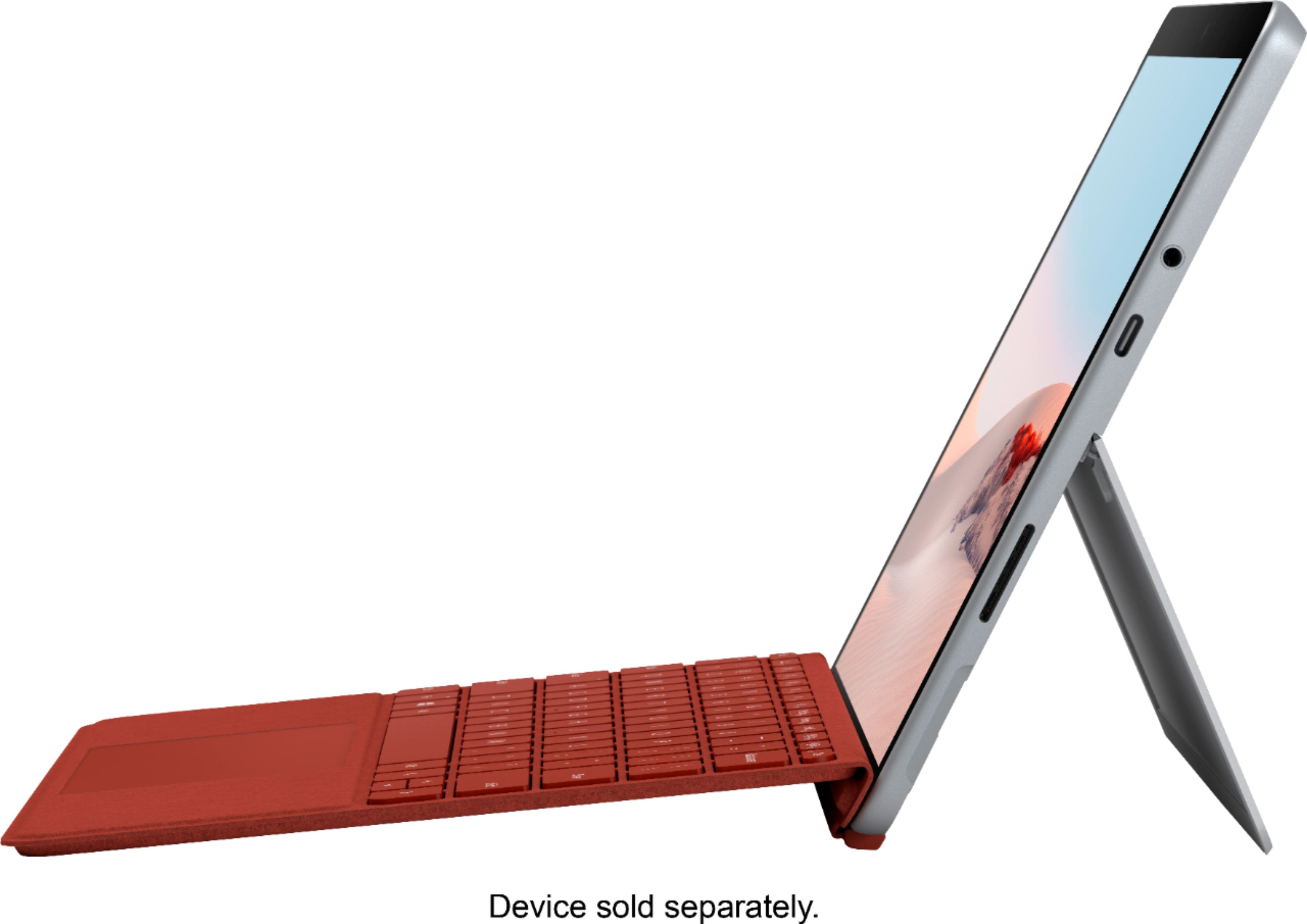
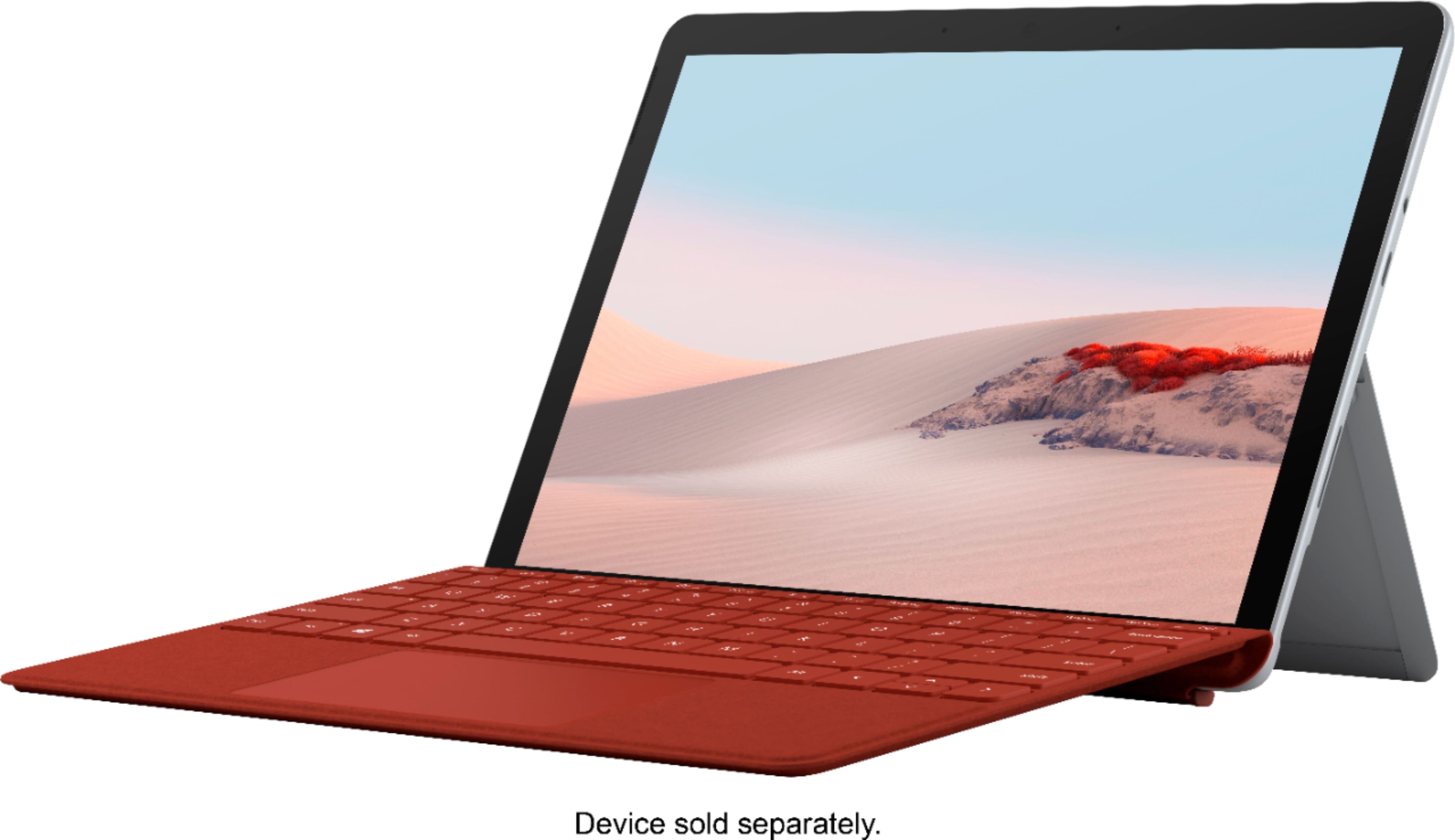
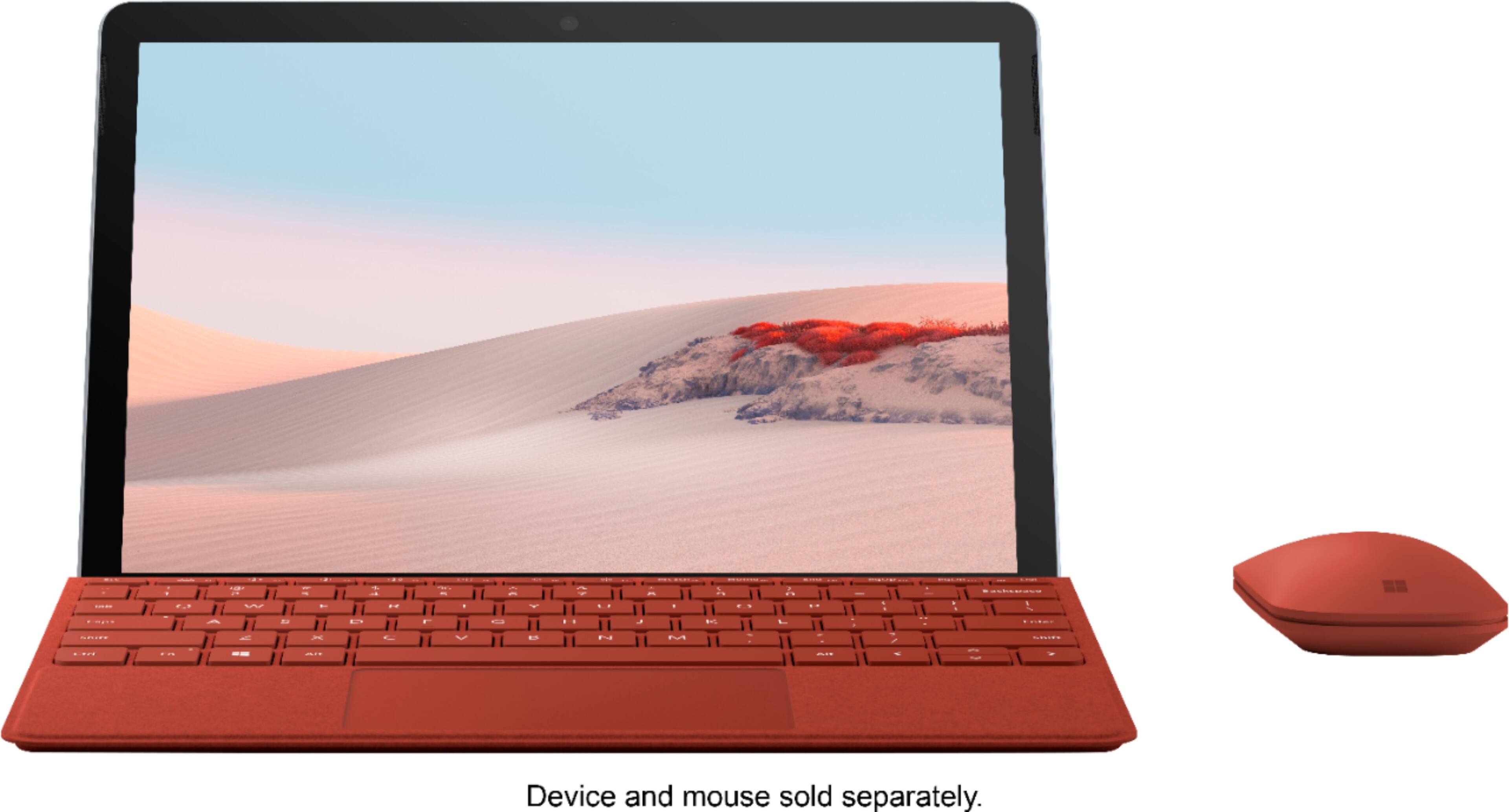
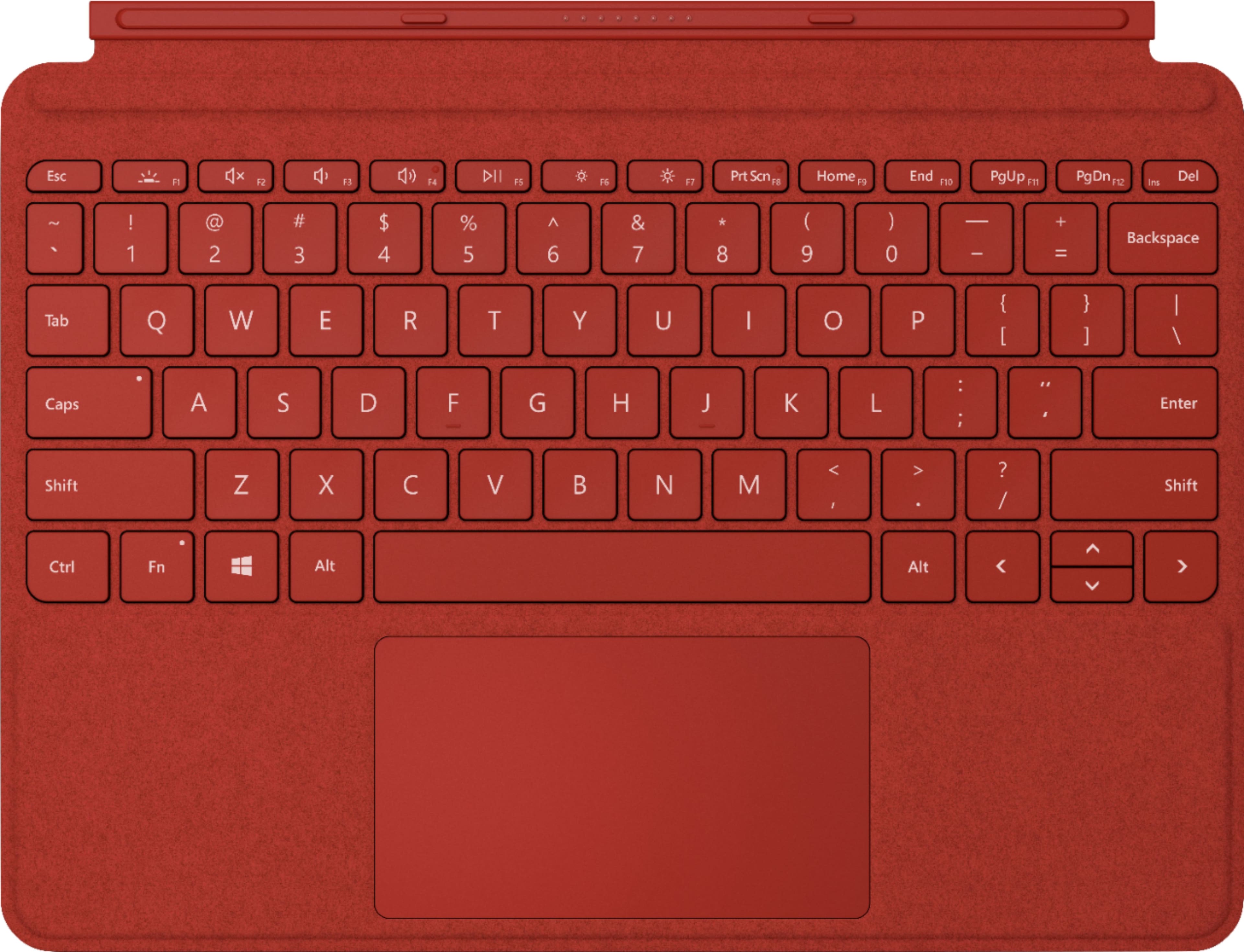
    Received this signature key cover in ice blue color as part of Best Buy Tech Insider invitation-only program for the purpose of writing honest, unbiased reviews. Keyboard is very compact, sleek and adjustable and performs like a full-size keyboard. Costs around $110(as of writing this review) and you need this for sure to get the full functionality of this tablet if you are planning to use Windows for word editing or working with excel. Keyboard is alcantara finish that snaps magnetically and the keys are backlit with a large glass trackpad. Keyboard has windows key and dedicated buttons for media controls and screen brightness like traditional keyboard. Keyboard type cover weighs around 245 grams and measures 99.2mm x 56,5mm. Overall, if you are planning to purchase Surface Go 2, then this is a must have accessory for word processing and to have the experience of 2-in-1 device of laptop/tablet.

    I would recommend this to a friend
  • Rated 3 out of 5 stars

    Nice Accessory

    |
    |
    Posted .
    This reviewer received promo considerations or sweepstakes entry for writing a review.

    Seems delicate while working in the field no problems so far.

    I would recommend this to a friend
  • Rated 2 out of 5 stars

    Microsoft surface removable keyboard

    |
    |
    Posted . Owned for 8 months when reviewed.
    This reviewer received promo considerations or sweepstakes entry for writing a review.

    This keyboard worked really well when I bought it so I bought the mouse also. Now the keyboard doesn't work at all. I used YouTube to research to fix it and nothing worked. I do not recommend.

    No, I would not recommend this to a friend
  • Rated 2 out of 5 stars

    Great when it worked

    |
    |
    Posted .
    This reviewer received promo considerations or sweepstakes entry for writing a review.

    After five months, several keys stopped working. All function keys, enter, shift, backspace, etc. Always stayed clean and I never just threw it in a backpack. I don’t know what it could have been from. When it worked, I loved it!

    No, I would not recommend this to a friend
    • Brand response from MicrosoftOutreachTeam
      Posted .

      Hello,

      We’re sorry to hear that the Surface Go Signature Type Cover did not last long for you. Please be aware that this comes with a one-year Manufacturer’s Warranty. It sounds as though you have fallen into this one-year time-frame, and we recommend you reach out to Microsoft to acquire a replacement.

      Best,

      Rachel
      Surface Customer Care Microsoft

  • Pros mentioned:
    Ease of use, Keyboard quality
    Tech Insider Network Member

    Rated 5 out of 5 stars

    Great keyboard accessory!

    |
    Tech Insider Network Member
    Posted .
    This reviewer received promo considerations or sweepstakes entry for writing a review.

    I received this product through the Best Buy Tech Insider Program. Reviewers in this invitation-only program are provided products for the purpose of writing honest, unbiased reviews. I used this keyboard with my Surface Go 2 and am very happy with it! It is easy to type on, easy to remove and re-attach to the Surface (magnetically), and it has a backlight that can be turned on. The keyboard backlight brightness can also be adjusted which is nice. It also has a touchpad which worked well throughout my usage. Additionally, when you close the cover, it protects the surface screen and has a nice fabric exterior for carrying. Overall, this is a great keyboard and pairs well with my Surface Go 2!

    I would recommend this to a friend
  • Pros mentioned:
    Keyboard quality
    Tech Insider Network Member

    Rated 5 out of 5 stars

    Helps Go2 function as intended - get a package!

    |
    Tech Insider Network Member
    Posted .
    This reviewer received promo considerations or sweepstakes entry for writing a review.

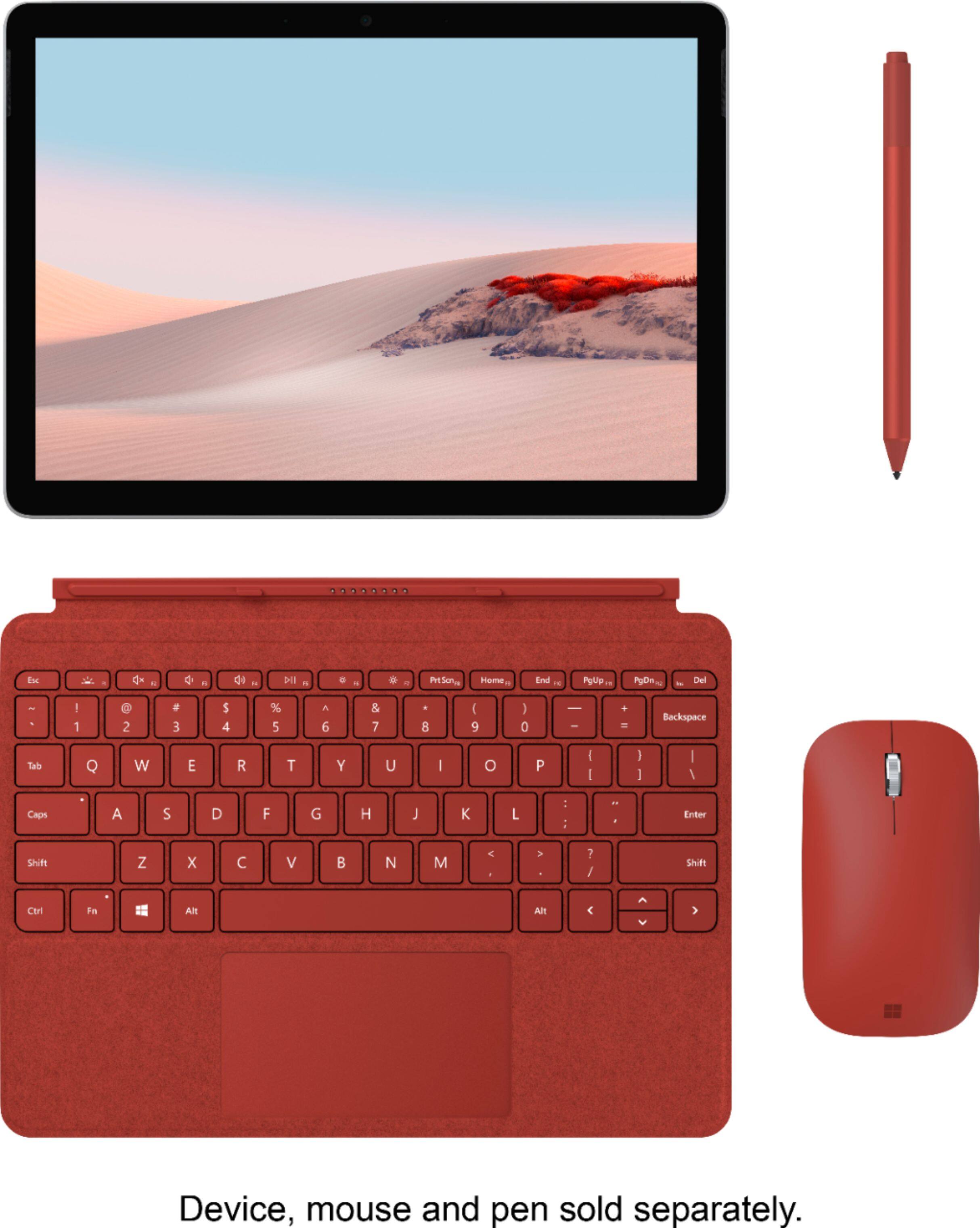
    DISCLOSURE: “Reviewers in this invitation-only program are provided products for the purpose of writing honest, unbiased reviews.” All the reviews I have seen sing the praises of both the design and function of the keyboard, and it does indeed have unsurpassed design with good tactile keypress and BACKLIGHTING! The Go2 is not intended to be a tablet at all times for all purposes. It is a Windows 10 machine and for that you will want to have the option of using a keyboard with a (very nice) built-in trackpad. The Go2 is a Windows computer, and the keyboard completes the package and allows you the use of a fully functional machine when you need it. I am still amazed at how easy it is to pop to keyboard on and off. I don't mean "it comes off easily" like it doesn't stay on securely because when it is on, it is ON and isn't going to pop off when you pick it up or put it down - what I mean is that you can hold the keyboard and quickly pull it off, and then the darn thing seems like it knows what to do when you put it back on - it pops (securely) right into place without a bunch of fiddling around. Very nice! One of the very nice things about the Go2 line is the very professional appearance you can get from the color-matched accessories. There is nothing like having a Go2 with keyboard, mouse, and pen all coordinated. Around the house, maybe not so much a big deal, but out in the business or educational world, it really does stand out and looks very professional. It also feels pretty nice to have “the look” with your technology. People DO notice. Get the keyboard. There are some nice package deals that include a keyboard, and I can almost guarantee that sooner or later you will get a keyboard for your Go2. Better sooner than later, so you can really enjoy this neat little machine from day one! Go fancy with the nice Alcantara Signature cover – you deserve it and for a few bucks more it really looks nice and complements the appearance of the Go2. Save a few bucks and get the black plastic cover if you like, but really the Alcantara is a nice touch, looks great, and for as long as you are going to be using your Go2, you will be glad you got the Signature cover upgrade every time you use it. Stay Safe!

    I would recommend this to a friend
  • Rated 2 out of 5 stars

    It does not work for my tablet

    |
    |
    Posted . Owned for 1 month when reviewed.
    This reviewer received promo considerations or sweepstakes entry for writing a review.

    I found out that the key board must be an exact match for your tablet. I am very disappointed in both Microsoft and Best Buy for not promoting accessories correctly.

    I would recommend this to a friend
  • Rated 1 out of 5 stars

    Key board not properly working

    |
    |
    Posted . Owned for 3 weeks when reviewed.
    This reviewer received promo considerations or sweepstakes entry for writing a review.

    I bought this used and it was notated” excellent” but when I try to click on a black box w other wordings “ and I have to click it 3-5 times to it final opens up the site I want to go to and I’m in “Iraq” on a year tour assignment! I can’t take it bak for a new one or upgrade till I get back ! How you help me with this constant annoying issue ?

    No, I would not recommend this to a friend
  • Rated 2 out of 5 stars

    Not what I hoped for

    |
    |
    Posted .
    This reviewer received promo considerations or sweepstakes entry for writing a review.

    The protective cover is good but the aluminum stand is not strong. The stand is not able to carry the weight of the system, keep collapsing

    No, I would not recommend this to a friend
    • Brand response from MicrosoftOutreachTeam
      Posted .

      Hi there,

      Thanks for letting us know about your recent experience with the Surface Go Signature Type Cover. We're glad you love the extra protection this provides for your Surface Go. As for the stand on your device, this should be able to fully support the weight of the Surface Go to be able to stay upright. We highly recommend reaching out to our support team for guidance. They can be reached here: https://support.microsoft.com/en-us/contactus/.

      Kind regards,

      Jessica
      Surface Customer Care Microsoft

  • Pros mentioned:
    Ease of use, Keyboard quality
    Tech Insider Network Member

    Rated 5 out of 5 stars

    Must Have

    |
    Tech Insider Network Member
    Posted .
    This reviewer received promo considerations or sweepstakes entry for writing a review.

    This accessory is a must have to pair with your Surface Go. It’s snaps right in and is recognized right away. Plus it acts as protection for your screen. Typing papers on it was a breeze as every letter inputted was picked up. If you are investing in a top quality product this item is the one to have! The build quality is very good and is comfortable to use. “Reviewers in this invitation-only program are provided products for the purpose of writing honest, unbiased reviews.”

    I would recommend this to a friend
    • Brand response from MicrosoftOutreachTeam
      Posted .

      Hey there,

      Thanks for leaving a fantastic review for Surface Go Signature Type Cover! We're thrilled to hear your new type cover has been helpful for both typing papers and keeping the screen of your Surface Go protected. Thanks again for sharing and we hope you continue to enjoy your Surface Go Signature Type Cover!

      Cheers,

      Heather
      Surface Customer Care Microsoft

  • Pros mentioned:
    Keyboard quality
    Tech Insider Network Member

    Rated 5 out of 5 stars

    Perfect addition to the Surface

    |
    Tech Insider Network Member
    Posted .
    This reviewer received promo considerations or sweepstakes entry for writing a review.

    The Signature Type cover was the perfect addition to my Surface Go. Fitment is perfect and installation is super-simple. It just magnetically snaps into place. While the keys may be small for some, this is a tablet keyboard that isn't designed to replace a full-sized desktop keyboard. That being said, the keys are large enough and spaced sufficiently apart that I don't find myself missing keystrokes or feel overly cramped while typing. The touchpad is responsive and accurate with a glass-like surface for smooth cursor movements. Having the ability for the keyboard to lay flat on the table or slightly elevated is a great feature and, even in the elevated position, the keyboard still feels solid. The exterior of the cover is a nice feeling faux leather that is soft to the touch and lends a little luxury to an otherwise basic piece of electronic equipment. After using the Signature Type Cover for the past couple of weeks, the only possible complaint I could even imagine is that the keyboard isn't backlit which is something I'm used to on all my other keyboards. However, I understand the power consumption issues that can go along with that so I don't fault Microsoft for not adding that functionality in. Doing so would likely have required an internal battery (which would obviously make this sleek cover heavier and bulkier) or come at the cost of battery life on the Surface. Since that's just a minor annoyance and my own personal preference, I can't justify giving the Signature Type Cover anything other than 5 stars. ****NOTE: I am a member of Best Buy's Tech Insider Network. Reviewers in this invitation-only program are provided products for the purpose of writing honest, unbiased reviews.***

    I would recommend this to a friend