Customer Ratings & Reviews












- Model:
- ZGP-00026
- SKU:
- 12524435
Rating by feature
- Battery Life
Rating 4.8 out of 5 stars
- Speed
Rating 4.7 out of 5 stars
- Display
Rating 4.6 out of 5 stars
to a friend
Surface laptop
||Posted . Owned for 3 weeks when reviewed.This reviewer received promo considerations or sweepstakes entry for writing a review.Good product overall. Easy to use. Good battery life.
I would recommend this to a friendThis is not a "Windows-Macbook" killer...at all
||Posted . Owned for 3 weeks when reviewed.This reviewer received promo considerations or sweepstakes entry for writing a review.I know what you're thinking, it can't be that bad right? Yeah just keep waiting, if you need battery life its great and all, but it comes at such a cost trying to used a half-baked OS that has no real reason to improve.... MS isn't Apple, and it takes Apple-level audacity to switch an entire architecture that MS will never have. So, for the price, no-- for like 50% off, sure.
No, I would not recommend this to a friendMicrosoft rules
||Posted . Owned for 1 week when reviewed.This reviewer received promo considerations or sweepstakes entry for writing a review.A great computer works smoothly. Easy to use and the screen is a good size
I would recommend this to a friendGood
||Posted . Owned for 1 month when reviewed.This reviewer received promo considerations or sweepstakes entry for writing a review.Very good very very laptop good laptop word limit ugh
I would recommend this to a friendPerfect for college!!
||Posted . Owned for 1 month when reviewed.This reviewer received promo considerations or sweepstakes entry for writing a review.Perfect size, very clear and bright screen, easy to navigate on, and great battery life. Excellent choice!
I would recommend this to a friendIncredible PC upgrade! Love it!
||Posted . Owned for less than 1 week when reviewed.This reviewer received promo considerations or sweepstakes entry for writing a review.Outstanding value, incredible performance. The screen is beautiful too!
I would recommend this to a friendmicrosoft series 7 laptop
||Posted . Owned for 2 weeks when reviewed.This reviewer received promo considerations or sweepstakes entry for writing a review.nice laptop good battery life a 1 tb ssd for storage would be best
I would recommend this to a friendGreat laptop.
||Posted . Owned for less than 1 week when reviewed.This reviewer received promo considerations or sweepstakes entry for writing a review.As an Apple product user in my personal life, this laptop is a perfect companion for my new work laptop.
I would recommend this to a friendBeware of the new surface limitations
||Posted . Owned for 2 months when reviewed.This reviewer received promo considerations or sweepstakes entry for writing a review.Too restrictive on using external monitors. I will only use a microsoft dock and that also has many issues using 4K external monitors. This seems due to the AMD snapdragon chipset. External screens start flickering to a point where no longer workable. My take: 1600USD thrown away.
No, I would not recommend this to a friendComputer
||Posted . Owned for 3 weeks when reviewed.This reviewer received promo considerations or sweepstakes entry for writing a review.This is a great laptop for students in college . I’m in comp engineering and it’s been greats so far
I would recommend this to a friend
Great Performance, Exceptional Design
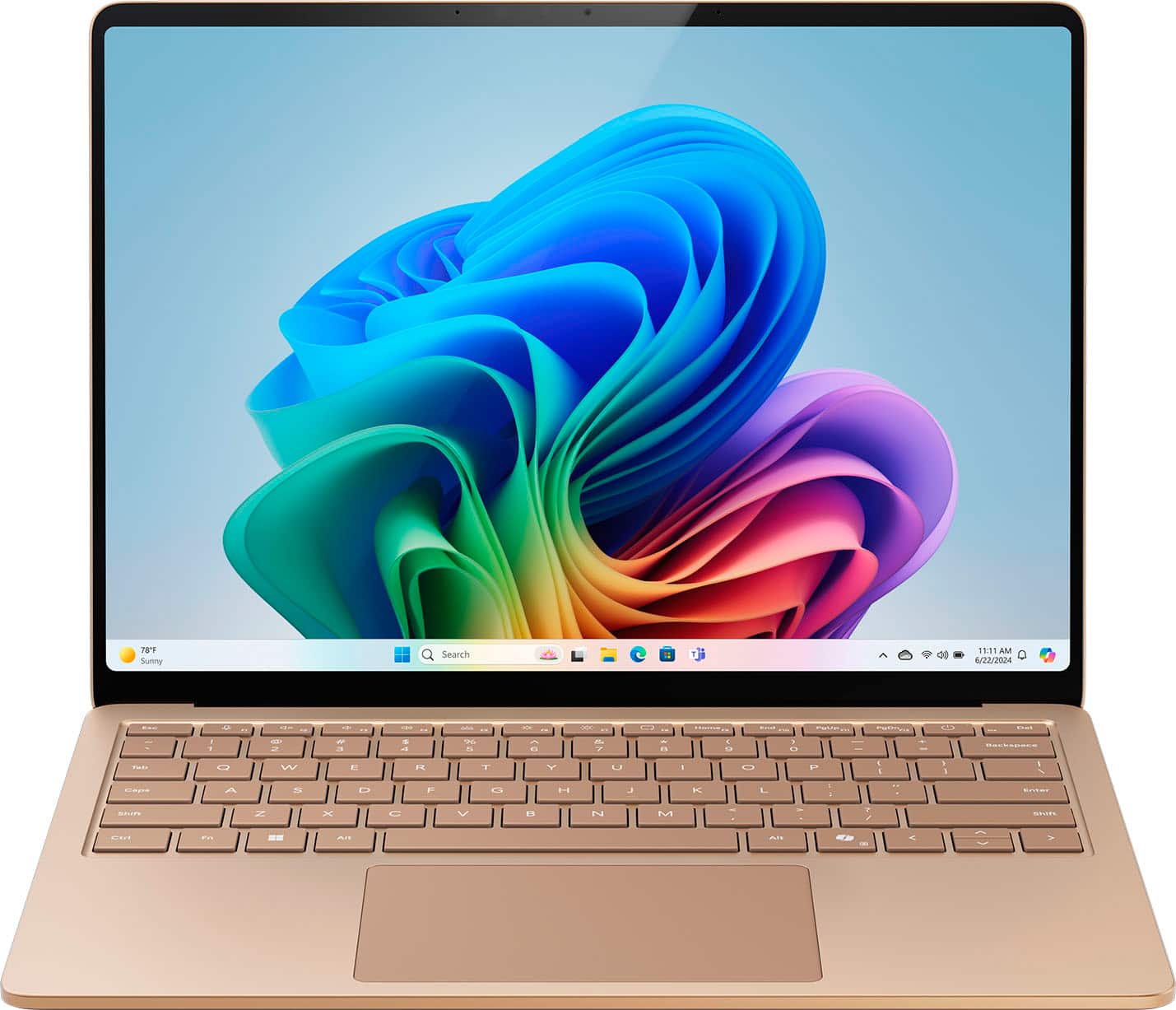
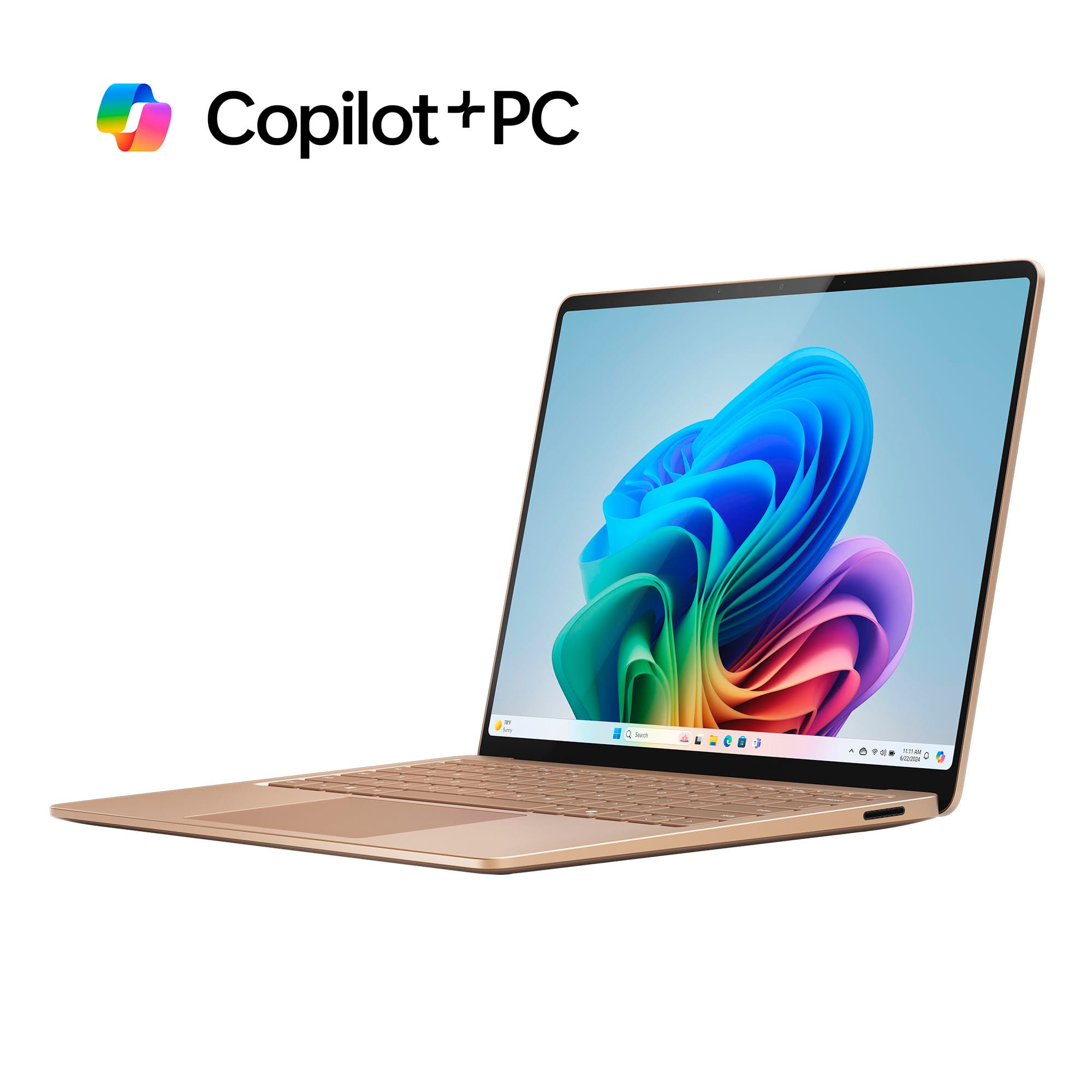
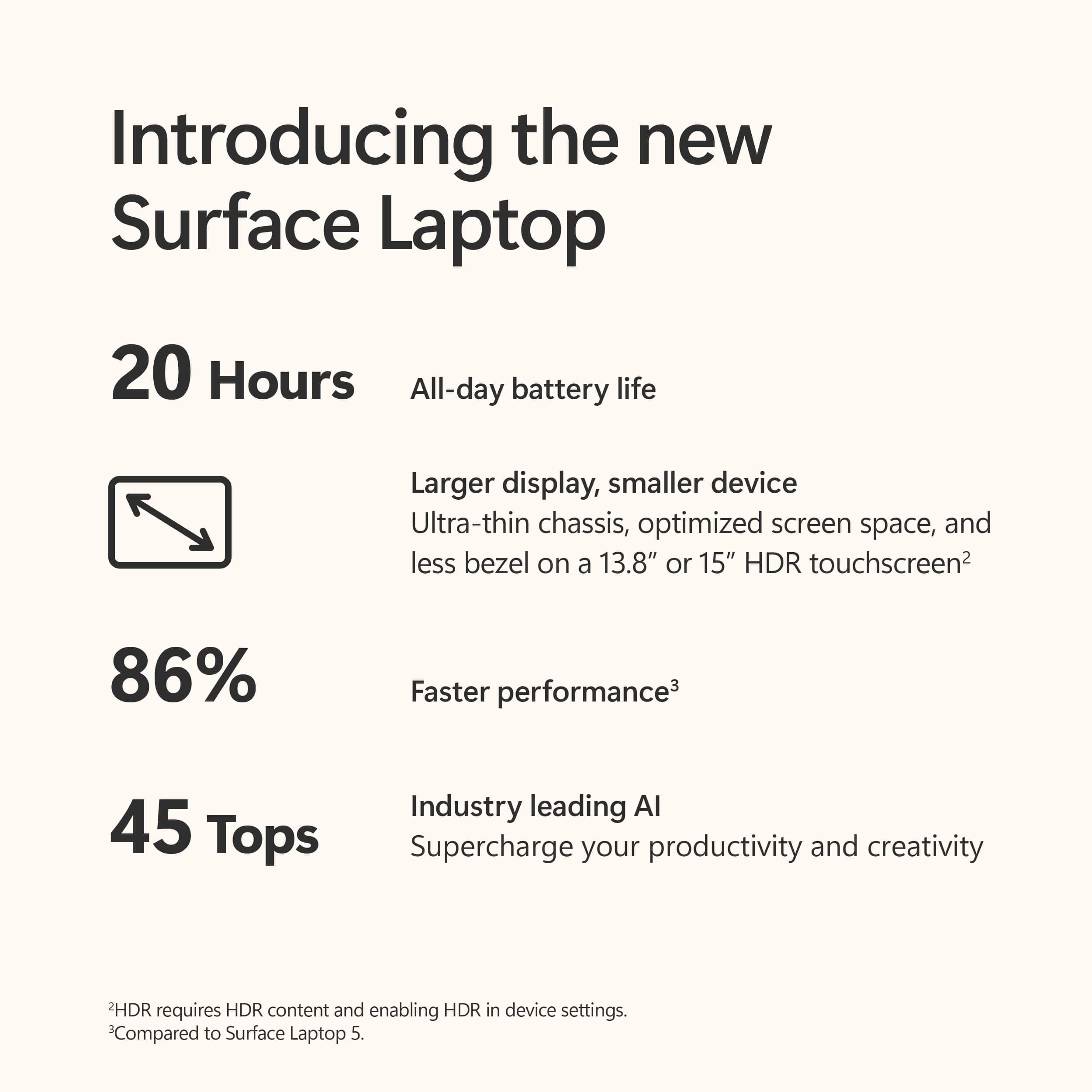
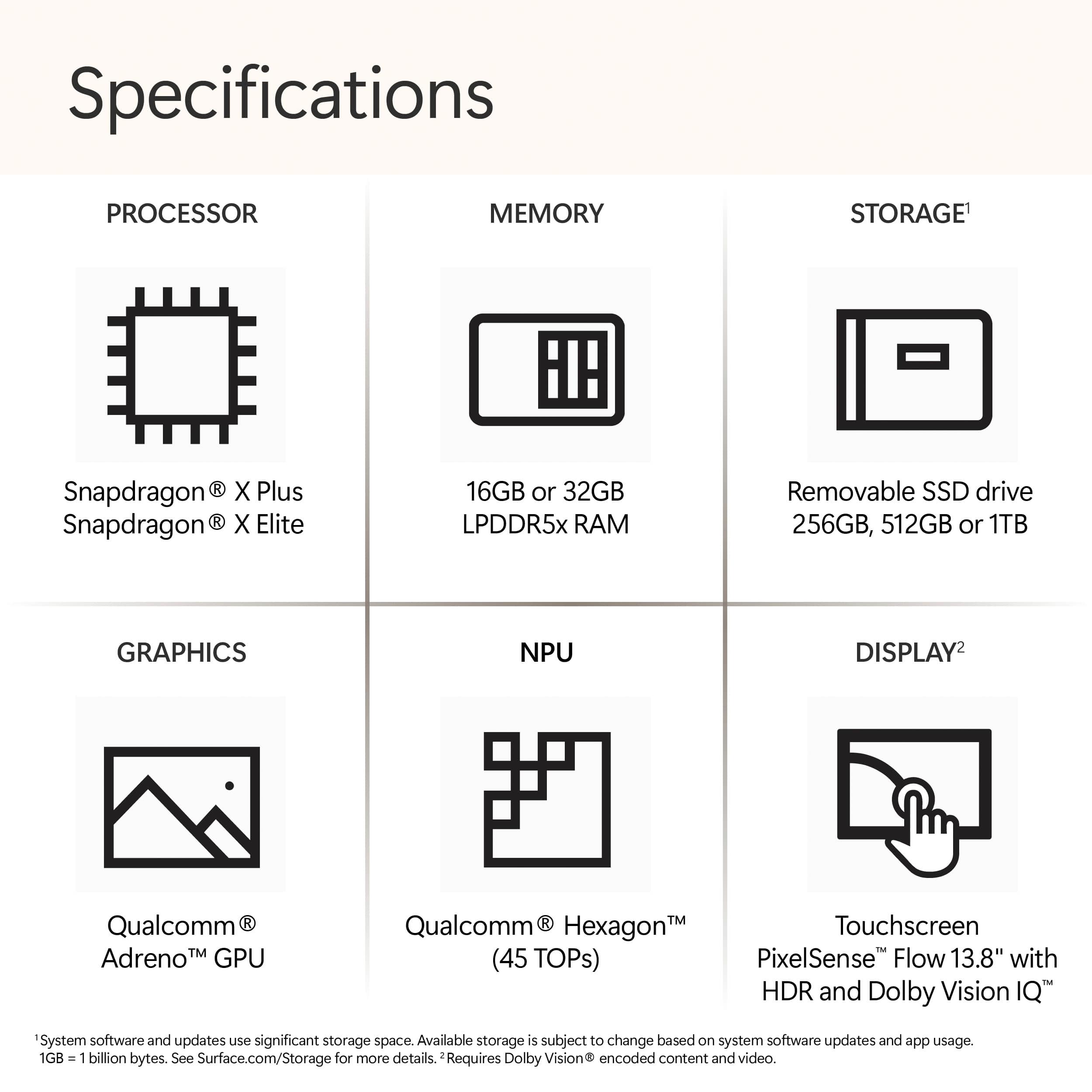
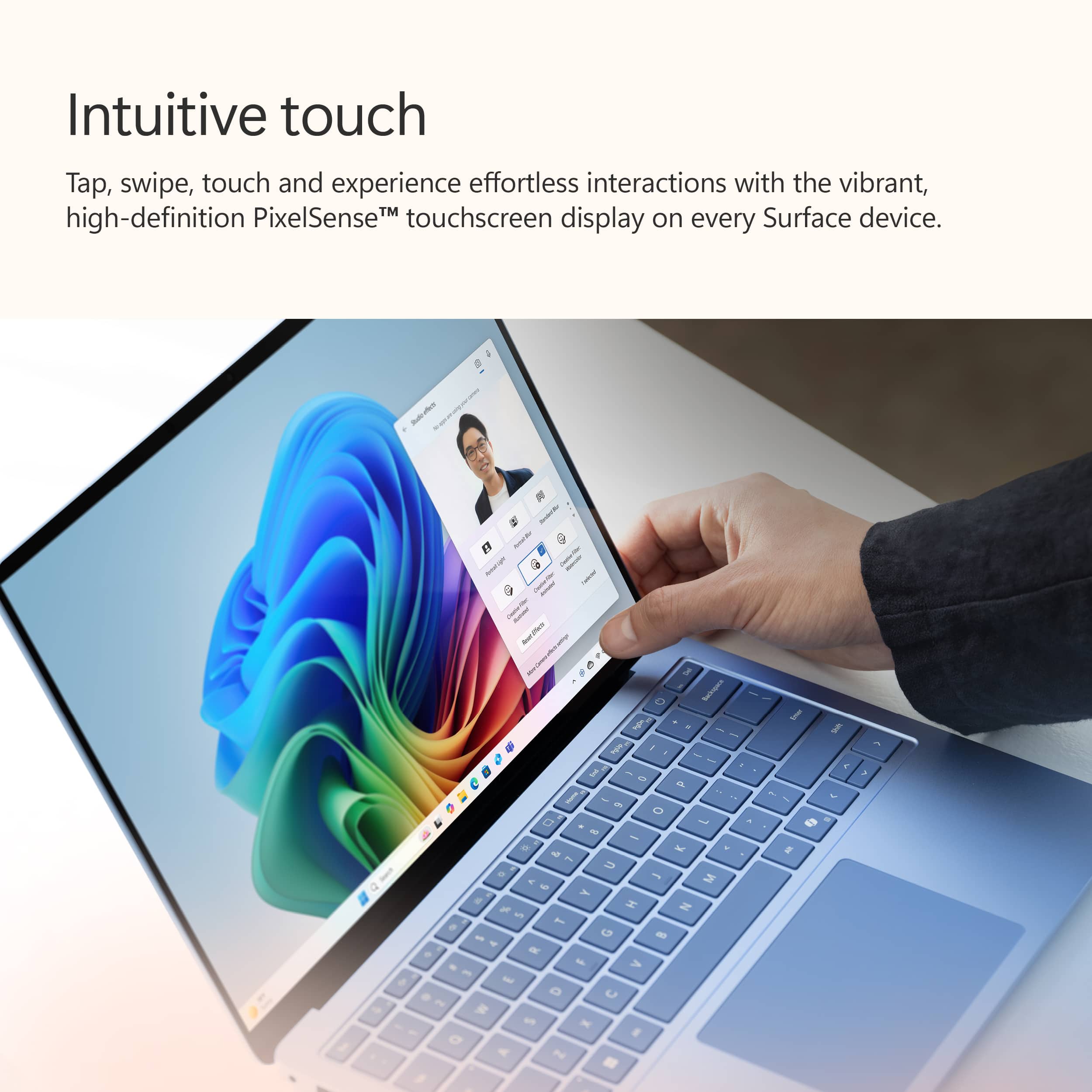
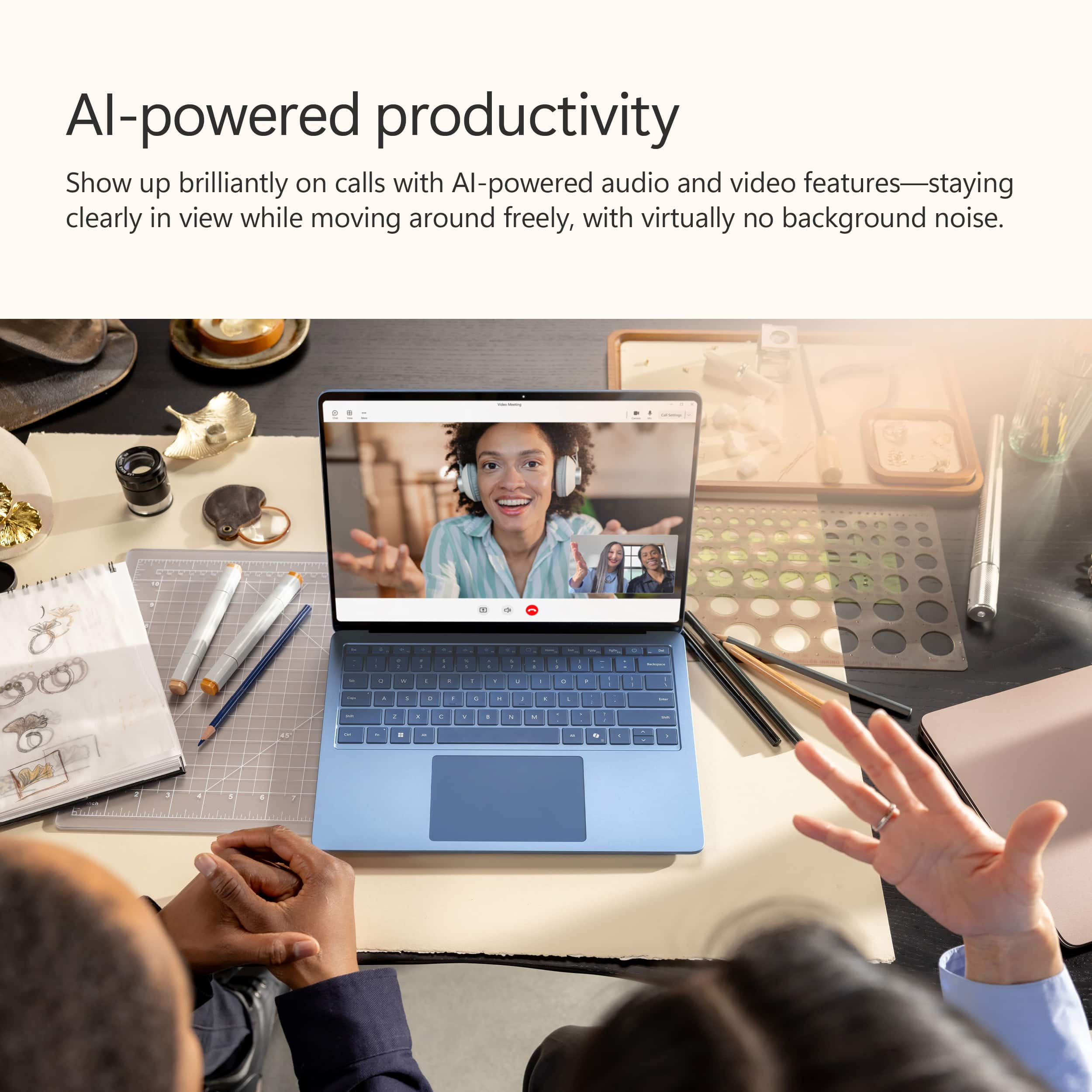
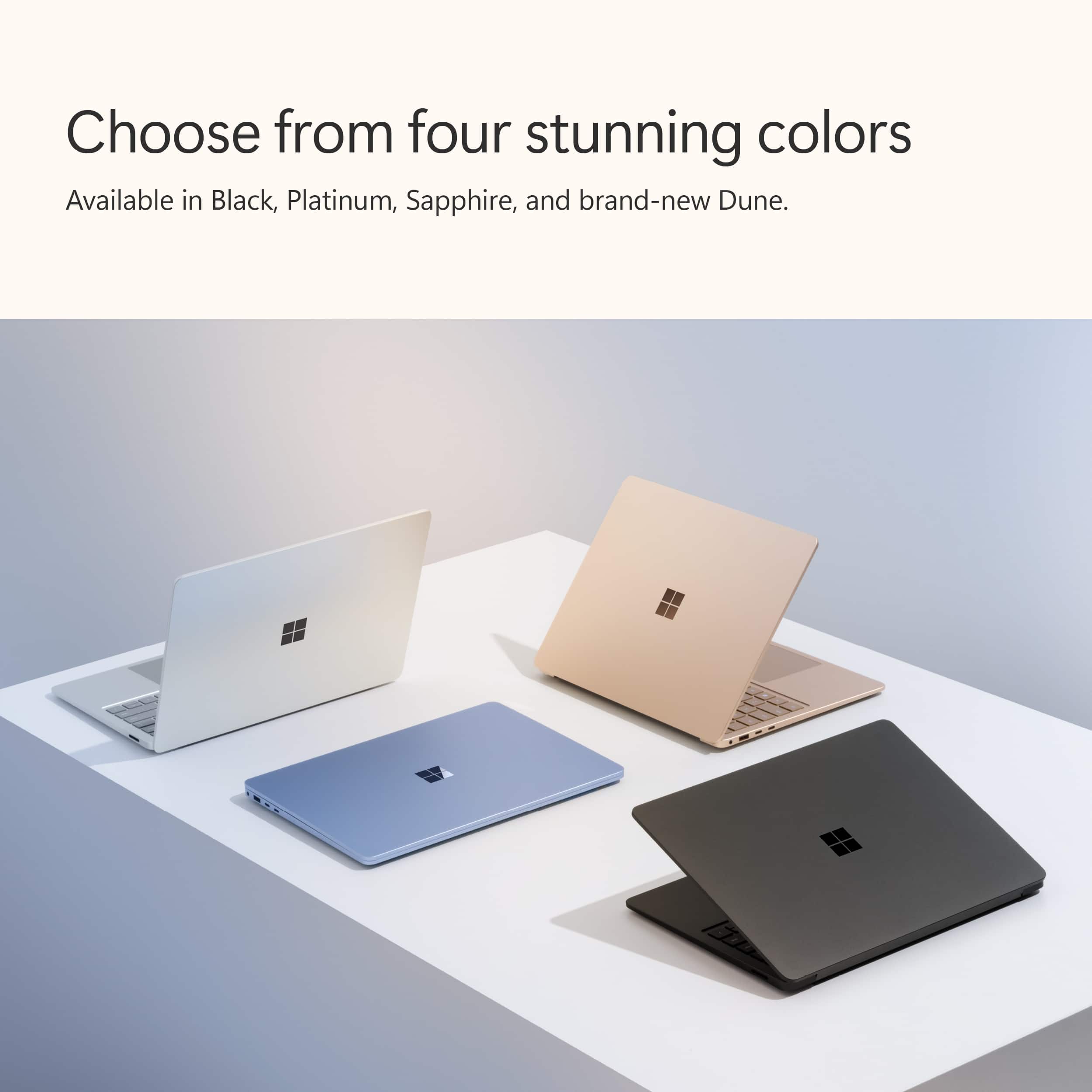
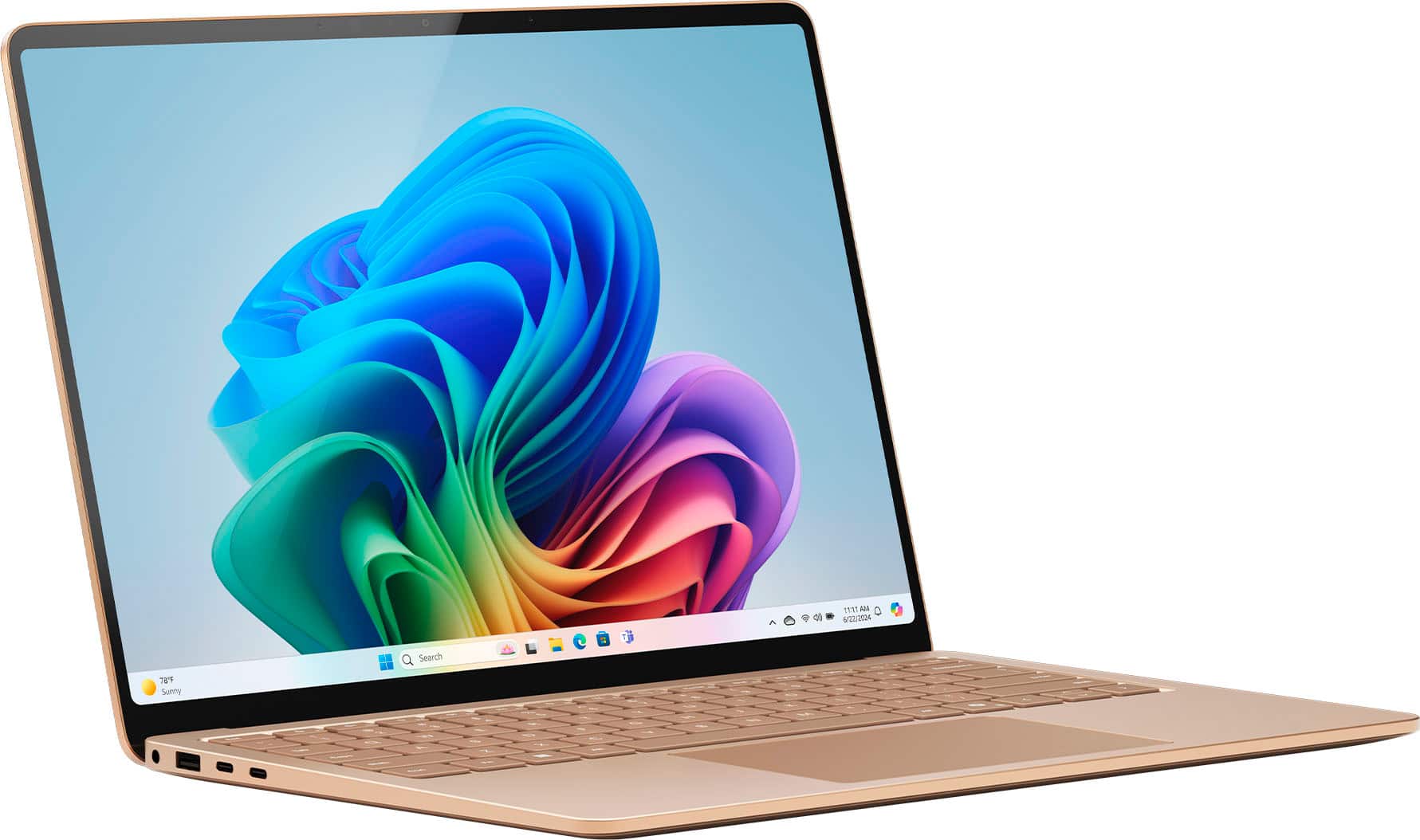
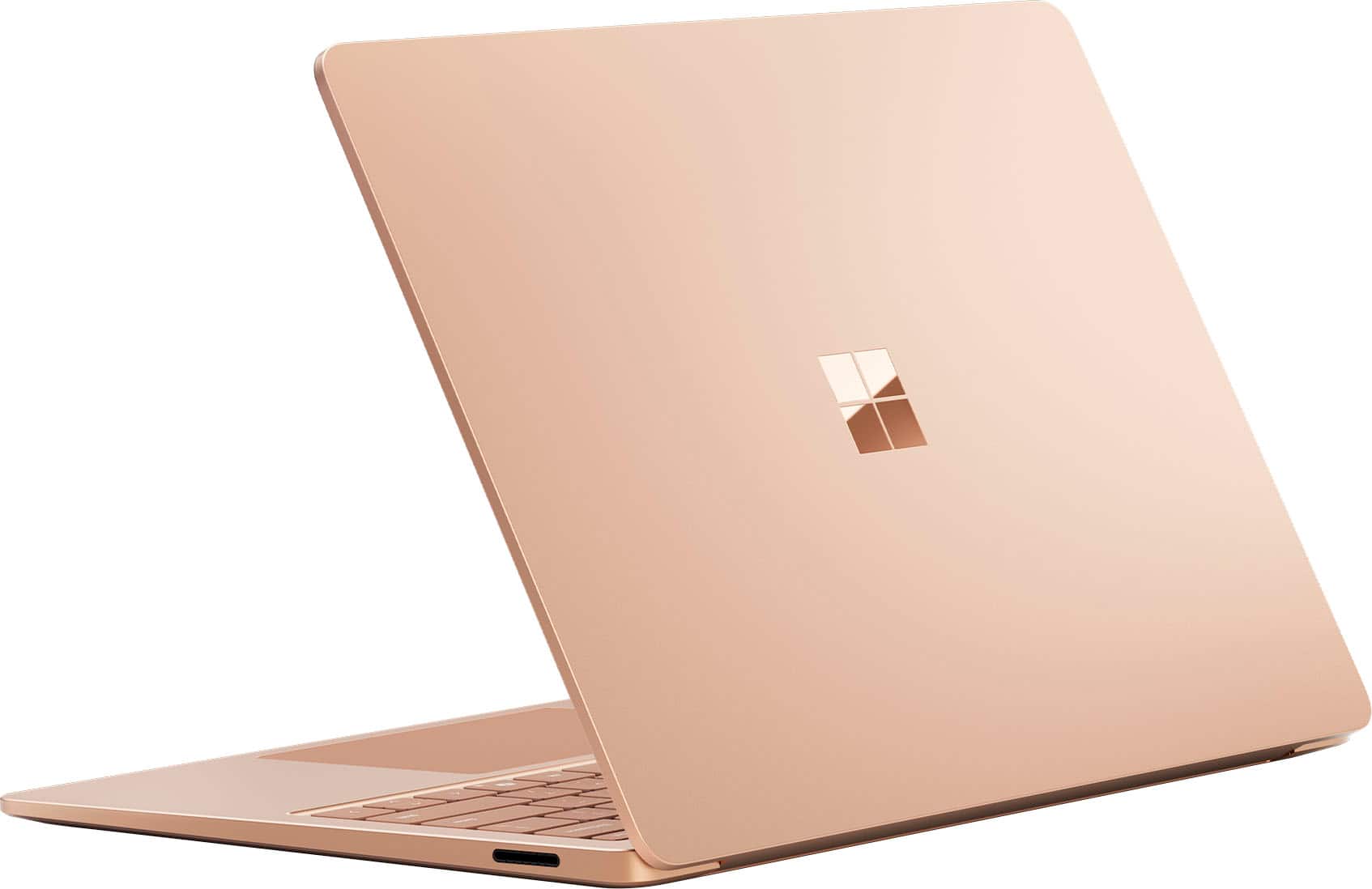
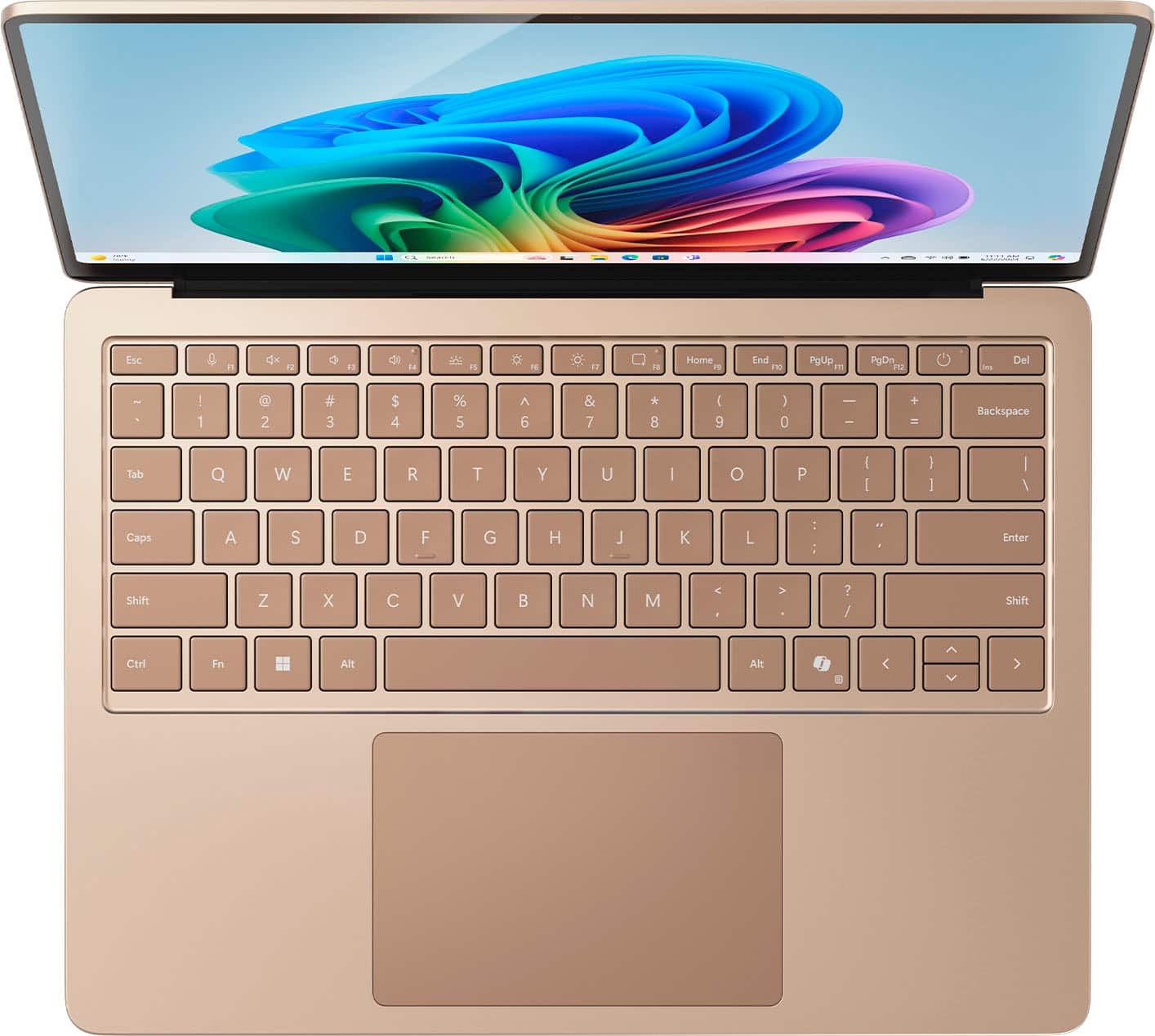
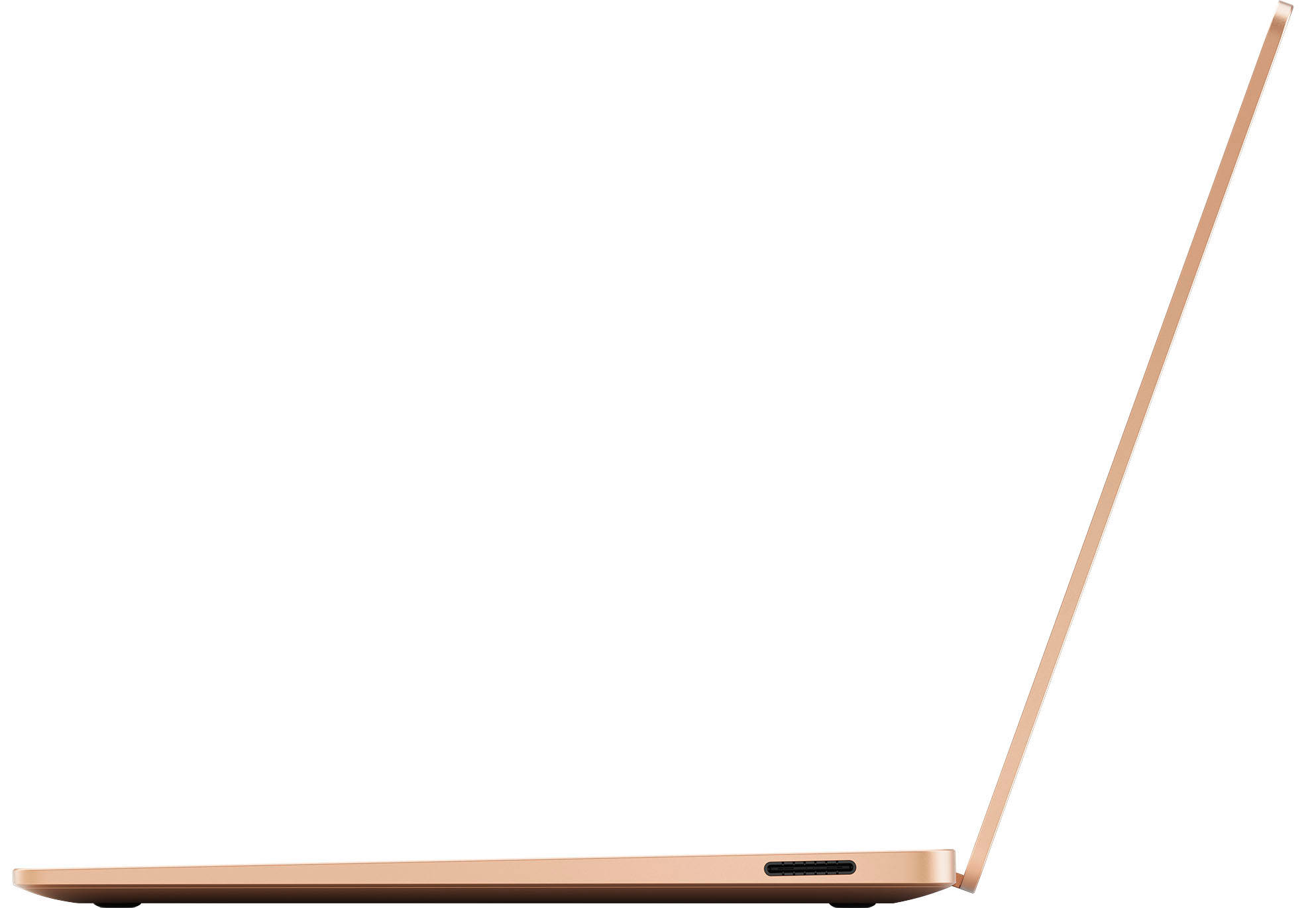
|Posted .This reviewer received promo considerations or sweepstakes entry for writing a review.I’m a sucker for nice packaging and I thought Microsoft did a great job here on a premium looking box. Unboxing the Surface Copilot+ Laptop 7th generation reveals a stunner of a laptop, a power adapter and some minimal literature. I was happy to see that the 39W power supply is quite small which will be convenient for portability. I do however wish it was simply a USB C charger instead of Microsoft’s proprietary charger. I do like that it connects magnetically so it breaks away easily in the event that you pull on the cord in some manner so that the laptop isn’t potentially damaged. The laptop itself is sleek, thin, and well made. The body is aluminum and is particularly fingerprint resistant. It weighs in at 2.96 pounds. It definitely has a premium build quality feel. I got the Dune color, which is as you would imagine a sand color. The color at times appears almost salmon colored depending on how the light hits it. I was skeptical before seeing it but now I do like it’s unique color. Specifications are impressive. The Surface Laptop Copilot+ PC has a 13.8" PixelSense Flow display with 2304 x 1536 resolution. I love the minimal bezels on the touch screen. Maximum brightness is 600 nits. It has a Qualcomm Snapdragon X Elite 12 core X1E-80-100 processor. 512 gigabyte SSD. 16 gigabytes LPDDR5X RAM. A Qualcomm Adreno GPU. 2 x USB-C, 1 x USB-A 3.1 ports. Wi-Fi 7 and Bluetooth 5.4. I was excited to see how the surface performed so I proceeded to setup. I was impressed with its super fast boot time. Far faster than other laptops that I own. The setup process was your typical Windows 11 setup. I do particularly like the Windows Hello face recognition sign-in feature which make unlocking instantaneous. After setup there were a bunch of Windows updates available. One thing should be noted. The Surface Copilot+ laptop uses an ARM processor so not every program designed for Intel based processors will run currently but may ultimately be supported. Microsoft uses an emulation layer called Prism so you can run most of your favorite programs and games. I’m using the Surface laptop for work so I am unconcerned about anything I require not running. I frankly doubt many people would use this laptop as a gaming machine but that’s where most compatibility issues may arise. I use this laptop for work so it quickly became my go to machine for my daily email, spreadsheets, and Zoom meetings. The backlit keyboard and touchpad are exceptionally nice for everyday use. It’s also incredibly quiet with the fan noise being nearly non existent. Battery life is excellent. It’s rated at 20 hours. It sure got me through a days worth of work with battery to spare. Just using this laptop is a premium device experience. I even had multiple coworkers comment on how nice it was. I have used Copilot for quite a while but this is my first Copilot+ pc with its AI integration. With AI-powered features, the laptop can handle 45 trillion operations per second. With its powerful NPU, neural processing unit, this Surface Laptop 7 can handle AI intensive tasks like translation and image generation without sending data to the cloud. There is even a dedicated Copilot key which launches Copilot. If you haven’t used Copilot you are missing out on this amazing tool. I use it for work related tasks regularly, for everything from fine tuning emails to image creation for presentations. I’ve even used Copilot to create complex Excel formulas that were beyond my skill level just by describing what I needed the formula to do. This AI tool has truly become an invaluable asset. I was curious to check out some of the included AI tools on the Surface laptop 7. I started with Paint and it’s AI feature Cocreator which enhances your drawn images simultaneously to transform your drawings or even stick figures into an image which is far more sophisticated. I did find this somewhat gimmicky as the AI interprets anything you draw into an image. Draw a squiggle and Cocreator generates a sketch of a fish. I had no such image in mind when I drew my squiggle but it is fun to enhance your artwork. I found Restyle in the photos app a bit more interesting. Here you can manipulate an image’s background or the whole image using various themes. This is somewhat like using a regular photo editor filter but the effect here is transformed via AI. You can describe a style you want or select from preset styles like fantasy, anime, impressionism, etc. You can also choose to apply the effect to the foreground, background, or the whole image. This was really fun to play with. I did find some Restyled images largely unusable since the effects made the image often unrecognizable to anything close to the original. You can adjust the creativity level of the effect but its generated images are hit or miss depending on the original image. Then there is Image Creator, which is also in the photos app. Here you simply describe in text the image you want to create and the image is generated via AI. This tool runs locally on the X Elite NPU opposed to accessing the Cloud for image generation. The tool generates 50 variations of your requested image. I’ve used DALL-E via Copilot which can generate some impressively sophisticated and realistic images from a text prompt. Unfortunately, I found many of the images generated on the Surface to be disappointing and in many cases laughable with distorted features and bodies. Windows Studio Effects is another integrated AI feature on the Surface laptop to improve video calls. They include automatic framing which keeps you centered in the frame as you move. I like this motion tracking feature for Zoom meetings. Portrait Light which brightens your face to make you clearly visible even in low light situations. Eye Contact which makes your eyes appear to be maintaining eye contact even when you’re not. Standard for a subtle effect and Teleprompter uses advanced AI for a more natural eye contact appearance. There are also Background Effects with two blur options, Standard Blur and a more sophisticated looking camera portrait type blur. I like the portrait blur. You can also use Creative Filters such as Illustrated, Animated, or Watercolor to your whole video. These are kinda fun but I can’t imagine who would use most of them for a Zoom call. There is additionally a Voice Focus feature which helps isolate your voice and remove background noise during a call. While I find many of the AI tools useful, others are just disappointing and aren’t particularly useful. I’m assuming many features will be updated along the way. Ultimately, I really like this Surface 7 Copilot+ laptop. It’s by far the nicest laptop I’ve owned with great performance and exceptional design.
I would recommend this to a friendsurface laptop 7 review
||Posted . Owned for 2 weeks when reviewed.This reviewer received promo considerations or sweepstakes entry for writing a review.really nice laptop build quality was decent not a fan of snapdragon x elite processors
I would recommend this to a friendVery Good Overall
||Posted . Owned for 1 week when reviewed.This reviewer received promo considerations or sweepstakes entry for writing a review.We bought when it was on sale and has been a good machine so far.
I would recommend this to a friendNot even close to a Mac equivalent
||Posted . Owned for 1 month when reviewed.This reviewer received promo considerations or sweepstakes entry for writing a review.I purchased this laptop as a Macbook alternative in order to align myself and my employees better with our business systems. This seemed like a close equivalent with slightly less power. The first issue right out of the box was the build quality. Being a Mac user for 10+ years I guess I have expectations commensurate with what Mac offers. This machine is a tin can compared to Mac machines. The first week of ownership I put this laptop in the same bag I have always carried my Mac and when I pulled it out after a short drive the laptop was bent enough that it wobbled on my desk while typing. Second issue. This this is noticeably slower than my previous 5 year old mac. Either windows is super clunky or this machine is just underpowered. The experience of setting work email up through outlook was miserable. Numbers spreadsheet that I had built for quoting using simple lookups and tables now requires custom programming. Clearly my complaints are two fold. The hardware is very cheap given the high price point and windows is an absolute mess. I regret the purchase and now I'm stuck with a very expensive very frustrating machine.
No, I would not recommend this to a friendFavorite computer ever.
||Posted . Owned for 1 week when reviewed.This reviewer received promo considerations or sweepstakes entry for writing a review.So happy with it, hard to believe that Apple doesn't have a touch screen computer.
I would recommend this to a friendNew Microsoft laptop
||Posted . Owned for 1 week when reviewed.This reviewer received promo considerations or sweepstakes entry for writing a review.I love my new laptop and familiarizing myself with it.
I would recommend this to a friendExcellent upgrade - but looses pen support
||Posted . Owned for 3 weeks when reviewed.This reviewer received promo considerations or sweepstakes entry for writing a review.While this is a nice update in performance and quality, it would have been better if it supported the Surface Pen still!
I would recommend this to a friendWorth the money
||Posted . Owned for 1 week when reviewed.This reviewer received promo considerations or sweepstakes entry for writing a review.Love the laptop! It’s fast & holds amazing charge.
I would recommend this to a friendSnapdragon X Elite
||Posted . Owned for 1 week when reviewed.This reviewer received promo considerations or sweepstakes entry for writing a review.Excelente laptop will us it for Solidwork, owned various laptops from Microsoft
I would recommend this to a friendi love it!!
||Posted . Owned for 1 month when reviewed.This reviewer received promo considerations or sweepstakes entry for writing a review.i love i can watch one piece :) its super petite and the color is so cute
I would recommend this to a friend