Customer Ratings & Reviews













- Model:
- ZGP-00037
- SKU:
- 11100147
Rating by feature
- Battery Life
Rating 4.8 out of 5 stars
- Speed
Rating 4.8 out of 5 stars
- Display
Rating 4.6 out of 5 stars
Microsoft rules
||Posted . Owned for 1 week when reviewed.This reviewer received promo considerations or sweepstakes entry for writing a review.A great computer works smoothly. Easy to use and the screen is a good size
I would recommend this to a friendLove the Surface
||Posted .This reviewer received promo considerations or sweepstakes entry for writing a review.Excellent. Fast and nice new Copilot features. In store pickup was awesome.
I would recommend this to a friendBeautiful design and very fast
||Posted . Owned for 3 weeks when reviewed.This reviewer received promo considerations or sweepstakes entry for writing a review.I used a Mac Air for 5 years, and decided to switch to Surface Laptop because it seemed more versatile, and I really like the design and it is very fast. I would only recommend that Microsoft make a small notch at the top of the screen frame to make it easier when you want to open the laptop, and change the charger for a more versatile one.
I would recommend this to a friendPerfect for college!!
||Posted . Owned for 1 month when reviewed.This reviewer received promo considerations or sweepstakes entry for writing a review.Perfect size, very clear and bright screen, easy to navigate on, and great battery life. Excellent choice!
I would recommend this to a friend
Best laptop
|Posted . Owned for 3 months when reviewed.This reviewer received promo considerations or sweepstakes entry for writing a review.Laptop is very good with good battery life. It is very slim and the processor is also very fast. I like this laptop.
I would recommend this to a friendBest buy is the best.!!!
||Posted .This reviewer received promo considerations or sweepstakes entry for writing a review.I love this product. It was everything i wanted and needed. Thanks to best buy for all the great products.
I would recommend this to a friendMicrosoft Review
||Posted . Owned for 1 month when reviewed.This reviewer received promo considerations or sweepstakes entry for writing a review.The computer is very reliable, this is not my first Microsoft computer and i have not had problems with any of them. I am very happy with the product given that is the perfect size for a laptop and has very many features that help me on a day to day basis.
I would recommend this to a friendGreat Purchase
||Posted . Owned for 7 months when reviewed.This reviewer received promo considerations or sweepstakes entry for writing a review.I purchased this Laptop for my daughter for college, She's in her Freshman year, She loves it. This is a Laptop she can use for the next 4 years. This purchase an investment in my child's education and the return has been amazing.
I would recommend this to a friendExcellent for home and school
||Posted .This reviewer received promo considerations or sweepstakes entry for writing a review.Decription was accurate, and the order shipped promptly. Computer is great and much faster than my old model.
I would recommend this to a friendlaptop review
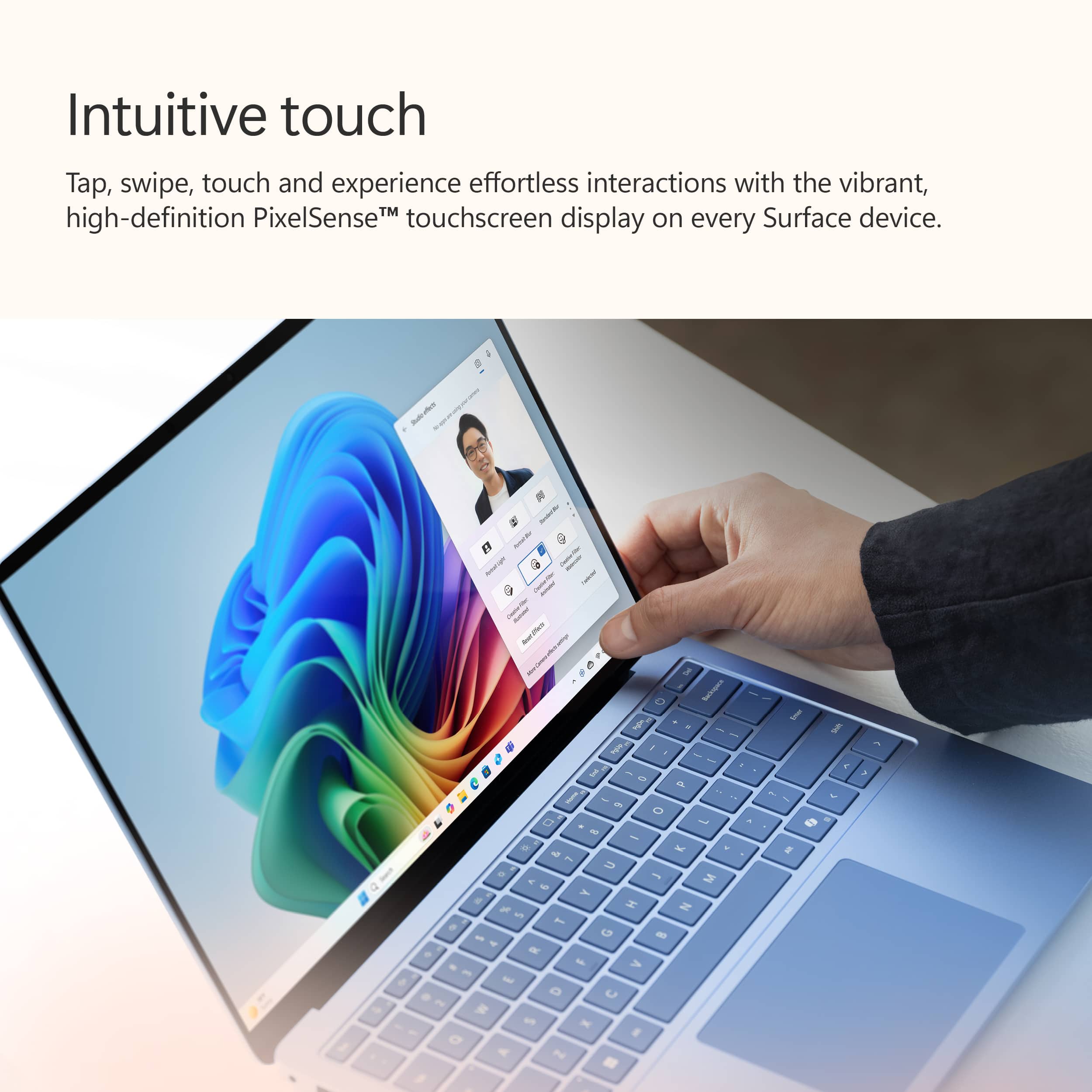
||Posted . Owned for 1 month when reviewed.This reviewer received promo considerations or sweepstakes entry for writing a review.great laptop that is light and easily portable with a great touch screen
I would recommend this to a friendBest Laptop
||Posted . Owned for 2 weeks when reviewed.This reviewer received promo considerations or sweepstakes entry for writing a review.Love the entire thing. The new ARM chip makes a few programs incompatible though which is to be expected.
I would recommend this to a friendDecent product
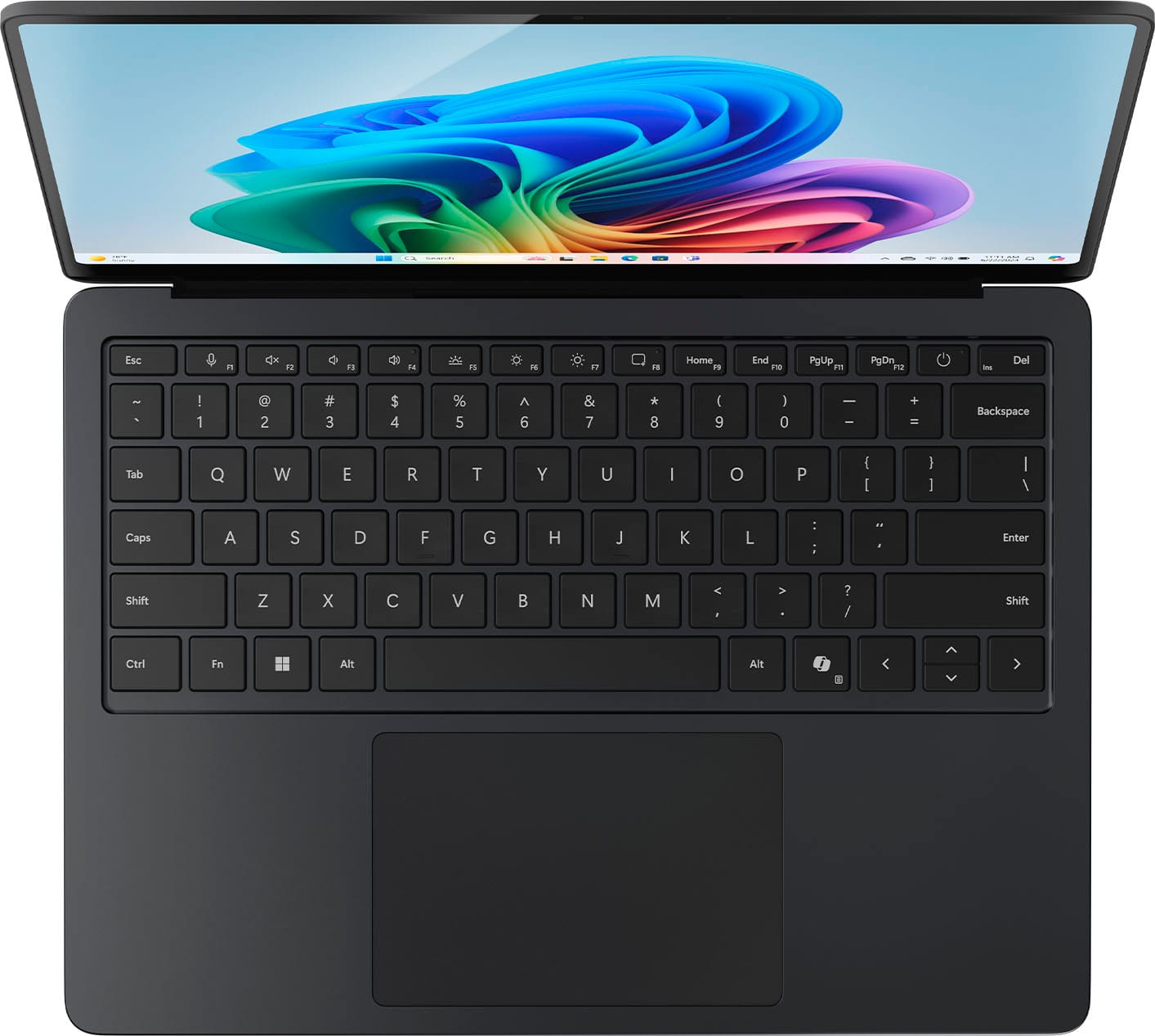
||Posted . Owned for 1 week when reviewed.This reviewer received promo considerations or sweepstakes entry for writing a review.Still new to it but build quality feels nice. The co-pilot short-cut button is practical. Battery life seems ok- 5 to 6 hours of continuous use based on one test. Was easily available for pickup and for the best price I could find from online searches.
I would recommend this to a friendGreat upgrade
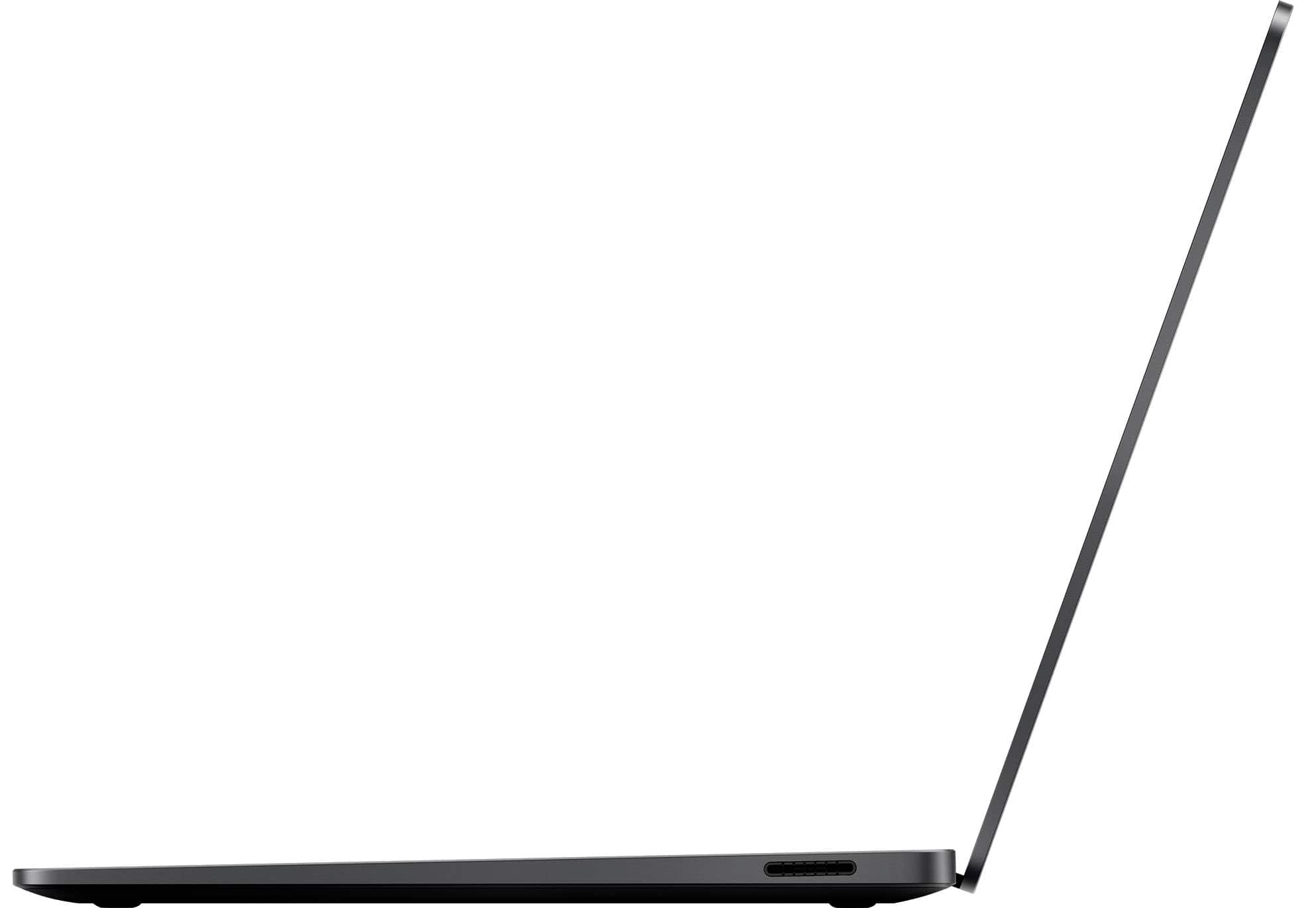
||Posted . Owned for 3 weeks when reviewed.This reviewer received promo considerations or sweepstakes entry for writing a review.So clear, thin, great picture, I love the ARM (fan free), long battery life. Wish it had HDMI for a second monitor, had to buy an adaptor for that.
I would recommend this to a friendGreat experience
||Posted .This reviewer received promo considerations or sweepstakes entry for writing a review.Works as promised, light weight and compact. Video is super clear. The employee who helped me with my purchase was really helpful and knowledgeable.
I would recommend this to a friendGreat laptop
||Posted .This reviewer received promo considerations or sweepstakes entry for writing a review.Great laptop, doesn't give me any problems and works well!
I would recommend this to a friendHappy with my decision
||Posted . Owned for 1 month when reviewed.This reviewer received promo considerations or sweepstakes entry for writing a review.The laptop was incredibly easy to set up. I love its design and its durability. I use this laptop for personal use and contacted work. I wish my work laptop was as nice as this one.
I would recommend this to a friendMs
||Posted .This reviewer received promo considerations or sweepstakes entry for writing a review.Very satisfactory with the product, the battery life, the speed and efficiency of the computer components.
I would recommend this to a friendGreat Computer
||Posted . Owned for 3 weeks when reviewed.This reviewer received promo considerations or sweepstakes entry for writing a review.Great computer for every day tasks, use it for light gaming, do some web surfing and small business work. Microsoft made a really good Apple MacBook Air competitor with this.
I would recommend this to a friendVery Good Computer
||Posted . Owned for 1 month when reviewed.This reviewer received promo considerations or sweepstakes entry for writing a review.This computer is just as good as I was told it would be. The addition of Microsoft 365 is a real benefit.
I would recommend this to a friendSuper built laptop
||Posted . Owned for 1 month when reviewed.This reviewer received promo considerations or sweepstakes entry for writing a review.Great computer, really well built. When shopping for a Windows computer, the Surface really was my favorite option.
I would recommend this to a friend