Customer Ratings & Reviews











- Model:
- EP2-36981
- SKU:
- 12327299
Rating by feature
- Battery Life
Rating 4.8 out of 5 stars
- Speed
Rating 4.8 out of 5 stars
- Display
Rating 4.8 out of 5 stars
to a friend
Amazing
||Posted . Owned for 1 month when reviewed.This reviewer received promo considerations or sweepstakes entry for writing a review.The computer is the best! I am really enjoying this computer!
I would recommend this to a friendLaptop
||Posted . Owned for 1 month when reviewed.This reviewer received promo considerations or sweepstakes entry for writing a review.Does everything i want and need it to do bttery could last longer
I would recommend this to a friendEnjoyed!!
||Posted . Owned for 3 weeks when reviewed.This reviewer received promo considerations or sweepstakes entry for writing a review.Great product!! Exactly what I was looking for!!!
I would recommend this to a friendCan't go wrong with surface
||Posted .This reviewer received promo considerations or sweepstakes entry for writing a review.Great laptop at a great price. Lightweight. And I anticipate this will last for many years.
I would recommend this to a friendWorth the money
||Posted . Owned for 2 months when reviewed.This reviewer received promo considerations or sweepstakes entry for writing a review.Its a pretty reliable and decent laptop. It does as expected for the price.
I would recommend this to a friendLaptop
||Posted . Owned for less than 1 week when reviewed.This reviewer received promo considerations or sweepstakes entry for writing a review.So far so good. Hopefully this works out better than my HP I had to return
I would recommend this to a friendGood for some, but not everyone
||Posted .This reviewer received promo considerations or sweepstakes entry for writing a review.Not a bad device if you understand its limitations going in. Unfortunately running on Snapdragon and emulating Windows 11 is vital information that is make or break for businesses working on Windows based software development. Had to return it due to these limitations.
I would recommend this to a friendBrand response from Snapdragon team
Posted .Hi Tyler, many applications run natively on devices powered by Snapdragon X series platforms. For emulated applications we use Microsoft's Prism emulator built into Windows 11, typically you will not see much of a difference in performance. If you want to find out more about emulation https://learn.microsoft.com/en-us/windows/arm/apps-on-arm-x86-emulation


Lightweight, smart, and capable Laptop. Everyday!
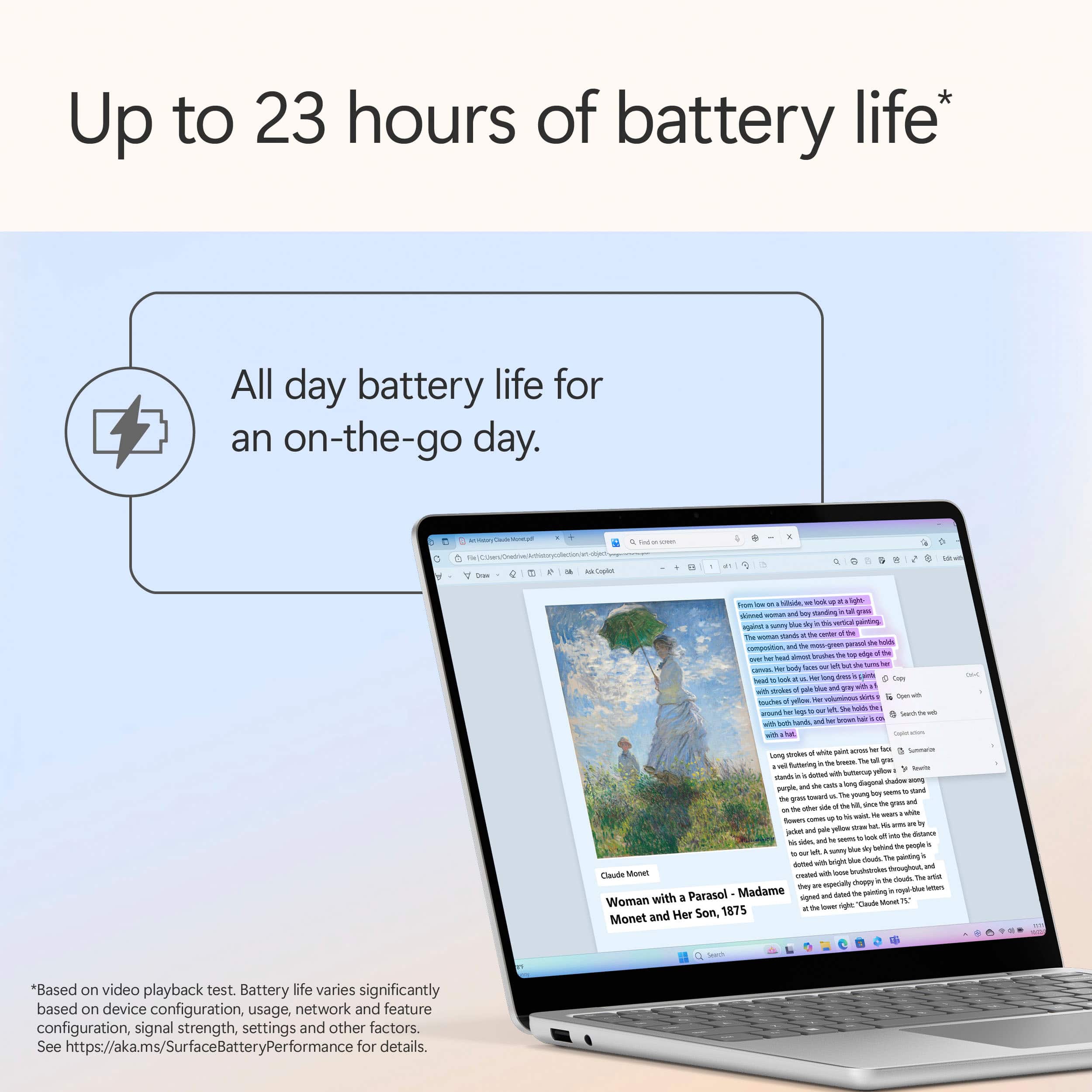
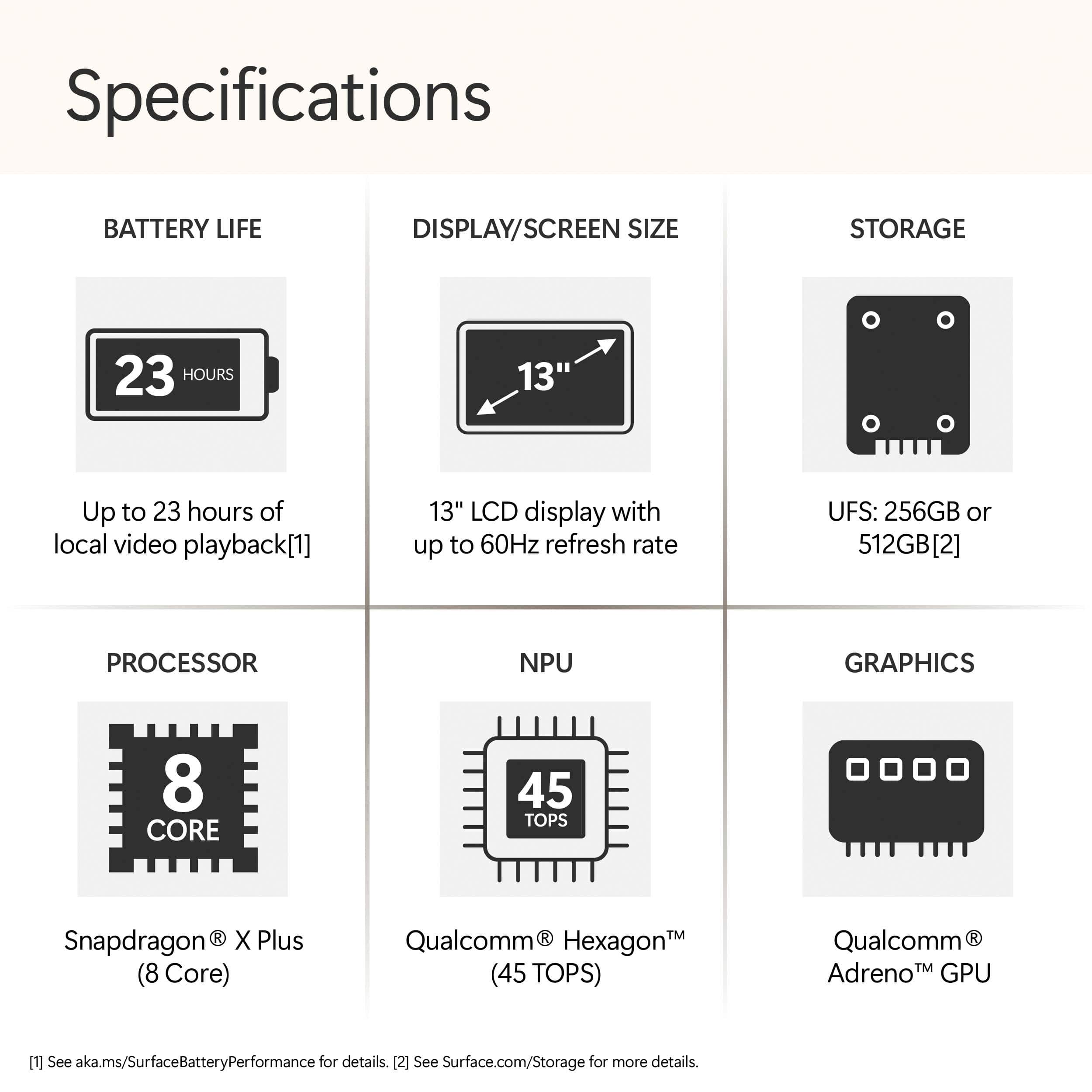
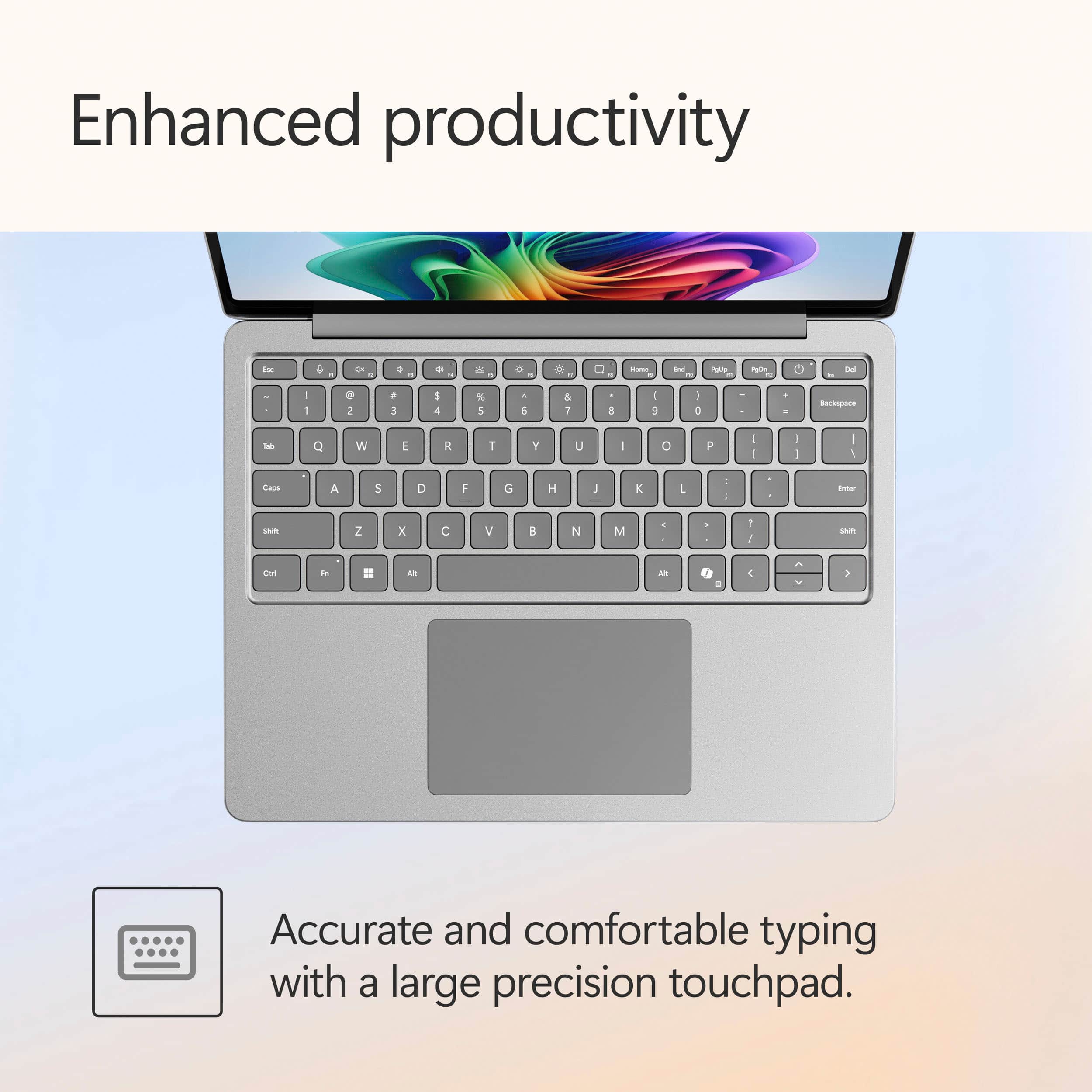
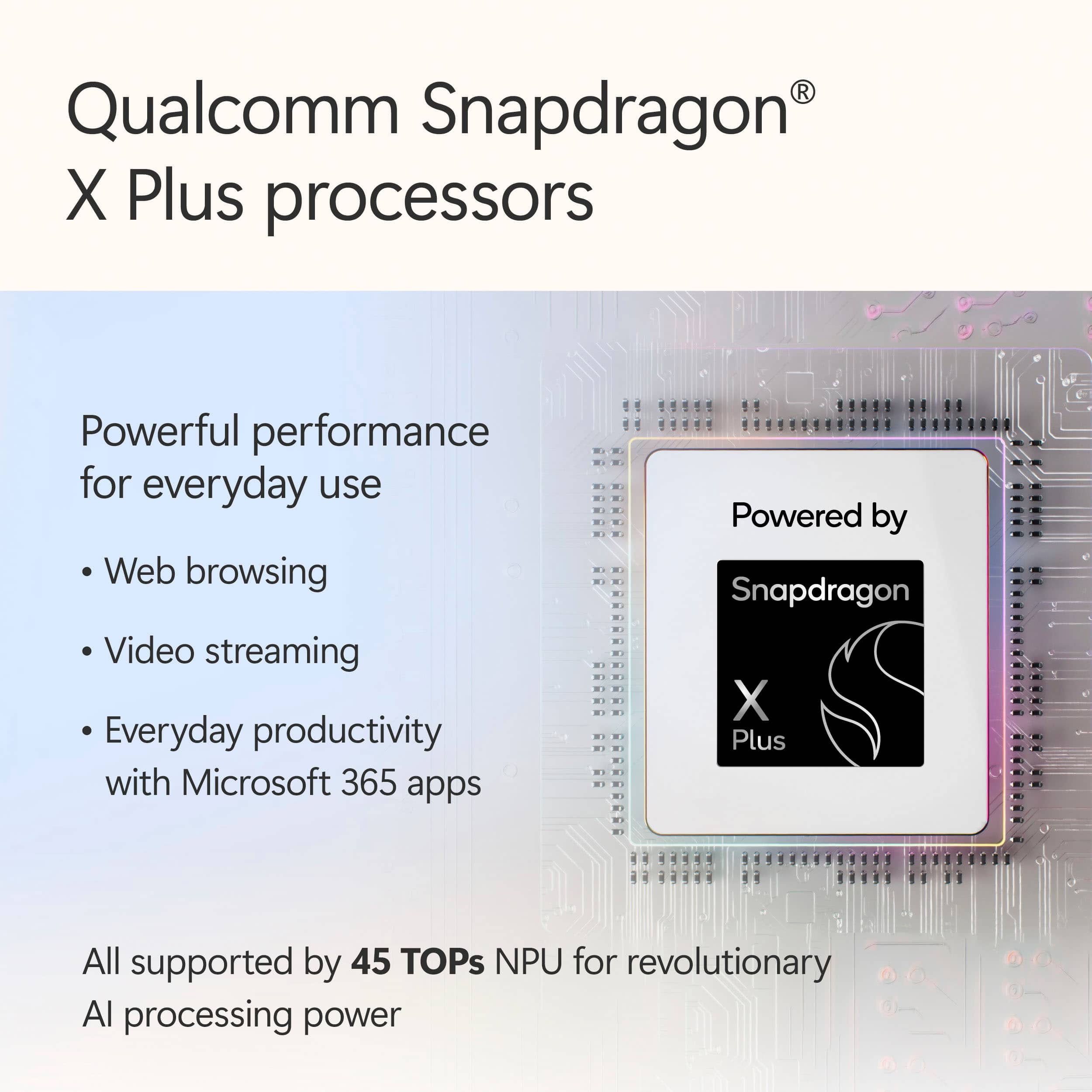
|Posted .This reviewer received promo considerations or sweepstakes entry for writing a review.The Microsoft Surface 13" Laptop has a very common exterior design. Nothing unusual. The same old sleek and nice design. The slim dimensions with round edges and light weight make it easy to carry around. Excellent for every day's tasks with very long lasting battery life. Joy to type on keyboard and wide trackpad. Battery Life: I was able to run ~10 hours on one charge doing light office activities. Including Teams video calls without needing to re-charge. That's more than enough for daily portability. Snapdragon X: While it is not your common Intel, it is indeed enough for what it is made for. It is fast, and efficient running common applications and productivity tasks. That also includes the Copilot+ features (thanks to the Qualcomm Hexago NPU). I've tried the Lice captions, the Windows Studio Effects (for video calls) and a little bit of the Recall (not liking it much). One nice feature for having a Snapdragon is how your laptop will be running smooth and quite. Very efficient and heat managing Processor. Some of the old software might suffer from ARM compatibility... Windows on ARM is offering some ways to keep those running but usually with reduced performance (compared to x86 platforms). That's the problem with any ARM-based laptop. Bluetooth and WiFi: they are long range. Supporting WiFi 7! It is till doing well for WiFi 6 and 5. Tested at different positions away from the main router without issues. The BT range is also acceptable. Almost matching and exceeding my best BT range laptop. The Surface has an IPS touchscreen, 13"! it has a decent image quality (not your gaming rig with 4K) but it has a very accurate sRGB coverage that is very close to true color. It is still, only 60Hz refresh rate display but can't complain... Talking display, the GPU performance is adequate. Adreno is considered weak! It might be not your best choice for graphically intensive tasks. In few words: it is very well built. Highly portable with nice battery life for everyday performance (good AI tasks support). Medium screen resolution and refresh rate. I'd recommend buying it if your primary needs are productivity, web browsing, Keeping in touch, and AI features capability, Light weight, slim and sleek design laptop with LONG LIFE battery. I'd say it is the parallel alternative to the other brand laptop with Windows flavor.
I would recommend this to a friendMicrosoft Surface Laptop
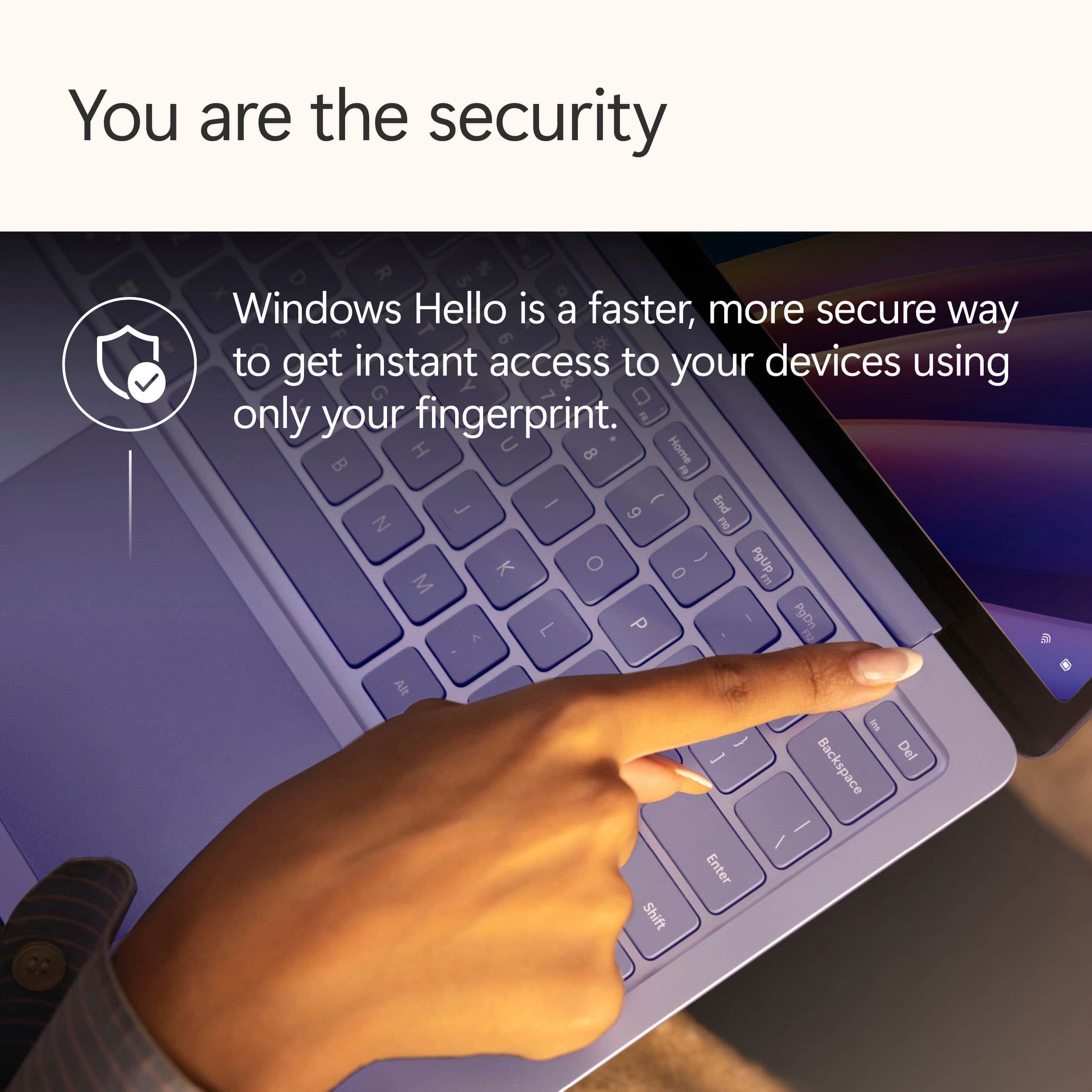
|Posted .This reviewer received promo considerations or sweepstakes entry for writing a review.Love my Microsoft Surface Laptop for starters in the way it was able update and to transfer all my information, emails,Google Chrome from my Dell All-in One desktop to the Surface so seamlessly. The Windows Hello is secure with a quick log in is awesome without having to enter a password. The Microsoft Surface Touch Screen works like a breeze and is very snappy and responsive to web surfing. The Recall feature makes it convenient to go back to where you left off. Just click on Recall Preview and it will pop up your last web sites for you to click through and prompt you to jump back into viewing. It takes time to get use to in creating duplicate pages in Recall review. The Microsoft Surface Laptop has an amazing display resolution of 1920x1280 with a refresh rate of 60 Hz which makes for beautiful brightness from the 13" Touch Screen. The Microsoft Surface is great size for using in bedroom for quick researching with Copilot three options that include quick response, think deeper and deep research with its AI Companion for just about anything you need to know, create or learn. Battery life is great and steady when you can surf and stream as much as you like all day. I like the fact that I can permanently remove my photos with sending them to the recycle bin. I will be getting much use out of my Microsoft Surface Laptop 13' with its powerful performance and battery life and in navigating the AI era of technology.
I would recommend this to a friendLaptop Works All Day Without Needing To Plugin
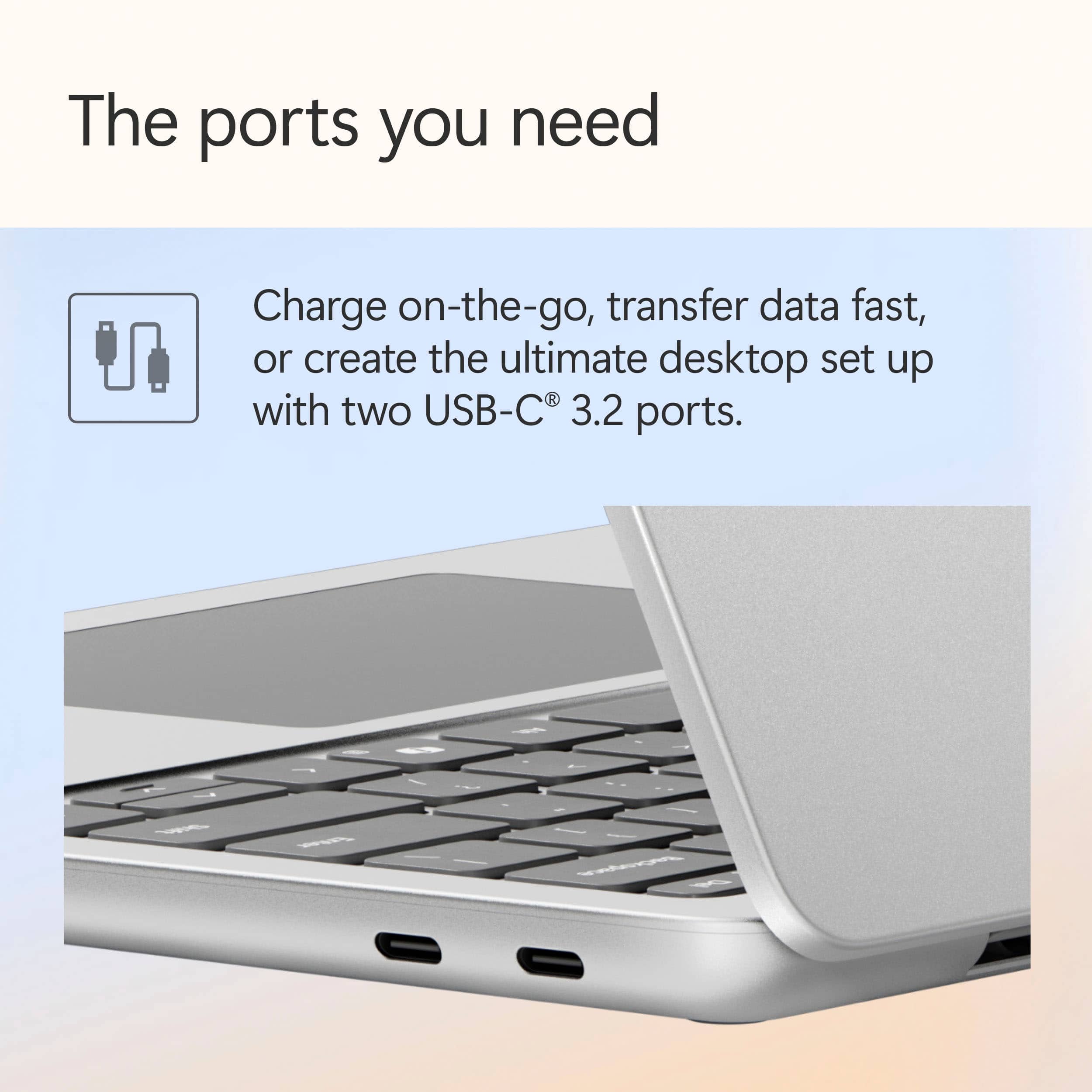
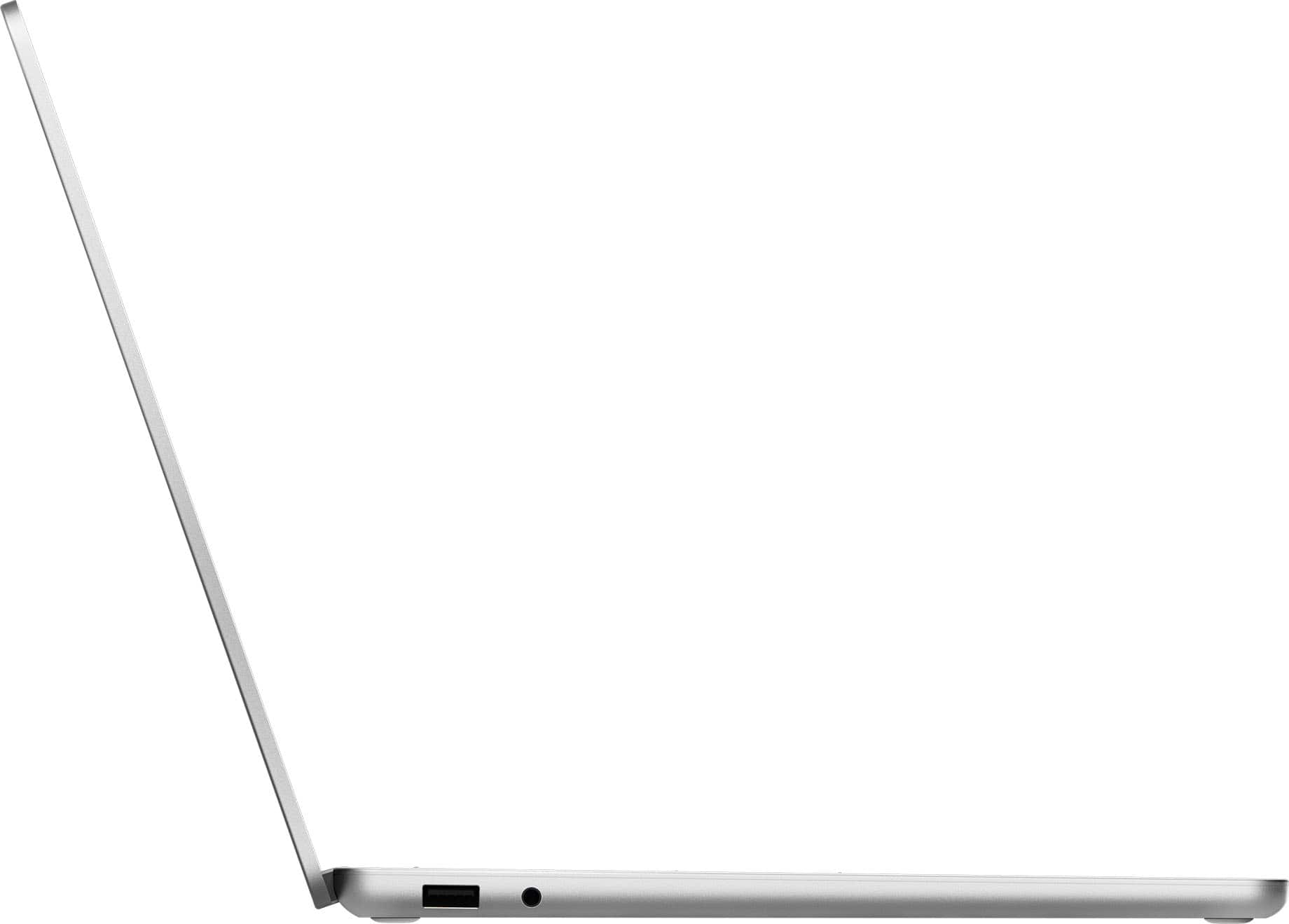
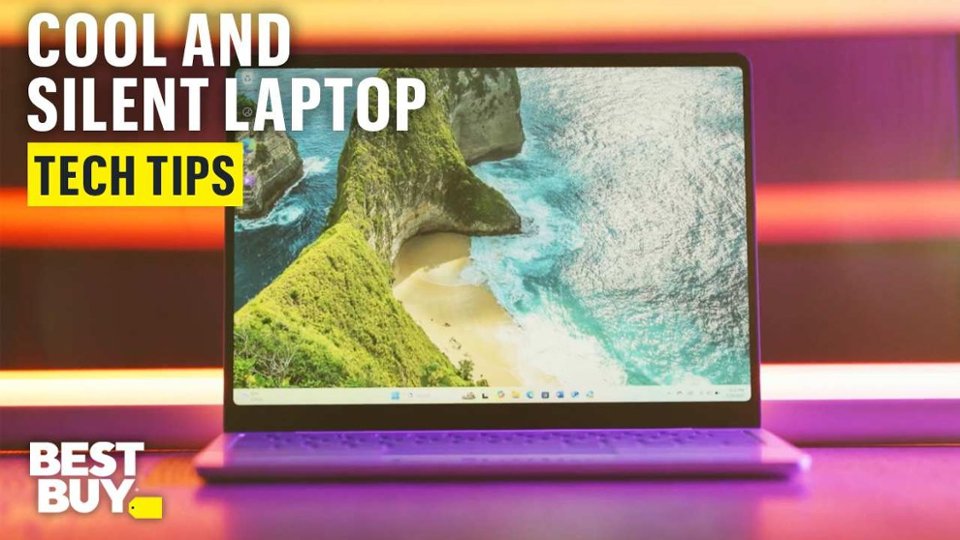
|Posted .This reviewer received promo considerations or sweepstakes entry for writing a review.The Microsoft Surface with Snapdragon X Plus processor works well. The Snapdragon processor means that the laptop uses ARM architecture which is commonly used in tablets and phones instead of the traditional x86 usually found in laptops and desktops. This has some pros and cons. On the plus side, the laptop has great battery life and charges quickly too. With my previous laptop, I would be lucky to get 2 hours of use before I had to plug in. With this Surface laptop I can easily work all day without having to plug it in, which has been really nice. The laptop also runs cool and quiet so it’s comfortable to use on my lap for extended periods. The touchscreen is a nice feature and the laptop has a large touchpad as well. The Surface has 1 usb 2 slot on the left side and 2 usb c slots on the right side. The overall performance has been good for me, apps open quickly and run snappy. Video streaming has been especially good, even better than streaming on my tv. As for cons, because of the ARM chips not all windows apps are fully supported. Some apps run natively with an ARM version, some apps run by Windows emulation, and some apps don’t run at all. For example, I did have some issues installing my 2 wireless printer/scanners. The Surface would not run the installation apps from Brother and Epson at all. I was still able to connect both printers using the generic Windows 11 installation, but it means that I can only print to the printers and lack full use of the scanner functions. I have a work around for that, so it’s not a deal breaker for me though. Also, the Epson website indicates that ARM support for my printer is coming in September 2025. As ARM laptops become more common, hopefully there will be better all around support for them in the future. Another nitpick I do have with the Surface laptop is the lack of a finger tab to lift the screen. It’s actually nearly impossible to open the laptop with just one hand. This means that to open the laptop, I usually have to pick it up with 2 hands to pull it open, not very convenient. Microsoft seems to be heavily pushing their Copilot+ AI with full integration in just about everything in Windows 11, including their Recall feature that allows you to search and return to things you have seen or worked on previously. Overall, I have been pretty happy with the performance of the Surface laptop: reading and writing documents, doing internet research, video and audio streaming. So far, it meets my needs well. But, if you are a power user, like heavy video editing or gaming or if you are dependent on using particular 3rd party apps that may or may not be supported, then this Surface laptop may not be the right fit for you.
I would recommend this to a friend13" laptop with all of the features
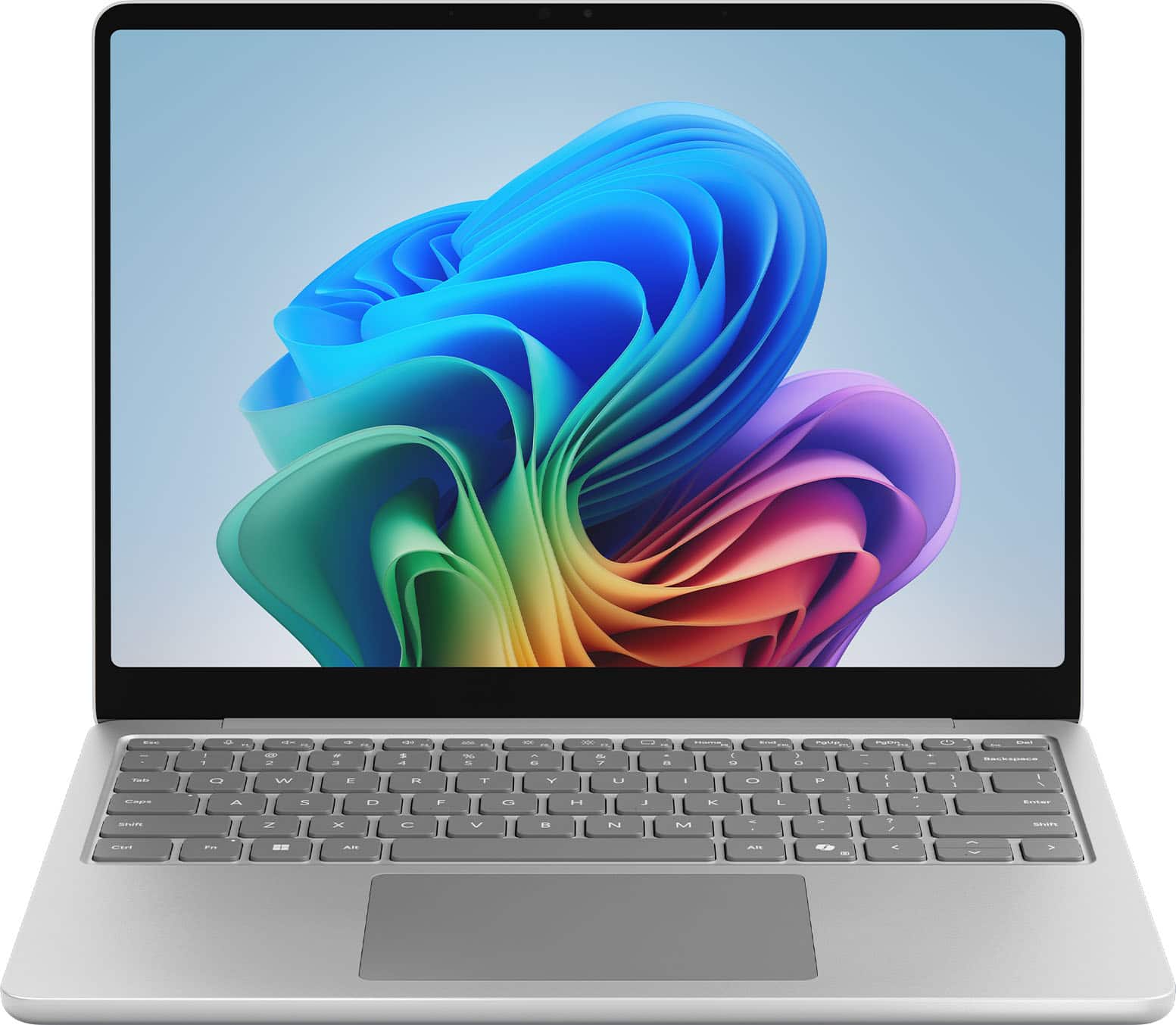
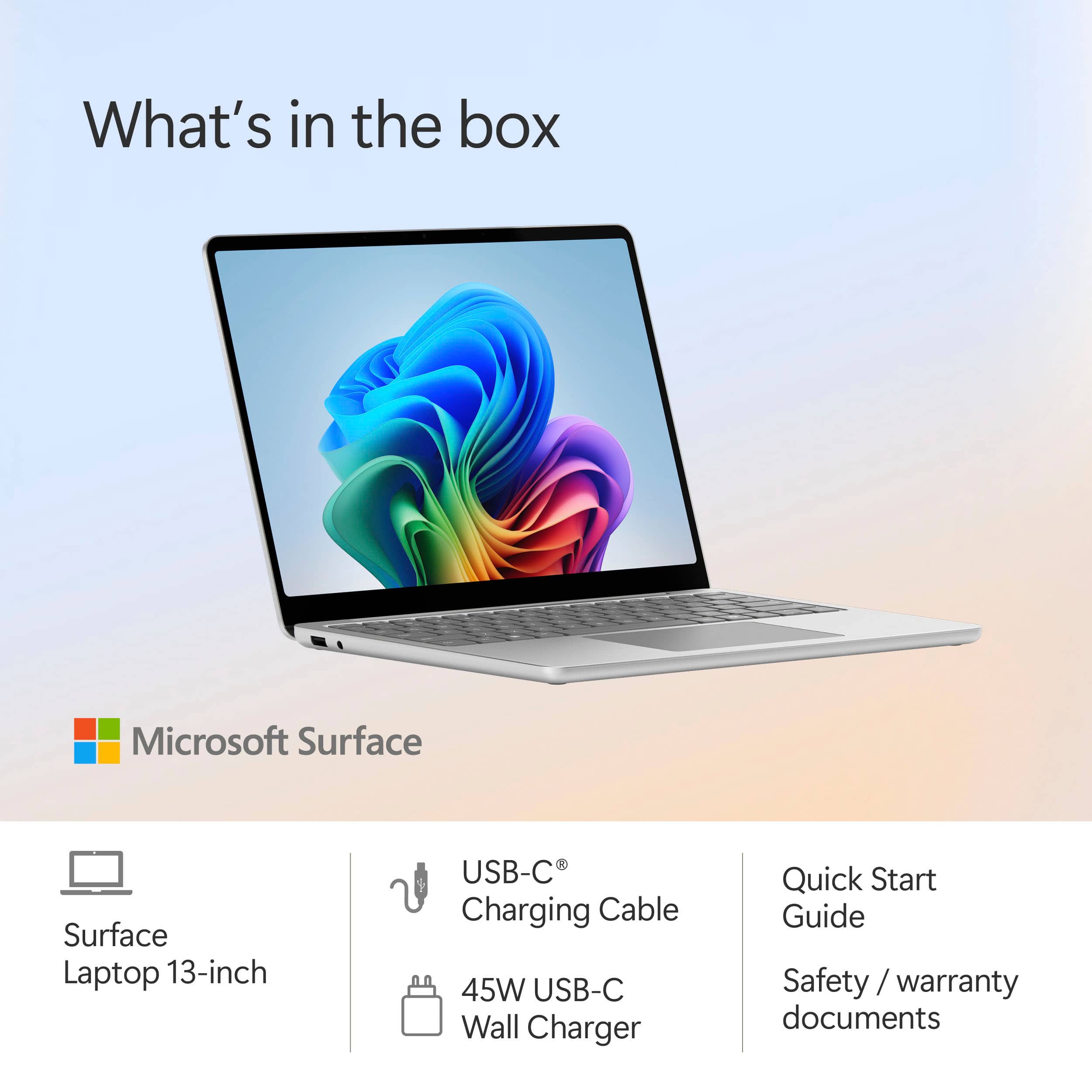
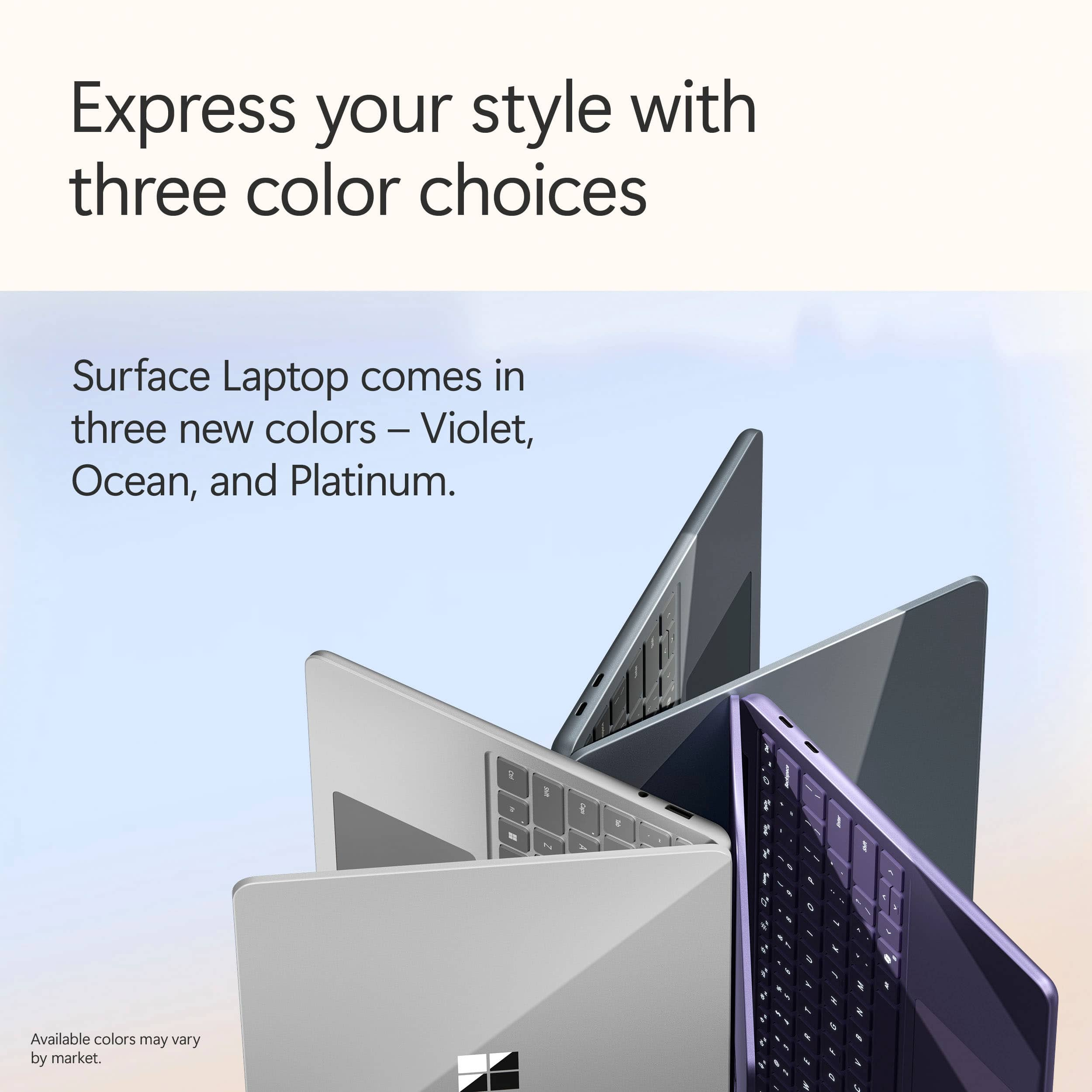
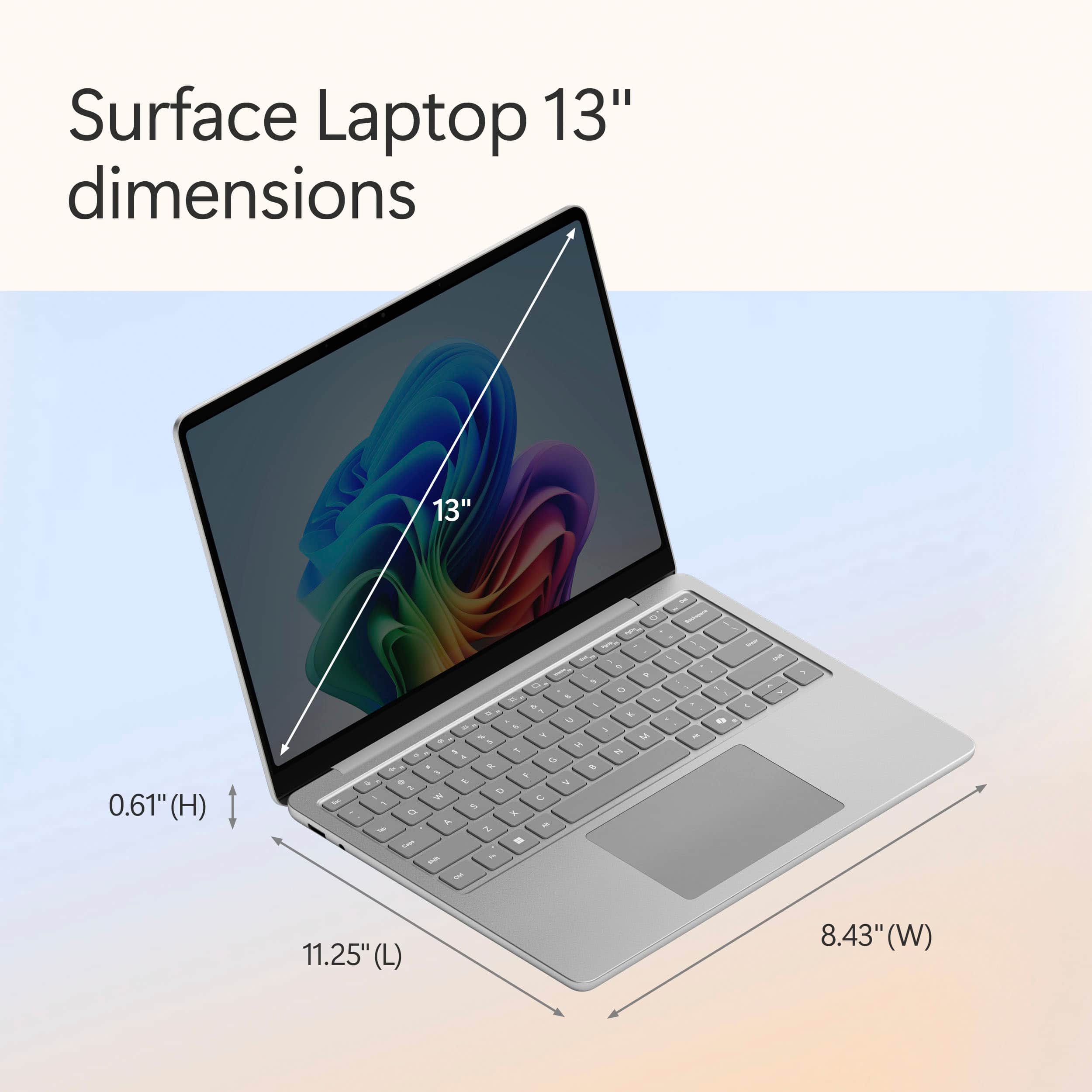
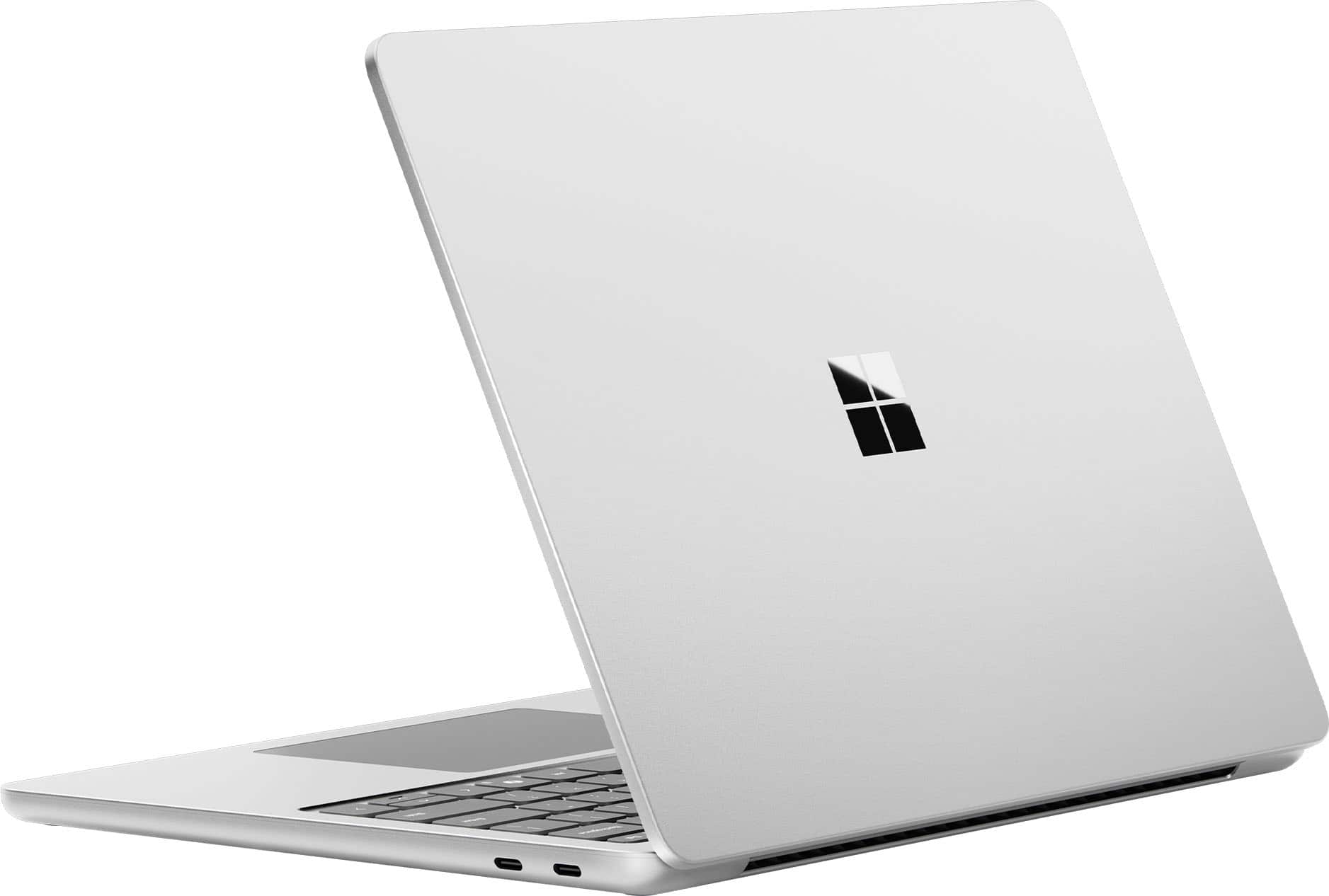
|Posted .This reviewer received promo considerations or sweepstakes entry for writing a review.This 13” Microsoft Surface has so many features that I look for in a laptop. The 13” size is smaller than I have ever gone, and it is really small. If this is the size you are looking for, this is a great little computer. For me, it’s a bit difficult as my eyesight is terrible. Even a 14” laptop is easier for me to see. I can enlarge everything with either the touchscreen or zoom, these are definitely things I will be utilizing. It is a nice compact size to carry, and that is worth a lot right there. This computer weighs 2.12 pounds. I am not really a technical reviewer, I write from the angle of average person stuff like what I’m about to write about here. The case design for the Microsoft Surface computers is sort of a mystery to me. It is really hard to open up this laptop. Why wouldn’t they make this easier to open? I bought my daughter a previous version, and it has the same problem. Looking at the top of the laptop, you see the Microsoft logo, which consists of four squares, so that doesn’t give you any clue as to which side is the front either. So I go to pry it open and hope that I’m trying to open the correct side. The Platinum color is a matte silver, and is very nice. This MS Surface power plug is a USB-C cable which is a nice upgrade from the magnetic one they had on the older versions. A few features that I really like to have on laptops are a backlit keyboard and a touchscreen, which are both present here. The backlit keyboard can be turned off if you don’t want to use it, but I find it quite helpful when using the laptop in dimly lit conditions. The screen quality is top notch. Some people like to know what the nits are, which refers to brightness, and that would be 400 nits. The battery life is great at up to 23 hours. This computer was pretty easy to set up. It was very similar to the other MS laptop that I mentioned earlier, and in fact, similar to the last few that I have set up with no unusual diversions from the normal setup path. All told this is a great speedy little computer with a lovely screen.. For around $900 at the time that I am writing this review (late 6/2025) it is a great value.
I would recommend this to a friendFactory Defect
||Posted . Owned for 1 month when reviewed.This reviewer received promo considerations or sweepstakes entry for writing a review.Less than 3 months out, I had to buy a Belkin USB-C to USB 3.0 Adapter to replace factory installed port. Yes, it's covered by factory warranty, but I would've waited 2-3 weeks w/o laptop.
No, I would not recommend this to a friendNot impressed
||Posted .This reviewer received promo considerations or sweepstakes entry for writing a review.Not impressed at all. Its so not what i thought it was ... my omnibook is way thinner and sleek... this thing was a brick
No, I would not recommend this to a friendAlready in for repair in less than 60 days
||Posted . Owned for 1 month when reviewed.This reviewer received promo considerations or sweepstakes entry for writing a review.The laptop is not even 60 days old, and there are pink lines all over the edges of the display screen, especially showing up on darker screens. The tech support said it is probably the LCD. I just sent it out for repair, but I am now rethinking that I should have returned it. Very disappointed in this product. It was not dropped or damaged in any way.
No, I would not recommend this to a friendExcellent laptop with great battery and display
|Posted .This reviewer received promo considerations or sweepstakes entry for writing a review.This is an excellent laptop with amazing battery life! I run trivia games some evenings and am using it for several hours unplugged, and even after that it typically has about 90% of the battery remaining. Display - Excellent. It's a bit odd to have a more old-fashioned aspect ratio rather than the standard widescreen, but it works well for displaying documents, particularly side-by-side. This also means that it doesn't work well with some games which are locked to more of a standard widescreen ratio. Image quality is excellent. I typically am using this computer plugged into a docking station with 2x 1440p and 1x 1080p monitors connected, and it has no problem at all powering all of these. Design - A nice, modern design that takes a fair number of cues from Apple. It's a premium feeling device in all aspects. The only point that is a bit odd to my mind is that it can be hard to tell which side is the top when it's closed. Not a big deal. AI - If you use CoPilot a lot, this will be good for you. There is a dedicated key on the keyboard to bring it up for a search or a command. I'm not big on AI. At a recent conference, someone made the comment, "Everyone expects AI to fly the plane. We're still looking for the appropriate bike for it to ride." That really sums it up. Feel free to use a dedicated key to get questionable responses to your queries.
I would recommend this to a friendGreat Little Laptop
|Posted .This reviewer received promo considerations or sweepstakes entry for writing a review.Overall this is a pretty nice laptop. The build quality if top notch and solid feeling in the hand. The total aluminum construction has a nice feel. It doesn't feel "half baked" like a lot of other machines at this price point and category. When in the hand there is no flex like you find in a lot of other laptops. It's small, but in a good way. This is especially notable when I throw it in my backpack without feeling like I'm "lugging" it around. This is my first Windows machine running the Snapdragon processor and I have to admit I'm fairly impressed. It has a snappy feel when using and when I'm running various applications I notice no lag from any x86 emulation. I Typically run the usual Microsoft Office software with some web browsing thrown in ad it doesn't break a sweat. When watching videos or listening to music both the picture and sound are excellent. The screen gets plenty bright and the speaker get loud with no distortion. The keyboard, while on the smallish side, feels good with just the right amount of key travel. The touch screen is nice but feels more like an after thought add-on than anything useful. Battery life is outstanding last almost two days of typical use before needing me to plug it in to recharge. This is my typical use so YMMV. Overall I feel Microsoft has a solid winner here.
I would recommend this to a friendBetter than my mac
|Posted .This reviewer received promo considerations or sweepstakes entry for writing a review.This laptop is by far the best I have owned, even better than my Macbook Air M3. The Snapdragon processor is very fast and delivers amazing battery life. I love that it wakes from sleep almost instantly! Very similar to a Macbook Air in terms of how it feels and looks from the outside, but the slight wedge shape is much more comfortable to type on. Also, not having the notch in the screen is a huge benefit as it is less distracting in my opinion. So far, all programs have worked flawlessly, including being able to use an external optical drive (something that I could not get to work on Mac). The screen is very bright and the 120hz refresh rate makes things smooth as butter. The haptic trackpad is very precise and scrolling is comfortable. Had no issues connecting this to an external Dell dock and just having it work without issues. Even though I don't use the touchscreen very often, it is a great benefit when you are using this on a cramped airplane tray table or sitting in bed. Having a traditional USB-A port makes it convenient when on the go and not having to bring a dongle or purchase new USB-C cables for everything. The only downside about ultra -thin laptops in general is that they can be more delicate than ones built to be abused. Additional care is needed when setting it down or making sure nothing drops on the lid since the screen bezels are extremely thin and there is not much room for error when it comes to a fall off the couch or getting squished in a laptop bag.
I would recommend this to a friendLoving This Laptop!
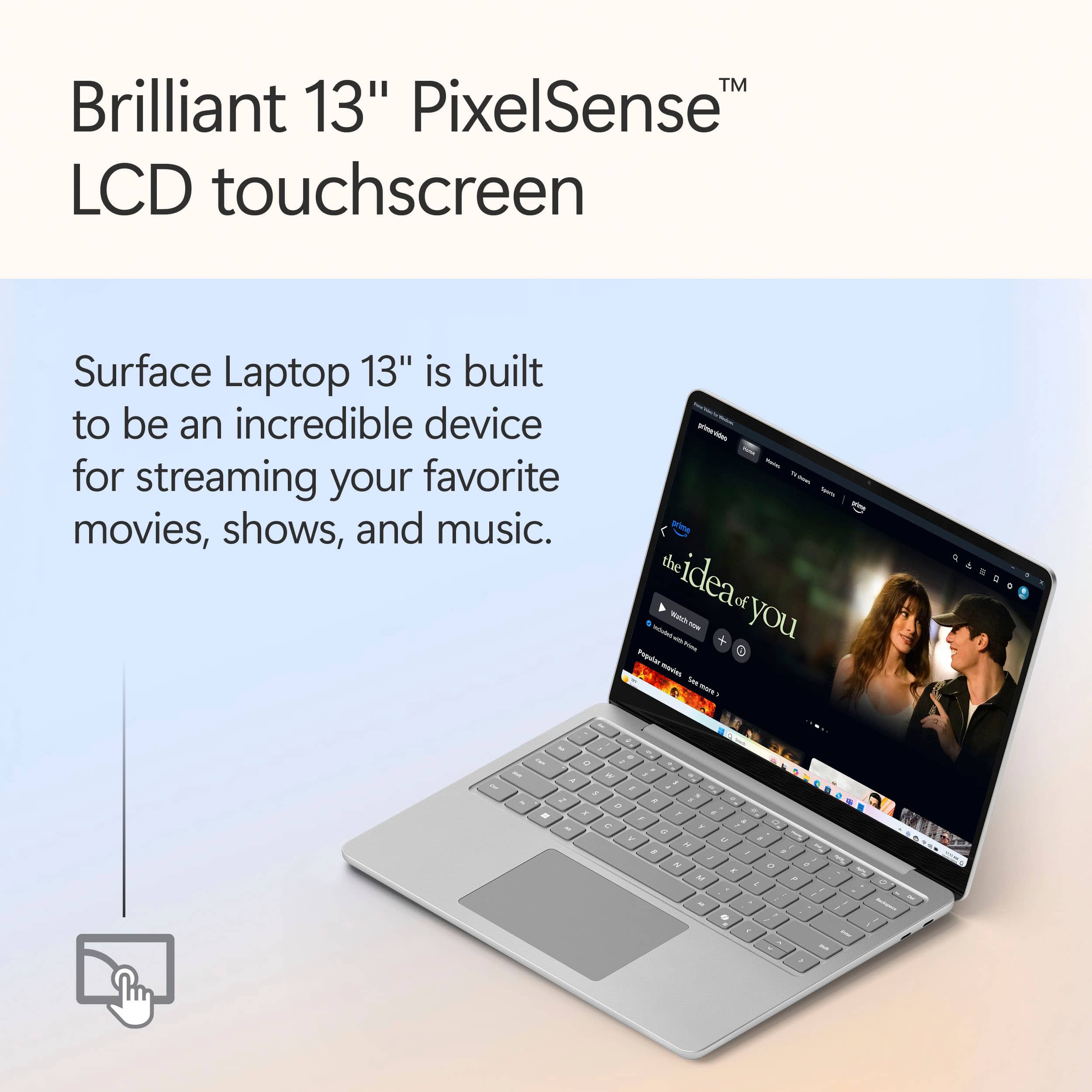
|Posted .This reviewer received promo considerations or sweepstakes entry for writing a review.The new Surface Laptop is an absolute dream, and is my new companion everywhere I go! It has all day battery life, a beautiful screen, is super lightweight, and does everything I need a laptop to do and then some! One of my favorite things to use the Microsoft Surface Laptop for is watching movies and TV Shows. The screen is absolutely stunning, and is the perfect size to slip in a backpack and take to work to use on lunch breaks! The sound is great as well, and really compliments the screen making this an entertainment powerhouse. This device doesn't stop there, it also has an amazing build quality that is equally impressive! This is a premium device, and it is definitely built to last. I have also had a great experience using this laptop for web browsing, working on some spreadsheets, and even some video calls for work! Multi-tasking all of these apps has also worked very well, and has not affected performance at all which just adds to the amazing user experience the Surface Laptop offers. If you need a laptop that is portable, and checks all the boxes then look no further!
I would recommend this to a friendPerfect Compact Laptop
|Posted .This reviewer received promo considerations or sweepstakes entry for writing a review.This Surface laptop is the perfect laptop for browsing and general use laptop. It's light, looks great, is lightning fast and has a touch screen too. If you're looking for a laptop that can easily fit in a bag and work for surfing the web, this is it. The build quality is great, the metal shell feels great, it's super thing and the keyboard has pretty good travel. I thought the small size would be awkward at first, but I was surprised how good it felt to use. The screen looks sharp and crisp and is easy to see in daylight. It charges via USB C, so finding a charger will always be easy. The trackpad is super smooth and easy to use, with solid clicks for ease of use. Battery life seems great too. So far, I'm getting a full day's use while using it only lightly. Overall, this is a great laptop at the price, and given its made by Microsoft, you know it works well with Windows and doesn't include all the bloatware you normally get on a laptop. Very highly recommend checking this one out if you are in the market.
I would recommend this to a friendGreat AI interface and battery life!
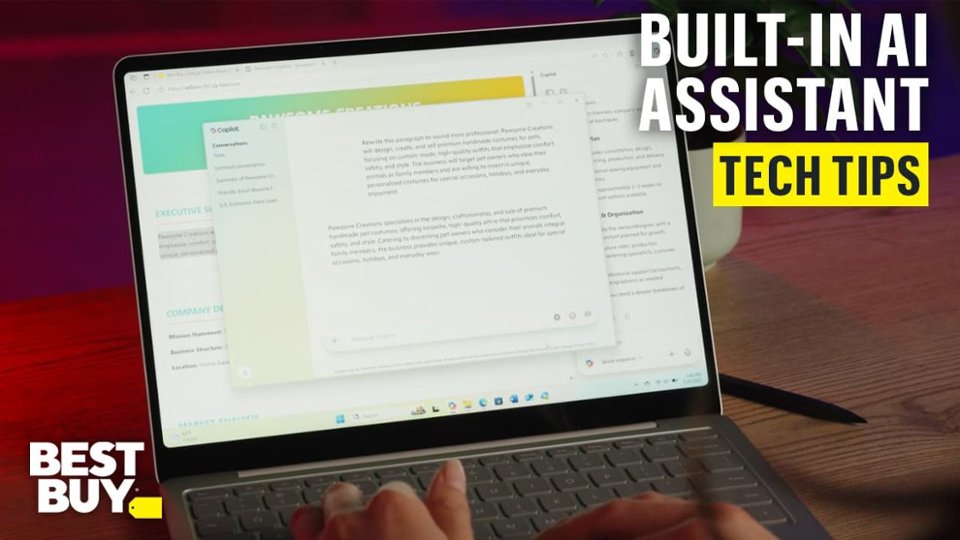
|Posted .This reviewer received promo considerations or sweepstakes entry for writing a review.This 13" Surface laptop features a 13" touch screen, a Snapdragon X+ processor, 16GB ram and 256 GB Hard Drive. This laptop incorporates Copilot+, a conversational artificial intelligence assistant that is designed to help with all Microsoft applications, general knowledge questions as well as creative endeavors. The touchscreen has a 1920 x 1280 resolution. The screen offers bright, clear and detailed views of all I have done including text, photo editing and video viewing. The touch screen is quite responsive. The touchpad is the most responsive one I have used on a PC. The computer has 2 USB C ports on one side and 1 USB A port plus an audio mini plug jack on the other. Charging is through either of the USB C ports. The included USB C charger is rated at 45 watts for quick charging. I have found Copilot+ a quick and useful source for answers to even the most random questions and quite a bit of fun when asked to create fanciful images. The Copilot + is a constant helper when surfing with Edge. The Snapdragon chip offers on chip artificial intelligence capability which in most cases has responded much faster than the other AI programs I have used. The Snapdragon offers great battery life. I have noticed some minor lagging or short screen freezes that I wonder if are attributable to the chip. Overall the performance has been great and other than the occasional lag I see no observable differences between this chip and other PC chips I have used. There are a couple of Windows based inconveniences: first; there were a significant number of update downloads (OK, this is stated on the box so no surprise); Second; Windows automatically places links to everything in my cloud account on the Home Screen which takes up about half of the screen; Third; The photos app recognizes my camera when connected with USB but doesn't find the files and can't download the photos (same on other PC's), I wish there was an SD card slot and lastly the MSN landing page when browsing on Edge is the worst kind of clickbait page. None of these are deal breakers but for me a source of minor but constant irritation across all of my Microsoft devices. I do like this computer and find it a step forward in PC hardware.
I would recommend this to a friend