Customer Ratings & Reviews










- Model:
- EP2-33426
- SKU:
- 10148483
Rating by feature
- Battery Life
Rating 4.8 out of 5 stars
- Speed
Rating 4.8 out of 5 stars
- Display
Rating 4.9 out of 5 stars
to a friend
Great for Most people
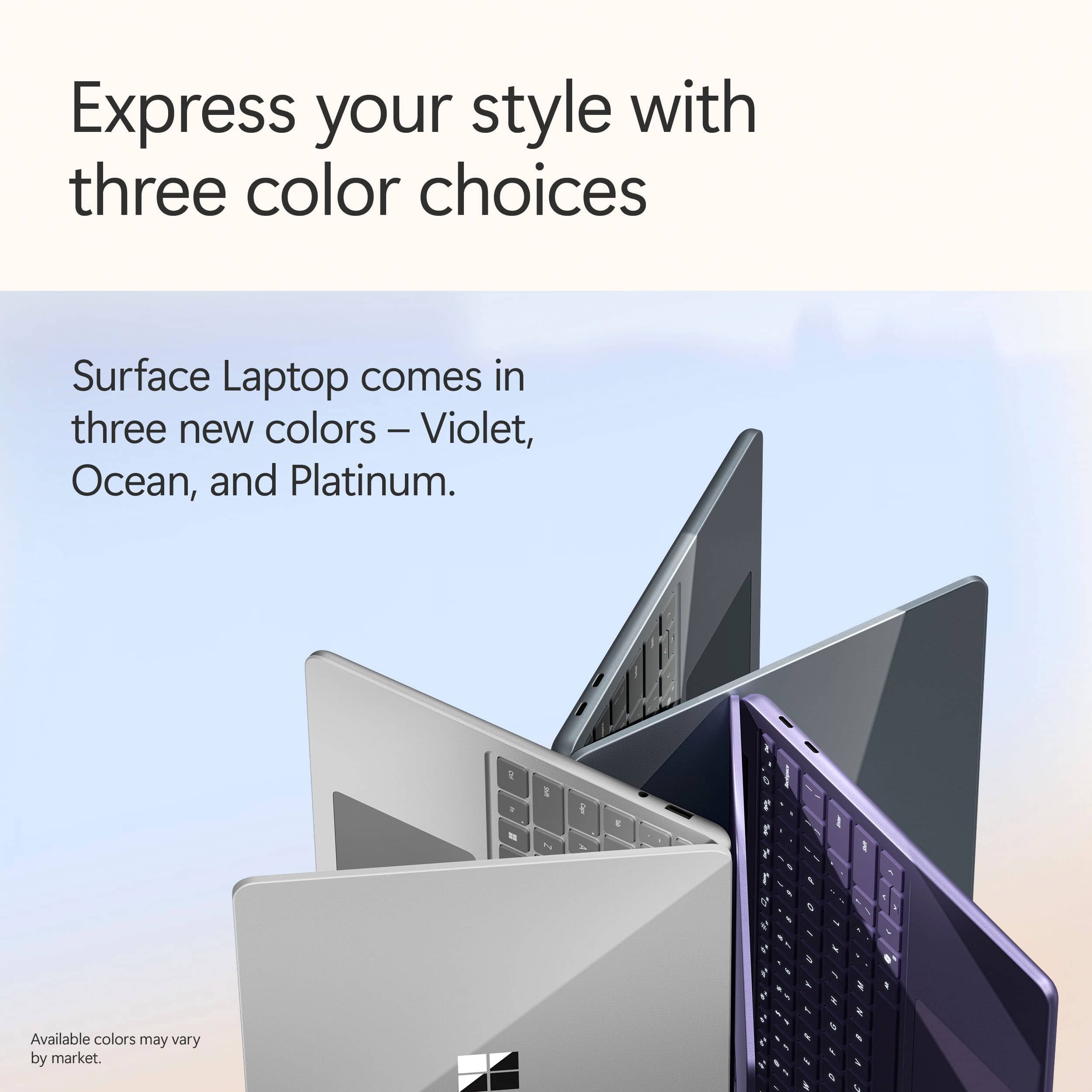
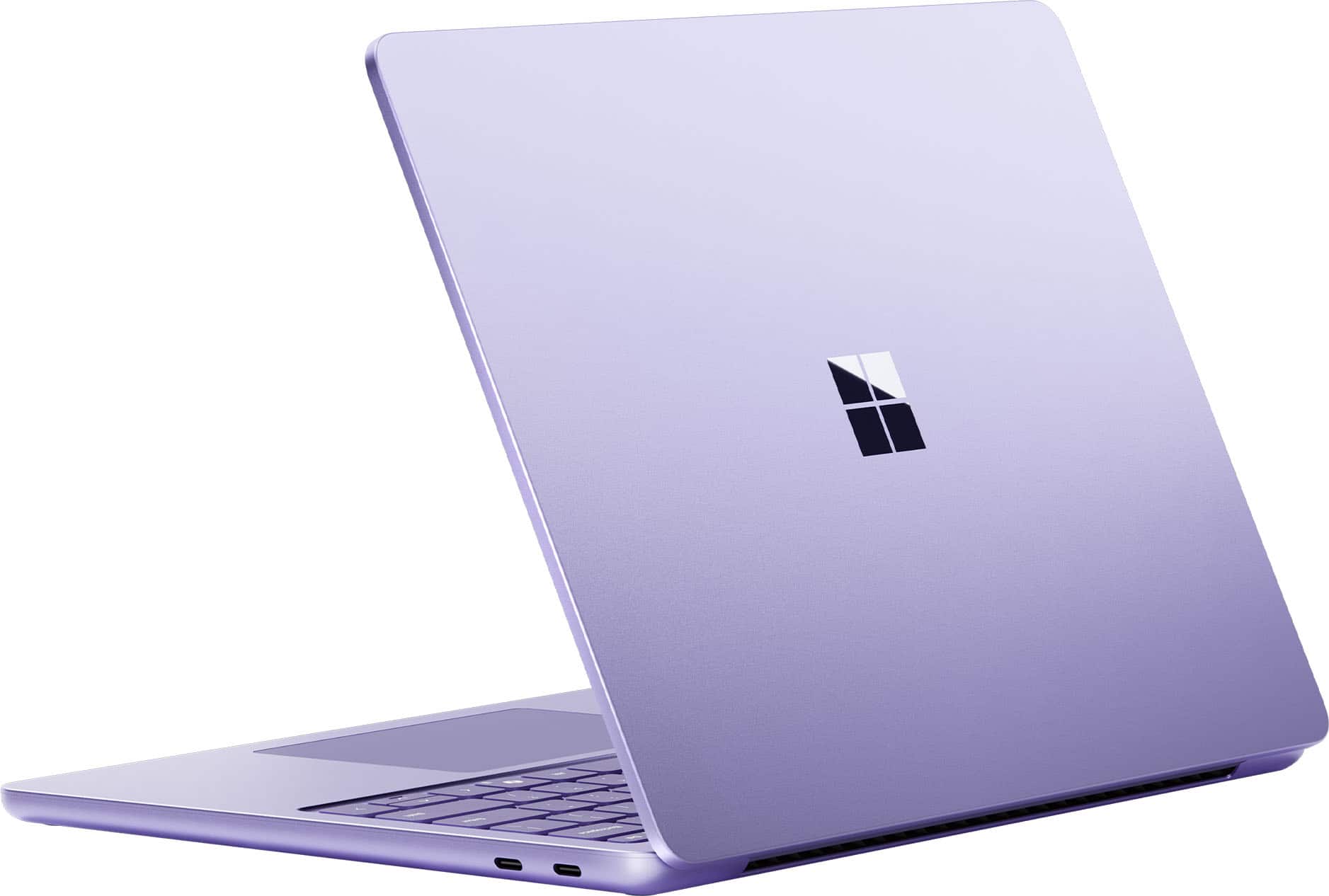
||Posted . Owned for 2 months when reviewed.This reviewer received promo considerations or sweepstakes entry for writing a review.Bought this Surface Laptop Copilot+ PC for my dad two months ago, and he’s loving it. Smooth performance, beautiful violet design, and perfect for everyday use—he couldn’t be happier.
I would recommend this to a friendGreat Overall PC
||Posted .This reviewer received promo considerations or sweepstakes entry for writing a review.Very nice unit, excellent build and performance overall. Four star rating due to display brightness being a bit dimmer than expectations at this price point.
I would recommend this to a friendLove it
||Posted . Owned for 2 weeks when reviewed.This reviewer received promo considerations or sweepstakes entry for writing a review.Love it so much more than my Imac! Excited to use it for school.
I would recommend this to a friendSurface Laptop Co Pilot
||Posted . Owned for 2 weeks when reviewed.This reviewer received promo considerations or sweepstakes entry for writing a review.This lap top is efficient, works well and easy to start up.
I would recommend this to a friendGreat choice
||Posted . Owned for 3 weeks when reviewed.This reviewer received promo considerations or sweepstakes entry for writing a review.Laptop was an excellent choice. It was a graduation gift to my niece and she loves it.
I would recommend this to a friendReview
||Posted .This reviewer received promo considerations or sweepstakes entry for writing a review.Wonderful laptop with amazing upgrades. I love it!
I would recommend this to a friendNew Laptop
||Posted . Owned for 1 week when reviewed.This reviewer received promo considerations or sweepstakes entry for writing a review.Compact, fast and affordable. Gets the job done and im happy
I would recommend this to a friendreview
||Posted .This reviewer received promo considerations or sweepstakes entry for writing a review.this is a really good computer for when it comes to school work and even coding
I would recommend this to a friendReview
||Posted . Owned for 1 week when reviewed.This reviewer received promo considerations or sweepstakes entry for writing a review.My daughter bought this to use for college and loves it so far.
I would recommend this to a friendOutstanding
||Posted . Owned for 3 weeks when reviewed.This reviewer received promo considerations or sweepstakes entry for writing a review.Help me navigate with my technical shortcomings being a senior citizen.
I would recommend this to a friendComputer
||Posted . Owned for 1 week when reviewed.This reviewer received promo considerations or sweepstakes entry for writing a review.Good buy, great screen with a fourteen inch screen
I would recommend this to a friendGreat purchase!
||Posted . Owned for 2 weeks when reviewed.This reviewer received promo considerations or sweepstakes entry for writing a review.This is amazing! I live this laptop! Great for my daughter!
I would recommend this to a friend
Amazing
|Posted . Owned for 2 weeks when reviewed.This reviewer received promo considerations or sweepstakes entry for writing a review.It’s an amazing replacement for a MacBook if you prefer windows!
I would recommend this to a friendMicrosoft laptop purchase
||Posted . Owned for 1 week when reviewed.This reviewer received promo considerations or sweepstakes entry for writing a review.So far I like the 13” laptop & look forward to learning as much as I can to make it worth my while & purchase!
I would recommend this to a friend
Smooth, Sleek, and Powerful
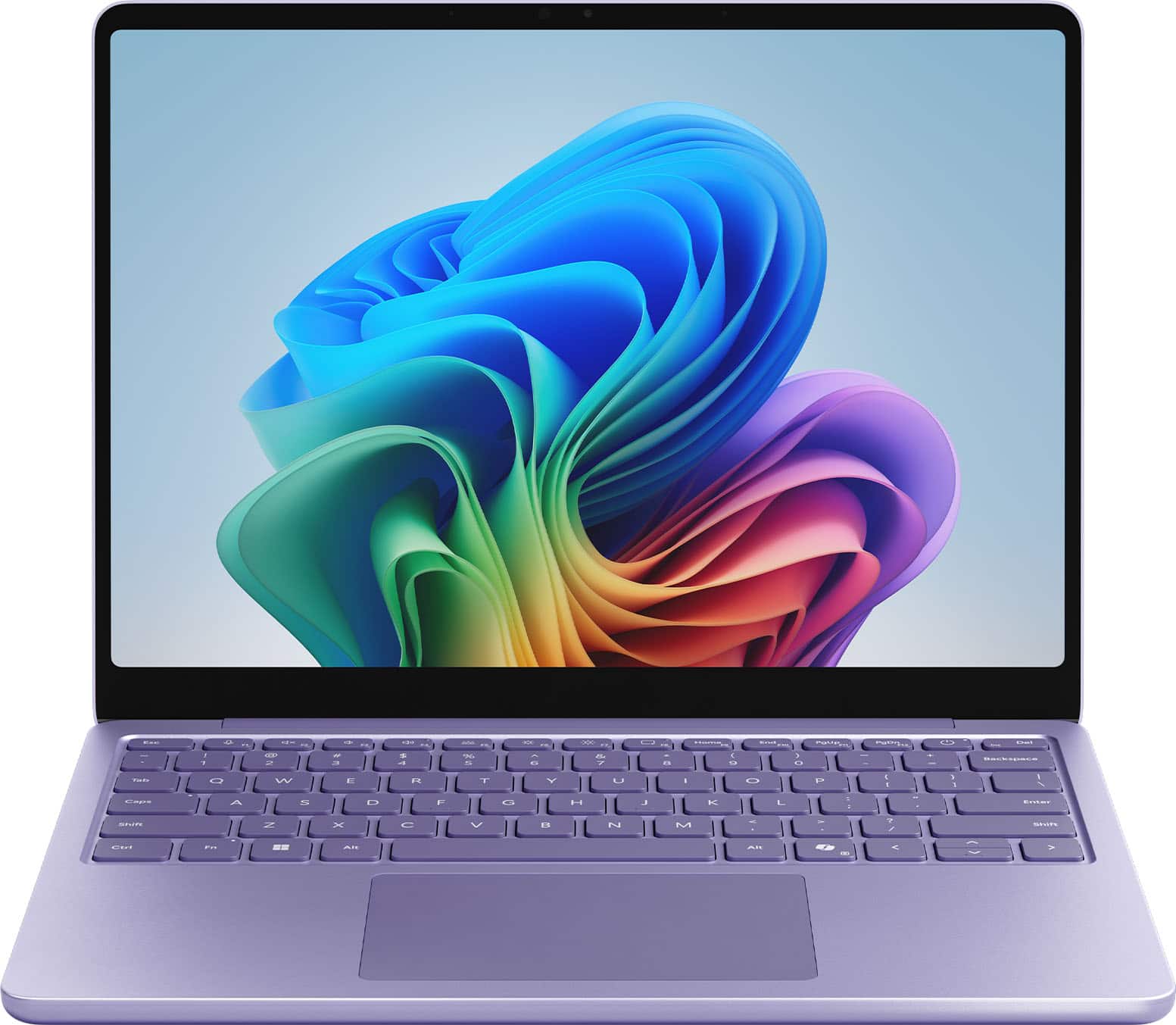
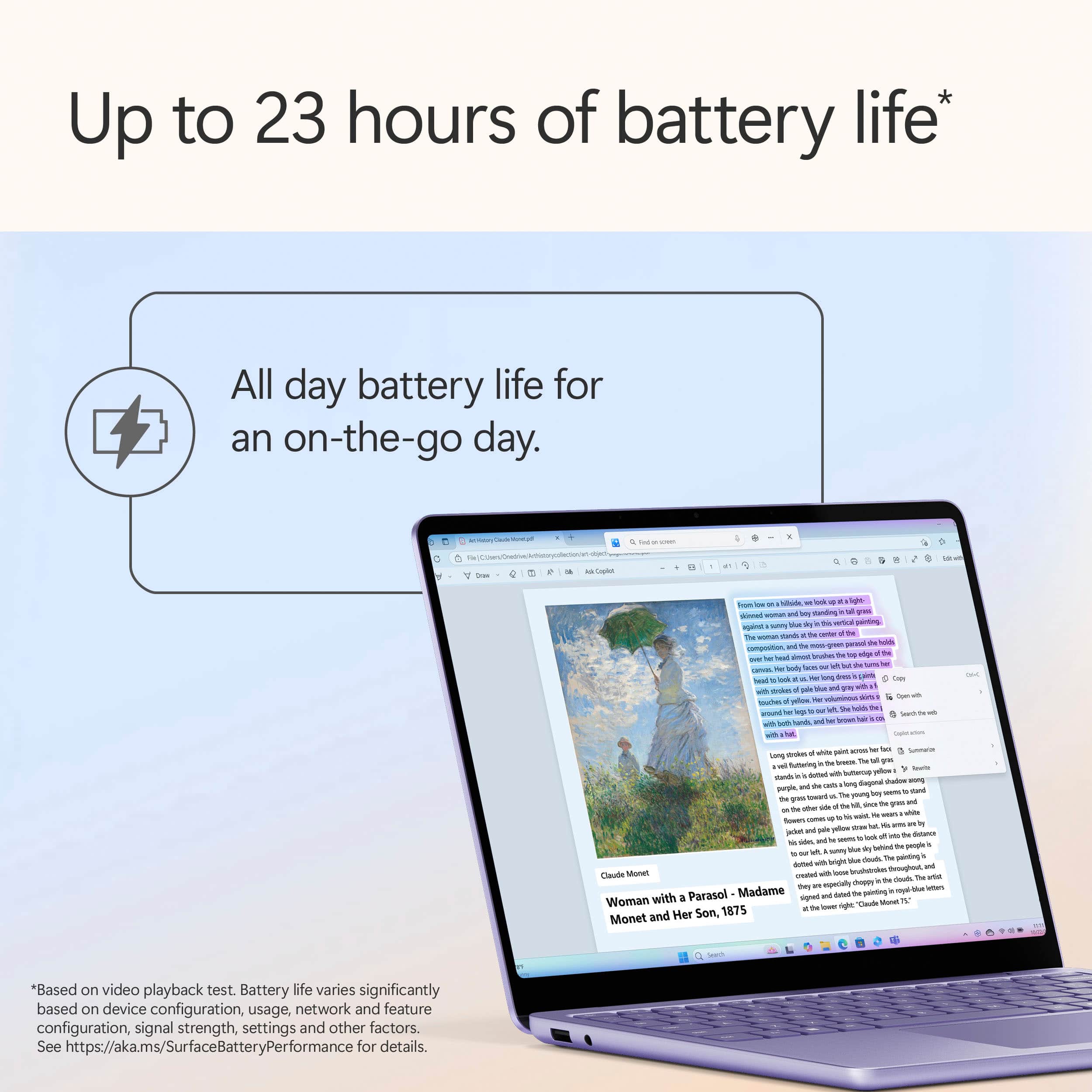
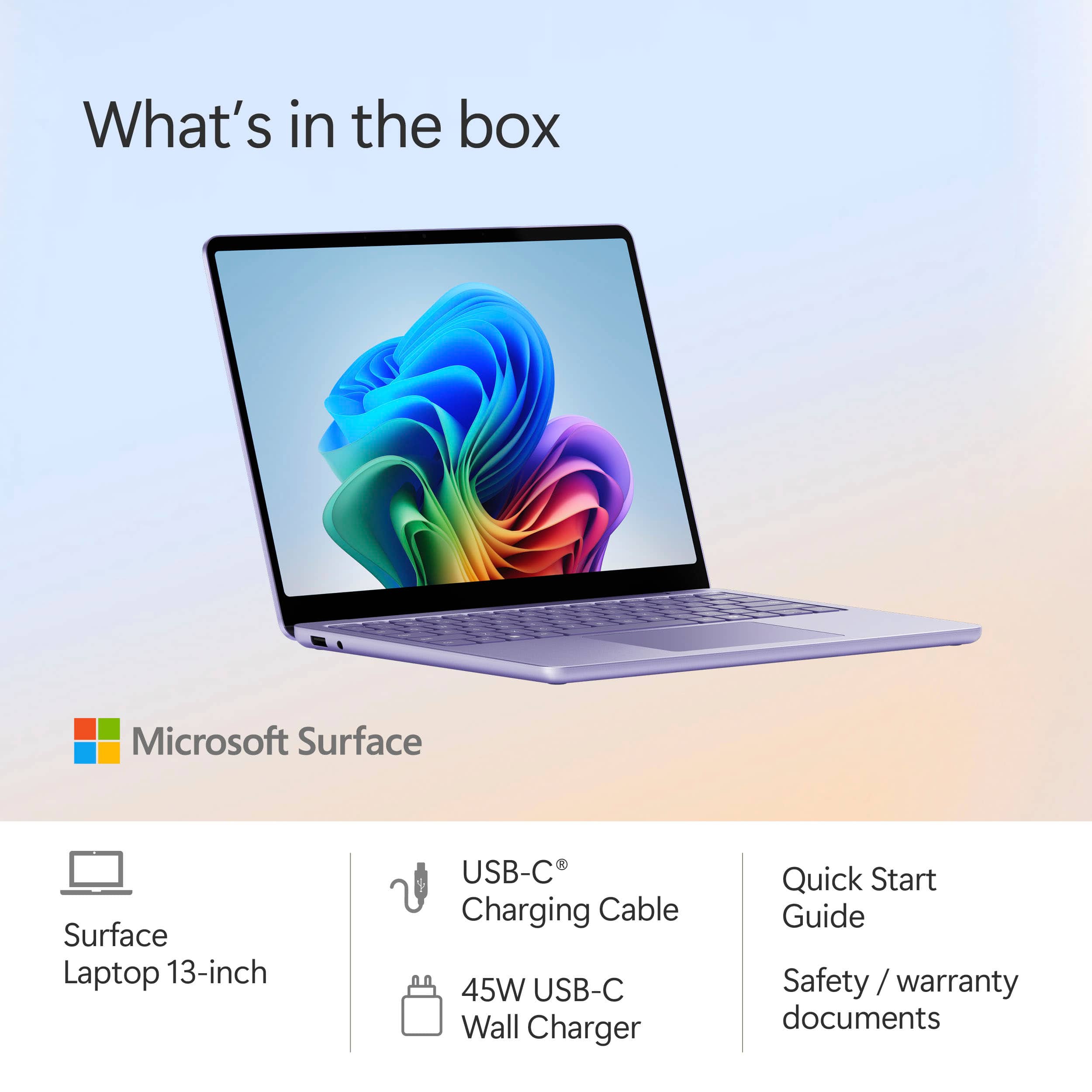
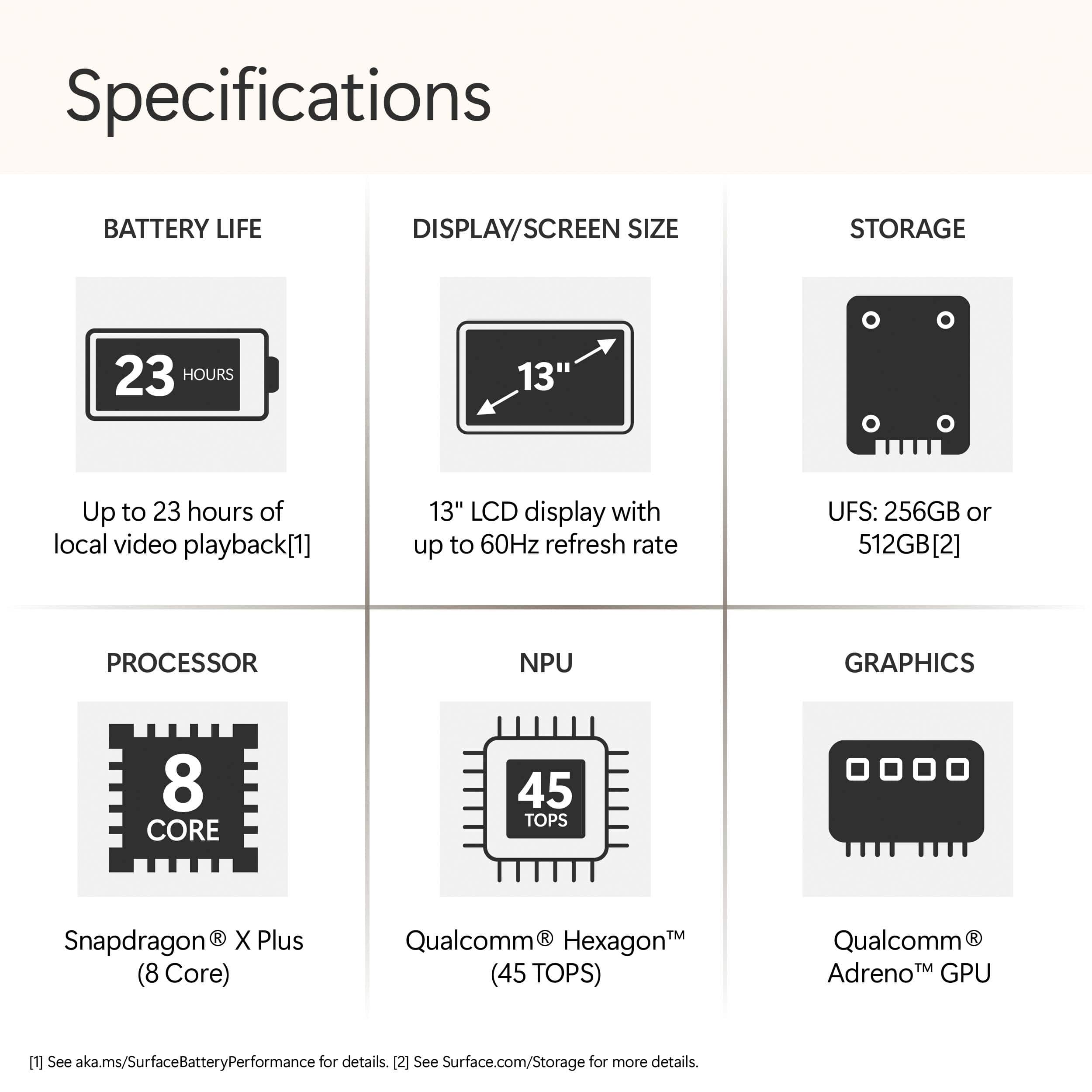
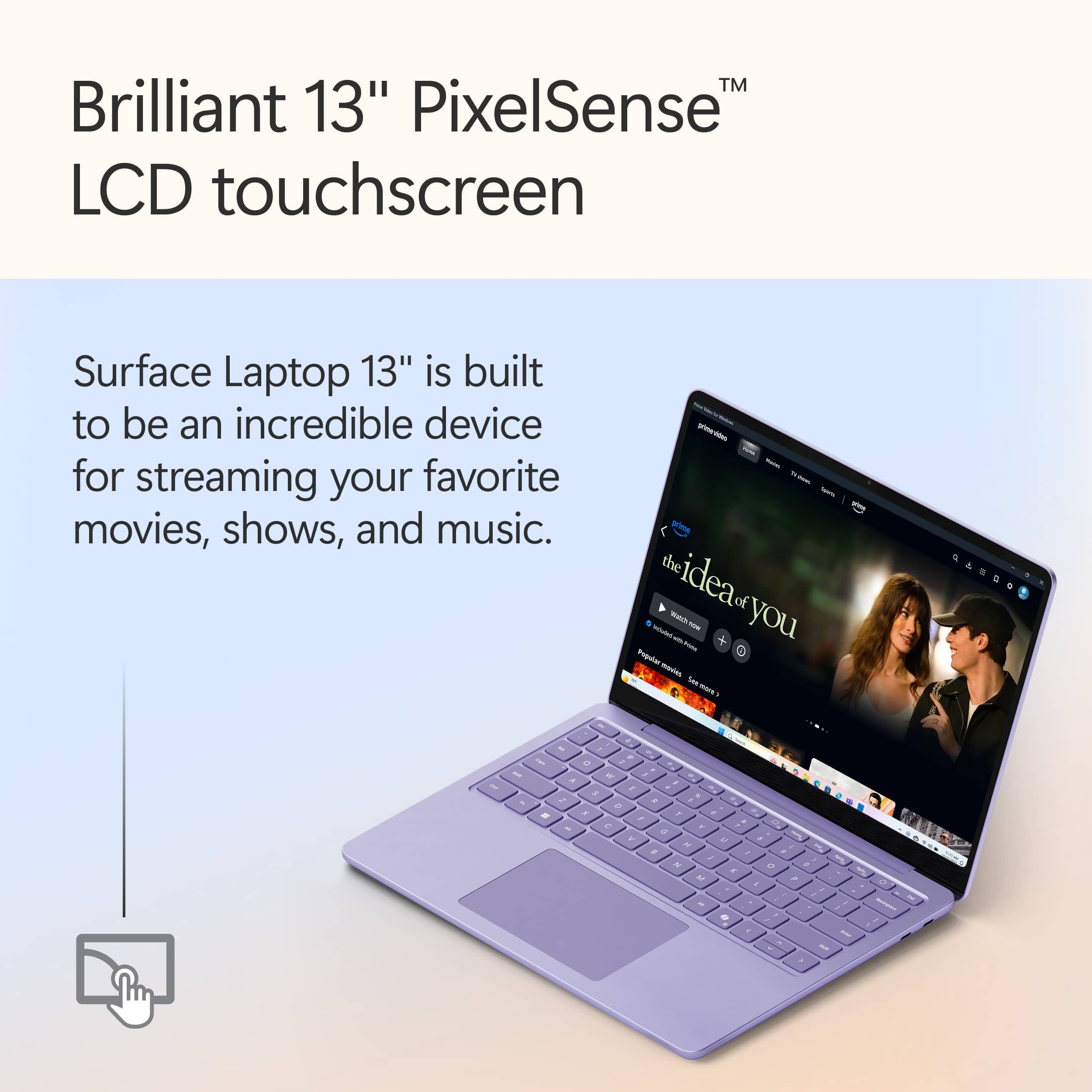
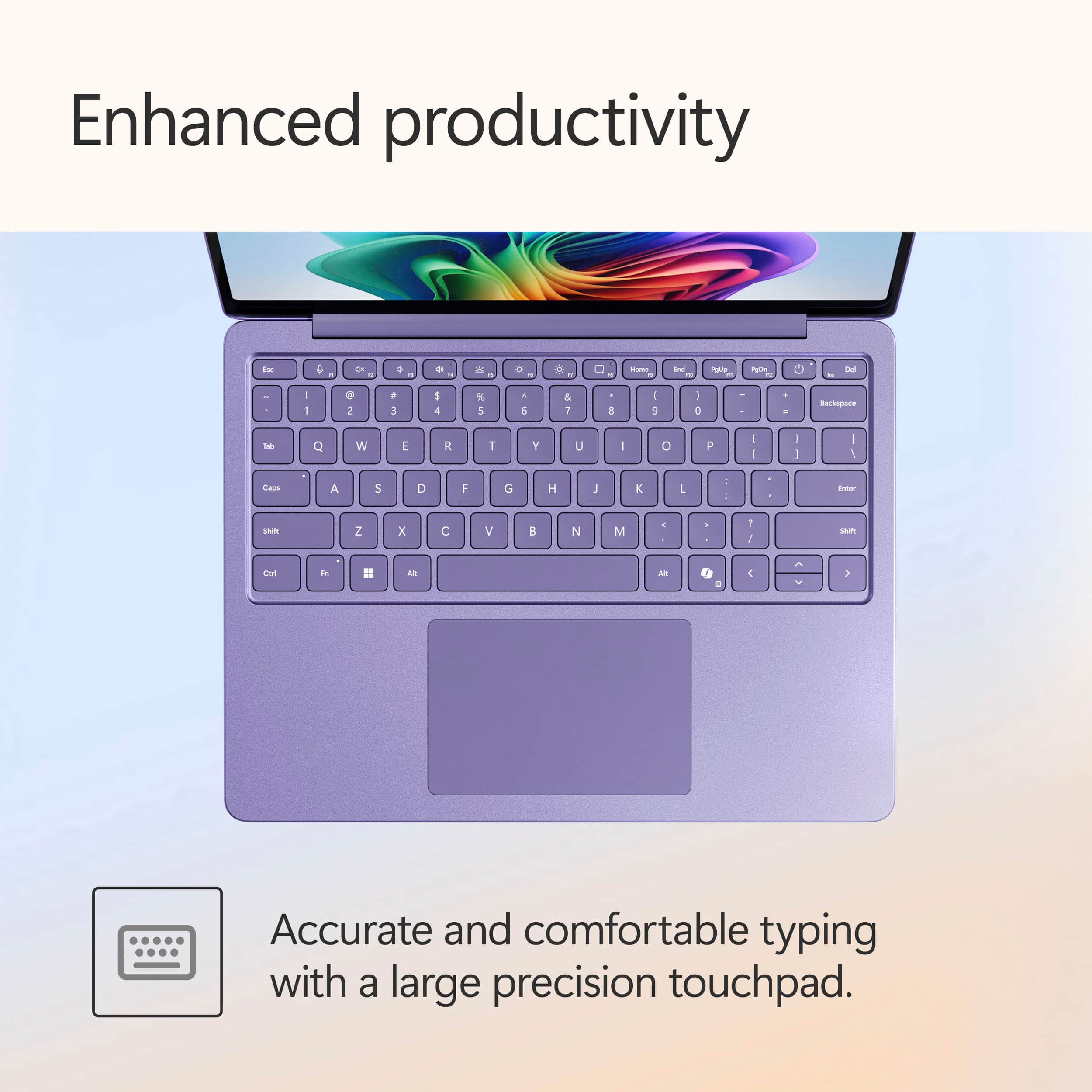
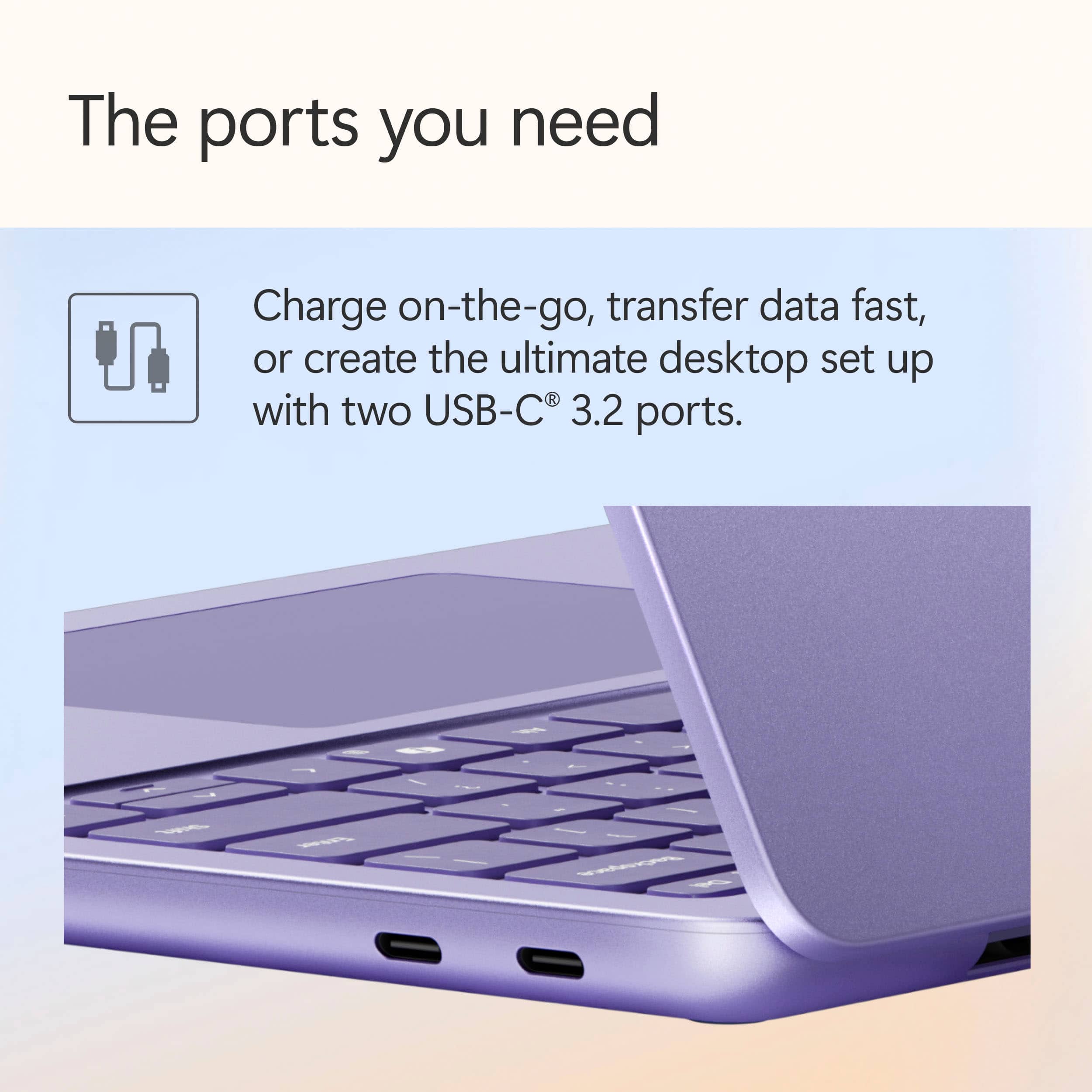
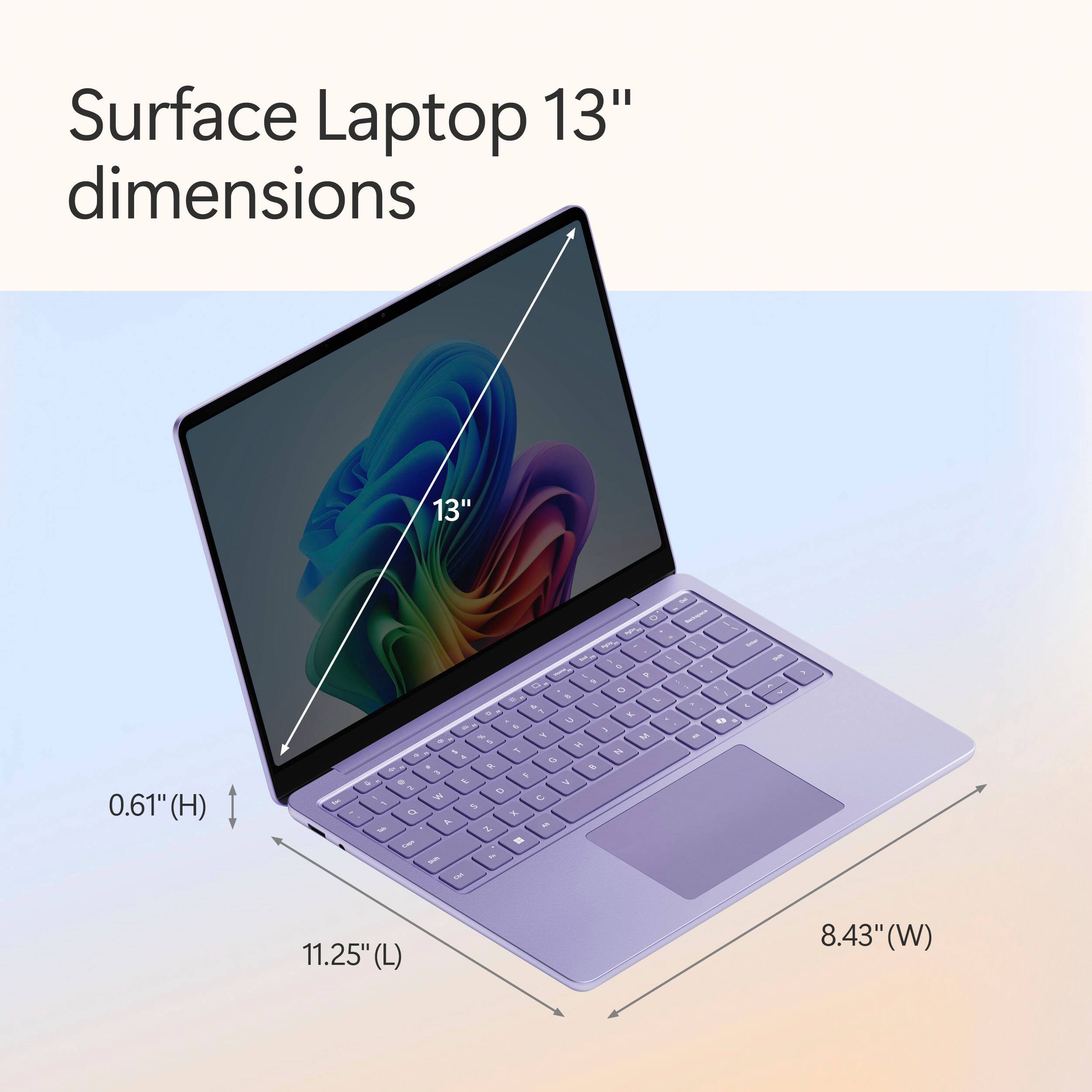
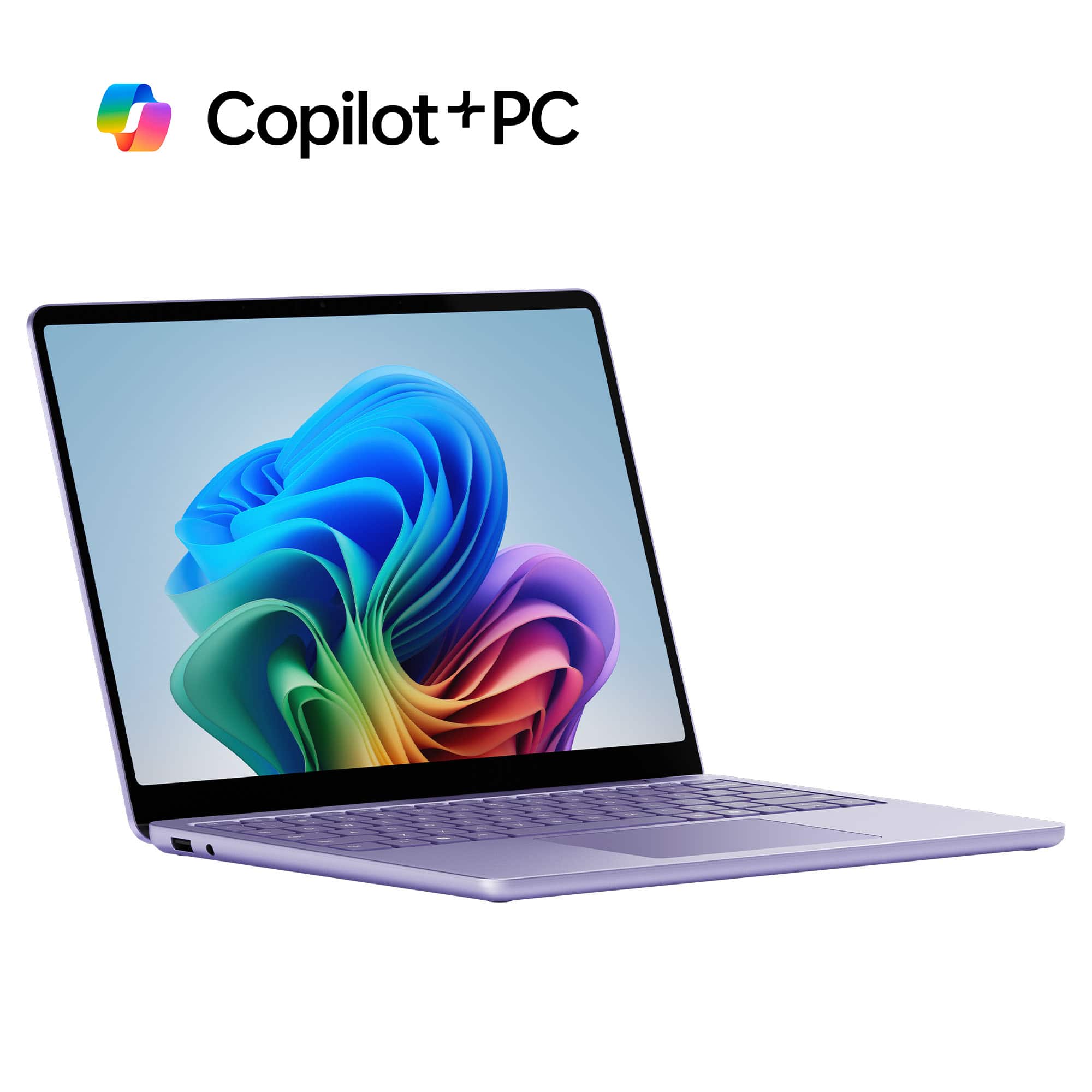
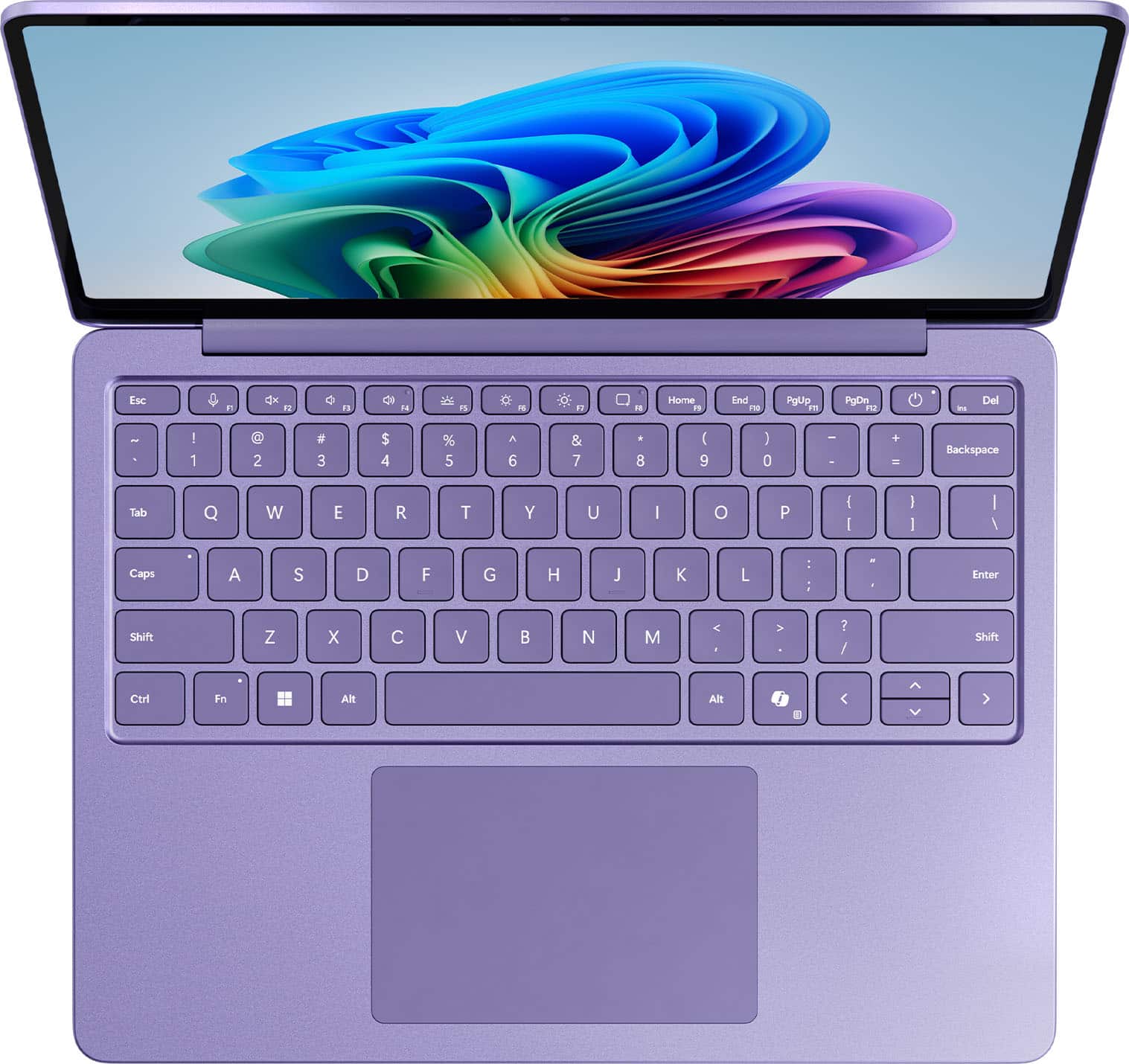
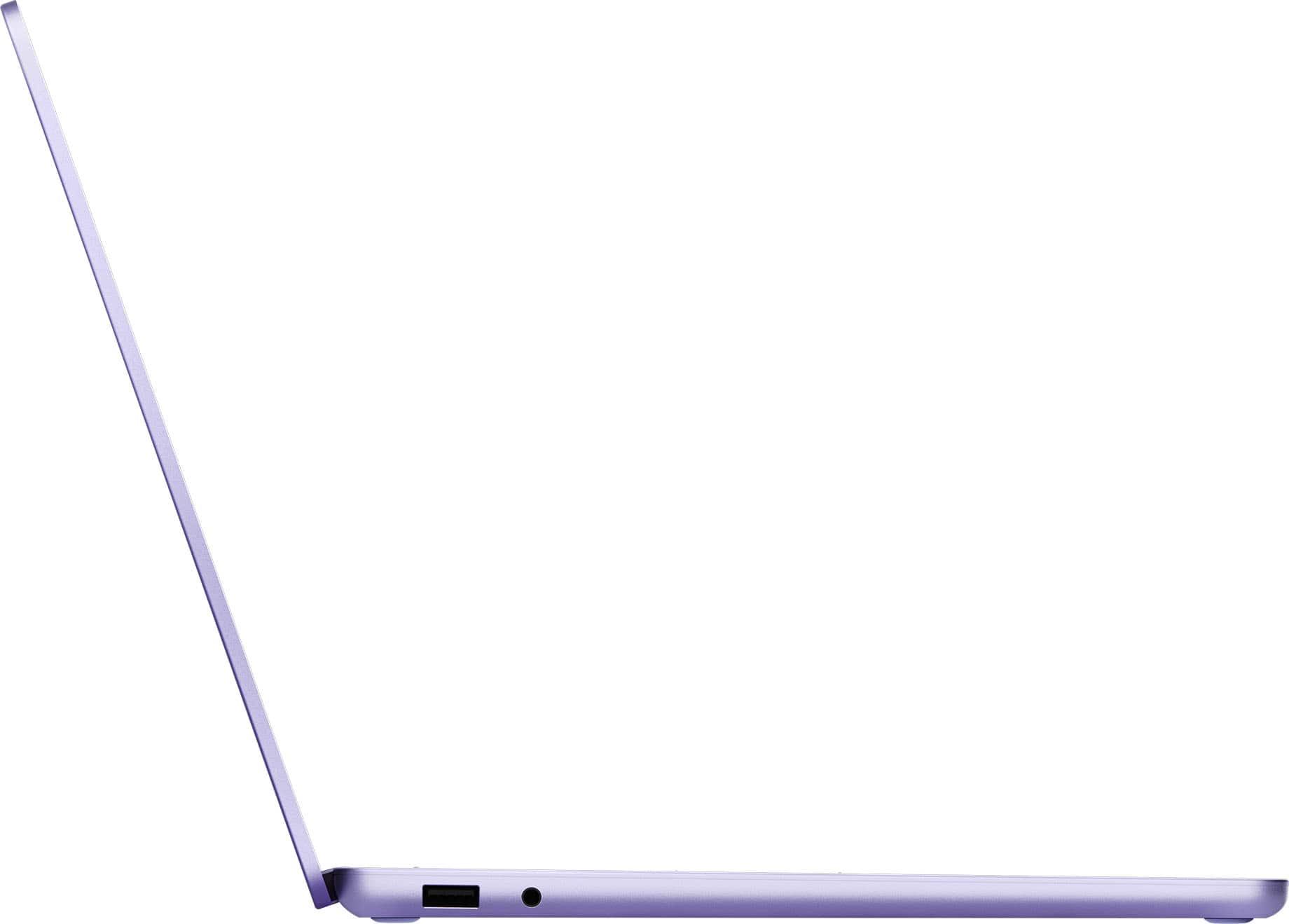
|Posted .This reviewer received promo considerations or sweepstakes entry for writing a review.A great options for most PC users. This is a good sized notebook/laptop. Perfect for the personal that is mobile or has limited workspace. A bright and sleek, edge to edge touch screen. Vibrant color and quick response. The 13" size, is smaller then most laptops, but bigger then most tablets. The touch screen is a nice option, that is not that common anymore. Makes this a good options for presentations, or as a powerful tablet that runs full PC software. The OS is Windows 11, the recent version. Check dedicated Windows 11 reviews for details. This laptop does support all the features of Windows 11. The laptop has some weight to it for its size, which is nice. doesn't slide off your lap easily, stays on the desk and doesn't move around much. No full size keyboard (no number pad), which is okay for most users. What I LOVE though, is that is USB-C powered. Small adapter, and with the USB-C you can EASILY get a 2nd adapter, so many options. No dedicated HDMI outputs, or older USB ports. So if you want to hook up a monitor and wired keyboard, you will need an inexpensive dongle. Super fast WiFi connection, at the lastest WIFI 6 levels, giving you wired connective speed at wireless. I haven't yet been able to drain the battery, and been able to use the laptop for hours for a charge. Overall, a very good option at a good price point. Not a gaming power horse, but great for internet, video playback, work, travel, school.
I would recommend this to a friendMicrosoft Surface 7
||Posted . Owned for 1 month when reviewed.This reviewer received promo considerations or sweepstakes entry for writing a review.Came in perfect condition everything I was expecting!
I would recommend this to a friendA beautiful and working laptop!
||Posted . Owned for 1 month when reviewed.This reviewer received promo considerations or sweepstakes entry for writing a review.It is an amazing product. I have had no problems using it on a daily basis.
I would recommend this to a friendNew laptop
||Posted . Owned for 1 week when reviewed.This reviewer received promo considerations or sweepstakes entry for writing a review.Get fast lightweight laptop, with great storage. Great for the persone on the go!
I would recommend this to a friendSurface
||Posted . Owned for 1 week when reviewed.This reviewer received promo considerations or sweepstakes entry for writing a review.So far I love it. Such an upgrade from my laptop that was 8 years old..
I would recommend this to a friendLaptop Review
||Posted . Owned for 1 month when reviewed.This reviewer received promo considerations or sweepstakes entry for writing a review.Small, nice portable computer for school and work.
I would recommend this to a friend