Customer Ratings & Reviews


- Model:
- THJ-00024
- SKU:
- 6428999
Rating by feature
- Battery Life
Rating 4.4 out of 5 stars
- Speed
Rating 4.5 out of 5 stars
- Display
Rating 4.6 out of 5 stars
Customers are saying
Customers frequently mention the Surface Laptop Go's ease of use, compact size, and light weight as significant advantages. Positive feedback also highlights the keyboard quality, battery life, and sleek design. However, some customers express concerns about the price point and occasional overheating, along with some fan noise. The fast SSD is also a frequently mentioned positive feature.
This summary was generated by AI based on customer reviews.
Not too bad
||Posted . Owned for 3 weeks when reviewed.This reviewer received promo considerations or sweepstakes entry for writing a review.this is pretty good for what i need it for the only down side is the power cord falls out
No, I would not recommend this to a friendReview
||Posted . Owned for 1 month when reviewed.This reviewer received promo considerations or sweepstakes entry for writing a review.I did not keep this product due to the fact it doesn't have a backlit keyboard
No, I would not recommend this to a friend- Pros mentioned:Weight

Premium looks on the go performance
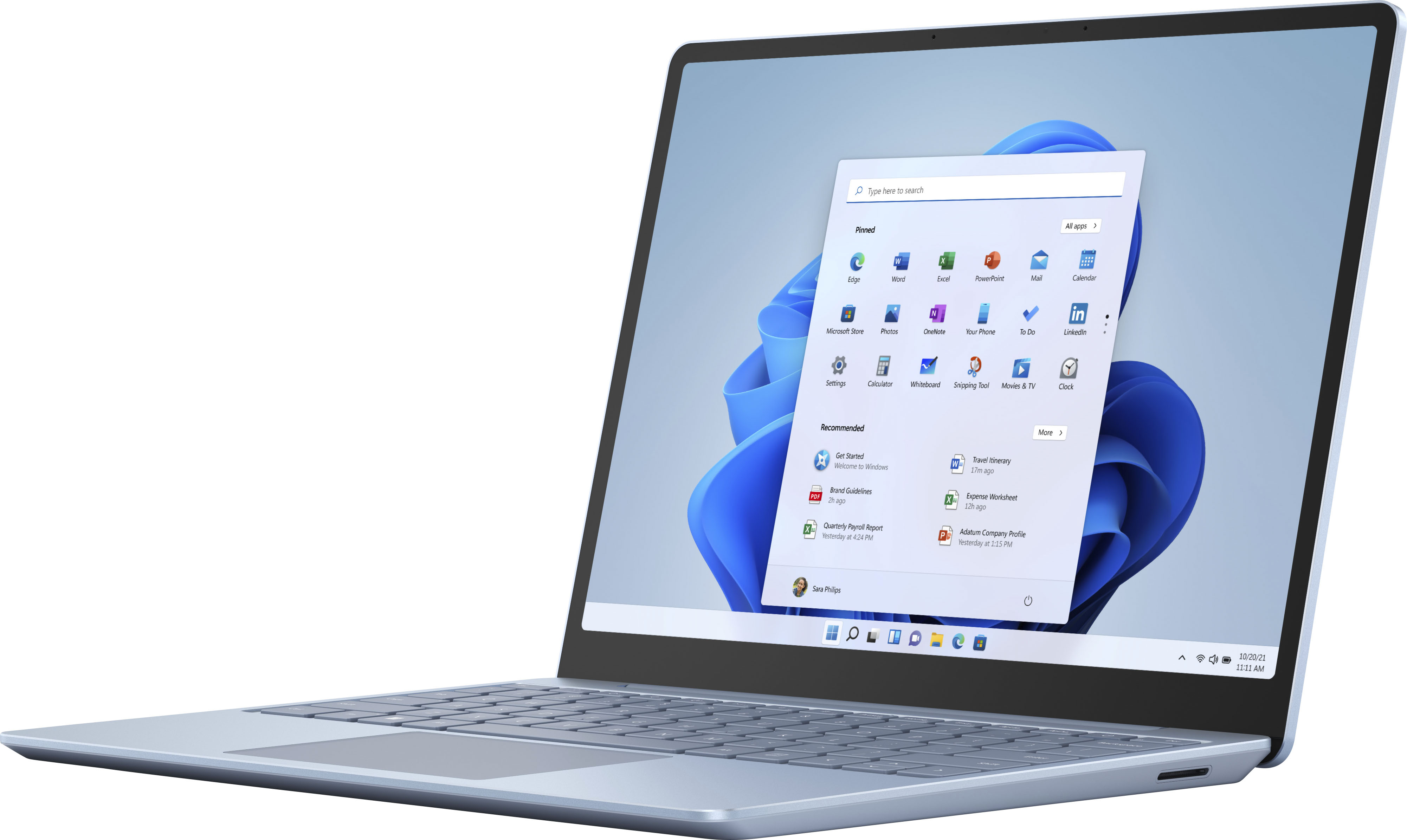
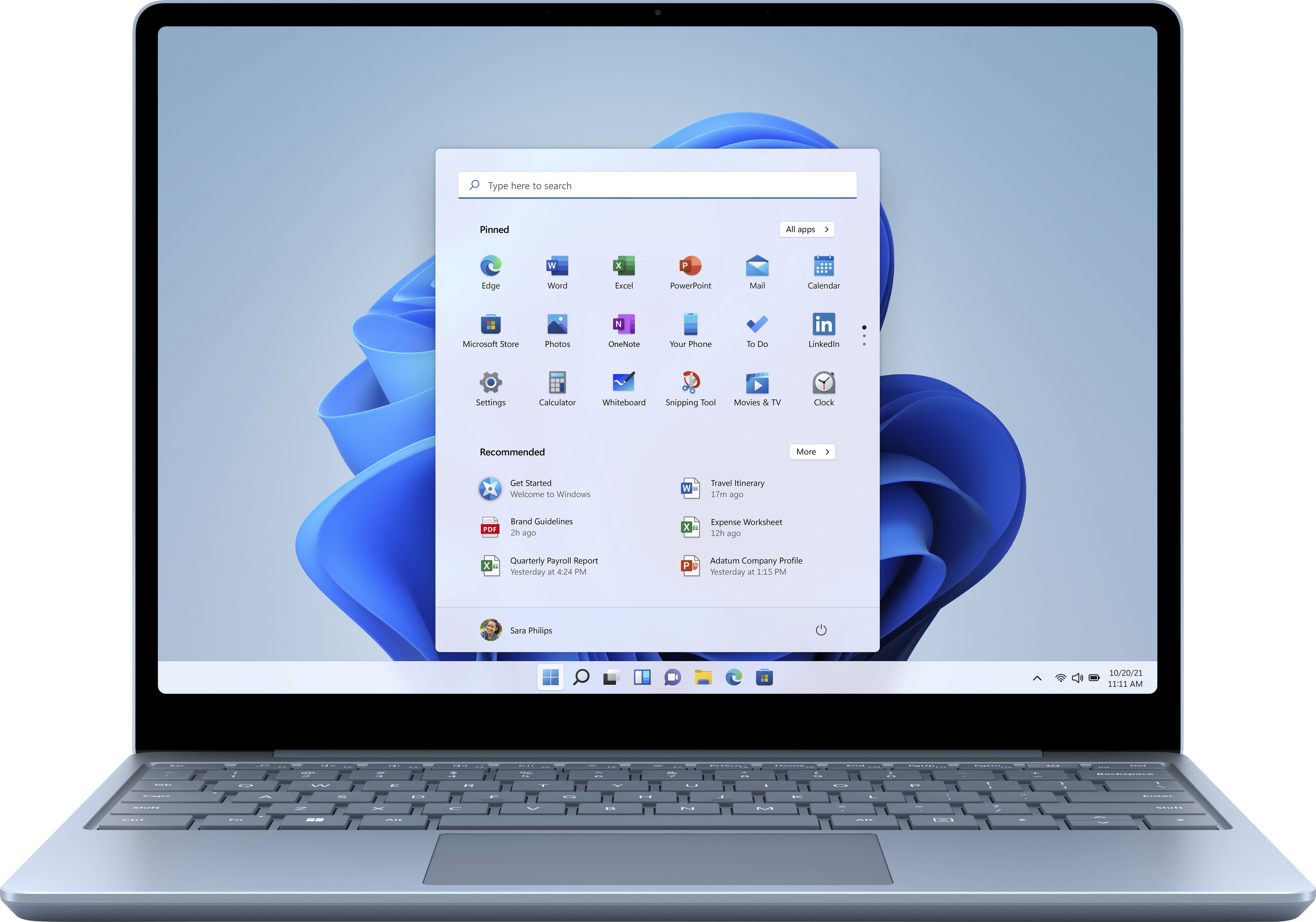
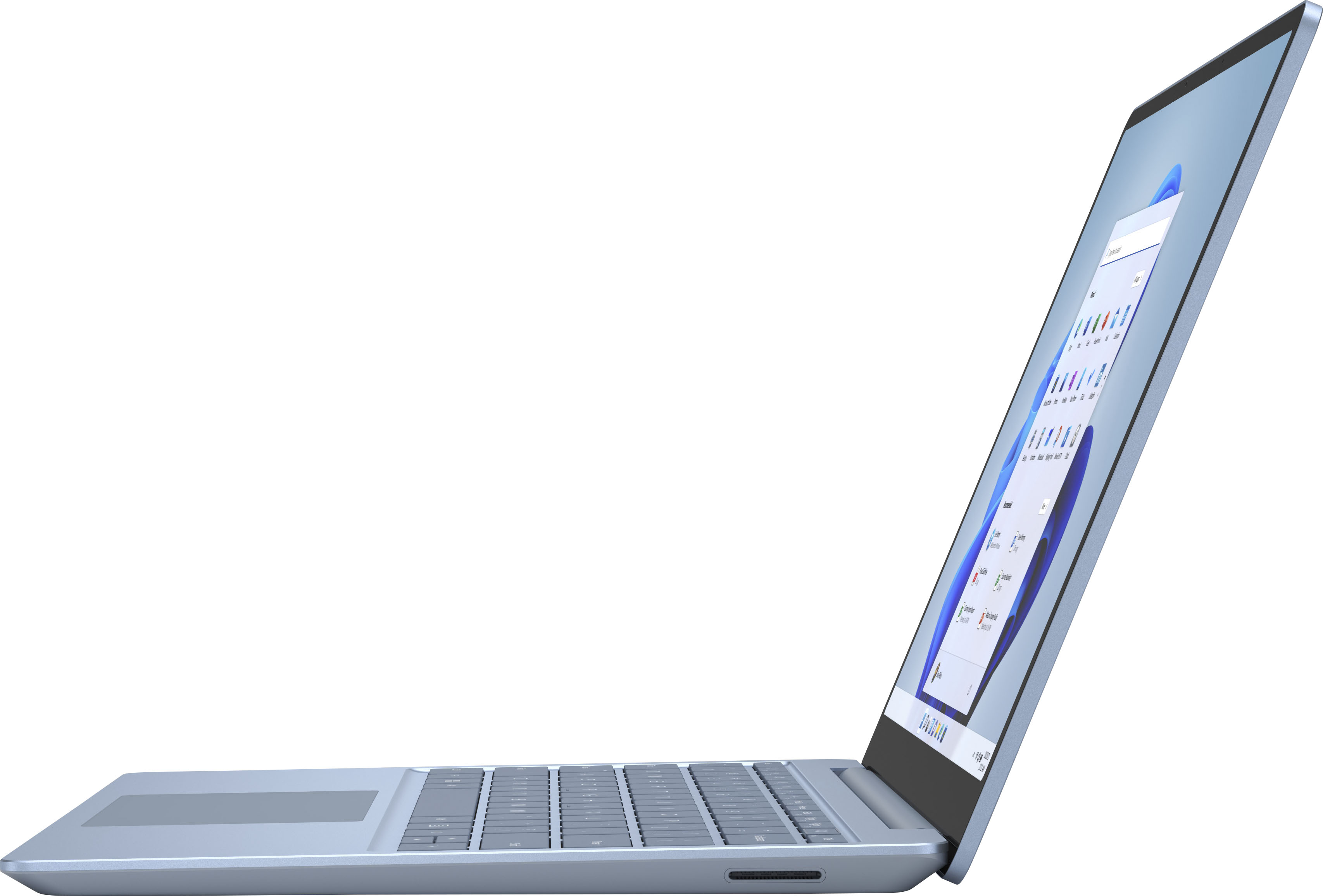
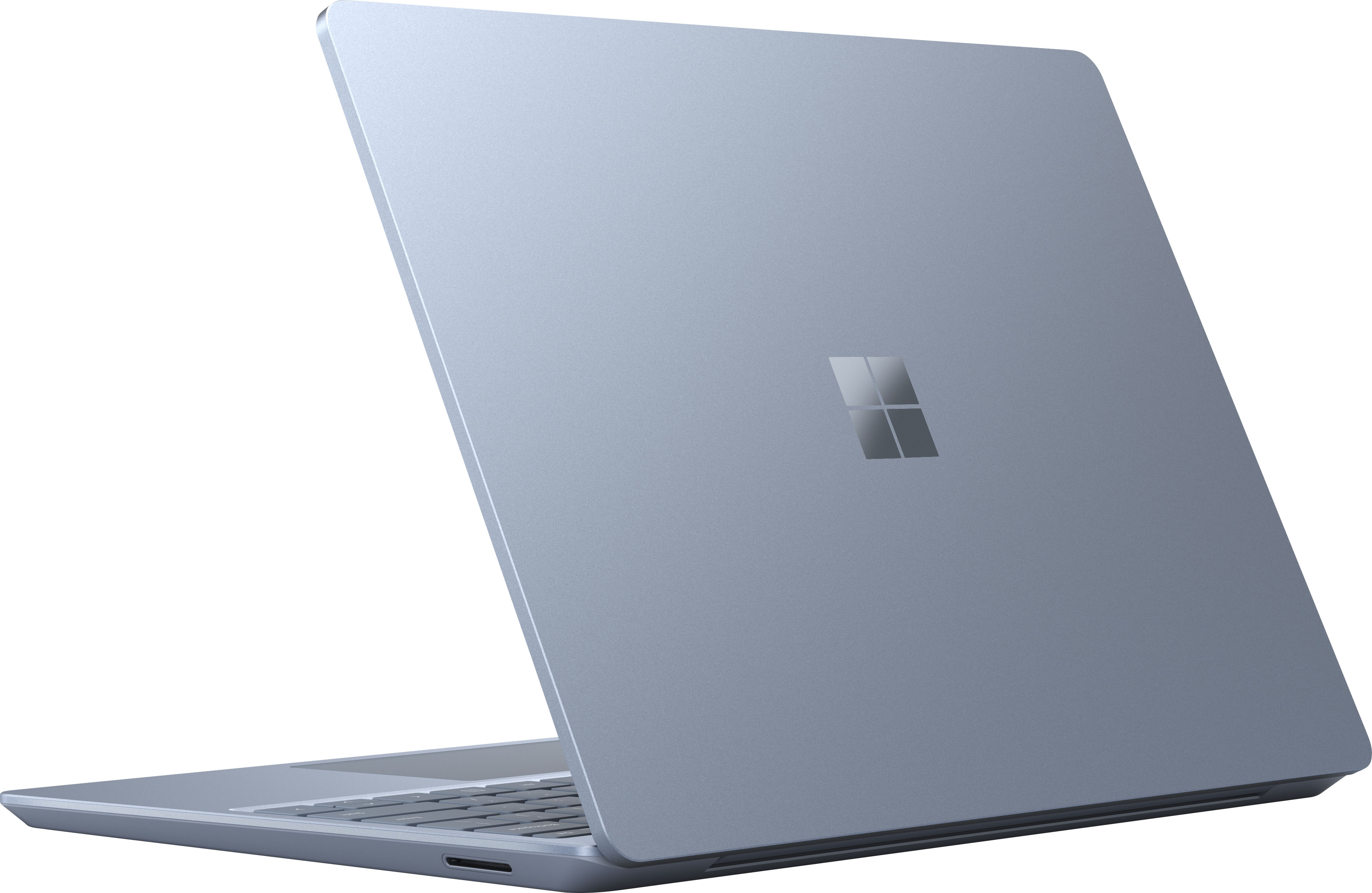
|Posted .This reviewer received promo considerations or sweepstakes entry for writing a review.The Microsoft Surface Laptop Go is an excellent piece of hardware which sits in the midrange tier of laptop/netbook class. On the build quality it certainly looks premium and sleek and very portable. It is equipped with a 12.4 inch display which adds to its overall portable form factor. While resolution is good I wouldn’t call it amazing but it gets the job done. There is also a 720p front facing camera that will get the job done for any video conferencing needs that you may have. The Microsoft Surface Go laptop comes with 8GB of memory and 256 GB of storage which is pretty ample for a daily workhorse laptop for the average user. As far as ports go the Microsoft Surface Go laptop comes with a full size USB Type-A port and a USB C port and a proprietary Surface connect plug and port and lastly a headphone jack. Performance wise the Microsoft Surface Go laptop is a very capable daily driver that you can grab and go without much effort. It is really lightweight coming in at about 2 and 1/2 pounds. It handles multitasking very well and doesn’t seem to get very hot with multiple programs and windows open. The keyboard is nice and typing is enjoyable pair along with the smooth mousepad. Overall if you’re looking for a mid tier portable laptop I’d go with the Microsoft Surface Go.
I would recommend this to a friend Little hassle
||Posted . Owned for 8 months when reviewed.This reviewer received promo considerations or sweepstakes entry for writing a review.Little to complicated for setting up Not to happy.
No, I would not recommend this to a friendIf only it worked.
||Posted . Owned for 3 weeks when reviewed.This reviewer received promo considerations or sweepstakes entry for writing a review.I've had it for exactly a month, but I didn't start using it until 2 weeks ago. Three times in the past week, I've had glitches with the screen where it goes black and has flashing/scrolling white lines. This is not OK and Geek Squad was no help when I reached out, except to tell me I need to take it to the store. This is a brand new $900 machine! My first Microsoft and it's not impressing me so far.
No, I would not recommend this to a friendBrand response from MicrosoftOutreachTeam
Posted .Hi - We're sorry that there's an issue with your Surface Laptop Go. First, we recommend updating its software and firmware to the most recent version. If that doesn't help, please run the Surface Diagnostic Toolkit to diagnose and fix any problems. For more information on the Surface Diagnostic Toolkit, please go here: https://aka.ms/AA4r432 If that doesn't take care of the problem, we recommend that you contact Microsoft Support for assistance here: https://aka.ms/AA4rbq6 Hope that helps, Erica Surface Customer Care

Already can’t use it
||Posted . Owned for 1 week when reviewed.This reviewer received promo considerations or sweepstakes entry for writing a review.I remember why I hate it. I did all the system updates as scheduled and am locked out because of An update error. It Microsoft can’t get it right on their own laptop they may as well convert to ChromeOS or MacOS
I would recommend this to a friend- Cons mentioned:Price
dont buy this!
||Posted . Owned for 10 months when reviewed.This reviewer received promo considerations or sweepstakes entry for writing a review.11 months and computer is 100% dead. Hope Best buy will give us our money back because we dont want this laptop back. Was super slow, over priced. DONT BUY
No, I would not recommend this to a friend Perfect for some users but not for others.
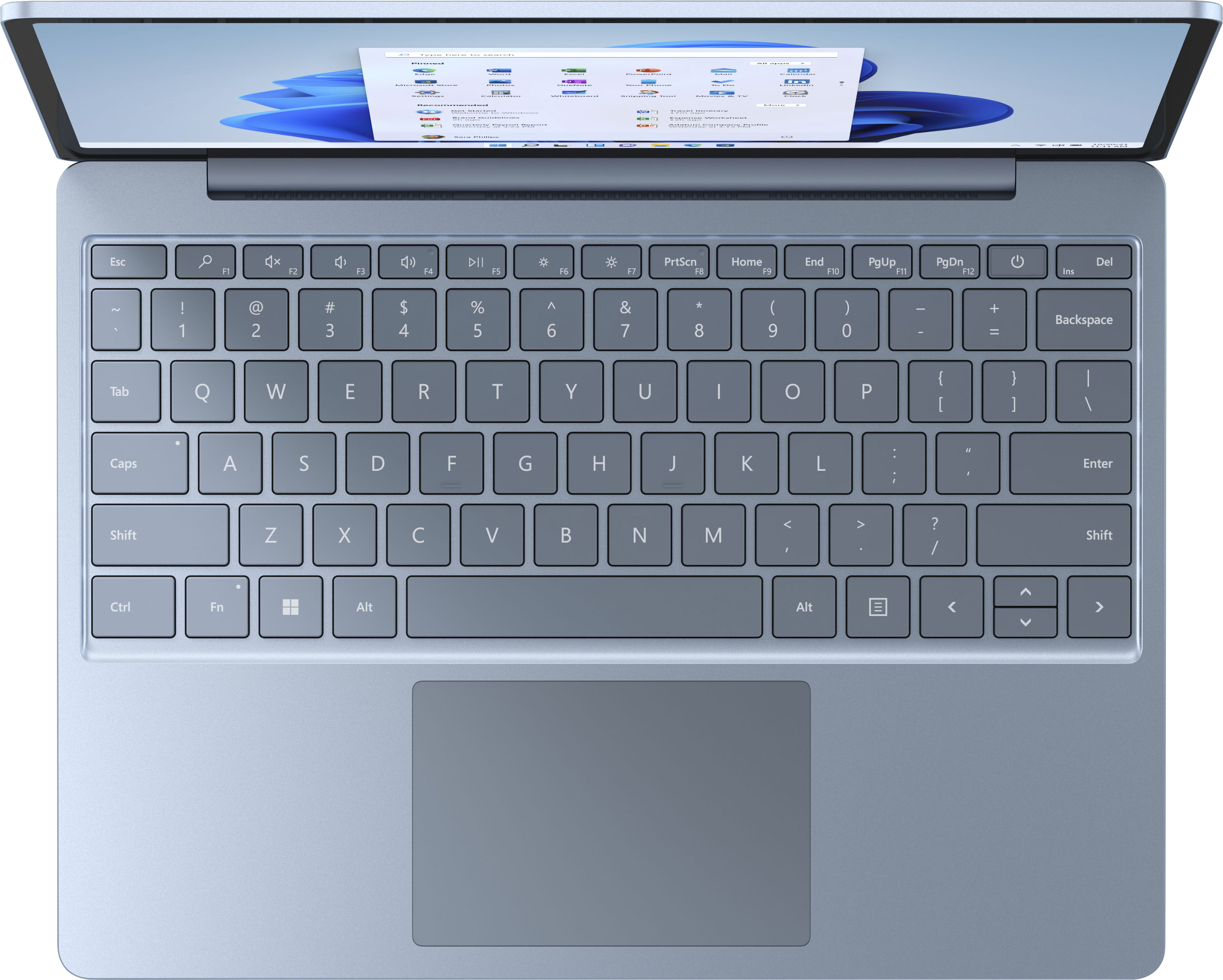
|Posted .This reviewer received promo considerations or sweepstakes entry for writing a review.This laptop was received as part of the Best Buy Tech Insider program. Reviewers in this invitation-only program are provided products for the purpose of writing honest, unbiased reviews. Neither Microsoft nor Best Buy had any input in this review. The thoughts and impressions being shared are solely my own. The Surface Laptop Go is something of a paradox. It’s beautiful hardware that works well, but it’s also extremely limited on several fronts. Whether or not this is the right laptop for you depends on your individual needs. The Surface Laptop Go is an absolute joy to type on. While the keyboard isn’t backlit (except for the fingerprint reader / power button), the keys have pretty good travel; and the keys are very well-spaced. This is honestly one of the best laptop keyboards that I’ve ever used. The trackpad glides smoothly and accepts gestures without issue. Pinch to zoom, three finger swipe up . . . all of these work fine. The build quality in general is very good. This laptop feels “sleek.” My only complaint about the hardware is the lack of an SD card slot. There really isn’t any way to upgrade this laptop at all. Whatever storage and/or RAM configuration that you buy is what you’ll be stuck with forever. Sure, you can supplement your storage with a flash drive (the computer has 1 USB type-A port and 1 USB type-C port), but that’s not nearly as seamless as just popping in a micro-SD card for secondary storage. The lack of a SD card slot kinda sours this laptop for me. Sure, 256GB of storage is fine for now, but a year from now? Two years from now? Because of this, I wouldn’t recommend getting this laptop as your primary machine. It should also be noted that this laptop is not compatible with the surface pen. One weird glitch, after turning the laptop on, Windows Hello seems like it’s trying to look for my face (even though this computer isn’t equipped with a facial recognition camera). It only does this for a couple seconds before stopping and accepting the finger-print login, but it’s weird. This may be corrected by a software update in the future. By default, this laptop comes with Windows S mode. Windows S mode is a super secure version of Windows that only allows you to install apps from the Windows App Store. No apps (or viruses) from outside of the app store can be installed on a computer that is running in S mode. Windows S mode . . . is still a barren wasteland. The Windows App Store isn’t getting any better. If all you need is a computer that can run Microsoft Office and browse the web, then S mode might work for you. If you need / want to do much of anything else? You’ll have to switch out of S mode. Fortunately, switching out of S mode is still a free process (WARNING: While this process is free, it’s also completely irreversible. Once you switch out, your computer will be just as vulnerable to viruses as any other Windows PC. Switch out at your own risk). For the purposes of this review, I kept the laptop in S mode for an entire day before switching out of it. I felt that I had to switch out as I’m a heavy Google Chrome user, and Chrome isn’t available in the Windows App Store. In S mode, the laptop is snappy and responsive. The hardware wasn’t stressed at all by anything that I threw at it. That being said, the Windows App Store is so barren that I struggled to find anything to use on this laptop at all. Out of S mode, the laptop was still snappy and responsive. I installed a handful of my “go to” programs on it, and I didn’t encounter any issues with any of them. That being said, I did temper my expectations some since I knew what this laptop hardware could and couldn’t do. Gaming . . . isn’t really going to happen with this laptop. Between the lack of a GPU and the limited storage, this computer isn’t really able to handle traditional gaming. It’s a real shame because the CPU and RAM are otherwise more than sufficient for most games. That being said, if you absolutely HAVE to game on this, there are a number of cloud gaming services out there that would work fine with this (assuming that you have really good internet service). As a productivity machine, this laptop is great. Again, the lack of a GPU limits you in terms of photo and video editing, but this machine is great for writing reports, filling out spreadsheets, and taking conference calls. For a college student or a business executive, this machine is probably sufficient for most (if not all) of your needs. For a graphic designer or engineer? . . . maybe not so much.
I would recommend this to a friendStopped working do not buy!!!
||Posted . Owned for 9 months when reviewed.This reviewer received promo considerations or sweepstakes entry for writing a review.Less than a year with this computer. It has stopped charging. The simplicity seemed nice, but the lack of ports and the inability keep this work for a year was not worth the cost. Complete waste of money. The charging cords are not cheap to replace, $100 every few months is not worth the headache this system causes. Very small screen also.
No, I would not recommend this to a friendWouldn't charge
||Posted . Owned for less than 1 week when reviewed.This reviewer received promo considerations or sweepstakes entry for writing a review.I got a faulty one. Would not charge. I looked it up when I noticed the issue and the whole charging set up seems to be an issue for many. I'm getting something else instead. For the limited time that I was able to use it, it seemed like a good machine.
No, I would not recommend this to a friendUnpleasant
||Posted . Owned for 3 months when reviewed.This reviewer received promo considerations or sweepstakes entry for writing a review.I don't like this. Very noisy. Terrible battery life. Not compatible with a microsoft pen. Do not buy, not worth it.
No, I would not recommend this to a friendEpic fail
||Posted . Owned for 2 months when reviewed.This reviewer received promo considerations or sweepstakes entry for writing a review.90 days in and everything is broke. No camera, charger doesn’t work. Some days it doesn’t even start up. Best Buy of course doesn’t do anything about it. Don’t buy and definitely don’t buy from Best Buy!
No, I would not recommend this to a friend- Pros mentioned:Battery life
Good light laptop for general use
|Posted .This reviewer received promo considerations or sweepstakes entry for writing a review.I have used and tested this Surface laptop out for a few days now. It very much reminds me of a thicker Windows 10 version of my 12" MacBook. The Sandstone color is nice and I can see the keys clearly (note: they do not have a backlight though if you are in a dark setting). The trackpad is very smooth and I like the gestures that can be set as well. Very responsive in my use. Display is very glossy, but clear and the colors and contrast is great. I don't like the auto-dimming and had to change that in the settings. I did set my brightness at 70% and the power setting to peak performance (slider all the way to the right). Responsiveness and opening apps seemed very good in all uses. Battery life with this combo paces out at 5 hours and 5 minutes. I'm sure I will get much longer life if I dial it back a bit, but this isn't terrible at these settings. Most usage was web browsing, email, MS Office apps, and light YouTube watching. Touch screen works well, but for me, since I can't flip the screen all the way back and use like a tablet, I prefer the trackpad/mouse. I don't love the power port. It seems like an attempt at the Mac MagSafe design, but is very weak. If you use it plugged in on your lap, the slightest adjustment will disengage it. I wish they just added a 2nd USB-C port to charge though as a primary (you CAN charge through the USB-C as well, but need a sufficient wattage power adapter). In summary, I think it is a good and light laptop for on the go use. But you will need to lower the power and brightness a bit to stretch it to "all day" use. I think for the retail price point, it's a bit high for what you get as well. DISCLOSURE: I received this laptop as part of a Best Buy Tech Insider Reviewer Program. Reviewers in this invitation-only program are provided products for the purpose of writing honest, unbiased reviews.
I would recommend this to a friend Promotion
||Posted .This reviewer received promo considerations or sweepstakes entry for writing a review.Returned computer because did not have a keyboard light and was unaware of it I don't expect came in all laptops so had to return it and they wanted to give me the promotion on my next computer which was one up on the 1 I had Yeah bad customer service they should've at least worked out the $100 promotion on the next computer because the next computer was $1300 compared to $800 big difference I am very upset.
No, I would not recommend this to a friendDON'T BUY THIS PC - BUY A LENOVO INSTEAD
||Posted . Owned for 2 weeks when reviewed.This reviewer received promo considerations or sweepstakes entry for writing a review.HATED IT!!!! HAD TO RETURN THE FIRST ONE FOR A BATTERY INTERNAL BATTERY. CHOSE TO EXCHANGE FOR ANOTHER TRY AT THIS CRAPPY PRODUCT. HAD TO RETURN IT AS WELL, FOR THE SAME REASON. LUCKY FOR ME THOUGHT, BECAUSE I THEN PURCHASED THE "Lenovo - IdeaPad S340 15" Touch-Screen Laptop - AMD Ryzen 7 3700U - 12GB Memory - 512GB Solid State Drive - Abyss Blue" ON SALE FOR ONLY $558. BEST LAPTOP I HAVE EVER OWNED!!!!
No, I would not recommend this to a friendBattery Sucks
||Posted . Owned for 7 months when reviewed.This reviewer received promo considerations or sweepstakes entry for writing a review.Battery life is terrible. I have the battery on battery saver mode lowered my brightness and only use it for school work and watching shows. I leave the laptop on for 10 minutes to update a few apps and the battery drops from 80% to 66%. This started from day one when I got the laptop. The 13 hours such a lie.
No, I would not recommend this to a friendOnly got one use before it just stopped working.
||Posted .This reviewer received promo considerations or sweepstakes entry for writing a review.I have been looking to buy this laptop for a while finally took the plunge. Brought it home used it once after set up. Closed it went to use it again later and the device would not turn back on the screen looked like it was turning on but it just stayed a dim black grey. Nothing worked. Pretty disappointed.
No, I would not recommend this to a friendI used to love Microsoft products
||Posted . Owned for 1 week when reviewed.This reviewer received promo considerations or sweepstakes entry for writing a review.I loved it for 10 days, day 11 screen is already frozen. So frustrating and because I have a job like a normal person, that you can't just walk into Best Buy for help because you are treated like a deadly virus. I have to wait a whole week to get an appointment with geek squad. Probably easier to return. So disappointing for a brand new laptop.
No, I would not recommend this to a friendBrand response from MicrosoftOutreachTeam
Posted .Hello,
We're sorry that there's an issue with your Surface Laptop Go. Our team at Microsoft Help may also be able to help. Please contact them here for assistance: https://support.microsoft.com/en-us/contactus/
Hope that helps,
Chuck
Surface Customer Care
Was excited, but…
||Posted . Owned for 1 year when reviewed.This reviewer received promo considerations or sweepstakes entry for writing a review.Laptop is very slow and loud. Does not worth its money.
No, I would not recommend this to a friendSurface Laptop Go
||Posted . Owned for 3 weeks when reviewed.This reviewer received promo considerations or sweepstakes entry for writing a review.Thought I was getting a decent laptop for minor tasks, turns out after about a week certain areas of the touch would no longer work and I can no longer bring up the home screen. It's going back.
No, I would not recommend this to a friend