Customer Ratings & Reviews



- Model:
- XK1-00011
- SKU:
- 11825699
Rating by feature
- Battery Life
Rating 4.5 out of 5 stars
- Speed
Rating 4.7 out of 5 stars
- Display
Rating 4.7 out of 5 stars
- Pros mentioned:Overall performance, Portability

Compact
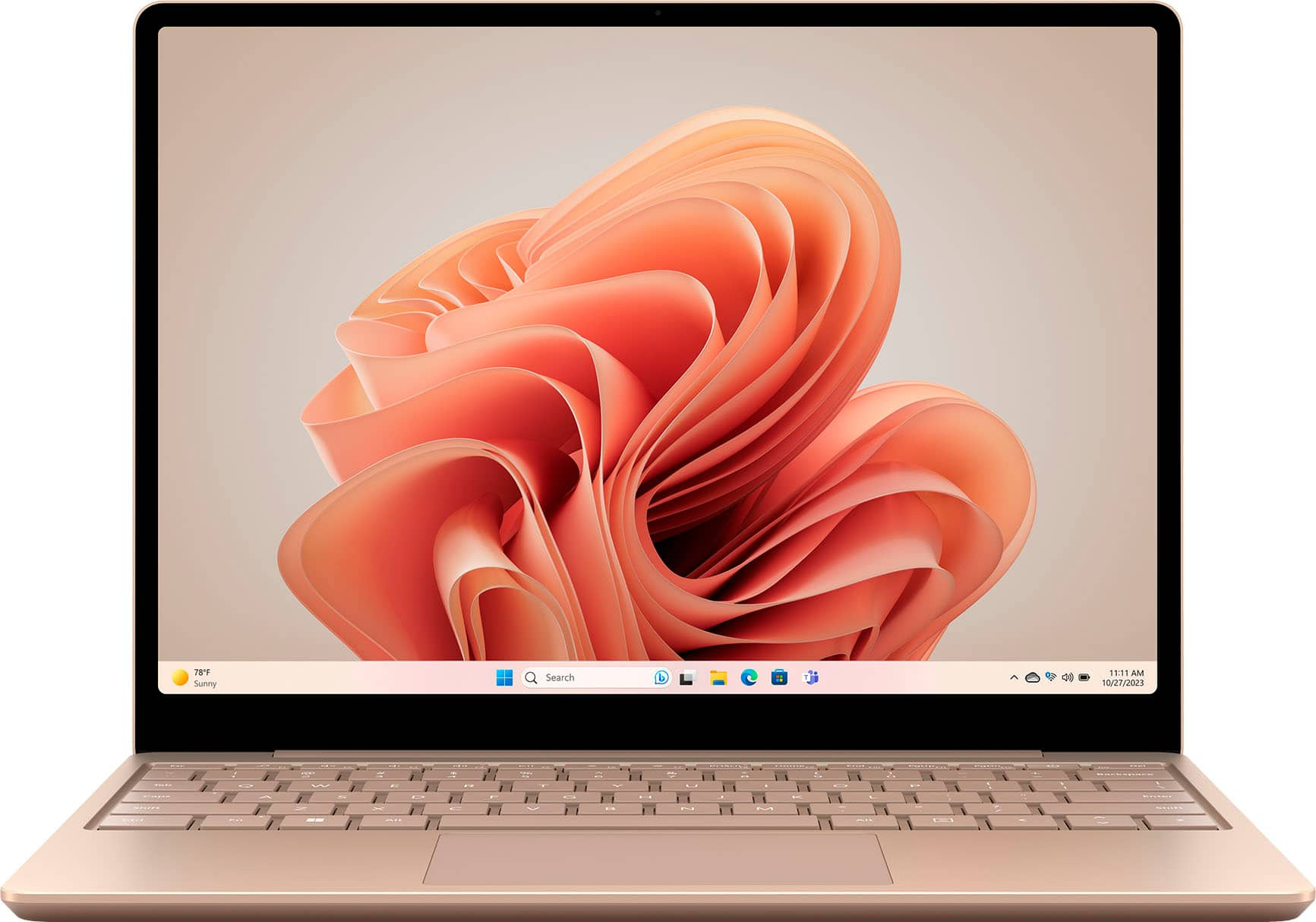
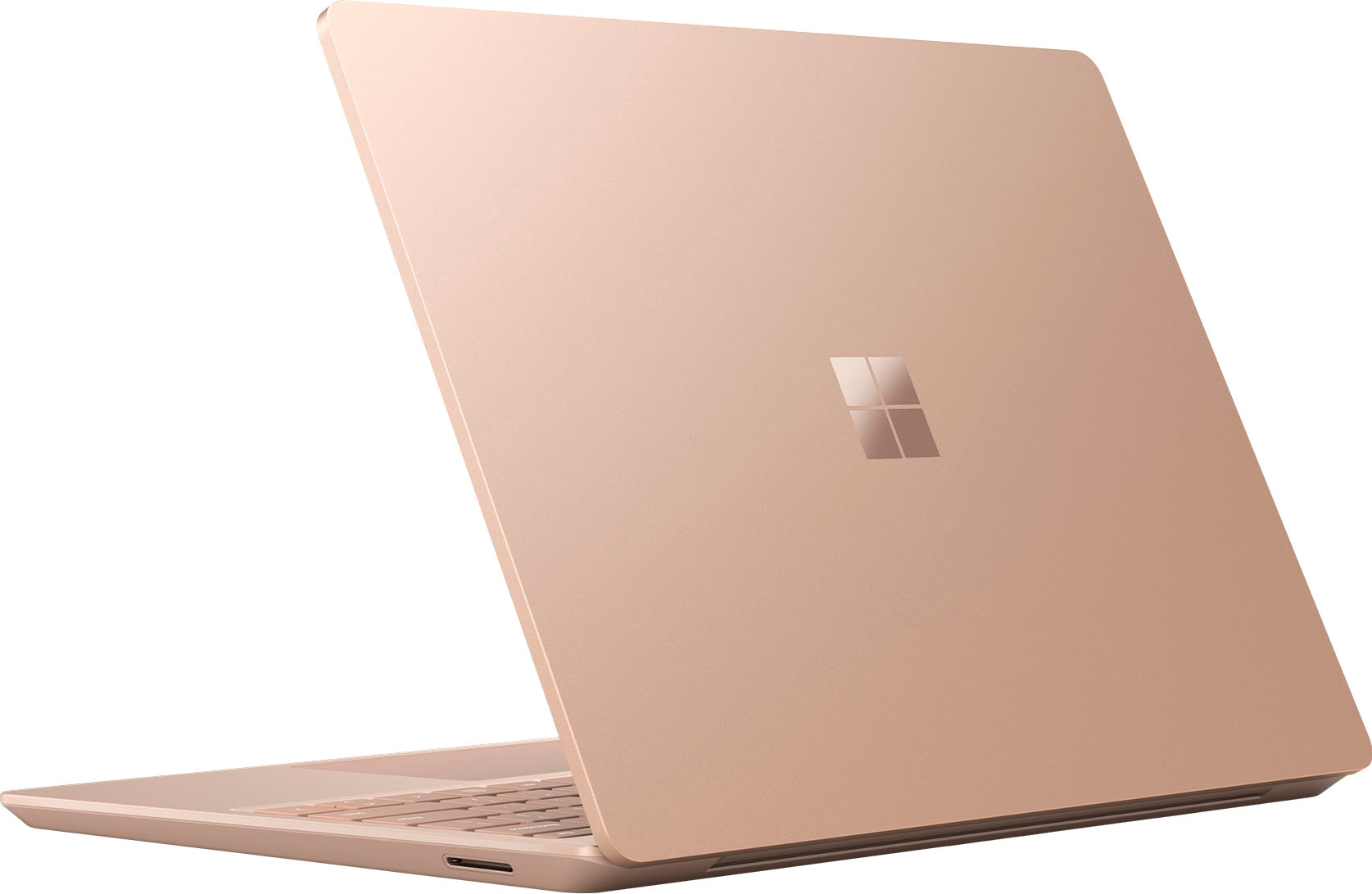
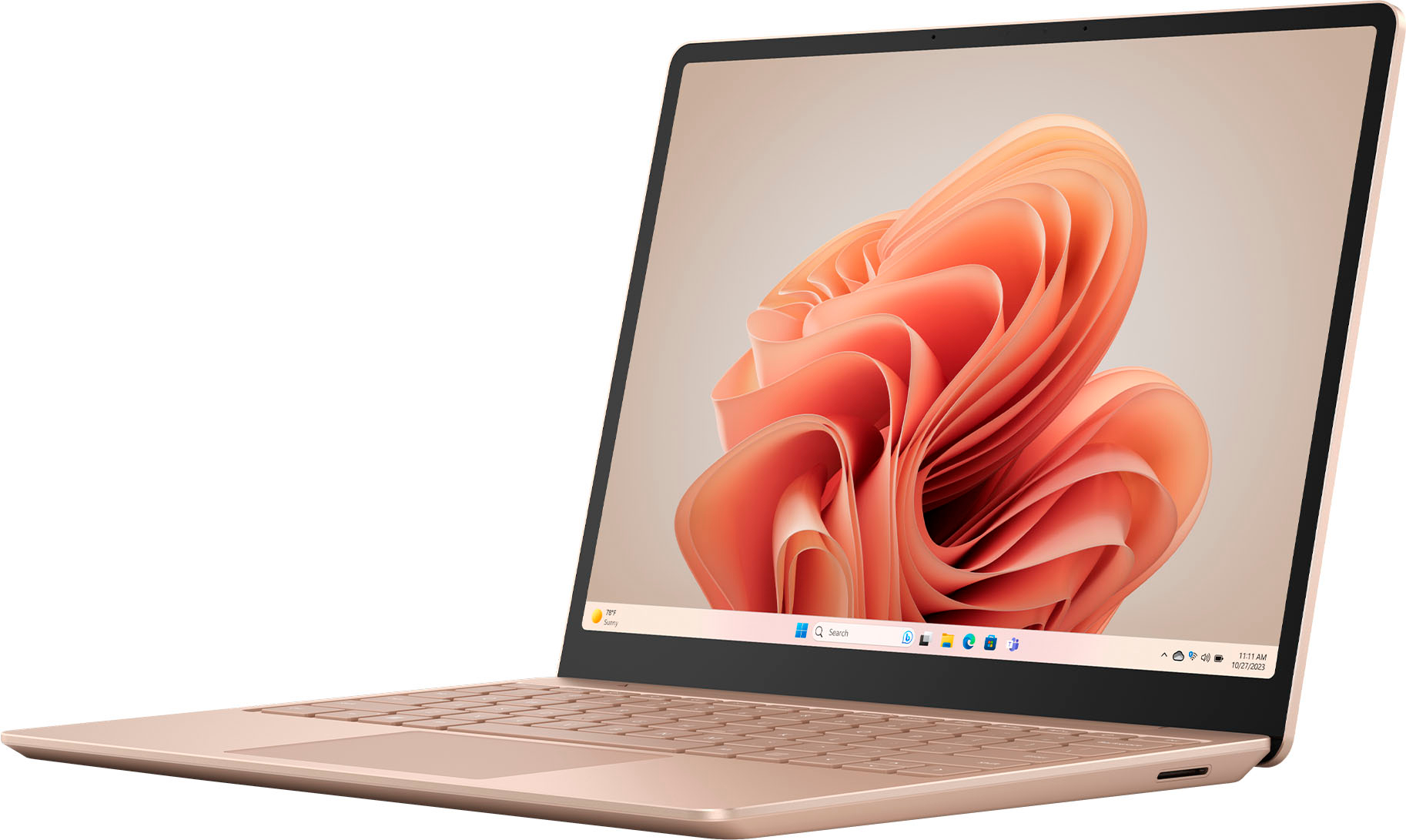
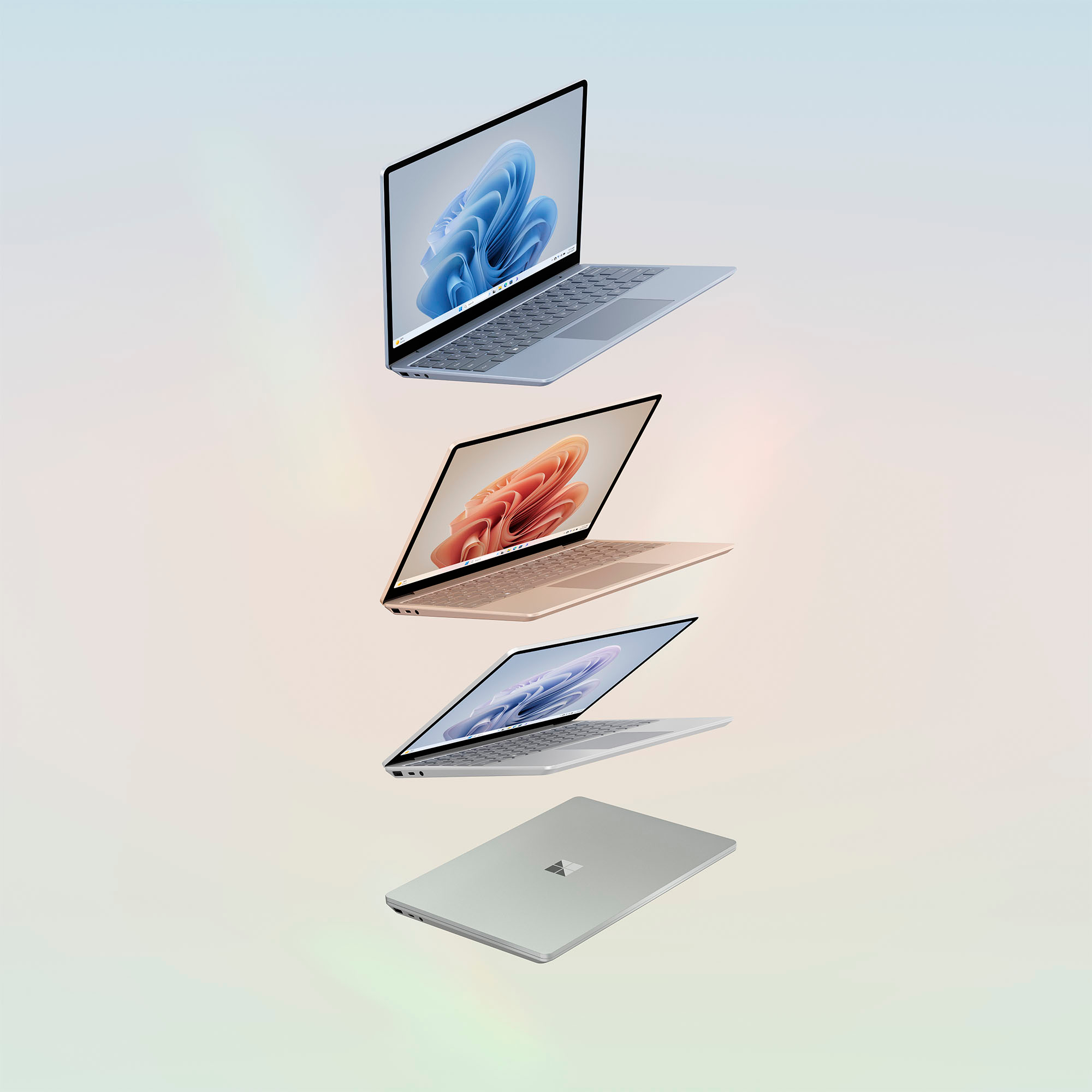
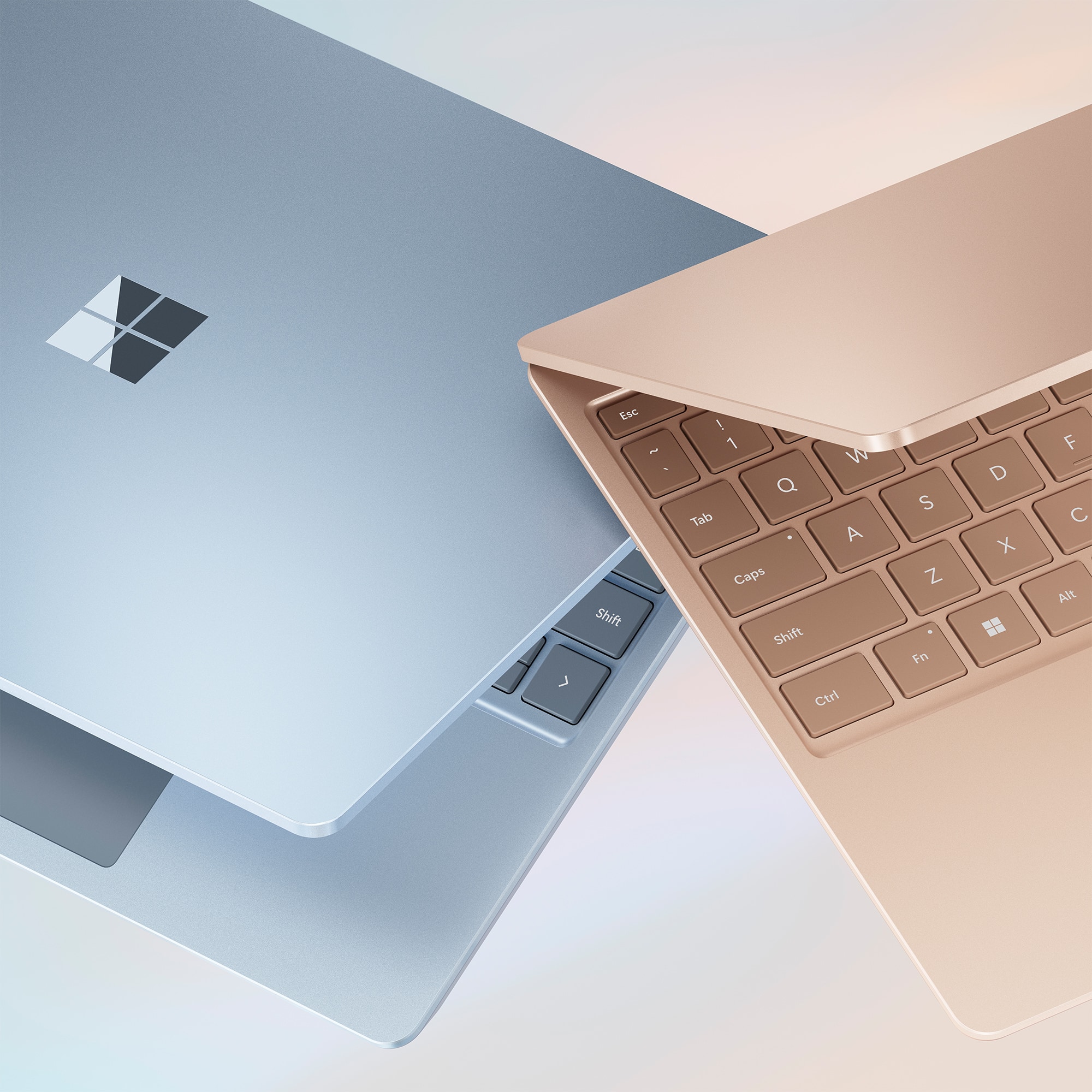
|Posted .This reviewer received promo considerations or sweepstakes entry for writing a review.This is a cute, compact laptop. Let’s start with the color!! I love this sage green, it so freaking to have a laptop with a touch of color. It’s not too bright, just right. The keys on the keyboard match, in a darker contrast shade. This laptop is a pretty light, but the feel is solid. Doesn’t feel cheap. The keyboard is nice and easy to type on and navigate the keys. The touch screen is very responsive. The screen quality is excellent and the colors are vibrant and clear. Picture look great. The camera takes sharp, clear pictures. I recorded a short test video and the audio was good, even without a microphone. It is great for zoom calls. I tested out a few apps and they all work well. The machine is very fast and responsive. I didn’t notice any lag while navigating between apps. Still trying different games, so far they work just fine. Set up was a breeze, it was quick and easy. I have my laptop paired with my android phone, which works out great. So far I have no complaints about this laptop. The cord is not a standard cord, it has a different charging port, which I think is inconvenient. Otherwise, it’s a great little device. I can slip it in my purse and keep going. No complaints, highly recommend.
I would recommend this to a friend Would not connect to the wifi
||Posted . Owned for 2 weeks when reviewed.This reviewer received promo considerations or sweepstakes entry for writing a review.I was unable to connect to the wifi the same day i got device.
No, I would not recommend this to a friendSouless
||Posted . Owned for 1 month when reviewed.This reviewer received promo considerations or sweepstakes entry for writing a review.Very basic laptop with no real soul or personality.
No, I would not recommend this to a friend- Pros mentioned:Battery life, Portability
Good enough power for a light and portable laptop
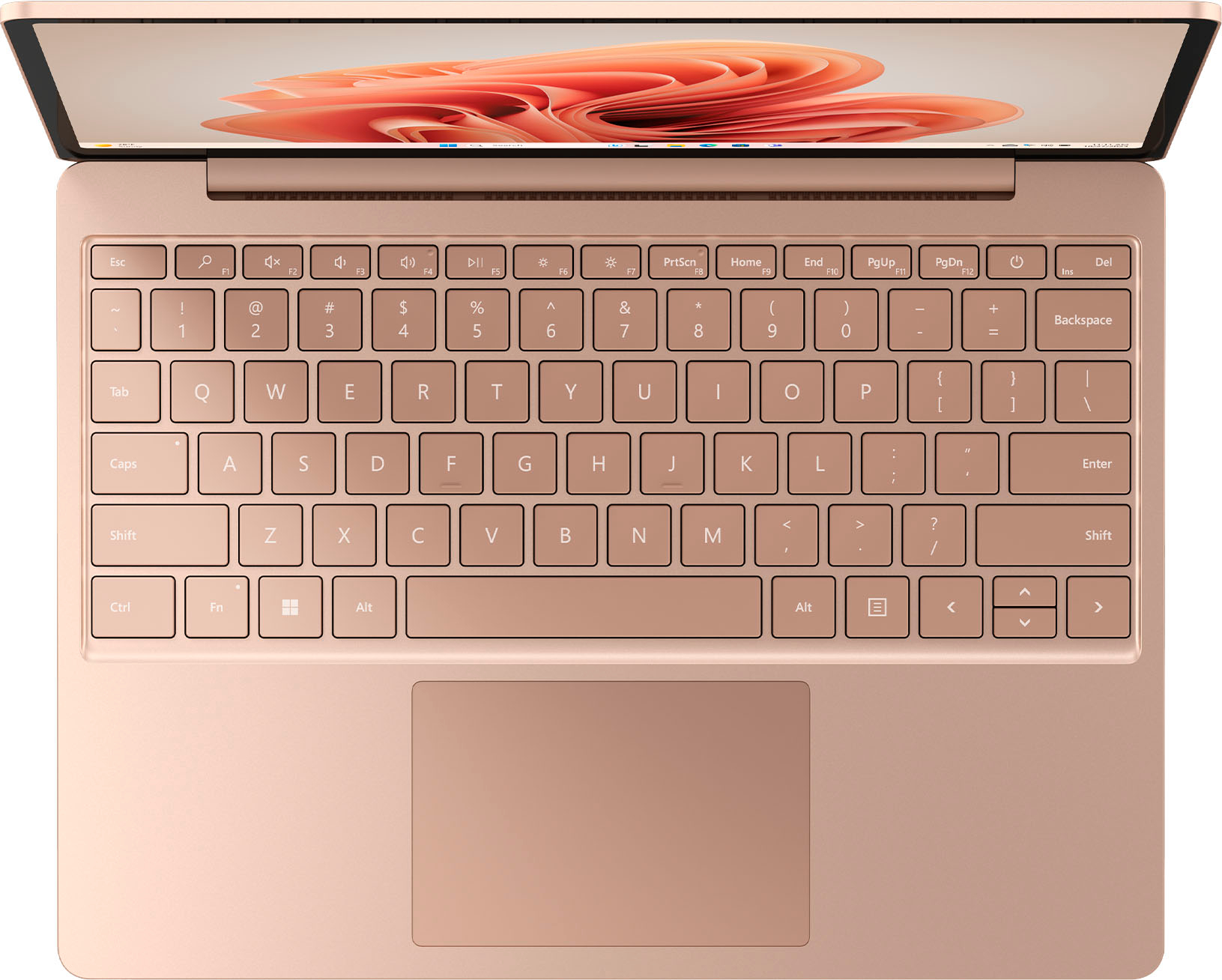
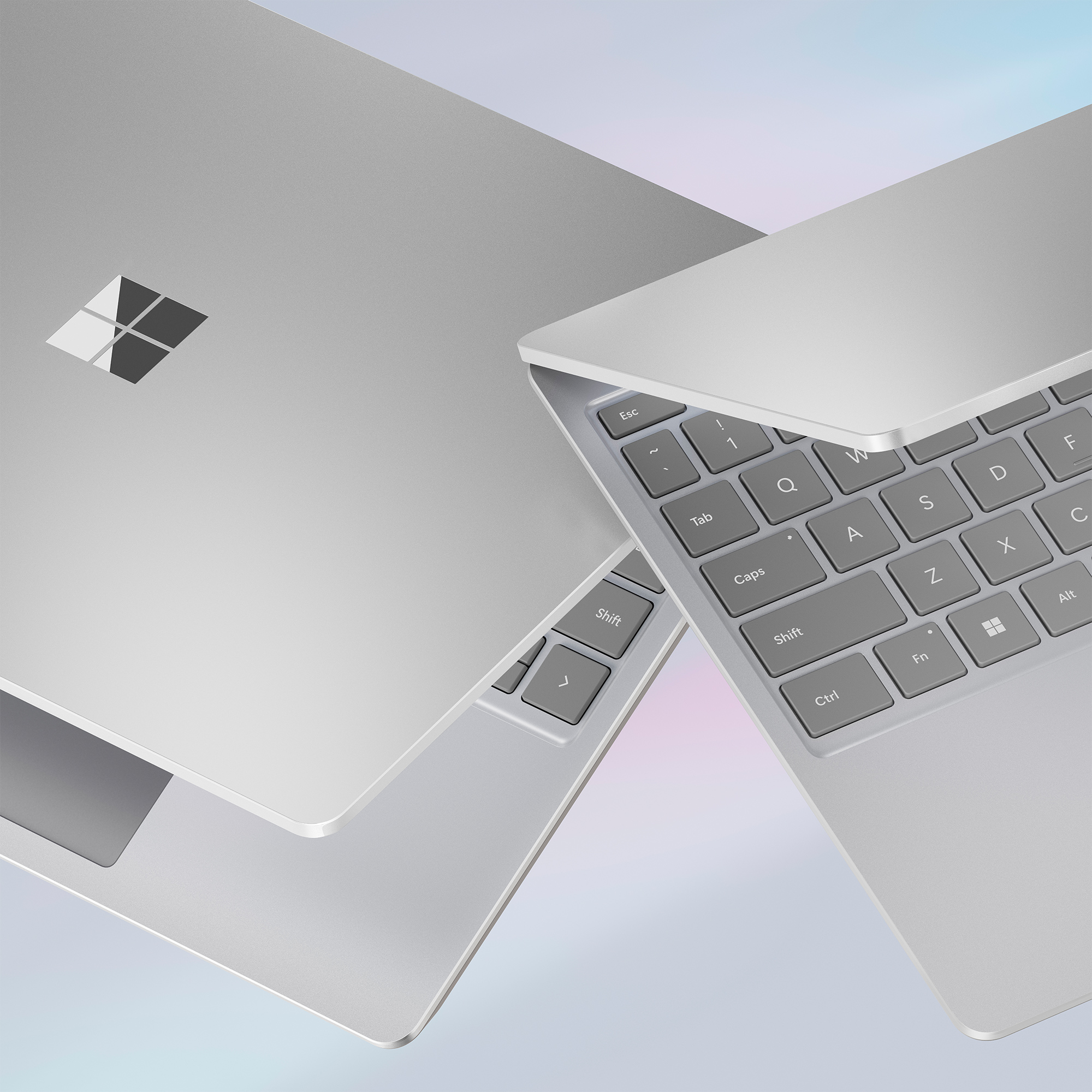
|Posted .This reviewer received promo considerations or sweepstakes entry for writing a review.I have used and tested this Surface laptop out for a few days now. It very much reminds me of a thicker Windows 11 version of my old 12" MacBook. The Sage (greenish/gray) color is actually nice and I can see the keys clearly (note: they do not have a backlight though if you are in a dark setting). The trackpad is very smooth and I like the gestures that can be set as well. Very responsive in my use. Display is very glossy, but clear and the colors and contrast is great. I set my brightness at 60% and the power setting to peak performance (slider all the way to the right). Responsiveness and opening apps seemed very good in all uses. Battery life with this combo paces out at over 5 hours for me. I'm sure I will get much longer life if I dial it back a bit, but this isn't terrible at these settings. Most usage was web browsing, email, MS Office apps, and light YouTube watching. Touch screen works well, but for me, since I can't flip the screen all the way back and use like a tablet, I prefer the trackpad/mouse. In summary, I think it is a good and light laptop for on the go use. But you will need to lower the power and brightness a bit to stretch it to "all day" use. I think for the retail price point, it's a bit high for what you get as well.
I would recommend this to a friend Wifi problems
||Posted . Owned for 2 weeks when reviewed.This reviewer received promo considerations or sweepstakes entry for writing a review.I had problems with it not connecting to the internet and freezing on me ended up having to reset it multiple times
No, I would not recommend this to a friendFaulty product.
||Posted . Owned for 3 months when reviewed.This reviewer received promo considerations or sweepstakes entry for writing a review.This computer never worked properly from day one. I misses the return date but I would advise to potential customers please do not purchase this item.
No, I would not recommend this to a friendStay away from this.
||Posted . Owned for 5 months when reviewed.This reviewer received promo considerations or sweepstakes entry for writing a review.Piece of well made junk . Operates like a small boat anchor should. Save your money and look at Lenovo, or Asus, or Acer
No, I would not recommend this to a friendMight as well get a Mac for this price
||Posted . Owned for less than 1 week when reviewed.This reviewer received promo considerations or sweepstakes entry for writing a review.Terrible laptop, basically a super sturdy cheap chrome book. Took like an hour to setup when it was fresh, had to hit back button and restart the update. First and last surface.
No, I would not recommend this to a friendCheck alternative laptops.
||Posted .This reviewer received promo considerations or sweepstakes entry for writing a review.SSD stopped working after two months. Not worth it.
No, I would not recommend this to a friendMicrosoft laptop
||Posted . Owned for 2 months when reviewed.This reviewer received promo considerations or sweepstakes entry for writing a review.Very slow laptop. Cannot fine well with heavy system on loading. I am going to return it.
No, I would not recommend this to a friend- Pros mentioned:Battery life, Portability
Very stable laptop for on the go
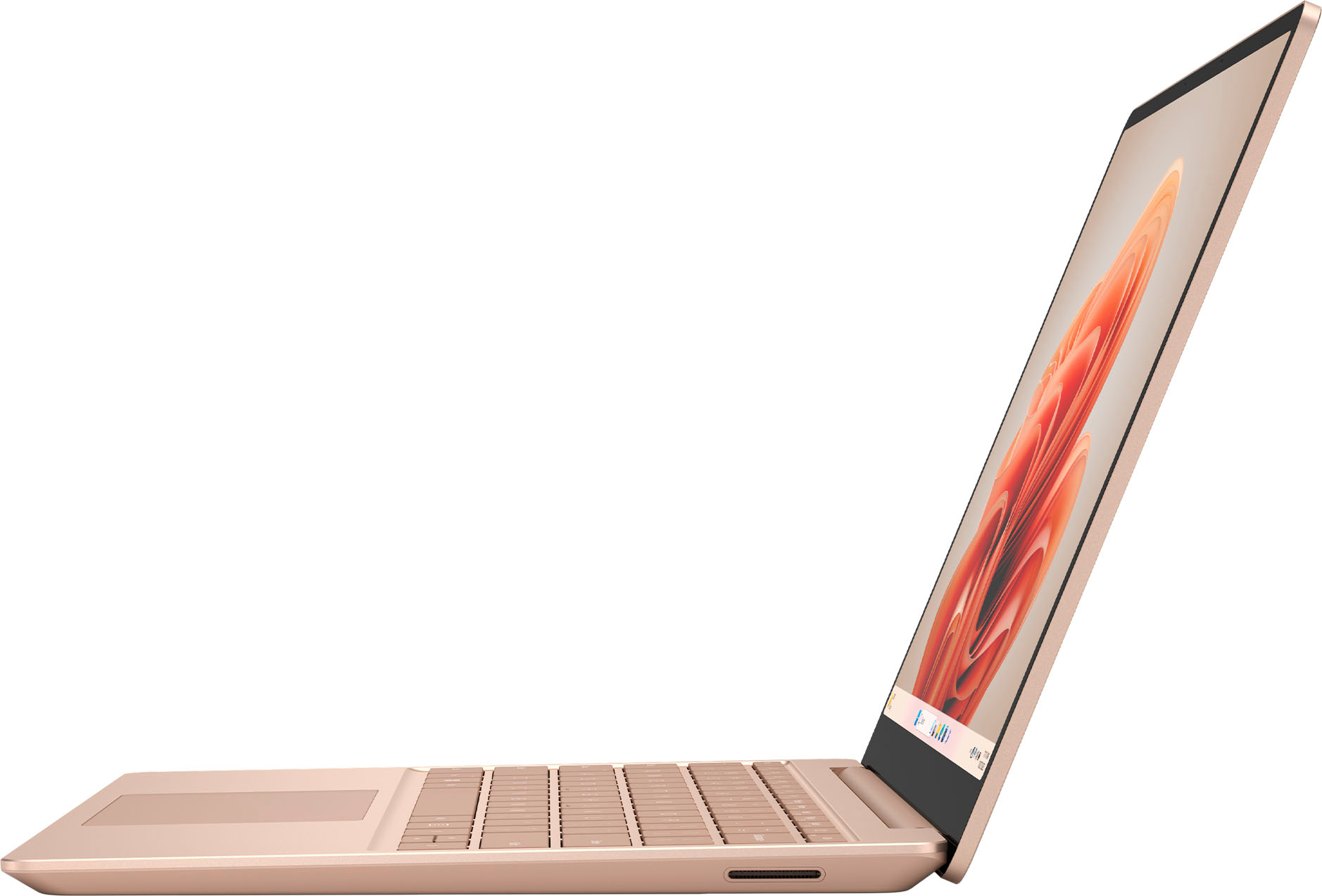
|Posted .This reviewer received promo considerations or sweepstakes entry for writing a review.This review is for the Microsoft Surface Laptop Go 3 The Microsoft Surface Laptop is a sleek and stylish device that offers a compelling combination of performance, design, and portability. I've had the opportunity to use the Surface Laptop, and here are my thoughts on this product: Design and Build Quality The Surface Laptop boasts a premium design that is both elegant and functional. Its unibody aluminum chassis feels incredibly sturdy. The laptop is available in a range of attractive colors, allowing users to choose a style that suits their preferences. Display The 12.4-inch PixelSense touchscreen display is a highlight of the Surface Laptop. With a resolution of 1536 x 1024 pixels, it offers sharp and vibrant visuals with excellent color accuracy. The 3:2 aspect ratio is ideal for productivity tasks and web browsing, providing ample vertical screen real estate. Performance The Surface Laptop is available in multiple configurations, featuring Intel Core processors, ranging from Core i5 to Core i7. Paired with sufficient RAM 8 GB in the Surface 3 I have, and 256 SSD storage, it handles everyday tasks with ease. Whether you're browsing the web, working on documents, or even light photo and video editing, the laptop performs admirably. The laptop does not have dedicated graphics, so it's not suited for intensive gaming or heavy video editing tasks. Keyboard and Trackpad Typing on the Surface Laptop's keyboard is a pleasure. The keys offer good travel and a satisfying tactile feel, making it comfortable for extended typing sessions. The trackpad is large, accurate, and responsive, ensuring smooth and precise cursor control. Battery Life One of the standout features of the Surface Laptop is its impressive battery life. It can easily last a full workday on a single charge, which is a significant advantage for users who need a laptop for on-the-go productivity. Microsoft said up to 15 hours of typical device usage. Operating System The Surface Laptop comes preloaded with Windows 11 Pro. Microsoft offers regular updates and support for Windows, making it a reliable and familiar operating system for most users. Portability Weighing in at just under 2.5 pounds, the Surface Laptop is highly portable and suitable for users who need a laptop that can be carried around with ease. Its slim profile and lightweight design make it an excellent companion for students and professionals on the move. Connectivity The Surface Laptop features a USB-C and a USB-A, 3.5mm headphone jack & the surface connect port. In summary, the Microsoft Surface Laptop is a well-rounded device that offers an excellent combination of style, performance, and portability. It is particularly well-suited for students and professionals who prioritize a sleek design and reliable productivity. While it may not be the best choice for gaming or graphics-intensive tasks, it excels in its intended role as a stylish, everyday laptop. It works great for my small business, mainly just running the office 365 apps doing quotes.
I would recommend this to a friend Microsoft Laptop
||Posted . Owned for 1 month when reviewed.This reviewer received promo considerations or sweepstakes entry for writing a review.Didn't turn on and we charged it overnight, returned it for an apple.
No, I would not recommend this to a friend- Pros mentioned:Battery life, Overall performance
Great little portable computer!
|Posted .This reviewer received promo considerations or sweepstakes entry for writing a review.I'm using this Surface Laptop as a replacement for an HP Spectre that I've had for the past 4 years. I was very happy with the HP Spectre, though the age was starting to show. If you haven't upgraded your laptop in a while, PLEASE READ! The HP was $1,800 when new, and had basically identical specs to this Surface, which is about $800 new. BUT - while the specs read almost identically, there have been advances! The HP worked well enough, but as I upgraded other aspects of my set-up, it fell behind. It was fine with a docking station connected to two or even three monitors, but once one was stepped up to a 4k monitor the connection became unstable. It would lose the connection, all of the windows would distort, move, and resize, the audio would cut out, etc. It would process video editing, but very slowly. The Surface Go 3 has virtually identical specs, but hasn't lost connection to the docking station at all (only once when initially setting up)! It runs games at 4k on the main monitor while still having windows open on other screens without any issues. I also regularly host trivia games where I don't always have access to enough plugs for my laptop, and I can say that while you may not get the 15 hours of battery life they claim (likely due to different system settings/activities), I get a good 12 hours with the screen at medium brightness while doing document work and connected to the internet. The only odd thing about this laptop is the screen dimensions. This is narrower than a standard wide-screen display, but also not the old-school 4:3 dimensions. This may result in games being oddly proportioned, or having black strips across the top and bottom of the screen. Otherwise, I'd say this is an excellent little computer.
I would recommend this to a friend - Pros mentioned:PortabilityCons mentioned:Keyboard backlighting
A pretty nice little laptop but a bit basic
|Posted .This reviewer received promo considerations or sweepstakes entry for writing a review.The Surface Laptop Go 3 isn't bad by any means. The Intel Core i5 processor, 8GB of RAM, and 256GB SSD suit it a lot better than the Pentium/4GB/128GB I've seen on some other Surface offerings. Microsoft did a good job putting it all together, and thus far I've not had a single driver issue or... Any problems really. It just works, which is pretty nice. Like, my absolute favorite thing about this machine is how rock-solid it is even on the latest updates of Windows 11. There's no extra bundled junk software to slow it down, and it has really good performance - it has yet to freeze up or bluescreen. It's definitely very portable, which is one of the benefits of the small size: it's very light and much easier on my really terrible spine to carry long distances than some other computers I've used. It's been a long time since I've had a laptop without a backlit keyboard, and I kind of miss having that - it can be useful to have in dark environments. On the other hand, the Windows Hello system used is the fingerprint scanner. I greatly prefer that to the face scan, since it makes it easier to use separate logins for productivity and entertainment purposes. It also has a standard USB port as well as a USB-C port and headphone jack, which is nice because I'm really sick of having to find adapters to use a flash drive with my laptop. The touchscreen is responsive, bright, and clear; though admittedly I'm still not sure why touchscreen laptops that aren't 2n1s exist. All that being said, there's nothing that really stands out about this machine other than the color (I really like the green, though - I don't think I've had a green laptop before, and Microsoft made it look really good). It just feels... Unremarkable. It feels like it was entirely designed for practicality. On one hand that's nice, because it's a pretty rock-solid and reliable machine. But on the other hand, it almost feels forgettable. So if you're looking for something that's flashy or just feels premium, maybe skip this one. However, if you need a lightweight and portable system for tasks like coding or word processing or maybe even drawing; this isn't a bad pick. Again, I do think Microsoft did a very good job with it. If you need a capable computer that isn't a pain to transport, I'd definitely recommend this.
I would recommend this to a friend - Pros mentioned:Battery life, Speed
Beautiful, sleek, and fast
|Posted .This reviewer received promo considerations or sweepstakes entry for writing a review.I have owned and used so many different types of laptops, but this is my first Microsoft surface laptop. I was surprised and happy that from powering on the device to initial setup it went surprisingly fast. In the past any windows based computer took at least 30 or more minutes to get up and running with so many updates. This Microsoft - Surface Laptop Go 3 was ready to work for me in less than 10 minutes! The computer has very minimal packaging which is very nice, (*I would like to see zero plastic wrap in the future). Paper pull tabs as a seal are a lot better in my opinion. The look and feel of the entire device is solid, sleek, and beautiful. I am quite particular with the feel of the keyboard and I can say I love typing up emails, working on projects for my job, as well as typing up this review, it's just enjoyable for me to use. The touch screen is great to be able to target where I need the mouse to be quickly on the screen, or for scrolling on websites. The picture quality of the screen is fantastic for watching movies and TV shows. The sound quality of the speakers on the Microsoft - Surface Laptop Go 3 was very surprising to me, I was not expecting these little speakers to be so rich and full. The magnetic power cable is a nice change from the older type plug cable, it feels more secure and slides right in every time. The battery life has been acceptable, getting several hours of use on a single charge. This is a great computer for school, work, or play. The Microsoft - Surface Laptop Go 3 is fast, exceeding all of my expectations. I am enjoying my first Microsoft laptop and would absolutely recommend this to anyone looking for a light beautiful laptop.
I would recommend this to a friend - Pros mentioned:Overall performance, Portability
Love this little guy, and wonderful typing
|Posted .This reviewer received promo considerations or sweepstakes entry for writing a review.MS Surface Laptop Go 3 is not getting the love it deserves in current reviews. Granted, it does not have many of the bells and whistles seen on other laptops today, but consider this: it is a Surface, and that means a quality experience that one does not get with other computers. The keyboard is the best I have ever used on a laptop. It is wonderful to use! The build quality is exquisite and pleases me every time I open it up. I appreciate the “immediate on” display, and immediate responsiveness of the fingerprint scanner. And remember, this is a full Windows laptop, that can do what most people do with laptops: research, document management, notes, e-mails, and whatever. Of course, this machine is not designed for intensive tasks such as high-end graphics, gaming, etc. So where does this device fall short? Cons: - No keyboard backlighting - Display: o Adequate for indoor, only moderate level of maximal brightness o Not full HD - Price - Real use battery life may not be as long as advertised; it depends on usage, but is likely to last over 8 hours of intermittent light use - Webcam only 720p - Not a 360 design; no digital inking - Thicker bezels than some other laptops in similar price range - No Thunderbolt 4 port On the other hand, where does this device excel? Pros: - Perfect size and weight for mobility - Feels premium: Sturdy, beautiful, no fingerprint smudges. - Comfortable on the lap, and secure on airplane tray tables; some may like this better than the Surface tablet design in this respect. - Excellent typing and track pad experience - Excellent speakers and microphone - Performance is more than adequate for routine office use - Runs full Windows, so that there is full and consistent integration with MS 365 and its excellent cloud-based file management. Ultimately, you must decide what you want for a laptop to do for you, and how much you are willing to spend. This is a high-end, high-quality machine, even if it lacks some of the refinements seen in other computers at similar prices. Who would like this computer? - Students who use a computer for taking notes in class, but who do not need an active digitizer for graphics - Anyone who wants a beautifully made companion device for on-the-road work Again, I must reiterate that using this keyboard is a true joy!
I would recommend this to a friend small computer for people with small hands
||Posted . Owned for 3 weeks when reviewed.This reviewer received promo considerations or sweepstakes entry for writing a review.screen was too small and the fingerprint scanner thing was bad
No, I would not recommend this to a friendBattery
||Posted . Owned for 1 month when reviewed.This reviewer received promo considerations or sweepstakes entry for writing a review.Battery is really low not holding a charger longer
No, I would not recommend this to a friend- Pros mentioned:Overall performance, Portability
Small, basic but mighty!
|Posted .This reviewer received promo considerations or sweepstakes entry for writing a review.Got this Surface laptop to take on trips where I need a machine that will do everything I need to but isn't so large and heavy that I pull my back out carrying it. It's built exceptionally solid, as all Surface laptops are, with a premium feel to the keyboard. Sure, it's a smaller screen, but it's crisp, it's clear and colors are pleasing to the eye. One thing it won't do - 3d hardware accelerated gaming. You'll need a machine with an AMD or Nvidia discreet GPU to handle that, but other games, like those which can be played in a browser window, are more than playable on this rig. The 8GB of RAM and i5 CPU are more than capable of typical multitasking and running the OS without any hiccups, studders or delays. And the absolute best part of buying a Surface laptop - it's completely void of any bloat that other manufacturers would install on their machines. No 3rd party antivirus, no Adobe, no free offers of this, that and the other. If it's not Microsoft, it's not on this machine. If you want a small, inexpensive Microsoft Surface machine, this is the way to go.
I would recommend this to a friend Reach out and touch! Lightweight and easy to use
|Posted .This reviewer received promo considerations or sweepstakes entry for writing a review.I saw this laptop in green and love the soft color. It’s not mint, but not in-your-face green, and it’s not shiny, so no bothersome reflections from lights. Just lovely! However, the touch screen ability intrigued me, and I thought it would be worth a try. I’ve been using a 12” iPad Pro for some time and always with a keyboard attached to it, so I thought I might like to have the Microsoft Surface for the option of having non-Mac apps to use, but still have the touch screen option (that I’ve grown used to). I like this laptop very much. I find myself grabbing it often. It’s lighter than my iPad and I still have touch screen when I want it. I was a little frustrated with the touch pad until I found out that it had tap to click turned on and that I could turn this feature off. Now that I turned that off and I have to press down on the touch pad to click, my experience is all the better. I love being able to reach out and touch the screen or use the touch pad to navigate: I have avoided laptops for the very reason that the iPad lets me touch screen when I want and it’s attached keyboard allows me to type. With the Surface I get this best of both worlds in a lighter weight package. I don't really see any smudging on my screen from all the touching, so that's a nice surprise. The Windows performance is good. The laptop wakes up quickly and the web surfing and M365 app usage is responsive and smooth. The keys aren’t too noisy when I’m typing and the touch screen works well. Another nice feature about the laptop is that it charges with USB-C – you don’t have to use the proprietary charging cable that it comes with, which is great when traveling. I grab my laptop-capable charging plug and a USB-C cable and am good to go. If you’re considering this laptop, I recommend it. It’s lightweight, the keyboard and trackpad are easy to use, and it has a touch screen! Plus, it comes in some fun colors!
I would recommend this to a friend