Customer Ratings & Reviews
![Esc F1 F2 F3 F4 F5 F6 F7 F8 F9 F10 Home End PgUp PgDn Ins Del ~ ! 1 2 # 3 $ 4 % 5 ^ 6 & 7 * 8 ( 9 ) 0 - + = Backspace Tab Q W E R T Y U I O P ( [ ) ] I I Caps A S D F G H J K L : i - I Enter Shift Z X C V B N M < > ? / Shift Ctrl Fn Alt Alt 7 E](https://pisces.bbystatic.com/image2/BestBuy_US/images/products/6625/6625046_sd.jpg)

- Model:
- EP2-33077
- SKU:
- 10148564
Rating by feature
- Value
Rating 4.4 out of 5 stars
- Quality
Rating 4.8 out of 5 stars
- Ease of Use
Rating 4.8 out of 5 stars
to a friend

Must have for your Surface Pro.
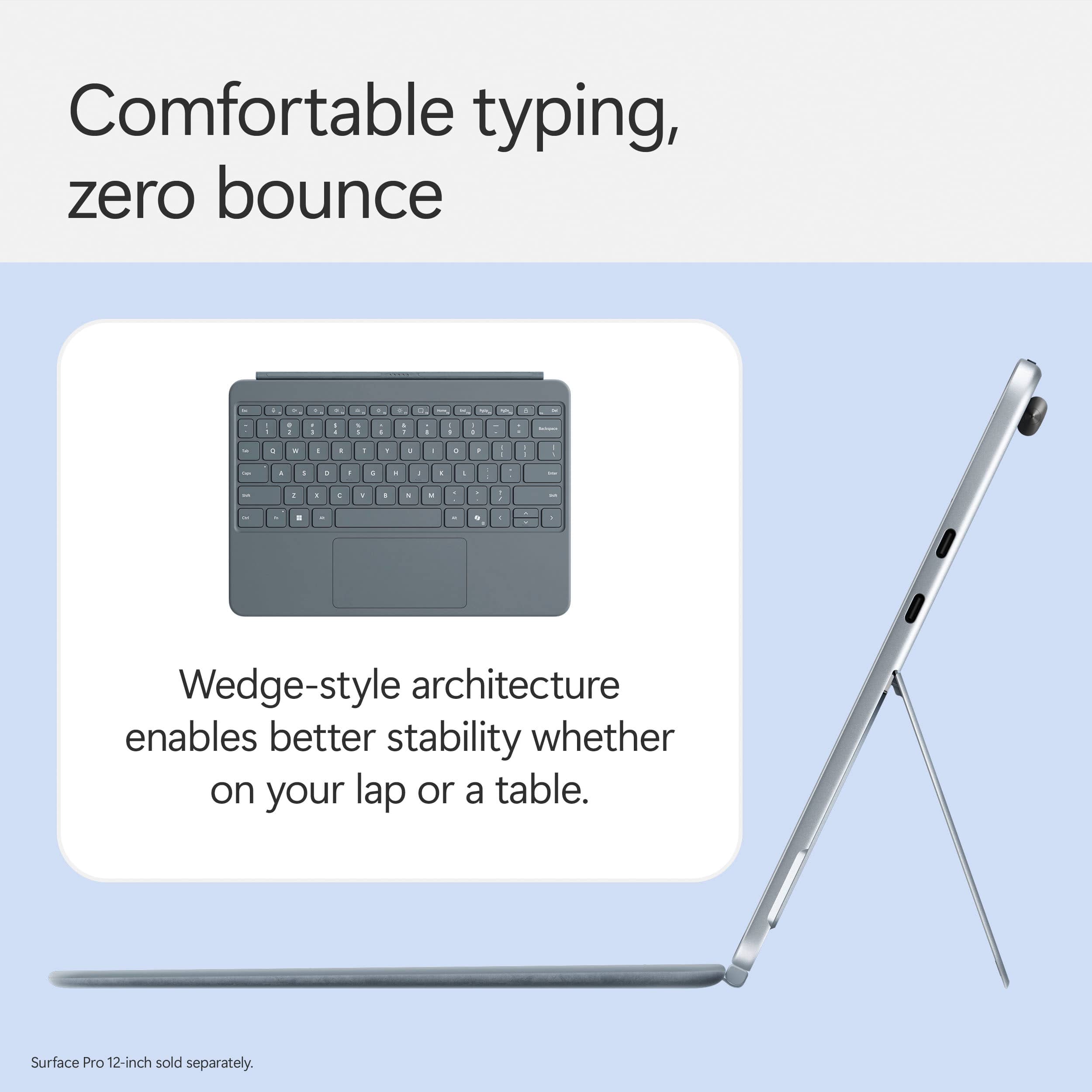
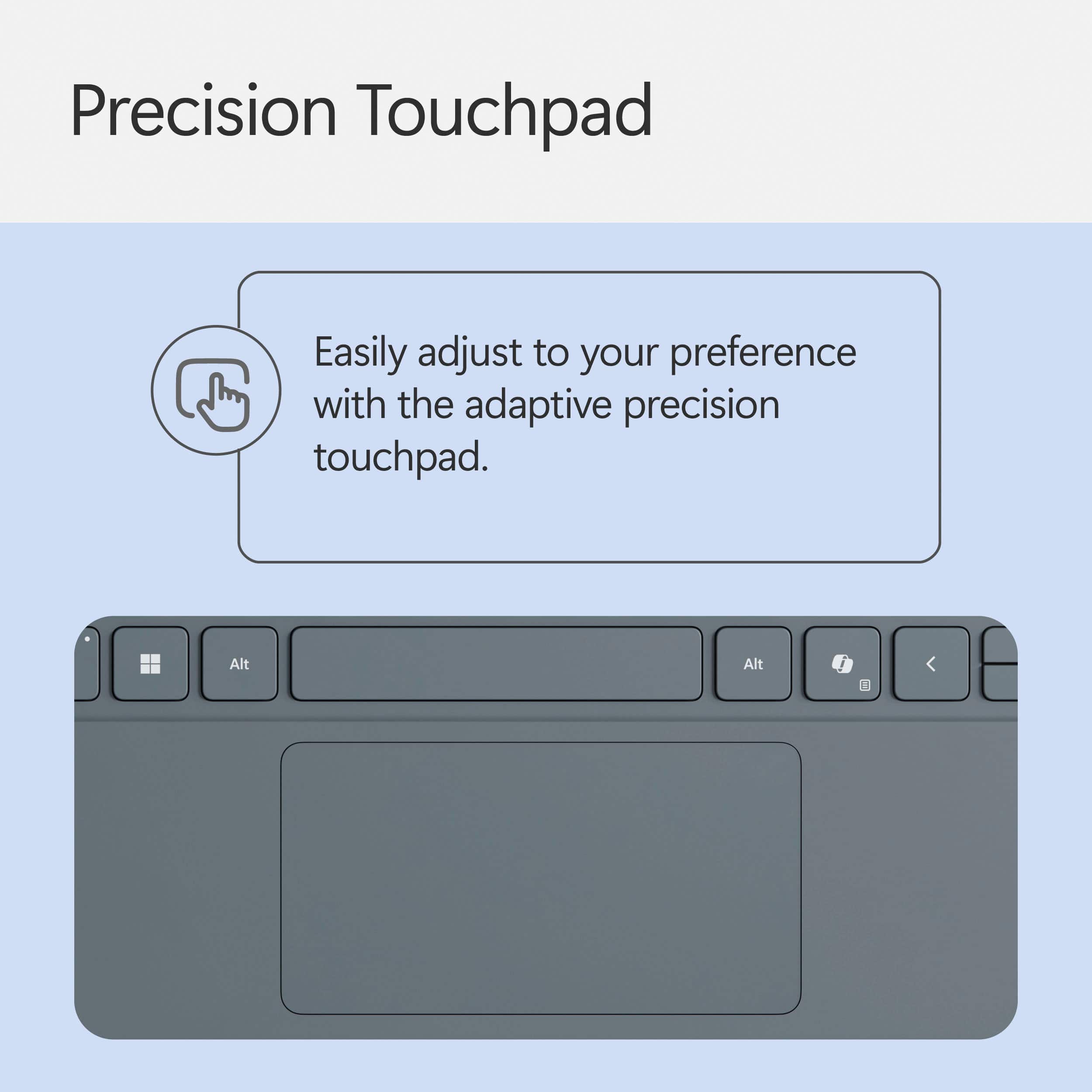
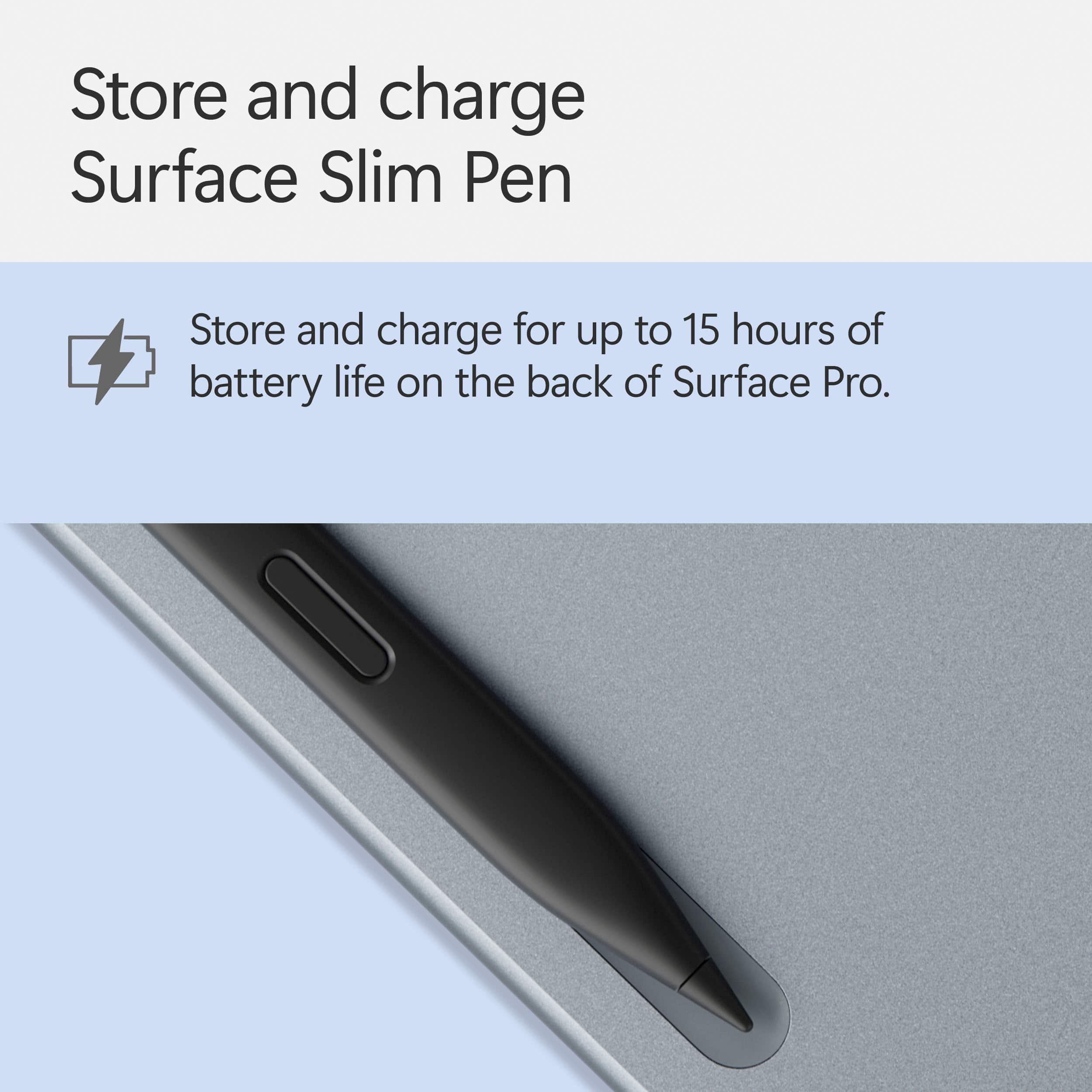
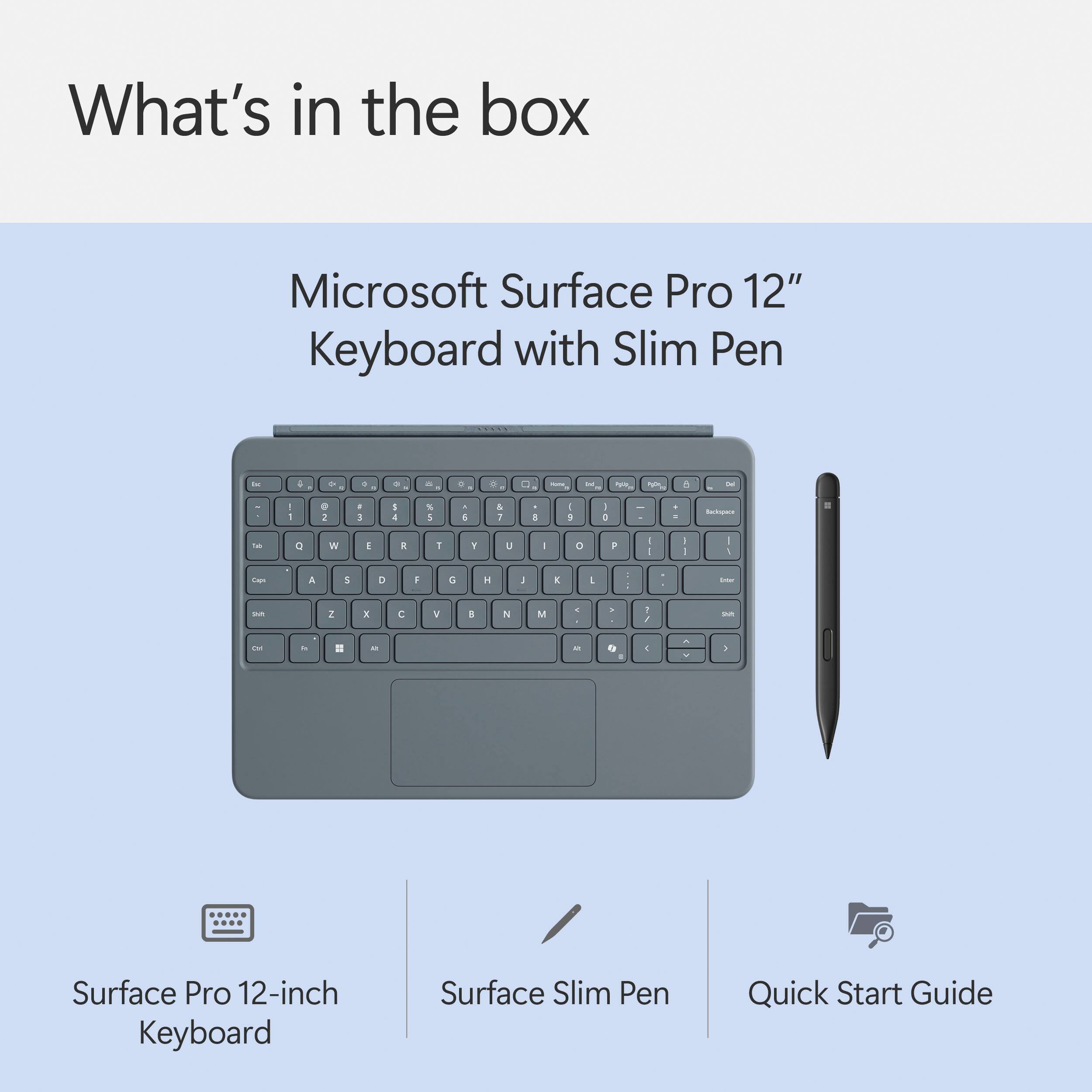
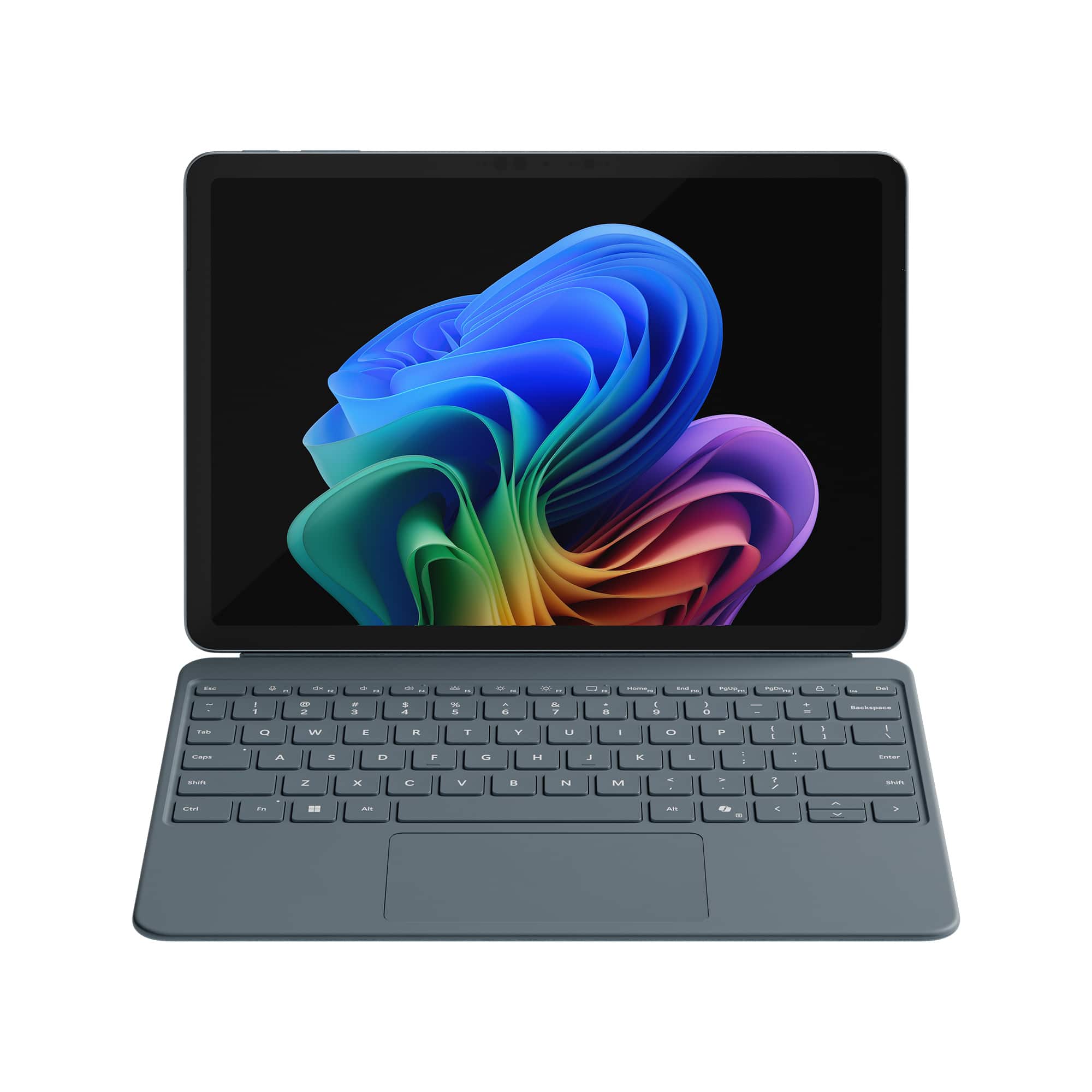
|Posted .This reviewer received promo considerations or sweepstakes entry for writing a review.Not a bad keyboard and I feel it's a must have for your surface pro. I just wished it was just included and not sold separate. You store the pen that comes with this on the backside of the Surface Pro. It has a strong magnet that holds if firmly in place. Me personally, I would feel safer just having a spot at the top of the keyboard that could hold the pen. I just feel like I might one day snag this and not realize the pen came off, or maybe someone walks by and snags it. But I did like that the keyboard snaps on and was very sturdy. It acts like having a case and protects the screen when packed. It is back lit so you can see all the keys. It has 3 brightness settings for the keyboard. If you like using Copilot (it's like ChatGPT), it has a dedicated button for that as well. It is a full-size keyboard other than not having the 10 key for it. One thing I do love is that the touch pad is a pretty good size touchpad. Being that this is for a 12" I thought the touchpad was going to be small. But it ended up being a nice size. Overall, my biggest gripe is just that it is not just included. You do not need this, but I do recommend having it, especially because the Surface Pro uses windows 11 so it is more of a laptop/desktop over being a standalone table.
I would recommend this to a friendNice addition to my new Surface Pro 12!
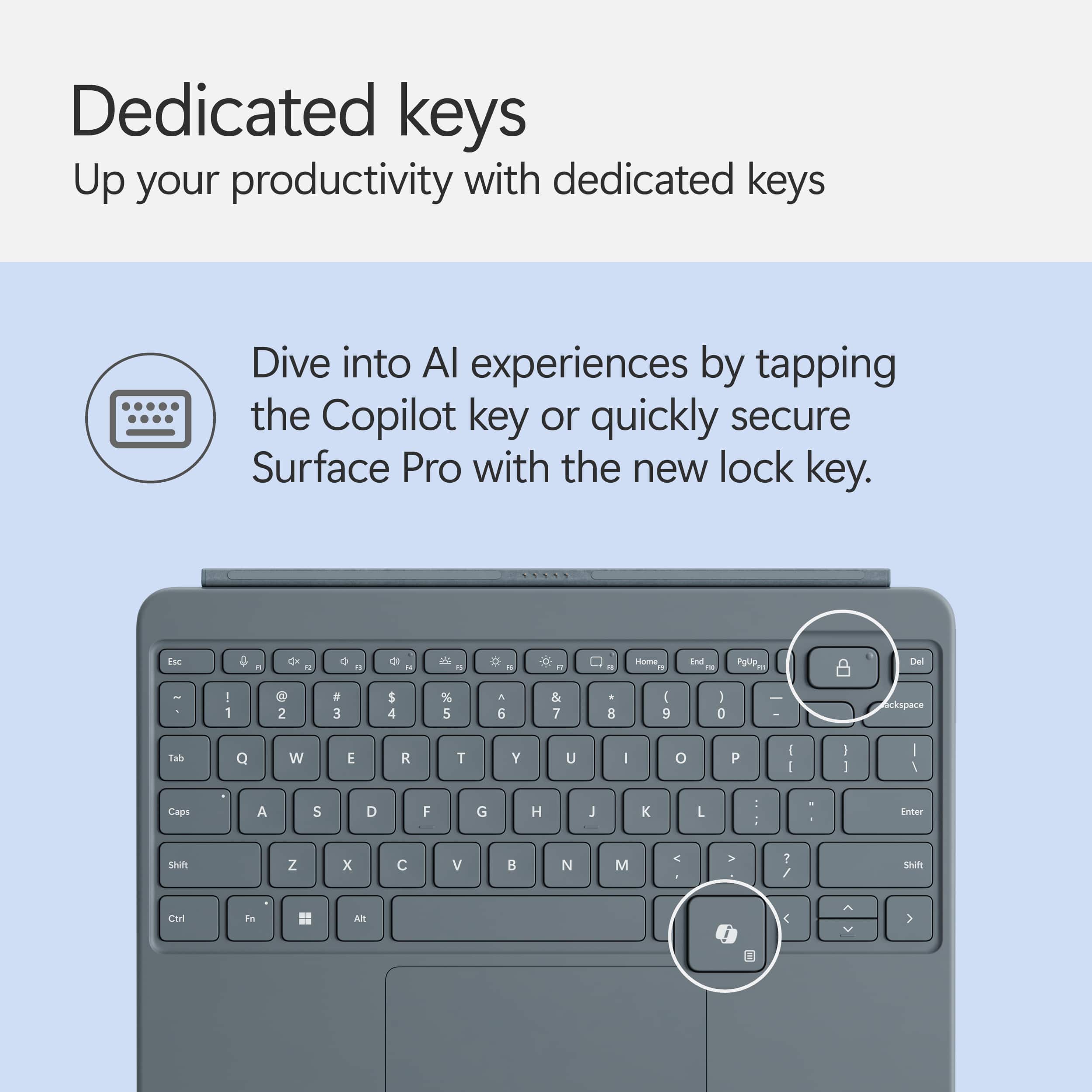
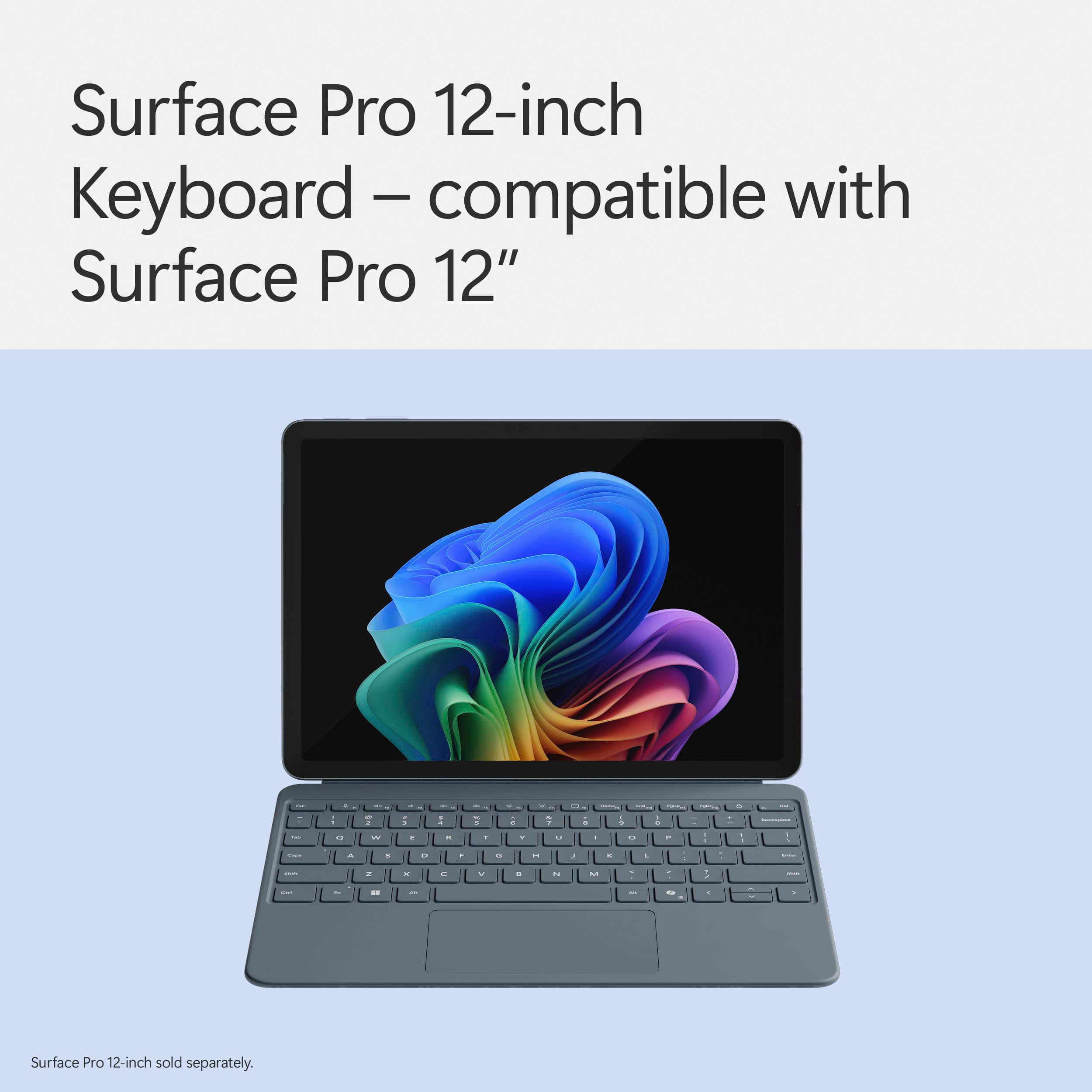
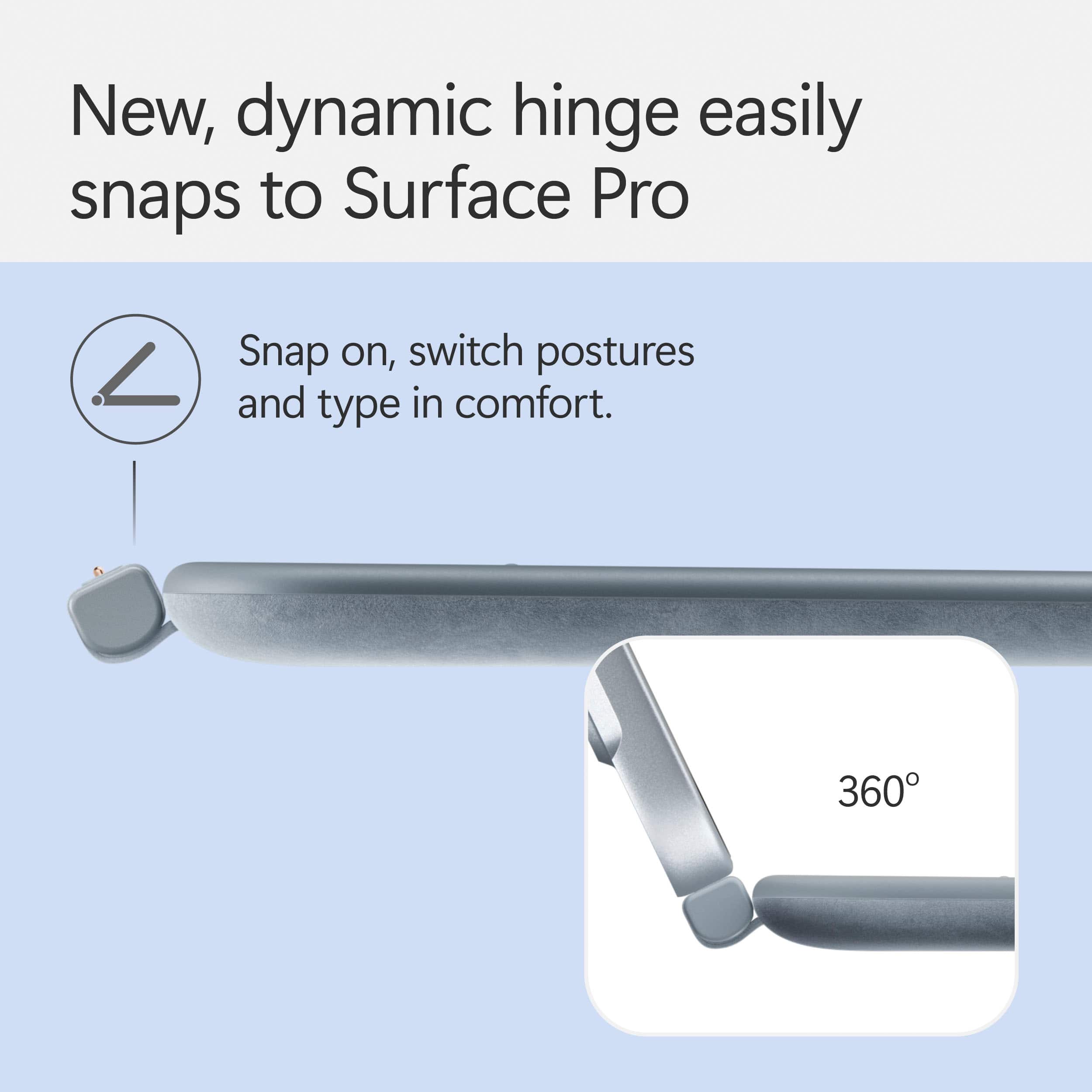
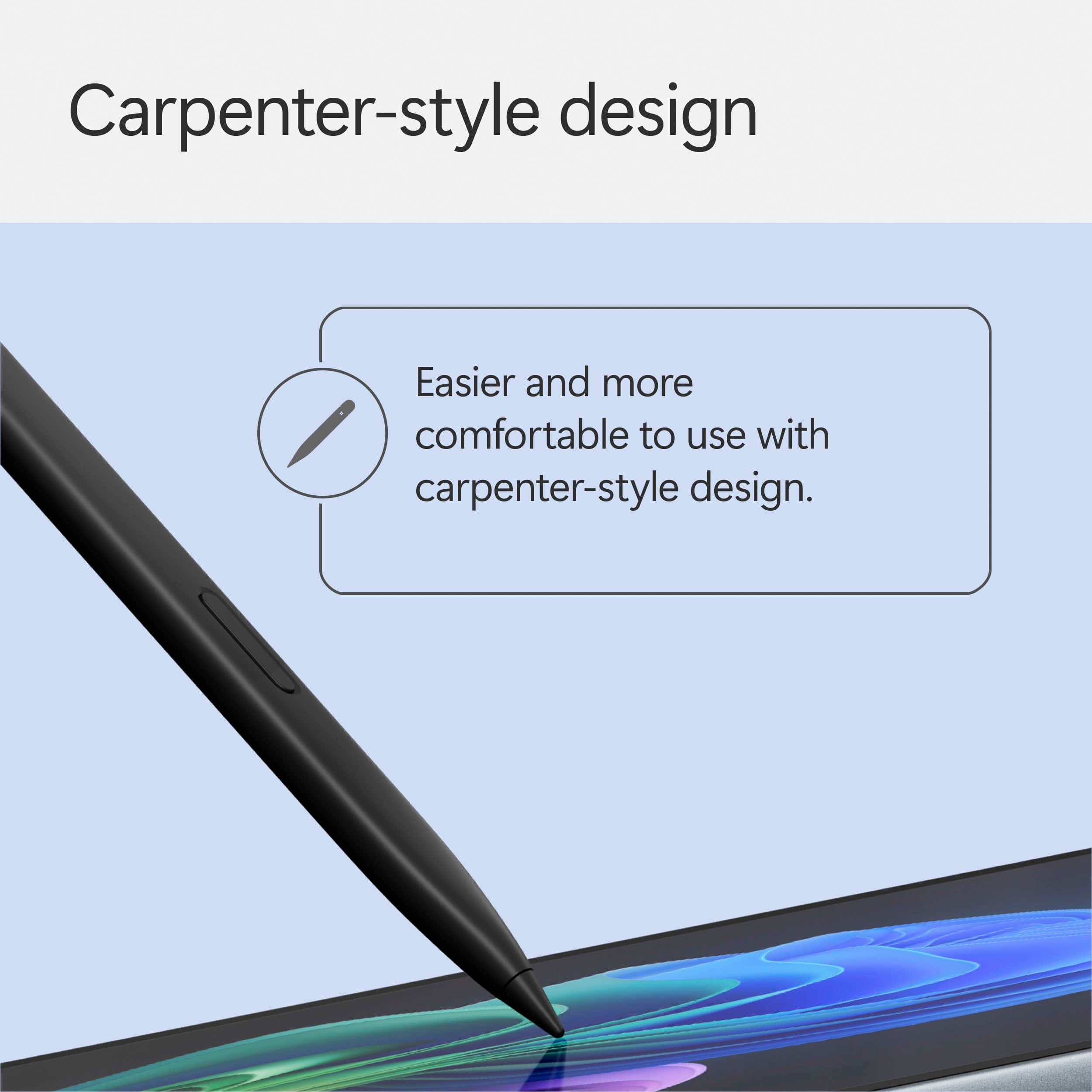
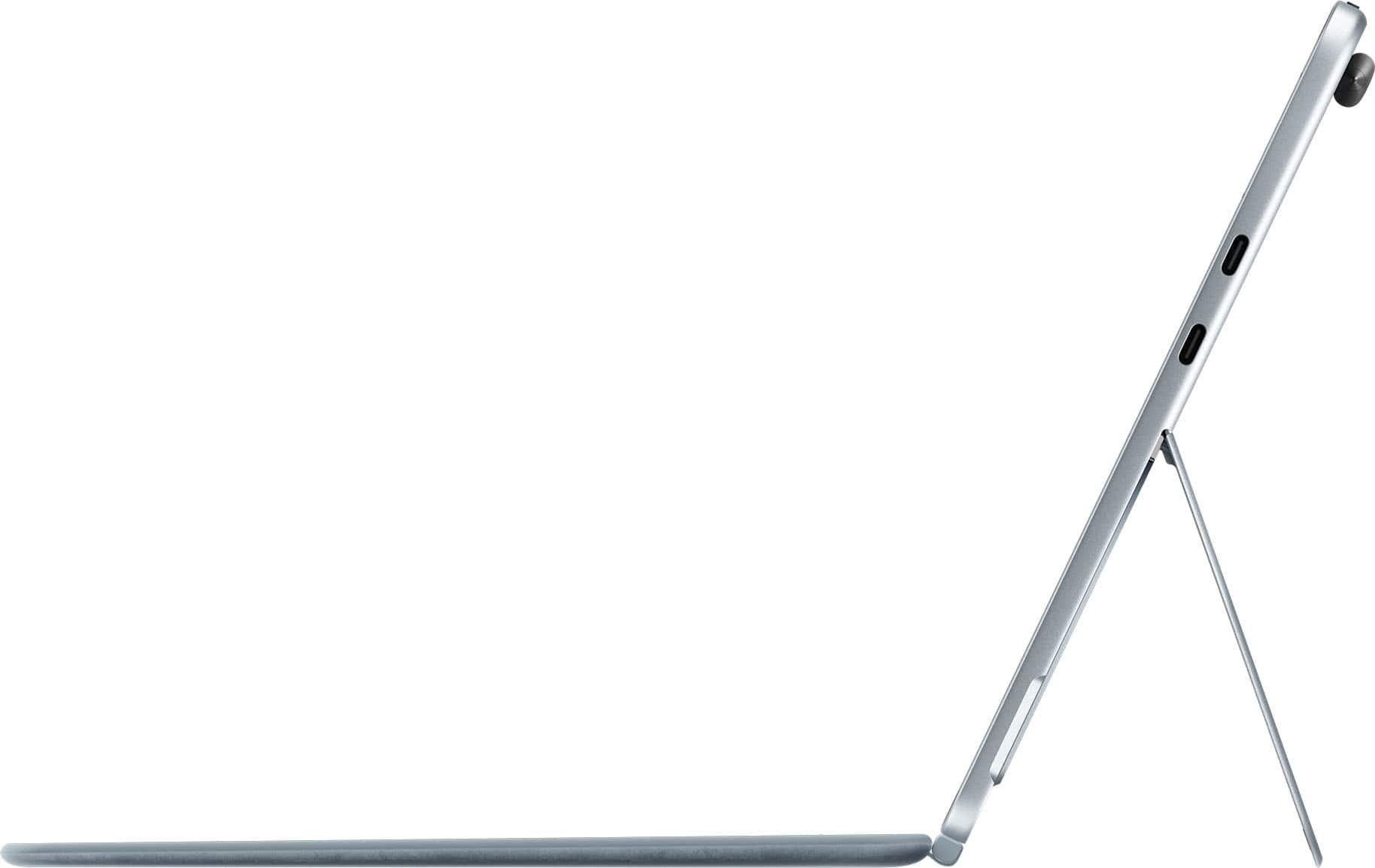
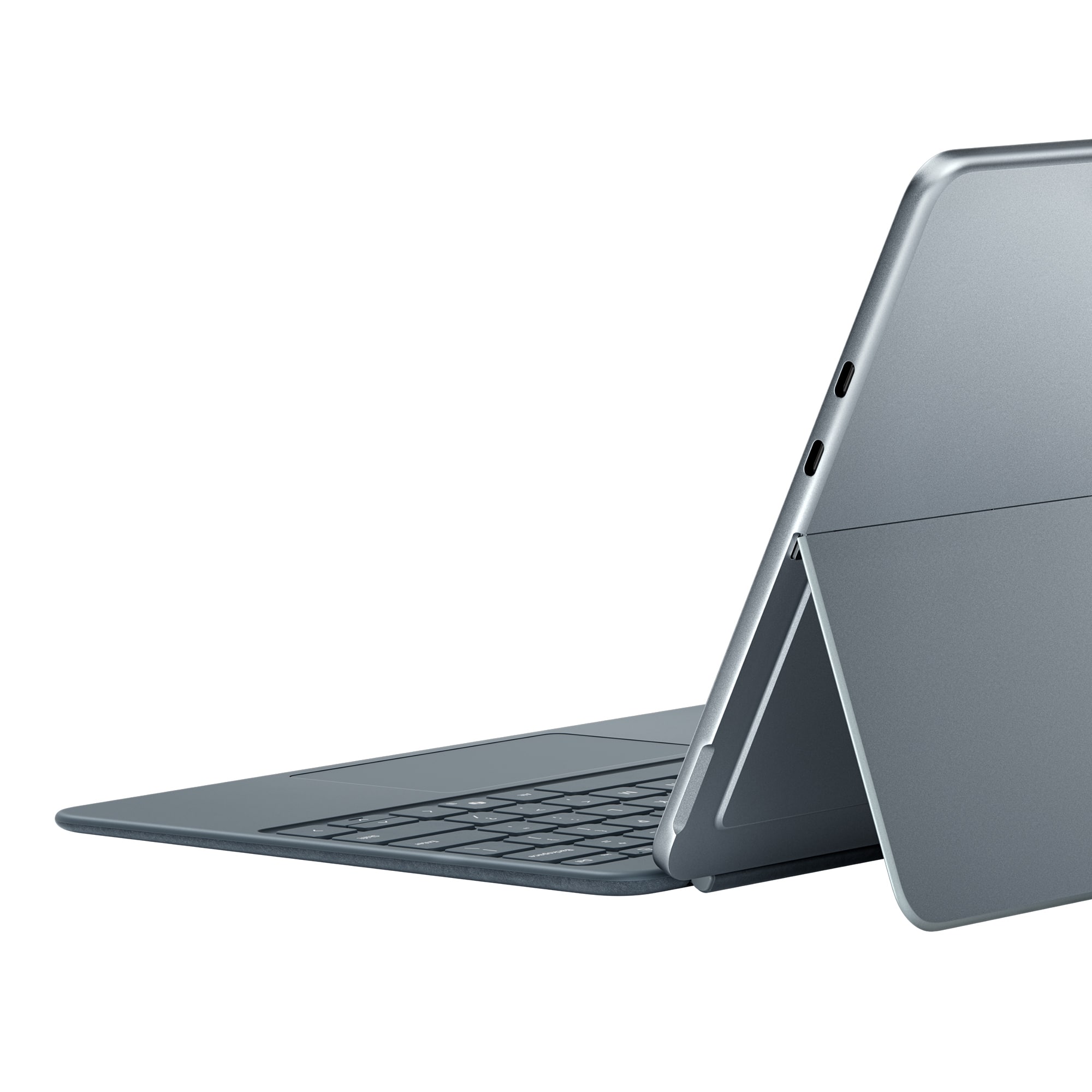
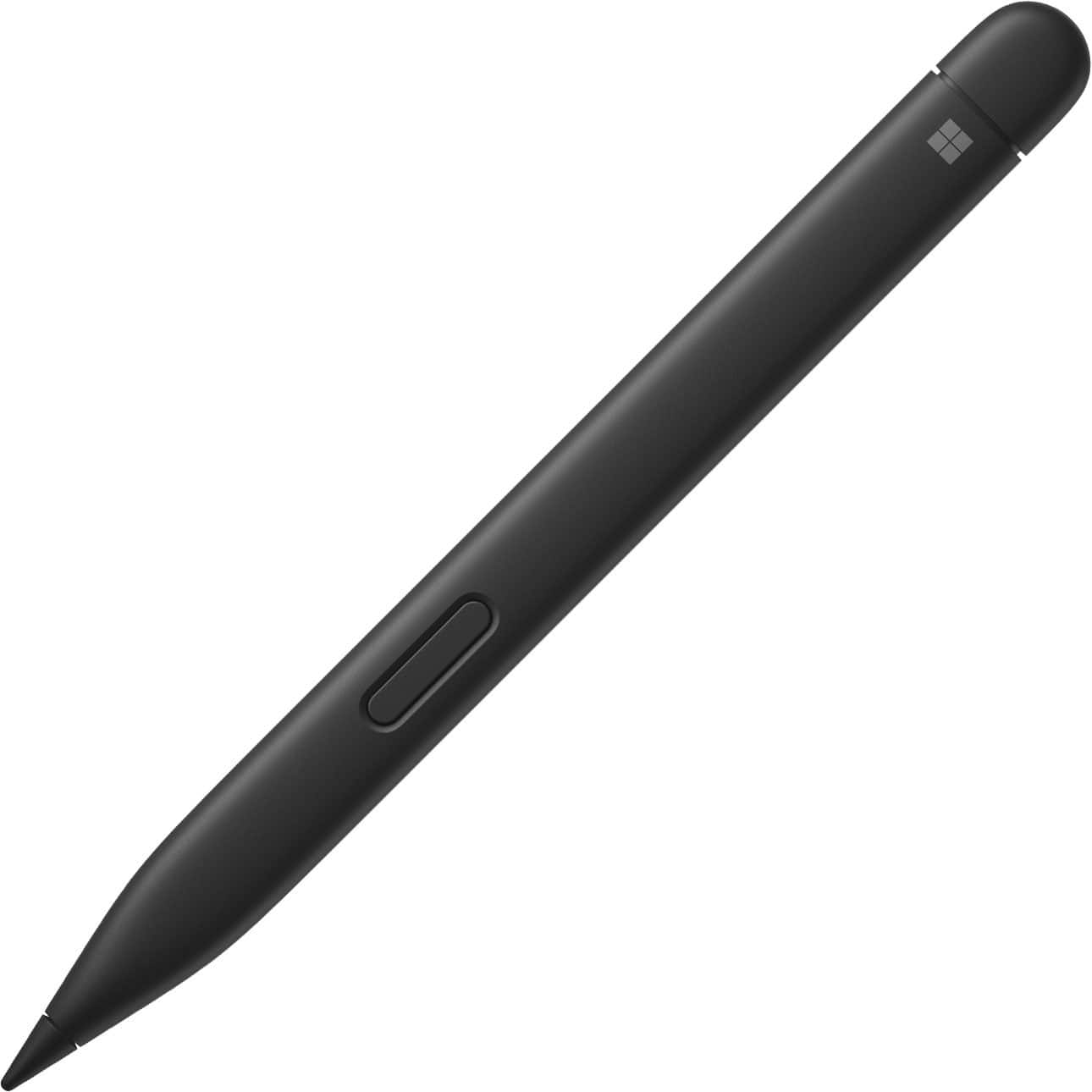
|Posted .This reviewer received promo considerations or sweepstakes entry for writing a review.So, what can make a tablet even better and easier to use? A physical keyboard. It is no different with the awesome new Microsoft Surface Pro Copilot+ PC with the 12" touchscreen. Yes, the touch keyboard on the Surface Pro still works great by itself (especially if wanting to the overall thickness as minimal as possible), but I found the swipe to type not really functioning as well as some other differently-OS'ed devices I use. The Microsoft Surface Pro 12" Keyboard for Pro 12" with Slim Pen was just what I needed to get the top productivity I need when using a tablet. The keyboard is very nicely designed, with very low profile, backlit keys, along with a helpful track pad (yes, still helpful even with a touchscreen). It is very quiet when typing (which is my preference). There is a fully function key row along the top, with the option of having the F# keys as default or the assigned extra functions (volume control, brightness control, etc.), toggled with the normal Fn key near the bottom left. There is also a built-in Copilot key on the bottom right near the arrow keys (which is also affected by the Fn key selection). The backside is a suede-like surface. While it is soft to the touch, I ran into an issue where I sat it down on something a little sticky and it was a little harder to get it cleaned off. The keyboard will 'snap" into place on the bottoms side of the Surface (when the camera is at the top) and is held in place with strong magnets. To remove it, just twist off the Surface. If needing to switch into full tablet mode, the keyboard folds fully to the back and is held in place via magnets (even with the Slim Pen in its storage location - see below). Then when done using everything, the keyboard closes over (and helps protect) the screen and stays closed via magnets. It does give a little more bulk to it as the keyboard is almost as thick as the Surface itself, but still not too bad. The Slim Pen is definitely a nice touch! The Surface has a location on the top-back to store the pen via a decently strong magnet, where it also wirelessly charges it. Using it is very easy and has different writing/drawing to text/objects convertibility. Just hold the side button and draw a circle around what is to be converted, and a little menu will display, then select Ink to Text. It can read and convert cursive (even my bad cursive!) and it will even turn a drawn smiley into a smiley emoji (result may vary). And as with most smart touchscreen pens, it is pressure-sensitive and will draw thicker lines the harder it is pressed on the screen. To view how much battery is left in the pen (which normally shouldn't be an issue unless it is accidentally not stored for a long time, but even then it will disconnect after about 60 seconds of non-use, but instantly turns on/reconnects when picked up again), just open up Settings, then go to Bluetooth & Devices, and there will be a tile at the top with the battery remaining displayed. Oh, and as side note, if going through airport security, with the pointedness of the pen, it is better to have the pen still attached to the Surface or at least in the bin instead of leaving it by itself in in the backpack…. While using the Surface Pro Copilot+ PC by itself will be just fine, having this keyboard and pen for it just puts the usefulness over the top!
I would recommend this to a friendGreat Companion at a Cost
|Posted .This reviewer received promo considerations or sweepstakes entry for writing a review.I love the new Surface Pro 12" tablet, but I think a big reason for that would be the keyboard and pen combo. It sucks that they are not included with the tablet because they really do complete the whole package. Having the pen magnetically attached to the back of the tablet is better than having to dig it out of the keyboard, but there are times I wished that there was a different place to keep it. Although the magnet is very strong, there are still occasions where it can get knocked off. Also, because it’s on the back of the tablet, when wrapping the keyboard around to the back, it creates a tented effect instead of laying flush. The pen itself is really responsive. I’m very new to using a tablet with a pen, but it feels like a natural extension or evolution from a mouse. The magnetic connection of the keyboard to the tablet is great. It snaps quickly into place almost on its own and stays firmly in place. Sometimes I wonder if it’s too strong a connection, as I feel like I might be breaking the keyboard when trying to detach it. The keyboard offers a 5 stage backlight, which is nice, but almost overkill. I haven’t run across many occasions where the brightest setting was too much for what I needed. The trackpad is really responsive too. I know the tablet is touch enabled, but sometimes it's more fluid to just use the keyboards trackpad instead. Admittedly, I’m a late adopter of AI. It’s nice to have Copilot at my fingertips via the keyboard button or the taskbar, but I haven’t used it for much more than conversational searches.
I would recommend this to a friendBest thing
Posted .This reviewer received promo considerations or sweepstakes entry for writing a review.Love this, makes this feel more like a computer than a tablet. Makes working in office so easy yet portable.
I would recommend this to a friendKeyboard
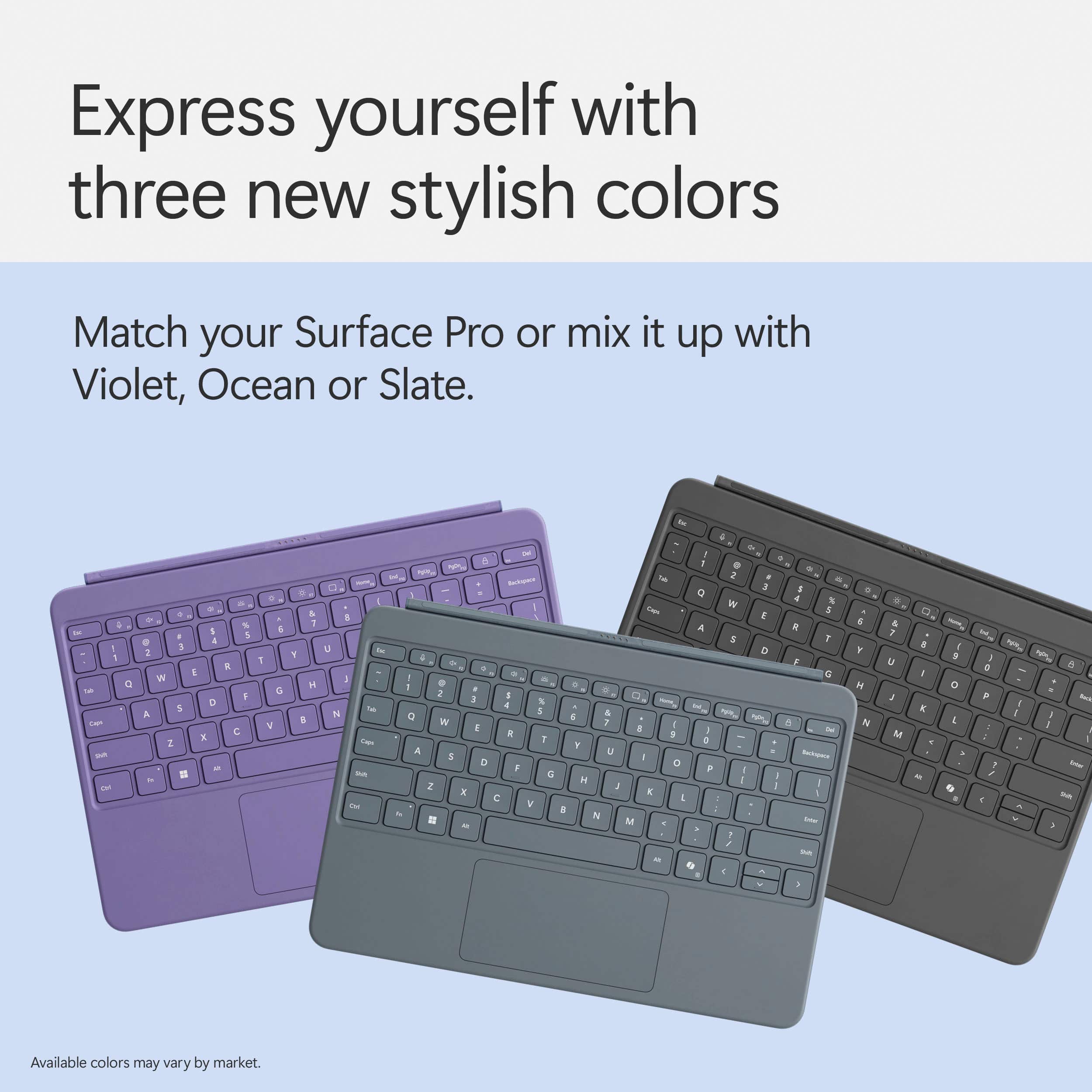
Posted .This reviewer received promo considerations or sweepstakes entry for writing a review.Im happy with this product also my daughter with the color
I would recommend this to a friendA must for the Surface!
Posted .This reviewer received promo considerations or sweepstakes entry for writing a review.Keyboard is a must for the surface! Mouse is very sensitive!
I would recommend this to a friendHighly Recommend!
Posted .This reviewer received promo considerations or sweepstakes entry for writing a review.The keyboard is so responsive and great! Highly recommend if you have a Surface!
I would recommend this to a friendgood keyboard and pen
Posted .This reviewer received promo considerations or sweepstakes entry for writing a review.You need this keyboard and pen to work with the Microsoft surface pro.
I would recommend this to a friendDoesn’t come with the Surface
Posted .This reviewer received promo considerations or sweepstakes entry for writing a review.Every picture advertising the surface has the keyboard attached. I buy one and no one says that the keyboard doesn’t come with it. Seriously $250 for the keyboard. I will be returning this product and pay for a laptop that actually has a keyboard. This is awful that it doesn’t come with it.
No, I would not recommend this to a friend