Customer Ratings & Reviews


- Model:
- RH7-00001
- SKU:
- 4562009
to a friend
Customers are saying
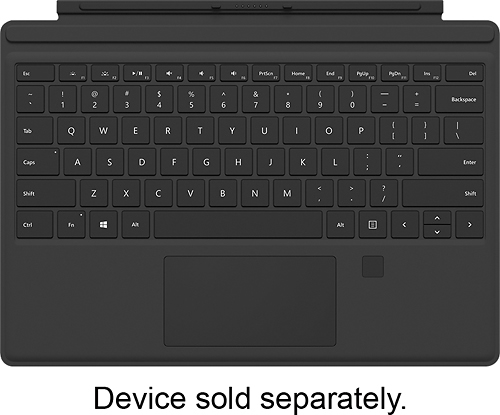
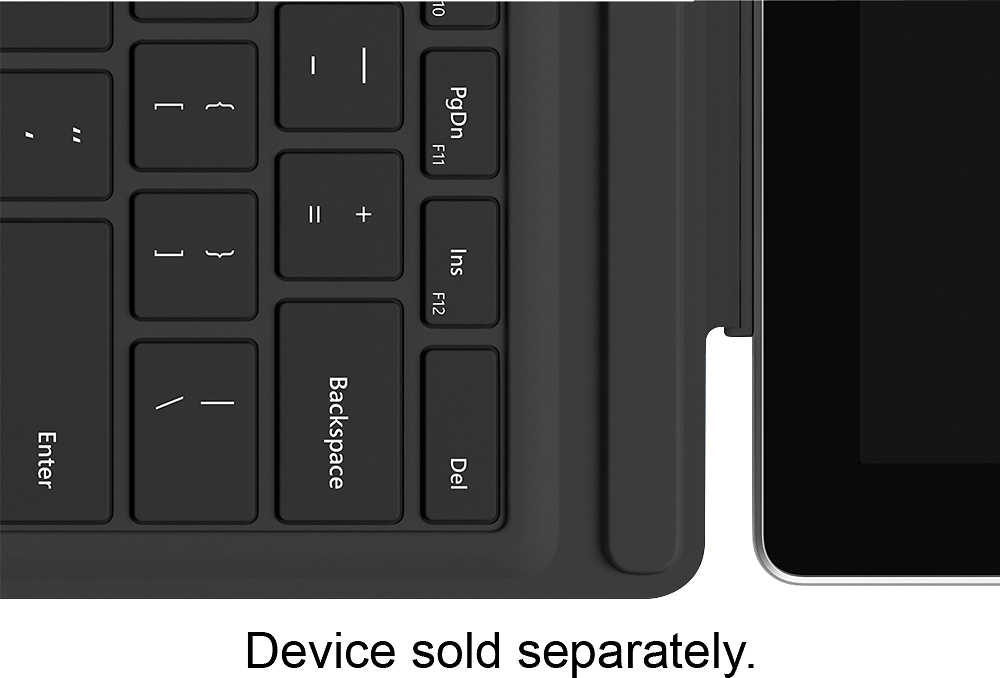
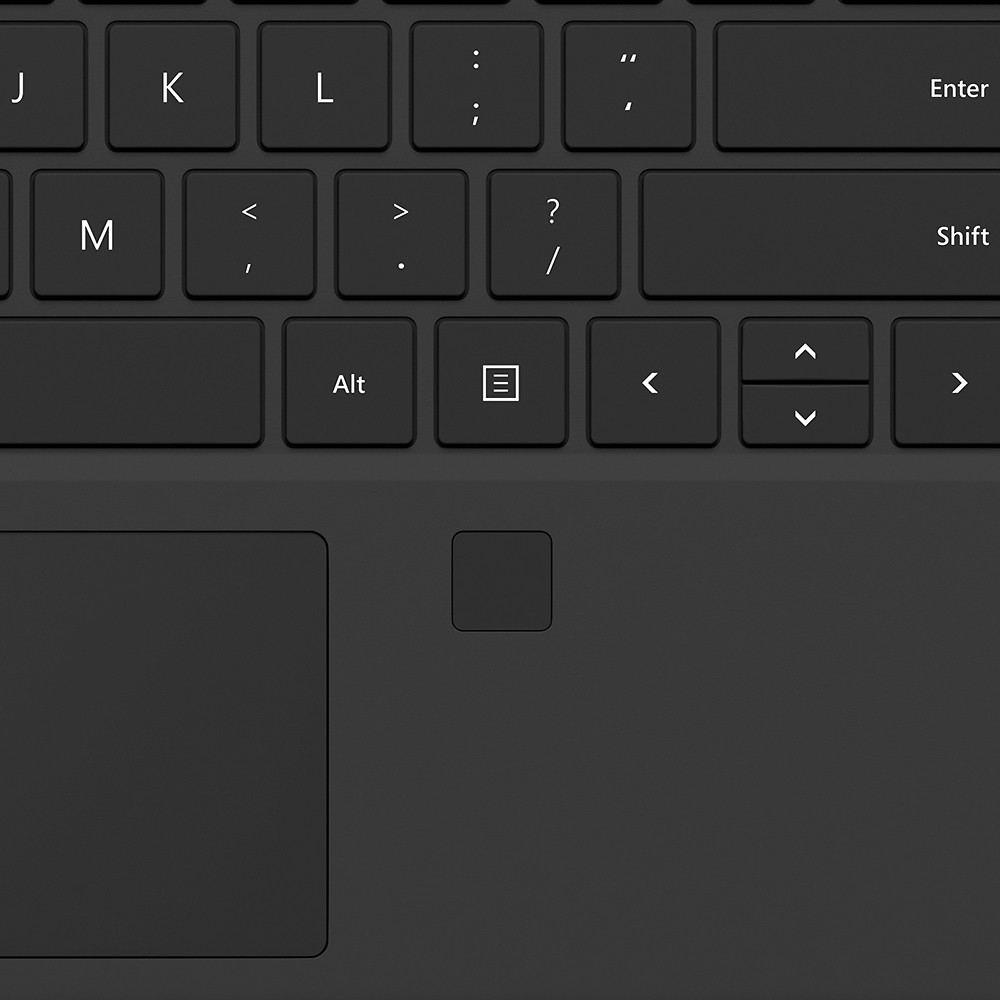
Customers commend the Surface Pro Type Cover's keyboard quality, fingerprint reader, and ease of use. Many appreciate the responsive fingerprint ID and well-spaced keys, contributing to a positive typing experience. The lightweight design is also frequently praised. However, some customers find the price to be high.
This summary was generated by AI based on customer reviews.
- Pros mentioned:Fingerprint reader, Keyboard quality
Excellent, an improvement on SP3 type cover
||Posted .This reviewer received promo considerations or sweepstakes entry for writing a review.I have a Surface Pro 3 and love it. I am an avid user and computer support technician. I have replaced my older Acer I7 laptop with this one, it is quicker and much lighter. I had an older type cover (SP3) which I used and was happy with it except for the touchpad. The newer SP4 touch keyboard with fingerprint is much better: more responsive, feels much more like a normal keyboard and the fingerprint reader gives me near instant access to my desktop. I rate it as Fantastic.
I would recommend this to a friend - Pros mentioned:Fingerprint reader, Keyboard quality
Not sure i need this...
||Posted .This reviewer received promo considerations or sweepstakes entry for writing a review.Keyboard is nice, well thought out. I spent the extra money to get the cover with the fingerprint feature. Now that i got my surface i turned on windows hello and use the camera mostly, very convenient. When i was using the device as a tablet without keyboard unlocking the device was a chore. With the camera not so much. So now the fingerprint feature lies mostly unused and i probably could have saved some money by getting the regular type cover? Not worth returning though. The keyboard is nice, pretty easy to type on. A little flexy when not flat down as i type this review. I am not a great typer, kind of a hunt and peck typer so the fact that it isn't full sized doesn't bother me too much. I just wish somebody would make a magnetic cover that doesn't have a keyboard when i want protection but want to travel light...the screen protectors mostly seem to affect the touchscreen sensitivity based on reviews i read. In summation great keyboard, but depending on your security needs the regular type cover might be good enough. Not sure how easy it is to spoof either the fingerprint scanner or the camera. Read an article about researchers using a normal injet printer to spoof fingerprint readers? It is a technology race in the security sector...
I would recommend this to a friend - Pros mentioned:Fingerprint reader, Key spacing, Keyboard quality
Much improved over the previous model
||Posted .This reviewer received promo considerations or sweepstakes entry for writing a review.Keys are wider spaced, backlighting is much better, fingerprint reader works super, keyboard is stiffer. This is a much improved product over the original surface pro 3 keyboard and worth every penny of the extra cost.
I would recommend this to a friend - Pros mentioned:Fingerprint id, Keyboard quality
Awesome keyboard
||Posted .This reviewer received promo considerations or sweepstakes entry for writing a review.To buy a type cover if you own a surface pro is a no brainer - you should, period. The keyboard is really responsive, comfort to type on, and very thin. Plus the design that works like a cover to the surface pro is really good. The question then is if one should by this model - with Fingerprint ID. I personally did, and do not regret it. The Fingerprint ID works really well, and is really responsive. Logging in windows with it is super easy and fast. the downside is that I did not find apps that i normally use that take advantage of the fingerprint id - granted that I did not actively search for them, rather than just checked if the ones I use would benefit. It yet to be seen, though, if the more computers and tablets have this reader, the more developers will add this function. I would love to use it for loggin in my internet accounts for example. Anyway, this purchase is worth the price, but keep in mind that you might be paying extra for a future benefit more than anything.
I would recommend this to a friend - Pros mentioned:Fingerprint id, Keyboard quality
great upgrade
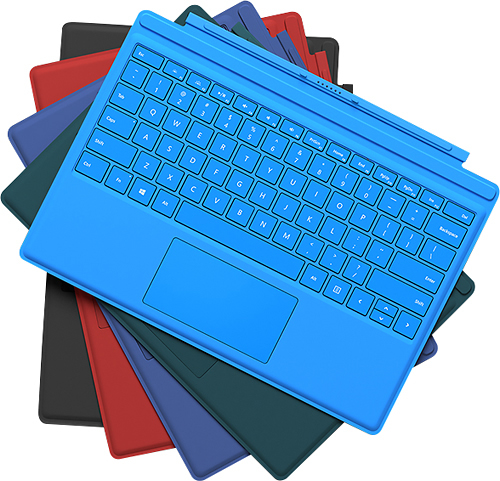
||Posted .This reviewer received promo considerations or sweepstakes entry for writing a review.feels much better than previous models, love the addition of the fingerprint id. really wish it came in more than just the color black though. Color is a big part of my life and style and the black/grey feels extremely bland. Thats just personal preference though.
I would recommend this to a friend - Pros mentioned:Fingerprint reader, Keyboard quality
Greatly Improved Keyboard!
||Posted .This reviewer received promo considerations or sweepstakes entry for writing a review.I have been using the MS Surface Pro since the first version. I have always loved the snap on keyboard. This new keyboard from Microsoft is superior in many ways to the original Surface and Surface Pro keyboards. The actual buttons are slightly larger and spread a litter further apart. This allows for a premium typing experience. I find that it rates better than even some laptops I have worked with. The addition of a fingerprint reader is a great new feature. Being able to take advantage of Windows Hello is very cool. Its a small pleasure but when I touch my Keyboard and my Surface gives me a personal hello, it makes my day.
I would recommend this to a friend - Pros mentioned:Fingerprint reader
A bit unusual to set up - but well worth it!
||Posted .This reviewer received promo considerations or sweepstakes entry for writing a review.This was a bit tedious at first to set up but well worth the trouble. During initial setup be sure to touch the fingerprint reader repeatedly as you move your finger around in multiple positions to improve the interface's ability to recognize you. Sometimes will not recognize fingerprint- just be sure touch window is kept very clean. Only Drawback - the COLOR ...ONLY available in Black (I really preferred the dark Blue option available in the new keypad for Surface Pro 4) but having the fingerprint interface adds a bit of a WOW factor !
I would recommend this to a friend - Pros mentioned:Fingerprint id
The fingerprint ID is worth the extra!
||Posted .This reviewer received promo considerations or sweepstakes entry for writing a review.I did not realize that the Surface uses the camera as a means of identification to log in, otherwise I wouldn't have gotten the keyboard with the fingerprint ID. However, there have been several times where the camera has taken a moment or two to figure out what's going on, or didn't turn on for some reason, so I was able to get logged into the Surface quickly by utilizing the Fingerprint ID. Every time that I've used it, it has worked quickly and easily.
I would recommend this to a friend - Pros mentioned:Fingerprint reader, Keyboard quality
Very Responsive
||Posted .This reviewer received promo considerations or sweepstakes entry for writing a review.I settled on a Surface Pro 4 after reading lots of reviews, etc. There are keyboards aplenty for them,a d most less expensive, but the reviews for this one were good. This keyboard instantly connects, is very responsive, has a nice layout, and is sturdy as well. It has a sleep function which helps with battery life too. The fingerprint scanner works flawlessly. I bought an open box item and it's perfect.
I would recommend this to a friendBrand response from MicrosoftOutreachTeam
Posted .Hello,
Thanks for taking the time to leave a review for us on your experience with the Surface pro Type Cover with Fingerprint ID! We're really happy to hear that after doing your research you chose this particular Type Cover, and that it's been working flawlessly.
Kindly,
Victoria
Surface Customer Care
- Pros mentioned:Fingerprint reader, Keyboard quality
LOVE this type cover!
||Posted .This reviewer received promo considerations or sweepstakes entry for writing a review.I was on the fence about buying this type cover or the Alcantra version but I'm glad I went with this model because of the built-in fingerprint reader. It's the same exact layout as the Alcantra, but the only difference really is the price, the fingerprint scanner, and the material cover itself. Overall, i'm VERY glad I purchased this over the more expensive Alcantra cover.
I would recommend this to a friendBrand response from MicrosoftOutreachTeam
Posted .Hi there,
We're so happy to hear that you're enjoying your Surface Pro Type Cover with Fingerprint ID! We really appreciate you taking the time to leave a review and give some insight on your experience so far.
Kindly,
Victoria
Surface Customer Care
- Pros mentioned:Ease of use, Fingerprint reader, Keyboard quality
Great keyboard
||Posted .This reviewer received promo considerations or sweepstakes entry for writing a review.Nice solid keyboard. Button presses aren't too soft. Very easy to type on. Finger print scanner is great for logging in
I would recommend this to a friend - Pros mentioned:Fingerprint reader, Keyboard quality
Great keyboard for the surface pro 4
||Posted .This reviewer received promo considerations or sweepstakes entry for writing a review.This is a great feeling and easy to type on keyboard. The back lighting is nice with variable brightness levels or turn them off. The mouse pad is smooth, responsive and decently large. The added fingerprint scanner is a nice feature to sign into the Surface; it is accurate and you can add multiple fingerprints to use.
I would recommend this to a friend - Pros mentioned:Fingerprint reader, Keyboard quality
Key To Success
||Posted .This reviewer received promo considerations or sweepstakes entry for writing a review.Fingerprint scanner is a cute addition I never use, but someone might enjoy it. The rest of it works as nice as the old keyboard, I press down on a key and the key magically transmits to the screen using the power of positive thinking and Bill Gate's manly aura.
I would recommend this to a friend - Pros mentioned:Fingerprint reader, Keyboard quality
Great Keyboard - Much better then previous version
||Posted .This reviewer received promo considerations or sweepstakes entry for writing a review.The keyboard is a great improvement over the previous model. Keys are spaced out more, the track-pad is larger and the fingerprint sensor is a nice touch. Most people won't need the fingerprint version is $30 more, so unless you need it get the cheaper version.
I would recommend this to a friend - Pros mentioned:Fingerprint reader, Keyboard quality
Provides a nice typing experience
||Posted .This reviewer received promo considerations or sweepstakes entry for writing a review.The Type Cover provides a nice typing experience for the SP4. It is able to mimic the same experience provided by a notebook but it isn't quite there. Well, it's better than the keyboards built into cheap notebooks but not quite but there with the higher end notebooks. I do like that you can type at an angle or flat, I prefer typing at an angle. The keys feel nice and provide a firm, tactile feedback when clicking them in. They are also backlight and that turns on automatically when in a dim room. The Type Cover is a little flexible and you will notice some bounce when typing but it isn't bad, definitely better than a keyboard in a $400 Dell notebook. The trackpad could use some work. Microsoft made it bigger in the 4th iteration of the Type Cover along with covering it in glass but it still feels somewhat cramped. The trackpad is also noisy, really noisy. I don't use it when I'm in a meeting and instead touch the screen or use the Pen. But the Type Cover is protective, it can turn around completely, and it can be easily attached or removed via the magnetic connector on the bottom of the Surface. It works and is definitely the best solution on the market for the Surface Pro, just don't expect it to perform the same as the keyboard in the Dell XPS13 or HP Spectre x360. The fingerprint scanner is accurate and works like a charm. I just have to wrest my finger on the sensor and that's it. No swiping or any of that nonsense, it just works. I haven't had any problems with it rejecting my finger because it couldn't read it. Most people will be fine with the regular Type Cover and don't need the fingerprint scanner. Windows Hello, which uses your face to log in, works on every Surface Pro 4. Most people aren't going to benefit by also scanning their fingerprint as Windows Hello is accurate, fast, and secure. I have used my fingerprint scanner three times in the two months I've owned my Surface Pro 4 and that was only because I wasn't looking at my Surface when logging in. Save yourself the money and get the regular Type Cover. However, people with a Surface Pro 3 should definitely upgrade to this. Logging in with your fingerprint is faster, easier, and more secure than typing in your Windows PIN number every time and the new keyboard layout and trackpad are a definitely improvement over the Type Cover 3. Upgrading to this Type Cover will extend the life of your Surface Pro 3 making it easier to wait for the Surface Pro 5, maybe even the Pro 6.
I would recommend this to a friend - Pros mentioned:Fingerprint reader, Keyboard quality
Awesome upgrade for SP3!
||Posted .This reviewer received promo considerations or sweepstakes entry for writing a review.The keyboard and touch pad are big upgrade over Pro 3 one. The fingerprint reader works wonderfully with Windows 10 Hello login. Takes less than a second to wake up and recognize. Highly recommend. Don't get it for SP4 since that has Hello capable camera.
I would recommend this to a friend - Pros mentioned:Keyboard quality
This is a start to a perfect keyboard experience
||Posted .This reviewer received promo considerations or sweepstakes entry for writing a review.I did not get the Surface Pro 4 because my Surface Pro 3 has been treating me very well. I decide to however get the new pen and this keyboard. First, the Windows Hello feature works flawlessly. Second, the typing experience is completely different so much so that I wonder why Microsoft did not start from here. I recommend you get this keyboard; it will change your typing experience on the Surface line of products.
I would recommend this to a friend - Pros mentioned:Fingerprint reader, Keyboard quality
A must have for Surface owners
||Posted .This reviewer received promo considerations or sweepstakes entry for writing a review.Keyboard fits perfectly. It attaches magnetically to the Surface and works as a cover for the screen. Very good quality. Keys feel good to the touch. Touchpad is great. Your Surface basically becomes a laptop when the keyboard is attached. This one has the fingerprint reader which works seamlessly with Windows Hello to log you in. Didn't like using the camera to log in because it insists on logging you in continuously and sometimes it logged me in and I wasn't even looking at the camera. The fingerprint reader works much better.
I would recommend this to a friend - Pros mentioned:Ease of use, Keyboard quality
Love having the keyboard
||Posted .This reviewer received promo considerations or sweepstakes entry for writing a review.I initially bought the Surface without the keyboard. For work I needed the keyboard. It just pops right onto the surface and makes typing so much easier. The feel of the keyboard is good. Glad I purchased it.
I would recommend this to a friend - Pros mentioned:Fingerprint reader, Key spacing
Fingerprint Scanner is worth the money
||Posted .This reviewer received promo considerations or sweepstakes entry for writing a review.I can now quickly and hassle free log into my surface with finger print scanner. It works every time and i have no problems getting it to recognize my fingerprint. The keys being spaced out is also a huge plus.
I would recommend this to a friend