Customer Ratings & Reviews
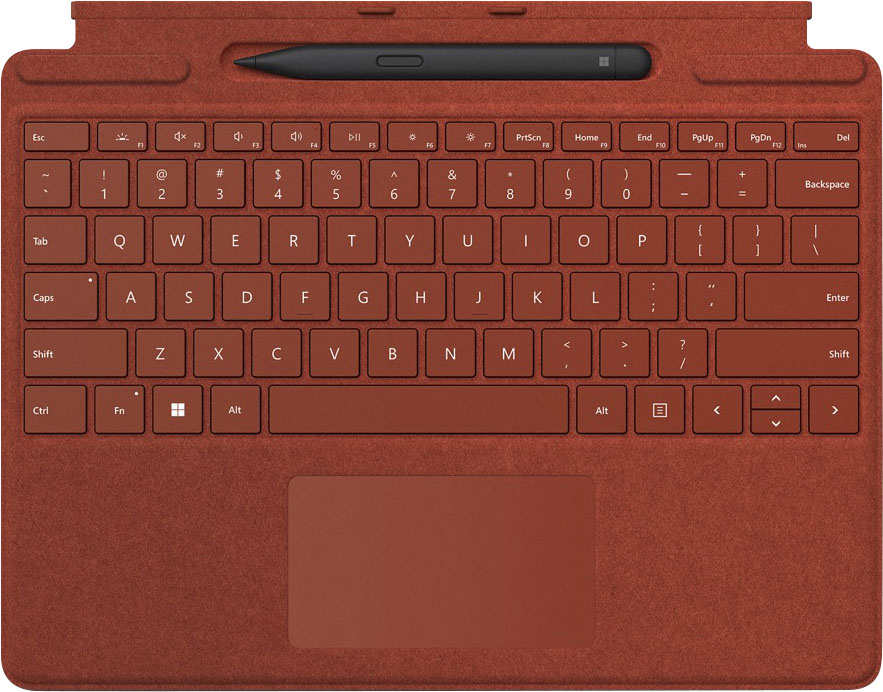
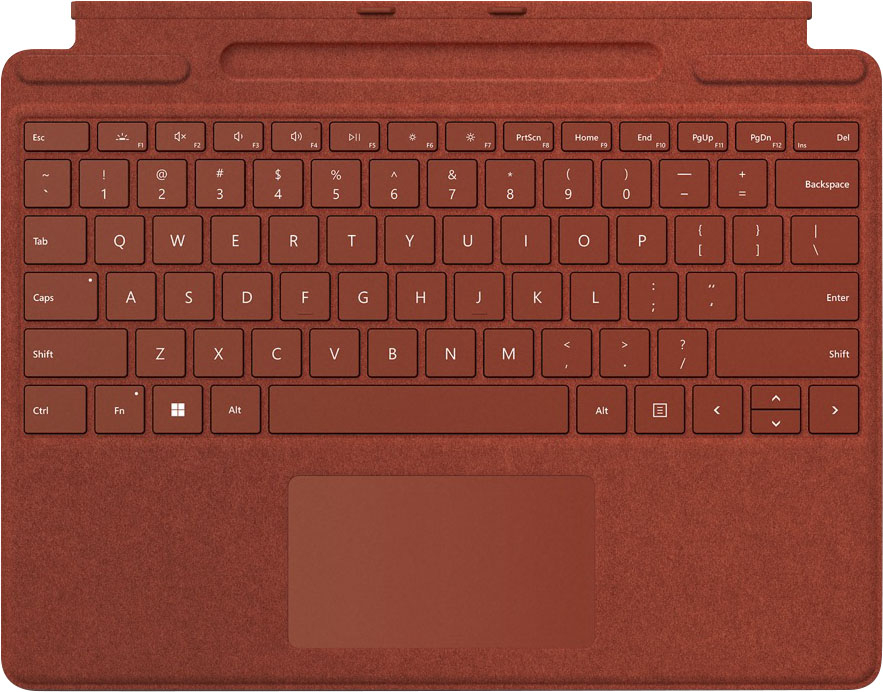


- Model:
- 8X6-00021
- |
- SKU:
- 6478000
Customer reviews
Rating 4.7 out of 5 stars with 911 reviews
(911 customer reviews)Rating by feature
- Value4.4
Rating 4.4 out of 5 stars
- Quality4.8
Rating 4.8 out of 5 stars
- Ease of Use4.8
Rating 4.8 out of 5 stars
Customers are saying
Customers are pleased with the keyboard quality, which feels like a traditional keyboard, and the overall design and connectivity of the product. The portability of the slim style is also a plus for many users. However, some customers have noted that the size is thinner than they expected.
This summary was generated by AI based on customer reviews.
Rated 5 out of 5 stars
Keyboard
||Posted . Owned for 1 week when reviewed.This reviewer received promo considerations or sweepstakes entry for writing a review.Like the product for the price. Easy to connect and use.
This review is from Microsoft - Surface Slim Pen 2 and Pro Signature Keyboard for Pro X, 8, 9 - Sapphire
I would recommend this to a friend- Pros mentioned:Keyboard quality
Rated 5 out of 5 stars
Nice accessory to have for surface pro
||Posted . Owned for 3 months when reviewed.This reviewer received promo considerations or sweepstakes entry for writing a review.I love the feel of this keyboard and TJ he size is good.
This review is from Microsoft - Surface Slim Pen 2 and Pro Signature Keyboard for Pro X, 8, 9 - Black
I would recommend this to a friend - Pros mentioned:Keyboard quality
Rated 5 out of 5 stars
Lightweight keyboard
||Posted . Owned for 1 month when reviewed.This reviewer received promo considerations or sweepstakes entry for writing a review.Very lightweight and gently keys for a smooth typing experience.
This review is from Microsoft - Surface Pro Signature Keyboard for Pro X, Pro 8 and Pro 9 with Surface Slim Pen 2
I would recommend this to a friend Rated 3 out of 5 stars
Good, need some work
||Posted . Owned for less than 1 week when reviewed.This reviewer received promo considerations or sweepstakes entry for writing a review.Very useful but needs to add more stability to the surface itself so it can feel like a laptop that you actually can use in you lap
This review is from Microsoft - Surface Slim Pen 2 and Pro Signature Keyboard for Pro X, 8, 9 - Platinum Alcantara Material
I would recommend this to a friendRated 5 out of 5 stars
Love it
||Posted . Owned for 1 month when reviewed.This reviewer received promo considerations or sweepstakes entry for writing a review.Great update for the Surface Pro 8. I love that the pen is stored in the keyboard.
I would recommend this to a friend- Pros mentioned:Keyboard quality
Rated 3 out of 5 stars
Great quality but a little high on price
||Posted . Owned for 1 month when reviewed.This reviewer received promo considerations or sweepstakes entry for writing a review.It works well the keys are nice however it's way overpriced in my opinion.
No, I would not recommend this to a friend Rated 5 out of 5 stars
Great for a student
||Posted . Owned for 3 weeks when reviewed.This reviewer received promo considerations or sweepstakes entry for writing a review.Great for a student. Probably great for any general use.
This review is from Microsoft - Surface Pro Signature Keyboard for Pro X, Pro 8 and Pro 9 with Surface Slim Pen 2
I would recommend this to a friendRated 5 out of 5 stars
Poppy red Keyboard
||Posted . Owned for 2 weeks when reviewed.This reviewer received promo considerations or sweepstakes entry for writing a review.Love the color and great deal with the pen included
I would recommend this to a friend- Pros mentioned:Keyboard quality
Rated 5 out of 5 stars
Excellent keyboard
||Posted . Owned for 3 weeks when reviewed.This reviewer received promo considerations or sweepstakes entry for writing a review.The keyboard works great definitely worth the buy.
I would recommend this to a friend Rated 5 out of 5 stars
Keyboard
||Posted .This reviewer received promo considerations or sweepstakes entry for writing a review.This keyboard is very good and easy to use. My son is happy!
I would recommend this to a friendRated 5 out of 5 stars
Surface Keyboard
||Posted . Owned for 3 weeks when reviewed.This reviewer received promo considerations or sweepstakes entry for writing a review.Very good condition, works great. I love the color.
I would recommend this to a friendRated 3 out of 5 stars
key board
||Posted . Owned for 3 weeks when reviewed.This reviewer received promo considerations or sweepstakes entry for writing a review.love the color, plus the key board is light and durable. although i wasn't told that the pen needed its own charger.
This review is from Microsoft - Surface Slim Pen 2 and Pro Signature Keyboard for Pro X, 8, 9 - Forest
I would recommend this to a friendRated 5 out of 5 stars
Surface pro signature keyboard with slim pen 2
||Posted .This reviewer received promo considerations or sweepstakes entry for writing a review.Absolutely essential for the best usability of the Surface Pro line up. I love the small but thoughtful design details - such as the ability to open the keyboard either completely with the pen or use only the keyboard with an ergonomic tilt (while securely keeping the pen stored + charged).
This review is from Microsoft - Surface Slim Pen 2 and Pro Signature Keyboard for Pro X, 8, 9 - Forest
I would recommend this to a friendRated 5 out of 5 stars
Nice color and pen adds a great functionality
||Posted . Owned for 1 week when reviewed.This reviewer received promo considerations or sweepstakes entry for writing a review.It operates as expected in color is pretty accurate relative to the picture the slim pen operates quite well and better than the old ones that I had with my surface pro three overall I would recommend it you kind a need it if you buy a surface pro anyway so try to find it when it’s on sale
This review is from Microsoft - Surface Slim Pen 2 and Pro Signature Keyboard for Pro X, 8, 9 - Sapphire
I would recommend this to a friend- Pros mentioned:Keyboard quality
Rated 5 out of 5 stars
Great Keyboard
||Posted . Owned for less than 1 week when reviewed.This reviewer received promo considerations or sweepstakes entry for writing a review.Great keyboard. For a tablet keyboard it has a nice feel to it.
This review is from Microsoft - Surface Pro Signature Keyboard for Pro X, Pro 8 and Pro 9 with Surface Slim Pen 2
I would recommend this to a friend - Pros mentioned:Keyboard quality
Rated 4 out of 5 stars
The pen is great
||Posted . Owned for 3 months when reviewed.This reviewer received promo considerations or sweepstakes entry for writing a review.I really love the pen I like it feels in the hand the keyboard is great and also helps protect the tablet
I would recommend this to a friend - Pros mentioned:Keyboard quality
Rated 5 out of 5 stars
Improved type cover
||Posted . Owned for 1 week when reviewed.This reviewer received promo considerations or sweepstakes entry for writing a review.Better than previous type covers. Sharp looking as well!
I would recommend this to a friend Rated 1 out of 5 stars
Died in less than 90 days.
||Posted . Owned for 3 months when reviewed.This reviewer received promo considerations or sweepstakes entry for writing a review.Less than 90 days and it's dead. Second one in a year. Had no issues with my type cover for my older surface pro 4. But this one for 8 & 9, it just dies for no reason. It was working before I went to bed and the next morning the backlight was no longer coming on. I reset my surface 3 different times which is an enormous waste of time and you lose all your setting when you erase the whole thing. I did a recovery drive, a backup and still, power won't come on. Surface sees it when it connects. Pen works. Keyboard won't get power no matter what I do. Going into Geek Squad later today to see if it works on other surfaces. Pretty sure it's the unit.
This review is from Microsoft - Surface Slim Pen 2 and Pro Signature Keyboard for Pro X, 8, 9 - Forest
No, I would not recommend this to a friendRated 3 out of 5 stars
Sometimesy mouse
||Posted . Owned for 1 month when reviewed.This reviewer received promo considerations or sweepstakes entry for writing a review.The mouse pad does not work half of the time other than that its great
This review is from Microsoft - Surface Slim Pen 2 and Pro Signature Keyboard for Pro X, 8, 9 - Sapphire
I would recommend this to a friendRated 2 out of 5 stars
Would not buy again
||Posted . Owned for more than 2 years when reviewed.This reviewer received promo considerations or sweepstakes entry for writing a review.It started to look worn down and dirty not too long after purchasing. Would not get the fuzzy textured keyboard again. Also, it stopped working within 2 years of purchase.
No, I would not recommend this to a friend