Customer Ratings & Reviews
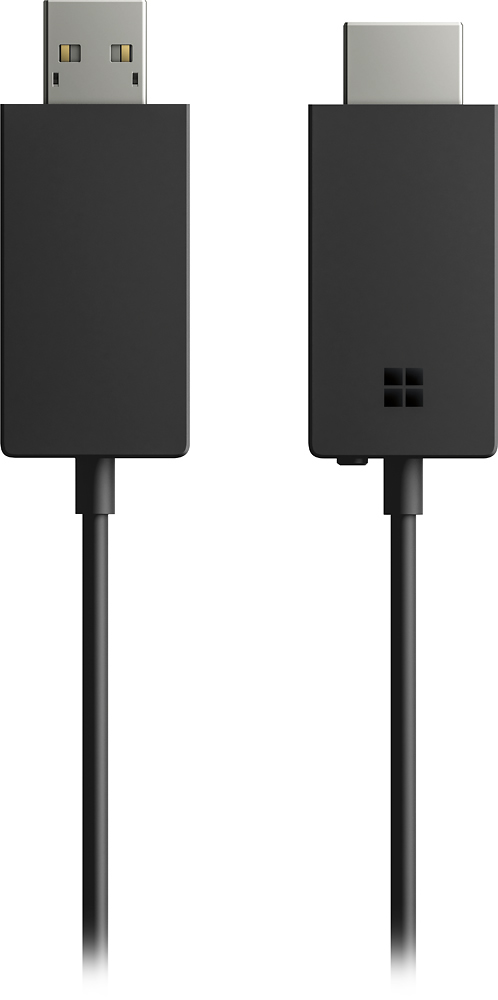
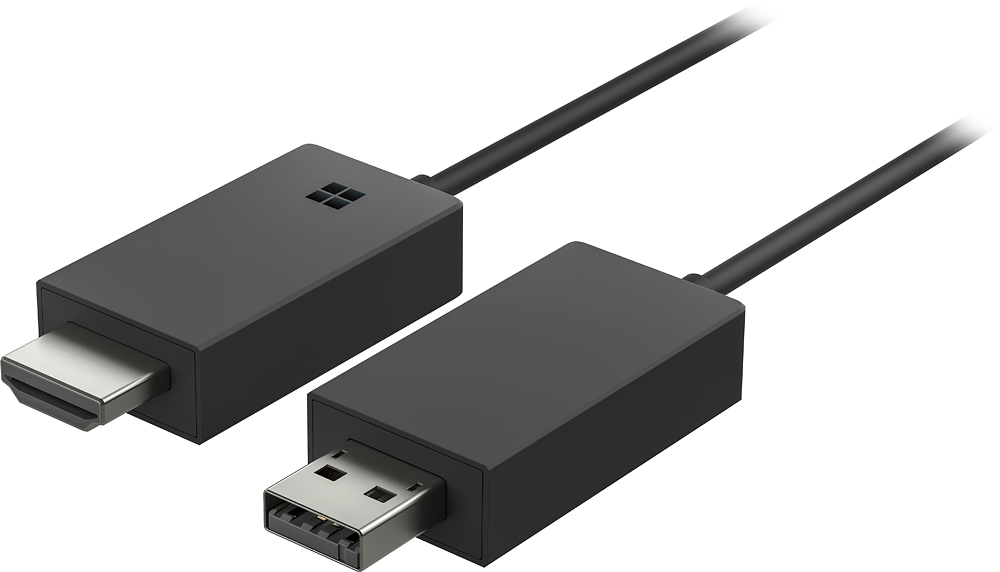
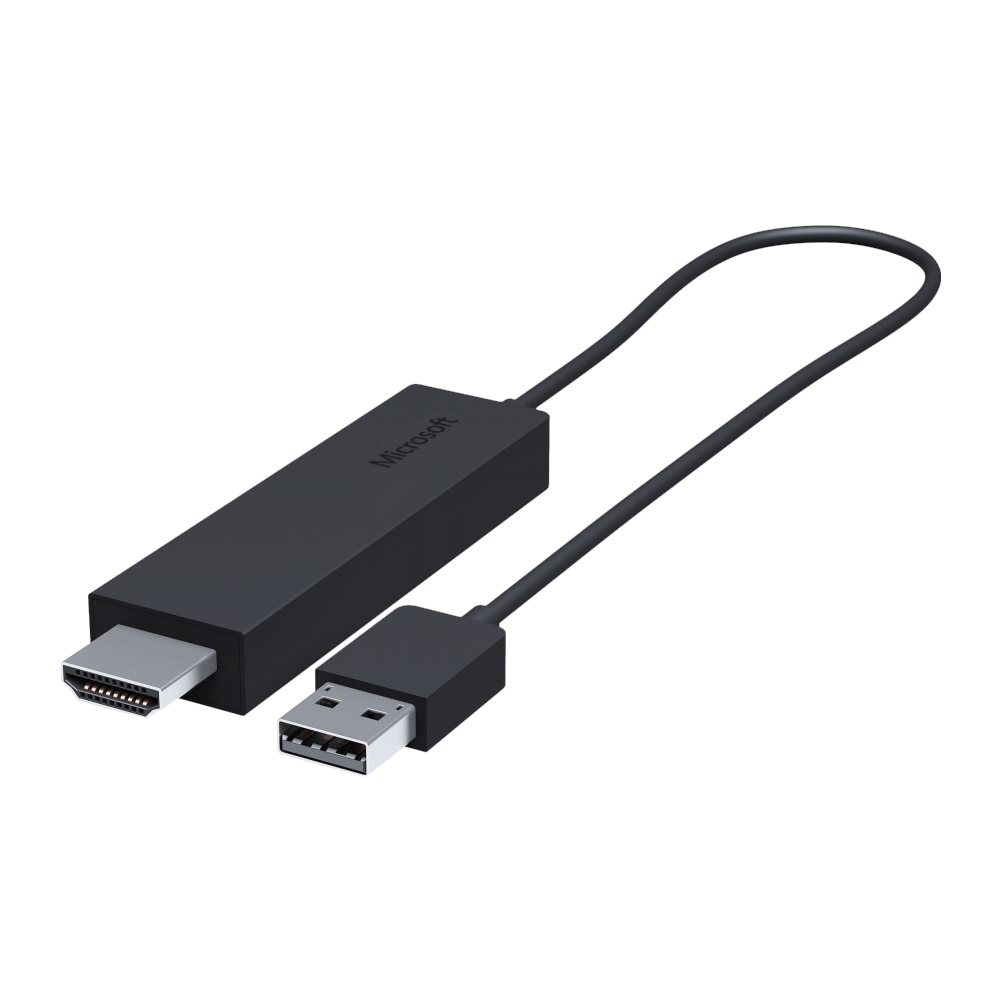
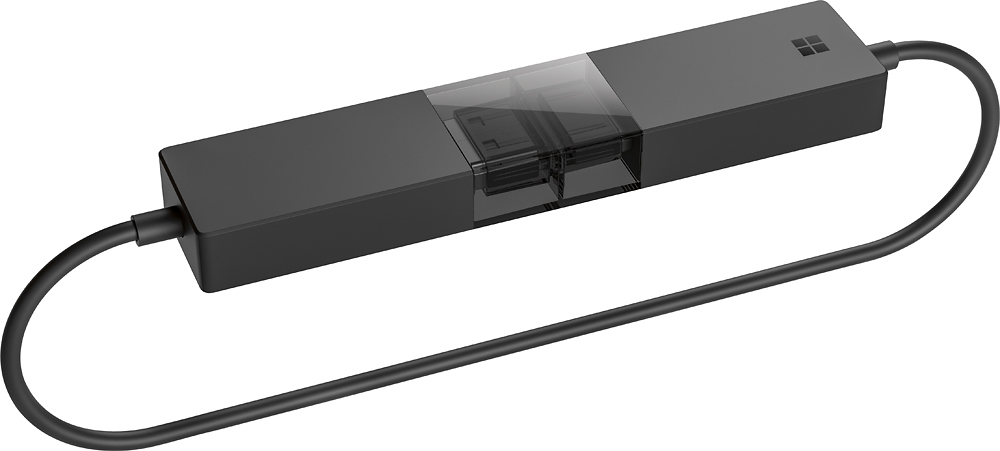
- Model:
- P3Q-00001
- SKU:
- 4974200
Rating by feature
- Value
Rating 4.3 out of 5 stars
- Quality
Rating 4.6 out of 5 stars
- Ease of Use
Rating 4.6 out of 5 stars
Customers are saying
Customers recognize the Wireless Display Adapter V2 receiver for its user-friendly design, wireless connectivity, and compatibility with Windows 10. Users appreciate the easy setup process and the ability to mirror content from their laptops to TVs. However, some users have concerns about occasional lag, the price of the product, overheating issues, and limited resolution.
This summary was generated by AI based on customer reviews.
Bad product
||Posted .This reviewer received promo considerations or sweepstakes entry for writing a review.At the beginning it worked well, after 2 weeks started to malfunctioning, had to restarted frequently while I was using it.
No, I would not recommend this to a friendDidn't work.
||Posted .This reviewer received promo considerations or sweepstakes entry for writing a review.Didn't work. Best Buy exchanged it for a new one and that didn't work either.
No, I would not recommend this to a friendIt did not work in my TV.
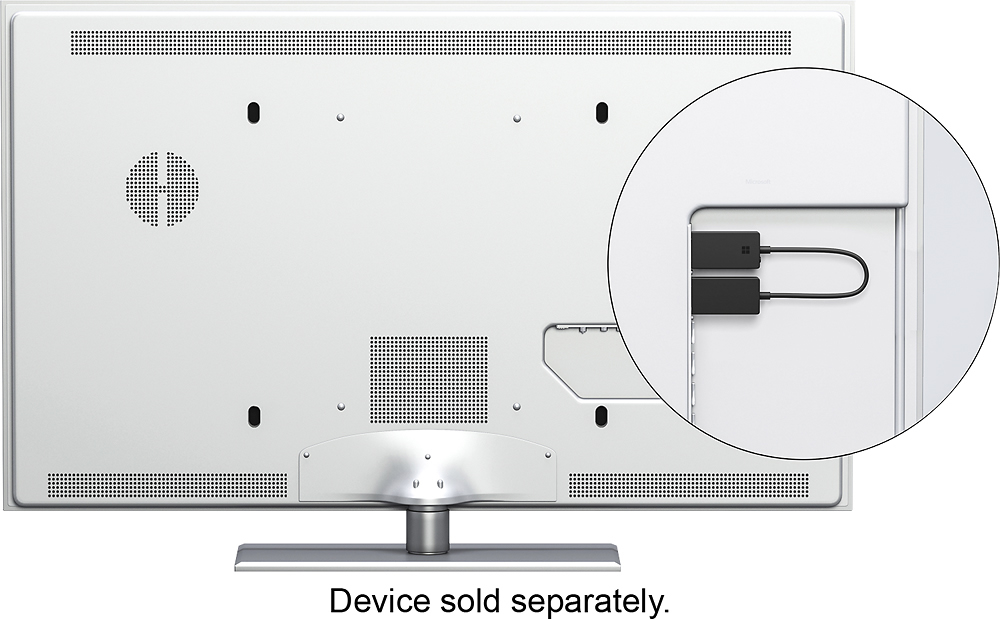
||Posted . Owned for 3 weeks when reviewed.This reviewer received promo considerations or sweepstakes entry for writing a review.You need a USB port in your TV to use this item and my TV does not have one.
No, I would not recommend this to a frienddid not work
||Posted .This reviewer received promo considerations or sweepstakes entry for writing a review.Would not work with our Sony Bravia and not even Geek Squad could help.
No, I would not recommend this to a friendDidn't work with Surface RT
||Posted .This reviewer received promo considerations or sweepstakes entry for writing a review.Was sold to me for my Surface RT but found out is not compatible with newer Surface but not RT.
No, I would not recommend this to a friendBrand response from MicrosoftOutreachTeam
Posted .Hello,
We're sorry for the misinformation regarding the Wireless Display Adapter. Unfortunately, this particular accessory is not designed to operate with the Surface RT. It is however a handy tool that is compatible with a number of other devices which you can find here: https://support.microsoft.com/en-us/help/4052254/accessories-wireless-display-adapter-compatibility.
If you don't own one of these devices and wish to return your purchase, please call Best Buy's customer service to check their return policy. Please note that policies may vary depending on purchase. They can be reached here: 1 (888) 237-8289.
We apologize for any inconvenience, we hope this information helps for the future.
Best,
Jessica
Microsoft Customer Care
Unable to use device
||Posted .This reviewer received promo considerations or sweepstakes entry for writing a review.Even using a level 2 geek squad tech it was not possible to link my Lenovo pc to our television
No, I would not recommend this to a friendBrand response from MicrosoftOutreachTeam
Posted .Hi there,
We're sorry to hear that you've had this experience with your Wireless Display Adapter. We would recommend making sure that the firmware on the mouse is up-to-date. But if that doesn't seem to do the trick, reach out to our team at PCAccessories@microsoft.com, and they'd be happy to see what's going on.
Kindly,
Victoria
Microsoft Customer Care
Too slow
||Posted .This reviewer received promo considerations or sweepstakes entry for writing a review.This receive is too slow to use it. I connected my TV with Surface pro 4 and immediately returned it.
No, I would not recommend this to a friendPoor device
||Posted .This reviewer received promo considerations or sweepstakes entry for writing a review.Could not get this device to work. Huge waste of my time.
No, I would not recommend this to a friendWant stay connected.
||Posted .This reviewer received promo considerations or sweepstakes entry for writing a review.I wish I had not purchased this. Disappointed with
No, I would not recommend this to a friendBrand response from MicrosoftOutreachTeam
Posted .Hi Taba,
We're sorry this is going on with your Wireless Display Adapter. We urge you to check out out troubleshooting page for the connection issues you are having: https://www.microsoft.com/surface/en-us/support/music-photos-and-video/troubleshoot-wireless-display-adapter?os=windows-10&=undefined.
Hope this helps,
Victoria
Microsoft Customer Care
Terrible
||Posted . Owned for 2 months when reviewed.This reviewer received promo considerations or sweepstakes entry for writing a review.Very terrible slow error I don’t like it very bad hm
No, I would not recommend this to a friendDeserves zero stars
||Posted .This reviewer received promo considerations or sweepstakes entry for writing a review.Don’t waste your time or money. Get chrome cast instead.
No, I would not recommend this to a friendBrand response from MicrosoftOutreachTeam
Posted .Hello,
We're sorry you're not satisfied with your Wireless Display Adapter. We would be to listen to more details regarding your experience, and help assist you with your device. We highly recommend reaching out to our support team here: https://support.microsoft.com/en-us/contactus/.
We are eager to hear from you soon.
Kind regards,
Jessica
Microsoft Customer Care
Tell us how PC Accessories simplifies your life. Share a review with the community.
Awefull
||Posted .This reviewer received promo considerations or sweepstakes entry for writing a review.These are awful, very slow transmission of video, had to return these.
No, I would not recommend this to a friendCould be better
||Posted .This reviewer received promo considerations or sweepstakes entry for writing a review.I can’t get sound on my Tv,just the image. I don’t recomend
No, I would not recommend this to a friendBrand response from MicrosoftOutreachTeam
Posted .Hi there,
We would love to help make this a 5-star experience. It sounds like you may just need to update the Display Adapter to it's current and most recent software to get past this, but if you'd like more in-depth support, please email us at PCAccessories@microsoft.com.
Kindly,
Victoria
Microsoft Customer Care
Disconnects very often
||Posted .This reviewer received promo considerations or sweepstakes entry for writing a review.I will return it, because it disconnects very often.
No, I would not recommend this to a friend- Pros mentioned:PerformanceCons mentioned:Connection
Stopped Working After 10 Months
Posted .This reviewer received promo considerations or sweepstakes entry for writing a review.I had high hopes for this being that it was from Microsoft, but this display adapter fell way short of my expectations. The performance was good out of the box but after 9 months the performance started to decline and now it just keeps disconnecting, and I had to go back to using an HDMI cable to connect my laptop to my TV. I don't have my receipt but I would like to smash this thing with a hammer. Microsoft also has not issued any firmware updates in the 10 months I have owned this device and there is ZERO support for this thing from Microsoft. I used it primarily with a Samsung 46" TV and a Dell 7000 series laptop. If you buy this, save your receipt.
No, I would not recommend this to a friendBrand response from MicrosoftOutreachTeam
Posted .Hi there,
We're sorry to hear that you have run into these issues with the wireless display adapter. This should not be the case, and we want to make sure that you have a device that is working. Please reach out to us at PCAccessories@microsoft.com, and we can we what we can do to help!
Kindly,
Victoria
Microsoft Customer Care
- Cons mentioned:Lag
Fairly well when compared to others.
Posted .This reviewer received promo considerations or sweepstakes entry for writing a review.Just bought yesterday due to my new found addiction on the art of miracast (swear that was nerdy. LOL). Bought it as open box that I'm sure faired just as well as one that would be Brand spanking new! Pros: No limitation of content to display on the screen, able to power computer screen at both the lowest brightness % and project to the screen only and the image on TV shows as if no change was made, and gives me a broader workstation platform to work on. I just may head back to the store, my only USB on my Surface Pro 3 is taken by a receiver for my mouse and I'm sick of succumbing to the type cover keys. A project like this isn't that necessary for a Hub or Dock either. Now onto Cons: still finding latency (hardly any slow speed, but noticeable) in the cursor, images, and audio when having multiple programs running (two Edge browser tabs, Word, Photoshop, and Groove). Also, and before I say this, because I'm so used to Google Chromecast's automatic scalability on the Monitor/TV for my programs, when I Connect the screen is surrounded by black frames on both sides. If you're keen to detail like me, don't bother going through Microsoft's own display adapter app to adjust display. Launch Project instead, and select "Second Screen Only" to scale the frames. 4/5 stars. Now back to my addiction.
I would recommend this to a friend - Pros mentioned:Wireless
Works Like a Charm
Posted .This reviewer received promo considerations or sweepstakes entry for writing a review.I do presentations and this is a great wireless solution for my Surface Book to any HD TV. When I run into an HD TV without an available USB, I plug my Surface dock in near the TV and use one of the USB ports on the dock for the USB connection. Voila! The wireless connection process on the Surface book is simple and quick. Slick!
I would recommend this to a friend - Cons mentioned:Lag
Plug and play
Posted .This reviewer received promo considerations or sweepstakes entry for writing a review.No lag. Projecting from 2016 Windows 10 laptop. Essentially plug and play.
I would recommend this to a friend - Cons mentioned:Connection
I had a few issues at first, but...
Posted .This reviewer received promo considerations or sweepstakes entry for writing a review.then I updated the firmware and now I have no issues! I would have originally given this product 2 or 3 stars due to the connectivity issues that I had with this device, until I read that you can update the firmware. While you shouldn't have to update the firmware on a brand new device, this device you unfortunately do which is why I gave it 4/5 stars. Once this device decided to work correctly it allows you to duplicate, extend, or turn any device (with a usb and hdmi) into a primary screen. I primarily use this device to stream content such as movies or tv shows and have not had any issues of lag with video or audio, which is why I love this thing.
I would recommend this to a friend - Pros mentioned:Ease of use
Wow! It works!
Posted .This reviewer received promo considerations or sweepstakes entry for writing a review.I'm not a gamer, just use this type of gizmo for video display and stuff. How often can you purchase something, get home, plug it in... and it just works? This is the first time something like this has happened to me. These quys have just knocked Chromecast (TM) and EZCast (TM) off of the podium! It works like it is supposed to on my HP Spectre (Windows 10) and my Galaxy Tablet (Android). On Windows.... the extended screen capability is, just, stellar. I loaded up Amazon Prime on Chrome, moved the window over to the TV (so I don't have to look at the same thing on two screens) and it works... just... great! It works as advertised, and it's easy. What a surprise, these days.
I would recommend this to a friendBrand response from MicrosoftOutreachTeam
Posted .Hi Stevie,
We're glad to hear that you've been enjoying your Wireless Display Adapter! Thanks for taking the time to leave a review and provide us with a little feedback on your experience so far.
Kindly,
Victoria
Microsoft Customer Care