Customer Ratings & Reviews


- Model:
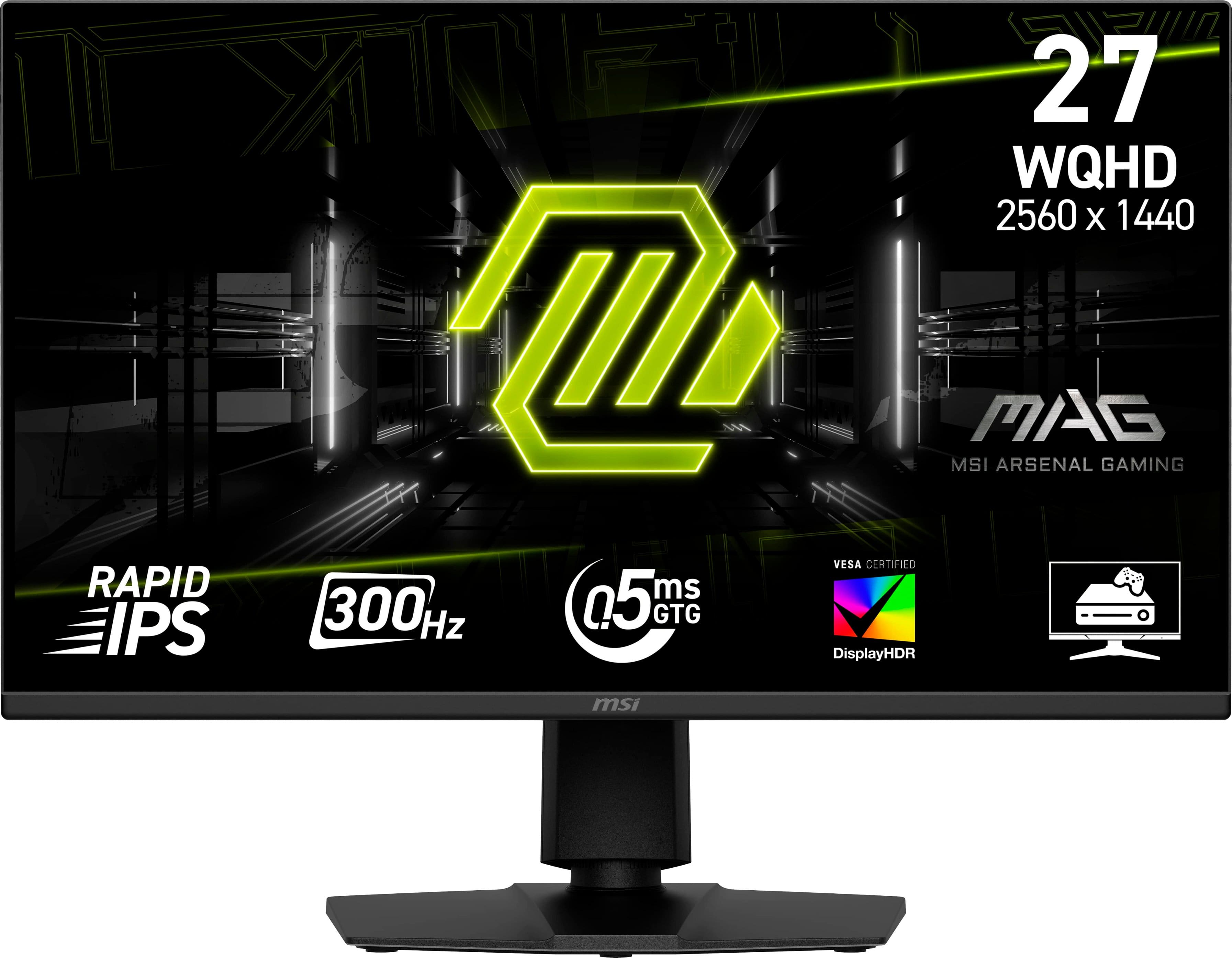
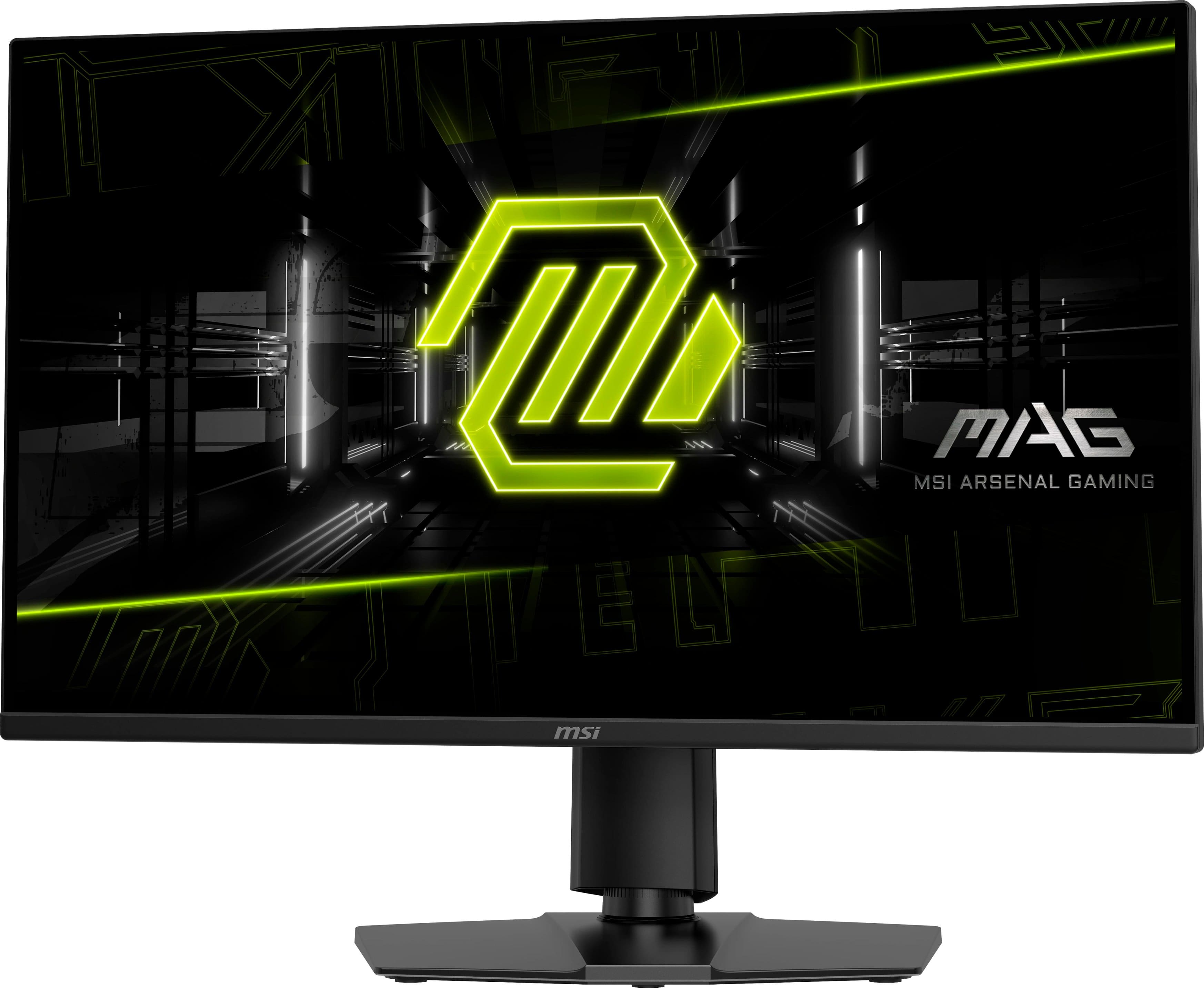
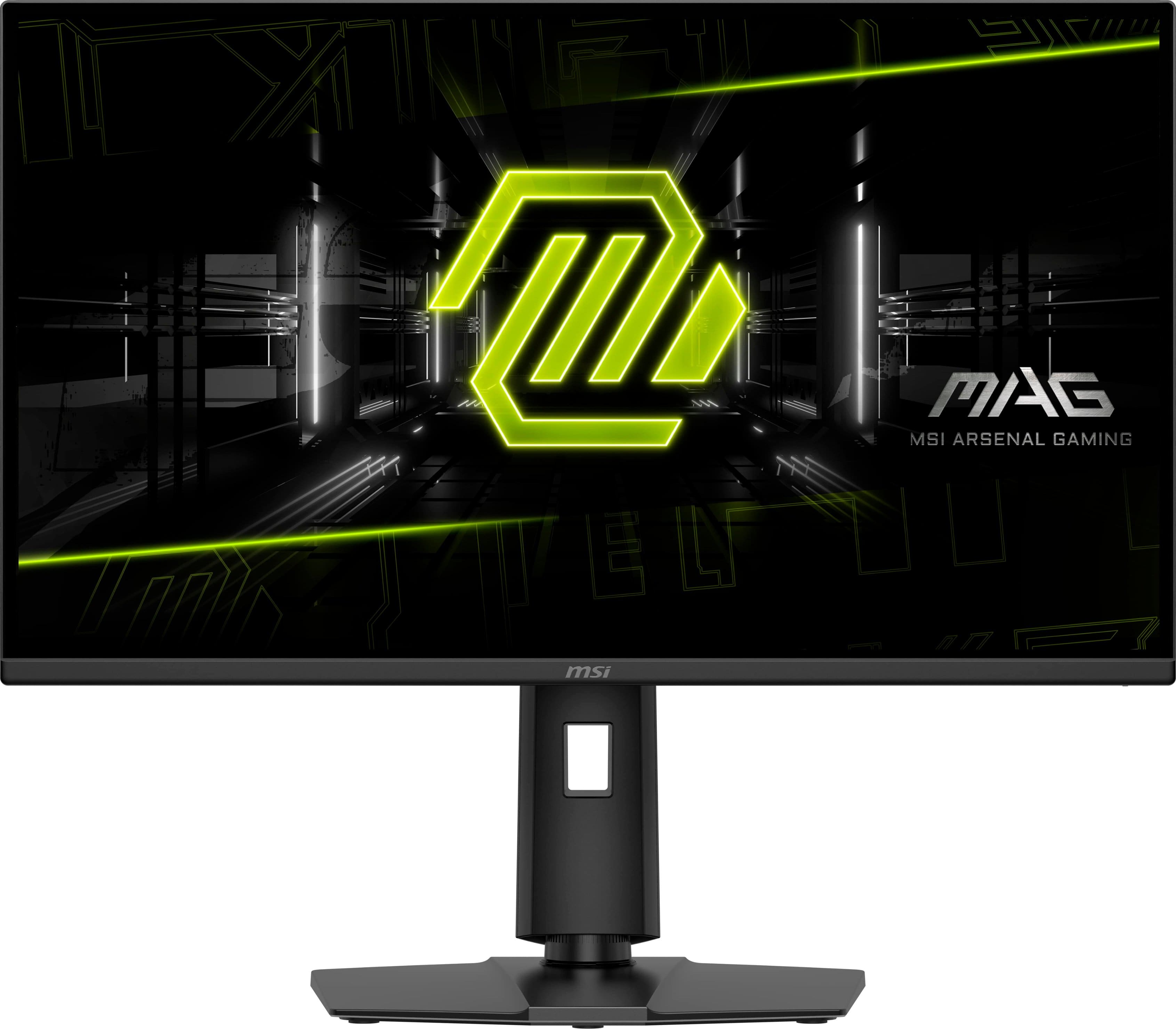
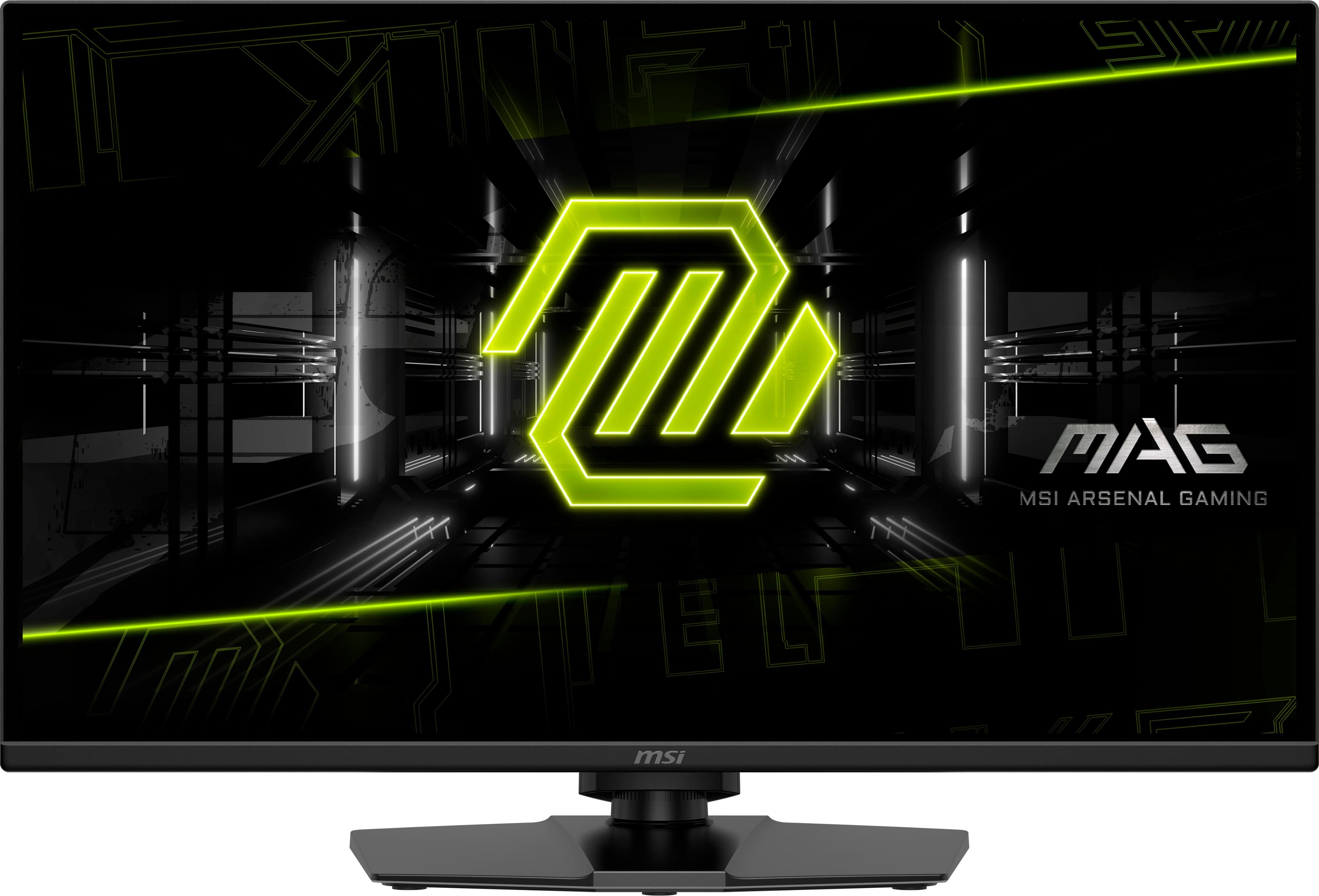
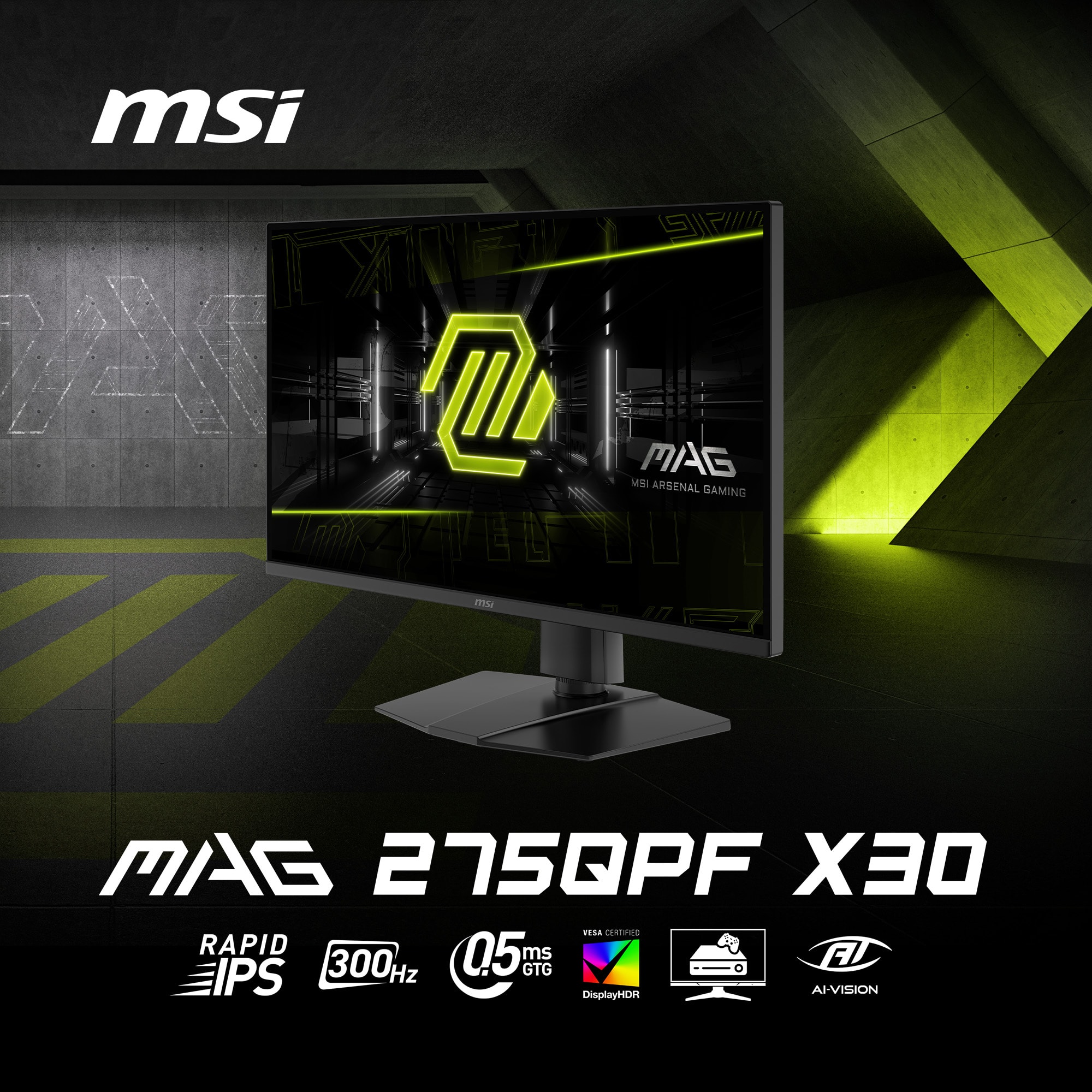
- MAG 275QPF X30
- SKU:
- 6619301
Rating by feature
- Display Quality
Rating 4.8 out of 5 stars
- Ease of Use
Rating 4.9 out of 5 stars
- Features
Rating 4.8 out of 5 stars
Customers are saying
Customers are satisfied with the MAG 275QPF X30 monitor's overall performance, speedy refresh rate, and crisp resolution, making it a great value for the price. The monitor also offers good connectivity with multiple HDMI ports and an adjustable stand. Some customers noted the absence of speakers and expressed concerns about the stand's material and the bezel size.
This summary was generated by AI based on customer reviews.
- Cons mentioned:Backlight bleed
Monitor came defective TWICE.
||Posted . Owned for 1 month when reviewed.This reviewer received promo considerations or sweepstakes entry for writing a review.The first monitor I purchased had A LOT of backlight bleeding and the second monitor I exhanged the first monitor for came damaged and had burned/dead pixels in the middle of the screen.
No, I would not recommend this to a friend Love it
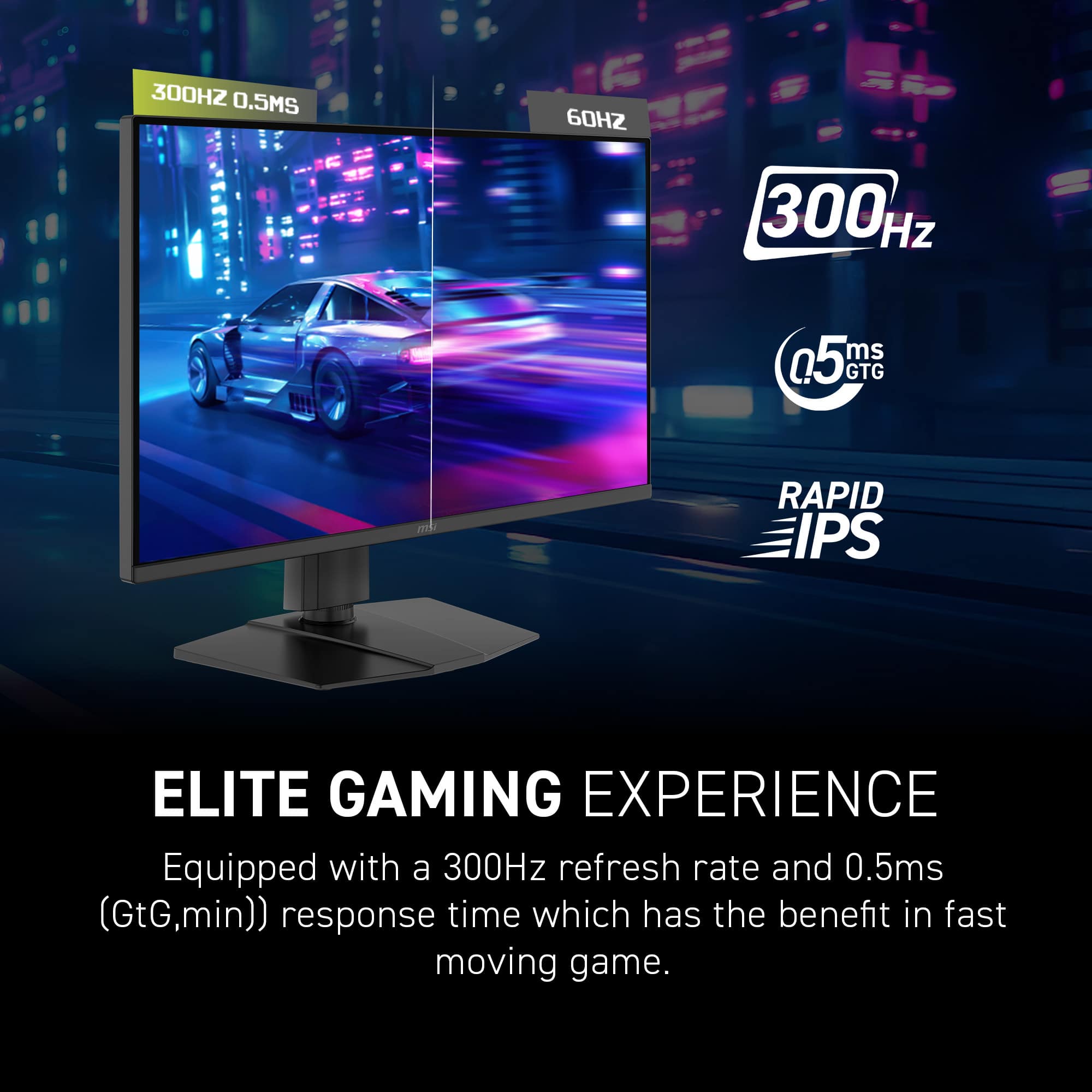
||Posted . Owned for 3 months when reviewed.This reviewer received promo considerations or sweepstakes entry for writing a review.Love the design and great for gaming. Response time is very fast
I would recommend this to a friendTotally recommended.
||Posted . Owned for 1 week when reviewed.This reviewer received promo considerations or sweepstakes entry for writing a review.Very good product, the image looks great. Totally recommended.
I would recommend this to a friendWorth each dollar
||Posted .This reviewer received promo considerations or sweepstakes entry for writing a review.I love this product. The colors gradient is top notch and it's a good choice for those folks who love fps game
I would recommend this to a friendQuality Monitor
||Posted . Owned for less than 1 week when reviewed.This reviewer received promo considerations or sweepstakes entry for writing a review.I trust MSI. They last a long time. Worth the money.
I would recommend this to a friendGreat entry level gaming monitor
||Posted .This reviewer received promo considerations or sweepstakes entry for writing a review.I'm not disappointed and would recommend it. Great value for the specs
I would recommend this to a friendLasted 5 months
||Posted . Owned for 6 months when reviewed.This reviewer received promo considerations or sweepstakes entry for writing a review.First MSI product and possibly last. Paid $320 + tax with an added $60 for a 4 year protection plan from Geek Squad. Maybe I had the luck of the draw, but I don't want to take another chance. Bought it in June of 2025, picked up in person and just a month in it developed a stuck pixel. I figured I could live with that even though it bothered me. It would come and go as if to taunt me. On Dec 6 however, it developed a line of dead pixels all the way across the bottom just a 1/4 inch on top of the task bar. This is a monitor that was set up and treated with kid gloves since day one. Lucky for me I had purchased the 4 year plan for it with Best Buy, so I just took it back and got something else. They didn't have any in stock, but either way I didn't want to deal with that again as each time it breaks that's $60 extra you have to fork over to get a new protection plan as the old one doesn't carry over. Used at 1440p-Displayport with an RTX NVIDIA card. The only games I played on this while I had it for 5 months was Baldur's Gate 3 and Counter Strike 2. The colors did look great to me in BG3 along with streaming videos/movies and the 300mhz was a welcomed addition for CS2 coming from an old Dell 144hz monitor. Your mileage will vary, but for a new product released this year, the quality control is abysmal. For the price of $300 maybe that is to be expected, but I've seen $800 dollar monitors sold on here from other big name companies with just as awful quality control. So if you're on a budget, and these particular features interest you, give it a go, just make sure you purchase a protection plan that covers at least more than 5 months.
No, I would not recommend this to a friendExcellent Product!
||Posted . Owned for 3 weeks when reviewed.This reviewer received promo considerations or sweepstakes entry for writing a review.Excellent product! Very easy to put together, and the images look great.
I would recommend this to a friendDead Pixels
||Posted . Owned for 1 month when reviewed.This reviewer received promo considerations or sweepstakes entry for writing a review.Looks great for the most part but had two dead pixels within 3 weeks (just outside of Best Buy’s return window)
I would recommend this to a friend
MSI Monitor
|Posted . Owned for 1 month when reviewed.This reviewer received promo considerations or sweepstakes entry for writing a review.this was amazing ips monitor i use it for gaming all the time.
I would recommend this to a friendBuyyy!!!
||Posted . Owned for 1 month when reviewed.This reviewer received promo considerations or sweepstakes entry for writing a review.Not that expensive and worth the purchase definitely would recommend
I would recommend this to a friend- Pros mentioned:Adjustability, Overall performance, Refresh rateCons mentioned:Speakers

High refresh rate & nice features for FPS gamers
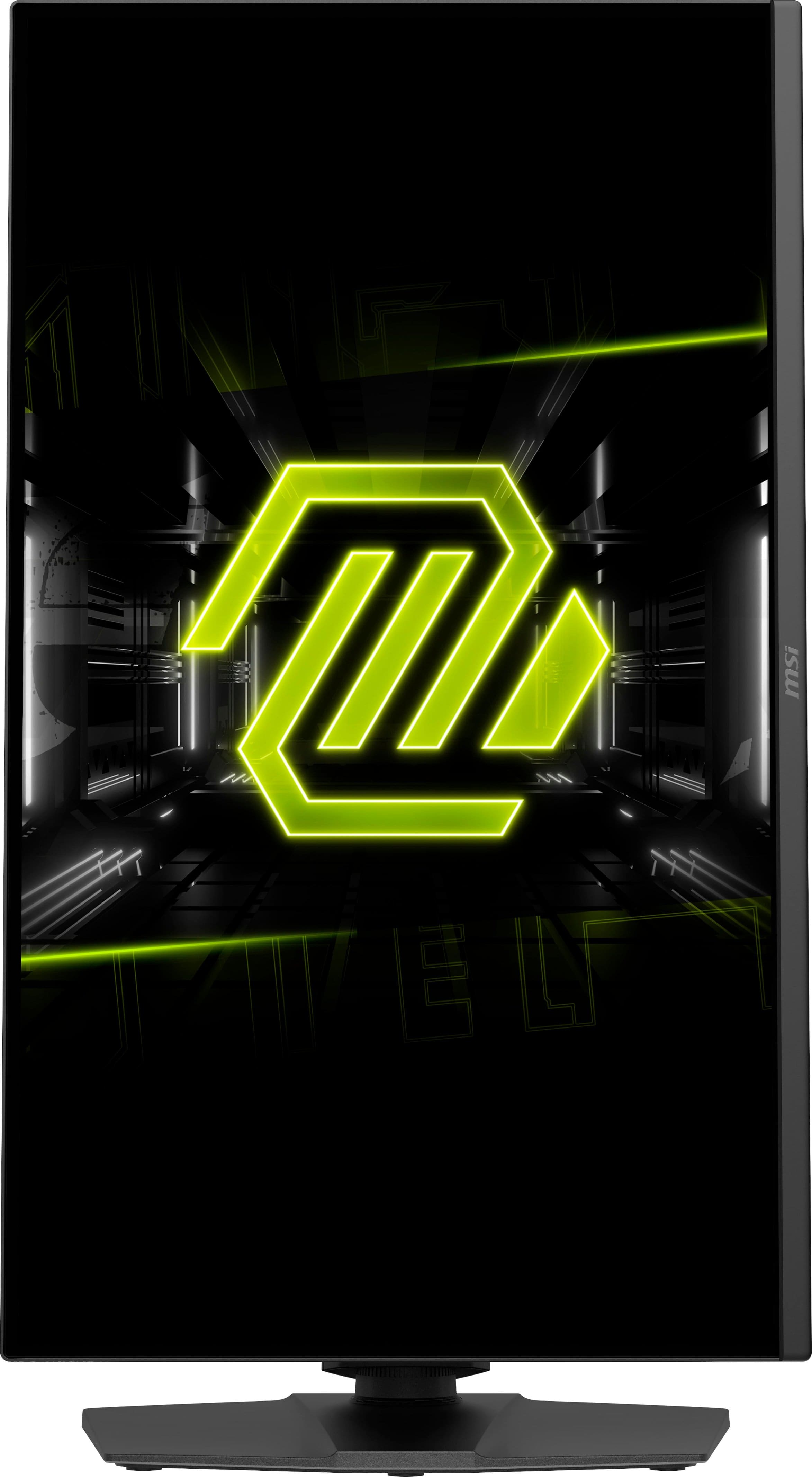
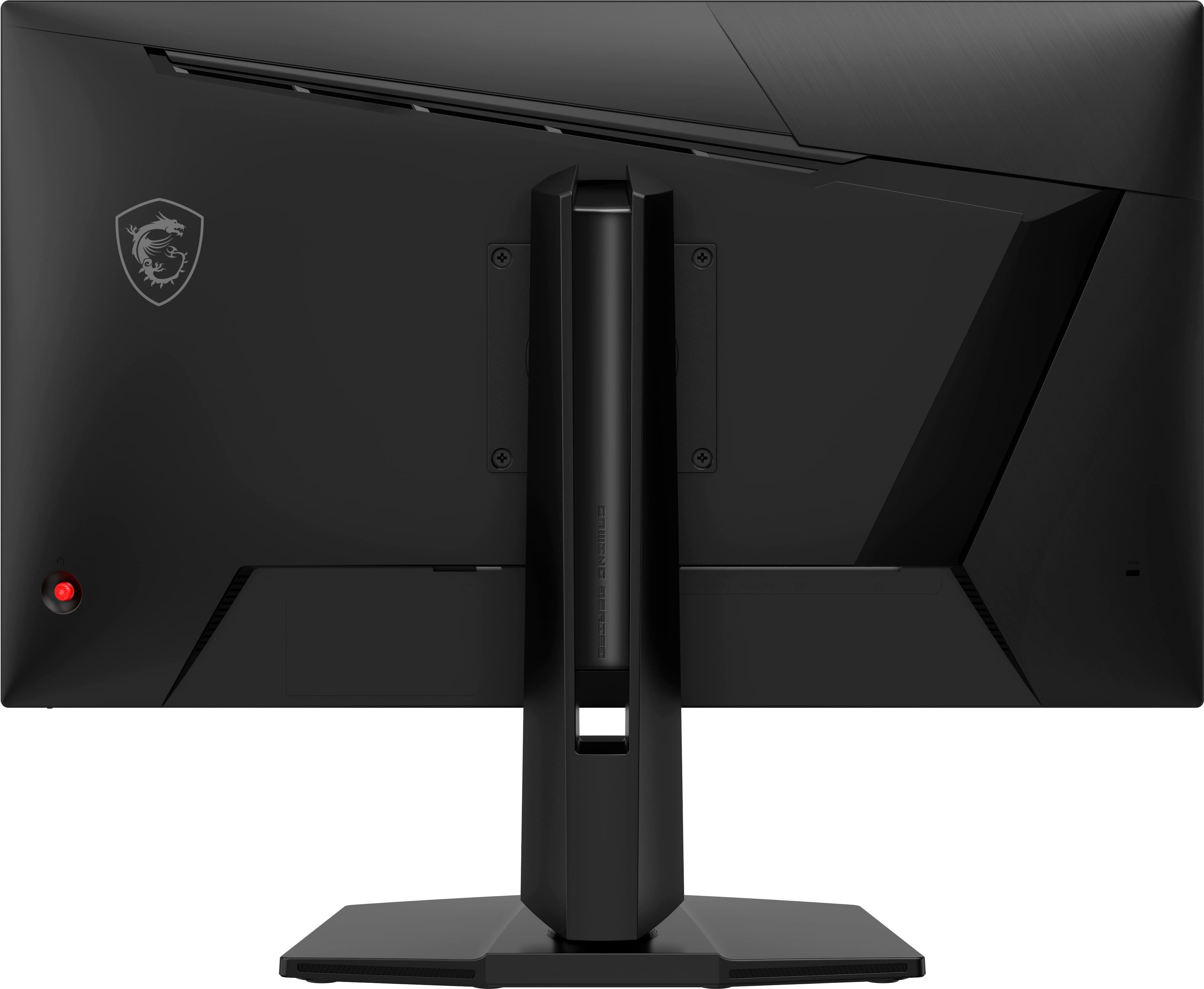
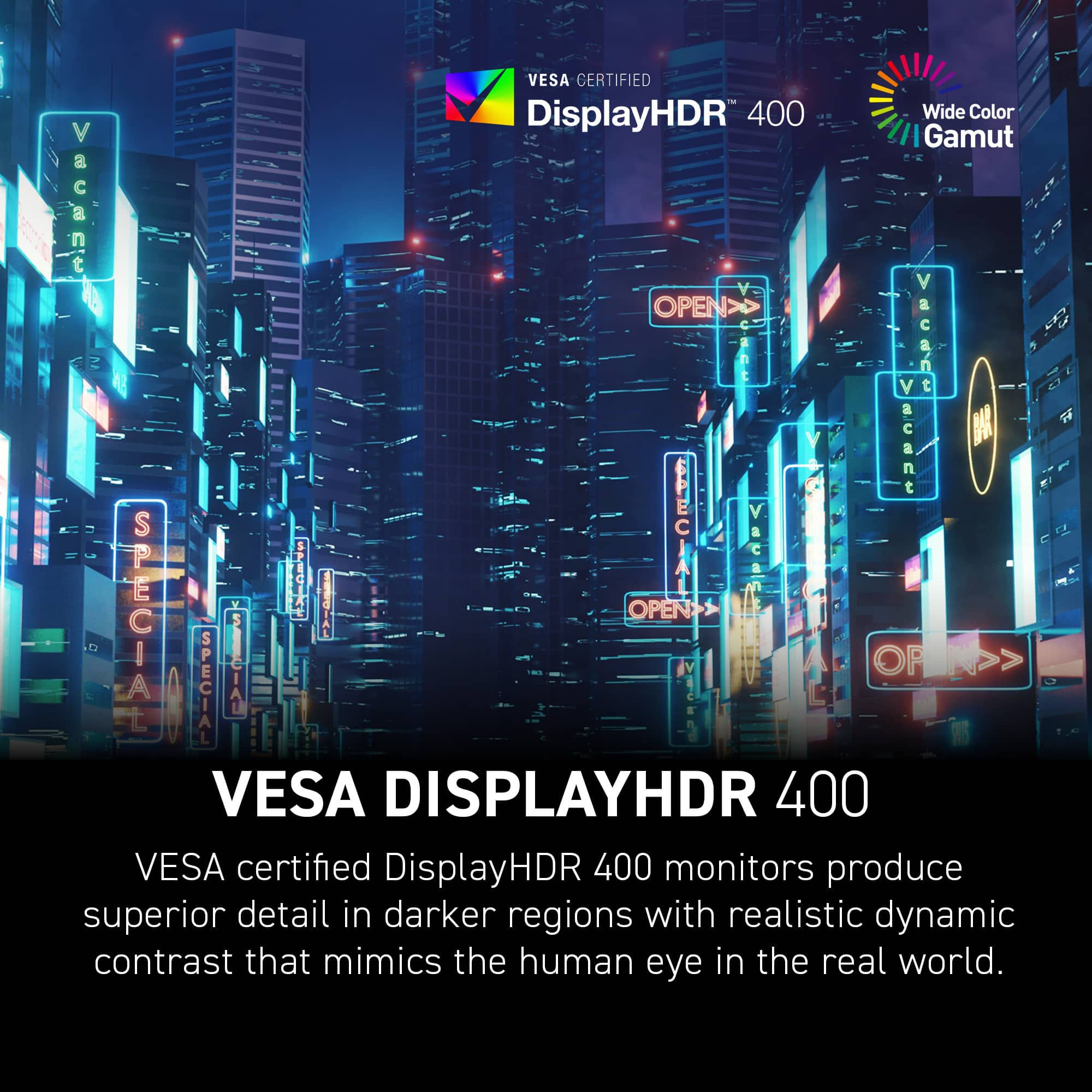
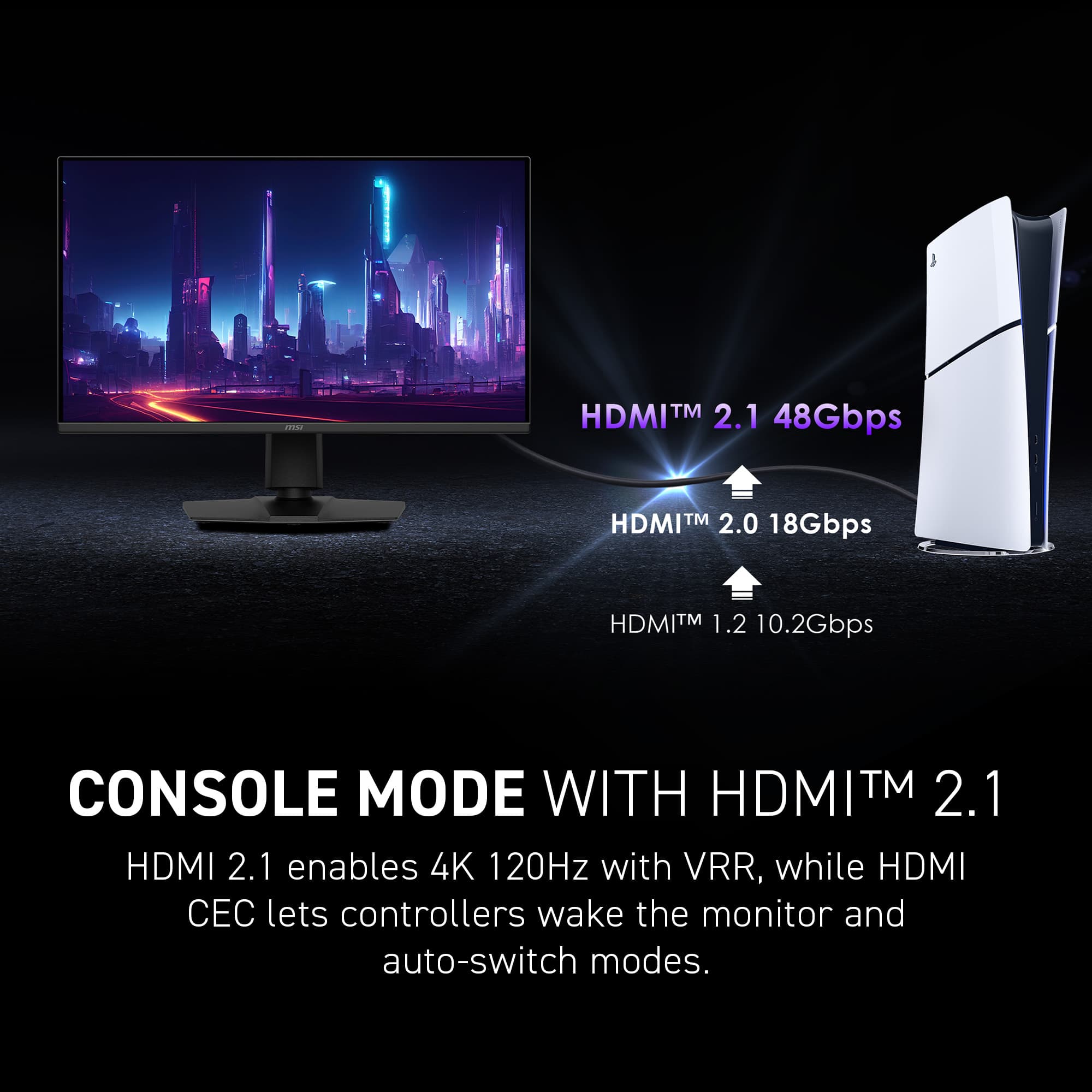
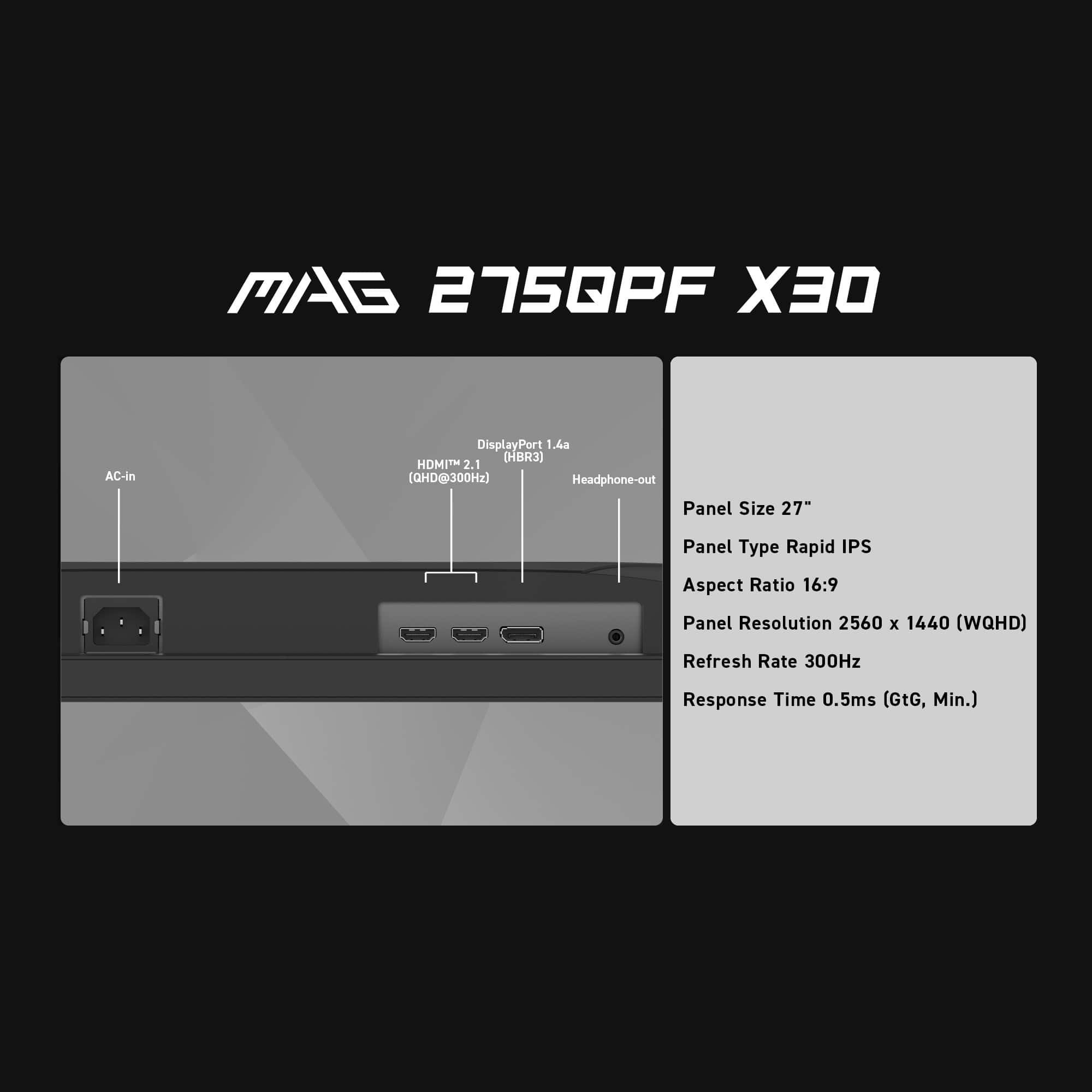
|Posted .This reviewer received promo considerations or sweepstakes entry for writing a review.As a gamer who, by financial necessity, has stayed about a step and a half back from the bleeding edge of technology, it has taken me a while to move past 1080p, or what we are now calling FHD. As someone with 3 monitors connected to my PC, having them all be 4k (or UHD) would cripple my upper-midrange GPU. So instead, I opted for the 1440p WQHD monitor by MSI. 1440p seems to be the new baseline, so I’m finally back to having a “proper” gaming setup. As a gaming monitor, this really checks off a lot of boxes. A blistering fast 300hz refresh rate and 0.5ms response time with HDR support deliver crisp and smooth graphics, if your computer can handle it. I opened up Control, set all the sliders to max, turned on the HDR and the RTX and set whatever other sliders I could to Ultra, and promptly crashed out. Looking into the forums, it seemed I wasn’t alone, so I moved on to Avowed and had a much better experience. Now this is a game that was meant for a monitor like this, as the bright colors of the Living Lands really popped out of the screen. Moving on to a FPS, I logged in to Marvel Rivals, and was pretty impressed at how fluid the movement looked, especially when whipping my view around during the heated firefights. What I found out was that this monitor has the ability to highlight the crosshair and automatically change the color around it to contrast against the background, making it easier to see. There’s some other settings that I didn’t get the chance to check out, like automatic dimming/brightening to see better in games that are too dark. There are two HDMI 2.1 ports and one DisplayPort 1.4a, along with a headphone jack. For console gamers, the monitor supports variable refresh rate (VRR) for both PS and Xbox. As someone who is always looking for the button on a monitor, I can appreciate the big red button on the back of this one. It lets you navigate the menu where all of the special features are, and lets you set hot functions to jump to various settings directly. The included stand has basic cable management, supports a variety of heights and angles, and even pivots to put the monitor in portrait mode. The horizontal and vertical viewing angles of 178° ensure that the monitor is easy to read in either orientation. While the monitor advertises itself to the system as an audio output source, there’s no speakers onboard. One thing to remember when going from a 1080p to a 1440p monitor of the same size, using the native resolution will result in a smaller scale. There’s not really much you can do other than to use the Windows display scaling to make the icons bigger. This is especially notable when you have 2 1080p monitors and added the 1440p to the mix. Moving a window from one monitor to the other will cause it to grow or shrink depending on the originating screen. If you have problems with small type, again you could increase the display scale, but performance wise it’s not ideal.
I would recommend this to a friend max mini
||Posted . Owned for 3 weeks when reviewed.This reviewer received promo considerations or sweepstakes entry for writing a review.size is good on your desktop area, wish it would come with keyboard and mouse and c cord
I would recommend this to a friendGreat Monitor once you mess with the settings
||Posted .This reviewer received promo considerations or sweepstakes entry for writing a review.The monitor is 300hz only with DSC on, otherwise it's 240 hz.
I would recommend this to a friendHorrible Experience
||Posted . Owned for 3 weeks when reviewed.This reviewer received promo considerations or sweepstakes entry for writing a review.My most horrible experience ever. Ordered two monitors picked one up 2 days later locally. The other was to be shipped. Never arrived week passed by still not shipped Called half a dozen time no update. Finally someone from customer service said that the manufacturer would not ship because there was a recall. I ended up getting a second one locally. Took a while to price match more headache. If best buy dont believe me check the call logs.
No, I would not recommend this to a friend- Pros mentioned:Adjustability, Overall performance, Refresh rate
Great gaming monitor at a great price!
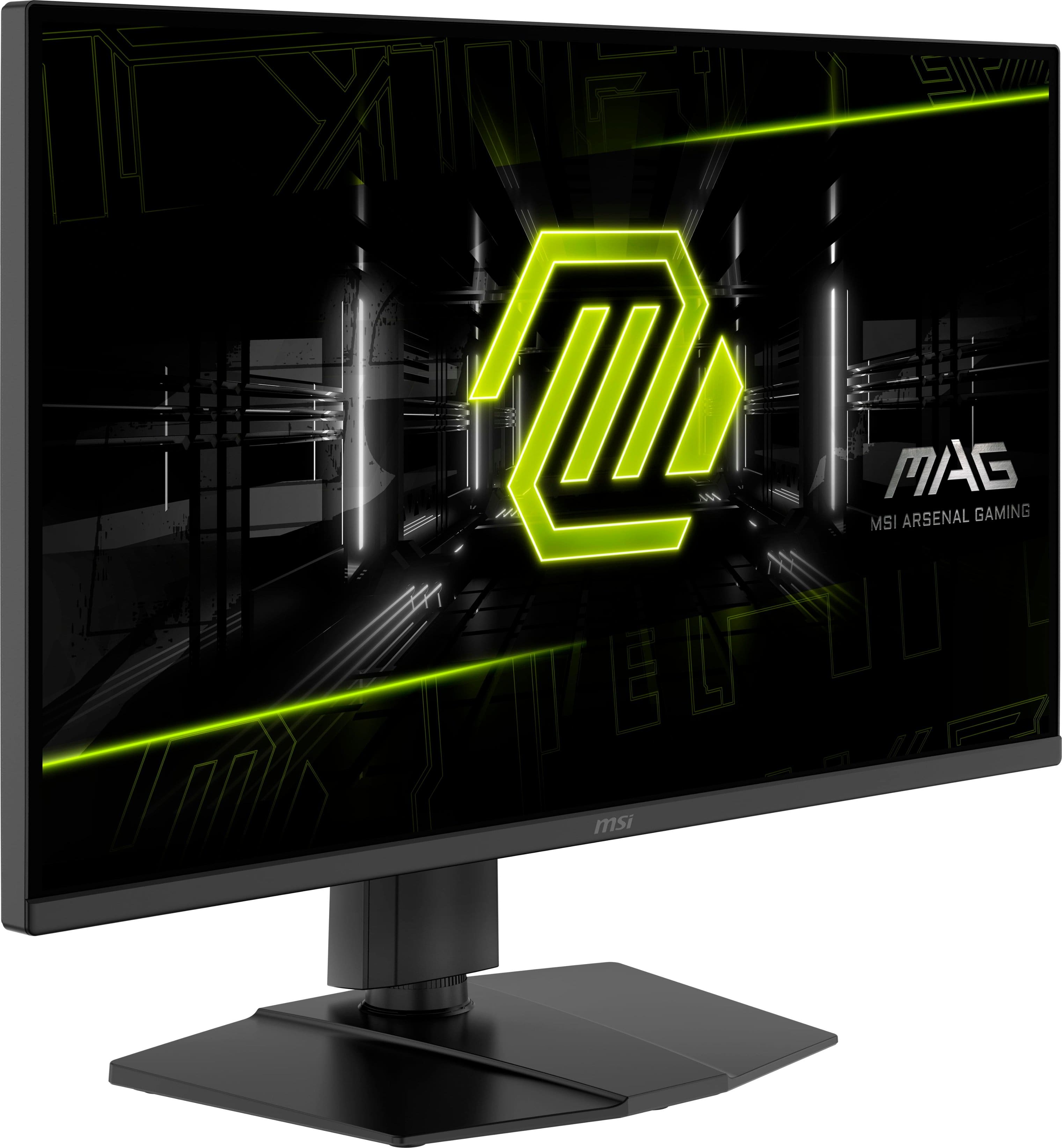
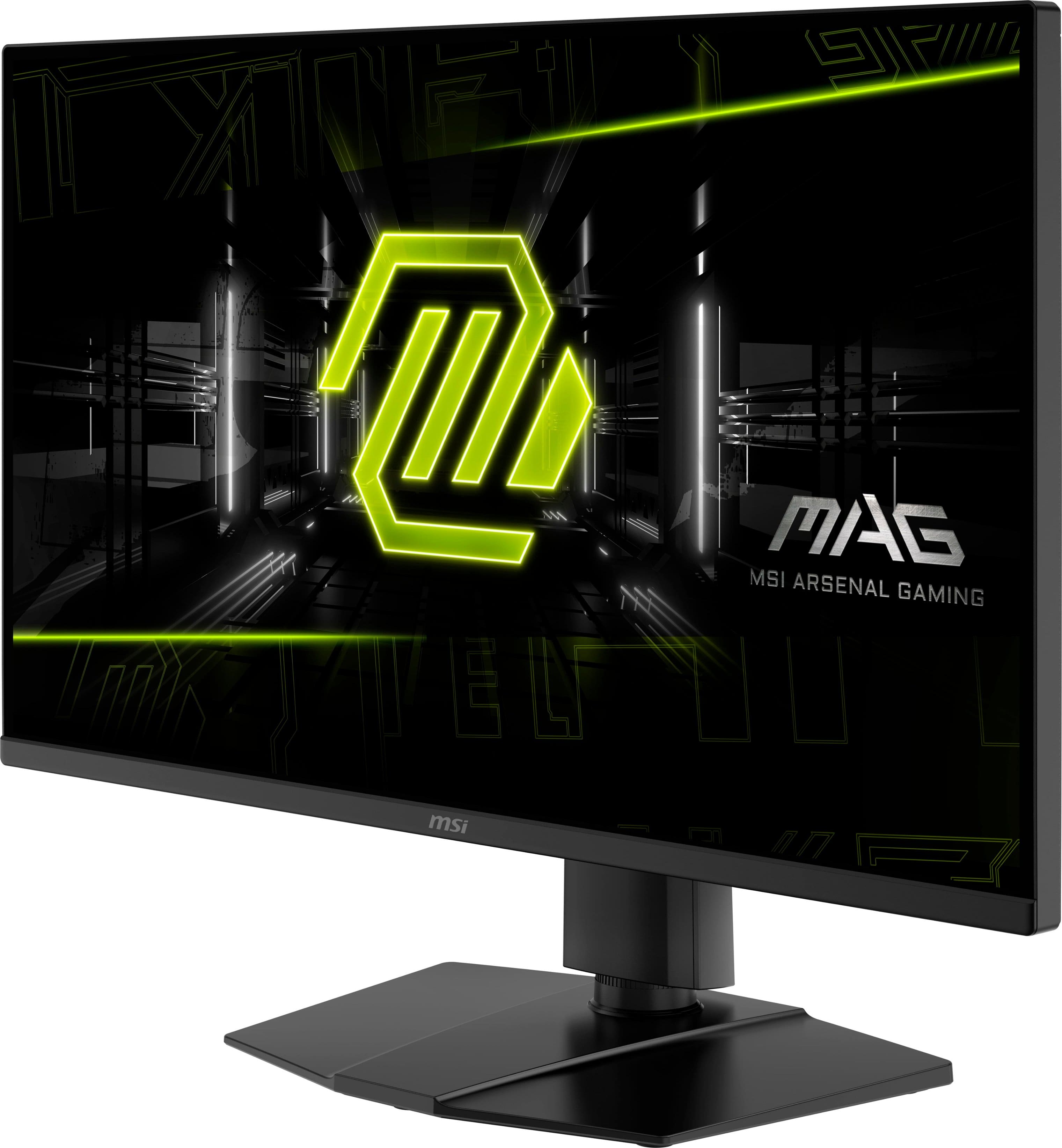
|Posted .This reviewer received promo considerations or sweepstakes entry for writing a review.While I am not new to the MSI brand, I had never tried their monitors. When I was looking to replace my 13-year-old monitor that was the last one we had that had a really thick bezel, the MSI MAG 275QPF X30 27" QHD 300Hz monitor looked like one that would complement my multi-monitor setup quite well. Out of the box, it comes with a height-adjustable stand that is in two pieces and easily assembled. The stand does tilt and can rotate, and can also swivel at the base, but with a rather limited range. It will attach to the back of the monitor using screws in the VESA mount. Since I was going to be putting this on monitor mount arm, I didn't spend the extra time to attach it to the stand to only remove it and mount it to see the full range of all the motions. It also comes with a DisplayPort cable (but no HDMI). The design overall is very minimalistic-ly nice. Just a smaller sized logo on the back, and the typical msi on the front, there is not much of a bezel around the top and side, and just maybe a 0.5" on the bottom. For inputs, there are two HDMI 2.1 ports and one DisplayPort 1.4. There is also a 3.5mm headphone jack output (but no built-in speakers, which is fine with me). For controls, there is a single, "Do it all" stick on the back, near the bottom right when looking at the front. This turns it on by pressing the stick straight in, accesses the monitor menu (when on), and when pressed for a few seconds, it turns it off. Different shortcuts can be assigned to the directions that activate when the stick is moved to one of the directions with the monitor menu off. There is a default set assigned, but they are all easily changed, if desired. While I really prefer to have the control buttons along the bottom as I have a 3-monitor setup, at least this is not too far up from the bottom as my other two monitors (and I change back and forth between my work laptop and my personal PC quite a bit as I work from home most of the week and it fairly difficult with the location on especially the center monitor). For 27" monitors, I feel that QHD (2560 x 1440) is actually the perfect resolution, especially after working with one that is 4K/UHD. The picture on this monitor is really sharp. I was able to get it working just fine in Window at 300Hz (I did go ahead and download the monitor profile driver from their site just to not have it as a Generic Monitor in Device Manager), even with my decently aged RTX 2070. When getting into the games I normally play, for some reason, I couldn't get one to run higher than 144Hz, even though it was set at 300 in the settings. Even then, it played well. In another game, it ran great at the full 300Hz, with all the gameplay and transitions looking so smooth, and the colors looking great with HDR10 enabled. The 0.5ms response time is nice. I don't think that you can get a better 27" monitor with a 300Hz refresh rate for this price point (well, currently you can't even get any other with a 300Hz at any price). This is definitely one to look at!
I would recommend this to a friend - Pros mentioned:Adjustability, Connectivity, Refresh rate
Perfect Refresh Rate
|Posted .This reviewer received promo considerations or sweepstakes entry for writing a review.First, the assembly was as simple as it could be. Just a few minutes and it was up and running. I like that it can tilt, swivel and adjust height to your liking. The VESA mounting allowed me to use it alongside another monitor without taking much desk space. This is for serious gamers, which I still consider myself to be although not as much as I used to. After all, I’m 62 and with grandkids starting to pile up, I’m starting to slow down a little bit. Still, I can’t stand any gaming monitor with a refresh rate of less than 120Hz. My preference is 240hz with a response rate of at least 3ms. But this MSI MAG 275QPF surpasses even my ideal refresh rate with 300Hz and the response is within 1ms if not better. To be honest, there were no games that I played on this thing that didn’t impress me. No motion blur which is something that bothers anybody, not only serious gamers. Brightness was excellent and if I had to complain about something, I would complain about the lack of 4K support, but it wouldn’t be for gaming since I don’t think that aside from spatial computing games, 4K is that important today due to the high demand of GPU. After all, the action and quick response are what really matters. That being said, I use game monitors for professional work as well and I often need extra resolution. But for the surprisingly good value, I can’t complain. The rapid IPS panel supports wide viewing angles, and the color accuracy looks great for the type of games I play. According to MSI and my eyes agree, It covers 89% of Adobe RGB and 130% of sRGB. The colors are vibrant and punchy with good blacks. Not ideal for video editing, but great for gaming. With two HDMI 2.1, one DP 1.4a, and 1 x USB-C I had not issues connecting to my gaming computer and to my laptop. However, I wish it had a Thunderbolt port as well. Also, I could complain about the lack of a built-in media hub, but I already have a standalone one that I like and thus I didn’t miss it. I’m sometimes skeptic about AI being thrown everywhere, but it seems that the AI Vision does more than just a light sensor would. It adapts to brightness and darkness automatically and almost instantly. As for Adaptive Sync, it worked very well with my Alienware and my Asus gaming computers. Overall, this is a great monitor for the price. My favorite feature was the 300Hz refresh rate which got rid of blurs that I was experiencing with my other monitor.
I would recommend this to a friend - Pros mentioned:Connectivity, Overall performance, Refresh rate
Great Specs/Performance. Nice Design. Crazy Value.
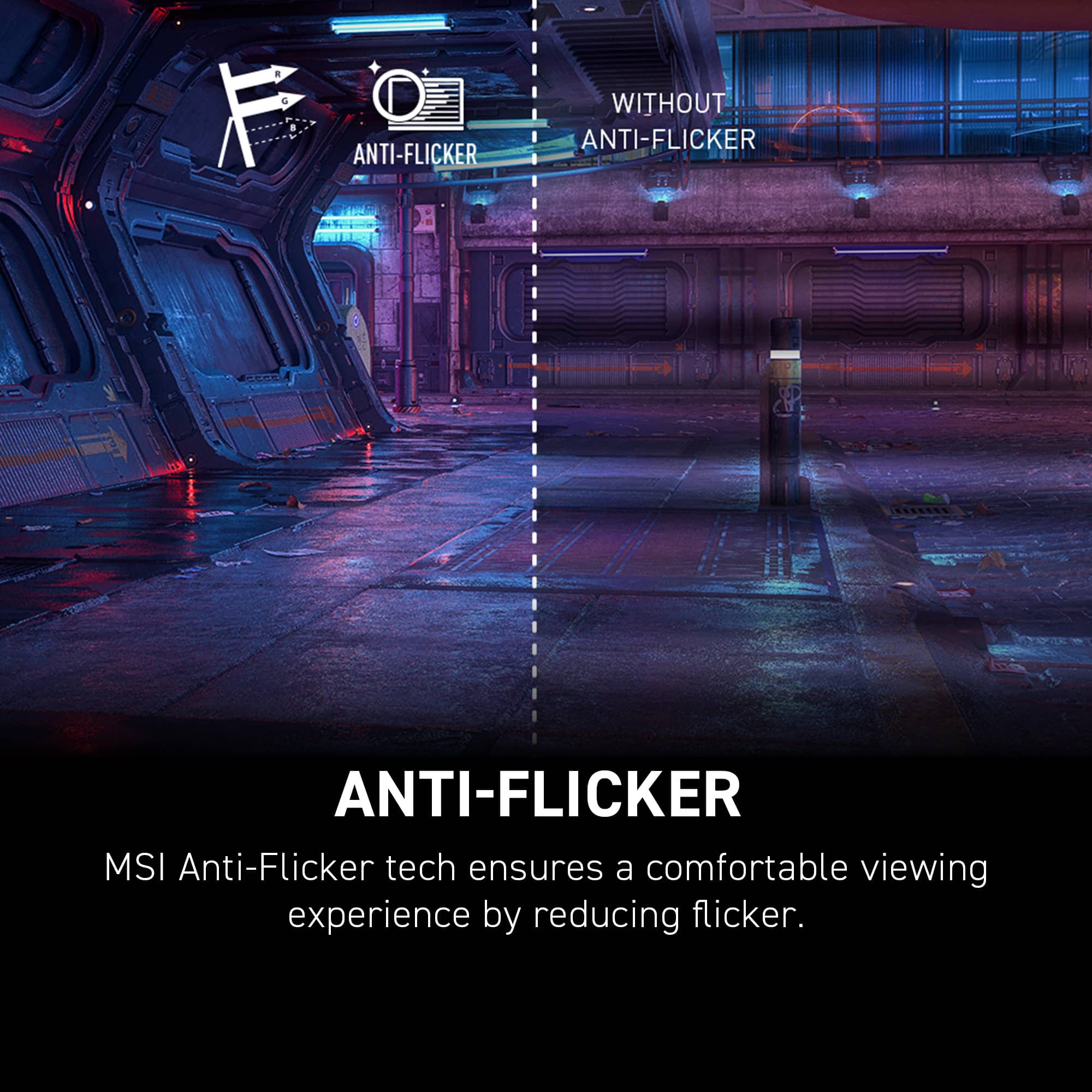
|Posted .This reviewer received promo considerations or sweepstakes entry for writing a review.To sum it up, this monitor performs well, comes well-equipped, looks good, and I think provides crazy value. To start, I like the look. I know it is marketed as “MAG” and “Tough,” but for me I think it is clean, muted, and plain. Maybe a little boring to some, but black and plain. Perfect for me. Build-wise, there is a nice level of quality. Solid, a very versatile stand (tilt, lower, raise, swivel), small bezels, and a good weight. I appreciate the 2 HDMI 2.1 ports (with 1 1.4 DisplayPort). All in all, no complaints here. I think the display itself is fantastic. Great overall performance. Colors are quite accurate, detailed, and full. Picture quality is crispy. Bright, vivid, and some impressive blacks. OLED quality? No, but still good. Refresh rates are certainly there, response is great, and everything I have thrown at it has been handled with ease. No lag that I have seen and tearing and flickering have to this point been nonexistent. Further, I know there are pros and cons to each panel type but I love the viewing angles given the nature of the IPS panel. Another personal preference is the matte or anti-glare surface treatment. I love it. I know some may not like one or both of those, but just something to note. In the end, I think this is a great monitor, and I really like it. It has a nice spec list, looks good, and performs very well…perhaps most importantly. I think for what you get and where it sits in the market, it is a tremendous value, and I think most people would like it.
I would recommend this to a friend - Pros mentioned:Adjustability, Overall performance
Fantastic
|Posted .This reviewer received promo considerations or sweepstakes entry for writing a review.Let's just get right too it: Pretty big, Brilliant display, easy to use, perfect for all sorts of applications. So on a daily basis: I use this as a monitor to extend my gaming my laptop to a second screen, and cranks. It is nice to have the bigger display for several of the games (especially the racing ones). I also use this for software development second screen, on a different laptop and it is nice with clear text, wide screen, can get a lot done. Very deep and rich colors. You can see deep details, no flicker, no motion blur... Down side is no speaker built in for daily usage. But that isn't a big knock, since usually using headphones with the games. Adjustable elevation, with a good amount of distance, but for me doesn't get high enough to be directly across, so I did have to put something else under the base to get a little higher. For those that need a tilt, it is there as well, and the angles don't see to degrade at all on the picture. Still very clear and detailed. So if you need a 2nd screen, or just a larger primary screen... good to go
I would recommend this to a friend - Pros mentioned:Connectivity, Refresh rate
Amazing!
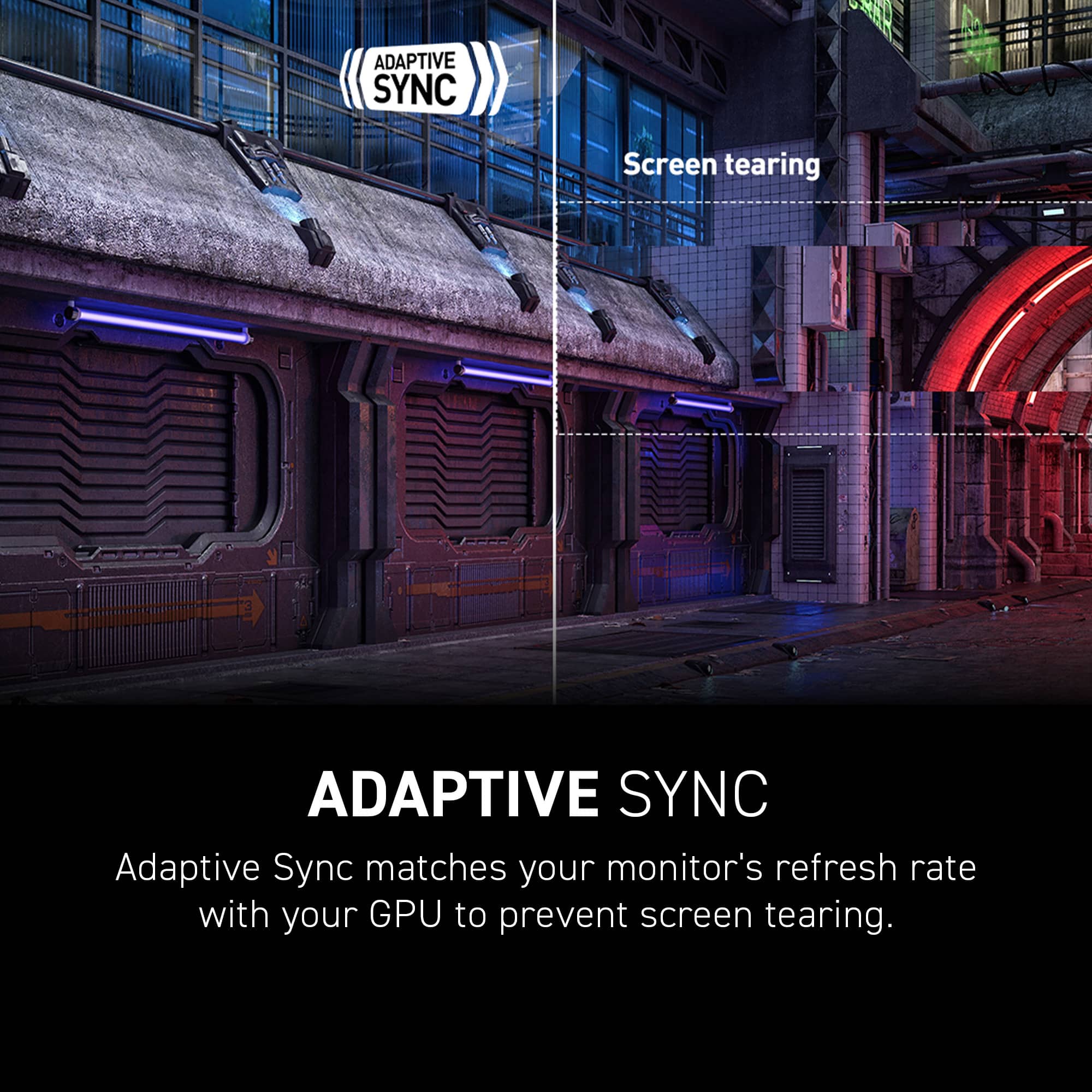
|Posted .This reviewer received promo considerations or sweepstakes entry for writing a review.Setup and First Impressions Right out of the box, the MSI MAG 275QPF X30 felt premium. The matte black finish, slim bezels, and solid stand gave it a sleek, no-nonsense look. It came with both DisplayPort and HDMI cables, but I used DisplayPort to push the full 300Hz refresh rate. Setup was fast—just plug it in, select the right input, and tweak a few settings in the OSD. The stand has good tilt and height adjustment, but no swivel. Once I turned on Adaptive Sync and enabled 300Hz, I could already tell this monitor was built for speed. Display Quality and Performance The panel is a 2560x1440 QHD IPS display with a 1ms response time and 300Hz refresh rate. Colors were punchy, contrast was solid, and it looked sharp for both gaming and general use. The motion clarity was noticeably smooth even when just moving windows around on the desktop. While it's not a 4K monitor, it handled 4K input and downscaled cleanly. I played a few games at 4K just to test how it looked with internal resolution scaling from the GPU. If you’re coming from a basic 60Hz monitor, this feels like a serious upgrade in every category. Gaming Experience Fortnite (4K resolution scaling) Even at ultra settings and 4K internal resolution scaled down to 1440p, Fortnite ran smooth with Adaptive Sync keeping everything tear-free. The 300Hz refresh rate helped during build battles—tracking players mid-air and quick edits felt responsive. Input lag was nonexistent. Destiny 2 This monitor crushed it in Destiny 2. The color depth made the environments pop, and the smooth frame delivery helped with tracking enemies in PvP. Crucible at 1440p with uncapped frame rates was buttery smooth. I didn’t notice any ghosting even with fast movements or flashy supers. Delta Force: Hawk Ops I tested the new Delta Force with a high refresh frame cap. It looked great and ran smoothly with full Adaptive Sync support. Hit reg felt tight, and aiming down sights during close quarters combat showed off the 1ms response time. A great match for tactical shooters. Call of Duty: MW3 (2023) CoD was where this monitor really showed its strengths. At 1440p and 200–300 FPS, every motion was crisp. Gunfights were more precise. The monitor picked up quick flicks and recoil recovery without any smear. I was seeing enemies faster in tighter situations, especially in Search and Destroy. Genshin Impact (4K internal res) This isn’t a super-fast game, but I cranked up internal resolution to 4K and ran it with full effects. The monitor handled the visuals beautifully—colors were rich and detailed, and the anime-style art looked clean and vibrant. No stuttering or flickering, even with lots of particle effects during combat. Final Thoughts The MSI MAG 275QPF X30 is a beast of a 1440p gaming monitor. It isn’t 4K natively, but it handles 4K input well and makes the most of that high refresh rate. It’s clearly built for competitive gaming, but it still has the image quality to make casual, story-driven games look great. The 300Hz refresh rate and 1ms response time actually make a difference in fast-paced shooters. Adaptive Sync keeps everything smooth, and the IPS panel gives it solid color performance across genres. If you’re running a powerful GPU and want a responsive, fluid, and sharp 1440p experience with headroom for esports and FPS games, this monitor absolutely delivers. I’d recommend it to anyone who games competitively or just wants that extra smoothness in day-to-day use.
I would recommend this to a friend