Customer Ratings & Reviews
- Model:
- MAG X870E TOMAHAWK WIFI
- |
- SKU:
- 6616917
Customer reviews
Rating 4.7 out of 5 stars with 138 reviews
(138 customer reviews)Rating by feature
- Value4.5
Rating 4.5 out of 5 stars
- Quality4.7
Rating 4.7 out of 5 stars
- Ease of Use4.7
Rating 4.7 out of 5 stars
Customers are saying
Customers are pleased with the overall performance and the wide range of connectivity options provided by this product. Users frequently highlight how easy the installation process is and appreciate the convenience of the BIOS update system. While the board is highly regarded for its features and build quality, some users noted a specific limitation regarding M.2 slot compatibility with certain processors.
This summary was generated by AI based on customer reviews.
Rated 3 out of 5 stars
Damaged during shipping
||Posted . Owned for 1 week when reviewed.This reviewer received promo considerations or sweepstakes entry for writing a review.Pretty annoyed. Bought this two weeks ago and didn't open it up. Turns out that the socket cover and an m.2 heat sink came lose causing unrepairable damage to the socket. Make sure you check your board asap for any damage during shipping.
No, I would not recommend this to a friendRated 5 out of 5 stars
Perfect mobo for 9800x3d
||Posted . Owned for 1 week when reviewed.This reviewer received promo considerations or sweepstakes entry for writing a review.One of the best motherboards I’ve purchased. Start up was easy(windows11). Perfect paired with a 9800x3d. Running 4 stick of ram with no problems. Updating bios is easy.
I would recommend this to a friendRated 5 out of 5 stars
Great affordable x870E board
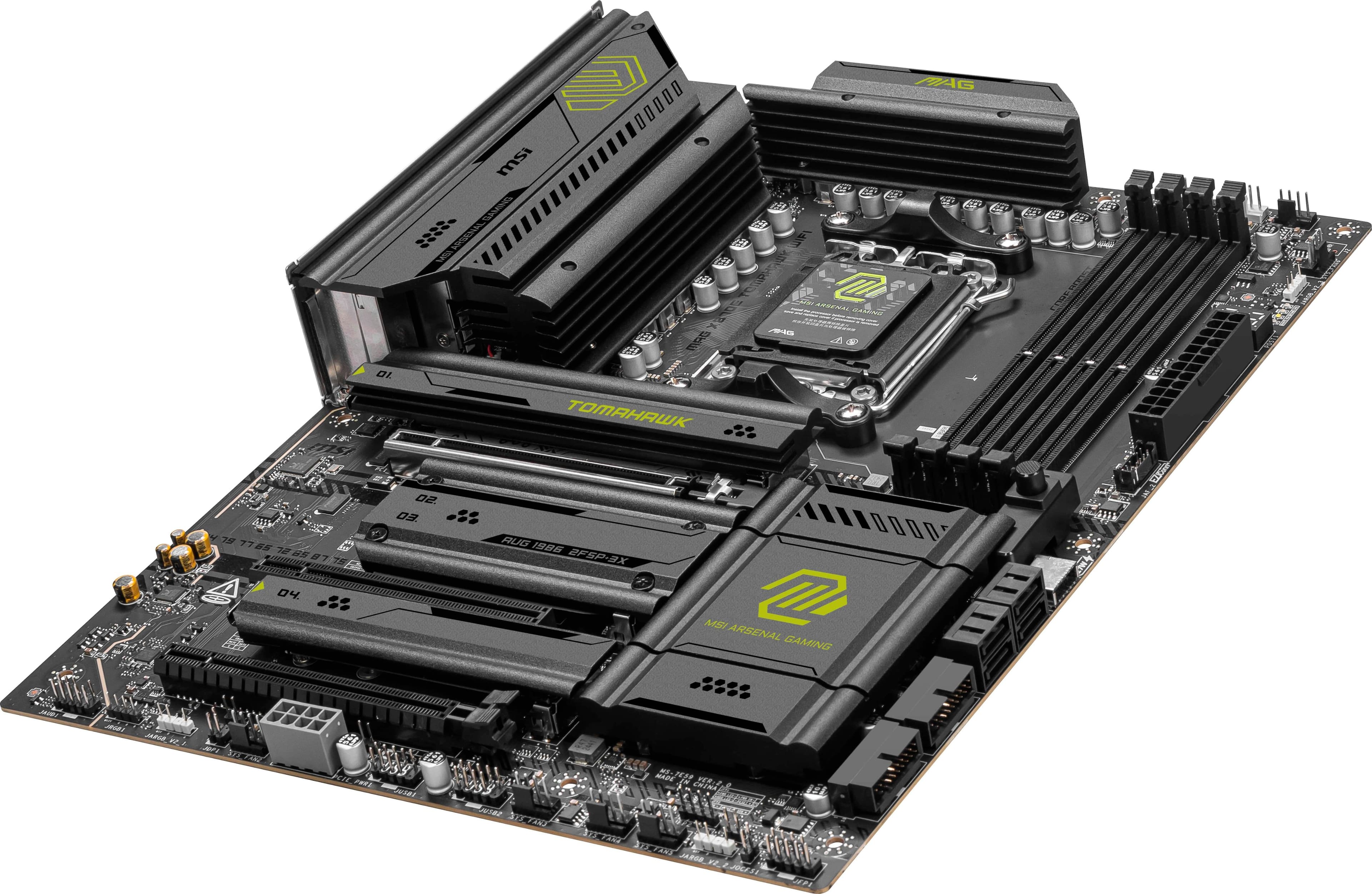
||Posted .This reviewer received promo considerations or sweepstakes entry for writing a review.Great MB with lots of quality of life features like heatsinks for m2s, easy lock for GPU, and debug code LCDs.
I would recommend this to a friendRated 4 out of 5 stars
Decent motherboard with the 9800x3d
||Posted .This reviewer received promo considerations or sweepstakes entry for writing a review.Came out okay, wish it wasnt shipped in a polymailer though. Box was dented, but contents inside were fine. motherboard works okay.
I would recommend this to a friendRated 5 out of 5 stars
Great Motherboard
||Posted .This reviewer received promo considerations or sweepstakes entry for writing a review.Excellent motherboard easy to install and a cool design with gpu latch.
I would recommend this to a friendRated 4 out of 5 stars
A good upgrade
||Posted . Owned for 3 weeks when reviewed.This reviewer received promo considerations or sweepstakes entry for writing a review.I like the price and the utility of the motherboard
I would recommend this to a friendRated 1 out of 5 stars
Change isn't always good
||Posted . Owned for 8 months when reviewed.This reviewer received promo considerations or sweepstakes entry for writing a review.Never worked bought a Asus tuf mobo instead which has been my go to for 15yrs. But I bought the 9950 3D chip so I figured why not do something out the norm. Plus the tuf didn't have optical audio (just used HDMI audio through my 7900xtx chefs kiss. I kept the board in hopes it just needs a bios update (but I needed my computer) so it's sits untill I get the 9950-3Dx2 it also sits with a 2 tb m.2 drive with 64gb of ram. CONE ON DEALS ON PROCESSORS
No, I would not recommend this to a friendRated 1 out of 5 stars
Terrible Motherboard
||Posted . Owned for 8 months when reviewed.This reviewer received promo considerations or sweepstakes entry for writing a review.I have had 2 of these motherboards. First motherboard I took back and exchanged for another, as I had nothing but issues with it and nothing was consistent with the motherboard. From getting it to POST, to detecting the NVMe drives, and inconsistent PCIe speeds. Both motherboards shared to same issues. I tried different processors, different GPUs, and different memory. Updated the bios a few times hoping that would solve some of the issues, but it didn't. All MSI wanted to do was RMA, which tells me they know there is an issue, and that was when I said enough was enough. Went with another x870e motherboard from a different brand, no issues and no more trying different stuff hoping something worked.
No, I would not recommend this to a friend- Pros mentioned:Overall performance
Rated 1 out of 5 stars
Didn't last long
||Posted . Owned for 1 month when reviewed.This reviewer received promo considerations or sweepstakes entry for writing a review.Great motherboard will it worked lasted just long enough for the store warranty to expire so Im sending it off to RMA hopefully I don't get something crap back
No, I would not recommend this to a friend Rated 3 out of 5 stars
Almost a great motherboard
||Posted . Owned for 3 weeks when reviewed.This reviewer received promo considerations or sweepstakes entry for writing a review.Great motherboard except it refuses to allow me to update the UEFI/BIOS.
I would recommend this to a friendRated 1 out of 5 stars
Know fault error code 0d
||Posted .This reviewer received promo considerations or sweepstakes entry for writing a review.This board has a fault where when you restart the computer any time, it hangs up and shows error code 0d. This is a known fault with no apparent fixes. And now 15 days (really best buy?) later I can't return it.
No, I would not recommend this to a friendRated 1 out of 5 stars
roadie didnt deliver
||Posted . Owned for less than 1 week when reviewed.This reviewer received promo considerations or sweepstakes entry for writing a review.why am i ordering from best buy for peace of mind if yall are going to ship it with criminals at roadie? roadie bbb reviews show if it could have less than 1 star, it would. the guy who dreamed up that vendor relationship needs to be fired. then i go read your reviews to find out that not only does best buy use roadie, they use doordash too. i chose bestbuy because i knew it would be ups or fedex. boy was i wrong and the result is obvious before liftoff. dumb business decision to use last mile carrier service instead of ups or fedex. oh and good luck reporting the thief to police.
No, I would not recommend this to a friendRated 1 out of 5 stars
They Don't Bubble Wrap
||Posted . Owned for less than 1 week when reviewed.This reviewer received promo considerations or sweepstakes entry for writing a review.Do you want to buy a motherboard that shows up damaged from shipping?
No, I would not recommend this to a friendRated 5 out of 5 stars
Best Value X870E Motherboard
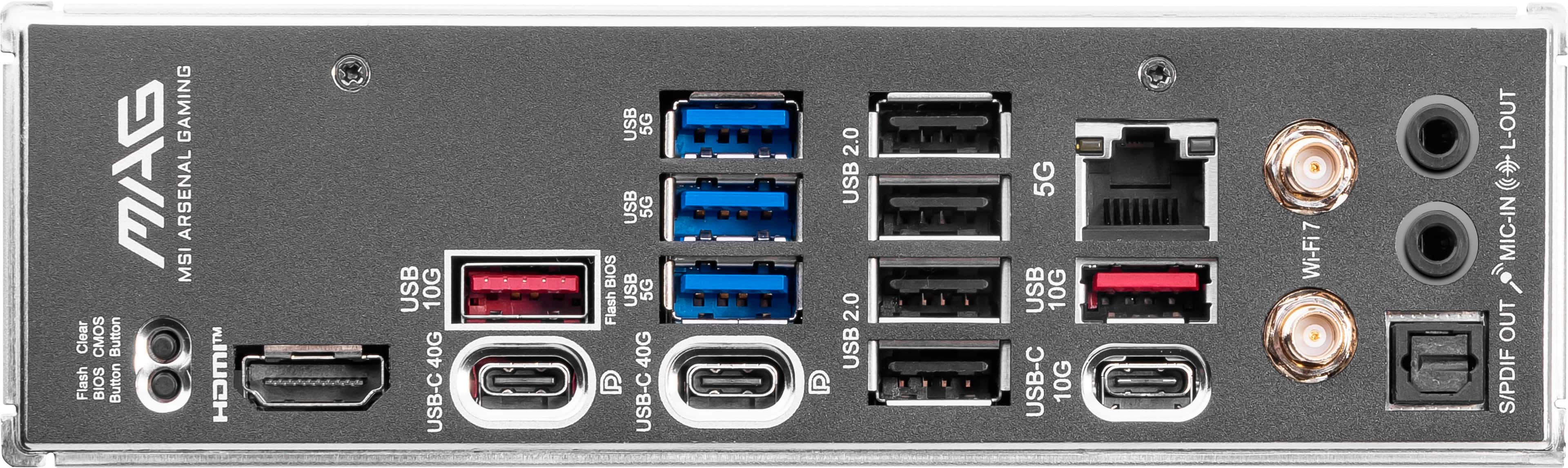
Posted .This reviewer received promo considerations or sweepstakes entry for writing a review.There's simply no other board at this price that delivers BIOS Flashback, CMOS button, and a 7-segment debug LED. Couple that with the solid I/O, solid VRMs, 8,000mhz RAM support, and plenty of M.2 slots and you really get everything you could ever need. That said, it's not perfect. I'm not a fan of the CMOS battery being behind a heatsink, nor am I a fan of the green color on said heatsinks. The board also lacks an asynchronous eclk setting in the bios, limiting the theoretical maximum clock speed of PBO to the +200mhz value. It's unlikely your CPU is capable of more than +200mhz PBO, but many enthusiasts would absolutely love to limit test this, and no eclk means no fun. The board does have a "performance switch" option which stacks on PBO and increases clock speeds at lower thread utilization, which does increase gaming clocks by ~100mhz in my experience, but this is still capped by PBO so if you have a gold sample you'll be held back. Overall: I picked this board for a reason, and have not been disappointed. Best value unless you want to limit test your CPU.
I would recommend this to a friend- Pros mentioned:Connectivity, Overall performance
Rated 5 out of 5 stars
The perfect X870E MOBO
Posted .This reviewer received promo considerations or sweepstakes entry for writing a review.If you're looking for an excellent motherboard for your AMD 9800X3D, then look for further. This MOBO runs like a dream on my benchmarks, and has everything I was looking for (USB ports galore, well built heat sinks), and doesn't have RGB all over which is a HUGE plus for me.
I would recommend this to a friend - Pros mentioned:Overall performance
Rated 5 out of 5 stars
Solid!
Posted .This reviewer received promo considerations or sweepstakes entry for writing a review.Solid build. I noticed a bit snappier performance in certain games. Definitely recommend. Great price too.
I would recommend this to a friend Rated 5 out of 5 stars
Great Board!
Posted .This reviewer received promo considerations or sweepstakes entry for writing a review.This is my first build in over a decade. After extensive research, I still worried about error codes, issues with BIOS, and my 9950X3D. The latest BIOS update was flawless and after installing all compenents, I had zero issues with this board so far (granted this is only day two, but it's been running none stop except for going to sleep when I step away). If you plan on getting RBG RAM make sure you have enough clearance with your CPU cooler, unless you're going liquid cooled. My last two motherboards were MSI and this one is just as high quality, albeit with upgrades. If you're reading negative reviews about errors, a lot of them have been resolved with the latest BIOS update.
I would recommend this to a friendRated 5 out of 5 stars
Great Board
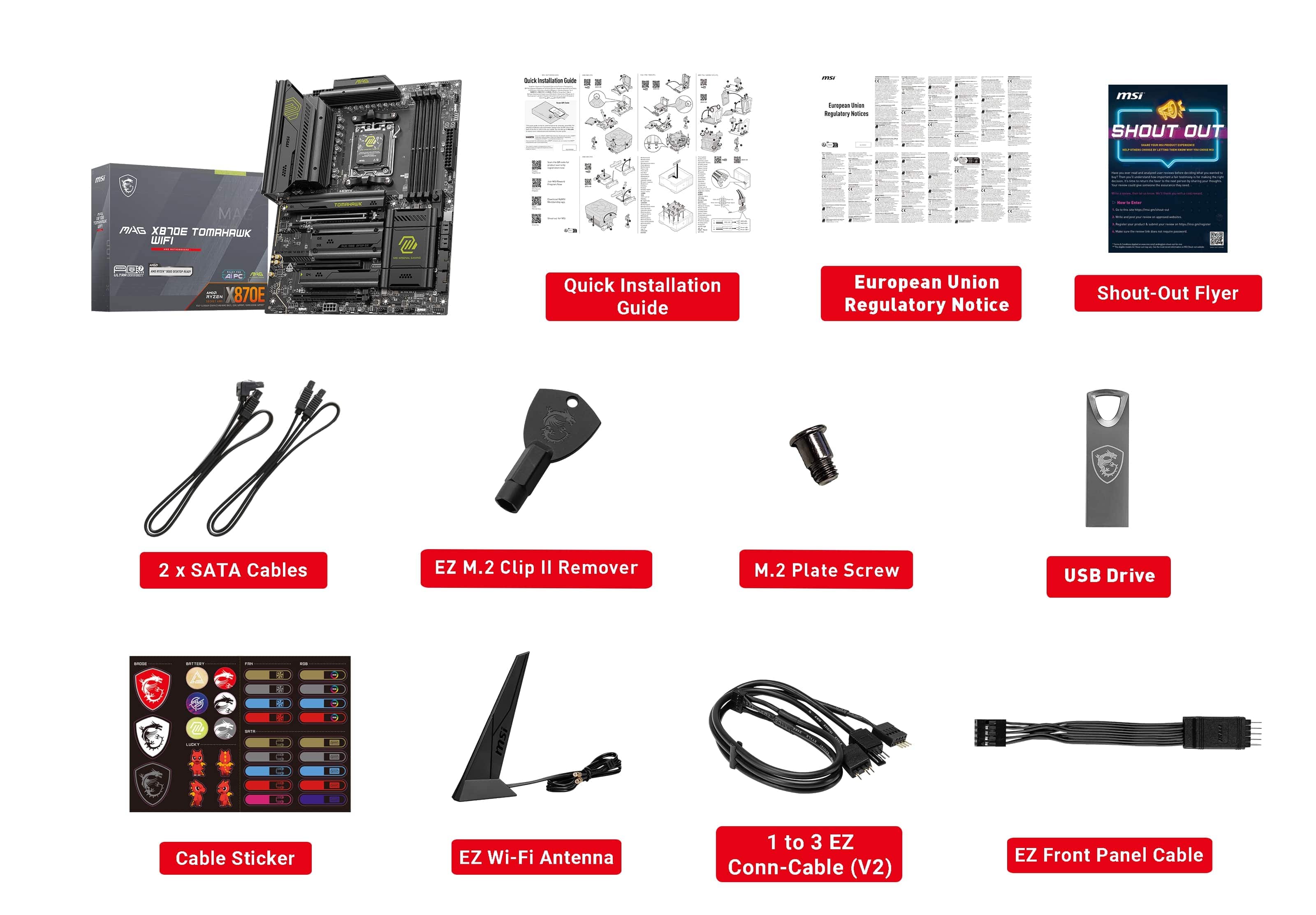
Posted .This reviewer received promo considerations or sweepstakes entry for writing a review.Some tips, use the antenna provided, it will substantially boost the wifi signal. Install the latest Bluetooth, Wifi, ethernet etc drivers from the website. And attach your CPU cables at the very least before building in the case.
I would recommend this to a friend