Customer Ratings & Reviews
- Model:
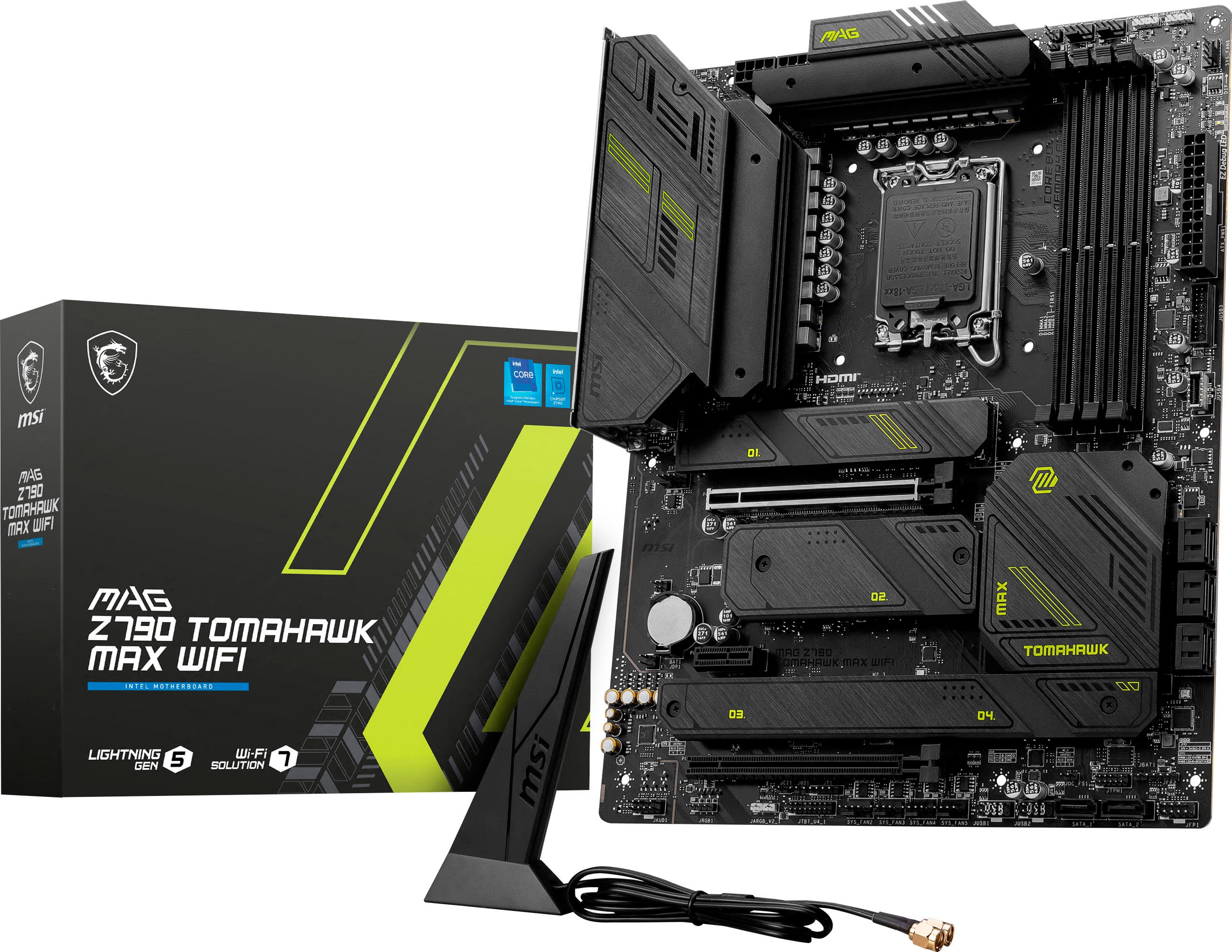
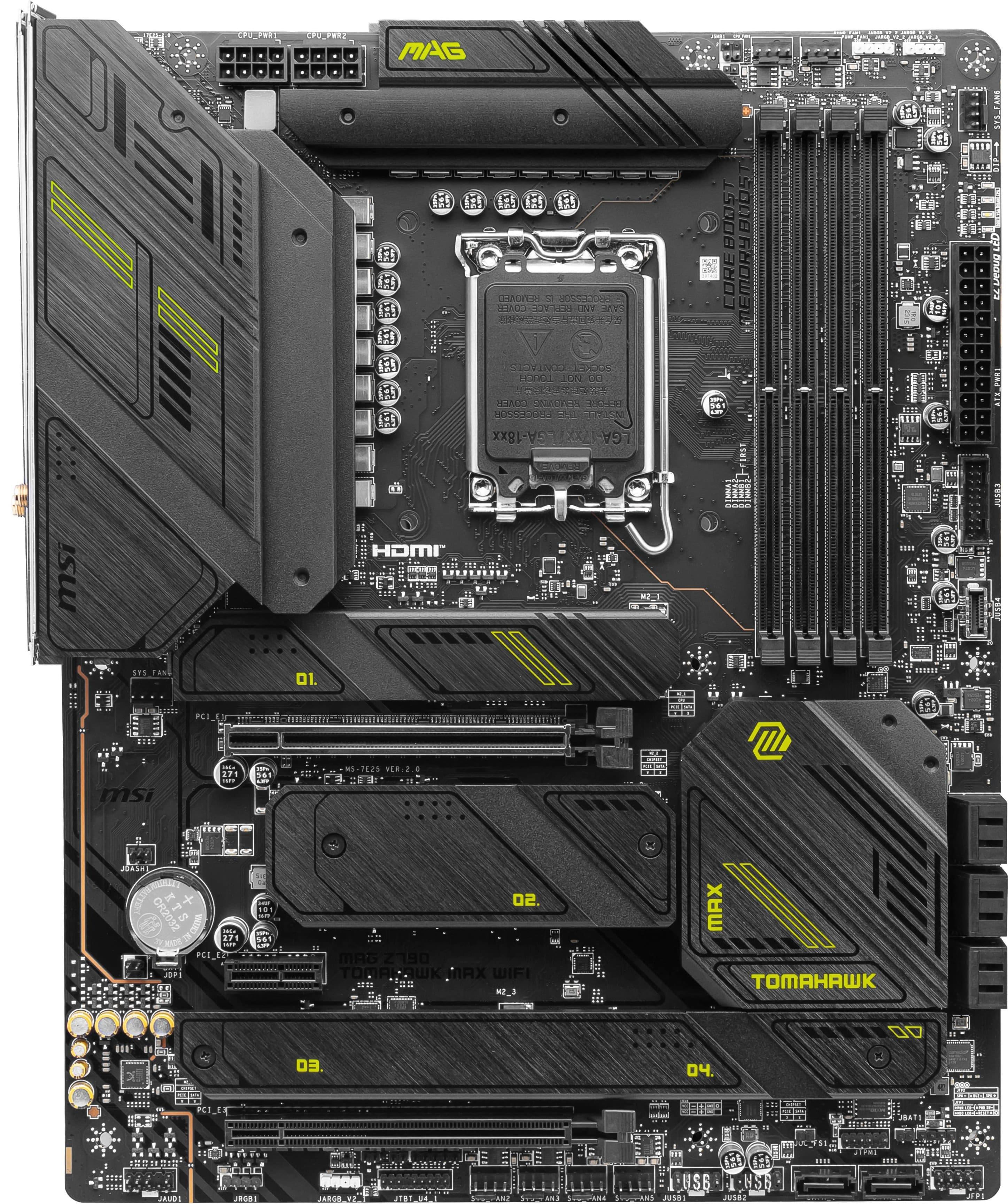
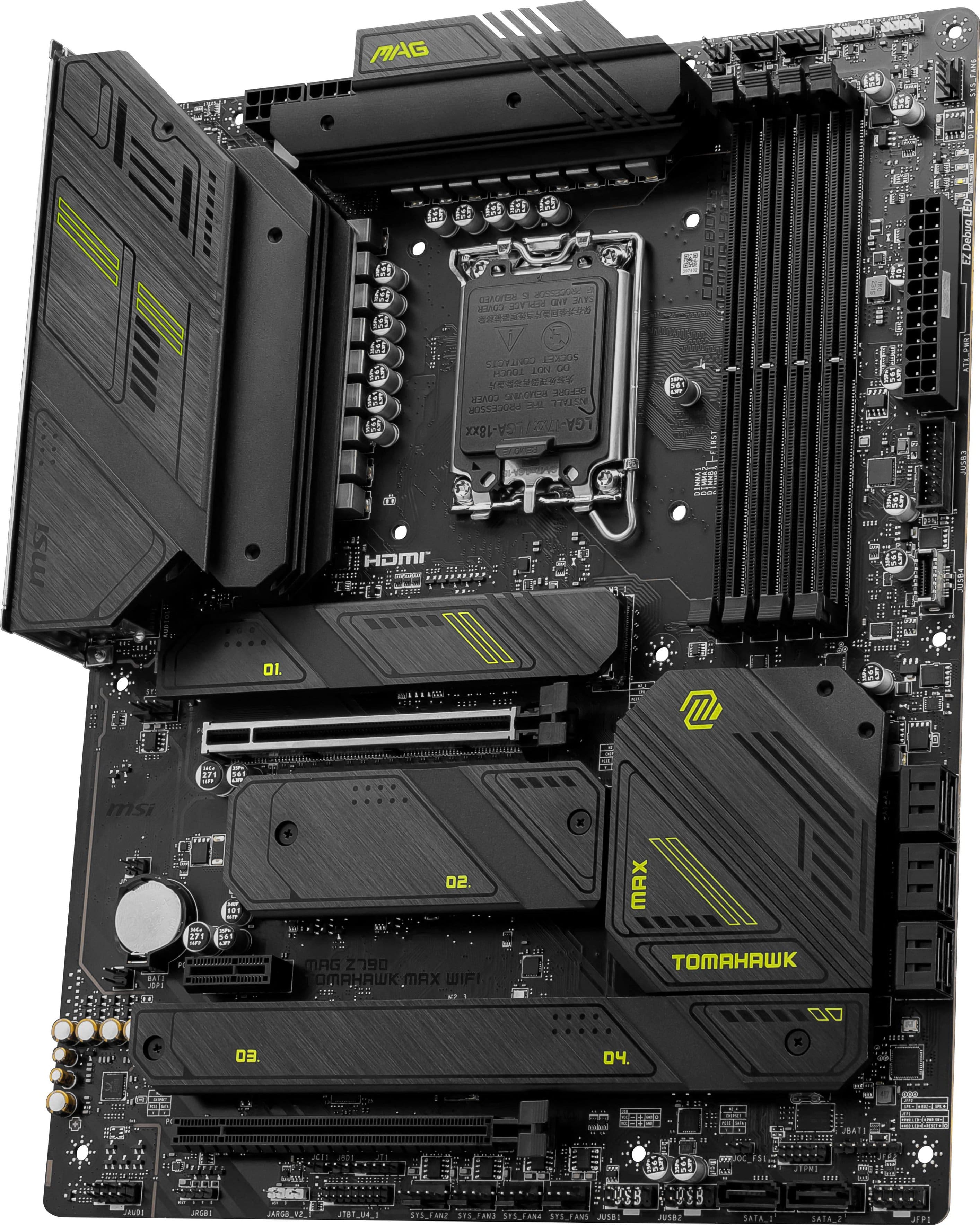
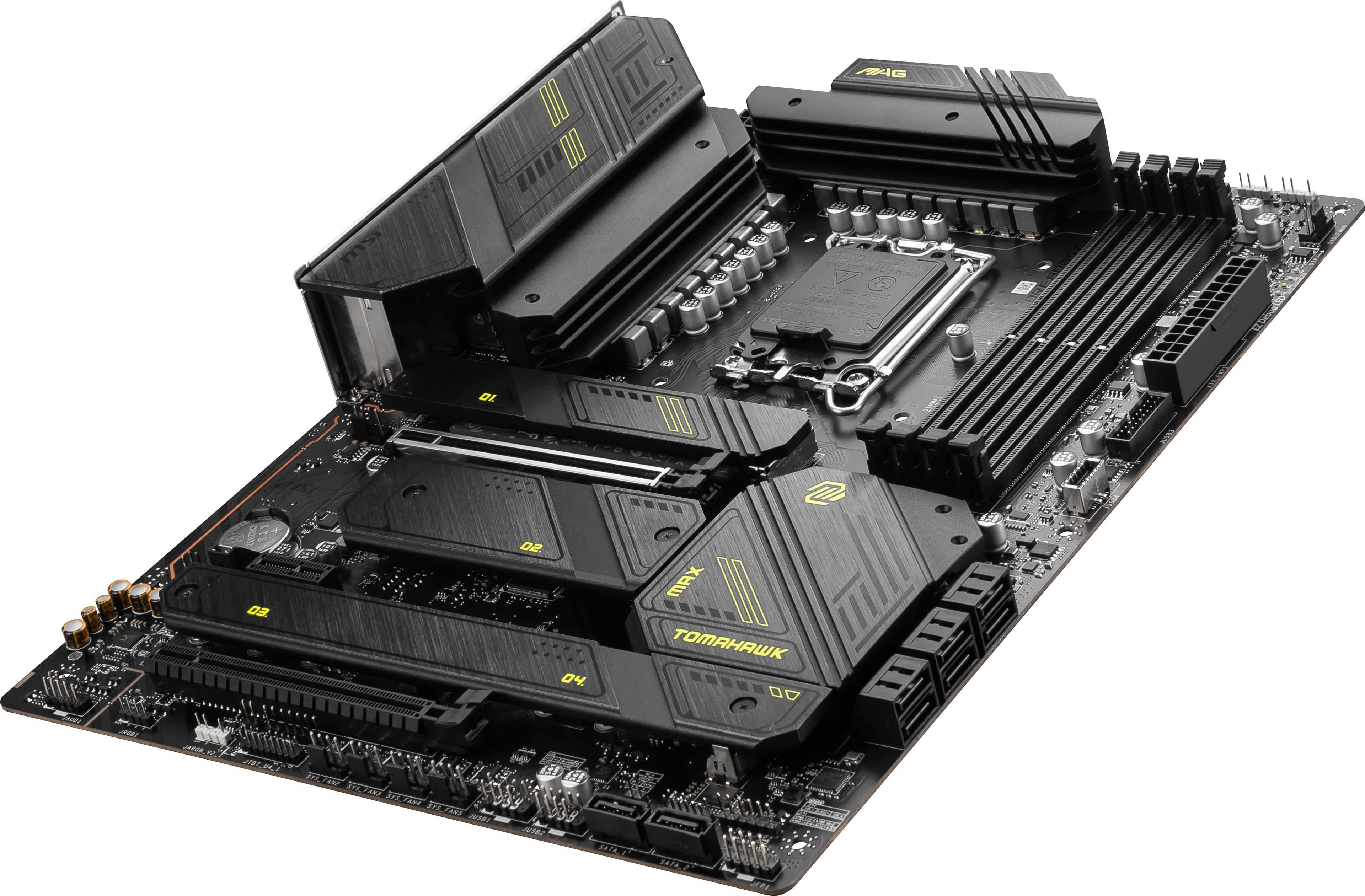
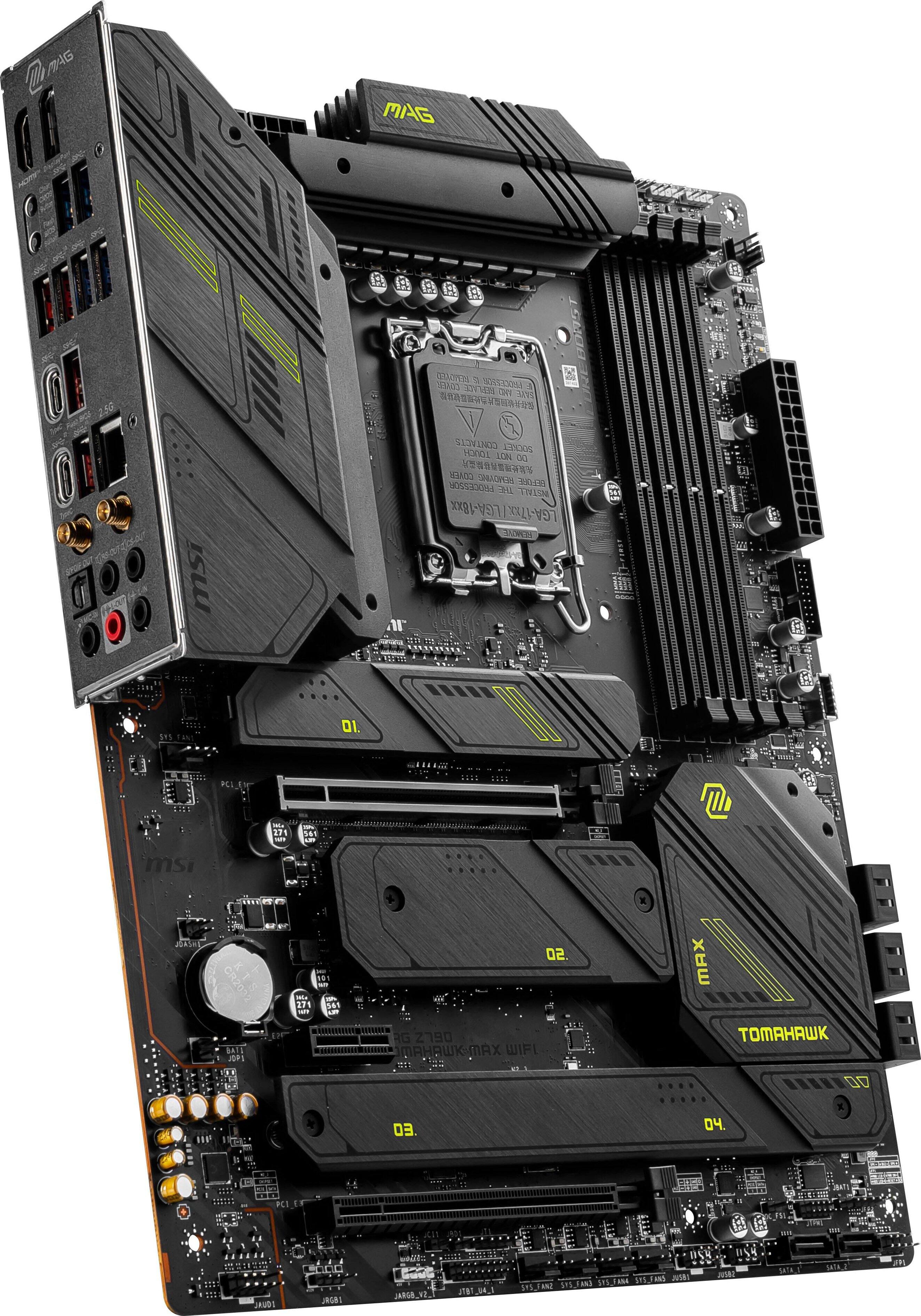
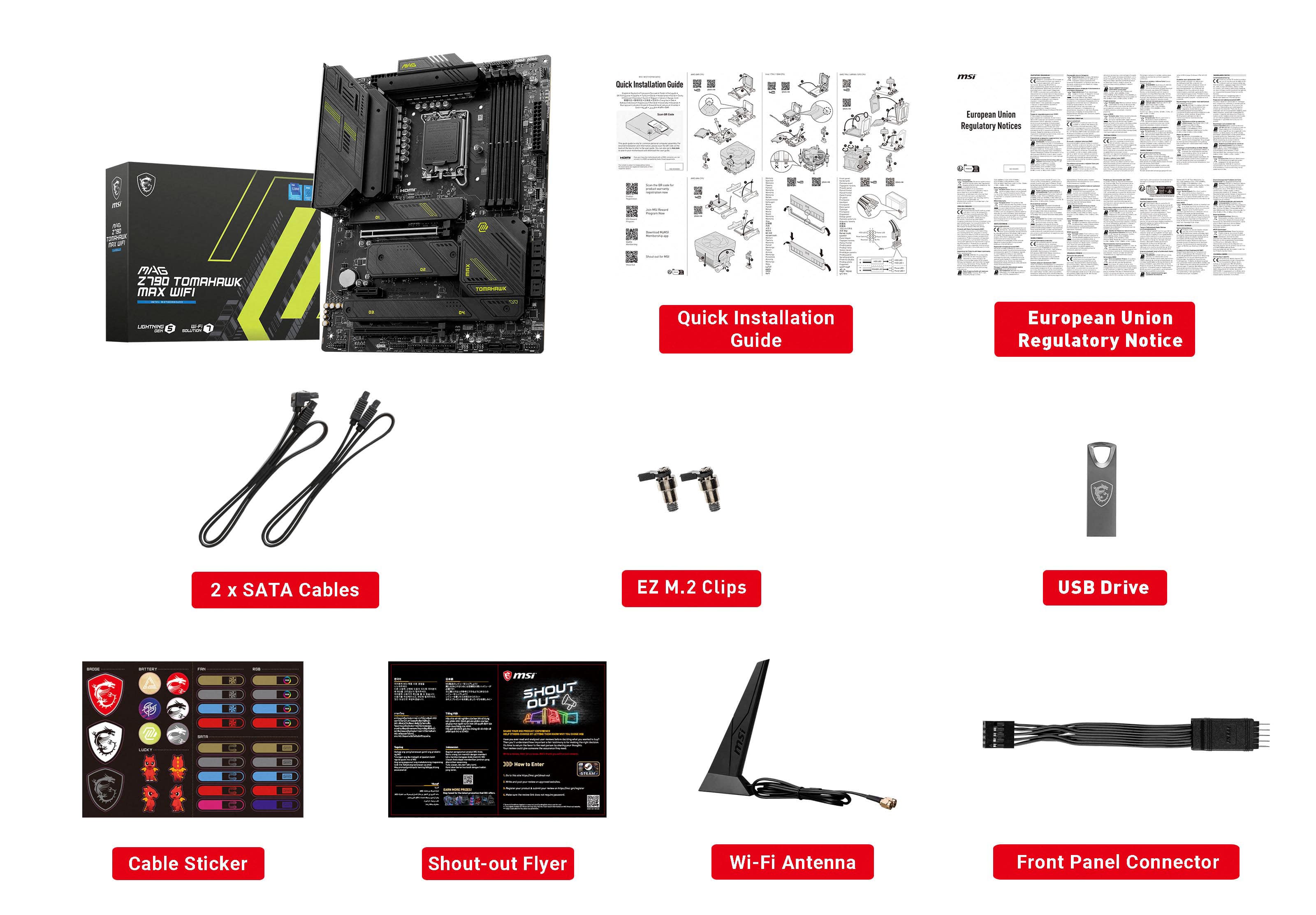
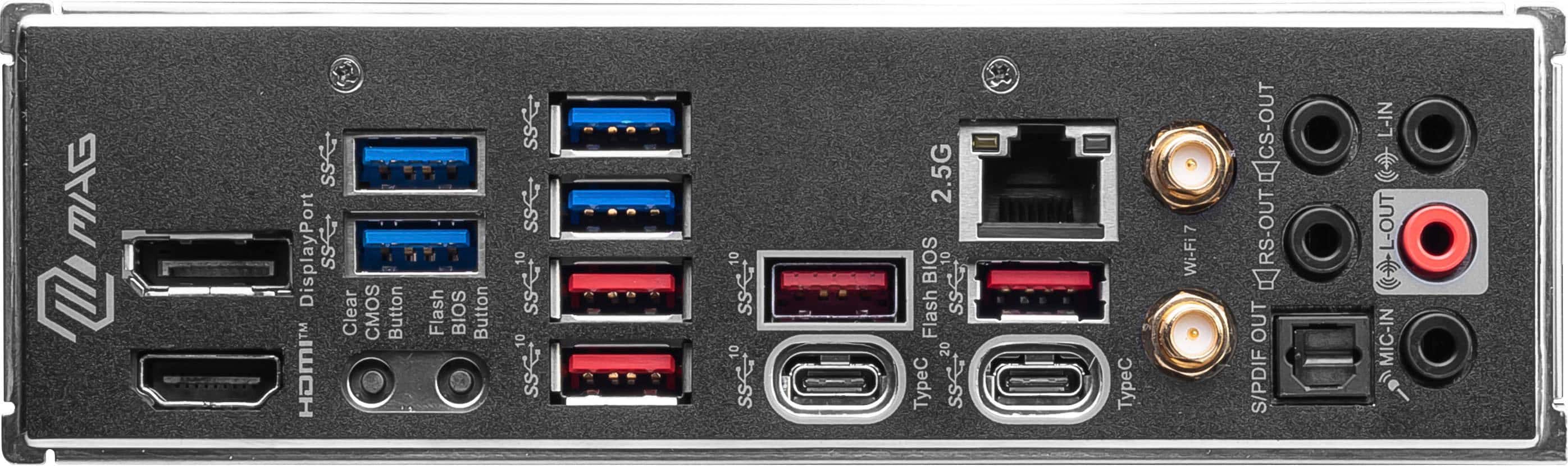
- MAG Z790 TOMAHAWK MAX WIFI
- |
- SKU:
- 6571302
Customer reviews
Rating 4.6 out of 5 stars with 107 reviews
(107 customer reviews)Rating by feature
- Value4.6
Rating 4.6 out of 5 stars
- Quality4.6
Rating 4.6 out of 5 stars
- Ease of Use4.5
Rating 4.5 out of 5 stars
Customers are saying
Customers recognize the MAG Z790 TOMAHAWK MAX WIFI motherboard for its outstanding performance and ease of installation. Users appreciate its connectivity and the BIOS, reporting no issues. However, some customers have noted that using a particular M.2 slot may reduce the speed of the M.1 SSD card.
This summary was generated by AI based on customer reviews.
- Pros mentioned:Connectivity, Ease of use, Price
Rated 5 out of 5 stars
High quality, couldn’t be happier
||Posted . Owned for 1 month when reviewed.This reviewer received promo considerations or sweepstakes entry for writing a review.I got this for $140 in a bundle deal with an i7-14700k, which is nearly 50% off. That’s crazy. If I hadn’t gotten that discount, I’d still give this 5 stars though. It’s super straightforward to build with and, for what it’s worth, looks cool. It’s a perfectly good gen 5 board, the wifi 7 is whatever/a nice little bonus, but the biggest thing is it has similar connectivity hardware as similarly priced boards from competitors
I would recommend this to a friend - Pros mentioned:Bios, Ease of use
Rated 5 out of 5 stars
Good high end motherboard
||Posted . Owned for 2 weeks when reviewed.This reviewer received promo considerations or sweepstakes entry for writing a review.I felt that this motherboard was simple to use. Has a lot of strong features. I like the wifi 7 and the BIOS is simple. Highly recommend.
I would recommend this to a friend - Pros mentioned:Connectivity, Ease of use, Performance
Rated 5 out of 5 stars
Great price and features
||Posted . Owned for 3 weeks when reviewed.This reviewer received promo considerations or sweepstakes entry for writing a review.Perfect motherboard. Easy to install and booted up with no issues. Lots of features especially flr NVME and wifi 7 is great.
I would recommend this to a friend - Cons mentioned:M.2 slot access
Rated 5 out of 5 stars
Feels like Top of the Line at Entry to Mid Price
||Posted . Owned for 2 weeks when reviewed.This reviewer received promo considerations or sweepstakes entry for writing a review.This board is fantastic and works great. There are mostly pros, with very few cons, which I'll list below. PROS: ++ Plenty of M.2 Ports ++ High DDR5 Max speed support ++ Easy BIOS flashing with button on back panel ++ Mounts easily to case ++ Integrated heatsinks for M.2 cards ++ Feels rugged ++ Included WiFi antenna with absolutely amazing range and speed (I use 1 Gbps down/up with Deco Mesh network. I get around 850Mbps over WiFi, 950 direct Ethernet, so pretty good speed. ++ LGA 1700 socket seems robust, nice tight fit when inserting the CPU. ++ RAM slots don't feel flimsy, they feel solid CONS -- Heatsink install for the M.2 can be confusing at first. -- No printed manuals, you need to view them all online, and they can be quite limited in nature -- Once you place your GPU (especially big bulky ones) you really can't access one of the M.2 slots... -- Mobo BIOS can be weird to navigate at first, but you get used to it -- One of the fan headers is in a weird location, but this only matters based on your case, if you have lots of front/top fans or bottom/back fans.
I would recommend this to a friend - Pros mentioned:Bios
Rated 4 out of 5 stars
Solid Motherboard That Almost Reaches Perfection
||Posted . Owned for 1 week when reviewed.This reviewer received promo considerations or sweepstakes entry for writing a review.First off, I've used MSI for sometime. As always, I find their BIOS screen to be fairly easy to navigate and configure, although the lack of a board explorer this time around was somewhat of a bummer. The other ding against is is the fact that the PCI-E port is shared with the main NVME drive, so if you want to take advantage of the 5.0 speeds, you'll have to make a sacrifice between one or the other. The GOOD news, however, is that there's still 3 other 4.0 drives (which are decidedly more common and find to work with) which will have no impact on this. The fact that they have solid heatsinks to keep them cool is also a bonus. In general, the board has a good strong and sturdy feel, and you can feel the heft. Despite the annoyance of the shared pci 5.0 slot, I have to give extra props to having top of the line features between WI-FI 7, PCI-E 5.0, and a 2.5Gbps ethernet port.
I would recommend this to a friend Rated 5 out of 5 stars
Solid motherboard for i9 14 gen processor.
||Posted .This reviewer received promo considerations or sweepstakes entry for writing a review.Solid Google Gemini recommend motherboard. I do wish the antena angle was adjustable. Also would appreciate the system fan ports be distributed between the top of the board and the bottom but there are no sys fan ports near the cpu fan ports.
I would recommend this to a friend- Pros mentioned:Connectivity
Rated 5 out of 5 stars
Z790
||Posted . Owned for 5 months when reviewed.This reviewer received promo considerations or sweepstakes entry for writing a review.The Z790 motherboard is a powerhouse for those looking to build or upgrade a high-performance Intel system. It supports cutting-edge technologies, including PCIe 5.0, DDR5, Wi-Fi 6E, and more, making it an excellent choice for gamers, content creators, and enthusiasts who want to get the most out of Intel's latest processors. With superior connectivity, future-proofing features, and overclocking capabilities, it represents an ideal foundation for a powerful and versatile computer system.
I would recommend this to a friend - Pros mentioned:Performance
Rated 5 out of 5 stars
Good motherboard
||Posted .This reviewer received promo considerations or sweepstakes entry for writing a review.Great motherboard been working good for 2 years now
I would recommend this to a friend - Pros mentioned:Bios
Rated 5 out of 5 stars
Good motherboard for 14th gen CPU
||Posted . Owned for less than 1 week when reviewed.This reviewer received promo considerations or sweepstakes entry for writing a review.Finally found this 14th gen motherboard that works well with my 14700K i7 CPU. Some motherboards say they are upgradeable, but are not. Went through several mobos before finding this one. Bias does need to be flashed as most of these mobos were made in fall of 2023. Bias update for 2024 available on MSI website. Only wish it was made in white, as was going that way with my DIY build, but have to go with what works.
I would recommend this to a friend Rated 5 out of 5 stars
Was the best option at the time.
||Posted .This reviewer received promo considerations or sweepstakes entry for writing a review.Using this in my Unraid server. It has been rock solid running 24/7 since the purchase along side a 14600k. Super stable. Not a whole lot of bios updates but that is fine since I am not running windows. Has features. Handles my 3 NVME and 6 drives no problem.
I would recommend this to a friend- Pros mentioned:Connectivity
Rated 5 out of 5 stars
msi - mag z790 tomahawk max wifi
||Posted .This reviewer received promo considerations or sweepstakes entry for writing a review.My old MSI mobo recently bricked while flashing bios where a thunderstorm shut down my pc. deciding to upgrade from my old z690 tomahawk mobo from msi, i chose the z790 tomahawk from msi. the extensive connectivity ports for fans makes this mobo easy to build in.
I would recommend this to a friend - Pros mentioned:Performance
Rated 5 out of 5 stars
Perfect
||Posted .This reviewer received promo considerations or sweepstakes entry for writing a review.I've bought MSI motherboards for over 10 years and have never been disappointed with the performance. This one is no different and gives me no reason to go with anything else.
I would recommend this to a friend Rated 5 out of 5 stars
Wifi 7
||Posted . Owned for 1 week when reviewed.This reviewer received promo considerations or sweepstakes entry for writing a review.WiFi 7 on this thing is awesome! Just make sure you know what you are doing when installing parts or get it done by a professional!
I would recommend this to a friendRated 5 out of 5 stars
Blazing fast and well designed
||Posted . Owned for less than 1 week when reviewed.This reviewer received promo considerations or sweepstakes entry for writing a review.Great motherboard for the price. Blazing fast speeds. Just make sure to get the right type of RAM. I didn't realize it was DDR5, but once I got the right kind it was smooth sailing from there. Looks great too.
I would recommend this to a friend- Pros mentioned:Performance
Rated 5 out of 5 stars
Msi a great option.
||Posted . Owned for 1 month when reviewed.This reviewer received promo considerations or sweepstakes entry for writing a review.I love this board. I have given up on ASUS. Have had MSI board that ha e been going for 10 years plus.
I would recommend this to a friend - Pros mentioned:Ease of use
Rated 5 out of 5 stars
Great motherboard
||Posted . Owned for 2 months when reviewed.This reviewer received promo considerations or sweepstakes entry for writing a review.Great motherboard was great deal rgb controls and everything work great easy to use
I would recommend this to a friend Rated 2 out of 5 stars
Great as long as you don't need Wifi.
||Posted . Owned for 1 week when reviewed.This reviewer received promo considerations or sweepstakes entry for writing a review.The board was easy to install everything was labeled as it should be. I am not a fan of not getting a physical copy of the user manual. For what these cost it should be included. Also, I have tried everything I know of to get the wifi driver installed but nothing has worked. I updated BIOS and every driver on the website, however for the Wifi driver will not install because the setup says "no suitable driver found".
No, I would not recommend this to a friendRated 5 out of 5 stars
Pretty good
||Posted . Owned for less than 1 week when reviewed.This reviewer received promo considerations or sweepstakes entry for writing a review.Love the color and the speed with it slick design pretty darn good
No, I would not recommend this to a friendRated 3 out of 5 stars
Good for intel
||Posted . Owned for 6 months when reviewed.This reviewer received promo considerations or sweepstakes entry for writing a review.Good motherboard but the back bracket for the motherboard is such a pain to use
No, I would not recommend this to a friend- Pros mentioned:Performance, PriceCons mentioned:M.2 slot access
Rated 5 out of 5 stars
Puts Up A Fight But Worth It In The End
Posted .This reviewer received promo considerations or sweepstakes entry for writing a review.Overall an excellent board for a price that is well below the extra expensive premium boards. The preinstalled I/O Shield allows ease with lining up and installing the board inside of a case. The M.2 screw locks and shield are very nice and get rid of the hassle of losing a small screw inside your PC for hours, but I do wish more than one M.2 slot was accessible without having to remove the entire GPU. However once you get to the software side of things, it becomes a bit more difficult. Installing Windows gave me many headache inducing problems, and when I finally got it installed neither wired nor wireless internet worked. You'll need to have the Network Drivers downloaded from another PC or have an old USB Wifi adapter lying around like I had. After those issues though the board runs like a dream and is fantastic for gaming with other top of the line parts.
I would recommend this to a friend