Customer Ratings & Reviews

- Model:
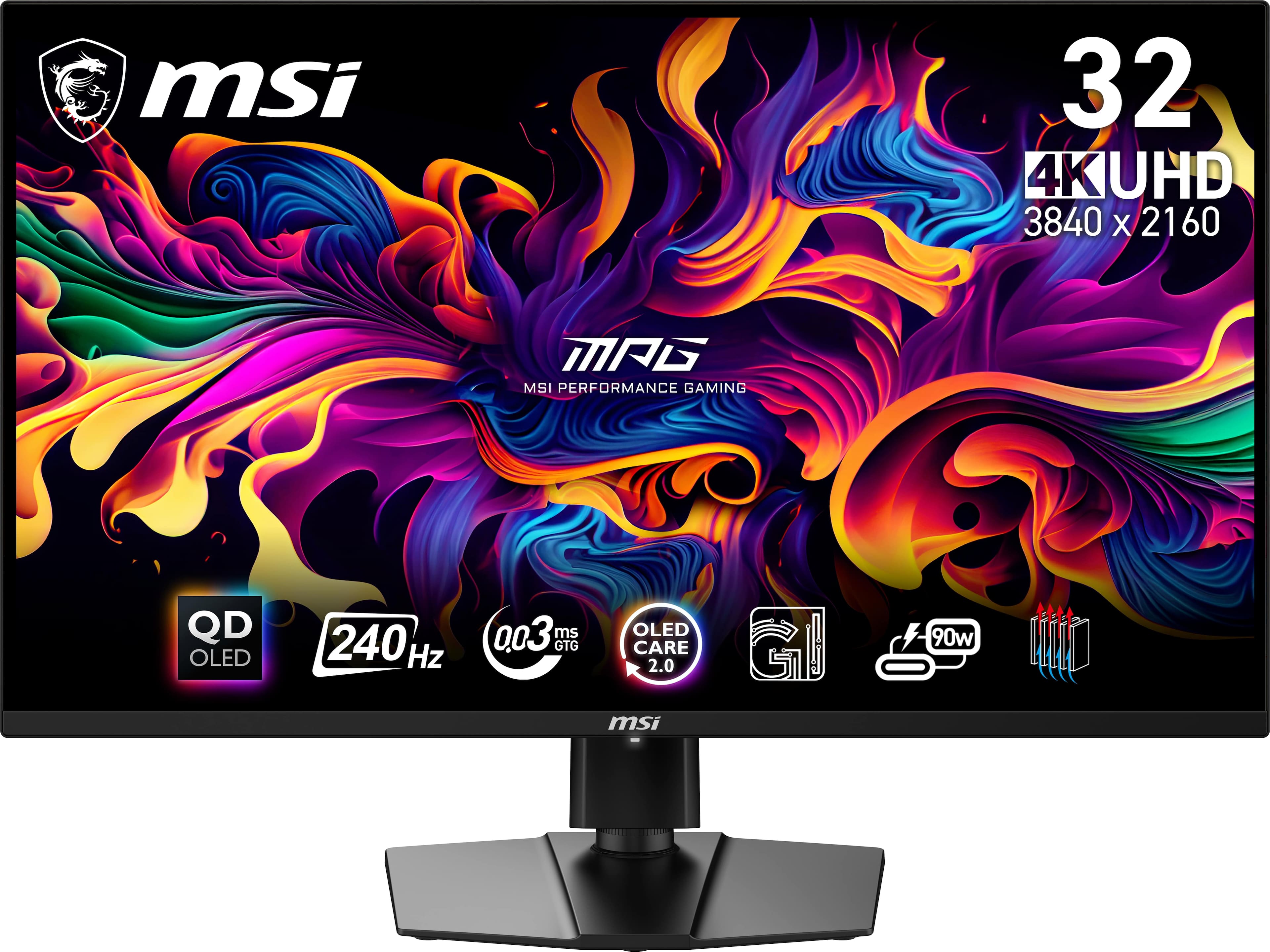
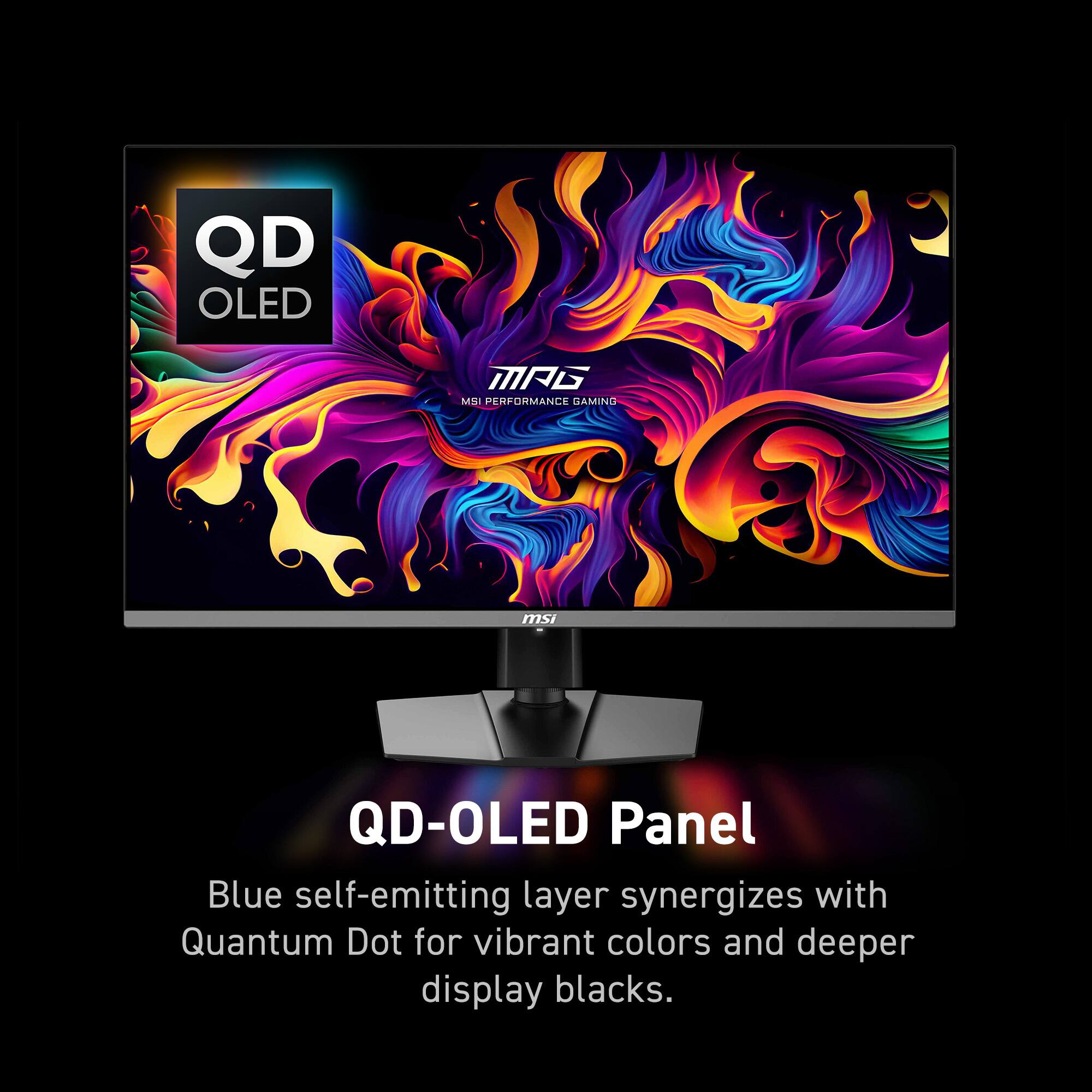
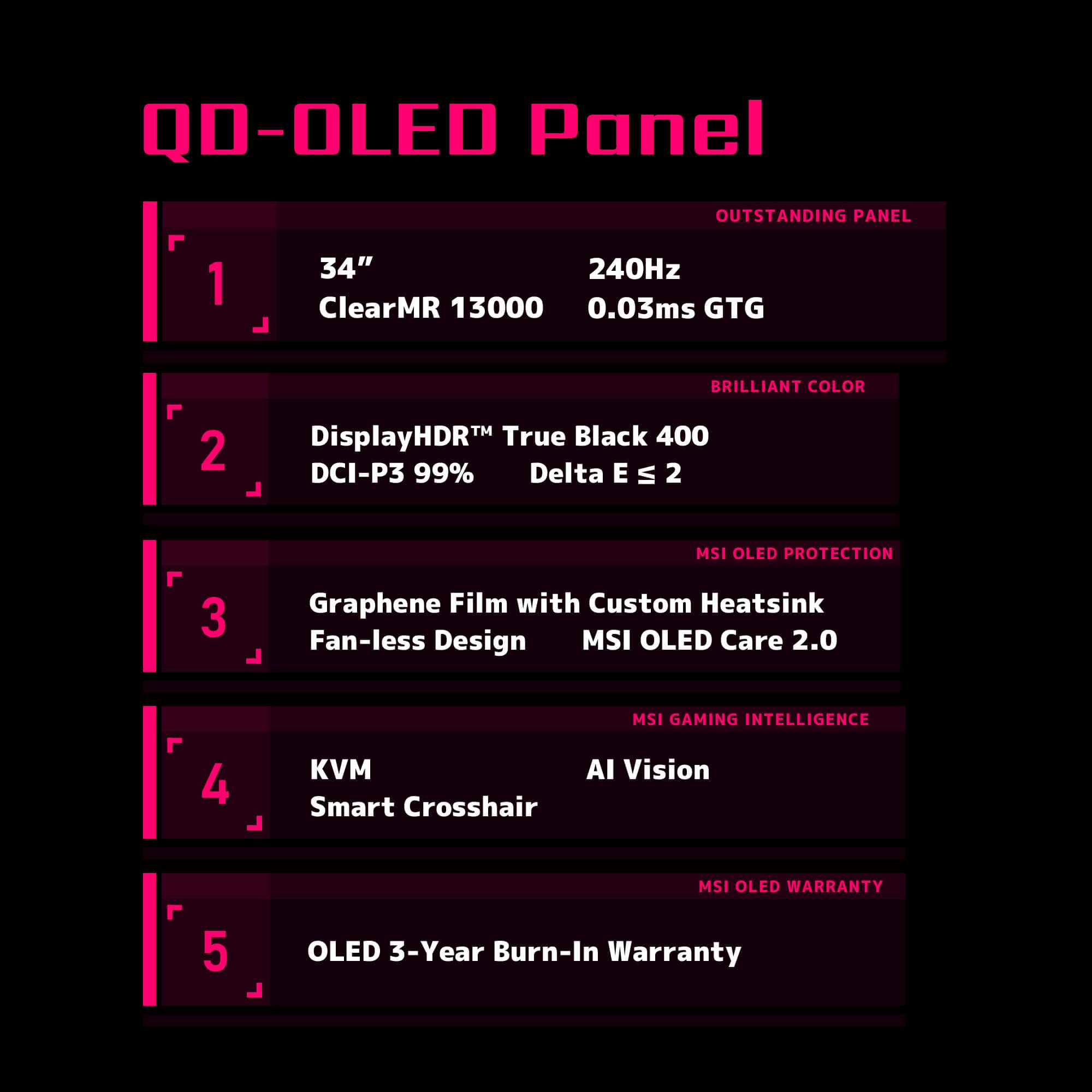
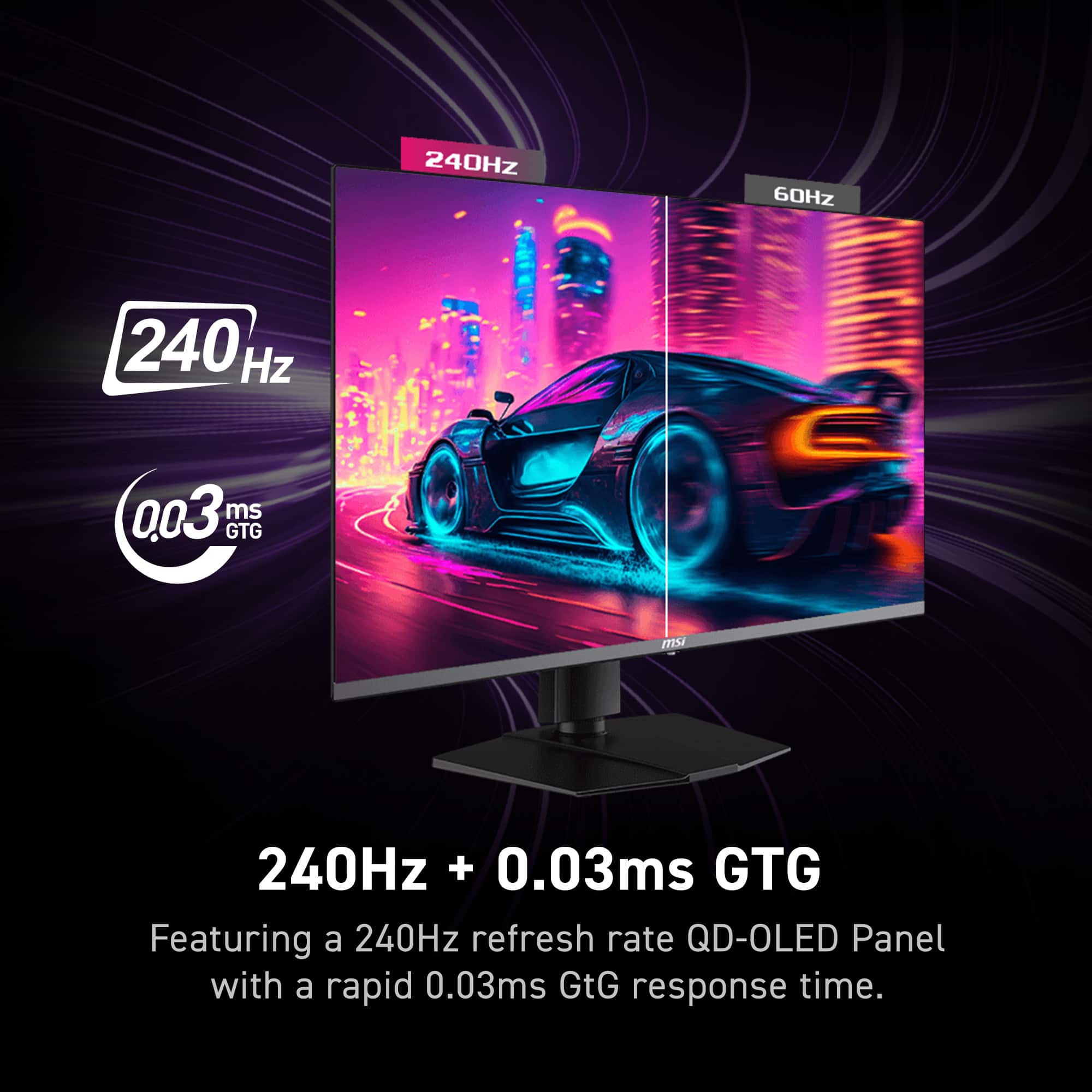
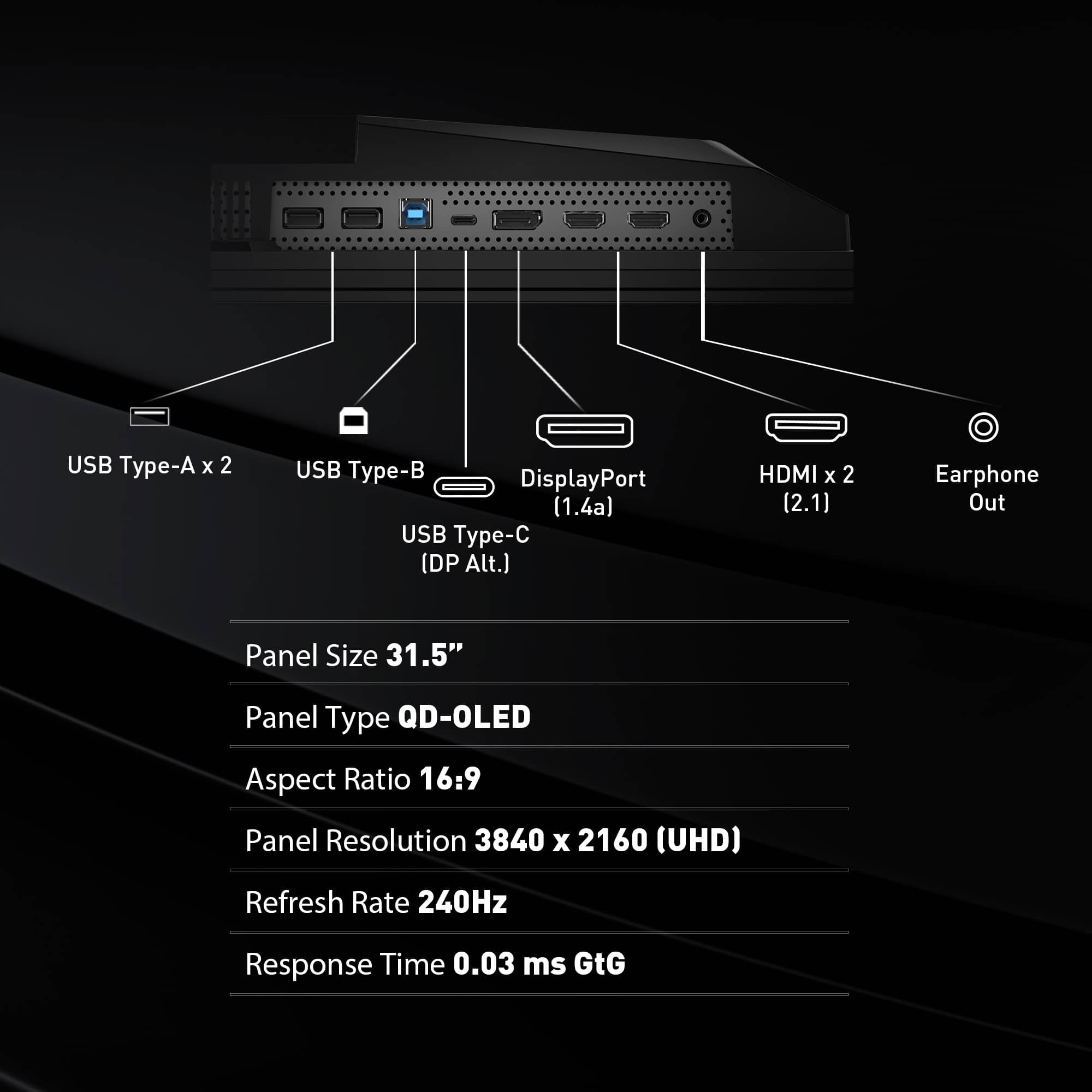
- MPG 321URX QD-OLED
- |
- SKU:
- 10102394
Customer reviews
Rating 4.9 out of 5 stars with 228 reviews
(228 customer reviews)Rating by feature
- Display Quality4.9
Rating 4.9 out of 5 stars
- Ease of Use4.8
Rating 4.8 out of 5 stars
- Features4.8
Rating 4.8 out of 5 stars
Customers are saying
Customers praise the product's exceptional color quality, highlighting its deep blacks and high contrast, along with its extremely high refresh rate and sharp 4K resolution that makes text fringing almost unnoticeable. They also appreciate the amazing HDR performance on Windows. However, some customers express concerns about the MAG version not supporting firmware updates, the mandatory screen panel protection every 16 hours, and the inclusion of only DisplayPort 1.4 instead of 2.1.
This summary was generated by AI based on customer reviews.
Rated 5 out of 5 stars
Versatile display
||Posted . Owned for 2 weeks when reviewed.This reviewer received promo considerations or sweepstakes entry for writing a review.Excellent display with vivid colors. The KVM allows me to switch between my Mac laptop and Gaming computer with ease. Plays extremely well with both, with no lag in recognition for either system.
This review is from MSI - MPG321URXQDOLED 32" Quantum Dot OLED UHD 240Hz 0.03ms Gaming Monitor with HDR400 (DisplayPort, HDMI, USB) - Black
I would recommend this to a friendRated 5 out of 5 stars
End-game monitor to beat!
Posted .This reviewer received promo considerations or sweepstakes entry for writing a review.Just as the title states, this will be my end game monitor. I have been waiting for this product to come back in stock like many others and was lucky enough to get one during a recent drop. Let me start by saying this thing is beautiful! I was a bit on the fence between an ultrawide monitor and this model because i wasn't sure if thirty-two inches was big enough but rest assured, once you set this monitor up, all doubt goes out the window! For context, i have this monitor connected to my PC with an rtx 4080 paired with a 7800x3d which is pretty high end and even then, the full potential of this monitor hasn't even begun to be tapped into. Very please with my purchase overall!
This review is from MSI - MPG321URXQDOLED 32" Quantum Dot OLED UHD 240Hz 0.03ms Gaming Monitor with HDR400 (DisplayPort, HDMI, USB) - Black
I would recommend this to a friend- Pros mentioned:Color quality
Rated 5 out of 5 stars
Best monitor I've ever owned for gaming and media
||Posted . Owned for 3 weeks when reviewed.This reviewer received promo considerations or sweepstakes entry for writing a review.I have had the MPG321URX for three weeks now, and despite my incredibly high expectations, it has met or surpassed them in nearly every way. I've owned OLED tablets and phones, but this is my first OLED monitor, so I was a bit nervous about potential problems, but so far it's been perfect. My unit arrived with 0 dead or stuck pixels. I haven't experienced any eye strain or headaches from using this monitor. The color banding OLEDs can be infamous for on dark grey images is very minimal on my unit, far less pronounced than I've seen on my tablets. Color uniformity on anything but very dark greys is extremely good. I had heard concerns about color fringing on text with this display technology, but from the distance I use this monitor, text looks extremely sharp (whether it's black-on-white or white-on-black text, it looks great either way). Overall picture quality is incredible. All my games and shows look better than ever. Coming from a 144hz 4k miniLED monitor, which I already thought was pretty good, the MPG321URX is still a huge step up in motion clarity, contrast, and color accuracy, and now I never want to go back to anything less. I'm not a color expert, but out-of-the box with zero user calibration, the colors on this screen look very accurate to my eye. I prefer "Game Mode -> User" for gaming and most animated content, and "Pro Mode -> sRGB" for live-action movies and TV. Beyond that, I haven't had to tweak color settings at all. I remain a bit nervous about image retention on the monitor, but I've activated all of the "OLED Care" features, and with MSI's 3-year warranty I feel a little more at ease. Although this is a high-end and expensive product, it's very competitively priced in the US, and it delivers an unparalleled experience for an unbeatable price in its class.
This review is from MSI - MPG321URXQDOLED 32" Quantum Dot OLED UHD 240Hz 0.03ms Gaming Monitor with HDR400 (DisplayPort, HDMI, USB) - Black
I would recommend this to a friend - Pros mentioned:Blacks, Refresh rate, Resolution
Rated 5 out of 5 stars
Great Monitor
||Posted . Owned for less than 1 week when reviewed.This reviewer received promo considerations or sweepstakes entry for writing a review.Went from a 1440p 144hz monitor to this. Immediately blown away by the picture and deep blacks. Firmware update was uncomplicated and I love that there is no power brick required and its a direct power connection. The 3 year burn in warranty is also great peace of mind.
This review is from MSI - MPG321URXQDOLED 32" Quantum Dot OLED UHD 240Hz 0.03ms Gaming Monitor with HDR400 (DisplayPort, HDMI, USB) - Black
I would recommend this to a friend - Pros mentioned:Refresh rate
Rated 5 out of 5 stars
FPS gaming monitor essentials!!
||Posted . Owned for 2 weeks when reviewed.This reviewer received promo considerations or sweepstakes entry for writing a review.This monitor pairs perfectly with the 5080 and is a must-have for FPS games, including PUBG. Its extremely high refresh rate and smooth performance, even during rapid screen transitions, allowed me to track and target enemies more clearly and accurately. I can confidently say that buying this monitor was one of the best decisions I made in 2026. I highly recommend this product to anyone reading this review who wants to enjoy gaming in a better environment! :)
This review is from MSI - MPG321URXQDOLED 32" Quantum Dot OLED UHD 240Hz 0.03ms Gaming Monitor with HDR400 (DisplayPort, HDMI, USB) - Black
I would recommend this to a friend - Pros mentioned:Color quality, Refresh rate
Rated 5 out of 5 stars
The All-in-one Package
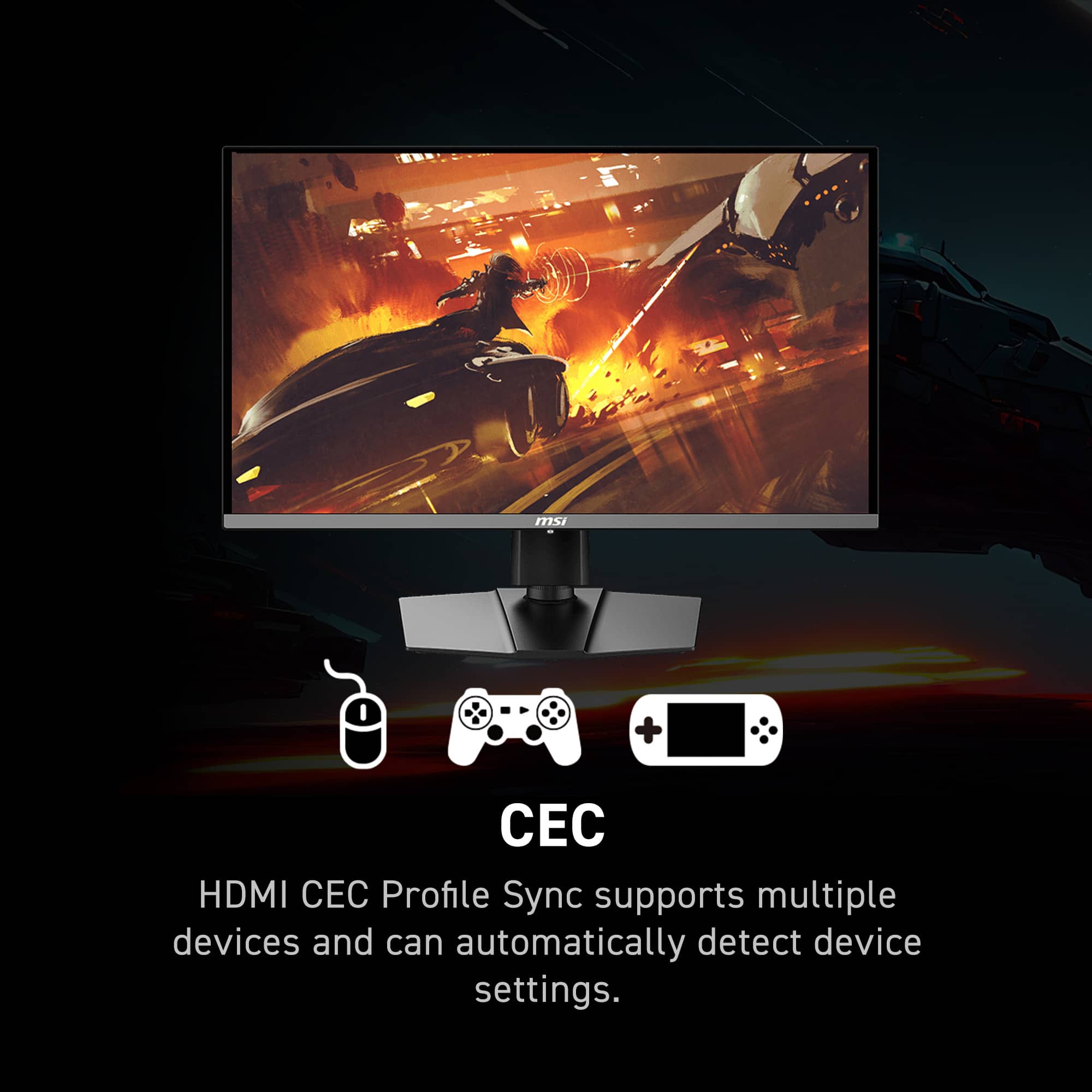
||Posted . Owned for less than 1 week when reviewed.This reviewer received promo considerations or sweepstakes entry for writing a review.Quick Background, I came from a 27' 2k, 165hz, IPS panel that has been nothing short of excellent the last 3 years. But after upgrading from a 1080ti to a 4090 I knew I wanted to upgrade my monitor as well. The only thing on my wishlist was an OLED Panel for the Colors, Blacks, and response time. But when I heard about this monitor being 4k, and 240hz I was beyond excited. This would be a complete upgrade in all aspects Panel Type, Resolution, and Refresh Rate. And at this price its almost a no-brainer. Below I've listed some quick pro's and con's so far. Pros- -Large singular footprint with the stand, this is more of a personal preference but I hate monitors with the massive legs. -Incredible Colors and deep inky blacks. This is my first OLED so I know it's nothing new but it is crazy when compared to my IPS panel. -HDMI Source Auto Switcher is a nice feature to have, when I boot up my PS5 having it auto-switch inputs saves menu time. -I've heard OLED's have issues with text clarity but to my untrained eye, there is no difference in text between this and my IPS monitor. -Variable Refresh rate is nice to combat dips in FPS when gaming. -New to me, but there are tons of different options when it comes to OLED care in the menus to help prevent burn-in. Cons- I wish it would come with a DP cable in the box along with the HDMI cable. -This one is kind of both a pro and con but its incredibly thin panel design always gives me pause when adjusting the monitor as I don't want it to bend.
This review is from MSI - MPG321URXQDOLED 32" Quantum Dot OLED UHD 240Hz 0.03ms Gaming Monitor with HDR400 (DisplayPort, HDMI, USB) - Black
I would recommend this to a friend - Pros mentioned:Color quality, Refresh rate, Resolution
Rated 5 out of 5 stars
Gaming Nirvana
||Posted . Owned for less than 1 week when reviewed.This reviewer received promo considerations or sweepstakes entry for writing a review.The MSI MPG 321URX gaming monitor is an absolute game-changer! Its stunning 4K resolution, buttery smooth 240Hz refresh rate, and vibrant colors create an immersive gaming experience like no other. Plus, features like HDR and a sleek design make it a must-have for any gamer serious about their setup. Trust me, you won't be disappointed!
This review is from MSI - MPG321URXQDOLED 32" Quantum Dot OLED UHD 240Hz 0.03ms Gaming Monitor with HDR400 (DisplayPort, HDMI, USB) - Black
I would recommend this to a friend - Pros mentioned:Color quality, Refresh rate, Resolution
Rated 5 out of 5 stars
The Perfect Monitor For Everyone
||Posted . Owned for less than 1 week when reviewed.This reviewer received promo considerations or sweepstakes entry for writing a review.I upgraded from a 1440p 144hz monitor to this 4k 240hz monitor and the difference is huge! The colors are incredibly vibrant, 4k is crystal clear and the 240 fps you get makes all video games just look extremely smooth. I would recommend to anyone and for any type of game. Very satisfied with purchase
This review is from MSI - MPG321URXQDOLED 32" Quantum Dot OLED UHD 240Hz 0.03ms Gaming Monitor with HDR400 (DisplayPort, HDMI, USB) - Black
I would recommend this to a friend Rated 5 out of 5 stars
The 4k 240hz QD-OLED to buy!
Posted .This reviewer received promo considerations or sweepstakes entry for writing a review.Having owned a competing 4k 240hz QD-OLED that released earlier this year I can tell you that the MSI 321URX is superior and not just from a price prospective. Pros: - Protective plastic peel, not a scratch in sight - Flat screen, your milage may vary on this - Very responsive OSD - Virtually no input delay - No OSD issues like not being able to change color presets in HDR on competing monitors - Same beautiful panel the competition has - 90W high power delivery so you can charge your phone or laptop - Gorgeous color volume and inky blacks - Doesn't look overly gamer - Minimal ABL out of the box so you won't see screen brightness fluctuating all the time. - OLED Care 2.0 is legit and works Cons: - The length of the power cable, too short. - Cable management on the monitor chassis could be a bit better I have owned numerous OLEDs all the way back to the LG EC9300 and the MSI 321URX is undoubtedly the best display I have ever used thus far. Works great for consoles, and my 4090 PC. Also, you can update firmware on this display, I just updated my firmware today.
This review is from MSI - MPG321URXQDOLED 32" Quantum Dot OLED UHD 240Hz 0.03ms Gaming Monitor with HDR400 (DisplayPort, HDMI, USB) - Black
I would recommend this to a friendRated 5 out of 5 stars
MSI States FW updates available on own prod page
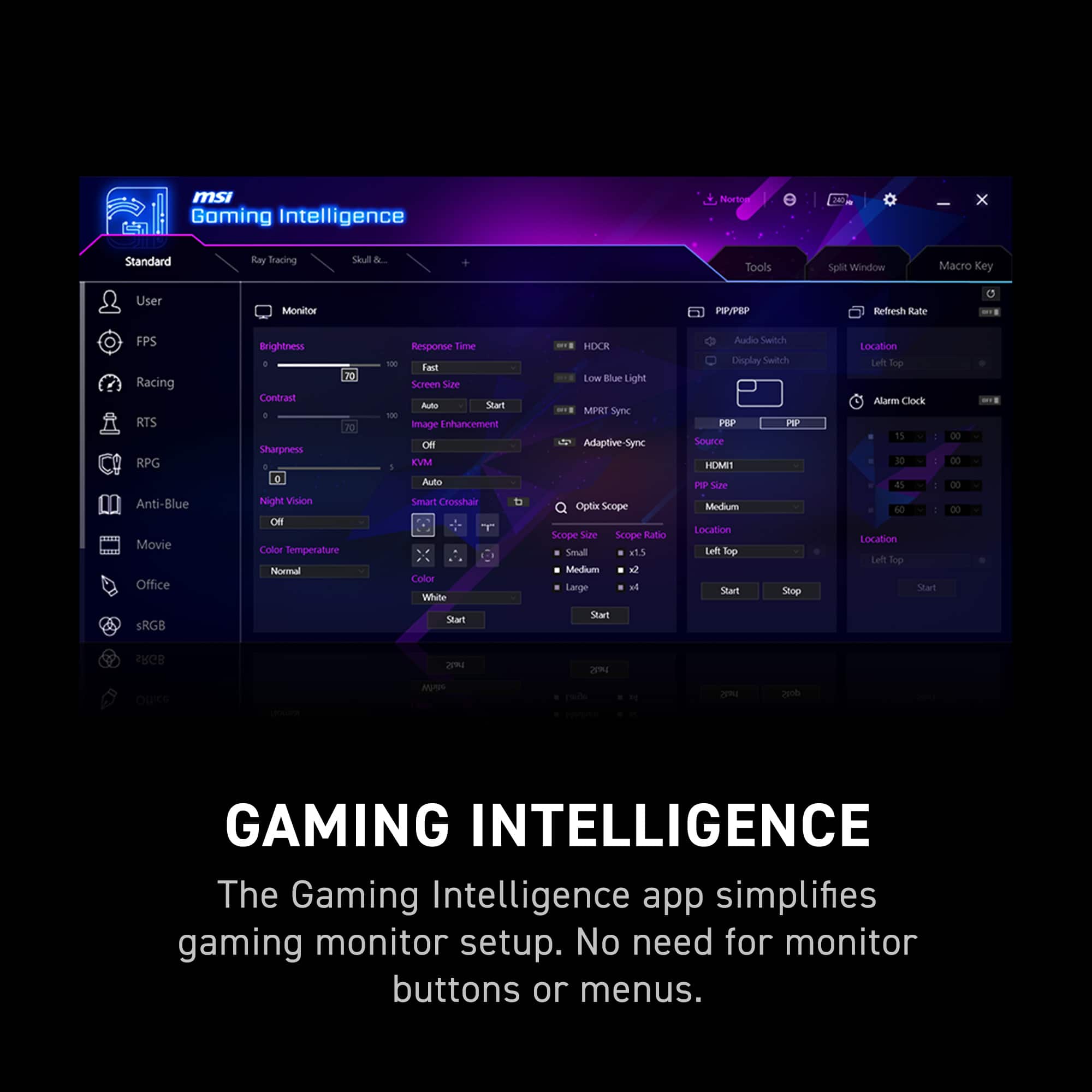
Posted .This reviewer received promo considerations or sweepstakes entry for writing a review.Firmware update capability is listed directly on the product page. "MPG 321URX QD-OLED can update the firmware through a USB connector, which is simple and easy to use. This allows users to update the firmware on their own at any time when the latest version is released by MSI. This ensures that the screen is always in the best-optimized state." If this is mis-stated by them it needs to be corrected, but as it stands this is the statement from their own site in the gaming intelligence section. https://us.msi.com/Monitor/MPG-321URX-QD- OLED/Overview
This review is from MSI - MPG321URXQDOLED 32" Quantum Dot OLED UHD 240Hz 0.03ms Gaming Monitor with HDR400 (DisplayPort, HDMI, USB) - Black
I would recommend this to a friend- Pros mentioned:Color quality, Hdr, Refresh rate
Rated 5 out of 5 stars
Best Value 32 4K 240hz OLED Monitor
||Posted . Owned for less than 1 week when reviewed.This reviewer received promo considerations or sweepstakes entry for writing a review.Best value for 32 4K 240hz OLED monitors releasing this year. No other brand can compete and it does practically everything the rest do. Colors are perfect, HDR is amazing on windows, and the refresh rate is un matched. Perfect to pair with a 4090 rig.
This review is from MSI - MPG321URXQDOLED 32" Quantum Dot OLED UHD 240Hz 0.03ms Gaming Monitor with HDR400 (DisplayPort, HDMI, USB) - Black
I would recommend this to a friend - Pros mentioned:Hdr, Refresh rate
Rated 5 out of 5 stars
Amazing value 4K QD-OLED monitor
||Posted . Owned for less than 1 week when reviewed.This reviewer received promo considerations or sweepstakes entry for writing a review.My first ever OLED monitor, love the true black and HDR so much. I have only had "fake" HDR400 monitor before so it's nice to finally see what true HDR looks like. 240hz refresh rate is also very very smooth, you can still feel the difference compared to a 144hz refresh monitor. Among other products which have the same panel from other companies, this monitor is $350 cheaper here in US while offering almost the same feature set, this is no question the best value 4K 240hz QD-OLED monitor to buy in the US. Strengths: - 4K QD-OLED - 240hz refresh rate - Easy to use OSD and supports firmware upgrade for QoL improvements The only weakness I find is the quality of the stand can be better with such a premium product, but since this is $350 cheaper compared to other products with the same panel, cannot deduct any points for it.
This review is from MSI - MPG321URXQDOLED 32" Quantum Dot OLED UHD 240Hz 0.03ms Gaming Monitor with HDR400 (DisplayPort, HDMI, USB) - Black
I would recommend this to a friend - Pros mentioned:Color quality
Rated 5 out of 5 stars
Fantastic Display with Small Caveat
||Posted .This reviewer received promo considerations or sweepstakes entry for writing a review.This monitor was very easy to set up and fit perfectly into my set up with its sturdy stand. OSD was intuitive and out of the box picture was great. The only flaw with this monitor I’ve found (aside from the ambient light-induced raised black levels characteristic of QG-OLED) was that its HDR Peak1000 mode has very aggressive automatic brightness limiting and made it pretty much unusable for me. The TrueBlack400 mode is much more stable and still delivers an impressive HDR image.
This review is from MSI - MPG321URXQDOLED 32" Quantum Dot OLED UHD 240Hz 0.03ms Gaming Monitor with HDR400 (DisplayPort, HDMI, USB) - Black
I would recommend this to a friend - Pros mentioned:Color quality, Refresh rate
Rated 5 out of 5 stars
#1 4k gaming monitor on the market at this time
||Posted . Owned for less than 1 week when reviewed.This reviewer received promo considerations or sweepstakes entry for writing a review.This monitor is pretty much perfect. The colors are so vibrant due to the OD Oled panel and 240hz makes it great for every genre of game. The display is glossy which is really nice when most other monitors use the matte finish (I dislike matte due to it dulling the colors). The box opens up like a pizza box so you wont have to deal with sliding the monitor out of the box and risk damaging it. The best monitor review site rated this the best 4k gaming monitor after all their tests and i totally agree with them. This monitor is PERFECT!!!
This review is from MSI - MPG321URXQDOLED 32" Quantum Dot OLED UHD 240Hz 0.03ms Gaming Monitor with HDR400 (DisplayPort, HDMI, USB) - Black
I would recommend this to a friend - Pros mentioned:Color quality, Refresh rate
Rated 5 out of 5 stars
Best gaming monitors,MSI 32 INCH OLED
||Posted . Owned for 3 weeks when reviewed.This reviewer received promo considerations or sweepstakes entry for writing a review.This monitor is truly mind blowing. It has got to be the biggest upgrade I've made to my setup in a while. The difference between IPS and OLED is night and day, it's like putting on a brand new pair of prescription glasses. The colors are so incredibly vibrant and vivid and the sharpness and clarity is unmatched. I definitely feel like smoothness of gameplay provided by the 240hz refresh rate gives me an edge when playing shooters and makes worlds come to life in other games. If you're at all hesitating about getting this monitor don't, you won't regret it.
This review is from MSI - MPG321URXQDOLED 32" Quantum Dot OLED UHD 240Hz 0.03ms Gaming Monitor with HDR400 (DisplayPort, HDMI, USB) - Black
I would recommend this to a friend - Pros mentioned:Color quality
Rated 5 out of 5 stars
Incredible experience
||Posted . Owned for 1 month when reviewed.This reviewer received promo considerations or sweepstakes entry for writing a review.The jump from 1440 to 4k is absolutely insane and I can only recommend it to every person that wants to be amazed by visuals. This is clearly how media was meant to be consumed. The smallest details are highlighted and everything just becomes so immersive. Your ocean waves feel like they are brushing against you. Blades of grass sway in ways that before seemed blotchy. There is no longer a feeling of yeah I'm watching this from distance. Instead everything feels like you are at the forefront living through it in person. Paired with a quality pair of headphones and you truly experience something jaw dropping. Highly recommend this!
This review is from MSI - MPG321URXQDOLED 32" Quantum Dot OLED UHD 240Hz 0.03ms Gaming Monitor with HDR400 (DisplayPort, HDMI, USB) - Black
I would recommend this to a friend - Pros mentioned:Refresh rateCons mentioned:Firmware
Rated 5 out of 5 stars
Great hardware, ok firmware
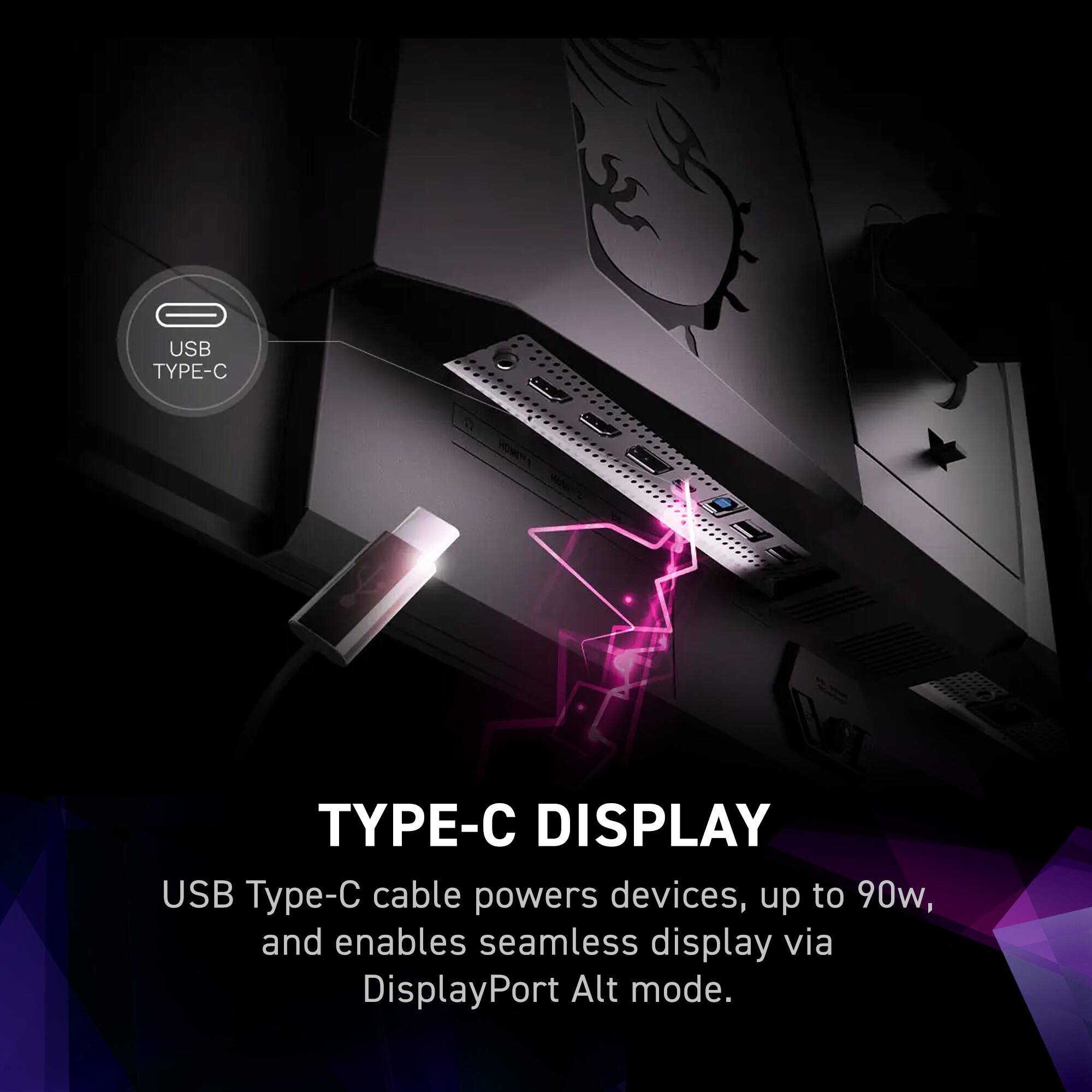
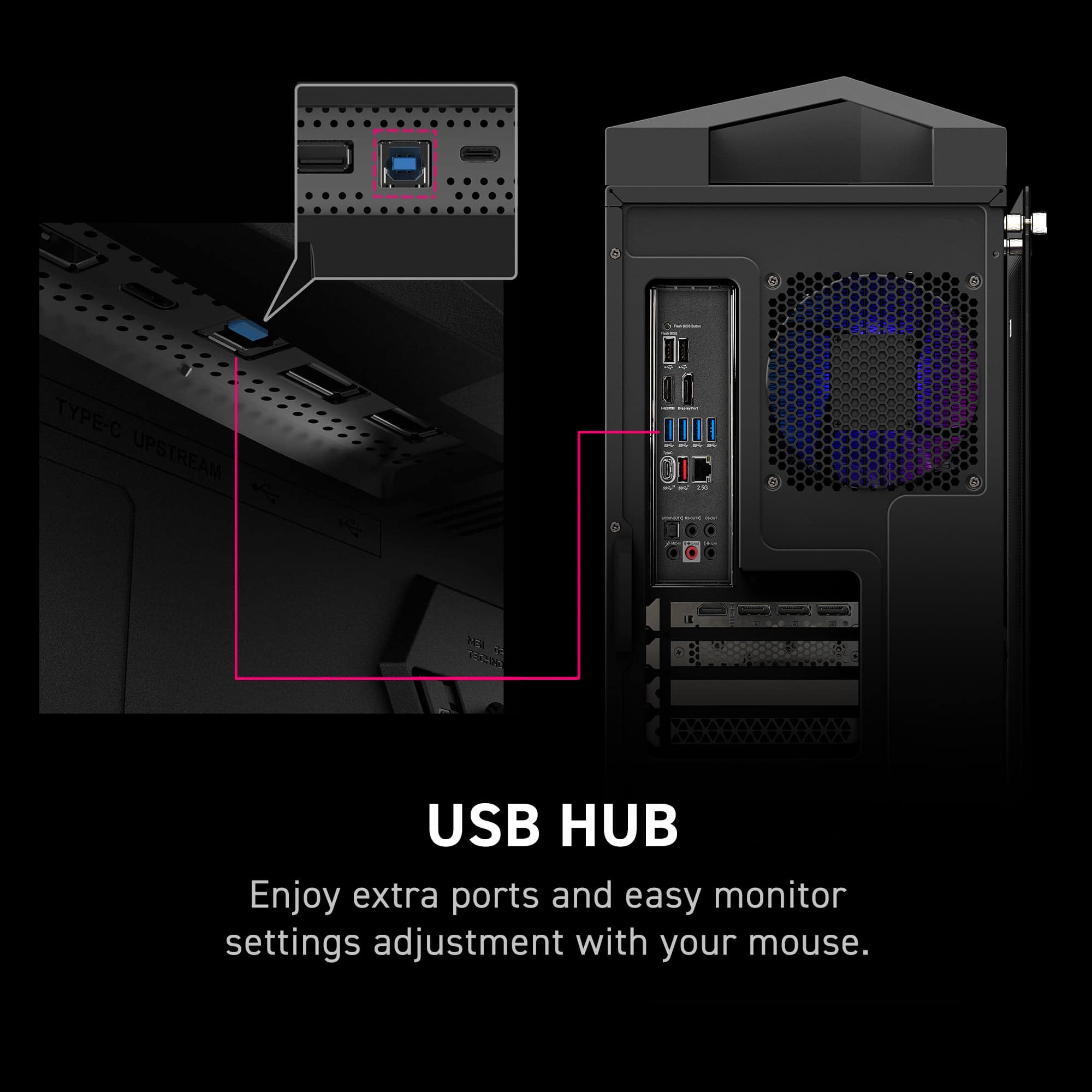
||Posted . Owned for 1 week when reviewed.This reviewer received promo considerations or sweepstakes entry for writing a review.This monitor has close to everything I want out of a monitor, blacks look fantastic on its OLED panel and it's high refresh rate is great for gaming, even if it's unlikely you can max it out given the 4K resolution. The extra features like USB-C PD and the KVM also make this monitor great as a dock for laptops as well since you can get video, power, and USB connections from the single port That said, the firmware is still a little buggy, with color profiles not being saved separately for SDR and HDR modes, meaning that if you for example use sRGB in SDR that gets carried over to HDR which dramatically reduces its color space, neutering a lot of its benefits. That said the firmware on this monitor is able to be updated so hopefully a fix is incoming
This review is from MSI - MPG321URXQDOLED 32" Quantum Dot OLED UHD 240Hz 0.03ms Gaming Monitor with HDR400 (DisplayPort, HDMI, USB) - Black
I would recommend this to a friend - Pros mentioned:Color quality
Rated 5 out of 5 stars
Once you try OLED would be difficult to go back
Posted .This reviewer received promo considerations or sweepstakes entry for writing a review.This technology is amazing, I had a 1080p TN 540hz panel from Asus. I know TN is the opposite of OLED but this is crazy, I dont miss 540hz at all, the response times makes this monitor so smooth, 4K at 240hz with those colors is amazing, I just look for any excuses to keep browsing, gaming or watching content in this monitor 1000% worth it.
This review is from MSI - MPG321URXQDOLED 32" Quantum Dot OLED UHD 240Hz 0.03ms Gaming Monitor with HDR400 (DisplayPort, HDMI, USB) - Black
I would recommend this to a friend - Pros mentioned:Refresh rateCons mentioned:Firmware
Rated 5 out of 5 stars
Incredible for the price
||Posted . Owned for less than 1 week when reviewed.This reviewer received promo considerations or sweepstakes entry for writing a review.this is probably the best price for performance 32IN 4k OLED on the market. the colors are extremely vibrant, the refresh rate is high, and the OLED care features are great, just make sure you update the firmware when you receive this since it has old firmware OOTB. Also has a super useful KVM feature if you use multiple devices on one screen ONLY downside is that it doesnt have displayport 2.1 but thats not an issue unless you have a 50 series card
This review is from MSI - MPG321URXQDOLED 32" Quantum Dot OLED UHD 240Hz 0.03ms Gaming Monitor with HDR400 (DisplayPort, HDMI, USB) - Black
I would recommend this to a friend - Pros mentioned:Refresh rate
Rated 5 out of 5 stars
Best All-Around Monitor
Posted .This reviewer received promo considerations or sweepstakes entry for writing a review.Received this monitor today. Fantastic colors and HDR performance, paired with the 240Hz refresh rate, this monitor really is the best all-around! There is a slight issue with SDR/HDR switching, but since this model supports firmware updates, I expect it to be fixed soon. Highly recommend!
This review is from MSI - MPG321URXQDOLED 32" Quantum Dot OLED UHD 240Hz 0.03ms Gaming Monitor with HDR400 (DisplayPort, HDMI, USB) - Black
I would recommend this to a friend