Customer Ratings & Reviews
- Model:
- 1749
- SKU:
- 6512000
Rating by feature
- Value
Rating 4.6 out of 5 stars
- Quality
Rating 4.7 out of 5 stars
- Ease of Use
Rating 4.6 out of 5 stars
Customers are saying
Customers regard the Z 30 4K Mirrorless Camera highly for its outstanding video quality, ease of use, and accurate autofocus. The camera's compact size, lightweight design, and impressive low light performance are also appreciated. However, some customers have expressed concerns about the camera's battery life and the absence of a built-in flash. Additionally, a few users found the charging method, which requires a computer connection, to be inconvenient.
This summary was generated by AI based on customer reviews.
- Pros mentioned:Autofocus, Low light performanceCons mentioned:Flash

Travel, stills...ok, and vlogging -- check!
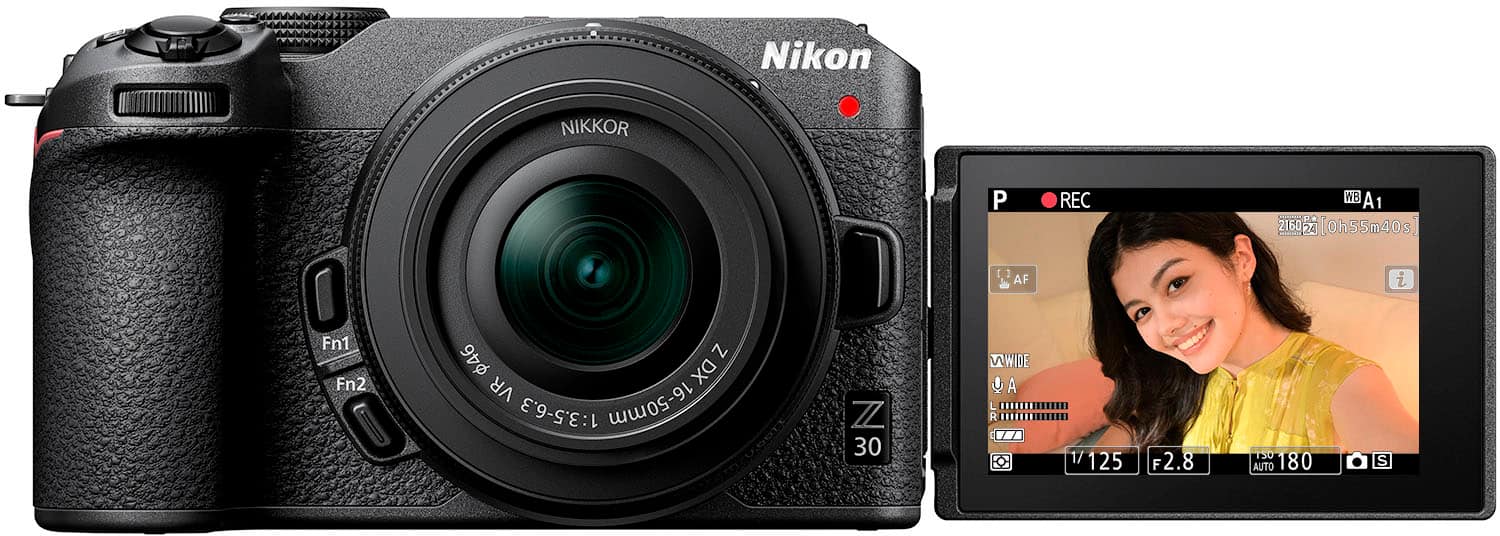
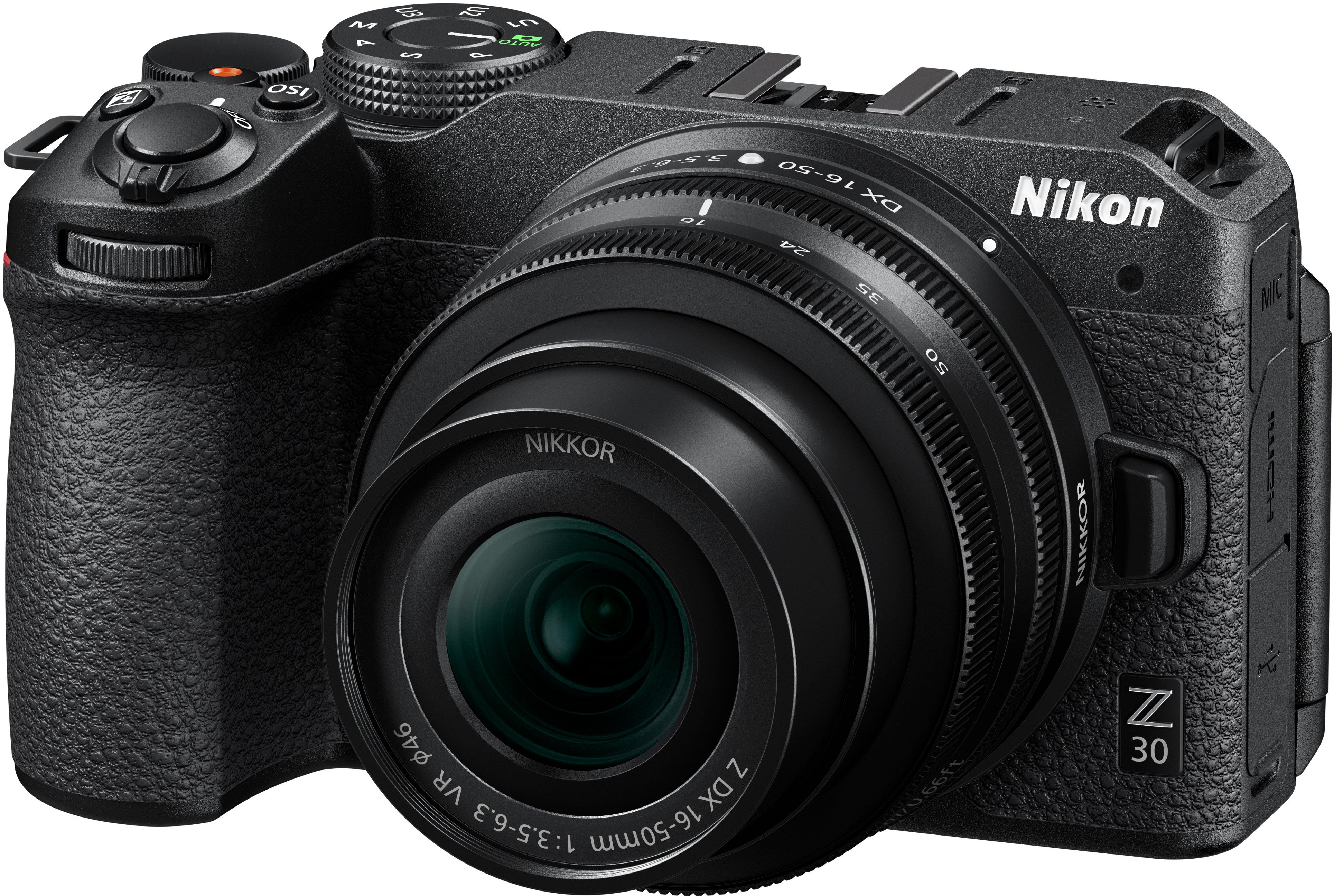
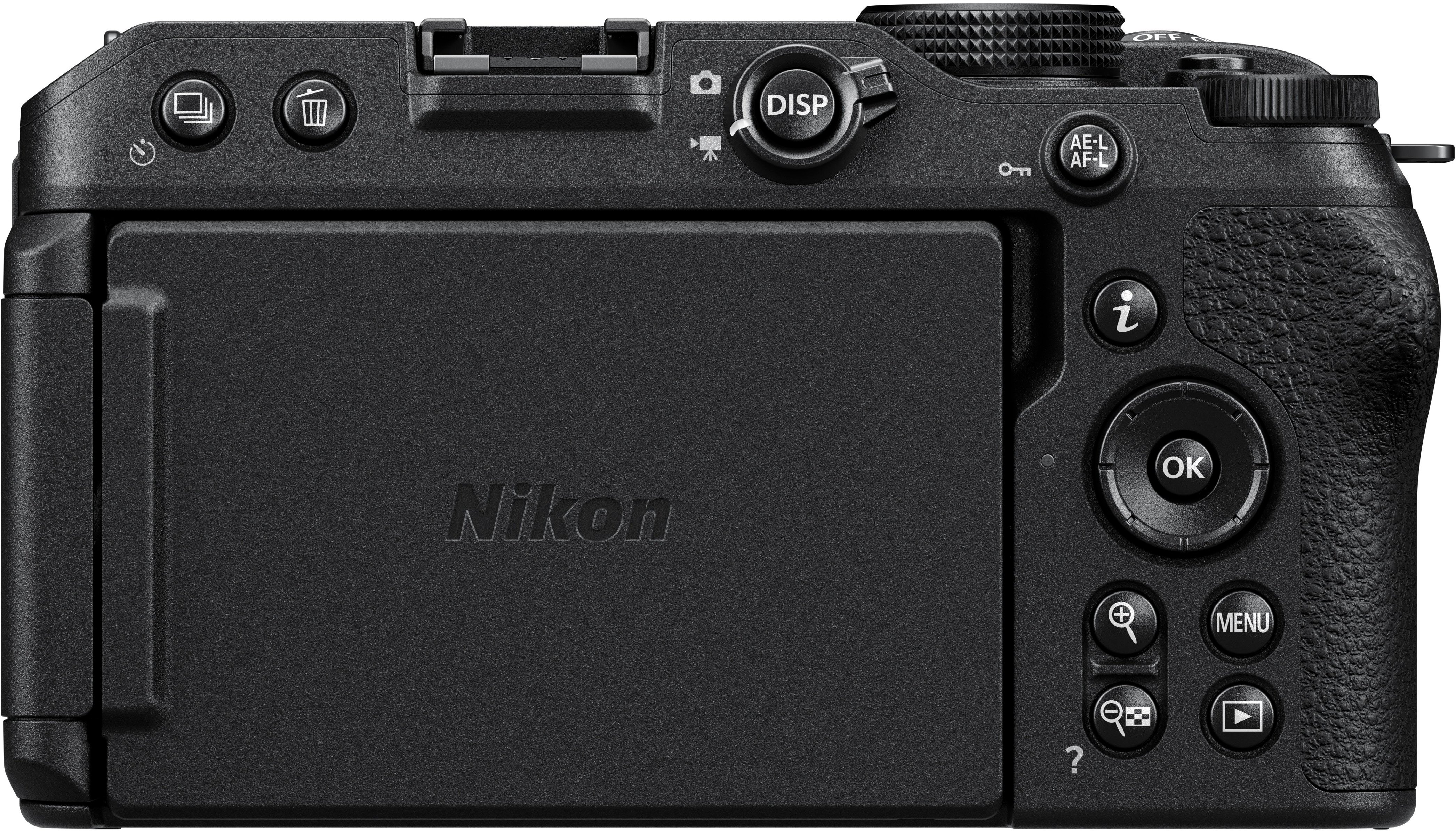
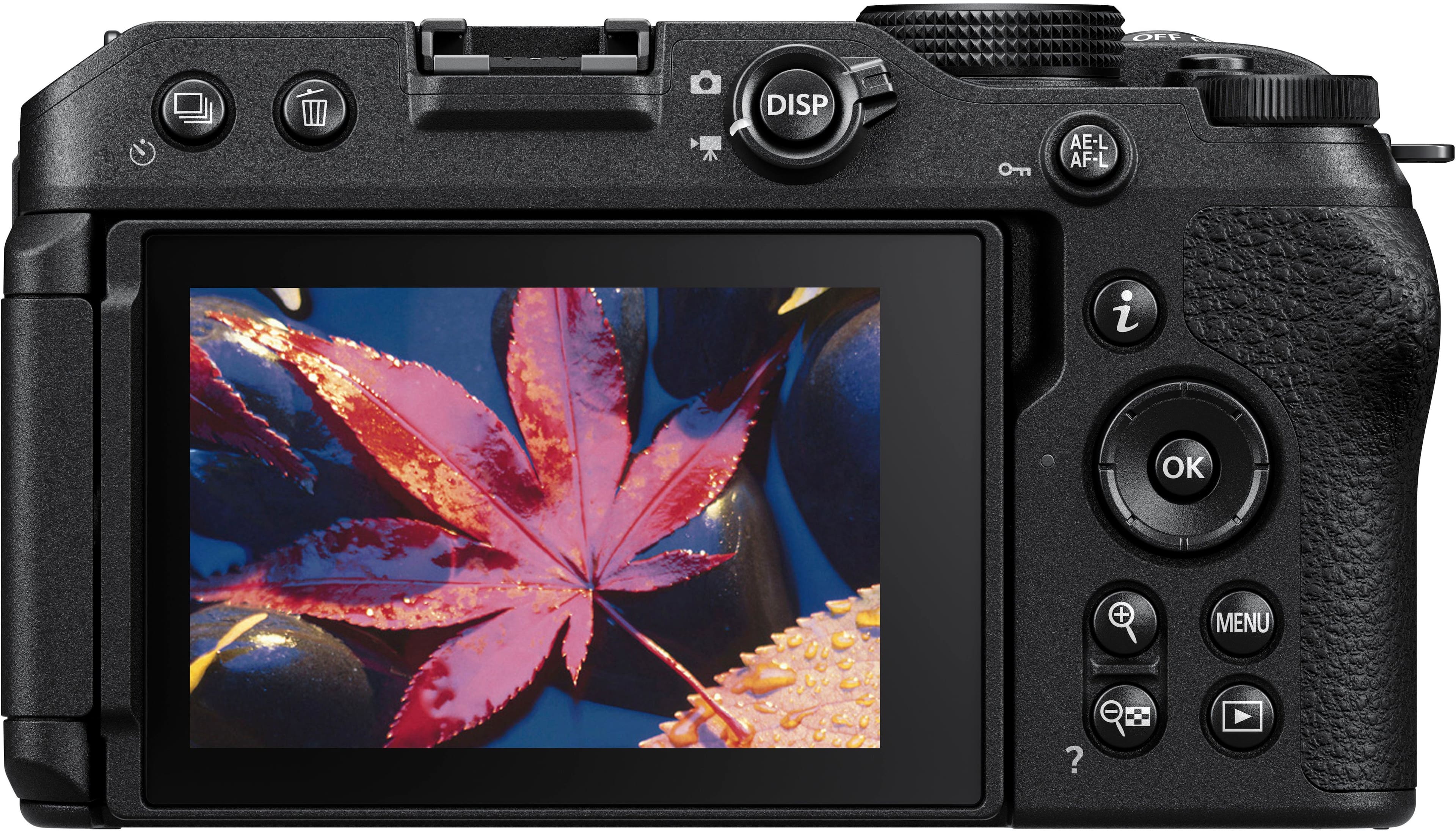
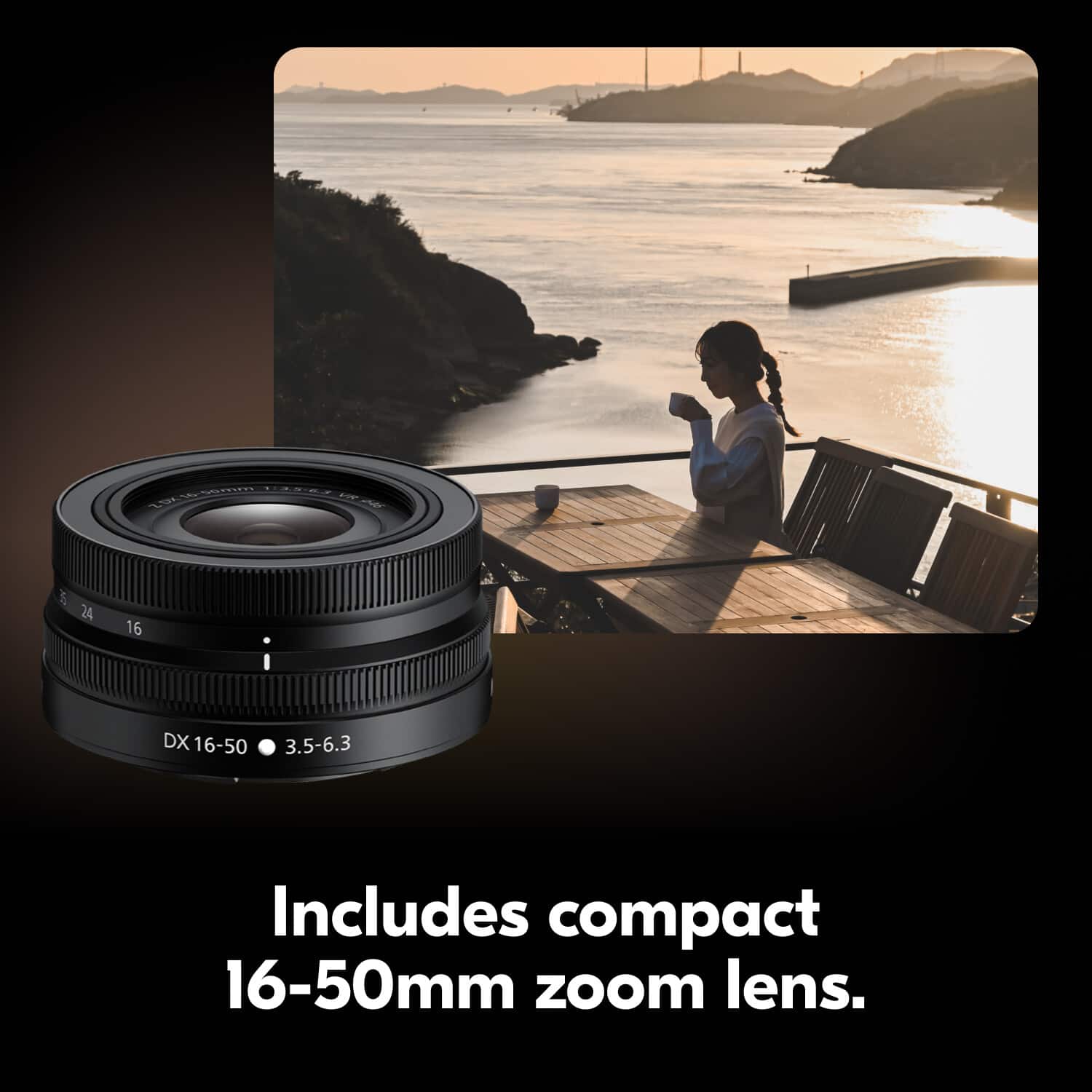
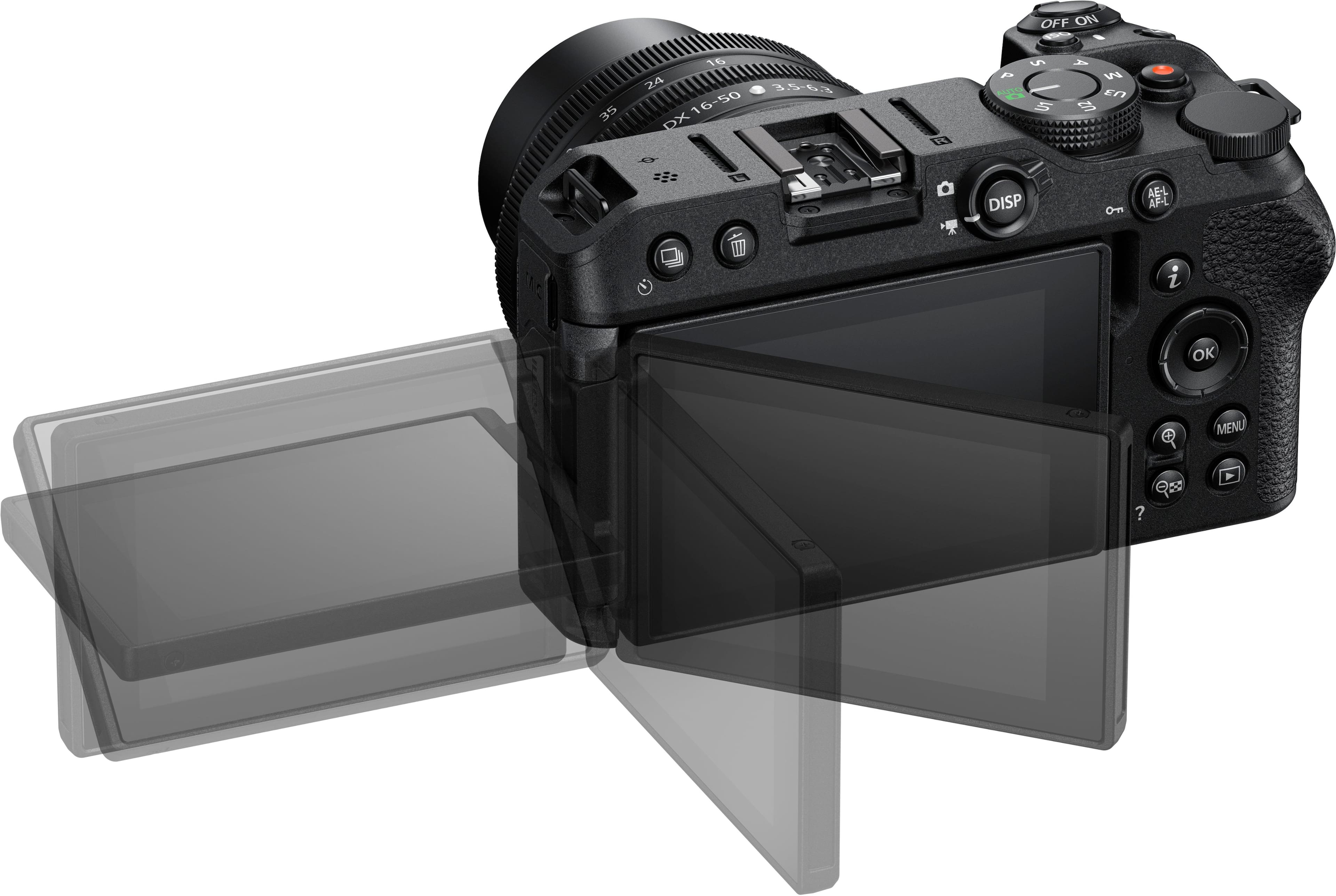
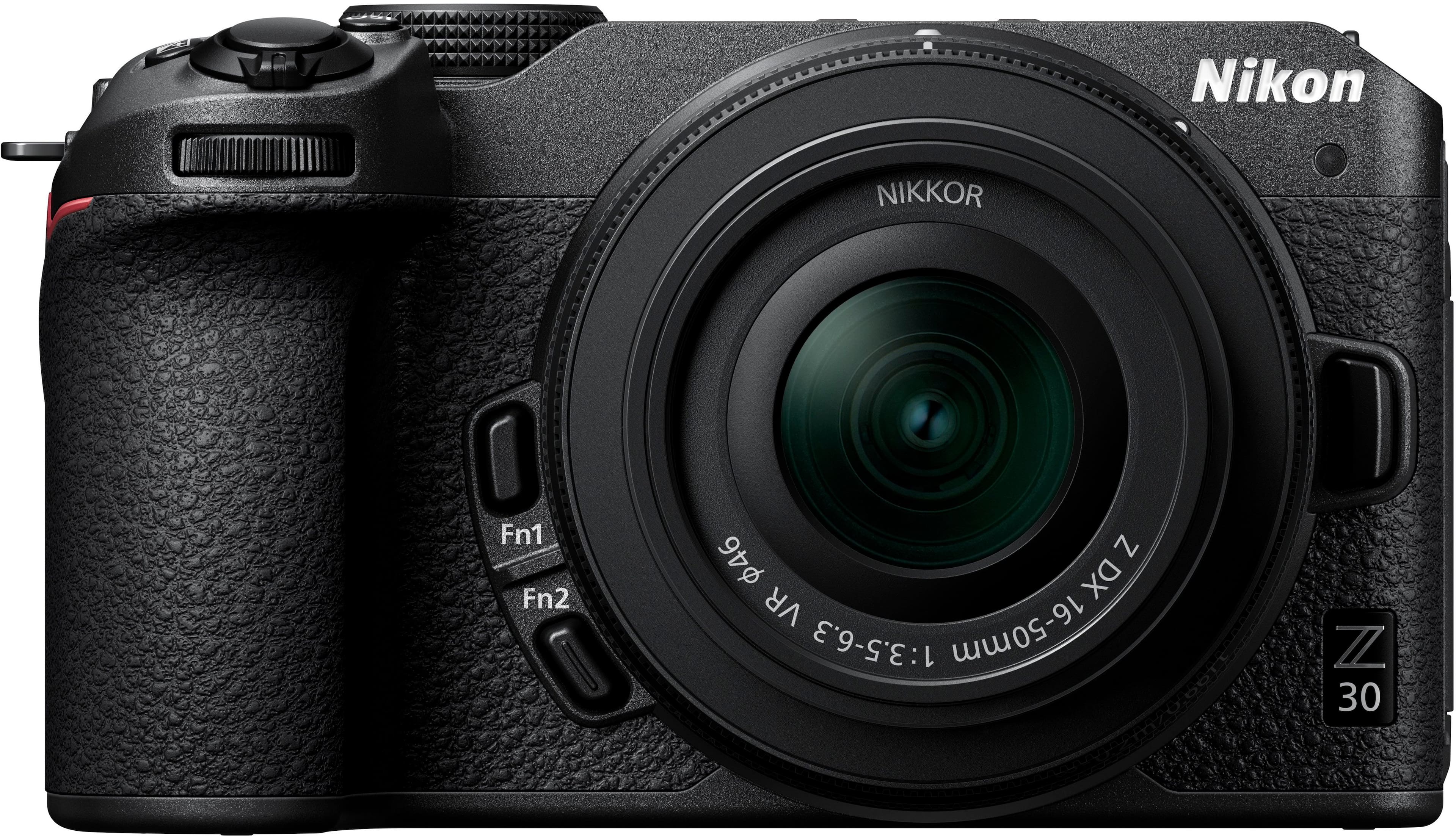
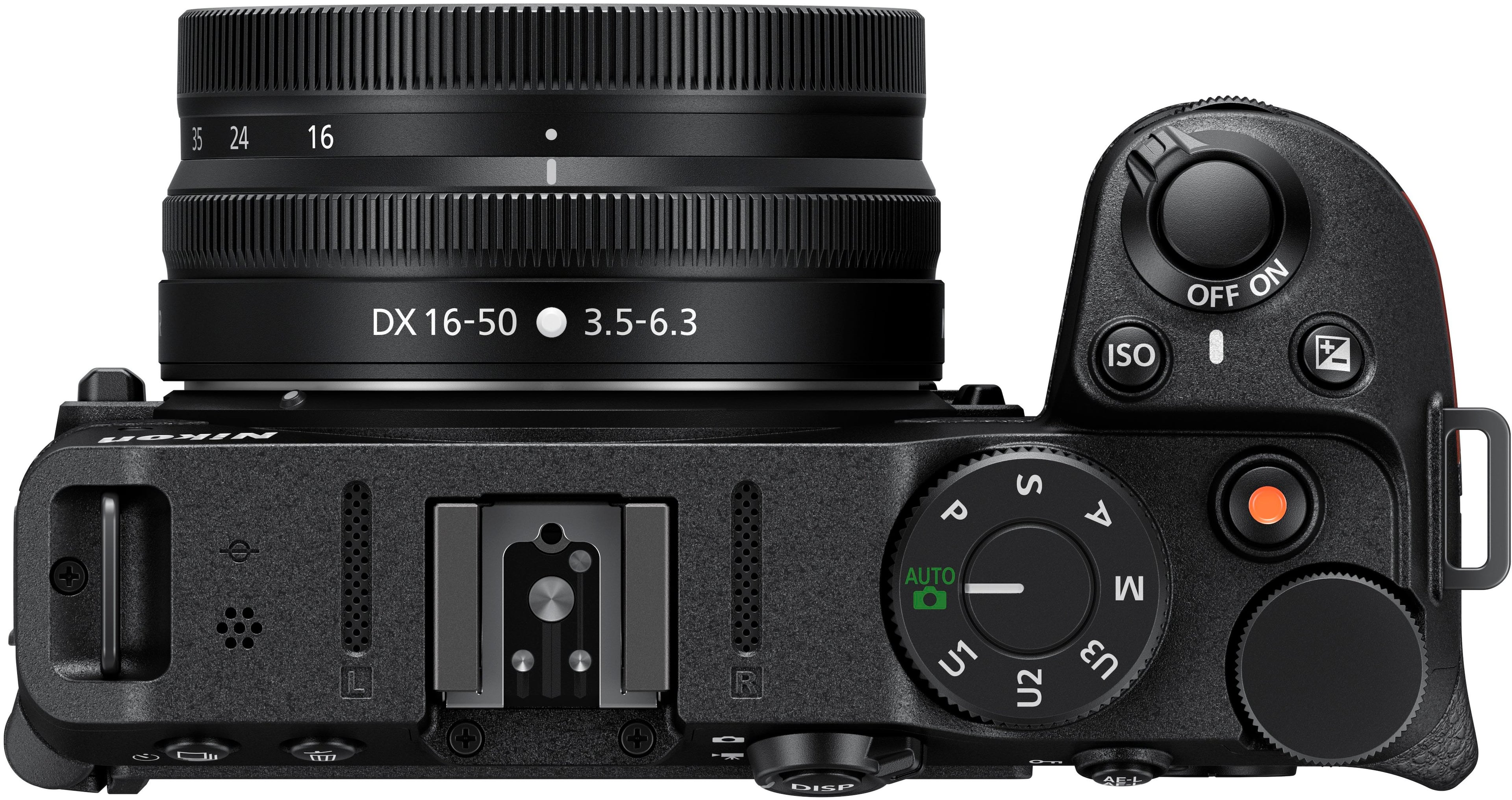
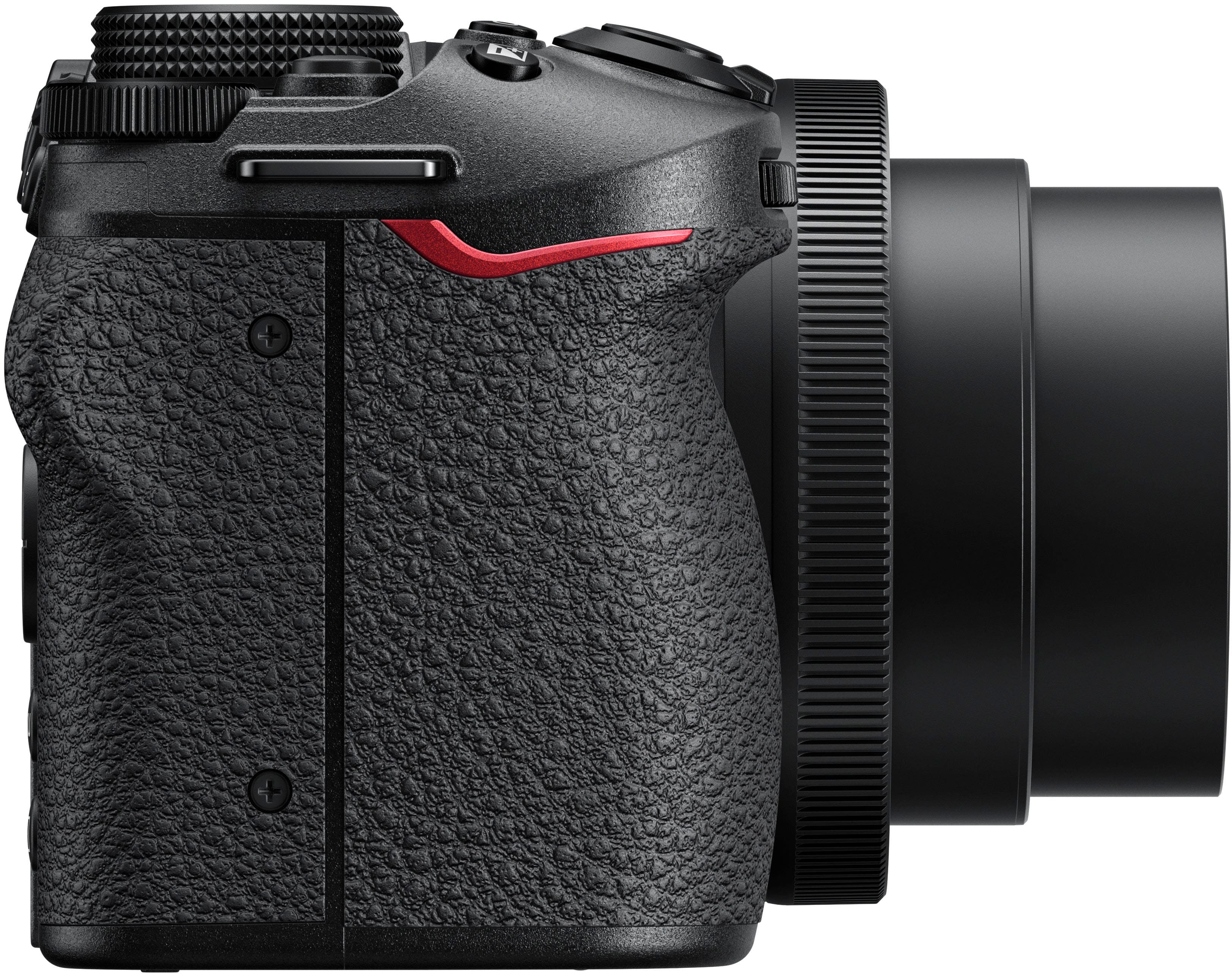
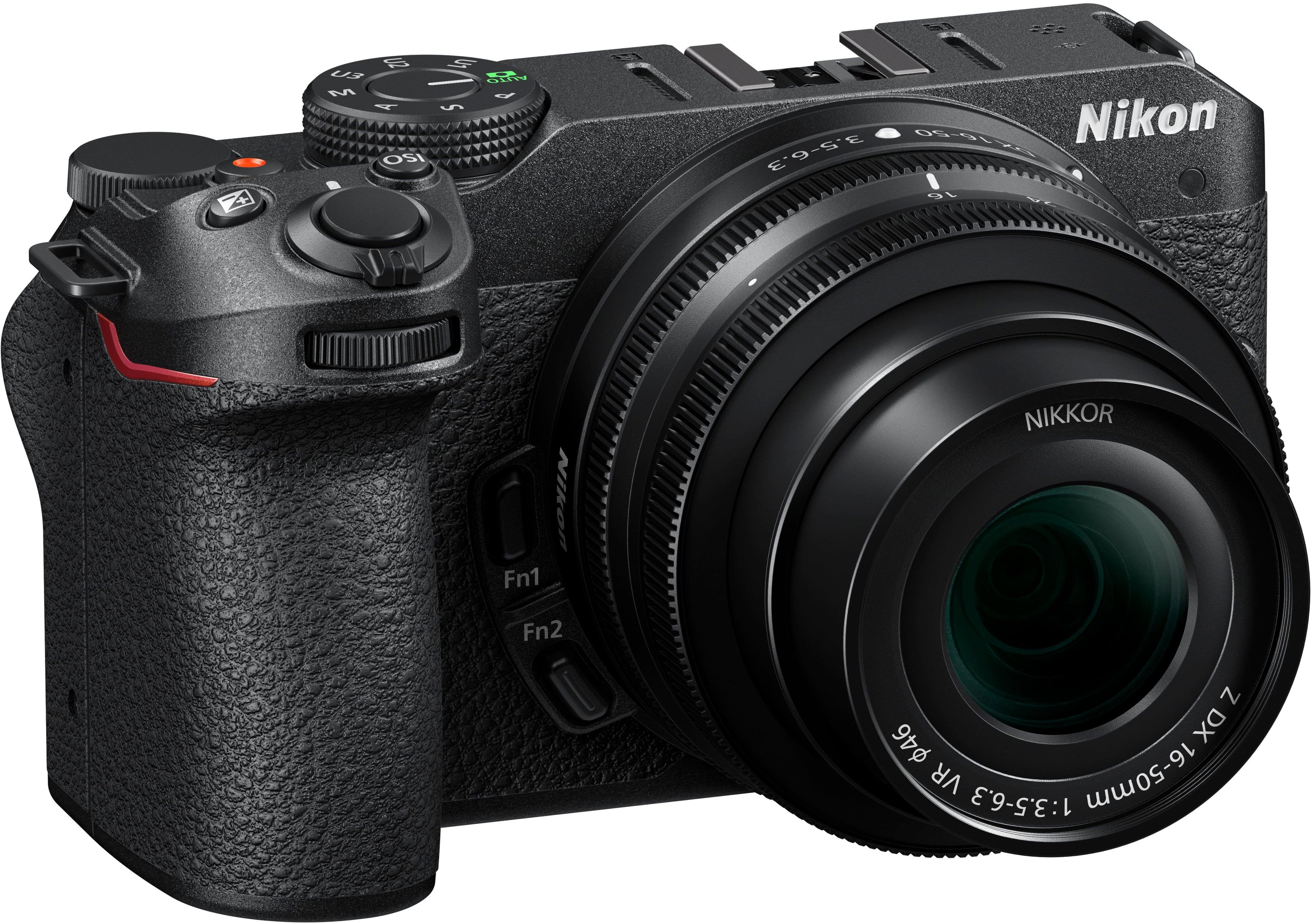
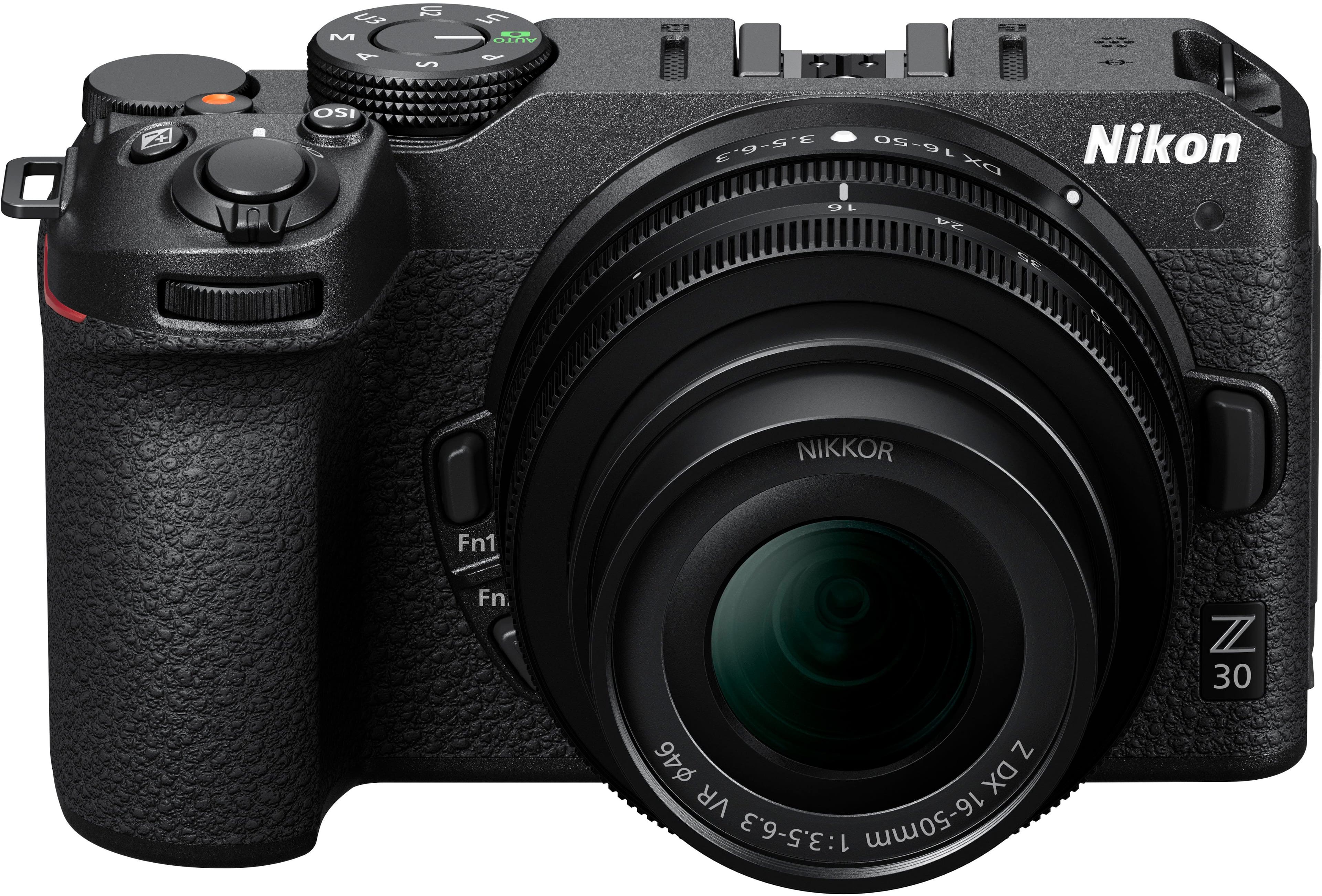
|Posted .This reviewer received promo considerations or sweepstakes entry for writing a review.In case you’re interested in becoming a content creator, or maybe you already are but want to move on from what your phone can do, the Nikon - Z 30 4K Mirrorless Camera would be a great fit for you. But know that it’s always able and willing to use for those still shots — it is a Nikon, after all. With an available Creator’s Accessory kit, you’d have a great little remote control which you can integrate into the front leg of the tripod/hand-held mount. This kit also comes with a mic and fluffy wind cover. You’d be set to make millions (dollars, subscribers…who cares?) As a video creator, it does so much for you. Like the auto focus which tracks the subject’s eyes. They’ll think you’re a pro, I tell ya’! Be aware that for still photography, however, you don’t have a traditional viewfinder. Instead, you’ll be using a wonderfully articulating 3” LCD screen. I like it. In fact, the main reason I got this camera is to use for travel photography. It displays a wonderful depth of field when shooting close-ups. You also have the ability to crank it up to an 11 frames-per-second burst. That’s pretty cool for such a compact camera. One other potential downfall for still shooting — there is no flash. You would have to purchase an external hot shoe flash. With the low-light ability of the Z 30, I’m not sure if I’m ever going to worry about that. The Nikon Z 30 feels good and solid in the hand, kind of like a compact DSLR. The kit lens (16-50mm f/3.5-6.3 VR) is sufficient for now. If I so choose, there are other Z-mount lenses out there. Or, if you’re already a Nikon enthusiast and have a few F-mount lenses, there is an adapter which can be purchased. I think this camera’s a winner. It’s definitely going to be fun really absorbing all that it has to offer.
I would recommend this to a friend camera
||Posted . Owned for 1 week when reviewed.This reviewer received promo considerations or sweepstakes entry for writing a review.I loved this purchase and it was or is great for what i needed it for!
I would recommend this to a friendGood
||Posted . Owned for 2 weeks when reviewed.This reviewer received promo considerations or sweepstakes entry for writing a review.Good works great fhe graphics are goof and all abive
I would recommend this to a friendI Like the results
||Posted . Owned for 1 week when reviewed.This reviewer received promo considerations or sweepstakes entry for writing a review.Still reviewing some minor autofocus problem in low light in a photoshoot
I would recommend this to a friend- Pros mentioned:AutofocusCons mentioned:Battery life
outstanding camera, highly versatile, great value
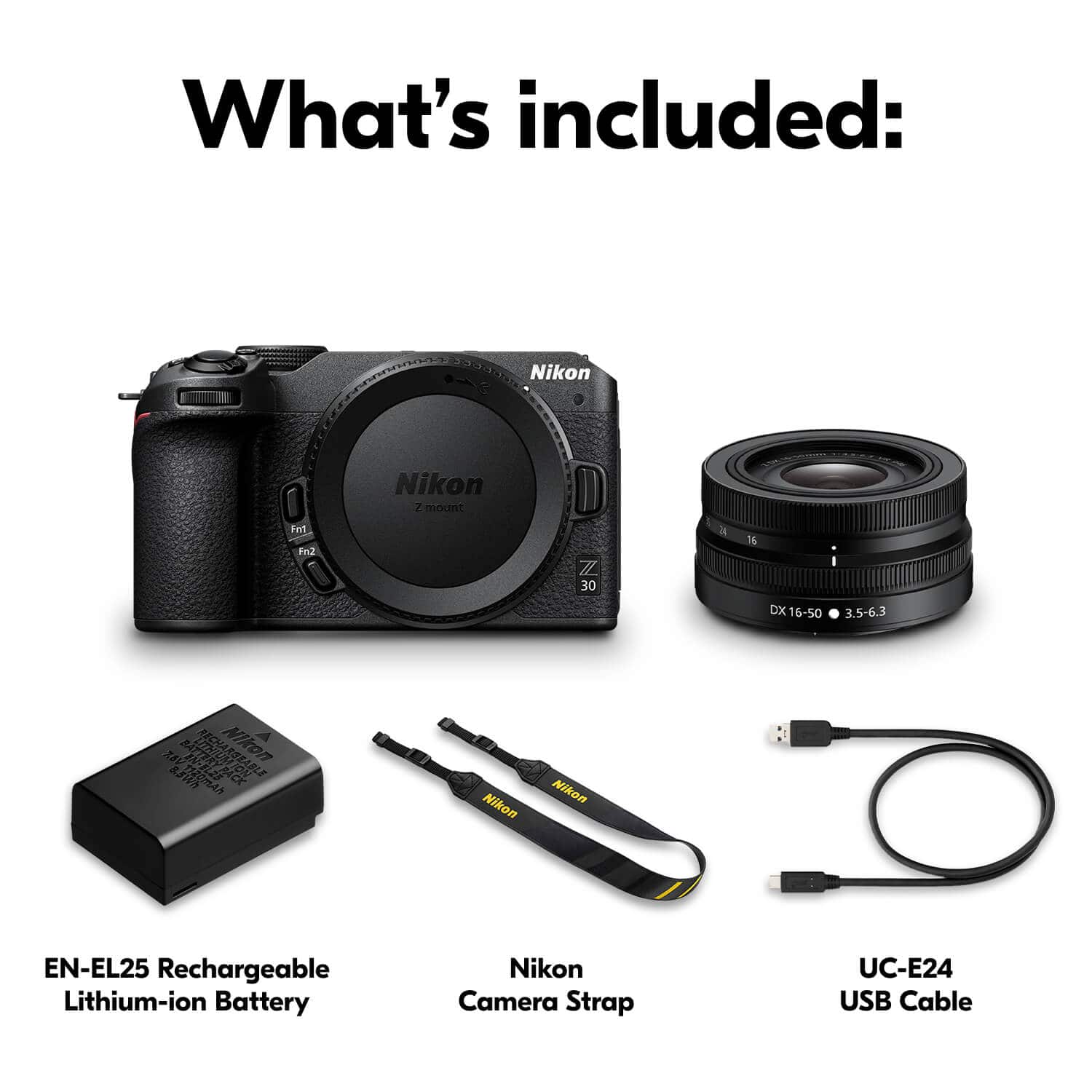
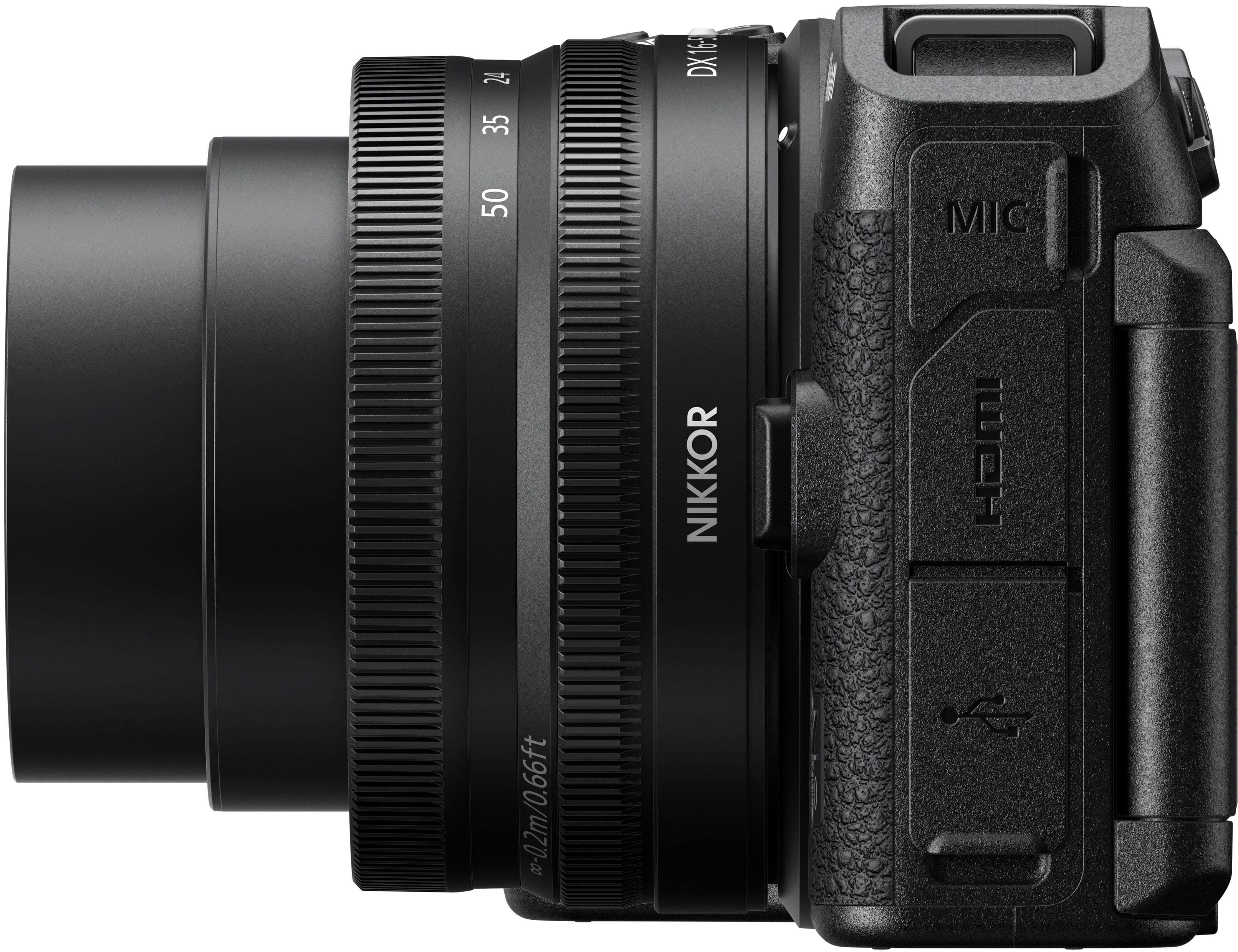
|Posted .This reviewer received promo considerations or sweepstakes entry for writing a review.There is so much one could say about the Nikon Z30 camera that my comments could run on forever. It is, in short, an outstanding camera and a very good value for the money. I have owned several Nikon digital cameras over the years, and all have been good cameras. What sets this one apart, and they’re nothing you wouldn’t expect given its price point, is the huge number of features and possible ways to configure the camera for every conceivable photo and video circumstance. Of course, the camera was easy to set up to get quickly taking photos in auto mode. It comes with one rechargeable battery, and the battery is recharged sitting in the camera. The manual says that it can take up to seven hours to fully recharge a fully discharged battery, and that can certainly put a crimp in your photo- or video-taking day if the battery should run out in the middle of things. This has always been one reason why I have tended to prefer cameras that take disposable batteries, like the ubiquitious AA size. What I did here was to immediately purchase two spare batteries and a separate charger that can charge the two batteries at once. I keep the two extras fully charged and ready to go when out in the field. The camera comes with a USB cable to charge it, but there is no included A/C adapter. The manual suggests plugging it into a computer USB port to charge. I simply used a cell-phone charger with the appropriate jack. Out of the box, the camera battery had about a 75% charge, by my estimation, because it took only about two hours to fully charge. The lens included with the camera is a Nikkor Z DX 16-50mm f/3.5-6.3 VR wide-angle zoom lens. Also note that needed but not included is a high-speed SD memory card. I purchased and installed a 256GB card. A fold-out (like a road map) quick-start guide is included, but I strongly recommend going to the Nikon website and downloading the 616-page full user manual. I won’t go into every feature of the camera as it has everything high-end cameras have always had along with many features that have become common in the digital/electronic age including both Bluetooth and wifi connectivity. Advertising for the camera touts several features, including 4K resolution, autofocus that tracks people’s eyes, beautifully blurred backgrounds, and excellent detail in low-light situations. My experience with these is as follows. Four-K resolution is something I see often in discussions of whether this or that sporting event will be shown in 4-K. For this to happen, the broadcaster has to use 4-K-capable cameras and associated broadcast technology, your TV service provider needs to provide the 4-K channel, and you have to have a TV set capable of showing a 4-K pictures. That’s a lot of things that have to align. I think 4-K TV will be common one day, but for now, it’s a novelty. My thoughts are similar for 4-K capability in cameras. I can take 4-K video just fine using this camera. But without a TV set or a computer display that is capable of showing the video in 4-K, this is of limited value. I don’t know how many purchasers of this camera are going to run out and buy a 4-K monitor, at least if your just an amateur videographer like me. If you’re a professional, OK, I can see making that purchase. The autofocus works fine, and I’ve had cameras with autofocus for many years. When photographing people, these cameras have no trouble focusing on the peoples’s faces, and if there are no people in the photo, the cameras generally have no problem focusing on whatever you have as the subject. The Z30 is no different here. I don’t really see much advantage in focusing on a person’s eyes versus their face as a whole. This camera takes great photos with the autofocus feature. Period. Blurring backgrounds is something that requires manual setting of some of the camera’s features, in this case shutter priority mode. The goal is a shallow depth-of-field. Properly set, a camera can blur both background and foreground, thus producing very dramatic images. The Z30 excels in all of this. Finally, the low-light capability is outstanding as well. While I don’t often try to take low-light photos, sometimes I want to catch something in the early evening or even at night with the light source being something distant like a streetlight. Again, this camera does a great job in this regard with a nearly infinite range of possible camera settings to get a low-light photo to look just the way you want it. In addition to the camera itself, I also used a couple of accessories. One is a mini-tripod with a hand-held capability that also includes a slot for a remote control for the camera, which is also included. The other is a professional-style microphone that mounts in the camera’s flash mount and plugs into an audio jack on the camera. These, along with the camera’s fold-out display, making taking video simple, convenient, versatile, and fun. Whatever your amateur or professional photo or video needs, this camera will fill the bill.
I would recommend this to a friend - Pros mentioned:Size, Video quality
Worthy though not perfect
|Posted .This reviewer received promo considerations or sweepstakes entry for writing a review.If you’re looking for a great entry level vlogging camera, the Nikon Z 30 should be on your short list. And as a bonus, it takes excellent photos, too. The downloadable manual for the camera is 616 pages long so it would make no sense to cover every feature, bell and whistle. But, I can say that for anyone who wants to go on social media to vlog, share photos or stream, this camera is perfectly suited for upgrading from a phone camera. Here are some of the highlights: • 4K video without cropping. Many other cameras crop 4K videos, and on an APS-C sensor, every pixel counts. • Tally light on the front so you know it’s recording. This is one of those video features that you’ll miss if you ever get another camera that doesn’t have it. It’s not always easy to see the screen’s recording indicator, especially if you’re facing the sun. But it’s much easier to see a blinking red light on the camera. • Video recorder counts down to show time remaining before your card is full, not up to show how long your recording has been. This is especially important when you’re reaching your card’s capacity. Some people might like the more standard count up to show video length. In an ideal world, this would be a configurable setting. • Includes USB cable to enable using it as a webcam. And when using it this way, it bypasses battery power so the battery never discharges. Also, because it’s a DSLR, you can adjust the exposure of your stream in camera. With the right lens and/or setup, you get pleasing, optical bokeh instead of the weird background blur from conferencing apps. The quality of the stream on your Zoom calls gets elevated to a whole new level. • Lightweight, compact, yet easy to hold. The ergonomics are fantastic for such a small camera. • Fully usable touch screen with good resolution • Allows you to set a minimum shutter speed in Auto ISO • 125 min of recording time; 35 min for 4K UHD. • Nikon’s free companion app SnapBridge is fairly robust and an easy way to transfer photos and short clips to your phone for sharing. The app can also be used as a remote to trigger the camera. And because there’s no GPS chip in the camera itself, the app is needed to add location data to photos and videos. It could use a little more streamlining in the initial pairing of the app to the camera, though. No camera is perfect and there are some things lacking: • No in-body image stabilization (IBIS) on the sensor. The kit lens does have vibration reduction, however. Or you can use the camera’s software based stability, which crops about 10% off the image. • No headphone monitor to check audio. IMO, this is not a deal breaker if you’re just getting started, or even for most shooting conditions. If you truly care about audio, you’re better off using a lavalier and capturing audio separately to a recorder and merging it with the video in post. • No HDR videos. Again, for most creators (especially those just getting started), this shouldn’t be an issue. Producing HDR videos gets into some technical weeds anyway. • No external battery charger or AC adapter are included. You can purchase these as separate accessories. Instead, the camera includes a USB cable to charge the battery while it’s in the camera. The manual says it can take 7+ hours depending on your computer. On my Mac Studio, it charged fully in about 2.5 hours. At its price point, I do wish they had included an external battery charger. • To use this as a webcam, you have to install the free Nikon webcam utility. Though it works fine in most video conferencing apps (Zoom, Skype, Teams, Meet, etc…), FaceTime on macOS will not recognize it because Nikon’s utility is type of virtual webcam instead of a physical one. Other observations: • No EVF, like many other cameras in this segment. While it makes the camera more compact, you may come to miss it if you’re primarily a photo shooter. • When you flip the lens over to take or shoot a selfie, the default setting is for the camera to go into self-portrait mode. This simplifies the display, mirrors the image on the display, and disables some of the controls. This may come as a surprise when you first flip the monitor for a selfie. If you don’t like this, you can disable the self-portrait mode setting. • Nikon is just getting started with their Z DX lenses for their mirrorless cameras. So there aren’t as many available as other systems. But, Nikon does make plenty of full frame Z lenses that can be used with 1.5 crop factor on the Z 30. Or, you could get an additional adapter ring and use lenses from Nikon’s huge existing base of non-Z lenses. Of course, none of these alternatives is as ideal as having a wider selection of Z DX lenses in the first place. All in all, this is a fantastic camera. It has shortcoming but no camera is perfect. If you’re early in your creator’s journey, this camera will suit you well.
I would recommend this to a friend Camera
||Posted . Owned for 1 month when reviewed.This reviewer received promo considerations or sweepstakes entry for writing a review.The camera is way to bulky. It needs a computer too charge
No, I would not recommend this to a friend- Pros mentioned:Autofocus, Video quality
Nikon does it again!
|Posted .This reviewer received promo considerations or sweepstakes entry for writing a review.This camera is absolutely fantastic. The quality is nothing less than what to expect from Nikon. The camera itself is marketed towards content creators, but you can use it for any purpose you need like B-Roll. Its autofocus is good and the screen itself is bright enough for any use. If you're planning to just use this as a webcam, you can do that too in 1080p60. I haven't ran into any sort of compatibility issues either. At least yet. The audio input isn't bad at all and you can also attach an external mic, which is good. The sensor is 20.2 MP and I believe it's the same as the Z50 and the Z fc. The menu is kinda convoluted, so it can get quite overwhelming. There's no OIS and only EIS so your footage can get a bit shaky, but that's just something to look at. The kit lens this comes with is already great for content creators, but I always recommend checking out other lens and seeing what works best for your needs. Overall, I feel like it's a great camera if you're a content creator or just need another camera for B-rolls. Or even as your main camera.
I would recommend this to a friend - Pros mentioned:Size, Video quality
Street King
Posted .This reviewer received promo considerations or sweepstakes entry for writing a review.Ive been in photography for 4 decades and had to find a small camera to use on street photography and travel and this is one of best cameras I have ever used for that.Im old and have health issues. but this is an amazing camera.I really dont know why you dont hear more about it.All the Z lenses work great.I currently have 26 2.8 pancake lens on and what a great little package.
I would recommend this to a friend - Pros mentioned:Autofocus
smart, customizable, and connected
|Posted .This reviewer received promo considerations or sweepstakes entry for writing a review.I primarily create still photo content for Instagram, with a few videos sprinkled in. The Z30 for me is a way to improve the quality and breadth of that content by moving up from smartphone cameras. The package I got only came with one lens, but it also included the creator accessory kit. Most of the value in the creator accessory kit for me is the small tripod, but the remote is also useful. I separately bought a macro lens for closeup shots. Part of the value of a camera like the Z30 is access to all the Nikon lenses that fit their Z models. While the included lens is suitable for a wide range of applications, the ability to swap that lens out for others adds a lot of customizability to the base camera. The tripod comes in very handy for closeup macro shots because the camera needs to be very steady. It's also recommended to use the remote for shutter control to further reduce the chance that you might jar the camera when taking a shot, but I haven't found that to be necessary yet. One limitation to the tripod is that there are a limited number of angles to position the camera, which can be problematic when setting up a shot. The other really great feature to this model that I have relied on extensively is the ability to link the camera via bluetooth with your phone through the SnapBridge app. You can set it up to automatically sync the photos you take to your photo library on the phone, and since my photo library syncs across my computing devices, I can see each photo on my laptop within seconds of snapping it on the camera. Now, you don't have to switch between camera mode and playback mode to see how a shot turned out, and you can see the shot in much better resolution on the computer than on the camera screen. That makes it much easier to make adjustments in real time. There are a lot of great autofocus features built into the camera that can automatically optimize your photos and videos depending on the content you're creating, but you can also take manual control of the camera settings and tailor your shots very precisely. And if you find you're reusing some of those configurations frequently, you can even save those settings in three user-defined modes. There's a ton of intelligence built into the camera, but you also have the ability to customize just about everything to your own needs or preferences. Add in the ability to sync over bluetooth and wifi, and there's not much you can't do with this camera.
I would recommend this to a friend - Pros mentioned:Video quality
Content Creation Sensation
|Posted .This reviewer received promo considerations or sweepstakes entry for writing a review.This Nikon is pretty focused on content creation and not bad at it. The creator's accessory kit really helps facilitate that. I tired to use this camera in a couple different use cases to test it's capabilities. Overall the camera has a nice feel in your hands. It's light weight and easy to hold with good texture so I didn't feel like it was going to slip out of my hands. I loved the movable touch display. It was very bright, responsive, and convenient. Folding away when not used gave me piece of mind that it was protected. The battery life was excellent. I was surprised that doing a handful of videos and playing with the menus I've still got a lot of my initial charge. There are loads of menu options to fine tune your photography. I mostly kept things on auto and out of the box. The pictures came out very clear. There were a lot of auto focus options and a manual focus on the lens. It seemed really good for product pictures. It wasn't the best but worked pretty good with low light. It did have some graininess. I didn't like the camera for taking actions shots. I was trying to take pictures of my kids playing and it would only snap photos that were in focus and missed some situations because they weren't in focus. Creating video content went well for this not being a video camera. I used all the pieces from the creator kit. The mic, tripod, and remote. I filmed playing guitar, commentary, and playing pinball. The RODE microphone worked good enough picking up the song. It wasn't production quality by any means. Commentary and pinball play were clear. Without the RODE microphone there was a lot of background noise so I highly recommend using some kind of external microphone. I didn't like the suspension mount for the microphone. It worked to not pick up any jostling but it was a little weak and almost allowed the windshield to fall into the camera view. Being able to swing the camera display out was super convenient to quickly and easily frame the shot. I was extremely impressed with the eye tracking to keep the video in focus on the subject. If you move around a lot while you talk this is key. I held up an item for the camera and the change in focus was very fast and fast getting back to my face when I lowered the object. One annoyance though that I couldn't find a setting for yet was that when I looked away from the camera the lighting of the video dimmed. Once I looked back at the camera the video brightened up again. So there's some kind of auto lighting setting that wasn't ideal for my videos. The remote was great to help cut down on editing of reaching for the camera to start and stop recording. Just quickly starting the recording was very useful. Two things that were difficult however when trying to get the shot framed was that the display would go black to sleep before I could get everything ready to go. Also not having the ability to zoom the camera with the remote made it take a little longer to get the camera perfectly placed before shooting. I'm glad to have this as an option in my camera inventory. I was hoping this would replace my point and shoot but it's really built for what they recommend. I would suggest it for anyone getting started in content creation. I think you can quickly pop out some great versatile content with it and have that professional feel.
I would recommend this to a friend - Pros mentioned:Video quality
Great entry level camera for everyday usage.
|Posted .This reviewer received promo considerations or sweepstakes entry for writing a review.I don't claim to be an amateur or even a semi-pro photographer. I'm not even a vlogger or youtuber! I just wanted something capable of taking stunning photos on my trips into the wilderness and around family and friends. Something about taking photos with a proper camera still resonate a certain feeling of accomplishment. I'm just an average everyday man who likes having and experiencing entry to mid-level technology. Don't make the big bucks to experience the high-end stuff. I don't think I want to spend that much either! I'm aware this was geared towards vloggers and youtubers, but the technical specs of the Z30 was pretty good and price range was within my budget. My first initial thought after unpackaging was the build quality. Very compact and high quality looks and feels. Comes with a good entry level lens kit to get you started off the bat. There is no viewfinder but has a generous sized LCD. If you're seeking a viewfinder, please look elsewhere. I did get a package deal with the creator's accessory kit which is a nice touch. Although I won't use it for what's it intended for. Maybe my niece will one day. Photos and videos are top notch. Transfer rates are also good. I found the Z30 to fit the bill in what I was seeking. I look forward to exploring more options as I continue to use it... Thanks.
I would recommend this to a friend - Pros mentioned:Video quality
Great camera for streaming
Posted .This reviewer received promo considerations or sweepstakes entry for writing a review.I have been enjoying this camera. The video quality is pretty good. Works well with streaming.
I would recommend this to a friend Great product.
Posted .This reviewer received promo considerations or sweepstakes entry for writing a review.Great product, easy to interchange lenses, easy set up. If you are considering using for long recording sessions I recommend getting a dummy batter that plugs in directly to the power. Regular battery does not charge while using the camera.
I would recommend this to a friendGreat for family pictures
Posted .This reviewer received promo considerations or sweepstakes entry for writing a review.Love it! Perfect for a starting camera and I love how it focus and takes motion pictures would definitely recommend
I would recommend this to a friendExcellent
Posted .This reviewer received promo considerations or sweepstakes entry for writing a review.The camera is beyond my expectations. Excellent customers service. Thank you.
I would recommend this to a friendGreat camera
Posted .This reviewer received promo considerations or sweepstakes entry for writing a review.Works amazing! Bought it to record my son's football games!
I would recommend this to a friend