Customer Ratings & Reviews
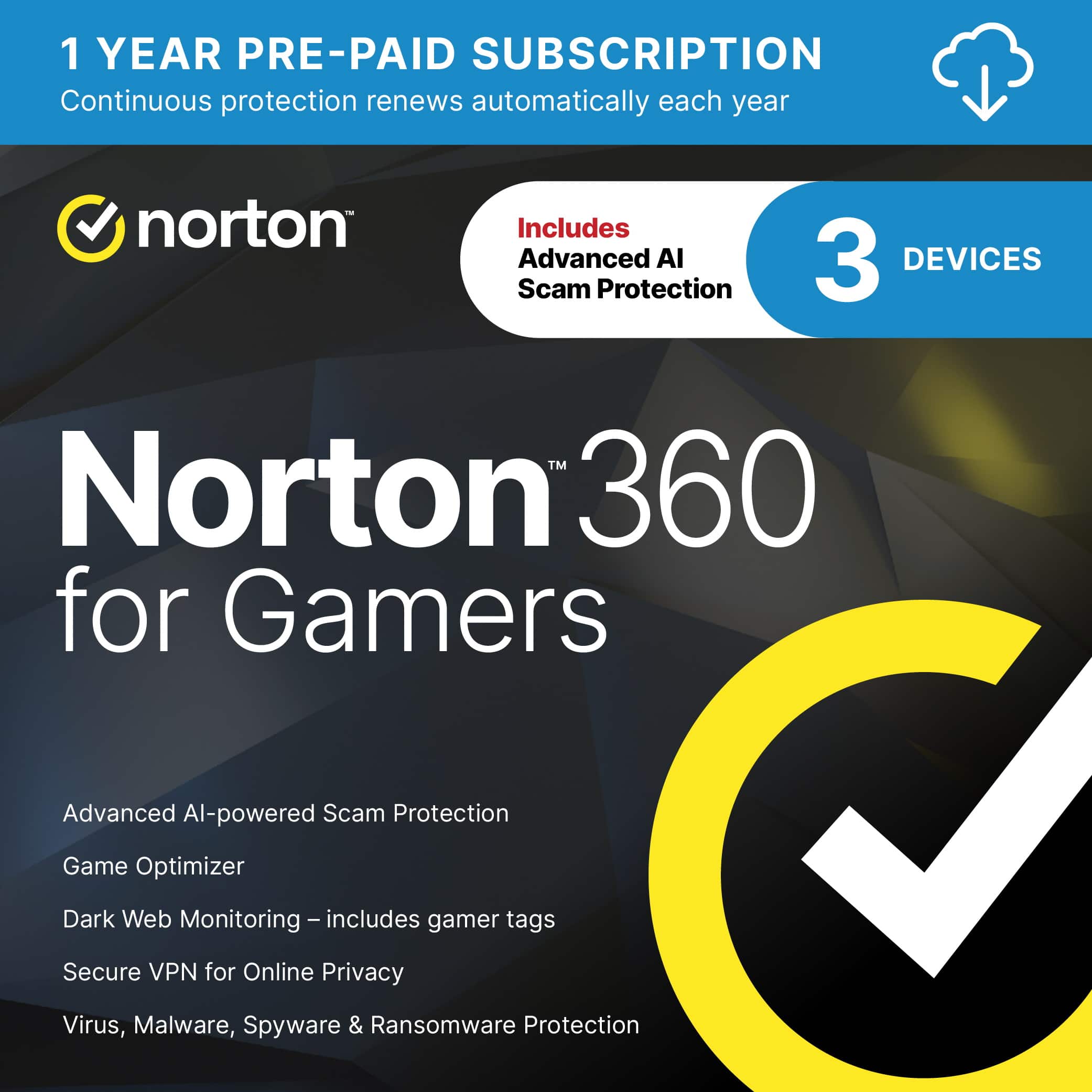
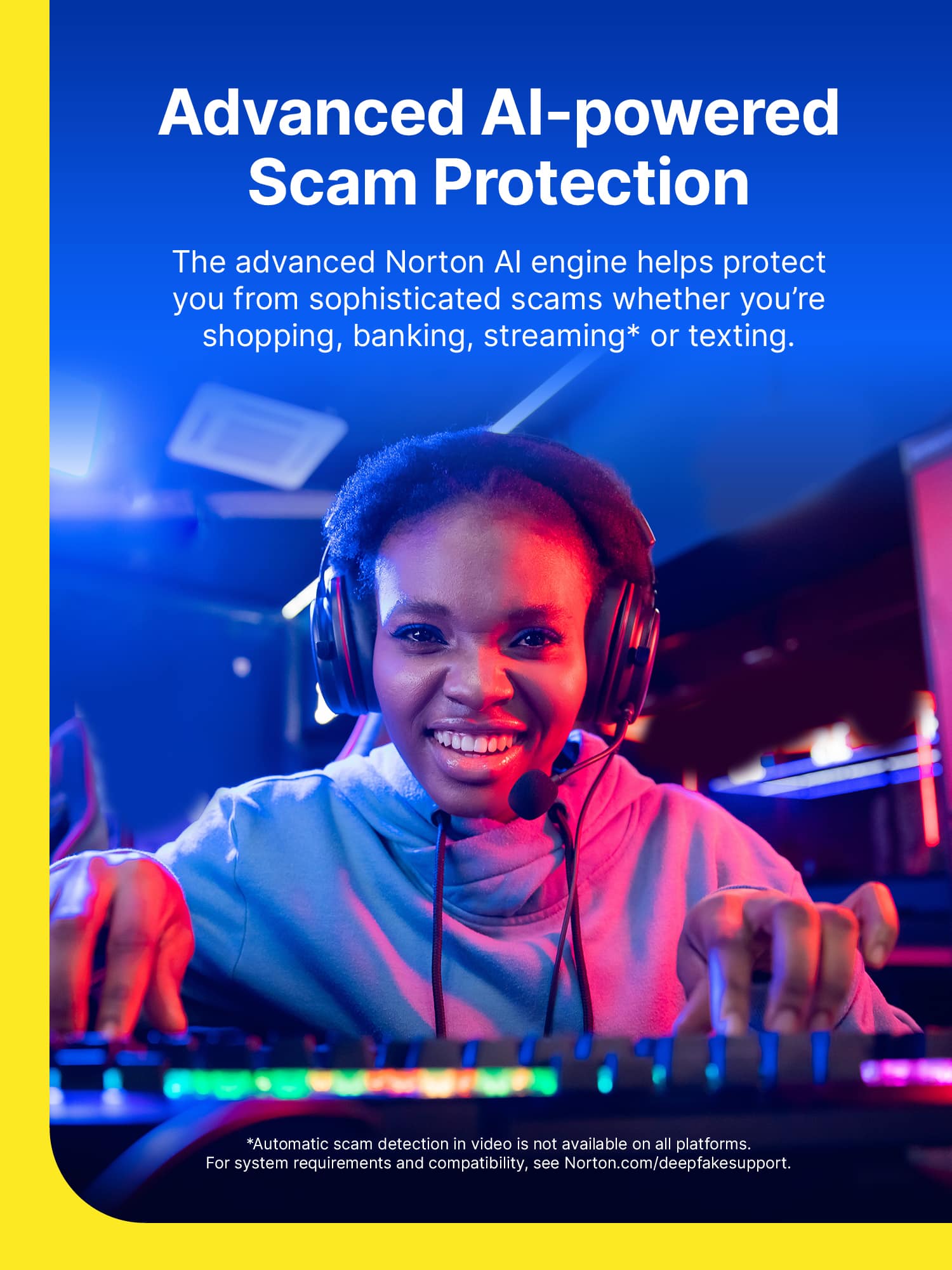
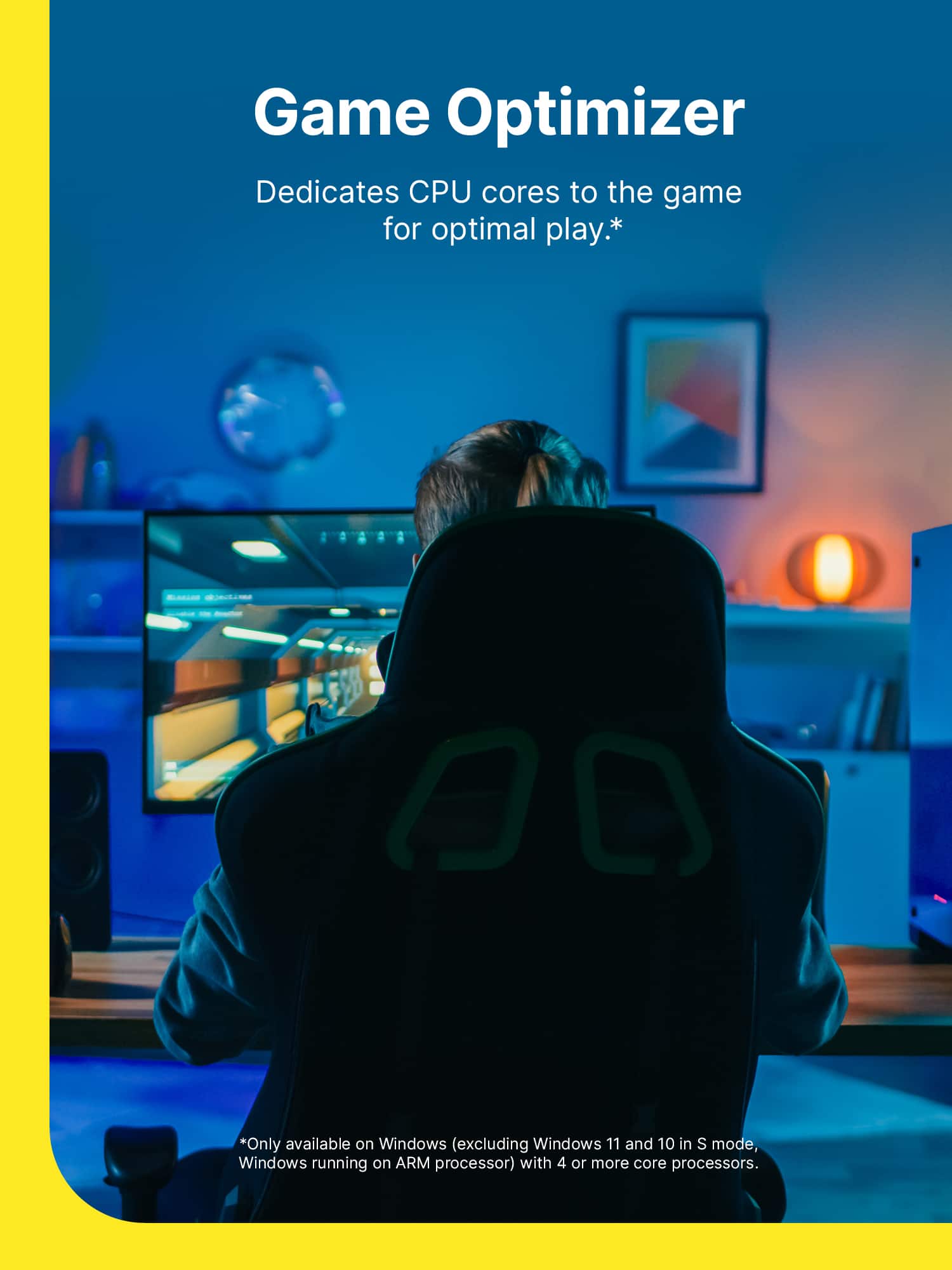
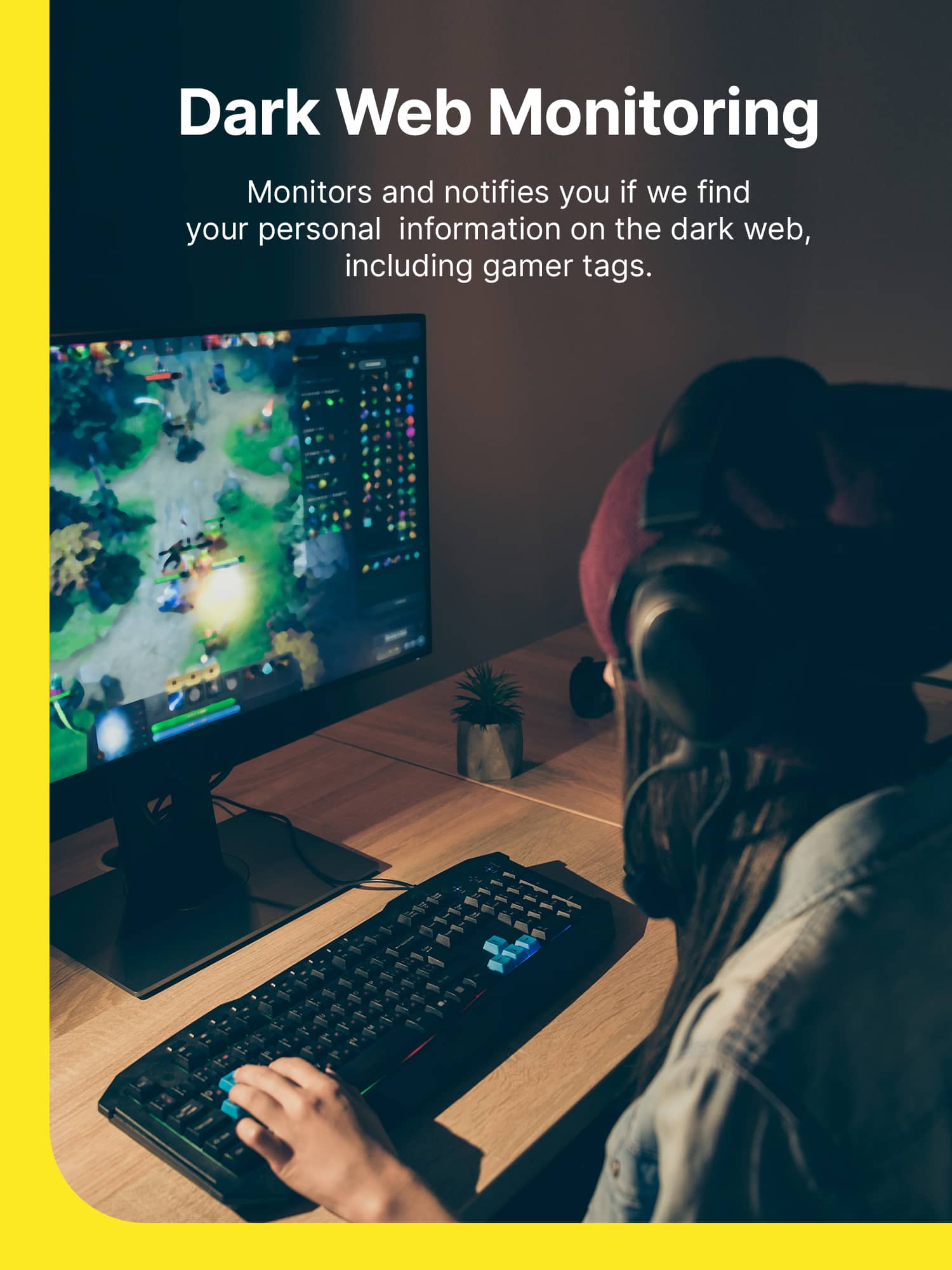
 to log in or create an account.
2. Enter the 25-digit Product Key found in your confirmation email.
3. Enter your Payment Method to activate your subscription.*
4. Click Next and follow the on-screen instructions for instant download!
*A payment method must be saved in your account to activate and use your protection; you won't be charged for the annual auto-renewal until the prepaid term ends. If you do not wish to renew, you can cancel in your account at any time.](https://pisces.bbystatic.com/image2/BestBuy_US/images/products/48ea0c42-9756-4b54-8af5-5de6a5af0bf1.jpg)
- Model:
- SYT940800V018
- SKU:
- 6420877
Rating by feature
- Value
Rating 4.7 out of 5 stars
- Quality
Rating 4.5 out of 5 stars
- Ease of Use
Rating 4.5 out of 5 stars
Customers are saying
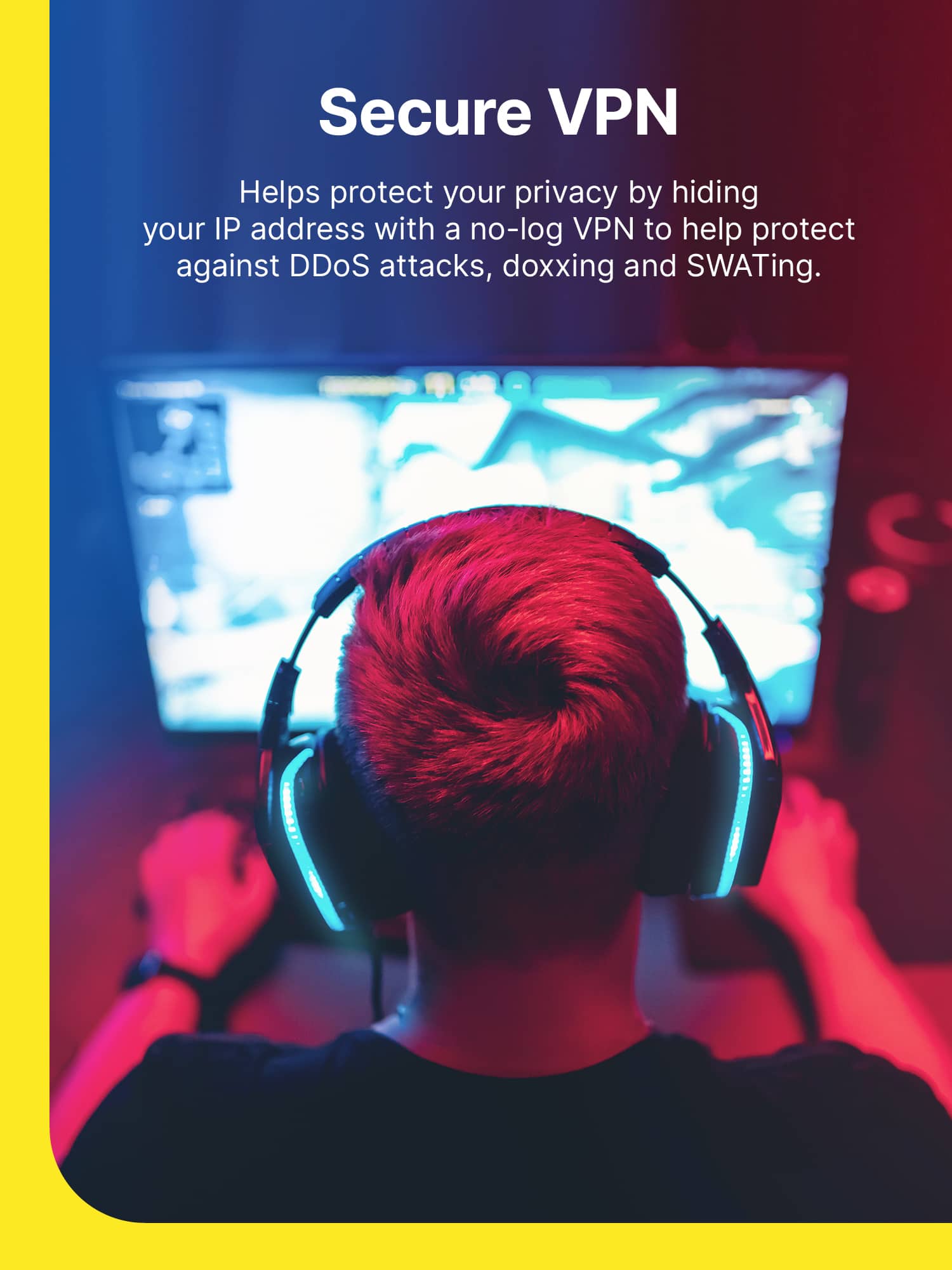
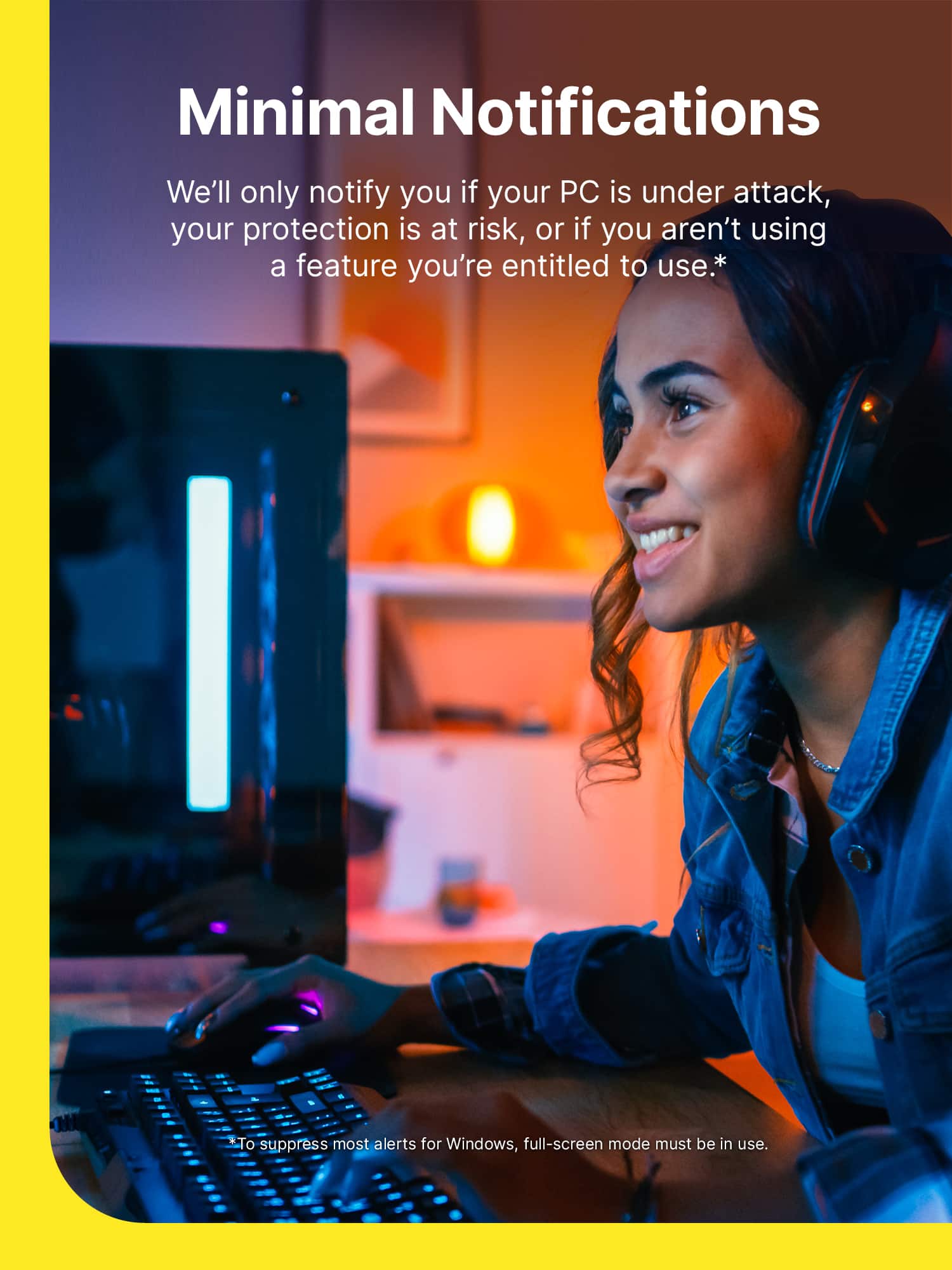
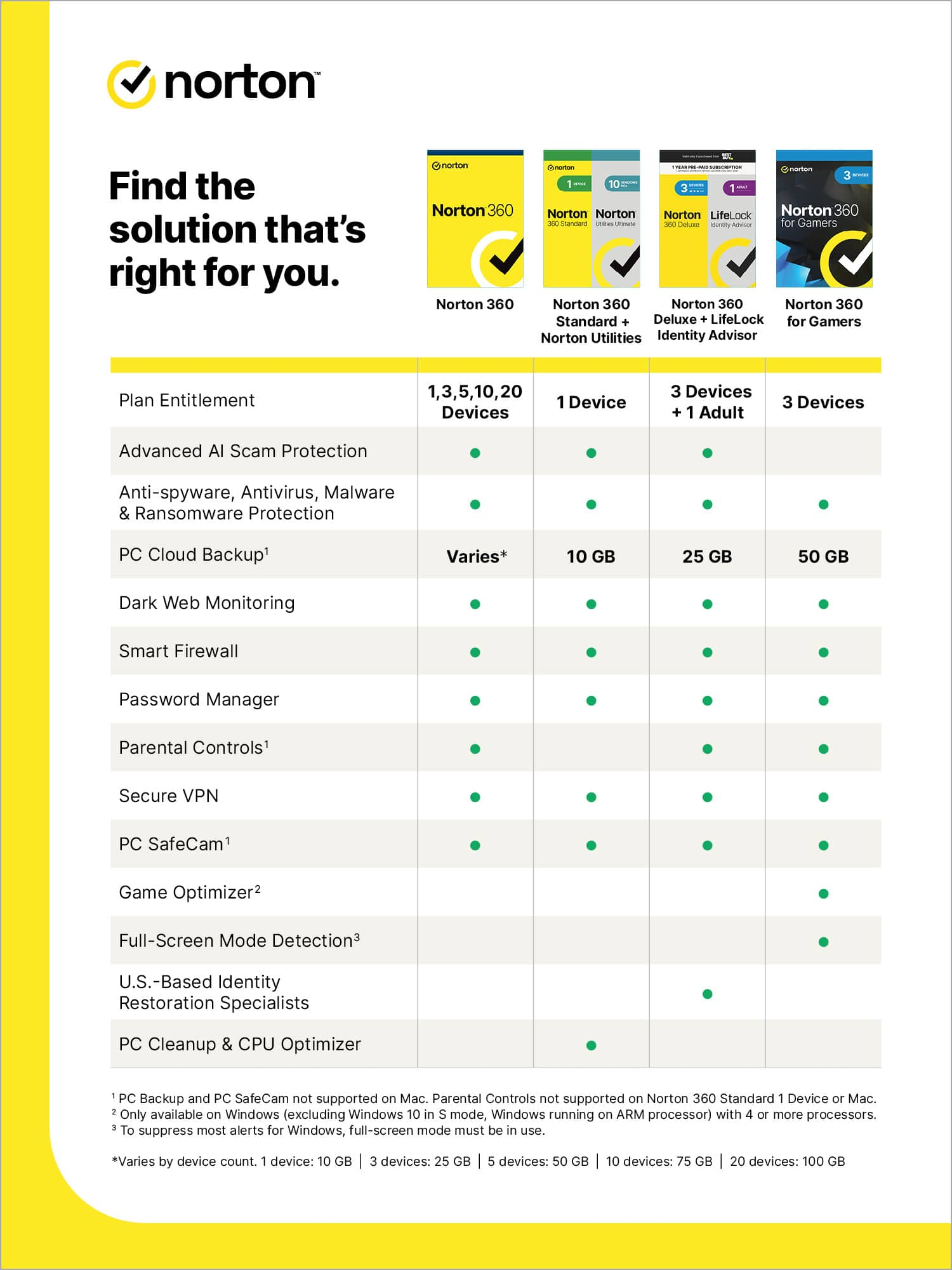
Customers are pleased with the 360 for Gamers software, highlighting its ease of use, VPN, and strong protection features. Many appreciate its antivirus capabilities and the fact that it doesn't impede system performance. Additional benefits include dark web monitoring, a password manager, cloud backup, and parental controls.
This summary was generated by AI based on customer reviews.
Antivirus
||Posted . Owned for 3 weeks when reviewed.This reviewer received promo considerations or sweepstakes entry for writing a review.Very good in securing my pc from any malware on the internet
I would recommend this to a friendGreat virus protection
||Posted . Owned for 3 weeks when reviewed.This reviewer received promo considerations or sweepstakes entry for writing a review.Great price for Norton 360 and good protection overall.
I would recommend this to a friendNorton Antivirus
||Posted . Owned for less than 1 week when reviewed.This reviewer received promo considerations or sweepstakes entry for writing a review.Pick this item up with Total Tech and saved $80 bucks
I would recommend this to a friendVPN
||Posted . Owned for 3 months when reviewed.This reviewer received promo considerations or sweepstakes entry for writing a review.Slow… many sites recognize the VPN and won’t let me access them. It looks suspicious to those sites..
No, I would not recommend this to a friendBrand response from Norton & LifeLock Product Expert
Posted .Thanks for taking the time to provide us with your feedback. We're sorry to hear you are facing these issues. We would like to look into this further. Could you please send us a message to our official social support channel on Facebook at https://m.me/norton or on Twitter at https://twitter.com/messages/Nortonsupport
Alternatively if you prefer, you can connect with our team via chat & phone here www.norton.com/support. Thank you.
Virus
||Posted . Owned for 3 weeks when reviewed.This reviewer received promo considerations or sweepstakes entry for writing a review.Work like a champ bought product for my some gaming computer
I would recommend this to a friend- Pros mentioned:Antivirus, Vpn

Robust collection of products...
|Posted .This reviewer received promo considerations or sweepstakes entry for writing a review.I haven't used a Norton product in probably 10 years, but I decided to try this antivirus package because I have a gaming machine where the existing antivirus had recently expired. This particular package allows installation on 3 devices, so I also installed it on my phone. Overall this software seems to do what you'd expect from anti-virus software, but you get quite a bit more. Along with virus and malware protection, you get dark web monitoring, a VPN, 575GB of cloud backup, a password manager, parental controls, and online privacy monitoring. I haven't used all of the features, but the cloud backup is simple to set up and seems to work well. I've also entered my info into the portal for dark web monitoring, and it's alerted me to several possible problems. I've also used the VPN, on both my laptop and phone, and it works well, even when gaming; the amount of added latency with the VPN on wasn't really enough to cause any substantial problems with the games I play. On my laptop, I did have some initial problems with the VPN, but after a visit to the support forums, I was able to resolve the problem. I also had some trouble with the app on my phone, but I believe that was due to an Android update, and it was fixed a few days after I noticed the problem. Overall, I think this is a rather robust collection of products that were assembled to protect you in almost every conceivable way. So far I'm pleased with it, time will tell if that feeling holds.
I would recommend this to a friend - Pros mentioned:Ease of use, Vpn
Works Good but can use one improvement
|Posted .This reviewer received promo considerations or sweepstakes entry for writing a review.I wanted to give this a few weeks of use and really test before giving a review. When I first installed it on my Windows based HP Omen gaming computer, I was having an issue with the program using upwards of 10% of my computer processor and that was at idle. This slowed down the computer dramatically and caused glitching in my games, especially WarZone. After I tried uninstalling and re-installing twice using Norton's uninstall tool, I was still having an issue. I took to Reddit and found a few others with past Norton products that had the same issue and there was a computer programmer that had a script to run in the CMD prompt to basically reset all the computers cache right after install and then auto restart the computer. BOOM! There it is, barely using any processor now and runs smooth. Now I feel the computer is protected with Norton's extensive team and library against attacks while gaming and just using the computer. The layout of the program is easy to use. The Notification optimization is awesome and keeps them at bay for attacks and product reminders while gaming and using the computer as a whole. 50GB of free cloud backup, that is nice! I just started streaming, so I am taking advantage of the PC camera safe guards they have put in place as well. I don't know if this is really an issue out there but it must be and that's why it is included. I love the included secure VPN, so far, I have not seen a big drop in gaming speed as I already have 1 GB service. Also, I am still trying out the password manager, I really like Google's setup but this is worth a shot to try, seems to work ok on the new programs I have installed, my old ones are still controlled with Google. All in all, it is a great program, they just need to add a script to their software to do a real cache cleanup and computer restart like the one I found on Reddit. 4.5 stars!
I would recommend this to a friend - Pros mentioned:Ease of use, System performance, Vpn
Peace of mind with no effect on performance
|Posted .This reviewer received promo considerations or sweepstakes entry for writing a review.It has been many, many years since I have used an antivirus software. I have generally just relied on Windows Security system. I would consider myself pretty tech savvy and generally have a good feeling about when to open emails, and what sites I should be hanging out in. I forewent any standalone security software mainly because I felt that they normally slowed down online performance, especially when gaming. So I gave this software a shot since it seems to be geared to those who are conscience about how mush system resources their software uses. After running this software on my iPad Pro, MacBook, and Surface Book, I can confidently say that I have not noticed any noticeable drop in system performance. I wasn’t expecting much of a change with my iPad Pro, but I wasn’t sure what kind of effect it might have on my MacBook or Surface Book. After running some benchmark and playing some games, I didn’t notice any dip in online or system performance. This software has a lot of nice features, it isn’t just an antivirus. It also includes a password manager, a VPN, dark web monitor, and Cloud Backup. Of all of these, the ones that I was most interested in was the VPN and antivirus software. Both of these work flawlessly on all the devices. I can see the dark web monitor and cloud backup being useful for some, but I already use different cloud storage solutions so I probably won’t be using that option much. Another feature that seems handy that I have started to use are the Parental Controls. This helps you make sure that your kiddo’s devices are protected and lets you set some limitations. Windows and Apple devices have their own parental control setting so I am not sure how much I will use this feature either, but it’s a nice extra layer of protection for those looking for it. All in all if you are looking for good internet security and do not want to have a dip in performance on your machines, then this would be a good route to go. It’s an easy to setup; extra layer of protection that protects from every angle.
I would recommend this to a friend Antivirus
||Posted . Owned for 1 month when reviewed.This reviewer received promo considerations or sweepstakes entry for writing a review.Good antivirus but hard to install in more than one divises
I would recommend this to a friendDisappointed gamer
||Posted . Owned for 3 weeks when reviewed.This reviewer received promo considerations or sweepstakes entry for writing a review.I purchased this product in the store, not knowing that a key code would be sent to me, via email. I never received the email message with the key code. Called customer service and was told that one would be sent to me. Not received to date . Went back to the store and exchanged this product for another brand internet/ antivirus software.
No, I would not recommend this to a friendNot what it is advertised.
||Posted . Owned for 3 months when reviewed.This reviewer received promo considerations or sweepstakes entry for writing a review.This is false advertisement. Once you need to activate your subscription it is not possible. I contacted support and they claim it is not applicable for all regions.....and if you need to activate they will charge 15 USD to "unlock" for any region. On the description, there is no limit on where you can start your service...And they conveniently offer to "unlock" for an extra 15USD. It is disappointing that a large and recognized company do this to gain a few extra dollars...
No, I would not recommend this to a friendBrand response from Norton & LifeLock Product Expert
Posted .Hello eReviews - Thanks for the review, and sorry for your issue. However, right underneath the price on the BestBuy website it states this: "Digital Delivery - Available soon after purchase. Redemption information is emailed and available in your Order Details. ***Redeem in US only***. Non-returnable." (goto the BestBuy.com page)
If you aren't activating in the U.S. (from a US IP address), then that's the reason. And yes - It is stated in the product description. Hope this helps - DWN
its okay
||Posted . Owned for 3 weeks when reviewed.This reviewer received promo considerations or sweepstakes entry for writing a review.this is not a good VPN to use if you want to download torrents
No, I would not recommend this to a friendBrand response from Norton & LifeLock Product Expert
Posted .Thank you for sharing your feedback. We always strive to provide a 5-star experience and welcome any additional comments so that we can do better next time
Not very good
||Posted . Owned for less than 1 week when reviewed.This reviewer received promo considerations or sweepstakes entry for writing a review.I figured it was on sale and that Norton couldn’t be that bad. It was that bad. The app notifications are annoying, and the vpn is not any good. I would never trust game mode to optimize the specs of the computer. Good way to break it. Would return if i could.
No, I would not recommend this to a friendBrand response from NortonLIfeLock Product Expert
Posted .Thanks for taking the time to provide us with your feedback. We're sorry to hear you are facing these issues. We would like to look into this further. Could you please send us a message to our official social support channel on Facebook at https://m.me/norton or on Twitter at https://twitter.com/messages/Nortonsupport
Alternatively if you prefer, you can connect with our team via chat & phone here www.norton.com/support. Thank you.
Stay away from Norton
||Posted . Owned for 1 year when reviewed.This reviewer received promo considerations or sweepstakes entry for writing a review.Autorenewed a month early making purchasing a code nearly pointless, stay vigilant
No, I would not recommend this to a friendBrand response from Norton & LifeLock Product Expert
Posted .Thanks for taking the time to provide us with your feedback. We would like to look into this further. Can you please connect with our team via chat & phone here www.norton.com/support. Thank you.
slows your computer down
||Posted . Owned for less than 1 week when reviewed.This reviewer received promo considerations or sweepstakes entry for writing a review.literally slowed my computer down a ton. my computer was really fast without it and as soon as it was installed every game i played was super laggy. i don't recommend this at all. i switched to TotalAV and its working much better now.
No, I would not recommend this to a friendBrand response from NortonLIfeLock Product Expert
Posted .Hi Kiwi - sorry to year, and apologize for the perceived performance issue. Sounds like you didn't enable the Gaming Optimization feature, which we got from our acquisition of Avira, and uses LRUT processor affinity to actually speed up gaming performance, proven by multiple third-party testing organizations. Anyways, there is a 60-day money-back guaranty on all our products, so contact us at support.norton.com if you'd like to pursue that. Again, apologize for the experience, and wish you'd contacted us sooner! - DWN
I hate it. .0 star
||Posted . Owned for 1 month when reviewed.This reviewer received promo considerations or sweepstakes entry for writing a review.I hate it, i wish i could remove it and get my money back. Im not even sure if its protecting my computer there is always something else to download. All some error with it. I hate it.
No, I would not recommend this to a friendBrand response from NortonLIfeLock Product Expert
Posted .Thanks for taking the time to provide us with your feedback. We're sorry to hear you are facing these issues. We would like to look into this further. Could you please send us a message to our official social support channel on Facebook at https://m.me/norton or on Twitter at https://twitter.com/messages/Nortonsupport
Alternatively if you prefer, you can connect with our team via chat & phone here www.norton.com/support. Thank you.
Absolutely worthless!
||Posted . Owned for 1 week when reviewed.This reviewer received promo considerations or sweepstakes entry for writing a review.Absolutely garbage! I would return this if possible. Does nothing. I tried to connect to a VPN but does nothing. A circle keeps rotating around on the screen and that's about it.
No, I would not recommend this to a friendBrand response from NortonLIfeLock Product Expert
Posted .Thanks for your rating and feedback. We really appreciate this.
Sorry to hear that you are having problems with the Norton product you purchased we would like to help! Please get in touch with our support team here www.norton.com/support.
We are happy to help!
- Pros mentioned:Protection
Protection I didn't know I needed
|Posted .This reviewer received promo considerations or sweepstakes entry for writing a review.So I recently purchased a gaming computer for myself and my son. I thought my regular free antivirus, but l wasn't aware of the problems that arise with interruptions or password protection. This is where Norton 360 for gamers edition comes in. Not only does it include regular Norton 360 Deluxe, it contains protection for your private passwords, a feature that products such as Lifelong specializes in. The setup page is very familiar, dark web monitoring (I was completely clueless to the dark web), VPN, backups, and parental control. The purpose of this edition is protecting you as you game from harmful Mallard and Trojans. My son who is more knowledgeable with these gaming sites wanted to download SynapseX. I purchased it and was trying to set it up, but Norton would not allow it identifying it as a Trojan. I had to go around in having Norton recognize it as not a traditional Trojan, but it was becoming nearly impossible. This level of protection was what I was expecting when I downloaded this software. We can have piece of mind and confidence that we are safe. Another great feature is that Norton will not interrupt you while you are in a middle of an intense gaming experience. Included for your protection monitoring for 10 bank accounts, 10 credit cards, five email addresses, five phone numbers and you can add the ability to track up to 10 gamer tags so you can also keep your personal gaming accounts safe. I am thoroughly impressed with Norton and am looking forward to continuing my subscription with them.
I would recommend this to a friend - Pros mentioned:Vpn
Norton360 for Gamers
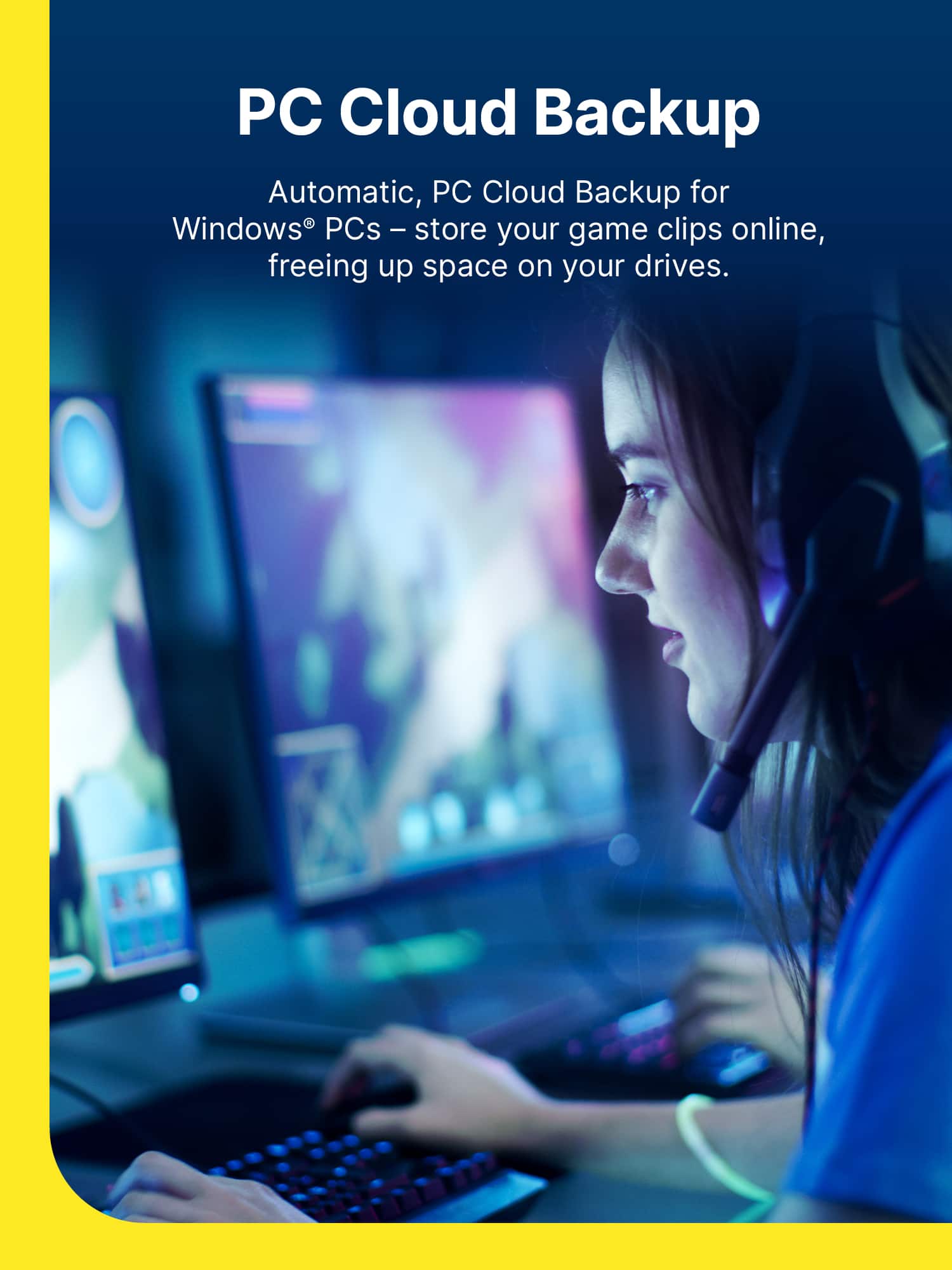
|Posted .This reviewer received promo considerations or sweepstakes entry for writing a review.So I've been using Norton360 for Gamers about a week now and this software is simply amazing. First off, the setup process was flawless, very easy download and install. I did run into a slight hiccup while installing. My former antivirus program which I had previously uninstalled had left a few leftover files unbeknownst to me hiding away on my system. After a couple of tries to no avail of removing it, Norton provided assistance (via a link/button) for the removal of other antivirus programs. I've never seen any other antivirus program that offer such assistance. After loading up Norton once installed, it prompted me to take advantage of the many features it provides such as: * Dark Web Monitoring * Secure VPN * Cloud Backup (50 GB) * Password Management * Parental Controls Included with the above features are browser extensions for Norton Safe Search, Norton Home Page, Norton Privacy Builder, and Norton Password Manager. After setting everything up to my liking, I loaded up a game and noticed that the initial lag that I had experienced with my previous antivirus software was no longer there. Not only was the lag no longer there, but my system seems to be moving at a faster rate. And if you ask any online gamer, they'll tell you that speed, timing, and pin-point precision is very important. This is definitely a winner in my book. And I will probably continue my subscription once this years subscription is up. This is absolutely the best antivirus program I have used to date.
I would recommend this to a friend - Pros mentioned:System performance
Works well, doesn't slow system down!
|Posted .This reviewer received promo considerations or sweepstakes entry for writing a review.What gamer wants a security suite that slows their system down? Not me, that's for sure! Norton 360 for gamers is an effective antivirus that adds no lag to your system's performance. It includes a VPN as well. If there is a way to set what VPN server you're connecting to, I haven't found it. I've noticed though that the only slowdown the VPN brings is in DNS resolution, and then only here and there (every other 3rd party VPN I've used does the same, so it's no big issue for me!). I've attempted to intentionally infect my test machine with a few virus-infected files - it caught them immediately and remedied the situation without hesitation. It also allows you to lock-down your webcam to keep uninvited lookie-lou's from peeping in on you when you don't want them to. For each machine you're given 50GB of cloud storage which can be set for file backups. Another value-add - a password manager and parental controls! Password managers act as a vault for your passwords so you don't have to remember them and the parental controls allow you to monitor your child's activities. I am giving this app 5 stars although in reality I would like to give it 4 1/2 due to the lack of support for my favorite OS - Linux, but for what it is, it does the job nicely for the operating systems that it does support , then again I've never known Norton/Symantec to disappoint!
I would recommend this to a friend