Customer Ratings & Reviews
 to log in or create an account.
2. Enter the 25-digit Product Key found in your confirmation email.
3. Enter your Payment Method to activate your subscription.*
4. Click Next and follow the on-screen instructions for instant download!
*A payment method must be saved in your account to activate and use your protection; you won't be charged for the annual auto-renewal until the prepaid term ends. If you do not wish to renew, you can cancel in your account at any time.](https://pisces.bbystatic.com/image2/BestBuy_US/images/products/48ea0c42-9756-4b54-8af5-5de6a5af0bf1.jpg)
- Model:
- SYT940800V018
- SKU:
- 6420877
Rating by feature
- Value
Rating 4.7 out of 5 stars
- Quality
Rating 4.5 out of 5 stars
- Ease of Use
Rating 4.5 out of 5 stars
Customers are saying
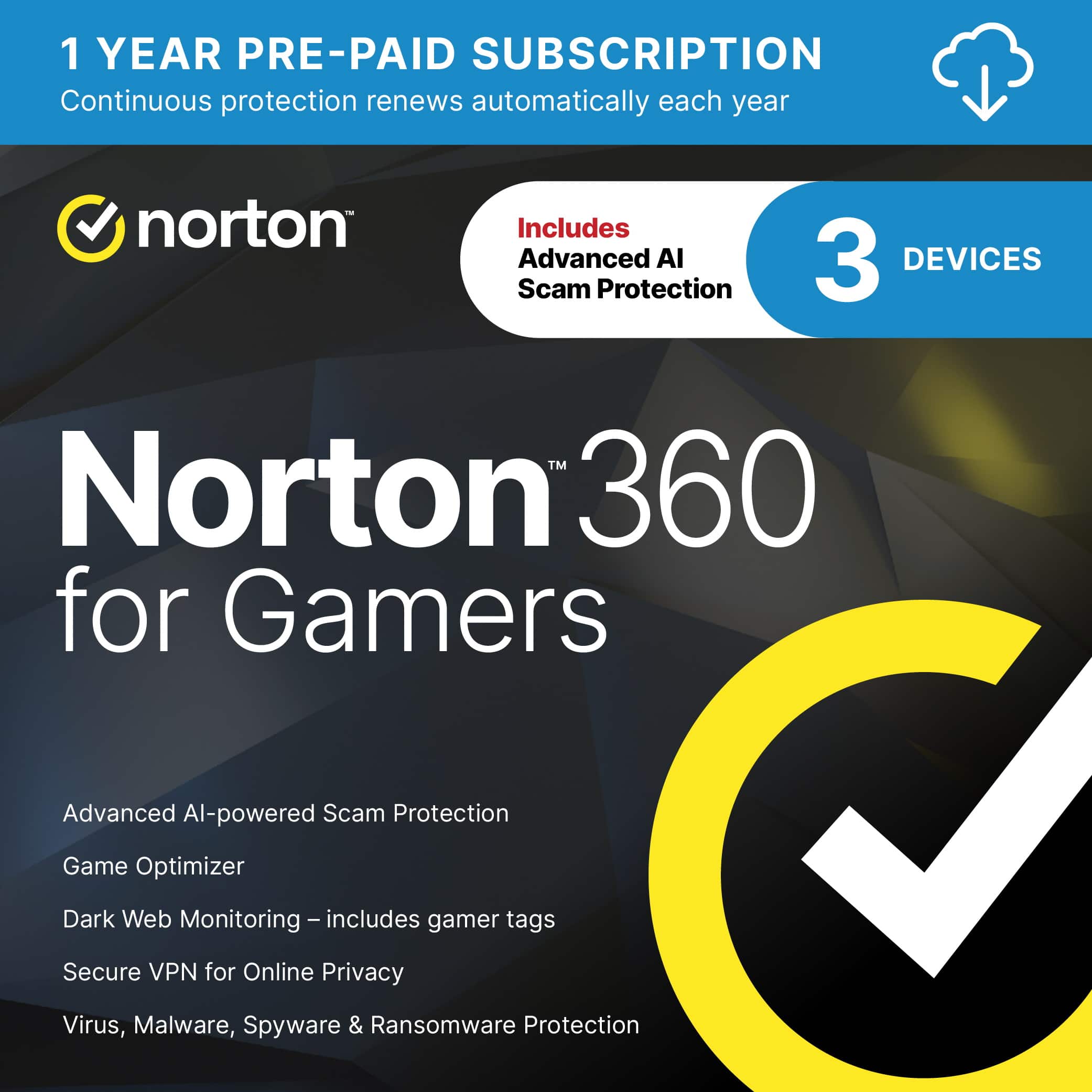
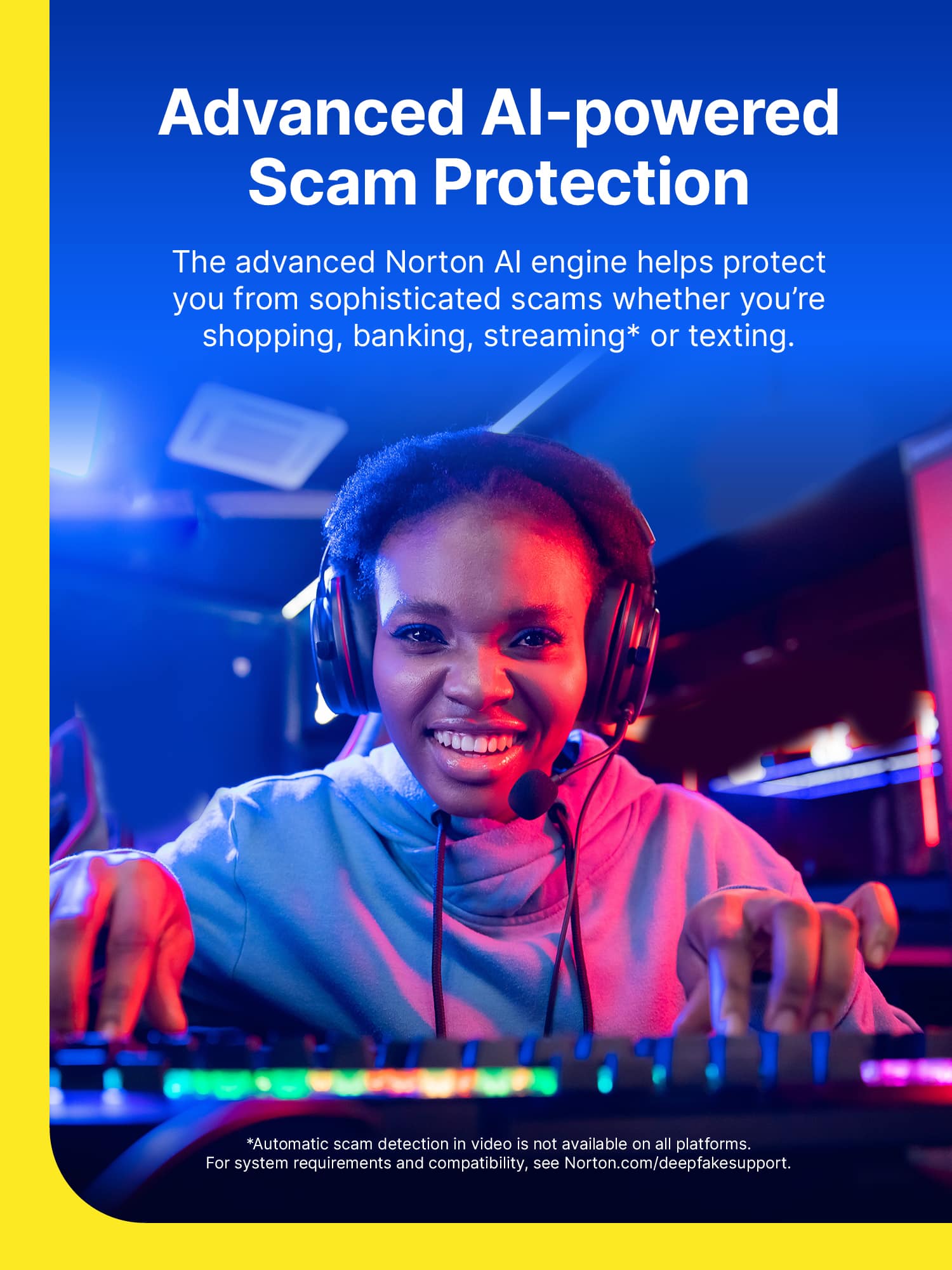
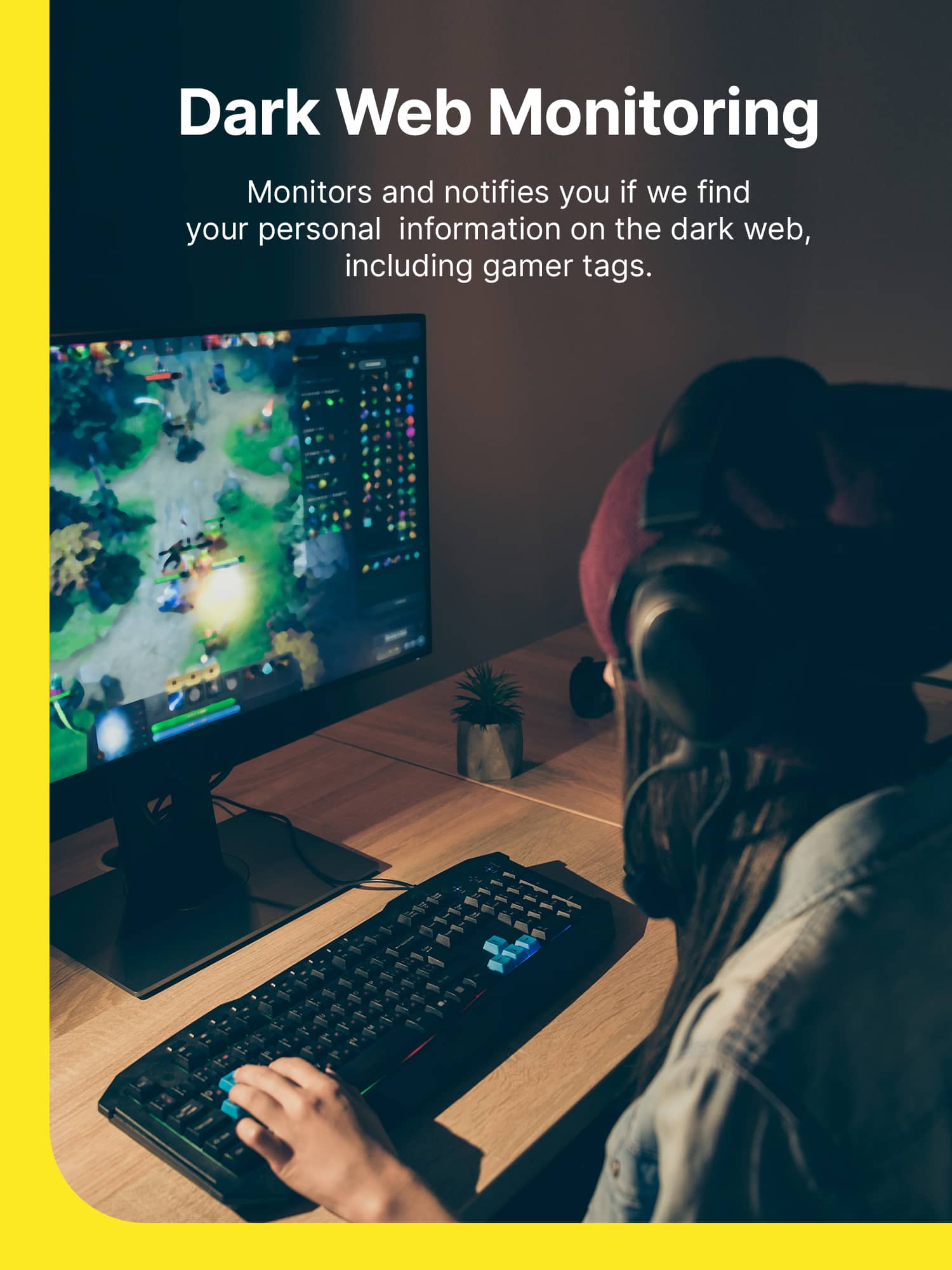
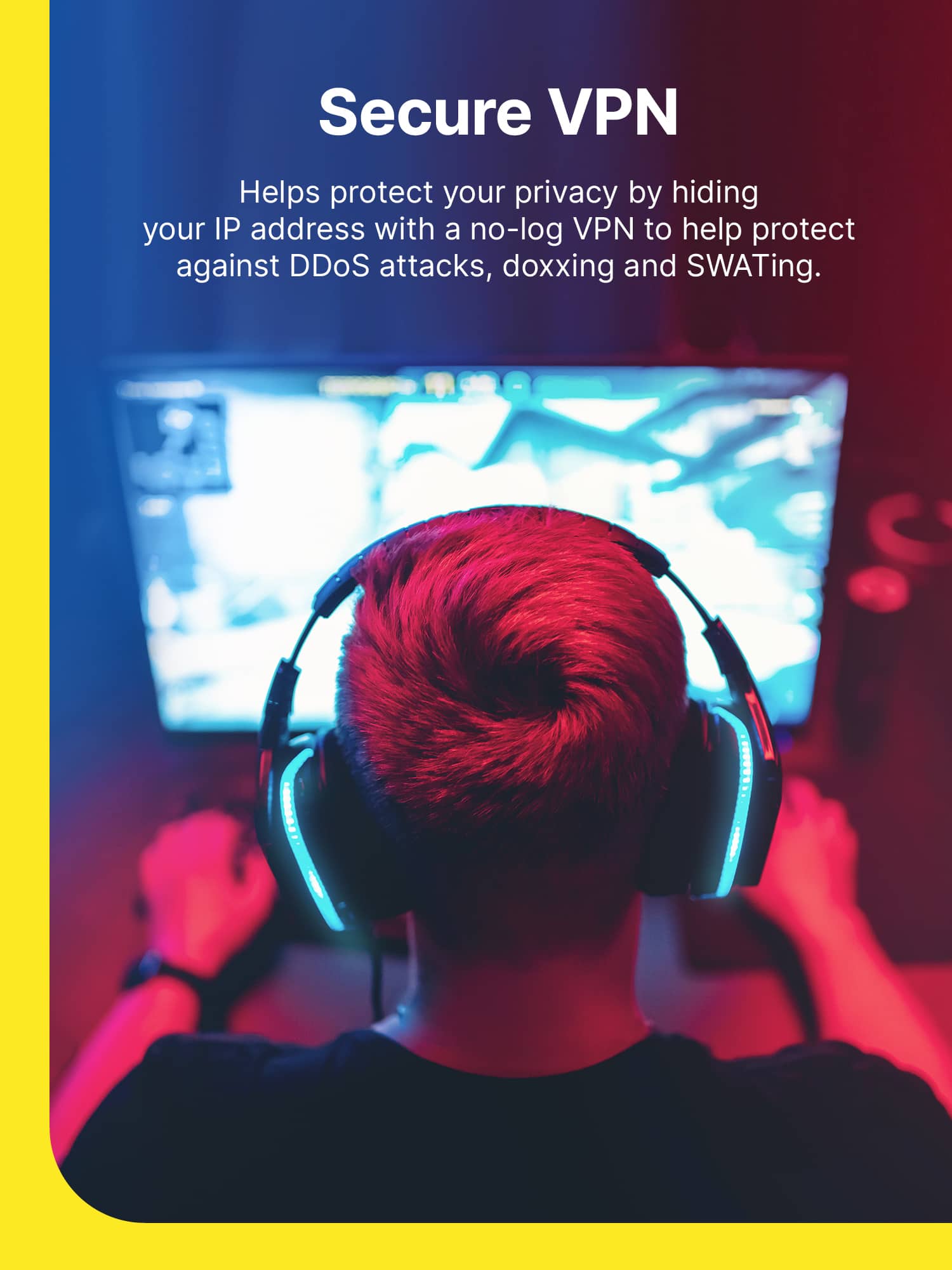
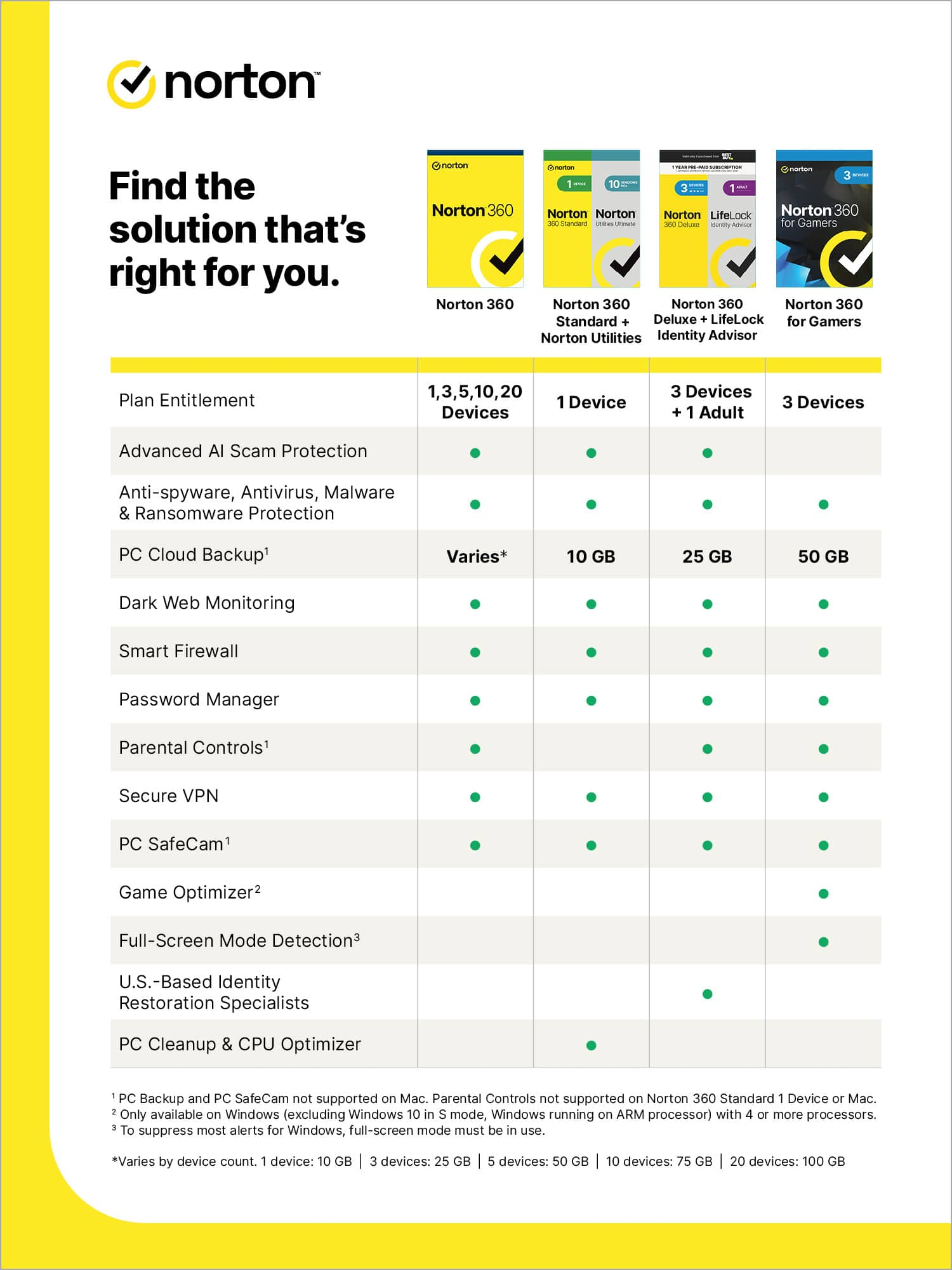
Customers are pleased with the 360 for Gamers software, highlighting its ease of use, VPN, and strong protection features. Many appreciate its antivirus capabilities and the fact that it doesn't impede system performance. Additional benefits include dark web monitoring, a password manager, cloud backup, and parental controls.
This summary was generated by AI based on customer reviews.
Protection for gamers!
||Posted . Owned for 1 week when reviewed.This reviewer received promo considerations or sweepstakes entry for writing a review.Great deal, easy to download and install on my devices.
I would recommend this to a friend- Pros mentioned:Protection
Mr.
||Posted . Owned for 9 months when reviewed.This reviewer received promo considerations or sweepstakes entry for writing a review.Very good product. I love how they check for viruses very quickly, and how it protects your PC from Spyware, and other viruses. The only I dislike about Norton, is how pricey they are. Overall, great product. DEFINITELY recommend it!
I would recommend this to a friend Norton 360 for gamers
||Posted . Owned for 1 week when reviewed.This reviewer received promo considerations or sweepstakes entry for writing a review.Game changer always feel protected. Can use this with up to three devices. Solid purchase.
I would recommend this to a friendnorton 360 gaming
||Posted . Owned for 1 week when reviewed.This reviewer received promo considerations or sweepstakes entry for writing a review.amazing product, i purchased this last year work great on my laptop
I would recommend this to a friendWorth the buy
||Posted . Owned for 11 months when reviewed.This reviewer received promo considerations or sweepstakes entry for writing a review.Great software and works well with my computer. Hair with purchase
I would recommend this to a friendreally nice for gamers
||Posted . Owned for 2 weeks when reviewed.This reviewer received promo considerations or sweepstakes entry for writing a review.this software is awesome for gamers and is a must have for anyone getting a gaming laptop
I would recommend this to a friendGreat deal!
||Posted . Owned for 1 month when reviewed.This reviewer received promo considerations or sweepstakes entry for writing a review.Haven't onstalled yet but got an amazing deal at Best Buy! Very happy to have it.
I would recommend this to a friend- Pros mentioned:Antivirus, Ease of use, System performance

The Best Security Software Bundle Period
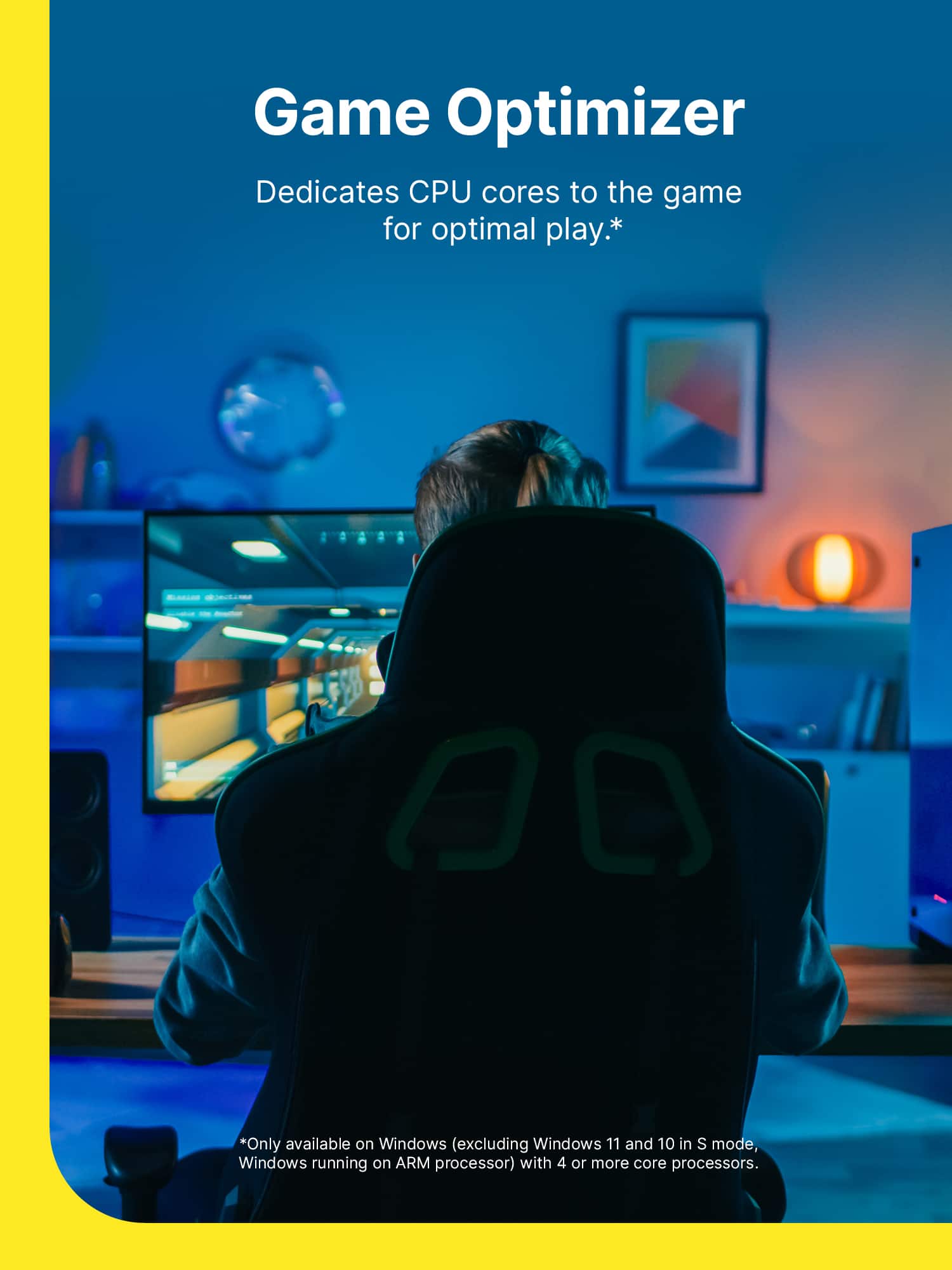
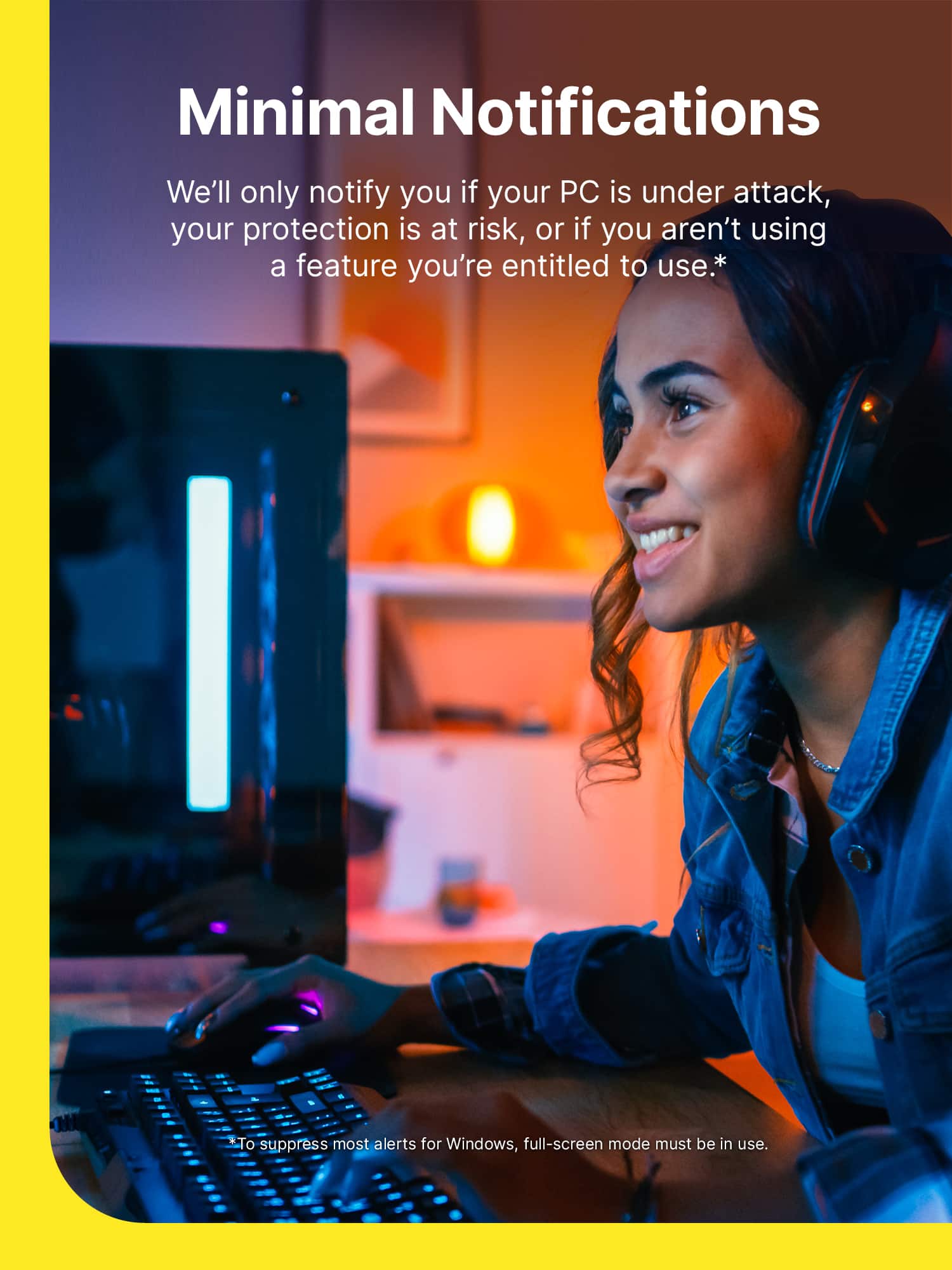
|Posted .This reviewer received promo considerations or sweepstakes entry for writing a review.For the past week I've been testing Norton 360 for gamers and it has easily become my favorite security software bundle. There is so much value included in this bundle. It comes with Antivirus software, a VPN, an internet security browser plug in, performance optimizing tools, a password manager, and a privacy / dark web monitor. That is a heck of a lot for such a small price. Some of the other things I loved are; - The software was easy to install and activate. - The user interface is very simple to navigate. - It consumes less than 1% of my CPU. - It has a webcam alert to let you know when your camera is accessed. - The VPN was fast and did not interfere with my gaming. (Also Norton doesn't keep logs.) - Most importantly, the software doesn't spam you with alerts or try to scare you into buying other products. With all that being said, this product is the gold standard for what security software should be and it has earned my highest recommendation.
I would recommend this to a friend Good
||Posted .This reviewer received promo considerations or sweepstakes entry for writing a review.I been using norton for long time and I don’t have any issues with it
I would recommend this to a friendVirus Protection
||Posted . Owned for 1 month when reviewed.This reviewer received promo considerations or sweepstakes entry for writing a review.Norton 360 protection is great no complaints here compatible with malwarebytes
I would recommend this to a friendComputer
||Posted . Owned for 3 weeks when reviewed.This reviewer received promo considerations or sweepstakes entry for writing a review.Waa easy to install. On my son game computer. It was very cheap too
I would recommend this to a friendGaming Computer
||Posted . Owned for 2 weeks when reviewed.This reviewer received promo considerations or sweepstakes entry for writing a review.Great for gaming computers! Works great! No issues. Recommend for gamers
I would recommend this to a friendHappy with Purchase
||Posted . Owned for 1 week when reviewed.This reviewer received promo considerations or sweepstakes entry for writing a review.Happy with this product. No issues with downloading and was a fair price.
I would recommend this to a friendGamer Necessity
||Posted . Owned for 1 week when reviewed.This reviewer received promo considerations or sweepstakes entry for writing a review.Great purchase. It is important to keep protection when playing games.
I would recommend this to a friendGood purchase
||Posted . Owned for less than 1 week when reviewed.This reviewer received promo considerations or sweepstakes entry for writing a review.Love the product now my laptop is safe and I can play games at the same time
I would recommend this to a friend- Pros mentioned:Vpn
Norton made easy!
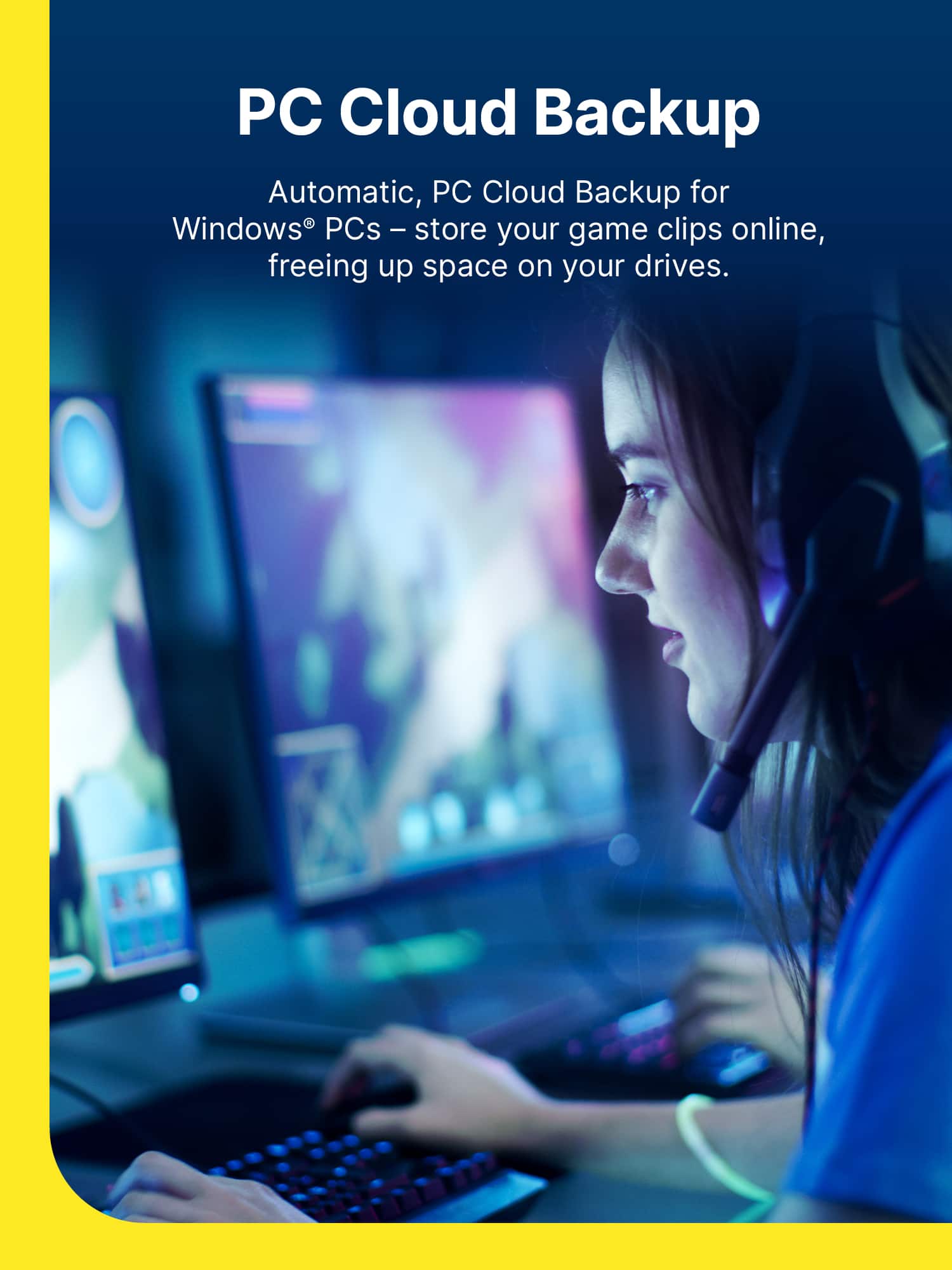
|Posted .This reviewer received promo considerations or sweepstakes entry for writing a review.Norton LifeLock Gamer Norton has been around, for about as long as Anti-Virus software has been on the market for use at home. With a broader adoption of home computing and a wider availability of broadband (the US still has a ways to go), more and more “hackers/cyber-terrorists” are working in overdrive to deliver malware. All for the purpose of not only infecting your machine with a virus to do their bidding, but also steal your private information. Things such as bank account information, or scans of your drivers license, can be used to steal your identity. So, it’s good to see Norton begin to scale up their offerings with LifeLock. While the “Gamer” emphasis on the branding might seem like this is only for those with a gaming PC, or fast smartphones for on-the-go gaming, this is anything but. The features included in the Norton LifeLock Gamer are the essential virus and malware protection, but they take it up a notch by offering “Dark Web Monitoring powered by LifeLock” to detect leaked private information being traded online. That’s right! If you’ve ever seen, or been informed, of a data breach at a web service you were using, your information such as passwords, email addresses, and credit/banking information may have been leaked online. The Dark Web monitoring service helps keep an eye out for any of your personal identifiable information online, and sends you an alert the second something is detected. The online dashboard, allows you to view any alerts, and then review the information that was leaked, and what steps to take to resolve them or secure your accounts. The “Gamer” portion of this version is also tracking your “Gamertag,” or your online usernames used on gaming services such as the PlayStation Network or Xbox Live. If one of them is detected in a data leak, they’ll guide you to resetting your password, along with other steps you can take to be proactive. They even offer an online chat which helps answer some of the more frequent questions or speak with someone to help you better understand the alert. While there are other levels of LifeLock ID theft protection available with other versions/tiers of service, these are probably the most vital information to keep track of and protect. It’s impressive to see just how detailed the alerts are, while being short and simple. In my case, there were about 14 different notifications for various leaks over the last several years. All of which I was proactive to secure at the time and, thankfully, aren’t a concern now. However, it’s good to know the LifeLock level of service is working here. You’ll be happy to also see a VPN service offered within the app, which may or may not require an additional download or install. You’re able to select the region, even those overseas, to connect and route your traffic through. This is a great included add on for those who are traveling, and need a VPN service on their laptops or smartphones. Otherwise, it will pick a server nearest to you, and route your data through those servers, masking your online use from even your ISP. A 50 GB Cloud Storage service is included for storing backups from your devices with the software installed. I also appreciate that the 50 GB of Cloud Storage isn’t required to use the back up feature. You can schedule back ups directly to a secondary or external drive. The app even allows you to exclude or customize the data being backed up. I found this feature incredibly helpful to avoid backing up my dropbox account twice. While I do have an internal file store on my network, I did opt to use this feature to back up my documents and photos. The back up didn’t seem to take up any major bandwidth while using my PC, and was likely working faster when not in use. If you’re installing this on a family PC, or on your childs PC, the Norton Family / Parental Controls feature is easy to setup and activate. What I found surprising was just how much monitoring you can perform with the features turned on a childs device. You simply install the Family Client app on the device, and you’re you’re ready to begin monitoring use, and can even lock down a device based on a school schedule or ad hoc. The Password Manager is an “Vault” service which helps secure passwords, addresses, your credit/debit account info, and even track your favorites. You’ll just need to install the appropriate extension for the app, which the “Set Up” button will guide you through. If you haven’t already set up a vault, the online web portal will guide you through it as well. Keep note of the password you’re using, as it’s going to be separate of your account login. There is also the added benefit of unlocking your wallet with the Norton mobile app. Which leads me to my only gripe about the service. Outside of running scans, using the VPN, or running an update everything else is done on a web portal dashboard. I’m sure this likely helps offload some of the app from your PC and helps to eliminate the slow downs experienced with previous Virus application suites, but this basically turns the app into a shortcut’s launcher. You’ll have to perform most every other task on your web browser. It’s a small inconvenience but offers you the most information in one place. The Virus and Malware is about as great as you can expect from Norton. The quick scan was QUICK, and if you're ever curious just how gamer focused this app is, take a look at the Performance Tab. It's located on the dropdown box next to Device Security. It gives you a nice run down of Norton's CPU% use in realtime, but you also get the added benefit of being able to optimize start up and perform file cleanups! Overall, I recommend this version of Norton LifeLock Gamer to everyone! If you have a family at home, who play online games on PC or even console, this is a great way to safeguard your personal and account information from online identity thieves. The included LifeLock ID monitoring is a huge plus, the VPN is a great addition which is great for those who love to travel or that want to safeguard their online use from others. You get 3 devices covered (combination of PC/mobile devices), and the extra parental controls make this an easy decision.
I would recommend this to a friend Good protection, but annoying upsales
||Posted . Owned for 1 month when reviewed.This reviewer received promo considerations or sweepstakes entry for writing a review.Norton is a good product but the constant up sale notifications are super annoying. Ever scan shows additional issues to fix for a free trail and then an expensive yearly subscription. There are better options that include more services for a reasonable fee. The gaming functions does not block all pop-ups and I actually got more using this product versus an alternate product.
No, I would not recommend this to a friendBrand response from Norton & LifeLock Product Expert
Posted .Thanks for taking the time to provide us with your rating and feedback. We really appreciate this. From time to time, you may receive promotional offers related to your subscription (like discounts or special deals) via in-product messaging that are displayed on your device. We try to balance your privacy with our concern for your Internet safety. However, your feedback is really important to us and we will share this with our teams internally for review. In the meantime, please follow instructions here https://support.norton.com/sp/en/us/home/current/solutions/v138304110 to manage special offer notifications.
Should you need any further assistance please do not hesitate to get in touch with our support team here www.norton.com/support who would be happy to help. Thank you.
Good
||Posted . Owned for 3 weeks when reviewed.This reviewer received promo considerations or sweepstakes entry for writing a review.Fixed my issues with warms and c virus , worth try it.
No, I would not recommend this to a friendsaTISFIED
||Posted .This reviewer received promo considerations or sweepstakes entry for writing a review.i am satisfied with the product I purchased from Best Buy
I would recommend this to a friendXbox series x
||Posted . Owned for 3 weeks when reviewed.This reviewer received promo considerations or sweepstakes entry for writing a review.Very good nice workers efficient very helpful nice environment
I would recommend this to a friend