Customer Ratings & Reviews



- Model:
- 79G-04979
- SKU:
- 6278700
Rating by feature
- Value
Rating 4.4 out of 5 stars
- Quality
Rating 4.7 out of 5 stars
- Ease of Use
Rating 4.6 out of 5 stars
to a friend
Easy purchase and install
||Posted . Owned for 3 weeks when reviewed.This reviewer received promo considerations or sweepstakes entry for writing a review.I purchased this product because having to upgrade to Windows 10 wiped out my previous copy of Office for which I no longer had the product key. It was easy to install as a direct digital download and this product key unlocked the product.
I would recommend this to a friendBrand response from MicrosoftOutreachTeam
Posted .Hi there,
Thanks for your review. We're glad to hear that your purchase and installation were easy.
Best,
Nelson
Office Customer Care
Easy to get going with and commonly used
||Posted . Owned for 1 month when reviewed.This reviewer received promo considerations or sweepstakes entry for writing a review.This program is very common, so will be easy to get started with and email documents. There are still some quirks, like every once in awhile it does automatically capitalize the first letter at the beginning of a sentence. Basically I got it because there are a few less quirks than a free word processor for my Mac.
I would recommend this to a friendBrand response from MicrosoftOutreachTeam
Posted .Hi there Jima,
Thanks for your review. We're glad that you find Office Home and Student 2019 to be easy to use. If you need any help getting used to Office you can check out our Office tips and tricks page: https://aka.ms/AA4r1mp.
Have a great day,
Nelson
Office Customer Care
Empower others to achieve more and share your Office experience in a review.
easy to install and access
||Posted . Owned for 3 weeks when reviewed.This reviewer received promo considerations or sweepstakes entry for writing a review.I bought this product for my in-laws. They had gotten a new laptop and needed access to Word. Got a good deal with special holiday pricing and will be good for the life of their computer. It was easy to install and shipping time was fast.
I would recommend this to a friendI got tired of paying every year
||Posted . Owned for 1 month when reviewed.This reviewer received promo considerations or sweepstakes entry for writing a review.I got tired of paying every year for the "priviledge" of using Microsoft Office 365. Even at nearly twice the price, it will be worth it to open my computer and NOT be able to use Word or Excel because I had not renewed the subscription.
I would recommend this to a friendMS Office Home & Student 2019
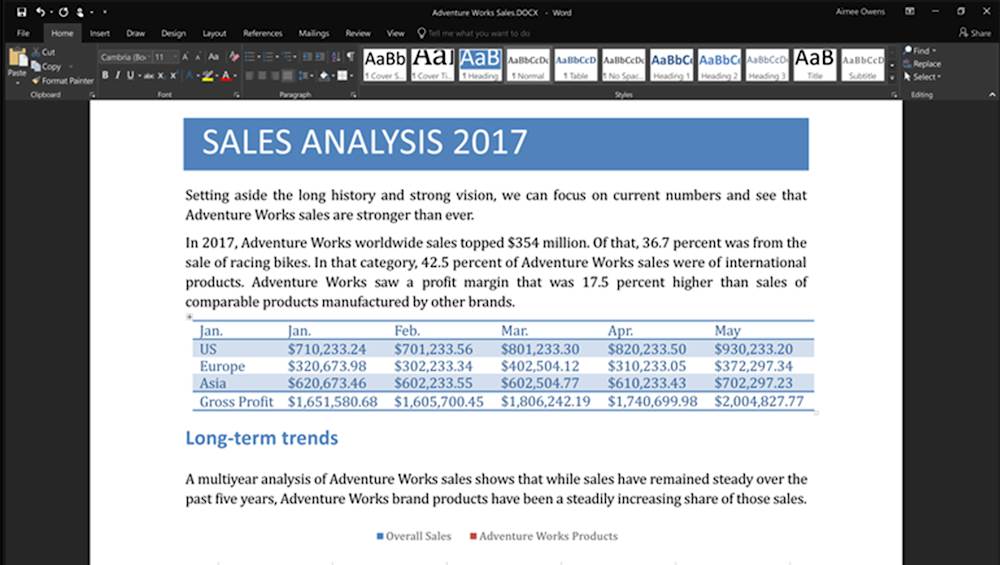
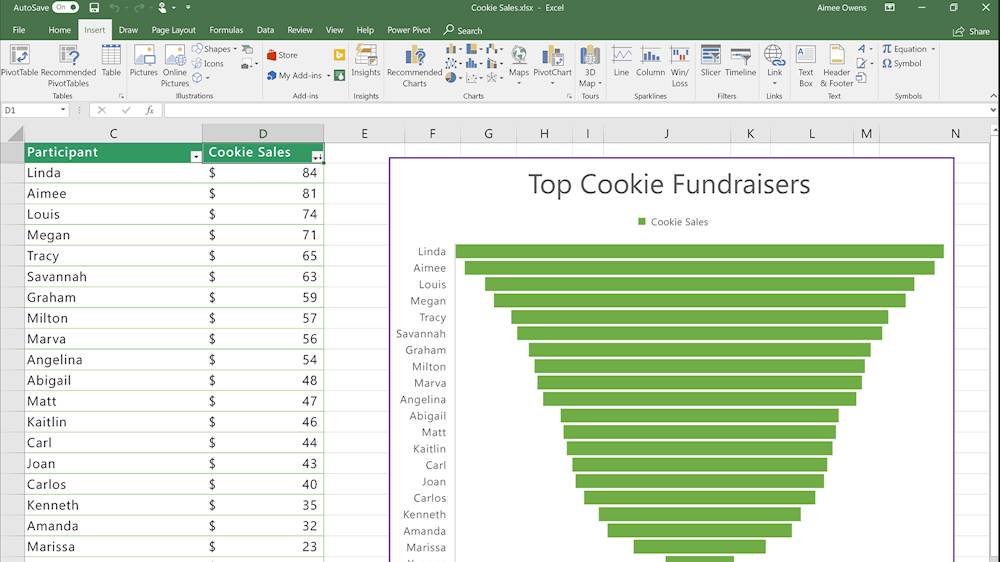
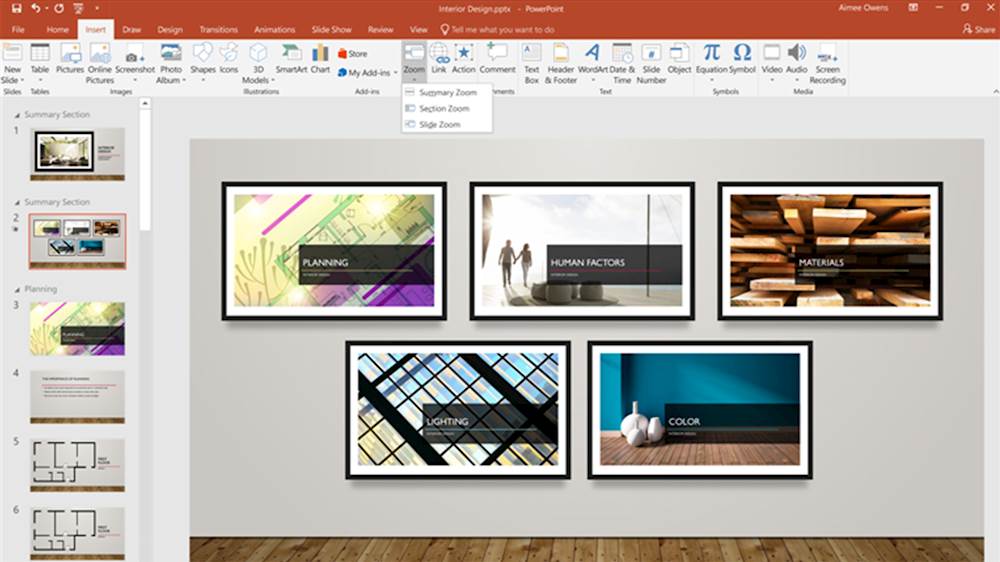
||Posted .This reviewer received promo considerations or sweepstakes entry for writing a review.Office Home & Student 2019 (1 Device) For students and families who want classic Office apps installed on one Windows 10 PC, use at home or school. Classic 2019 versions of Office apps including Word, Excel, and PowerPoint. Plus, OneNote for Windows 10.
I would recommend this to a friendBetter value than a subscription
||Posted . Owned for 1.5 years when reviewed.This reviewer received promo considerations or sweepstakes entry for writing a review.I don't like paying those bottomless-pit subscriptions each year so being able to buy Office and use it for many years until the "upgrades" really make it worth buying again is better for us.
I would recommend this to a friendGood Combination Set
||Posted . Owned for 1 week when reviewed.This reviewer received promo considerations or sweepstakes entry for writing a review.This is a great deal where you have don't need to pay the annual expense to continue the usage of these 3 applications the next year. I anticipate any changes to be minimal and not affect the basic structure of the applications.
I would recommend this to a friendBrand response from MicrosoftOutreachTeam
Posted .Hi there,
We appreciate your review. We're glad to hear you are enjoying Office Home and Student 2019.
Have a great one,
Nelson
Microsoft Customer Care
Ugh
||Posted . Owned for 1 month when reviewed.This reviewer received promo considerations or sweepstakes entry for writing a review.There's been a lot of give and take regarding features for the programs in the most recent version of Microsoft Suite. While Word has seen some improvements, one of its most useful and prized features has been removed, and now it's nearly useless to me and a lot of other users. Without the ability to know your exact word count at any given point in a document, instead of just a collective whole, it's lost its reason for being the word processor of choice. Now it's no better than many of the others. On top of that, 4 days after purchasing Office for a new laptop in August, an update was released, which I foolishly ran, and it messed a lot of stuff up. The most recent update that came out a week or so ago is said to be even worse. Threads on the subject aren't warm and fuzzy for either. Not impressed and doubt I'd purchase it again in the future nor necessarily recommend it.
No, I would not recommend this to a friendBrand response from MicrosoftOutreachTeam
Posted .Hi there,
Thanks for sharing your review. We wanted to let you know that Office 365 does allow you to select a section of your document and see how many words are in it. So that may be an option to look at. We're sorry to hear that you had some issues with an update. If you need help resolving the issues we recommend that you reach out to our Customer Support Team for personal assistance: https://aka.ms/AA4jrpj.
Hope that helps,
Nelson
Office Customer Care
Empower others to achieve more and share your Office experience in a review.
so far so good
||Posted . Owned for 3 weeks when reviewed.This reviewer received promo considerations or sweepstakes entry for writing a review.Didn't have any problems with the set up and it went relatively smoothly. It did take best buy a phone call to get it correctly added to my account so that I could activate the download code, but I haven't had any issues since then.
I would recommend this to a friendWorth the Purchase Price.
||Posted .This reviewer received promo considerations or sweepstakes entry for writing a review.Don't lease it. Buy it. That product key comes in handy when you need it. Sometimes, things just happen and a re-install is required. No passwords, just type in the product key. No Subscription because you own it.
I would recommend this to a friendThis is working great for my class Computer class.
||Posted . Owned for 1 month when reviewed.This reviewer received promo considerations or sweepstakes entry for writing a review.No problems, except I have a question. I purchased the Microsoft Office and Student for one PC/Mac. However, I am wondering if this is something I must purchase or renew every year. My laptop now has all i need for my computer application class.
I would recommend this to a friendBrand response from MicrosoftOutreachTeam
Posted .Hi there,
Office Home & Student 2019 is a one time purchase you don't need to renew it each year. If you have any other questions feel free to reach out to our Customer Support Team here: https://aka.ms/AA4jrpj.
Best,
Nelson
Office Customer Care
Empower others to achieve more and share your Office experience in a review.
Office for Mac looks like normal and love it!
||Posted .This reviewer received promo considerations or sweepstakes entry for writing a review.My previous version of Office on the MAC looked nothing like the Windows version. So, updated to the new version and an extremely happy that it looks and acts like the Windows version. Did not need Outlook on my Mac, so the lower cost version was excellent.
I would recommend this to a friendExcellent choice for a Microsoft familiar user.
||Posted .This reviewer received promo considerations or sweepstakes entry for writing a review.For the person who uses the and loves the Microsoft software, it is an excellent choice. If you have and use the Microsoft Word Suite software on your other computers, the setup is quite simple and fast. The is no learning curve required. I just love that.
I would recommend this to a friendMicrosoft Office
||Posted . Owned for 1 month when reviewed.This reviewer received promo considerations or sweepstakes entry for writing a review.We needed Microsoft office for a new computer so we purchased this so I didn’t have to keep paying for a new subscription to Microsoft office each year. If you are planning on having the computer for more than 2 years it’s will worth the purchase.
I would recommend this to a friendInstall a little tough
||Posted .This reviewer received promo considerations or sweepstakes entry for writing a review.Obviously the MS suite is a necessity. The instructions provided for loading the software with my product key weren't exact and took a bit of digging to locate the correct source. Personally I would rather have this preinstalled and just build it into the price of the device. But the Office products do work as expected.
I would recommend this to a friendBrand response from MicrosoftOutreachTeam
Posted .Hi there Kat,
Thanks for taking the time to leave this review. We appreciate the feedback. If you ever need to reinstall a clean copy of Office Home and Student 2019, keep this link handy: https://support.office.com/en-us/article/get-help-redeeming-your-product-key-f3e1079e-f385-4eb2-8c25-7163dcdee446?redirectSourcePath=%252fsetup&ui=en-US&rs=en-US&ad=US
That should be able to step you through the entire process pretty easily. Hope that helps out!
Regards,
Jonny
Office Customer Care
Empower others to achieve more and share your Office experience in a review.
Updated Office
||Posted .This reviewer received promo considerations or sweepstakes entry for writing a review.When I purchased my new computer I also purchased the newest version of Microsoft Office---which is compatable with what I use at school. I have access to Office 365 from school---but it does not have publisher---whi8ch I love using for many other projects
I would recommend this to a friendBrand response from MicrosoftOutreachTeam
Posted .Hey there,
if you're looking to add Publisher to your Office suite, you can! Purchase Publisher as a standalone app from the Microsoft Store and you'll be set. Reach out to our Customer Support Team if you have any other questions: https://support.microsoft.com/en-us/contactus/
Cheers to your productivity.
Sincerely,
Jo
Office Customer Care
Excellent software.
||Posted .This reviewer received promo considerations or sweepstakes entry for writing a review.I recently upgraded to a iMac from a Windows PC. I have always used Microsoft Office programs. The office programs for iMac are exactly the same as for the windows PC. There was no learning curve even though I was switching to a different operating system.
I would recommend this to a friendMicrosoft office
||Posted . Owned for 1 month when reviewed.This reviewer received promo considerations or sweepstakes entry for writing a review.I loved all of the advantages that I got with Microsoft Office Home and Student. Just did not realize that the money I paid for it was just for one months worth of use. I would not have bought it had I realized that.
No, I would not recommend this to a friendAnother good product
||Posted . Owned for 1 month when reviewed.This reviewer received promo considerations or sweepstakes entry for writing a review.This purchase was for an upgrade in a new PC. Surprised to see a lot of changes that I will have to used to. Menu bar has big changes and locations on the monitor. Some nice new templates that are appreciated.
I would recommend this to a friendWorks Great
||Posted . Owned for 1 month when reviewed.This reviewer received promo considerations or sweepstakes entry for writing a review.Office suit works great. Decided to go with this suite instead of office 365 since we don’t use the apps that much and didn’t want to pay the annual subscription for 365. If we expected a heavy use of the apps the I would have purchased 365 instead. This was more economical in the long run.
I would recommend this to a friend