Customer Ratings & Reviews


- Model:
- KX-TGD830M
- SKU:
- 11690658
Rating by feature
- Value
Rating 4.6 out of 5 stars
- Quality
Rating 4.6 out of 5 stars
- Ease of Use
Rating 4.6 out of 5 stars
- Pros mentioned:Caller id
Best home phones
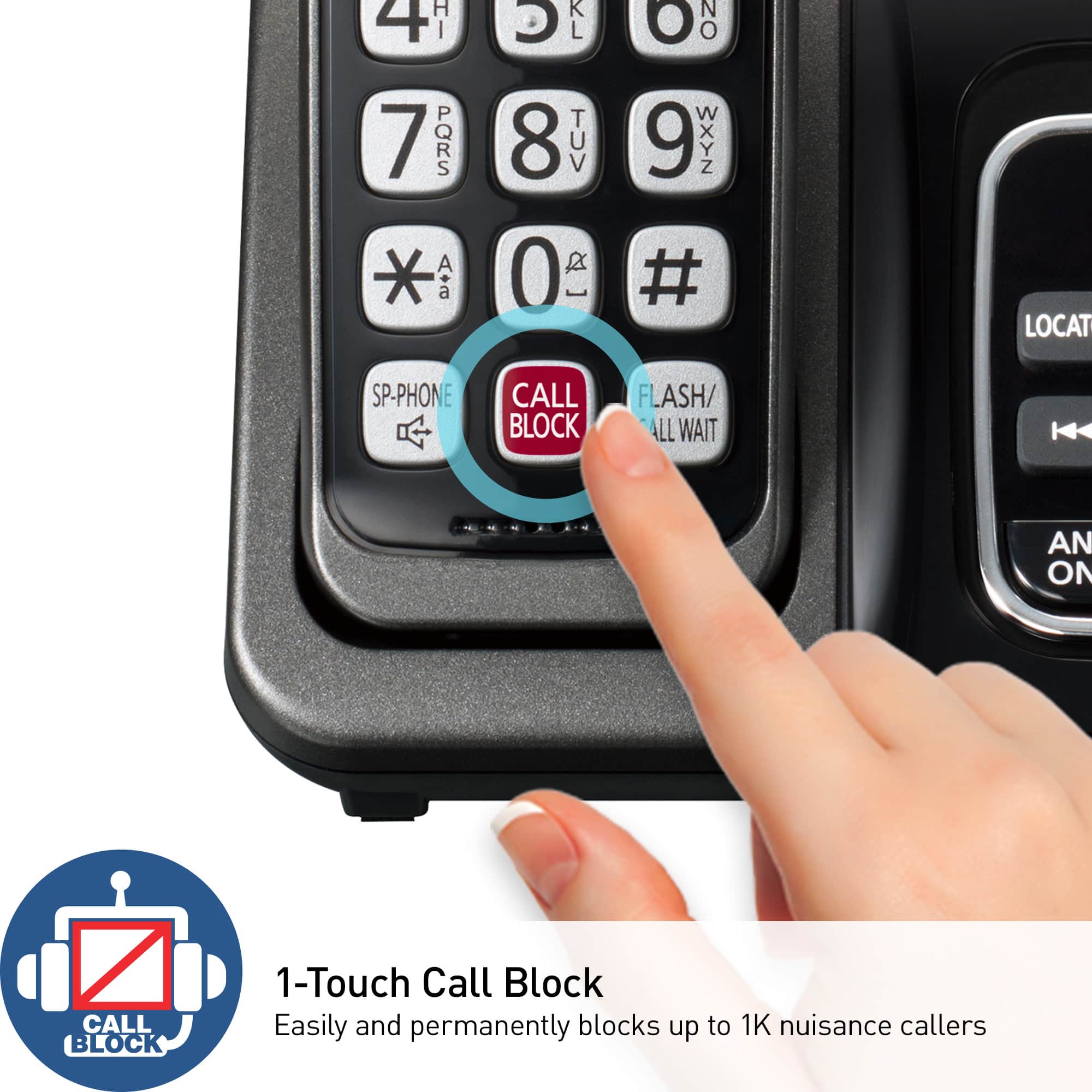
Posted .This reviewer received promo considerations or sweepstakes entry for writing a review.Really good phones. I wear hearing aid and this is the first phone I can hear callers clearly. Great phones. And I love the block caller button.
I would recommend this to a friendBrand response from Panasonic Team
Posted .We are so grateful for your 5-star review. Thanks for sharing your rating with us and the community. -G

- Pros mentioned:Caller id
Ms.
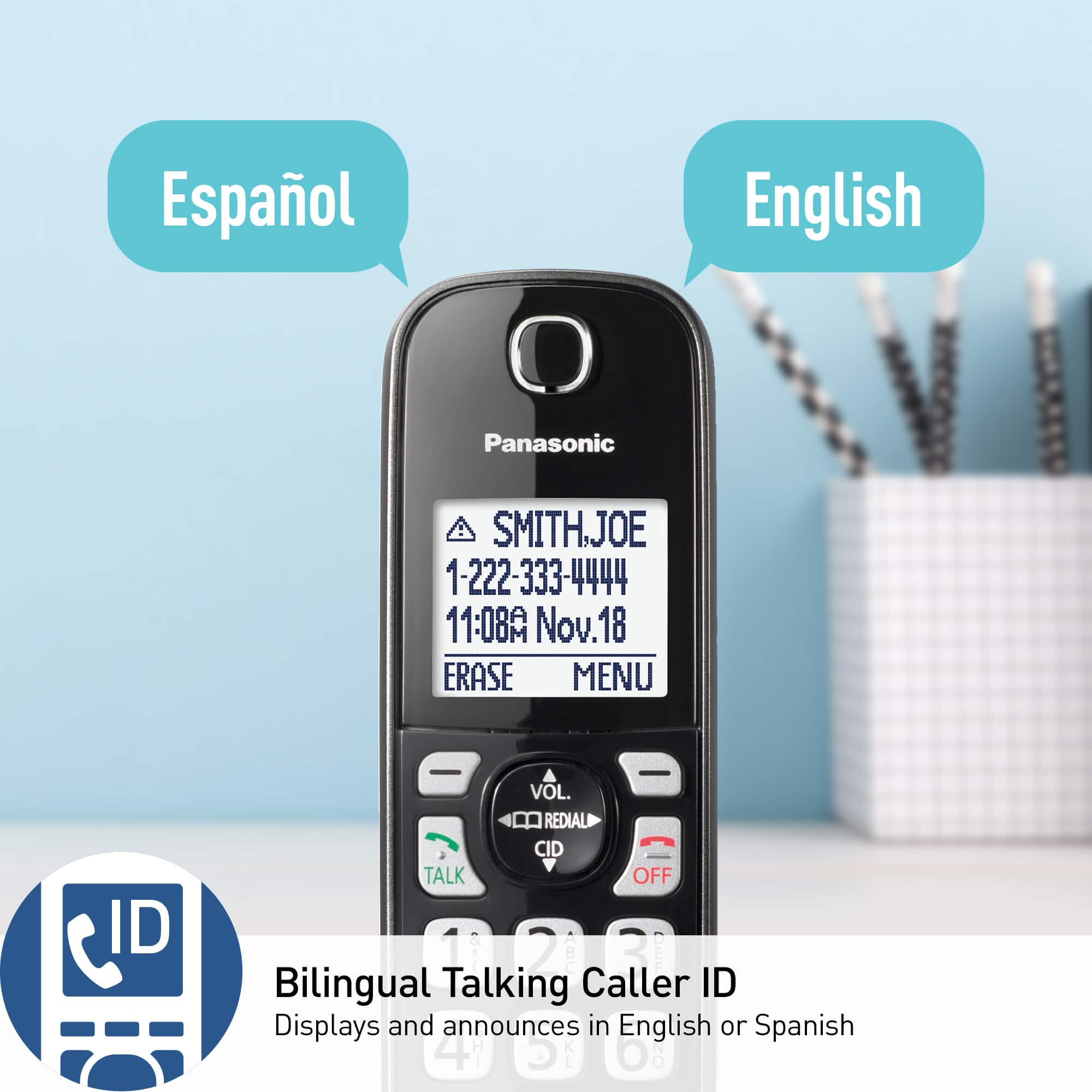
Posted .This reviewer received promo considerations or sweepstakes entry for writing a review.This phone has so many nice features. The verbal call announcements are very useful as it announces its the caller's name saving steps to check the number on the display which may be in another room.
I would recommend this to a friendBrand response from Panasonic Team
Posted .Thank you for sharing your positive experience! -M
- Pros mentioned:Features
Great cordless set
Posted .This reviewer received promo considerations or sweepstakes entry for writing a review.Just what I needed in my home 5 handsets with an extender handset. Great quality, sound and performance is good nice features.
I would recommend this to a friendBrand response from Panasonic Team
Posted .Thank you for your 5-star review, we deeply appreciate it! -M
- Pros mentioned:Ease of use
Perfect!
Posted .This reviewer received promo considerations or sweepstakes entry for writing a review.This has everything I wanted and more. Very clear. Easy to set up as directions in owners manual are easy to follow.
I would recommend this to a friendBrand response from Panasonic Team
Posted .We're so happy that you enjoyed our product! Thank you for the positive feedback, it means a lot to us. -C
- Pros mentioned:Ease of use
3 set system
Posted .This reviewer received promo considerations or sweepstakes entry for writing a review.The set-up of product was fairly easy. However, had problems with vice mail set-up.
I would recommend this to a friendBrand response from Panasonic Team
Posted .Thank you for taking the time to share your thoughts and feedback with us! The voicemail service is provided by your phone company. You can contact them directly for assistance regarding this function. -M
- Pros mentioned:Ease of use
Panasonic cordless phones
Posted .This reviewer received promo considerations or sweepstakes entry for writing a review.The phone base was easy to assemble. There was too much paper regarding installment, and too many instructions on how to use the phones.
I would recommend this to a friendBrand response from Panasonic Team
Posted .Thank you for your feedback, we will consider it for future improvements. We deeply appreciate you took the time to provide us with your thoughts regarding the product. If you require further assistance, please contact the Support Team via Live Chat on the Panasonic Website, Contact Us option, Mon-Fri, 9am-5pm EST. -C
- Pros mentioned:Overall performance
Panasonic CORDLESS
Posted .This reviewer received promo considerations or sweepstakes entry for writing a review.Many years l been using Panasonic CORDLESS they're really good and cute...
I would recommend this to a friendBrand response from Panasonic Team
Posted .We deeply appreciate you took the time to provide us with your feedback! We are happy to hear the product meets your expectations. -M
- Pros mentioned:Call blocking
Panasonic phone
Posted .This reviewer received promo considerations or sweepstakes entry for writing a review.so far works good , call block feature helps with blocking some calls and you can easily get your messages without picking up the phone.
I would recommend this to a friendBrand response from Panasonic Team
Posted .We are glad to hear that you are enjoying the product, thank you for the 5 stars! -A
- Pros mentioned:Overall performance
Replacing and old one.
Posted .This reviewer received promo considerations or sweepstakes entry for writing a review.Works good. Works fine. Works as indicated. Works for me. (minimum 50 characters required.)
I would recommend this to a friendBrand response from Panasonic Team
Posted .We deeply appreciate you took the time to provide us with your feedback! We are happy to hear the product meets your expectations. -C
- Pros mentioned:Ease of use
Just a phone
Posted .This reviewer received promo considerations or sweepstakes entry for writing a review.Got what I want. A phone as in like "old school" pick it up press "talk" and say hello. Simple!
I would recommend this to a friendBrand response from Panasonic Team
Posted .Hello! It's so great to hear that the product meets your expectations! Thank you for the review! -M
Perfect Panasonic
Posted .This reviewer received promo considerations or sweepstakes entry for writing a review.Great value at this price! One handset worked remotely in my detached garage. Wonderful, and has intercom feature too for my husband who's out there alot!
I would recommend this to a friendBrand response from Panasonic Team
Posted .We are excited to hear that the product meets your expectations! -M
- Pros mentioned:Ease of use
favorite phone ever
Posted .This reviewer received promo considerations or sweepstakes entry for writing a review.This phone is very easy to operate and easy to assess voice mails.
I would recommend this to a friendBrand response from Panasonic Team
Posted .Thank you for your 5-star review, we deeply appreciate it! -M
Panasonic Kudos !
Posted .This reviewer received promo considerations or sweepstakes entry for writing a review.So far no problems. Better than any AT&T products.
I would recommend this to a friendBrand response from Panasonic Team
Posted .Thank you for your 5-star rating! We are happy to hear you are pleased with the product. -M
Wanderfull Machine.
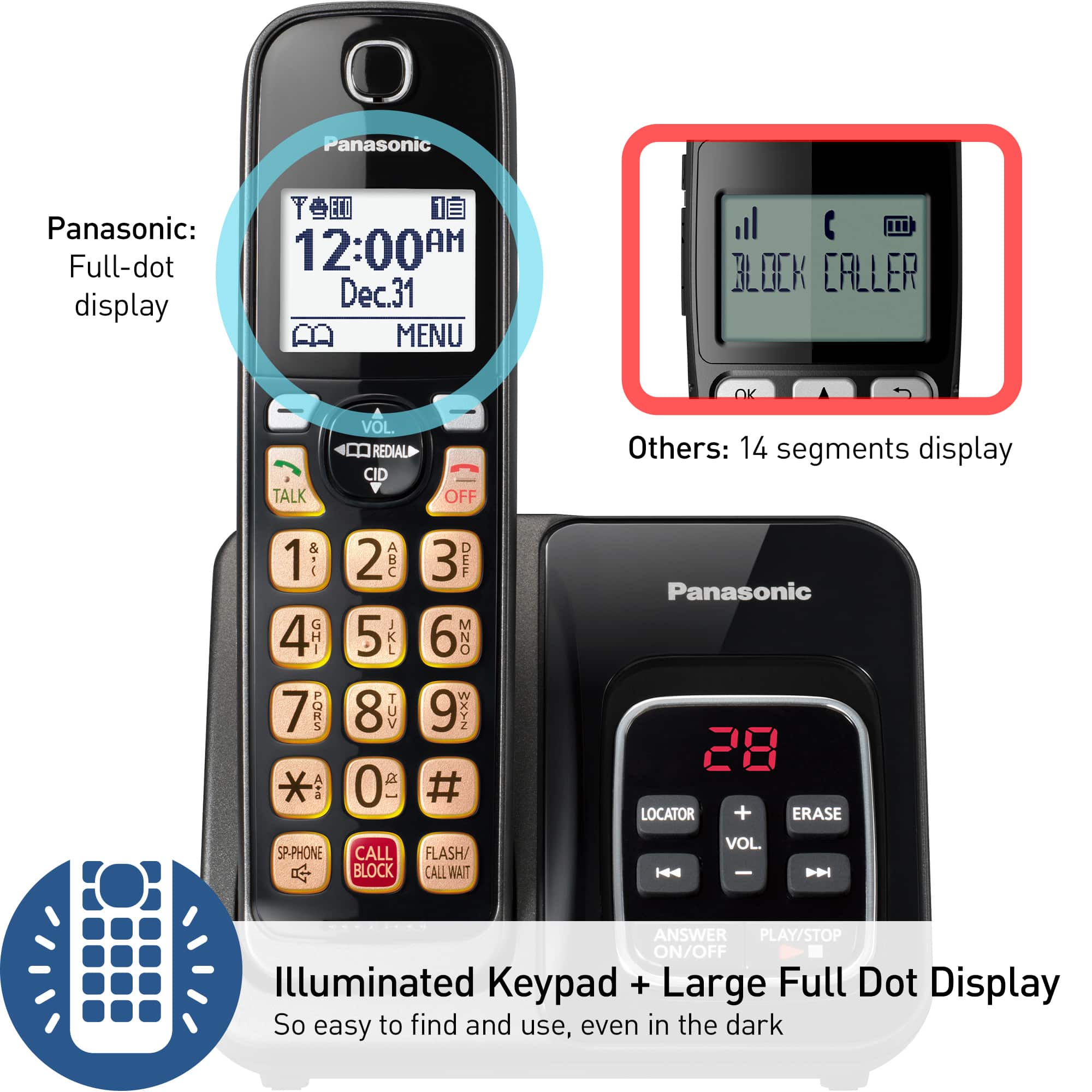
Posted .This reviewer received promo considerations or sweepstakes entry for writing a review.Good Sound, Space Saver, Well desing, easy to read the light numbers.
I would recommend this to a friendBrand response from Panasonic Team
Posted .Thank you for the glowing review and the 5-star rating. We're delighted to have provided you with a positive experience. -M
- Pros mentioned:Ease of use
GREAT phone!
Posted .This reviewer received promo considerations or sweepstakes entry for writing a review.Wonderful phone. Good, clear volume and easy to use.
I would recommend this to a friendBrand response from Panasonic Team
Posted .Your feedback means a lot to us. We're glad you're pleased with our product and the 5-star rating you've given us. -M
- Pros mentioned:Overall performance
BUY FROM BEST BUY.
Posted .This reviewer received promo considerations or sweepstakes entry for writing a review.good quality and best price , Best Buy The Best Store To Buy From
I would recommend this to a friendBrand response from Panasonic Team
Posted .Thank you for your 5-star review, we deeply appreciate it! -M
- Pros mentioned:Ease of use
Great value
Posted .This reviewer received promo considerations or sweepstakes entry for writing a review.Nice cordless phone. Works great and is easy to use.
I would recommend this to a friendBrand response from Panasonic Team
Posted .Thank you for your 5-star rating! We are happy to hear you are pleased with the product. -M
My new phones
Posted .This reviewer received promo considerations or sweepstakes entry for writing a review.All I needed for a reasonable price!Also attractive and performs well.
I would recommend this to a friendBrand response from Panasonic Team
Posted .Thank you for taking the time to provide us and the community with your thoughts! We appreciate the five stars and are happy to hear you like the product. -C
- Pros mentioned:Call blocking
Call block features are a plus.
Posted .This reviewer received promo considerations or sweepstakes entry for writing a review.Phone works fine as expected. The call block features are a plus.
I would recommend this to a friendBrand response from Panasonic Team
Posted .Thank you for the glowing review and the 5-star rating. We're delighted to have provided you with a positive experience. -M
- Pros mentioned:Ease of use
Home phone
Posted .This reviewer received promo considerations or sweepstakes entry for writing a review.It work perfect for mom, very easy to dial, I will recommend to others
I would recommend this to a friendBrand response from Panasonic Team
Posted .We are thrilled to have you as a loyal customer. Your feedback is appreciated! -C