Customer Ratings & Reviews


- Model:
- KX-TGD832W
- SKU:
- 11787572
Rating by feature
- Value
Rating 4.6 out of 5 stars
- Quality
Rating 4.6 out of 5 stars
- Ease of Use
Rating 4.6 out of 5 stars
Meh, . . could be better
Posted .This reviewer received promo considerations or sweepstakes entry for writing a review.Bought this phone a few weeks ago. The sound level, at the highest level, is mediocre. Need to use it on speaker in order to hear it clearly - and no, I don't have hearing loss. Also, I set the date and time, following directions closely. It sets both the time and date and saves it. Then, 24 hrs later, the time setting is off by 3 hours. I have reset the time over and over again carefully re-reading and re-following the directions. The date stays correct, but the time setting does not hold. Extremely annoying for a new phone. This isn't enough for me to go through the difficulties of returning the poor-performing phone so I'll keep it. But it sure is frustrating to spend $60 on a phone this mediocre.
No, I would not recommend this to a friendBrand response from Panasonic Team
Posted .Thank you for taking the time to share your feedback with us and the community! The time probably resets as it is set to automatically reset, if you have the Caller ID enabled as well. You just have to change the automatic to manual and it should stop! To do that, you must pick a handset and press MENU, symbol # and numbers 226, then go to MANUAL and press SAVE. Hope this helps. -A

- Cons mentioned:Instructions
Automation Causes Problems
Posted .This reviewer received promo considerations or sweepstakes entry for writing a review.I am furious. I bought it, installed it, and it didn't work. The instructions read that some models need an ADDITIONAL ELEMENT, a DSL/ADSL. Why was I not told this when I ordered it? To add to the problem, it is impossible to get any human being to answer a phone at Panasonic. I have left three messages with various departments. NOT ONE CALL BACK. And I am left, an 86-year-old woman who needs a phone line, with no help.
No, I would not recommend this to a friendBrand response from Panasonic Team
Posted .Thank you for your feedback! As this telephone is designed for traditional landline, it will need a DSL/ADSL filter if you are using this type of service. If you’re open to discussing it further, please contact Support Team via Live Chat on the Panasonic Website, Contact Us option, Mon-Fri, 9am-5pm EST in order to determine how we can provide you with a solution: https://shop.panasonic.com/contactus . -M
Home phone
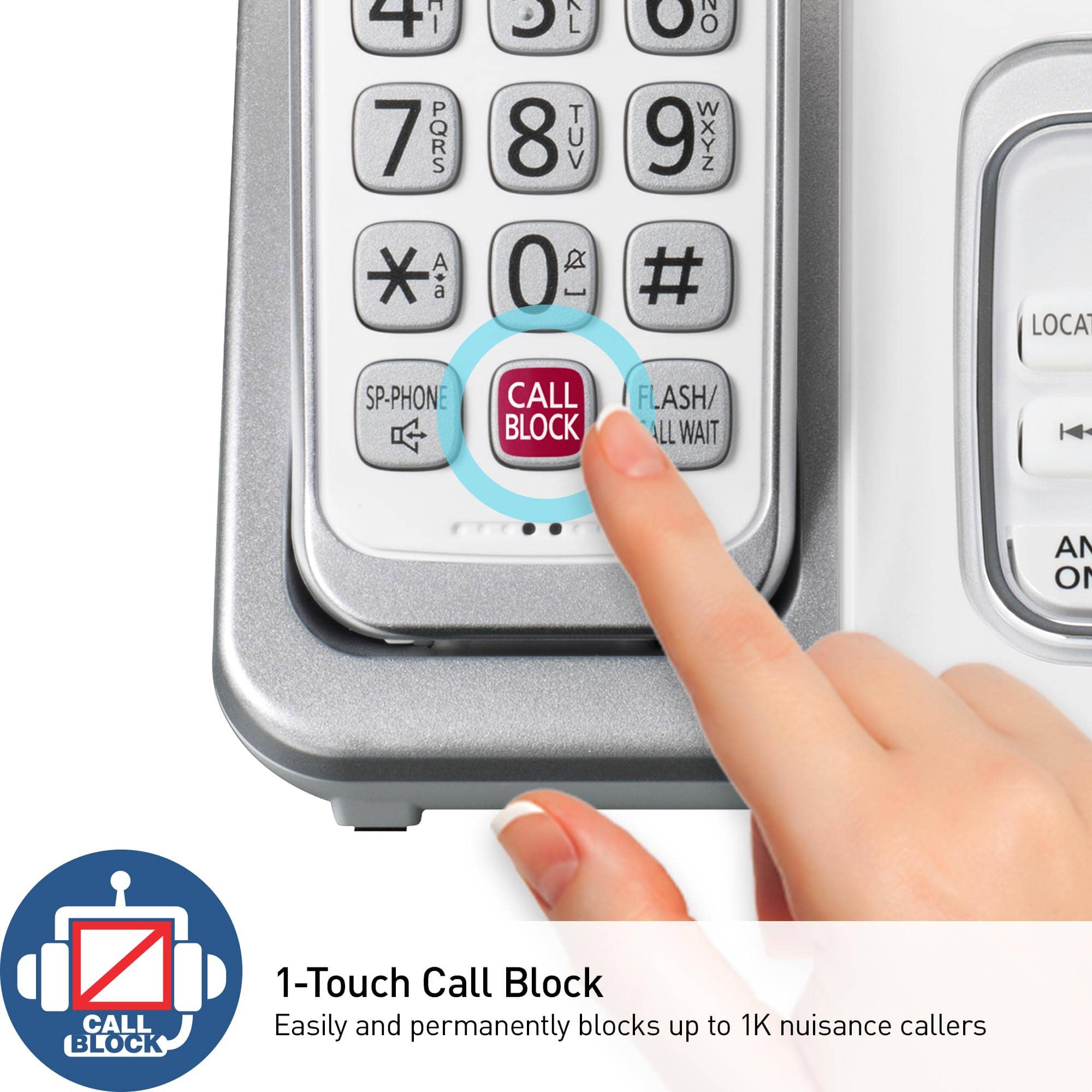
Posted .This reviewer received promo considerations or sweepstakes entry for writing a review.Great phone! Just can't get the call block to work for me.
I would recommend this to a friendBrand response from Panasonic Team
Posted .Thank you for reaching out. We would like to provide you support for this product, please contact our Customer Service Team via Live Chat on the Panasonic Website, Contact Us option, Mon-Fri, 9am-5pm EST. -M
phone
Posted .This reviewer received promo considerations or sweepstakes entry for writing a review.was as expected pretty basic phone like the answering system
I would recommend this to a friendBrand response from Panasonic Team
Posted .We are glad to hear that you are enjoying the product, thank you for taking the time to share your experience with us and the community. -A
returned...didn't need
Posted .This reviewer received promo considerations or sweepstakes entry for writing a review.returned as it turned out the phone wasn't the problem
I would recommend this to a friendBrand response from Panasonic Team
Posted .We deeply appreciate your feedback! -M
Good phone for table or counter
Posted .This reviewer received promo considerations or sweepstakes entry for writing a review.Nice phone but does not work for wall mounting as described. The adapter attaches to the phone but does not fit flush to the wall. I returned it for this reason.
I would recommend this to a friendBrand response from Panasonic Team
Posted .We deeply appreciate your feedback! -M
- Pros mentioned:Ease of use
N/A
Posted .This reviewer received promo considerations or sweepstakes entry for writing a review.Easy to use and it’s very reliable. Bought another brand before this one and quickly put it in the trash
I would recommend this to a friendBrand response from Panasonic Team
Posted .Thank you for your input! We are happy to hear you're enjoying the product! -M
Needs help
Posted .This reviewer received promo considerations or sweepstakes entry for writing a review.We’re going to need customer service to link them to our other Panasonic phones.
No, I would not recommend this to a friendBrand response from Panasonic Team
Posted .Thank you for your valuable feedback and the 4-star review! To register a handset to the base unit, you need to press MENU on that handset, then this key ''#'' and enter code 130. Press and hold the LOCATOR button for about 5 seconds on the base unit and then, when prompted, press OK on the handset and wait for a long beep sounds. Please take note that it is not possible to register a base unit to an existing base unit. Hope this helps! -C
doesnnt work great
Posted .This reviewer received promo considerations or sweepstakes entry for writing a review.calls drop, when number is dialed it doesn't connect more times than it does
No, I would not recommend this to a friendBrand response from Panasonic Team
Posted .Hello, we are really sorry for the issue encountered. Please contact the support team in order to get assistance with this. You can contact them at https://shop.panasonic.com/contactus .-C
Horrible phone
Posted .This reviewer received promo considerations or sweepstakes entry for writing a review.The keys are very touchy. The battery doesn't stay charged very long. Worse Panasonic phone I've ever had. It also cuts out on you in the middle of a conversation.
No, I would not recommend this to a friendBrand response from Panasonic Team
Posted .We are sorry that your experience did not match your expectations. Please help us to improve by providing more information on your experience. We can be contacted via Live Chat on the Panasonic Website, Contact Us option, Mon-Fri, 9am-5pm EST: https://shop.panasonic.com/contactus . -M
Chlorineharrison
Posted .This reviewer received promo considerations or sweepstakes entry for writing a review.Not happy it had a missing part no wall plug very disappointed
No, I would not recommend this to a friendBrand response from Panasonic Team
Posted .We are sorry to hear that you did not have a good experience with this model, and we thank you for taking the time to bring this to our attention. If you would like to check into this, please contact the support team at shop.panasonic.com/support
-A
Don't know what title you want
Posted .This reviewer received promo considerations or sweepstakes entry for writing a review.Not easy to use, if I could I'd return for something that's easy to use and understand.
No, I would not recommend this to a friendBrand response from Panasonic Team
Posted .Thank you for your feedback, we deeply appreciate it! If you require further guidance in regards to this model, please do not hesitate to contact us directly and we will be more than happy to answer your questions: https://shop.panasonic.com/contactus . -M
Too complicated!
Posted .This reviewer received promo considerations or sweepstakes entry for writing a review.Returned, too bells and whistles fir a 95 year old to learn!
No, I would not recommend this to a friendBrand response from Panasonic Team
Posted .Thank you for taking the time to share your experience with us, we are sorry to hear that it was not a good fit for you this time, we hope next time you can find a product that works for you! -A