Customer Ratings & Reviews

- Model:
- 57581BBR
- SKU:
- 6539729
Rating by feature
- Value
Rating 4.0 out of 5 stars
- Quality
Rating 4.2 out of 5 stars
- Ease of Use
Rating 4.1 out of 5 stars
Customers are saying
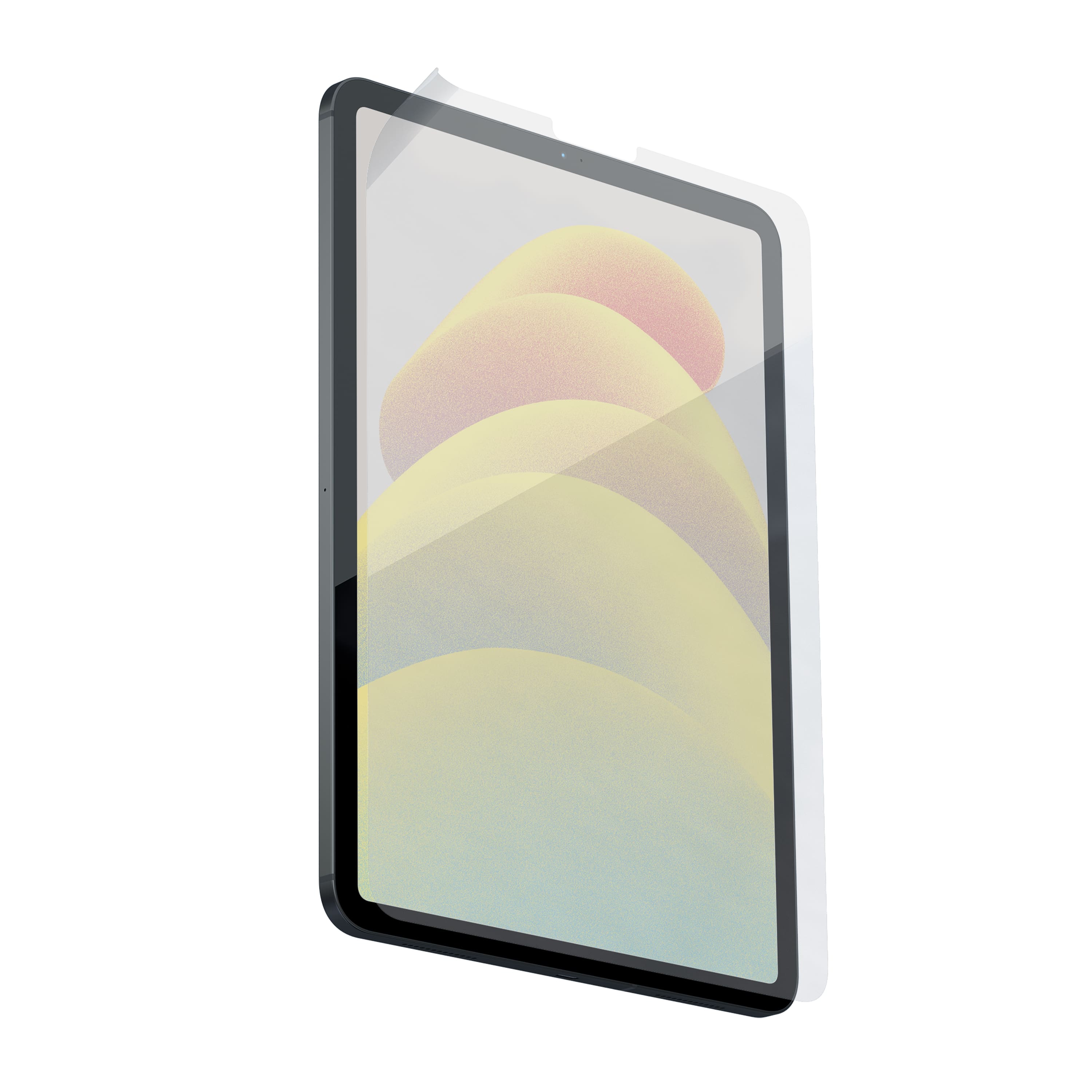
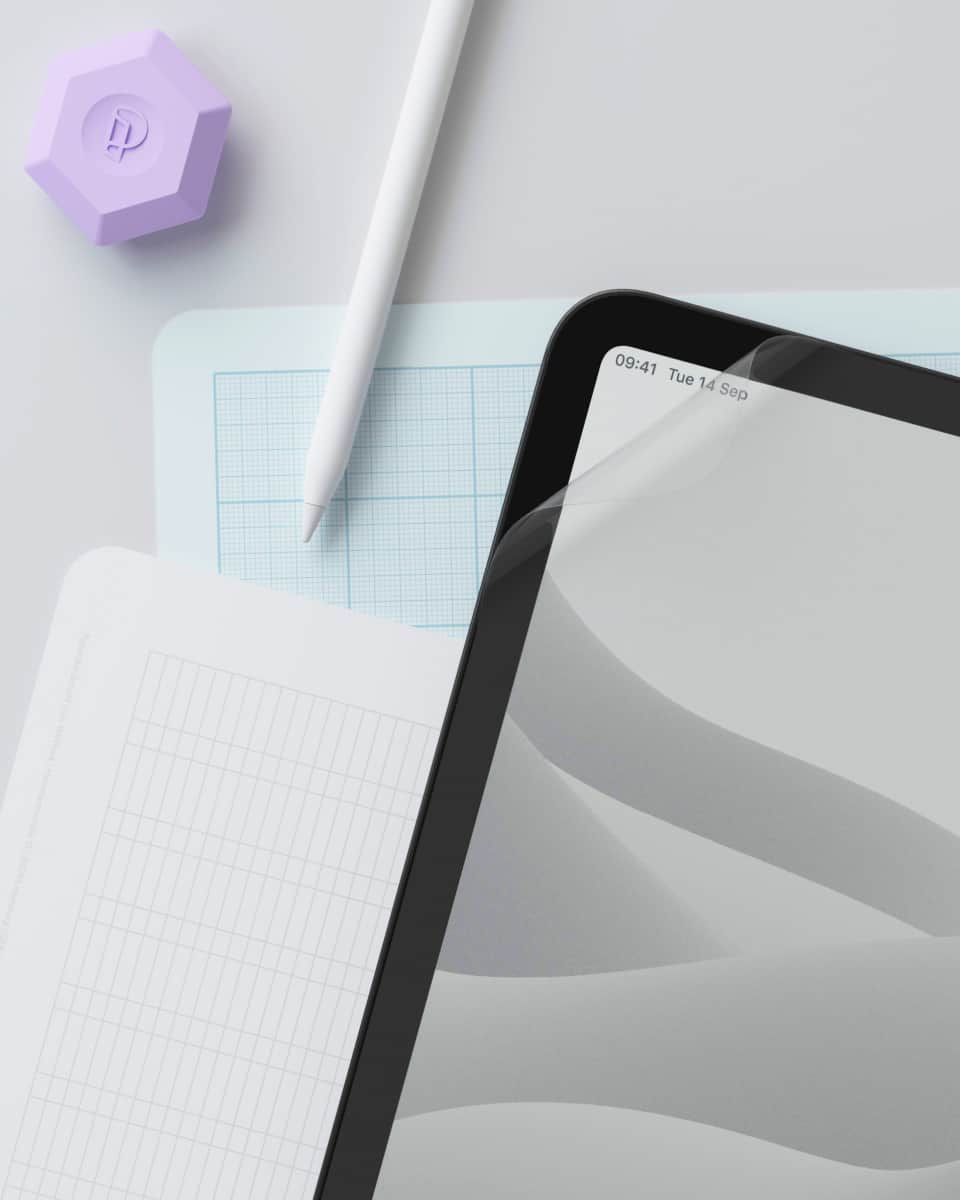
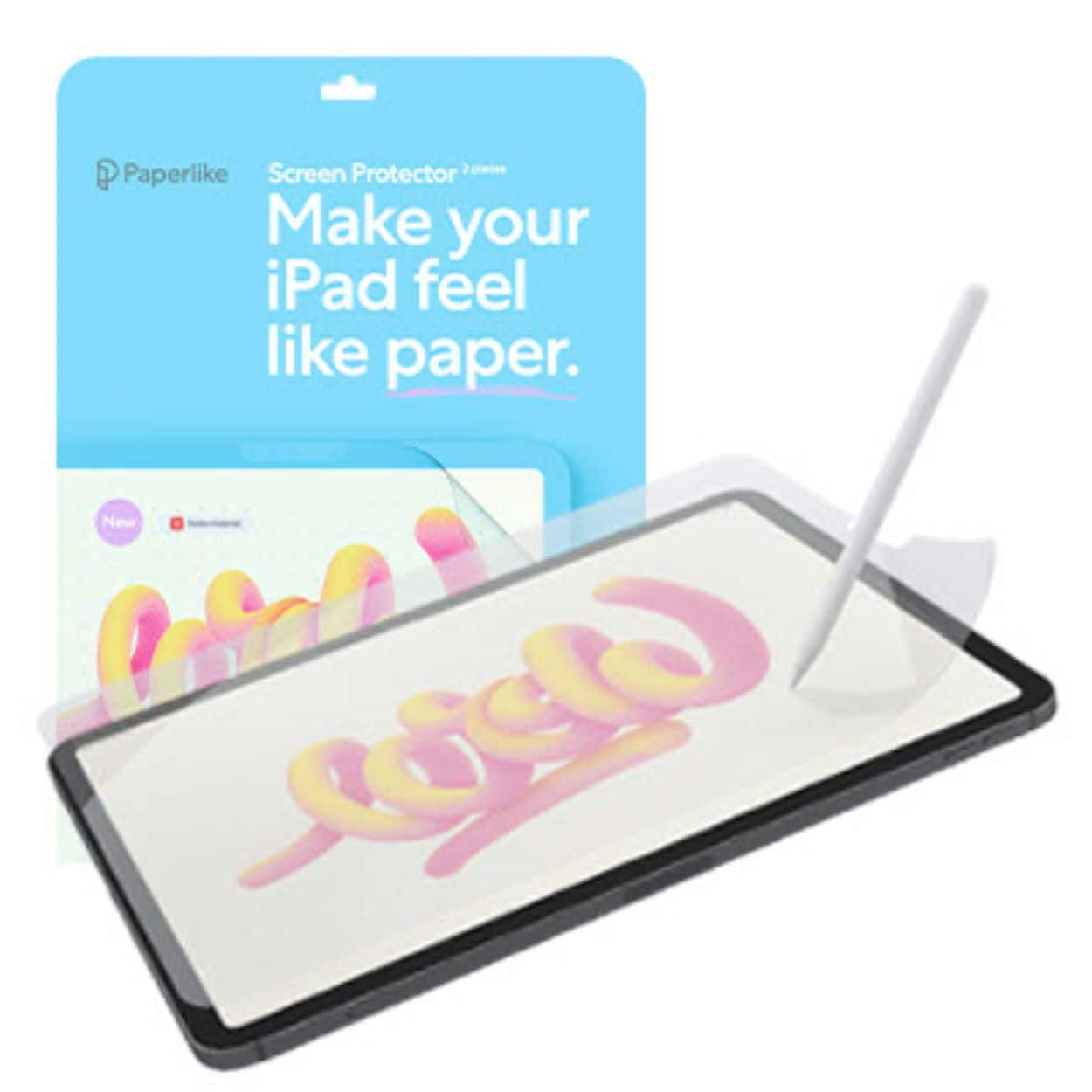
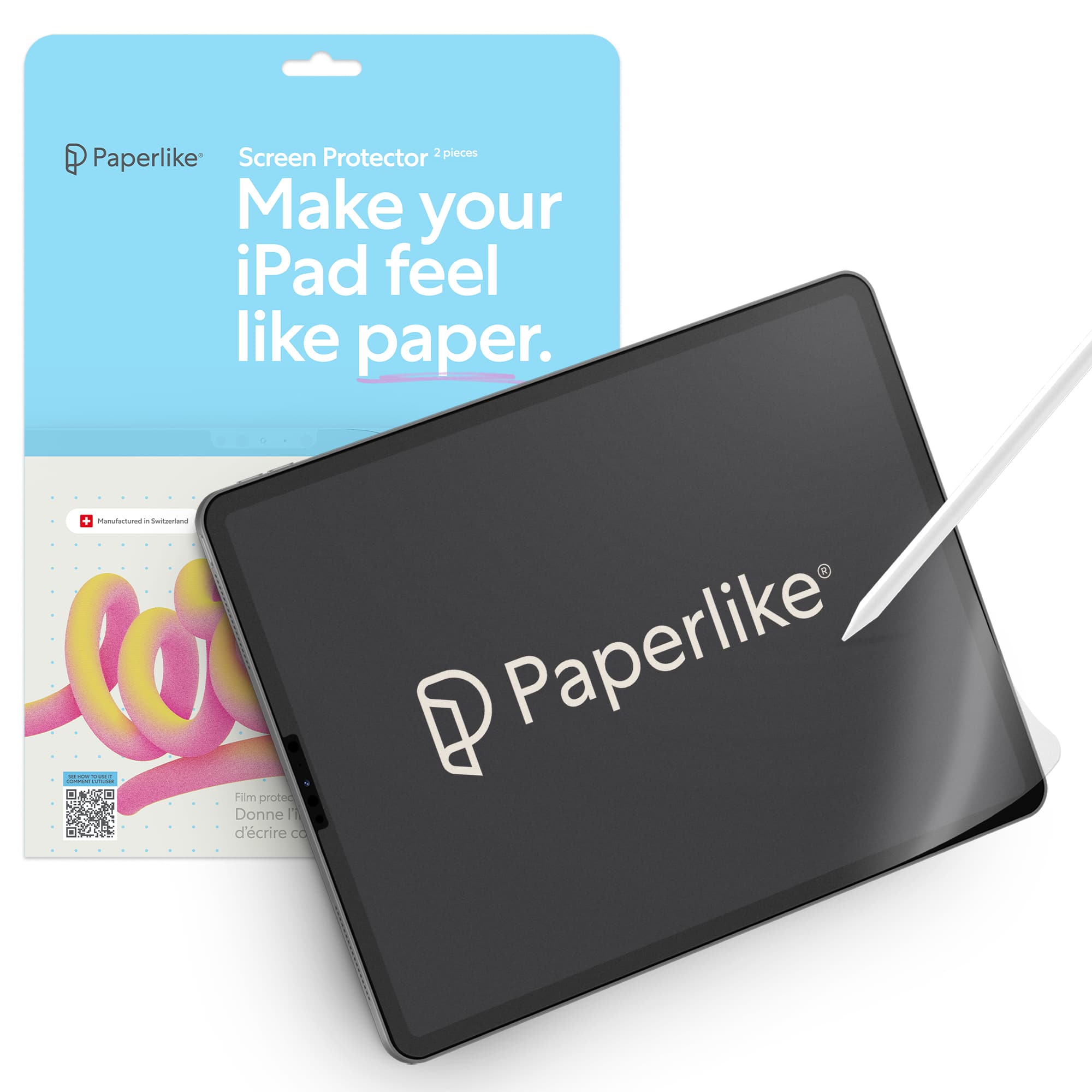
Customers are enthusiastic about the screen protection and ease of use offered by the '2.1 for iPad 11” (2025), A16 & iPad 10.9” (2022-2024)- 2pack'. Users appreciate the paper-like feel and enhanced writing experience it provides, along with its texture and compatibility with the Apple Pencil. However, some customers have noted challenges during installation and concerns about the product's quality, potential for scratches, and difficulty during application. Some have also reported issues with air bubbles.
This summary was generated by AI based on customer reviews.
- Pros mentioned:Screen protection
Paper-like Screen Protector
||Posted . Owned for 3 weeks when reviewed.This reviewer received promo considerations or sweepstakes entry for writing a review.Love, love, love! This is probably one of my favorite purchases so far! I put this screen protector on my iPad and fell in love with the way this screen feels. I use my iPad for school and writing in this with my Apple Pencil feels like I am writing on actual paper! I recommend this product so much! The instructions are very clear and comes with a link to a video that shows you EXACTLY how to assemble the screen protector onto the screen
I would recommend this to a friendBrand response from Paperlike Team
Posted .love love LOVE that you’re liking it so far!

Great feel
||Posted .This reviewer received promo considerations or sweepstakes entry for writing a review.Was unsure at first since a lot of reviews say the screen ruins the Apple Pen(cil) tips. However, I have been using it regularly and found no issues. My use case is really for reading and annotating work documents, so there would be a lesser chance of me encountering that issue. Overall, the installation tutorial and kit are easy to follow. My husband and friend (who would use her device religiously for studying) also got this screen protector for their iPads, and have no complaints. What's also nice is that it comes in a pair of two! Definitely recommend, but consider use case for it.
I would recommend this to a friendBrand response from Paperlike Team
Posted .Hi, thank you for your review. Happy to see the Paperlike™ experience is something you are sharing with your husband and friends and that you are all enjoying it.
- Pros mentioned:Screen protection
Good screenprotecter
||Posted . Owned for less than 1 week when reviewed.This reviewer received promo considerations or sweepstakes entry for writing a review.Discreet protector was good because the lady messed up the first time with two screw protectors for the second time the second box of screw protectors the first screen protector had messed up a little bit and then the second screen protector put on good by the guy at my local repair store highly recommend people buy this screen protector
I would recommend this to a friend Great product
||Posted . Owned for 8 months when reviewed.This reviewer received promo considerations or sweepstakes entry for writing a review.Great quality. Works just like the describe it. Perfect for writing notes
I would recommend this to a friendBrand response from Paperlike Team
Posted .Hi Jason, thank you for your review. Love to see you are enjoying your Paperlike™ experience.
- Pros mentioned:Screen protection, Texture
Paperlike Screen Protector Review: Makes Writing F
||Posted .This reviewer received promo considerations or sweepstakes entry for writing a review.I really like the Paperlike screen protector for my iPad — it makes writing and drawing feel just like using real paper. It adds a nice texture that helps with control when taking notes or sketching, especially during schoolwork. The matte finish also reduces glare, so it’s easier on my eyes during long study sessions. Plus, it protects my screen without affecting the Apple Pencil’s accuracy. It’s definitely a great addition for any student using an iPad.
I would recommend this to a friendBrand response from Paperlike Team
Posted .Hi Emily, thank you for your kind and detailed review. Happy to see your Paperlike™ experience has met your expectations.
- Pros mentioned:Ease of use, Writing experienceCons mentioned:Quality
Better than drawing on glass.
||Posted . Owned for 1 month when reviewed.This reviewer received promo considerations or sweepstakes entry for writing a review.Easy to apply after watching the video. Pretty standard screen protector stuff there... I feel like a better option for a more paper-like experience exists out there though. I'm not drawing 8 hours a day on the ipad so I can't speak too much on the durability. The wear I can see so far does not seem excessive and it hasn't affected drawing at all. A better drawing experience than straight pencil on glass for sure.
I would recommend this to a friendBrand response from Paperlike Team
Posted .Hi, thanks for your review.
- Pros mentioned:Screen protection, TextureCons mentioned:Application
Love the paper like feel
||Posted .This reviewer received promo considerations or sweepstakes entry for writing a review.I love the feel of the screen once on the tablet, it makes it so much easier to support my hand while writing with pencil without any gliding or slipping. One thing I will say is that I’ve placed 4 of these screens and all of them were a pain with air bubbles and getting the final application to be bubble free. Does not work as a screen protector, it will not protect your IPad’s actual screen if it falls and cracks
I would recommend this to a friendBrand response from Paperlike Team
Posted .Hi Maria, thank you for your review. Please contact our support team at: support@paperlike.com. Our team might help you with the application process. Additionally, with the new Paperlike™ 3 the application has been made easier.
- Cons mentioned:Air bubbles, Installation, Quality
Meh!
||Posted . Owned for 3 weeks when reviewed.This reviewer received promo considerations or sweepstakes entry for writing a review.I prefer a glass protector. I think they’re easier to apply than a thin plastic film, especially if the iPad is supposed to get a paper feel. My limited budget prevented me from purchasing a better quality screen protector, so this one had to do. Installation is a little challenging because of the material, and my experience is that no matter how meticulously you clean the screen or how carefully you apply the plastic protector, air bubbles are going to nearly ruin the installation process. I’m not too happy with the purchase, but it’s too late to return this item. Will not purchase again.
No, I would not recommend this to a friendBrand response from Paperlike Team
Posted .Hi Norbrto! Thank you for your review! Have you contacted our support team at support@paperlike.com? One of our CS-agents will be more than happy to help you with some tips and best practices for the application of the screen protector to avoid any bubbles ;)
- Pros mentioned:FeelCons mentioned:Installation
Bit tricky but nice once it’s on
||Posted .This reviewer received promo considerations or sweepstakes entry for writing a review.It was a bit difficult to get on the screen without bubbles even if you do follow the instructions exactly. However once it’s on it’s very nice and writes well.
I would recommend this to a friendBrand response from Paperlike Team
Posted .Hi, thank you for your review. Happy to see you are enjoying the Paperlike experience. Here are some tip for when you apply your second screen protector:
1. Make sure you do it in a quiet and dustless room: Particles come almost magically from everywhere!*
2. Make sure that the area is clean (no dust, grease, etc.) so the guide stickers can adhere to the surface.*
3. Please watch our video again, in which we show how to apply it best
4. Don’t turn the sticky side towards the ceiling before applying.
5. Make sure to lift the second protective layer horizontally versus vertically, to prevent the Paperlike itself from lifting off the screen.
* If you're really having issues with dust, try applying the Paperlike in the bath after a hot shower 🚿. The steam takes down the dust particles
- Pros mentioned:Screen protection, Writing experience
Great for writing
||Posted . Owned for 5 months when reviewed.This reviewer received promo considerations or sweepstakes entry for writing a review.Works excellent for writing on the iPad. Great protection and great feel. My only issue is that it does somewhat compromise image quality, if you are also using the tablet heavily to watch video, etc. and it cannot be taken off then put back on when switching between writing and video.
I would recommend this to a friendBrand response from Paperlike Team
Posted .Hi Ryan, thank you for your review. Happy to see you are enjoying your Paperlike experience. Hopefully the video issue is something that does not bother you to much.
- Pros mentioned:Screen protection, Texture
Love this
||Posted . Owned for 11 months when reviewed.This reviewer received promo considerations or sweepstakes entry for writing a review.I absolutely love my paper like screen protector. It makes writing and drawing easier.
I would recommend this to a friendBrand response from Paperlike Team
Posted .Thank you, AKWood! So glad it’s making writing and drawing easier for you. Enjoy your Paperlike™ experience.
- Pros mentioned:FeelCons mentioned:Scratch resistance
Would buy again
||Posted .This reviewer received promo considerations or sweepstakes entry for writing a review.Really does feel like drawing on paper. Doesn’t wear down my pencil nib. Though it does scratch pretty easily.
I would recommend this to a friendBrand response from Paperlike Team
Posted .Hi, thank you for your review. Happy to see you are enjoying your Paperlike experience.
- Pros mentioned:Screen protection, Texture
Great paper feel when using Apple Pencil!
||Posted .This reviewer received promo considerations or sweepstakes entry for writing a review.I love the way it makes my screen feel! When I'm using my apple pencil, it really feels like I'm writing on paper. It's a great screen protector! Just read the instructions, which are really helpful.
I would recommend this to a friendBrand response from Paperlike Team
Posted .Hi Eva, thank you for your review. Happy to see you are enjoying the Paperlike™ experience.
- Pros mentioned:Ease of use, Screen protection, Writing experience
Feels like paper
||Posted . Owned for 1 month when reviewed.This reviewer received promo considerations or sweepstakes entry for writing a review.Really amazing screen protector. Feels like paper and helps with writing on the iPad. Highly recommend. Comes with two screen protectors.
I would recommend this to a friendBrand response from Paperlike Team
Posted .Hi Jacob! This is so great to hear, thanks for your comment 😄
- Pros mentioned:Screen protectionCons mentioned:Installation
Great Product, difficult to apply
||Posted . Owned for 1 week when reviewed.This reviewer received promo considerations or sweepstakes entry for writing a review.Coolest screen protector on the market if you are using an apple pencil. Makes the screen feel just like paper. NO SLIPPING. WATCH THE HOW TO VIDEO OR YOU WILL MESS UP THE APPLICATIOIN OF THIS SCREEN PROTECTOR.
I would recommend this to a friendBrand response from Paperlike Team
Posted .Hi Ryan! Thank you for your review! We are happy you are enjoying your Paperlike experience! For additional tips on how to apply the your Paperlike you can always contact one of our lovely humans at: help.paperlike.com
- Pros mentioned:Writing experienceCons mentioned:Installation
Paperlike screen protector
||Posted . Owned for 1 week when reviewed.This reviewer received promo considerations or sweepstakes entry for writing a review.This makes the pencil write like on paper. Love the flow. It does occasionally grab, but overall nicer than glass. It was difficult to install.
I would recommend this to a friendBrand response from Paperlike Team
Posted .Hi Michelle, thank you for your review. Happy to see you are enjoying your Paperlike experience.
- Pros mentioned:Feel
Excellent Product, Excellent I stall
||Posted . Owned for 1 month when reviewed.This reviewer received promo considerations or sweepstakes entry for writing a review.Love the way it feels when you draw. It make the pressure sensitivity on a flat, hard smooth surface more realistic to how you move a pen on paper, and how it feels. Love it. Plus Greek Squad did a great job of installing it as I know these can be hard to install. Was very happy with the install. Have used it form months now and it’s still going strong…and the iPad gets used every day just about.
I would recommend this to a friendBrand response from Paperlike Team
Posted .Hi DeanR, thank you for your review! Happy to see your Paperlike™ experience has met your expectations.
- Pros mentioned:FeelCons mentioned:Application
Overall a Good Product
||Posted . Owned for 1 month when reviewed.This reviewer received promo considerations or sweepstakes entry for writing a review.I would consider these to be a very good product. I had a remarkable before the iPad and these are the closest feel to that paper tablet/writing on paper feeling. The only real downfall is changing them out will vary depending how heavily they are used and the application is tricky.
I would recommend this to a friendBrand response from Paperlike Team
Posted .So glad that you're enjoying your Paperlike!
- Pros mentioned:Ease of use, Screen protection
Great item
||Posted . Owned for 1 year when reviewed.This reviewer received promo considerations or sweepstakes entry for writing a review.Great use for protecting the screens easy installation for my product would recommend for others that are on the move with devices as it can add an extra layer of protection
I would recommend this to a friendBrand response from Paperlike Team
Posted .Hi Emily, thank you for your review and kind words. Love to see you are happy with your Paperlike experience!
- Cons mentioned:Installation
If you are excellent at installing...
||Posted .This reviewer received promo considerations or sweepstakes entry for writing a review.If youre excellent at installing screen protectors this is decent for the price. Wouldnt buy unless youre excellent at installing. Alot of bubbles.
I would recommend this to a friendBrand response from Paperlike Team
Posted .Hi, thank you for your review. Happy to see you enjoy the Paperlike experience. For the application process, there are some small steps you can follow to apply it a little easier:
1. Make sure you do it in a quiet and dustless room: Particles come almost magically from everywhere!*
2. Make sure that the area is clean (no dust, grease, etc.) so the guide stickers can adhere to the surface.*
3. Please watch our video again, in which we show how to apply it best
4. Don’t turn the sticky side towards the ceiling before applying.
5. Make sure to lift the second protective layer horizontally versus vertically, to prevent the Paperlike itself from lifting off the screen.
* If you're really having issues with dust, try applying the Paperlike in the bath after a hot shower 🚿. The steam takes down the dust particles.