Customer Ratings & Reviews


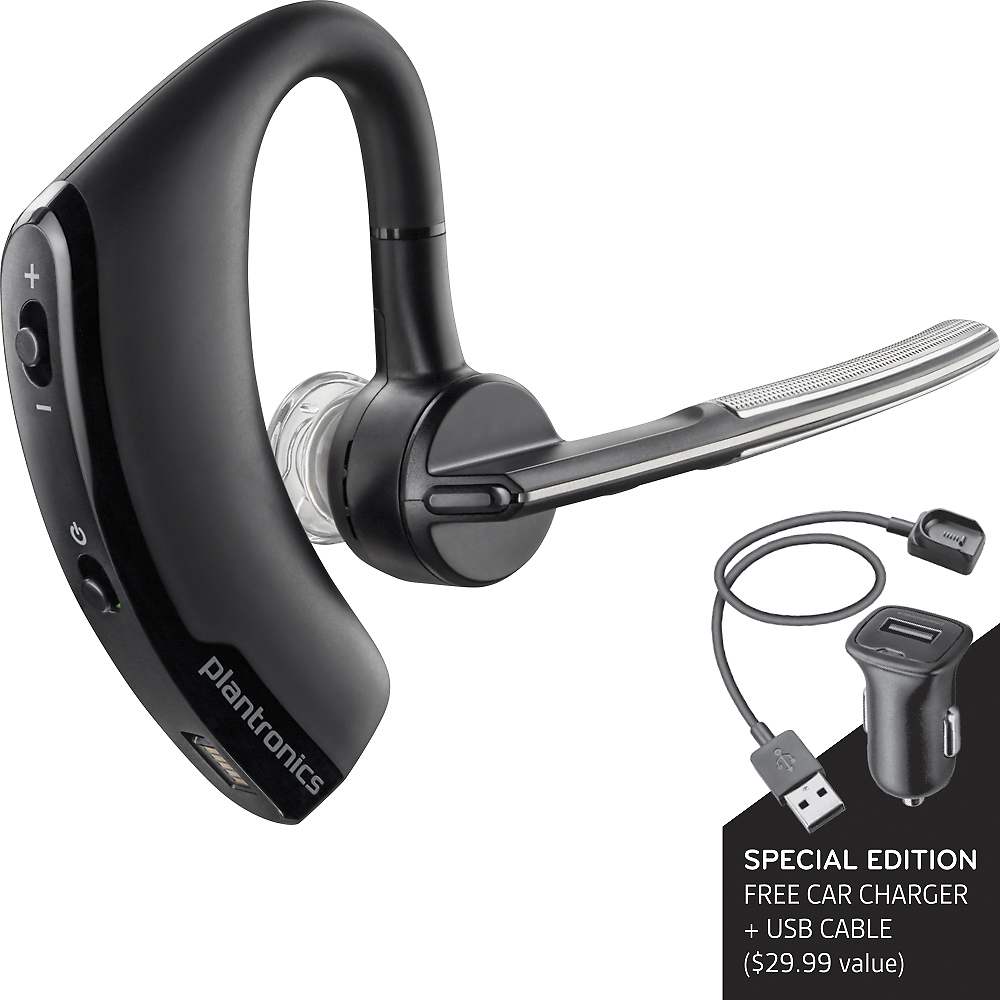
- Model:
- 87300-13
- SKU:
- 9061161
Rating by feature
- Value
Rating 4.7 out of 5 stars
- Quality
Rating 4.6 out of 5 stars
- Ease of Use
Rating 4.8 out of 5 stars
Customers are saying
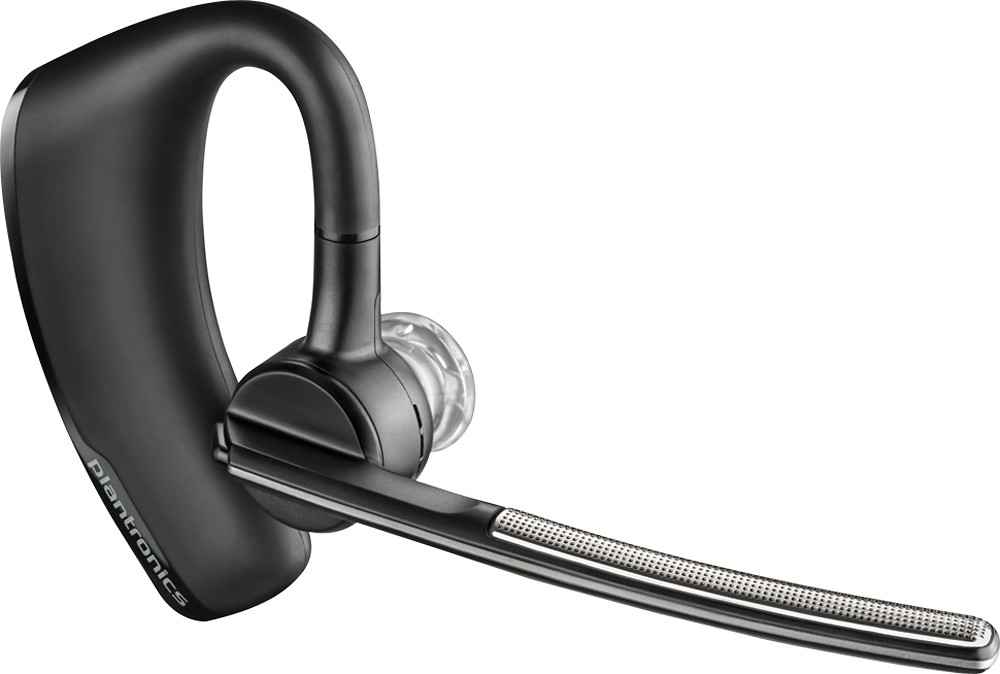
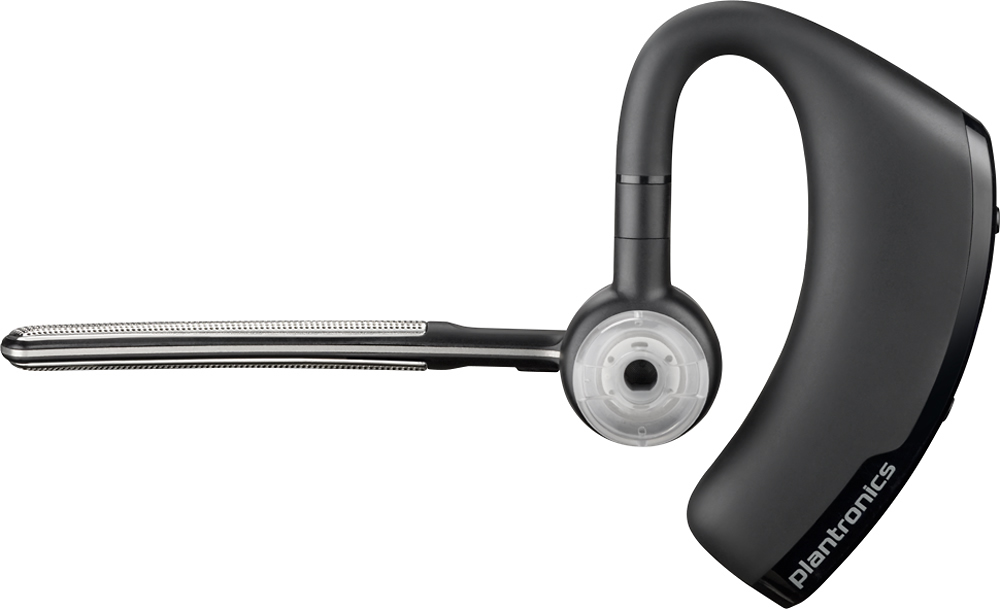
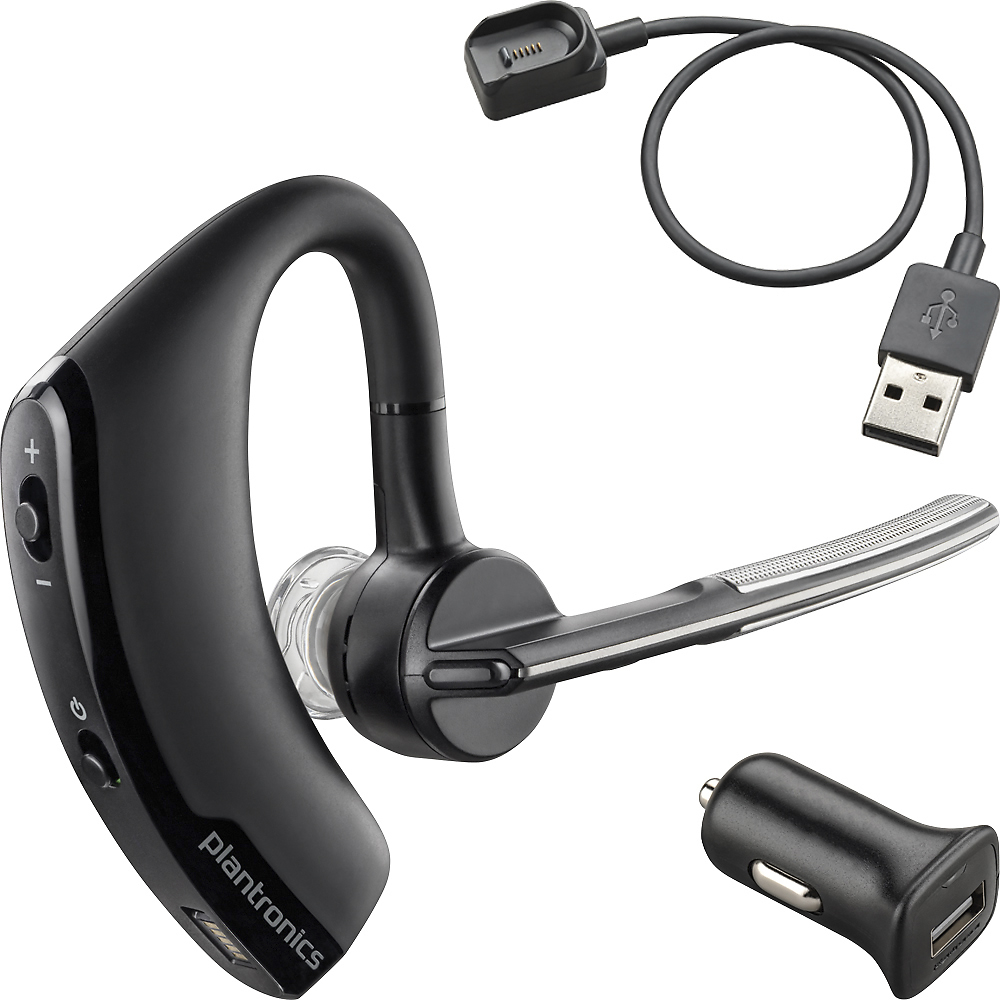
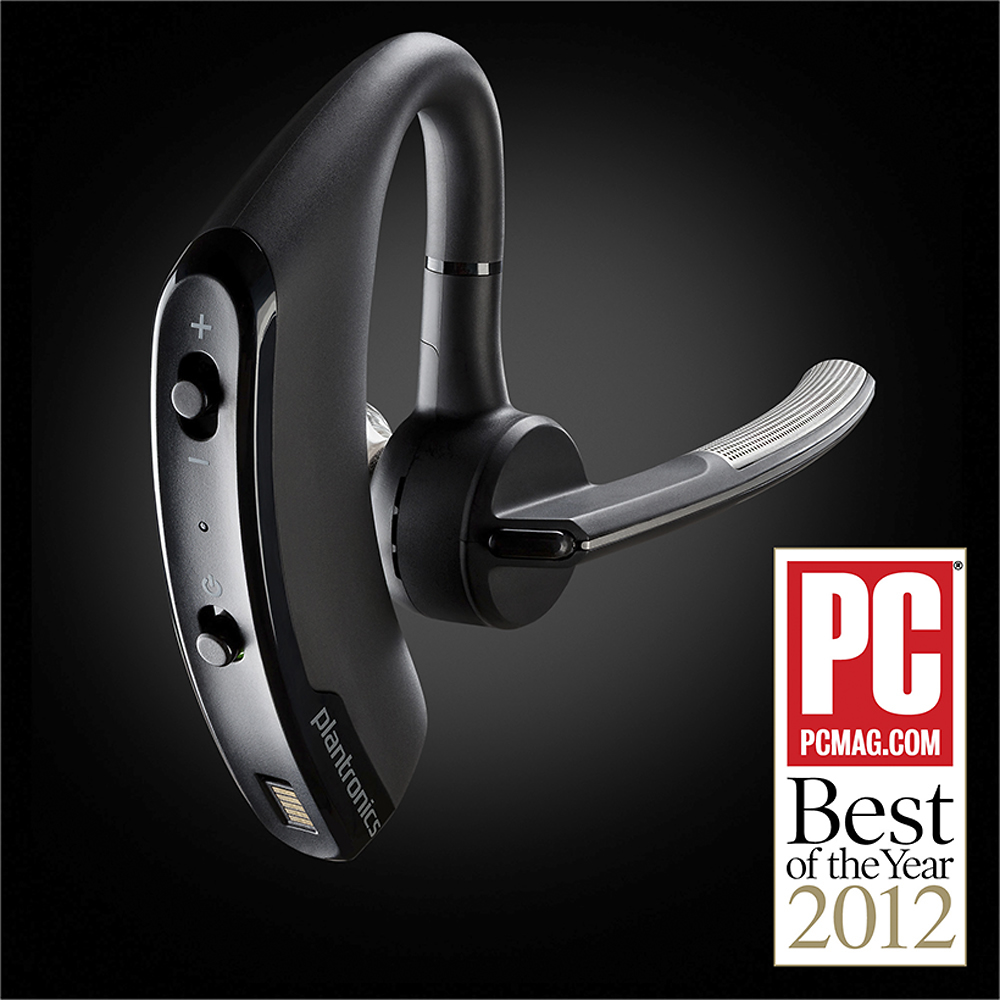
Customers consistently note the Voyager Legend SE Bluetooth Headset's excellent sound quality, impressive battery life, and comfortable fit. Many also praise its lightweight design and reliable Bluetooth connectivity. However, some users experienced occasional connection issues, and a few found the maximum volume insufficient in noisy environments. Overall, the positive feedback on sound, comfort, and battery life outweighs the reported minor drawbacks.
This summary was generated by AI based on customer reviews.
GOOD STAFF BUT NO FOR TRUCK DRIVER!!!!!
||Posted .This reviewer received promo considerations or sweepstakes entry for writing a review.IS GOOD FOR OFFICE,HOME OR SCHOOL BUT NOT OVER THE ROAD!!
I would recommend this to a friendBrand response from PlantronicsRepresentative
Posted .Thank you for your honest review on our Voyager Legend SE, please don't hesitate to contact us at www.plantronics.com/support if you require assistance.

Maybe good for some ears
||Posted .This reviewer received promo considerations or sweepstakes entry for writing a review.Hurt my ear so I returned it and bought a different brand
No, I would not recommend this to a friendBrand response from PlantronicsRepresentative
Posted .Thank you for your honest review on our Voyager Legend SE. We are sorry for your experience, our customer care group is available any time at www.plantronics.com/support in order to assist you before returning your product.
Works great
||Posted .This reviewer received promo considerations or sweepstakes entry for writing a review.Doesn't last very long. I've gone thru 3 headsets in 2 years
No, I would not recommend this to a friendBrand response from PlantronicsRepresentative
Posted .I'm sorry to hear you have been having issues with that headset. It has a 1 year warranty, if it is damaged or not working we can replace it. You can use the following url to view our replacement info.
http://www.plantronics.com/us/support/kb/detail.jsp?vfurl=/articles/en_US/Warranty/RN9669&retURL=%2Fapex%2FknowledgeSearch®ion=us&p=&c=All&k=replacement&t=All&lang=en_US&popup=false&c=All
good product but have some issues
||Posted .This reviewer received promo considerations or sweepstakes entry for writing a review.the earpiece sometimes doesn't answer when commanded
I would recommend this to a friendBrand response from PlantronicsRepresentative
Posted .That may be an issue with the headset or with the connection between the headset and phone. You might want to try resetting the Bluetooth connection between your phone and headset to see if that helps the issue. To do so,
1. Delete the headset from your cell phone's list of paired devices.
2. Once deleted, power your phone completely off, then power it back on. This resets the Bluetooth stack in the Bluetooth software on the phone.
3. Re-pair the headset with your phone. and test.
Was expecting a little better for the price.
||Posted .This reviewer received promo considerations or sweepstakes entry for writing a review.Charg methd could B better. Voice com shld B bettr
No, I would not recommend this to a friendBrand response from PlantronicsRepresentative
Posted .Thank you for your honest review on our Voyager Legend Bluetooth headset, we will forward your feedback to our team for consideration when developing new products and accessories. Please don't hesitate to contact us at www.plantronics.com/support if you require assistance with your unit.
It's really a one of a kind
||Posted .This reviewer received promo considerations or sweepstakes entry for writing a review.I found it comfortable but not the best reception.
I would recommend this to a friendBrand response from PlantronicsRepresentative
Posted .That may be an issue with the headset or with the connection between the headset and phone. You might want to try resetting the Bluetooth connection between your phone and headset to see if that helps the issue. To do so,
1. Delete the headset from your cell phone's list of paired devices.
2. Once deleted, power your phone completely off, then power it back on. This resets the Bluetooth stack in the Bluetooth software on the phone.
3. Re-pair the headset with your phone. and test.
If the issue is the same we can replace the device. You can use the following url to view our replacement steps.
http://www.plantronics.com/us/support/kb/detail.jsp?vfurl=/articles/en_US/Warranty/RN9669&retURL=%2Fapex%2FknowledgeSearch®ion=us&p=&c=All&k=replacement&t=All&lang=en_US&popup=false&c=All
Stopped taking a charge around month 6
||Posted .This reviewer received promo considerations or sweepstakes entry for writing a review.Usually Plantronics is a good brand. The headset is wonderful BUT the problem is either with their proprietary power connect or the battery itself. Sometimes it will charge and some times it won;t.
No, I would not recommend this to a friendBrand response from PlantronicsRepresentative
Posted .Hello, we appreciate your honest review regarding our Voyager Legend SE. We are sorry to hear about your experience with your unit. In this situation if the product is not charging, you may want to clean the contacts on both the headset and the charging cable. Also please try connecting the charger to a different power source. If you require any further assistance, please feel free contact our Customer Support group at http://www.plantronics.com/us/support/contact/
FAIR:Not pleased with product
||Posted .This reviewer received promo considerations or sweepstakes entry for writing a review.I have had this product before and was pleased, but not this time. I am very disappointed with this product. It is not giving me the features that I purchased it for.
No, I would not recommend this to a friendBrand response from PlantronicsRepresentative
Posted .Thank you for your honest review on our Voyager Legend SE, we are sorry to hear you're having trouble with your unit. Please don't hesitate to contact our customer care group anytime at www.plantronics.com/support if you require assistance.
i have sometimes problems with it
||Posted .This reviewer received promo considerations or sweepstakes entry for writing a review.sometimes they dont hear me well ot the bluetooth disconnect constanly from the phone . but my friend has one and she doesnt have problems so i dont know
No, I would not recommend this to a friendBrand response from PlantronicsRepresentative
Posted .That may be an issue with the headset or with the connection between the headset and phone. You might want to try resetting the Bluetooth connection between your phone and headset to see if that helps the issue.
To do so:
1. Delete the headset from your cell phone's list of paired devices.
2. Once deleted, power your phone completely off, then power it back on. This resets the Bluetooth stack in the Bluetooth software on the phone.
3. Re-pair the headset with your phone and test.
If the issue is the same we recommend testing the device with another phone to determine if it's on the phone or headset. If the issue persists even on a different phone we can replace that device, it comes with a 1 year warranty. Please don't hesitate to contact us at www.plantronics.com/support if you require assistance.
This product is fine initially.
||Posted .This reviewer received promo considerations or sweepstakes entry for writing a review.It is great initially but after about 8-9 months the quality begins to decrease. The sound function decreases. The device disconnects while on calls as well.
No, I would not recommend this to a friendBrand response from PlantronicsRepresentative
Posted .That may be an issue with the headset or with the connection between the headset and phone. You might want to try resetting the Bluetooth connection between your phone and headset to see if that helps the issue.
To do so:
1. Delete the headset from your cell phone's list of paired devices.
2. Once deleted, power your phone completely off, then power it back on. This resets the Bluetooth stack in the Bluetooth software on the phone.
3. Re-pair the headset with your phone and test.
If the issue is the same we recommend testing the device with another phone to determine if it's on the phone or headset. If the issue persists even on a different phone we can replace that device, it comes with a 1 year warranty. Please don't hesitate to contact us at www.plantronics.com/support if you require assistance.
Too big for my ear
||Posted .This reviewer received promo considerations or sweepstakes entry for writing a review.For females, probably too big, and also the entire thing was big and bulky. the sounds quality was also not any better. I ended dup returning this item.
No, I would not recommend this to a friendBrand response from PlantronicsRepresentative
Posted .Thank you for your honest review on our Voyager Legend SE, we will forward your feedback to our team for future consideration when developing new products and accessories.
Not worth the price
||Posted .This reviewer received promo considerations or sweepstakes entry for writing a review.Had only about a month before it started to malfunction and not turn on. Incoming calls started to cut out and the buttons did not function as they should.
No, I would not recommend this to a friendBrand response from PlantronicsRepresentative
Posted .Thank you for your honest review on our Voyager Legend SE Bluetooth headset.
If you experience issues with intermittent audio during calls or the buttons not responding properly please ensure your headset's firmware is up to date by following these steps: /www.plantronics.com/us/support/kb/detail.jsp?vfurl=/articles/en_US/How_To/Voyager-Legend-Voyager-Legend-UC-B235-B235-M-How-to-Update-the-Firmware&retURL=%2Fapex%2FknowledgeSearch®ion=us&p=&c=All&k=legend%2Bfirmware&t=All&lang=en_US&popup=false&c=All
Please contact us at www.plantronics.com/support if you require assistance with your unit.
sound cut out
||Posted .This reviewer received promo considerations or sweepstakes entry for writing a review.I bought this product about 2 months ago. The sound cuts a bit. And when I turn the device on, the connection delays for about 20 seconds.
No, I would not recommend this to a friendBrand response from PlantronicsRepresentative
Posted .You might want to try resetting the Bluetooth connection between your phone and headset to see if that helps the issue. To do so; Delete the headset from your cell phone's list of paired devices. Once deleted, power your phone completely off, then power it back on. This resets the Bluetooth stack in the Bluetooth software on the phone. Re-pair the headset with your phone. If this does not fix your issue, we suggest pairing the headset to another cell phone as a test. If the issue is not present on the second phone, then the problem may be with the first phone, rather than the headset. If the issue exists on the second phone as well, you will need to replace the headset. Please don't hesitate to contact our customer care group at www.plantronics.com/support if you require assistance.
My husbands toy
||Posted .This reviewer received promo considerations or sweepstakes entry for writing a review.I've only seen my husband use the a couple of times on trips. He's never complained about it, just think he's not use to it.
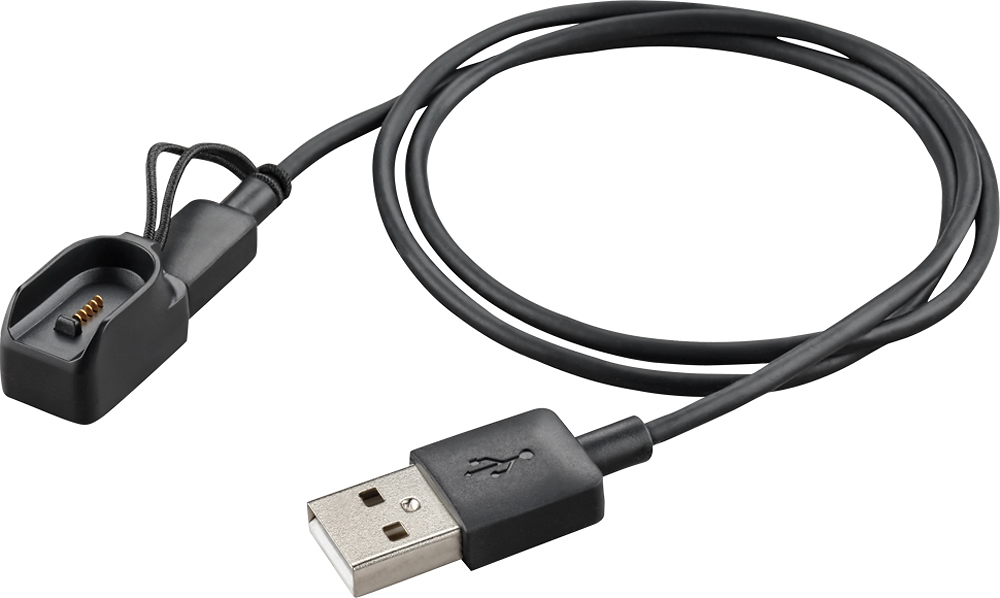
I would recommend this to a friendCharge port is fatal flaw
||Posted .This reviewer received promo considerations or sweepstakes entry for writing a review.I really liked this headset. The size is large but it worked great, except the magnetic charge connector didn't work well. I returned it and tried another one, and that one would not recharge at all. As poor as the microUSB connections are, Plantronics managed to invent a worse one. Had to return the second one and bought a Jawbone that I don't like as well, but at least you can recharge it
No, I would not recommend this to a friendBrand response from PlantronicsRepresentative
Posted .Thank you for your honest review and feedback on our Voyager Legend SE, we will forward your comment to our team for future consideration. Our latest Voyager series headsets (Edge, Focus and 5200) all include a proprietary charging connector as well as a standard micro USB charging port for convenience. Please don't hesitate to contact us at www.plantronics.com/support if you require assistance.
- Pros mentioned:Comfort, Sound quality
Exceeded my expectations
Posted .This reviewer received promo considerations or sweepstakes entry for writing a review.I have a flip phone. I'm not into fancy cutting edge technology. I need a bluetooth headset that works with A/C blasting while I'm driving. Also, I have tall ears, and don't like the feel of most in-ear BT headsets. This piece by Plantronics fit all my needs, and, bonus, I can tell it to "Call (insert son's name)" and it does! I have had Plantronics ear pieces in the past, working at a desk answering and placing calls all day long. They have continued quality and comfort. I was talking to myself in the car the first time I put this headset on. While wearing the headset, powered on, and mumbling something about calling my son. I must have said "Call (insert son's name)," because the headset talked back saying "Calling (insert son's name). Amazing!!!
I would recommend this to a friend Good sound quality
||Posted .This reviewer received promo considerations or sweepstakes entry for writing a review.Very poor response to simple commands. Sometimes have to place hand in front of mouth and scream YES to answer calls.
No, I would not recommend this to a friendBrand response from PlantronicsRepresentative
Posted .That may be an issue with the headset or with the connection between the headset and phone. You might want to try resetting the Bluetooth connection between your phone and headset to see if that helps the issue.
To do so:
1. Delete the headset from your cell phone's list of paired devices.
2. Once deleted, power your phone completely off, then power it back on. This resets the Bluetooth stack in the Bluetooth software on the phone.
3. Re-pair the headset with your phone and test.
If this doesn't help we recommend that you try updating your headset's firmware following these instructions: http://www.plantronics.com/us/support/kb/detail.jsp?vfurl=/articles/en_US/How_To/Voyager-Legend-Voyager-Legend-UC-B235-B235-M-How-to-Update-the-Firmware&retURL=%2Fapex%2FknowledgeSearch®ion=us&p=&c=All&k=legend%2Bfirmware&t=All&lang=en_US&popup=false&c=All
If the issue is the same we recommend testing the device with another phone to determine if its on the phone or headset. If the issue persists even on a different phone we can replace that device, it comes with a 1 year warranty from the date of purchase. You can use the following url to view our replacement steps: http://www.plantronics.com/us/support/kb/index.jsp?category=All&lang=en_US&vfurl=%2FknowledgeSearch&t=All&c=All&k=replacement
After some issues it worked great
||Posted .This reviewer received promo considerations or sweepstakes entry for writing a review.The first one of these I purchased wouldn't charge but after exchanging it for another one this one worked great.
I would recommend this to a friendOkay headset but horrid charging cable
||Posted .This reviewer received promo considerations or sweepstakes entry for writing a review.The headset is okay but i bought 2 and the magnetic charging cable went out on both headsets after 2 charge cycles, plantronics would not replace it or refund my money. Buyer beware that these cables suck and that a regular micro usb cable won't charge these like most other headsets
No, I would not recommend this to a friendBrand response from PlantronicsRepresentative
Posted .Thank you for your honest review and sorry to hear you're experiencing trouble with your headset's charging cable.
It is quite uncommon for the cable itself to stop working, especially this early in the product's lifecycle. While we cannot offer you a refund on the product unless its bought directly through our official site we encourage you to contact us for assistance at www.plantronics.com/support
We'll be able to help you regarding this.
not recharging
||Posted .This reviewer received promo considerations or sweepstakes entry for writing a review.plug into charger and it does not charge worked for a few times then nothing
No, I would not recommend this to a friendBrand response from PlantronicsRepresentative
Posted .Thank you for your honest feedback and review on our Voyager Legend SE, we are sorry to learn you're experiencing trouble with your unit. Please try cleaning the charging contacts between the headset and charging cable using a soft brush or dry piece of cloth and then try charging your headset with another charger/powered USB port to see if this helps. Don't hesitate to contact our customer care group at www.plantronics.com/support if you require assistance!