Customer Ratings & Reviews


- Model:
- 87300-13
- SKU:
- 9061161
Rating by feature
- Value
Rating 4.7 out of 5 stars
- Quality
Rating 4.6 out of 5 stars
- Ease of Use
Rating 4.8 out of 5 stars
Customers are saying
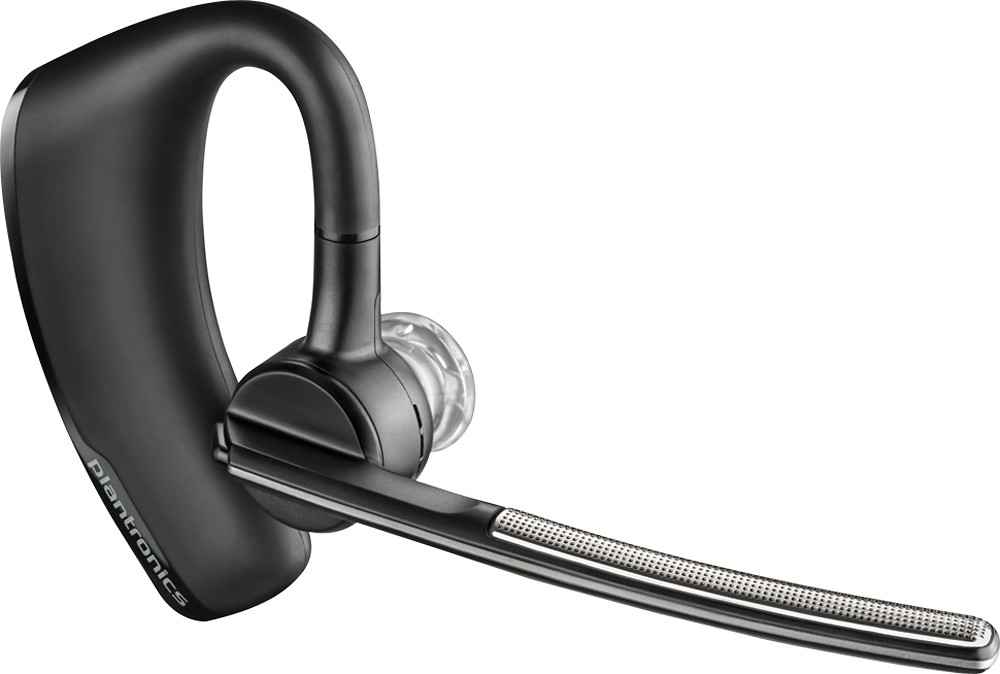
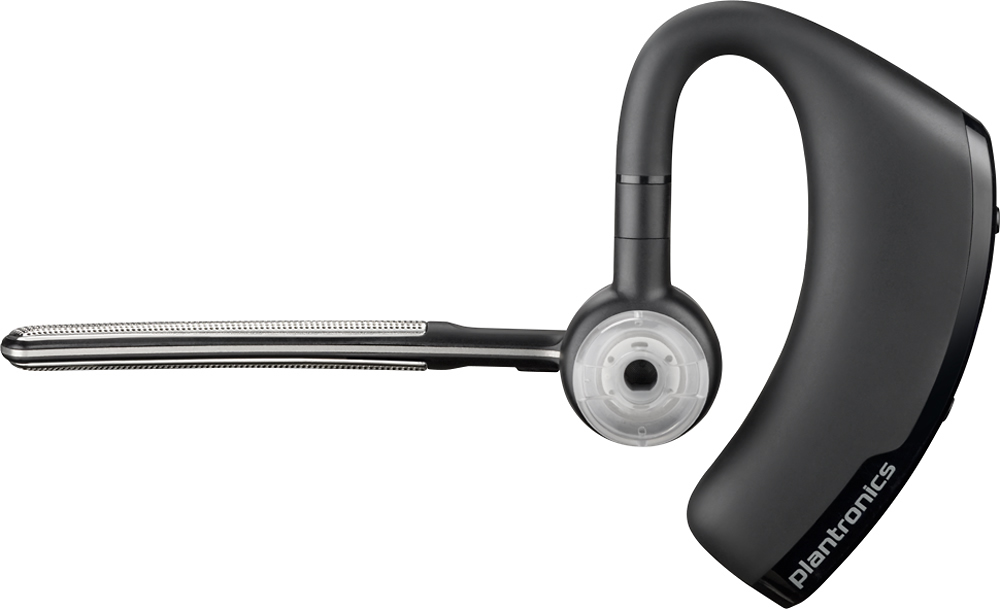
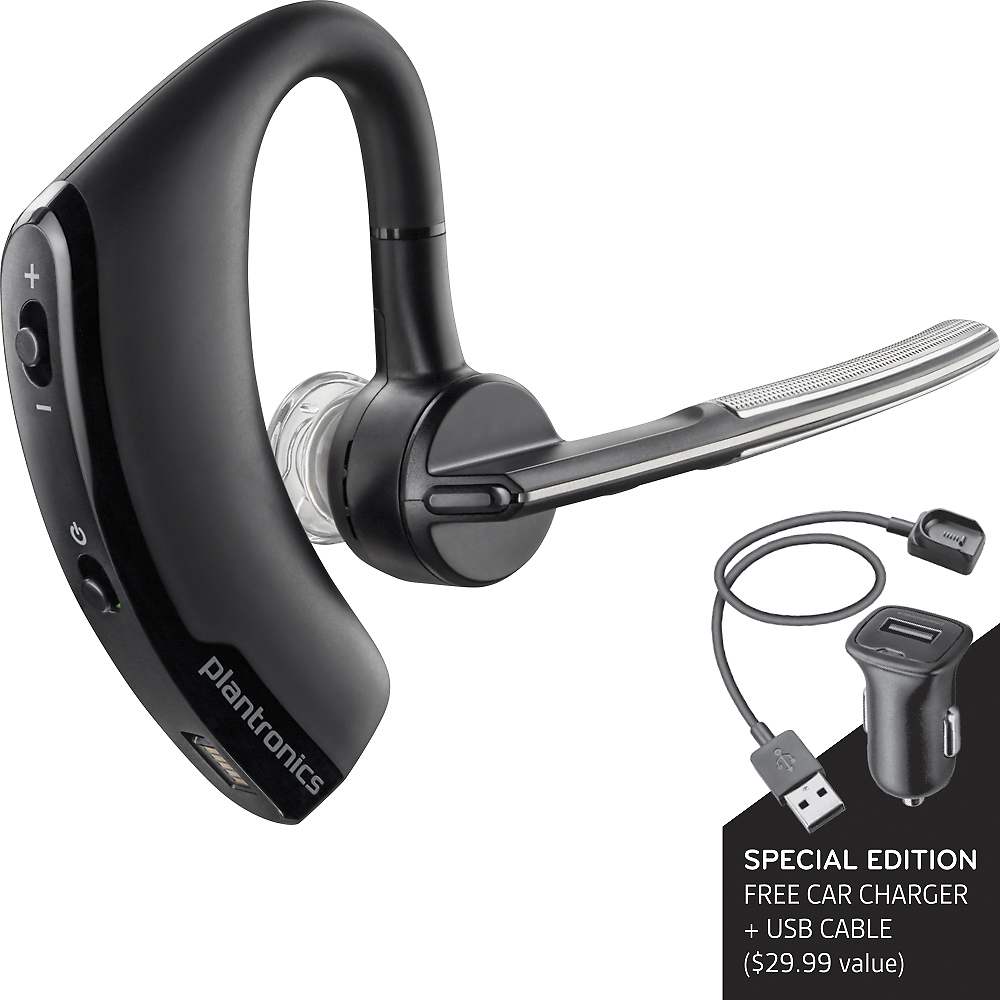
Customers consistently note the Voyager Legend SE Bluetooth Headset's excellent sound quality, impressive battery life, and comfortable fit. Many also praise its lightweight design and reliable Bluetooth connectivity. However, some users experienced occasional connection issues, and a few found the maximum volume insufficient in noisy environments. Overall, the positive feedback on sound, comfort, and battery life outweighs the reported minor drawbacks.
This summary was generated by AI based on customer reviews.
Worked great until it stops working
Posted .This reviewer received promo considerations or sweepstakes entry for writing a review.The Plantronics headset is excellent quality never a glitch, unfortunately it stops working after about 2 1/2 months, it would connect and disconnect every few seconds therefore make it useless. BestBuy does not seem to care to help to exchange. Customer service people tried to talk me to get a more expensive model - of course I would have to pay the difference in price. They told me to contact either Plantronics or their corporate customer service. There are places I can buy a product and have better customer service if I have problem with it.
I would recommend this to a friendBrand response from PlantronicsRepresentative
Posted .That may be an issue with the headset or with the connection between the headset and phone. You might want to try resetting the Bluetooth connection between your phone and headset to see if that helps the issue.
To do so:
1. Delete the headset from your cell phone's list of paired devices.
2. Once deleted, power your phone completely off, then power it back on. This resets the Bluetooth stack in the Bluetooth software on the phone.
3. Re-pair the headset with your phone and test.
If the issue is the same we recommend testing the device with another phone to determine if it's on the phone or headset. If the issue persists even on a different phone we can replace that device, it comes with a 1 year warranty from the date of purchase. You can use the following URL to view our replacement steps: http://www.plantronics.com/us/support/kb/detail.jsp?vfurl=/articles/en_US/Warranty/RN9669&retURL=%2Fapex%2FknowledgeSearch®ion=us&p=&c=All&k=warranty%2Breplacement&t=All&lang=en_US&popup=false&c=All
Voice Interruption by using this
Posted .This reviewer received promo considerations or sweepstakes entry for writing a review.Whenever I use this Bluetooth, my voice is getting interrupted on the receiver's end. when I remove this and speak through the phone, everything works fine and receiver was able to hear me clearly. Not sure the product I got is a defect one considering the reviews that have been posted. I use Samsung galaxy S6 and I hope that is not a problem with this headset. I bought this on June 2
No, I would not recommend this to a friendBrand response from PlantronicsRepresentative
Posted .That may be an issue with the headset or with the connection between the headset and phone.
You might want to try resetting the Bluetooth connection between your phone and headset to see if that helps the issue.
To do so:
1. Delete the headset from your cell phone's list of paired devices.
2. Once deleted, power your phone completely off, then power it back on. This resets the Bluetooth stack in the Bluetooth software on the phone.
3. Re-pair the headset with your phone and test.
If the issue is the same we recommend testing the device with another phone to determine if its on the phone or headset. If the issue persists even on a different phone we can replace that device, it comes with a 1 year warranty from the date of purchase. You can use the following url to view our replacement steps:
http://www.plantronics.com/us/support/kb/detail.jsp?vfurl=/articles/en_US/Warranty/RN9669&retURL=%2Fapex%2FknowledgeSearch®ion=us&p=&c=All&k=replacement&t=All&lang=en_US&popup=false&c=All
Gaming
Posted .This reviewer received promo considerations or sweepstakes entry for writing a review.My stepson creates and produces his very own brand new games, and he loves these headphonesites as well
I would recommend this to a friendNot for me.
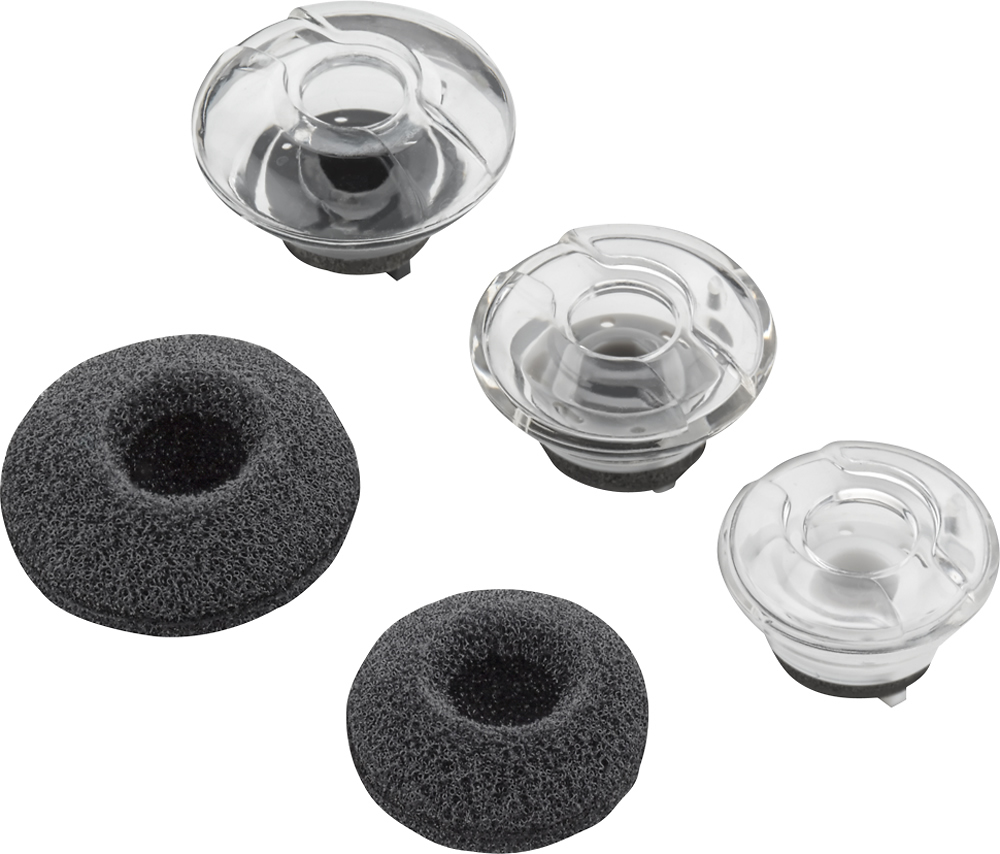
Posted .This reviewer received promo considerations or sweepstakes entry for writing a review.I don't know where to begin. I'm so disappointed in this product. I read the reviews everyone pretty much thinks this is the best Bluetooth to have. It not for me. I tried using the medium ear tips too big for my ear, tried the small same thing to big. In order to hear call or music I have to hold my finger on the ear piece, I have my phone and the Bluetooth both set to high volume and still have problems hearing. Sometimes the Bluetooth disconnects from the phone. The charger is the worst I have seen so far, I connected the charger and thought it was charging an hour later it had not. I used the car as well same thing, no charge. The charger connection just not connecting. I will try the Voyager 5220 to see if it is any better, I will hope for the best.
No, I would not recommend this to a friendNot my favorite blue tooth
Posted .This reviewer received promo considerations or sweepstakes entry for writing a review.This Bluetooth works fair but the battery compartment that goes behind your ear is much too large for my comfort - even my boyfriend felt it was too large for him so we both stopped using this Bluetooth and purchased another one (Plantronics)
No, I would not recommend this to a friendBrand response from PlantronicsRepresentative
Posted .Thank you for your honest review on our Voyager Legend SE Bluetooth headset, we will forward your feedback to our team for consideration when developing new products and accessories.
- Cons mentioned:Range
Sound is fuzzy
Posted .This reviewer received promo considerations or sweepstakes entry for writing a review.Unless I'm right next to the phone, the quality is extremely poor. Within 10 feet the sounds gets almost unrecognizable.
No, I would not recommend this to a friendBrand response from PlantronicsRepresentative
Posted .Thank you for your honest review on our Voyager Legend SE, we are sorry to hear you're experiencing trouble with your unit.
In order to troubleshoot connectivity or audio issues you might want to try resetting the Bluetooth connection between your phone and headset to see if that helps the issue. To do so:
1. Delete the headset from your cell phone's list of paired devices.
2. Once deleted, power your phone completely off, then power it back on. This resets the Bluetooth stack in the Bluetooth software on the phone.
3. Re-pair the headset with your phone. If this does not fix your issue, we suggest pairing the headset to another cell phone as a test.
If the issue is not present on the second phone, then the problem may be with the first phone, rather than the headset. If the issue exists on the second phone as well, you will need to replace the headset. Please don't hesitate to contact our customer care group at www.plantronics.com/support if you require assistance.
Device Works -- Charging Cables DON't Work
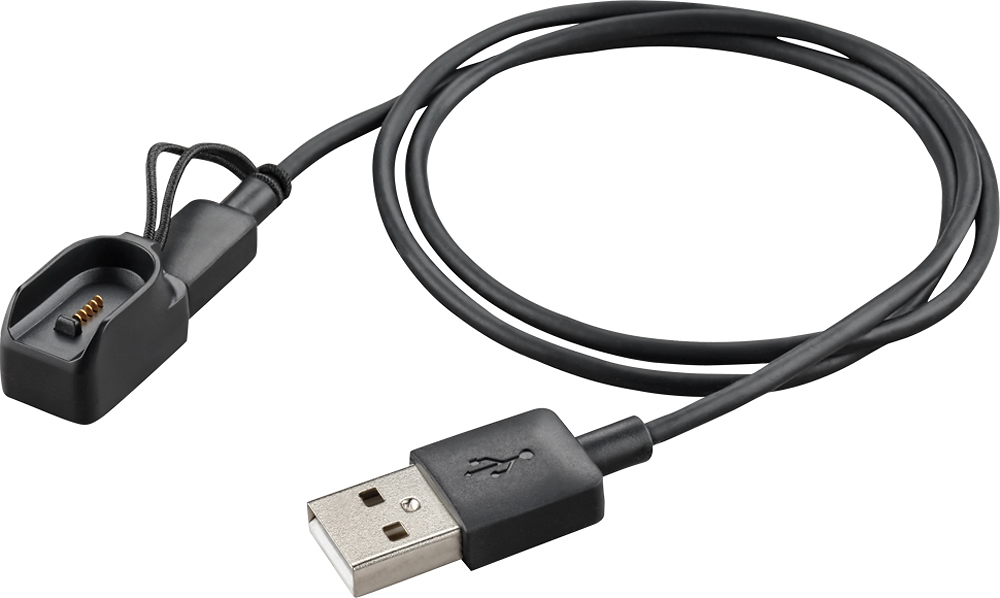
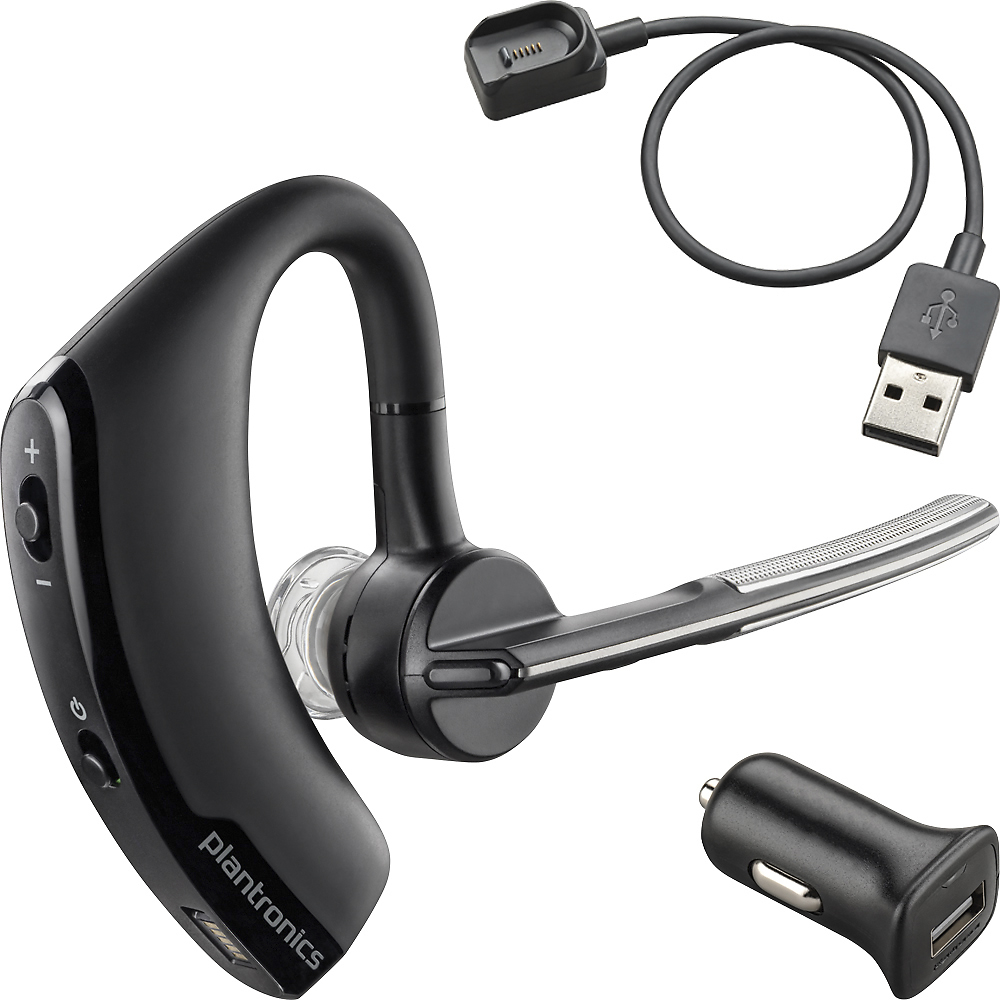
Posted .This reviewer received promo considerations or sweepstakes entry for writing a review.Having serious issues connecting the device to my laptop and trouble charging the device. The 2 Cables enclosed are magnetic to keep it attached to the earpiece. Both cables connect briefly and then loose connection immediately. The only way I could charge the device was to put a rubberband around the device and cable so it would charge., Poor Manufacturing. Mike A
No, I would not recommend this to a friendHeadset
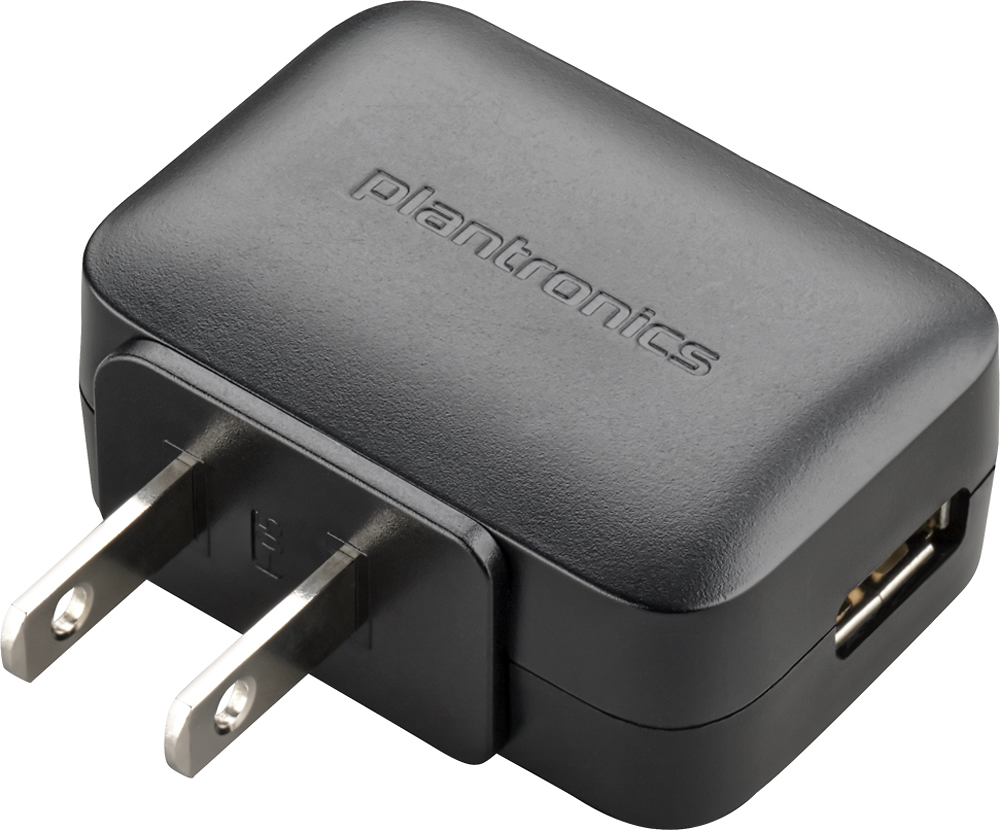
Posted .This reviewer received promo considerations or sweepstakes entry for writing a review.This headset can not be charged. The charger adapter does not work at all. For the $99.00 it should at least be able to charge the headset. Very frustrating! Would absolutely not recommend this headset
No, I would not recommend this to a friendBrand response from PlantronicsRepresentative
Posted .Thank you for your honest feedback on our Voyager Legend SE, we are sorry to hear you're experiencing trouble with your unit. In case your headset is not charging properly please try using another charger or powered USB port: your headset should display a flashing blue or red LED while charging and this should turn off once the headset has been fully charged. Please don't hesitate to contact our customer care group at www.plantronics.com/support if you require assistance.