Customer Ratings & Reviews
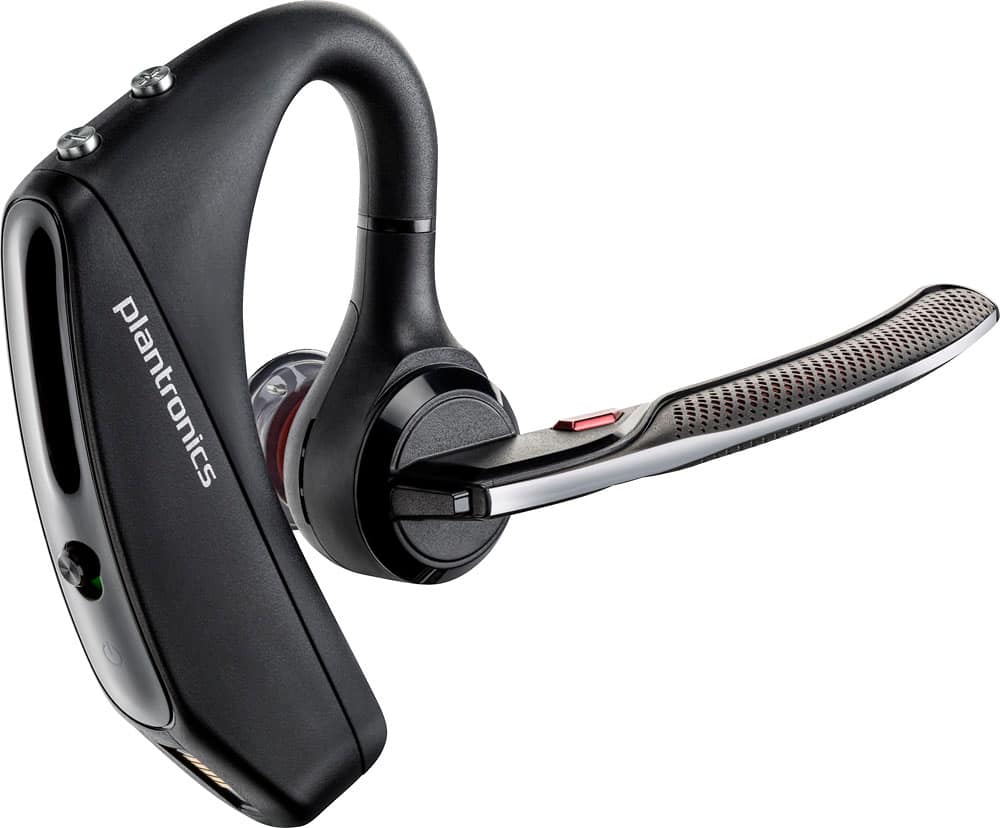
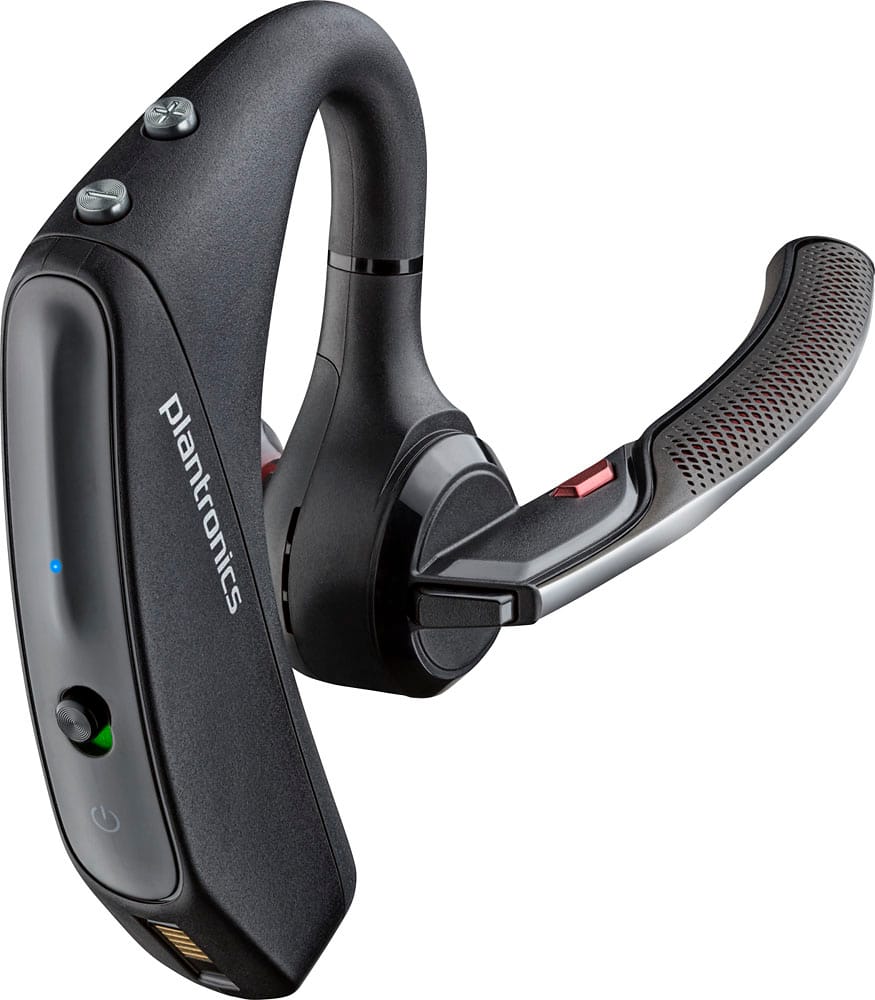
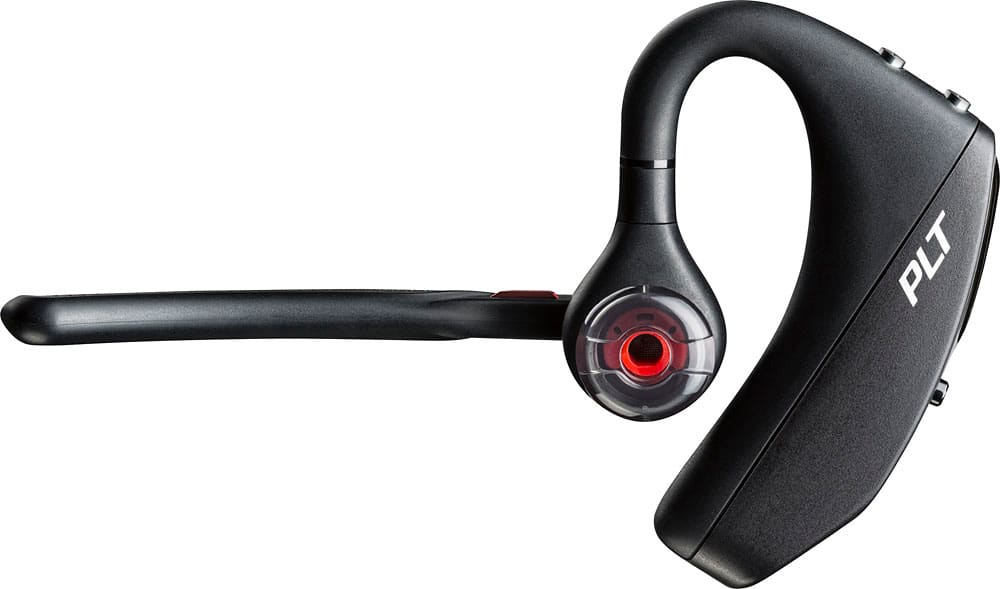
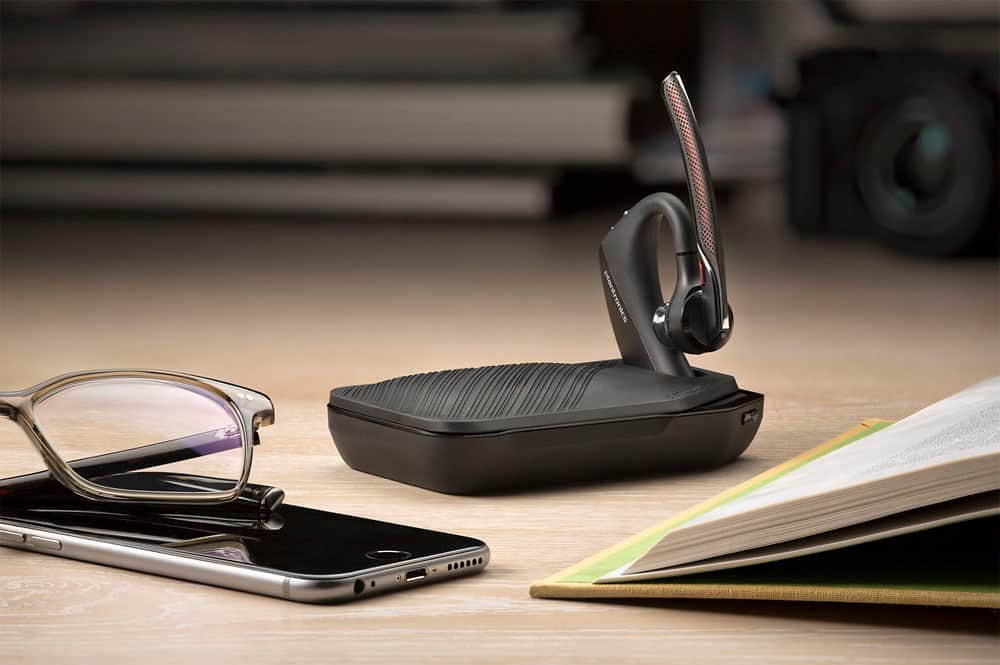





- Model:
- 7Y206AA#ABA
- SKU:
- 6563035
Rating by feature
- Sound Quality
Rating 4.4 out of 5 stars
- Battery Life
Rating 4.3 out of 5 stars
- Connectivity
Rating 4.4 out of 5 stars
Customers are saying
Customers commend the Voyager 5220 for its excellent sound quality, comfortable fit, and long-lasting battery life. Many users appreciate its reliable Bluetooth connectivity and lightweight design. However, some customers have noted concerns about the fit being a little loose, the volume being too low, and the range not meeting expectations.
This summary was generated by AI based on customer reviews.
- Pros mentioned:Sound quality
Great sound
||Posted .This reviewer received promo considerations or sweepstakes entry for writing a review.Very good headset. Clear sounds, easy to connect to my phone. I like the command feature. When someone calls, I can just say "answer"
I would recommend this to a friend - Pros mentioned:Comfort
Plantronics Head Set
||Posted .This reviewer received promo considerations or sweepstakes entry for writing a review.This is a great headset. Allows you to deny calls or accept calls. Quiet and feels comfortable when wearing for long periods of time.
I would recommend this to a friend Average product and a little expensive
||Posted .This reviewer received promo considerations or sweepstakes entry for writing a review.Its an ok headset still gets static signals nothing different from my old 1 witch is a lower version so it shouldn’t cost as much
No, I would not recommend this to a friendBrand response from PlantronicsRepresentative
Posted .Hi! Thank you for the review, however, we are sorry to hear about your experience with the Voyager 5200. If you are getting static on the headset, you may want to try to reset the connection between the headset and the mobile. 1) Unpair the headset from your mobile phone by accessing to your Bluetooth settings. **iPhone users click Settings > Bluetooth > Next to "PLT_V5200" you will see an "i", tap on it and select "Forget this device". **Android users click Settings > Wireless & Networks > Bluetooth: On > Next to "PLT_V5200" you will have a Tool icon, tap on it and select "unpair" or "disconnect". 2) Power off your mobile phone for 2 minutes and turn it back on. 3) Re-pair the headset by pressing and holding down the call control button until you seethe LED flashing red and blue. 4) Access to your Bluetooth settings and select "PLT_ V5200". Once successfully paired, you will hear"pairing successful" and the LED on your headset will stop flashing red and blue. In case you still encounter the same issue please don't hesitate to contact our Customer Care Team at https://www.plantronics.com/us/en/support/contact if you require further assistance.

- Pros mentioned:Sound quality
Awesome Purchase
||Posted .This reviewer received promo considerations or sweepstakes entry for writing a review.Excellent sound quality. Great purchase.. Highly recommend.
I would recommend this to a friend Bluetooth
||Posted . Owned for 6 months when reviewed.This reviewer received promo considerations or sweepstakes entry for writing a review.Not that great. Uncomfortable to use and cant hear person on other line very well.
No, I would not recommend this to a friendVery hard for me, but....
||Posted . Owned for 8 months when reviewed.This reviewer received promo considerations or sweepstakes entry for writing a review.Oh nooo. For past 12 years i have bought around 50 to 60 poly- Plantronics Bluetooth. For some reaso last 2 did not keep connection to my phone during calls for more than 5 sec. I tried uploading the device, the phone the app....
No, I would not recommend this to a friend- Pros mentioned:Sound quality
Great bluetooth
||Posted .This reviewer received promo considerations or sweepstakes entry for writing a review.Great Bluetooth work and construction vehicle all day long everybody I talk to can hear me clearly as if I'm not even in a semi
I would recommend this to a friend sleek and stylish... could have been little louder
||Posted . Owned for 1 week when reviewed.This reviewer received promo considerations or sweepstakes entry for writing a review.I think this has everything including a mute button but the sounds quality should have been better.
I would recommend this to a friendDecent headset
||Posted .This reviewer received promo considerations or sweepstakes entry for writing a review.This headset would get 5 stars if they gave more options for earpieces. I have a tiny ear and none of the pieces will fit my ear comfortably.
I would recommend this to a friendIt was ok, but I didn’t like the overall comfort.
||Posted .This reviewer received promo considerations or sweepstakes entry for writing a review.I liked everything except the part that went around my ear. After wearing awhile it started hurting. Other than that I liked it.
No, I would not recommend this to a friendBrand response from PlantronicsRepresentative
Posted .Thank you for your honest review on our Voyager 5220, we are sorry to hear this unit's comfort didn't meet your expectations.
You might want to try wearing the headset on your other ear as well as experimenting with all the included ear tip sizes in order to find the most secure and comfortable fit. We will forward your feedback to our team for future consideration, please don't hesitate to contact us at www.plantronics.com/support if you have any questions!
- Cons mentioned:Volume
Decent
||Posted . Owned for 1 month when reviewed.This reviewer received promo considerations or sweepstakes entry for writing a review.Great clarity. But lacks volume. For the price I would choose another ear piece
No, I would not recommend this to a friendBrand response from PlantronicsRepresentative
Posted .Hi Dave, thank you for your review on our Voyager 5200 headset, however, we are sorry to hear about your experience. If you are having low volume on the headset, we recommend increasing the volume directly from your mobile and headset. We also recommend testing the headset on either ear to see if there is an improvement. Our intention is to provide the highest quality products to our customers and we thank you for bringing this issue to our attention. We will forward your comments and feedback to our team for future consideration when developing new products. Please feel free to contact our Customer Care Team at https://www.plantronics.com/us/en/support/contact if you require assistance.

- Cons mentioned:Fit
poor fit in ear
||Posted .This reviewer received promo considerations or sweepstakes entry for writing a review.wouldn't recommend purchasing. had a bose series two which was perfect until i broke it. bought this as a replacement. tried all three different ear pieces but could not get a good fit as it would constantly move around and have poor sound because on movement. would have returned had i not thrown away the packaging. my mistake.
No, I would not recommend this to a friendBrand response from PlantronicsRepresentative
Posted .Thank you for sharing your experience with your Voyager 5220. We're sorry to hear you were not able to find a comfortable fit even after trying the different sizes of ear pieces. You might also want to try using the included foam covers to see if you get a more secure and comfortable fit. Our headsets are designed to fit the vast majority of ear shapes and sizes; however, we do know that one size may not fit all and if you find the product too uncomfortable for normal use we strongly recommend that you consider using a headset with a different wearing style. If you are looking for a product recommendation, please don't hesitate to contact Plantronics Customer Care at 855-765-7878.
Cannot wear it for long periods.
||Posted .This reviewer received promo considerations or sweepstakes entry for writing a review.I like the ability to link 2 devices at omce but cannot wear it for long periods without discomfort. Had to buy a different device.
No, I would not recommend this to a friend- Pros mentioned:Bluetooth
Good blue tooth
||Posted .This reviewer received promo considerations or sweepstakes entry for writing a review.Plantronics blue tooth is a life saver for my arms and neck in my beauty business.
I would recommend this to a friend Don't buy this earpiece
||Posted . Owned for 4 months when reviewed.This reviewer received promo considerations or sweepstakes entry for writing a review.terrible...just brought this product and it does work...the bend in the earpiece causes a short...looking to return it. It's not a good product. Seriously waste of money.
No, I would not recommend this to a friend- Pros mentioned:Comfort
Nice
||Posted . Owned for 2 weeks when reviewed.This reviewer received promo considerations or sweepstakes entry for writing a review.Very clear on both end, comfortable to use, great choice
I would recommend this to a friend - Pros mentioned:Bluetooth
Best of all
||Posted . Owned for 2 months when reviewed.This reviewer received promo considerations or sweepstakes entry for writing a review.Best Bluetooth and only bestbuy stores you can find this
I would recommend this to a friend Bluetooth??
||Posted . Owned for 3 weeks when reviewed.This reviewer received promo considerations or sweepstakes entry for writing a review.Too many calls with static with this Bluetooth. If I switch to speaker or another wires headset the issues stop
No, I would not recommend this to a friendBrand response from PlantronicsRepresentative
Posted .Hi! Thank you for your review on our Voyager 5200 headset, however, we are sorry to hear about your experience. I you are experiencing some audio issues with the headset, you may want to try resetting the Bluetooth connection with your mobile. To do so: 1) Unpair the headset from your mobile phone by accessing your Bluetooth settings. 2) Power off your mobile phone for 2 minutes and turn it back on. 3) Re-pair the headset by pressing and holding down the call control button until you see the LED flashing red and blue. 4) Access to your Bluetooth settings and select "PLT_V5200". Once successfully paired, you will hear "pairing successful" and the LED on your headset will stop flashing red and blue. You may also want to check if your headset doesn't have any updates available through Plantronics Hub: https://www.plantronics.com/us/en/support/downloads-apps/hub-desktop. Last but not least, we recommend testing the headset with a different mobile to completely isolate the issue. If for some reason you still encounter the same issue, then it means the headset has an actual problem and it is best to replace it. Remember this unit counts with a limited warranty since the first day of purchase, and if you need a replacement you can click on the following link for further instructions: https://bit.ly/2N637EC. Our intention is to provide the highest quality products to our customers and we thank you for bringing this issue to our attention. Please don't hesitate to contact our Customer Care Team at https://www.plantronics.com/us/en/support/contact if you require assistance.
- Pros mentioned:Weight
Great Bluetooth
||Posted . Owned for 2 weeks when reviewed.This reviewer received promo considerations or sweepstakes entry for writing a review.Easy to use and great clarity. The unit is very light.
I would recommend this to a friend - Pros mentioned:Sound quality
Great bluetooth
||Posted .This reviewer received promo considerations or sweepstakes entry for writing a review.So far so good, bought it about a week ago, the sound is great..no problem yet.
I would recommend this to a friend