Customer Ratings & Reviews





- Model:
- 7Y206AA#ABA
- SKU:
- 6563035
Rating by feature
- Sound Quality
Rating 4.4 out of 5 stars
- Battery Life
Rating 4.3 out of 5 stars
- Connectivity
Rating 4.4 out of 5 stars
Customers are saying
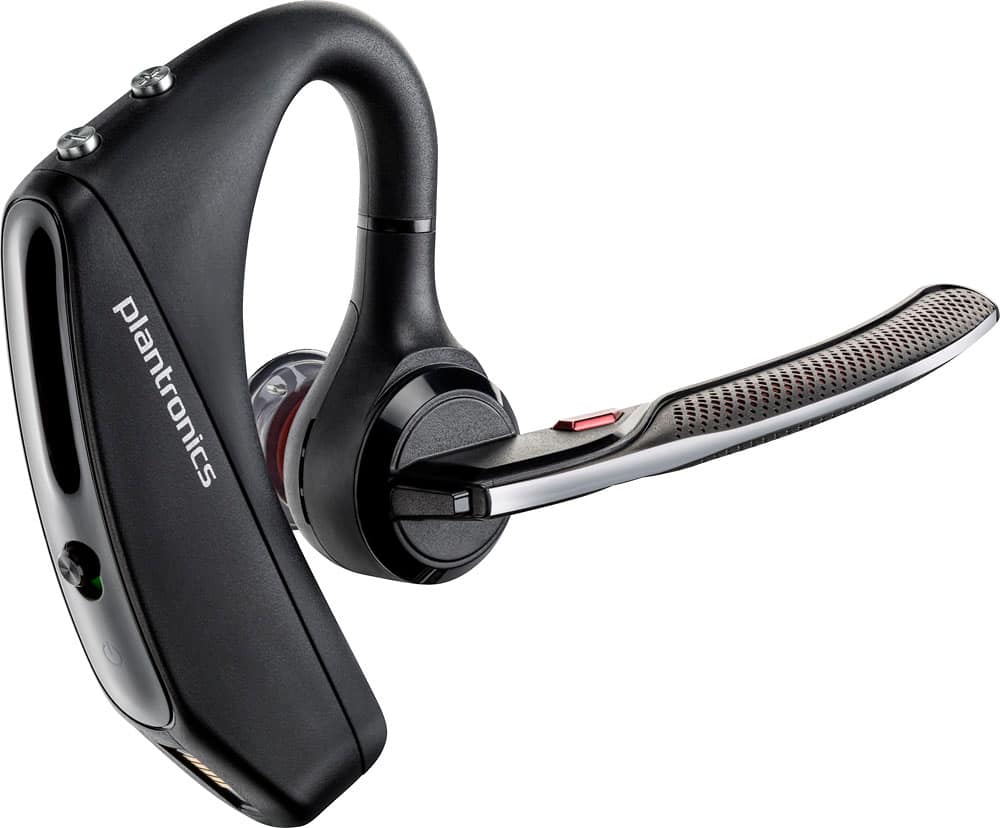
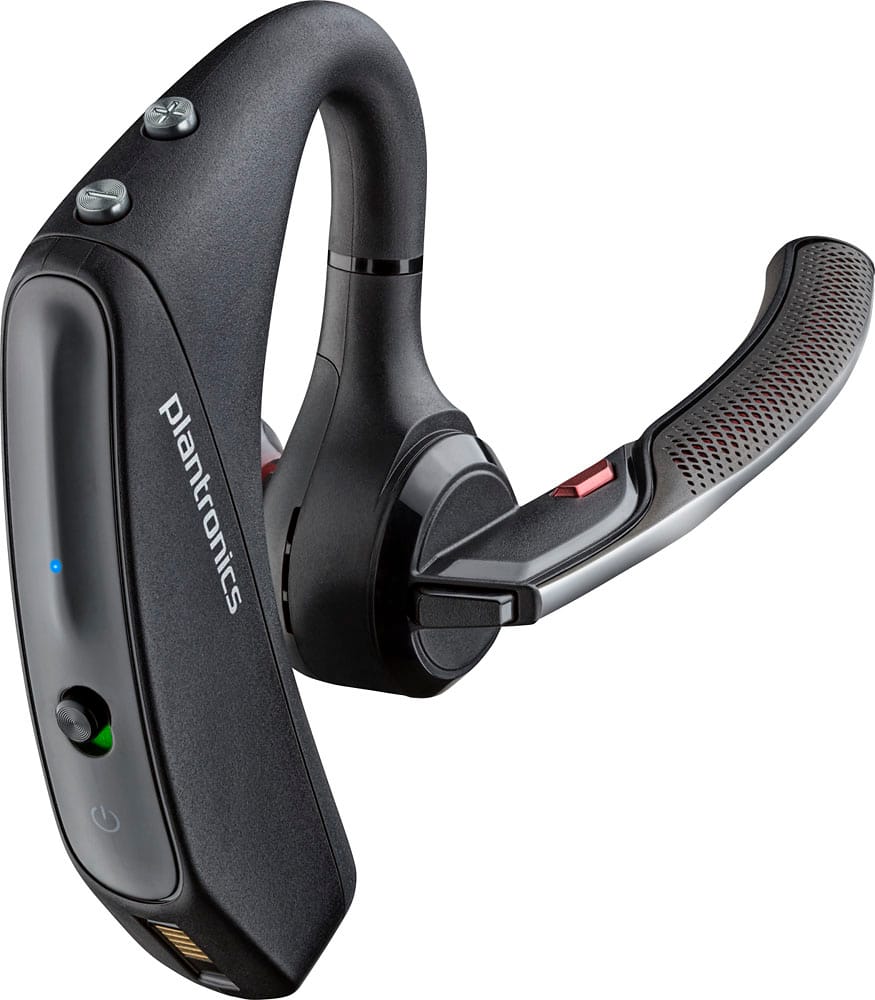
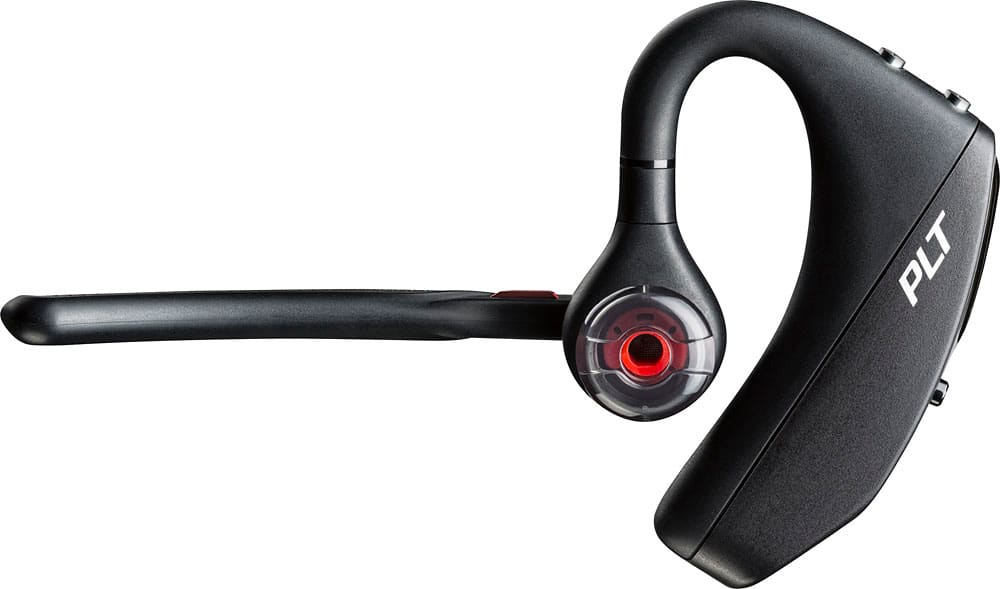
Customers commend the Voyager 5220 for its excellent sound quality, comfortable fit, and long-lasting battery life. Many users appreciate its reliable Bluetooth connectivity and lightweight design. However, some customers have noted concerns about the fit being a little loose, the volume being too low, and the range not meeting expectations.
This summary was generated by AI based on customer reviews.
I like the upgrade
||Posted .This reviewer received promo considerations or sweepstakes entry for writing a review.I like this version of this model better than the last version. It feels more solid yet it's still no bigger or bulkier.
I would recommend this to a friendGreat design
||Posted . Owned for 3 weeks when reviewed.This reviewer received promo considerations or sweepstakes entry for writing a review.Doesn’t hold standby time as previous models doesn’t come with more accessories either.
No, I would not recommend this to a friend- Pros mentioned:Sound quality
Great earpiece
||Posted .This reviewer received promo considerations or sweepstakes entry for writing a review.Bought this as a Christmas gift for my dad and he loves it. The sound is great. Cuts out background noise.
I would recommend this to a friend Fair
||Posted .This reviewer received promo considerations or sweepstakes entry for writing a review.I don’t love my new earpiece. It works well when I’m sitting down but when I’m mobile I lose my signal strength
No, I would not recommend this to a friendBrand response from PlantronicsRepresentative
Posted .Thank you for your honest review on our Voyager 5220, we are sorry to hear you're experiencing trouble with your unit.
In order to troubleshoot connectivity or audio issues you might want to try resetting the Bluetooth connection between your phone and headset to see if that helps the issue. To do so:
1. Delete the headset from your cell phone's list of paired devices.
2. Once deleted, power your phone completely off, then power it back on. This resets the Bluetooth stack in the Bluetooth software on the phone.
3. Re-pair the headset with your phone. If this does not fix your issue, we suggest pairing the headset to another cell phone as a test.
If the issue is not present on the second phone, then the problem may be with the first phone, rather than the headset. If the issue exists on the second phone as well, you will need to replace the headset. Please don't hesitate to contact our customer care group at www.plantronics.com/support if you require assistance!
Worker
||Posted .This reviewer received promo considerations or sweepstakes entry for writing a review.Works good for the application intended. Third one purchased.
I would recommend this to a friendPlatonic ear piece
||Posted .This reviewer received promo considerations or sweepstakes entry for writing a review.This is such a piece of garbage. Every 6 or 7 months I have to call for a replacement. Now HP in the Middle East makes them
No, I would not recommend this to a friendNot very good
||Posted . Owned for 1.5 years when reviewed.This reviewer received promo considerations or sweepstakes entry for writing a review.This blue tooth did not last very long at all. I would not recommend this product
No, I would not recommend this to a friendThis is just ok - for the price
||Posted .This reviewer received promo considerations or sweepstakes entry for writing a review.So this is just ok for a bluetooth headset - if it were cheaper it would be better but at over $100 its not worth it
No, I would not recommend this to a friendGreat charger as a spare
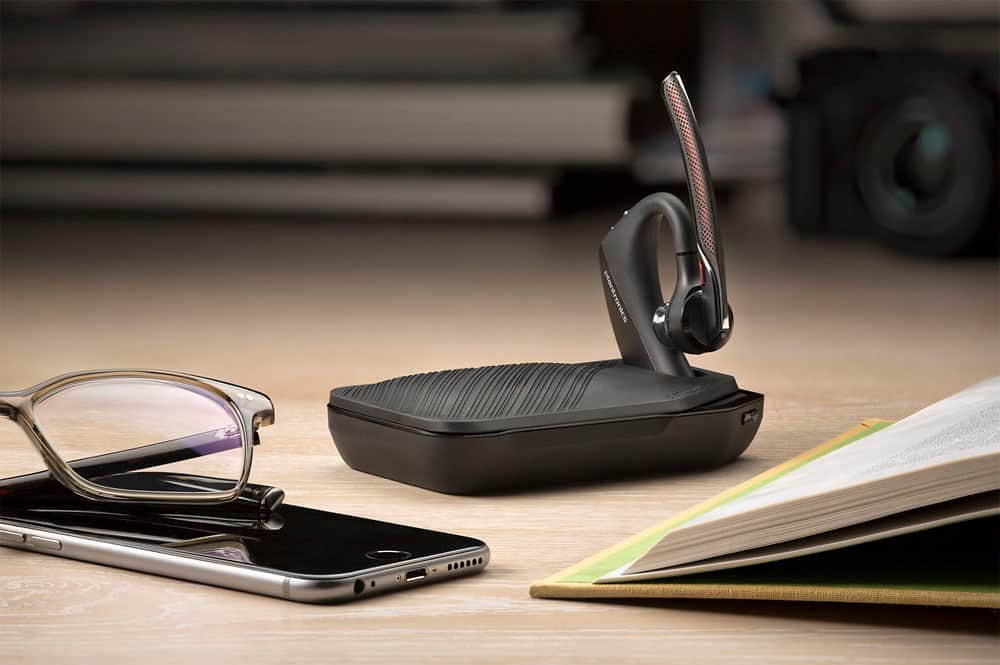
||Posted .This reviewer received promo considerations or sweepstakes entry for writing a review.Charger works great and charges iPhone quickly, however it takes many hours to charge the portable charger.
I would recommend this to a friendIts ok
||Posted . Owned for 1 year when reviewed.This reviewer received promo considerations or sweepstakes entry for writing a review.This headset is great for phone calls but nothing more music and game play sounds horrible.
No, I would not recommend this to a friendBrand response from PlantronicsRepresentative
Posted .Hello! Thank you for your honest review on our Voyager 5220 headset, however, we are sorry to hear about your experience. If you are experiencing some audio issues with the microphone, you may want to try resetting the Bluetooth connection with your mobile. 1) Unpair the headset from your mobile phone by accessing your Bluetooth settings. 2) Power off your mobile phone for 2 minutes and turn it back on. 3) Re-pair the headset by pressing and holding down the call control button until you see the LED flashing red and blue. 4) Access to your Bluetooth settings and select "PLT_V5200". Once successfully paired, you will hear "pairing successful" and the LED on your headset will stop flashing red and blue. We also recommend testing the headset with a different mobile to isolate the issue. If for some reason you still encounter the same issue, then it means the headset has an actual problem and it is best to replace it. Remember this unit counts with a limited warranty since the first day of purchase, and if you need a replacement you can click on the following link for further instructions: https://bit.ly/2N637EC. Please note the life span of the product depends on the usage but on many cases they last for way past their warranty period. Please don't hesitate to contact our Customer Care Team at https://www.plantronics.com/us/en/support/contact if you require assistance.

Average performance. Loses connectivity to much
||Posted . Owned for 3 weeks when reviewed.This reviewer received promo considerations or sweepstakes entry for writing a review.I would the headset average. It is not durable and it keeps loses connectivity.
I would recommend this to a friendBluetooth
||Posted .This reviewer received promo considerations or sweepstakes entry for writing a review.I’m not so impressed with this Bluetooth sound is not as good as my other Plantronic but I needed one
I would recommend this to a friendBrand response from PlantronicsRepresentative
Posted .Thank you for taking the time to share your feedback on our Voyager 5220 Headset. If you are experiencing any technical issues related to audio, we do recommend you to ensure your unit's firmware is up to date by checking for updates and applying any (if available) through our Plantronics Hub software for desktop: https://goo.gl/5ceQ1v. Testing your headset with different phones and also at different locations and while connected to a single device at a given time is ideal in order to isolate the cause of the problem. Please note this unit has a one-year warranty from date of purchase. If you have any questions, please don't hesitate to contact our Customer Care Team at: https://www.plantronics.com/us/en/support/contact
Earpiece
||Posted . Owned for 10 months when reviewed.This reviewer received promo considerations or sweepstakes entry for writing a review.Works fine for me, without any problems with loose fit
I would recommend this to a friend- Cons mentioned:Fit
Too bulky
||Posted . Owned for 1 week when reviewed.This reviewer received promo considerations or sweepstakes entry for writing a review.This product is too bulky for my ear... not a good fit.
No, I would not recommend this to a friendBrand response from PlantronicsRepresentative
Posted .Hi! Thank you very much for your honest review on our Voyager 5200 headset, however, we are sorry to hear about your experience. These headsets are designed to fit the vast majority of ear shapes and sizes; however, we do know that one size may not fit all and if you find the product too uncomfortable for normal use we strongly recommend that you consider using a headset with a different wearing style. Our intention is to provide the highest quality products to our customers and we thank you for bringing this issue to our attention. We will forward your comments and feedback to our team for future consideration when developing new products and accessories. Please don't hesitate to contact our Customer Care Team at https://www.plantronics.com/us/en/support/contact if you require assistance.
- Cons mentioned:Range
little or no range
||Posted .This reviewer received promo considerations or sweepstakes entry for writing a review.drops out moving from one room to another. where's the 100 foot covfrage
No, I would not recommend this to a friendBrand response from PlantronicsRepresentative
Posted .Thank you for your honest review on our Voyager 5220. This model features up to 98 feet of range with a direct line of sight when connected to a class 1 Bluetooth streamer. The overall range will vary depending on the audio source and you should get up to 33 feet of range when using your headset with a compatible smartphone or mobile device. Please don't hesitate to contact our customer care group at www.plantronics.com/support if you require assistance!
- Pros mentioned:Bluetooth
Excellent
||Posted .This reviewer received promo considerations or sweepstakes entry for writing a review.I have tried 4 different bluetooth intge last 3 months and this is by far the best I have ever had.
I would recommend this to a friend - Cons mentioned:Fit
Great sound
||Posted .This reviewer received promo considerations or sweepstakes entry for writing a review.It keeps falling off my ear, not happy with it. Cost to much
No, I would not recommend this to a friendBrand response from PlantronicsRepresentative
Posted .Thank you for your honest review on our Voyager 5220, however we are sorry to hear about your experience. Please be sure to try wearing your headset on either ear and also trying all of the included ear gel sizes in order to find the most secure fit and comfortable fit. We will forward your feedback to our team for future consideration, please don't hesitate to contact our customer care group at https://www.plantronics.com/us/en/support/contact if you require assistance!
Nice bluetooth
||Posted .This reviewer received promo considerations or sweepstakes entry for writing a review.Really like the features on this blue tooth, it doesn't seem like they last more then 1 year.
I would recommend this to a friendBrand response from PlantronicsRepresentative
Posted .Thank you for your honest review on our Voyager 5220. We're sorry to hear your product lasted a year. The actual life span of the headset depends on the usage but on many cases they last for way past their warranty period. In case your unit stopped working completely, here are some tips to ensure your headset retains battery life: Store your headset at room temperature. When batteries are exposed to elevated levels of heat such as inside a hot car, they lose their ability to store energy. If storing your headset for an extended period of time, discharge it to around a 40 to 50 percent charge. Lithium ion oxidizes at its highest rate if the battery is fully charged, which leads to quicker deterioration. Avoid discharging your headset completely or leaving it discharged for extended periods of time. The battery loses the ability to hold a complete charge. In any case we thank you for bringing this to our attention. Your comments have been shared with our Product Development team, as we appreciate feedback based on customer use to create the best possible products. Feel free to contact our Customer Care Team at: 1-855-765-7878 if you have any questions!
Third one I have owned
||Posted .This reviewer received promo considerations or sweepstakes entry for writing a review.Third one I have owned, first went out. Second one became inaudible, third one, switch went bad. No more.
No, I would not recommend this to a friendBrand response from PlantronicsRepresentative
Posted .Thank you for your honest review on our Voyager 5220, we are sorry to hear you have been experiencing trouble with your units. Please don't hesitate to contact our customer care group at www.plantronics.com/support if you require assistance
- Pros mentioned:Battery life
Best Hands Free Bluetooth
||Posted .This reviewer received promo considerations or sweepstakes entry for writing a review.For hand free commutation, best on the market. Clear at both ends. Charges fast and last all day.
I would recommend this to a friend