Customer Ratings & Reviews
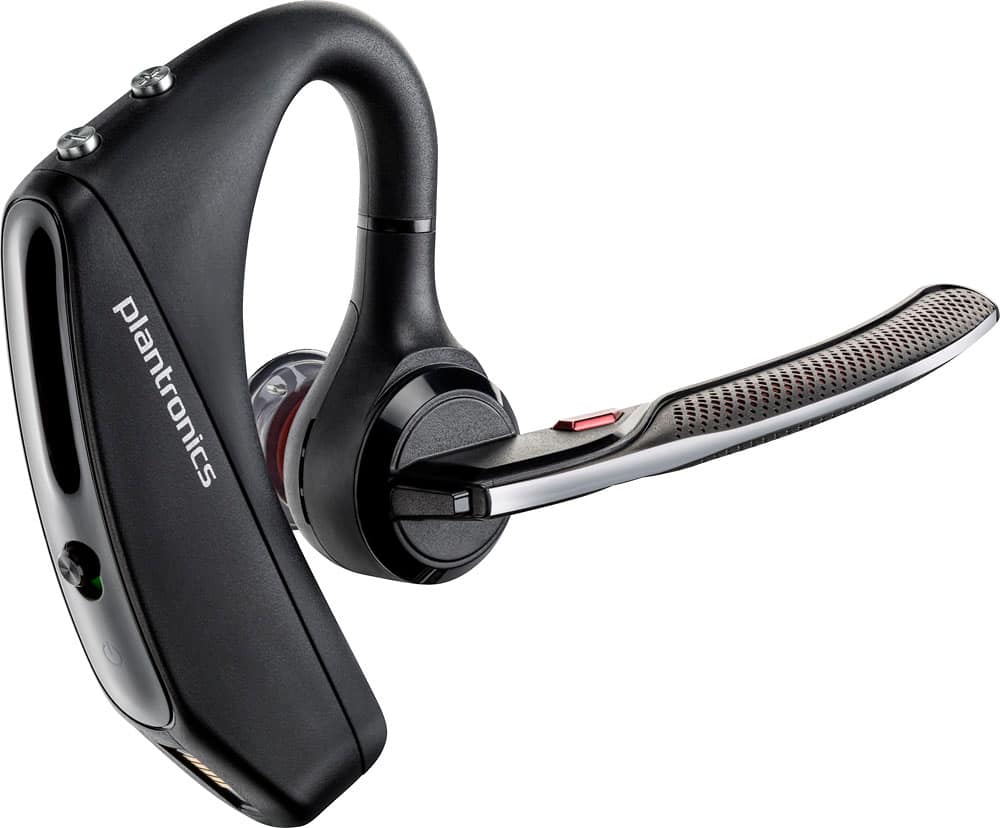
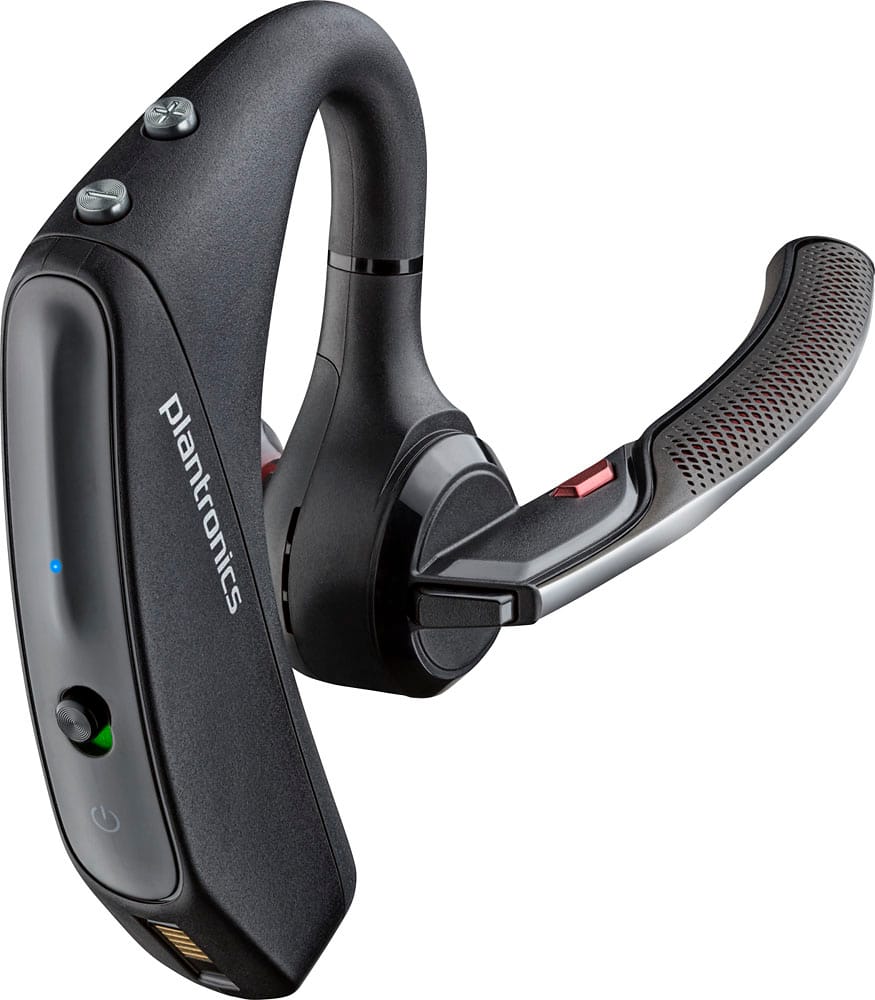
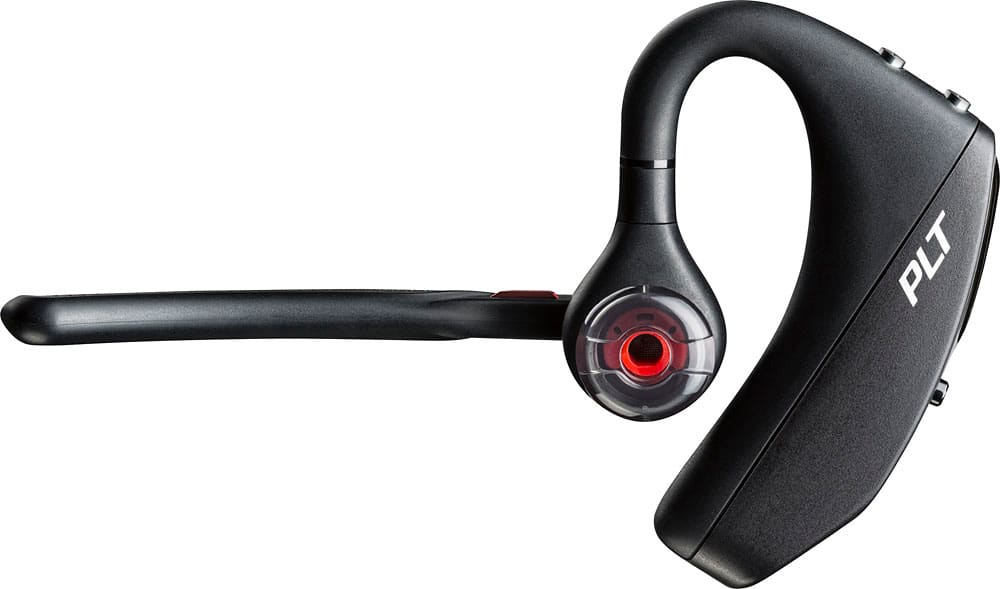
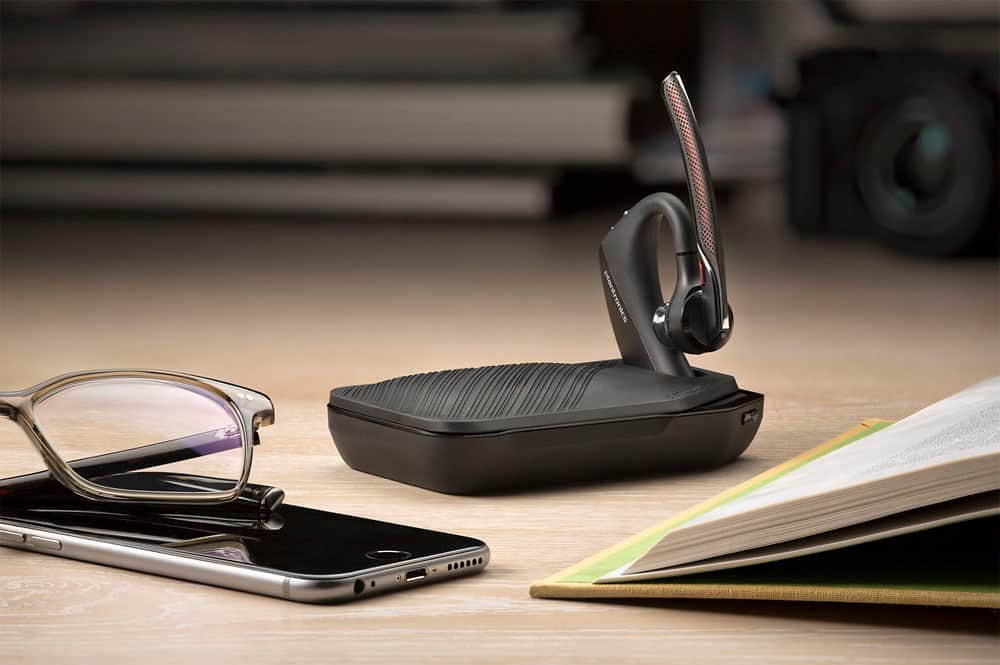

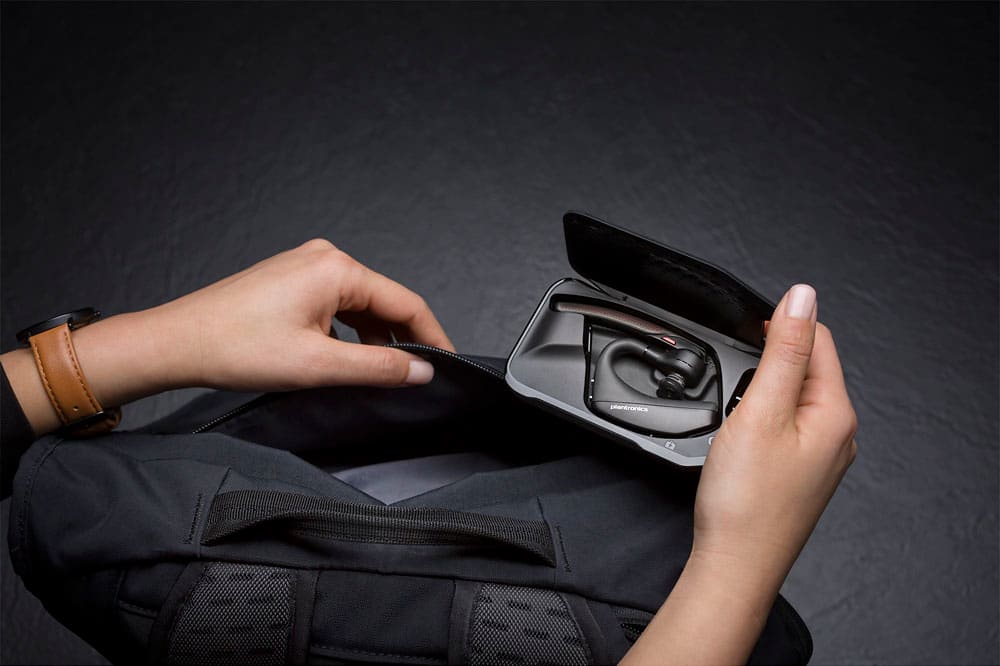



- Model:
- 7Y206AA#ABA
- SKU:
- 6563035
Rating by feature
- Sound Quality
Rating 4.4 out of 5 stars
- Battery Life
Rating 4.3 out of 5 stars
- Connectivity
Rating 4.4 out of 5 stars
Customers are saying
Customers commend the Voyager 5220 for its excellent sound quality, comfortable fit, and long-lasting battery life. Many users appreciate its reliable Bluetooth connectivity and lightweight design. However, some customers have noted concerns about the fit being a little loose, the volume being too low, and the range not meeting expectations.
This summary was generated by AI based on customer reviews.
Good Bluetooth
||Posted . Owned for 7 months when reviewed.This reviewer received promo considerations or sweepstakes entry for writing a review.It’s good it’s just doesn’t charge for a long period of time.
I would recommend this to a friend- Pros mentioned:Bluetooth
The Best bluetooth earpiece I have found
||Posted .This reviewer received promo considerations or sweepstakes entry for writing a review.I do Not think You will find a better blue tooth earpiece out there and I have tried many
I would recommend this to a friend - Cons mentioned:Fit
Terrible
||Posted .This reviewer received promo considerations or sweepstakes entry for writing a review.Plantronics is usually good. This however isn't. None of the earpieces provided a good fit and the sound quality was meh @ best. No one could hear me on the other side of the call. Stay away, there are better options
No, I would not recommend this to a friendBrand response from PlantronicsRepresentative
Posted .Thank you for taking the time to share your experience; However, we're truly sorry to hear you were not satisfied with our product. These headsets are designed to fit the vast majority of ear shapes and sizes with the different size eartips included. Keep in mind that not getting a proper fit is likely to impact the quality of the audio. The Voyager 5220 features four built-in microphones with active digital signal processing (DSP), acoustic echo cancellation and six layers of protection against wind noise. To troubleshoot audio issues please reset the Bluetooth connection between your cell phone and the earpiece. To do so: https://bit.ly/2OOMfnw. You might also want to ensure the firmware version is up to date through our Hub Software for Desktop: https://bit.ly/30jDXJM. Lastly, testing the earpiece with a different cell phone and while it is paired to a single Bluetooth device is also ideal to determine the cause of the issue. This model counts with a one-year limited warranty. If you require further assistance, feel free to contact our Customer Care Team at: 1-888-363-0726

- Cons mentioned:Fit
Falls out of the ear.
||Posted . Owned for 6 months when reviewed.This reviewer received promo considerations or sweepstakes entry for writing a review.This headset will not stay in the ear. It constantly falls out and when it does, callers cannot understand a word I say. Horrible set bring back the other models with the ear flaps.
No, I would not recommend this to a friendBrand response from PlantronicsRepresentative
Posted .Hi! Thank you for taking the time to share your feedback on our Voyager 5200, however, we’re sorry to hear about your experience. We intend to provide the highest quality products to our customers, unfortunately, this wasn't the case this time, with the wearing style and microphone more specifically. As you may be aware, our Voyager 5200 features a four-mic array and our adaptive DSP work together to cancel disruptive background noise like traffic or crowds, so microphone-related issues are considered unusual, hence isolating and light troubleshooting are recommended. Please install the Plantronics Hub app on your computer, (https://bit.ly/30jDXJM) connect the headset, install any pending updates and reset the device via settings, if issues continue, please disable the wearing sensors master via the settings menu. About the loose-wearing issue, keep in mind the headset includes spare ear tips in different sizes, make sure to try the larger one for a better fit. Thank you for bringing this to our attention. We will forward your comments to our team for review and consideration. If you have any additional concerns, please do not hesitate to contact our Customer Care Team at 1 800 725 598
Last 1 year tops
||Posted . Owned for 9 months when reviewed.This reviewer received promo considerations or sweepstakes entry for writing a review.I've bought 3 in 3 years. They are outstanding when they work, but around that 1 year mark they go bad. What happens is I still hear people, but they cannot hear me on their end. I've recorded myself through the mic and can confirm. It's completely incomprehensible. Save your money and buy elsewhere. Or if you insist, get the protection plan. Plantronics support will try to replace your broken one with a refurbished one, only for it to happen again.
No, I would not recommend this to a friendBrand response from PlantronicsRepresentative
Posted .Thanks for your honest feedback. Though we are sorry t hear about your experience. Please note the life span of the product depends on the usage but in bast majority of cases, they last for way past their warranty period. To troubleshoot microphone issues, please reset the Bluetooth connection between the phone and your earpiece. To do so: https://bit.ly/2OOMfnw. You may also want to ensure the firmware version is up to date through our HUB software through desktop: https://bit.ly/30jDXJM. Lastly, testing the earpiece with a different mobile phone, and while it is paired with a single Bluetooth device is also ideal to determine the cause of the issue. f you still get the same results, then the earpiece might have an actual problem related to hardware and it is best to replace it. This model counts with a one-year limited warranty. Thank you for bringing this to our attention, if you require further assistance please don't hesitate to contact our Support Team at (888) 248-4143 or (916) 928-7561.
Overall - good earpiece the
||Posted .This reviewer received promo considerations or sweepstakes entry for writing a review.Doesn't maintain quality, loses piece into ear consistently, speaking thru it loses quality
No, I would not recommend this to a friendBrand response from PlantronicsRepresentative
Posted .Thank you for your honest review on our Voyager 5220, we are sorry to hear you experienced trouble with your unit.
You might want to try resetting the Bluetooth connection between your phone and headset to see if that helps the issue. To do so:
1. Delete the headset from your cell phone's list of paired devices.
2. Once deleted, power your phone completely off, then power it back on. This resets the Bluetooth stack in the Bluetooth software on the phone.
3. Re-pair the headset with your phone.
If this does not fix your issue, we suggest pairing the headset to another cell phone as a test. If the issue is not present on the second phone, then the problem may be with the first phone, rather than the headset. If the issue exists on the second phone as well, you will need to replace the headset.
Please don't hesitate to contact our customer care group at 800-985-9815 if you require assistance!
Not as good as I'd hoped
||Posted .This reviewer received promo considerations or sweepstakes entry for writing a review.Was hoping this Bluetooth would be better than the last one I had. People still have difficultly understanding me and at times I can't hear the other person clearly. Background noise is still an issue. I'm still trying to find the right Bluetooth !!! And another issue is that it ends up stretching out after continuous wear and falls off ear easily.
No, I would not recommend this to a friendBrand response from PlantronicsRepresentative
Posted .That may be an issue with the headset or with the connection between the headset and phone. You might want to try resetting the Bluetooth connection between your phone and headset to see if that helps the issue.
To do so:
1. Delete the headset from your cell phone's list of paired devices.
2. Once deleted, power your phone completely off, then power it back on. This resets the Bluetooth stack in the Bluetooth software on the phone.
3. Re-pair the headset with your phone and test.
If the issue is the same we recommend testing the device with another phone to determine if it's on the phone or headset. If the issue persists even on a different phone we can replace that device, it comes with a 1 year warranty. Please don't hesitate to contact us at www.plantronics.com/support if you require assistance.
Could find better
||Posted . Owned for 1 week when reviewed.This reviewer received promo considerations or sweepstakes entry for writing a review.Bad humming noise always playing in the background
No, I would not recommend this to a friend- Pros mentioned:Sound quality
The best
||Posted .This reviewer received promo considerations or sweepstakes entry for writing a review.Definitely the best in ear pieces, I tried other ones, and nothing compares with one.
I would recommend this to a friend Did not work well for Dragon
||Posted .This reviewer received promo considerations or sweepstakes entry for writing a review.A similar Voyager received decent reviews for speech recognition, but two apparently crucial differences. The other model had a 'dongel' which provided 'wide band' connectivity, and had a longer boom, putting the mic closer to the lips. This device was no better than the built in microphone on my device in terms of speech accuracy.
No, I would not recommend this to a friendBrand response from PlantronicsRepresentative
Posted .Thank you for your honest review on our Voyager 5220. In order to get the best possible transmit audio performance for calls or dictation you might want to consider using our BT600 Bluetooth adapter and also adding the headset as a new dictation source in order to train the software for better accuracy. Please don't hesitate to contact our customer care group at www.plantronics.com/support if you require assistance!
Great product!
||Posted . Owned for 2 months when reviewed.This reviewer received promo considerations or sweepstakes entry for writing a review.The product was everything the box says it is! Highly recommend it!
I would recommend this to a friend- Cons mentioned:Fit
too bulky
||Posted .This reviewer received promo considerations or sweepstakes entry for writing a review.The earpiece was too bulky and very uncomfortable.
No, I would not recommend this to a friendBrand response from PlantronicsRepresentative
Posted .Hello and thank you for your honest review! While we thrive for our headset to fit everyone, we understand that one size doesn't fit all. With this in mind we include 3 different eartip sizes for a better fit. We are sorry to hear it wasn't for you, if you are looking for a product recommendation, please don't hesitate to contact Plantronics Customer Care at 855-765-7878.
Need more work
||Posted .This reviewer received promo considerations or sweepstakes entry for writing a review.Didn't like the fit or the functionality. The battery life was also less than previous model.
No, I would not recommend this to a friendBrand response from PlantronicsRepresentative
Posted .Thank you for your honest review on our Voyager 5220, we will forward your feedback to our team for future consideration when developing new products and accessories. Please don't hesitate to contact our customer care group at www.plantronics.com/support if you require assistance.
- Cons mentioned:Range
Don't buy
||Posted . Owned for 2 months when reviewed.This reviewer received promo considerations or sweepstakes entry for writing a review.Poor quality, can't get too far from phone. Specs are not correct. Cracked at the hinge already. Crap. I promise you best buy will not stand by this and take it back.
No, I would not recommend this to a friendBrand response from PlantronicsRepresentative
Posted .Thank you for your honest review; however, we are sorry to hear about your experience.
We intend to provide the highest quality products to our customers, unfortunately, we failed to meet your expectations this time.
We would like to learn more about your specific situation and make things right if you wouldn't mind contacting us back at (916) 928-7561 and providing us with additional details, it would be greatly appreciated, we look forward to working with you towards earning back your business.
Thank you for letting us know about this. Your feedback helps us do better.
Didnt like
||Posted . Owned for 2 months when reviewed.This reviewer received promo considerations or sweepstakes entry for writing a review.Didnt like the quality of the headset seem to tight on ear uncomfortable.
No, I would not recommend this to a friend- Pros mentioned:Sound quality
Best headset ever!
||Posted .This reviewer received promo considerations or sweepstakes entry for writing a review.I wear it everywhere and almost forget I have it on. The sound quality is amazing!
I would recommend this to a friend - Pros mentioned:Sound quality
Great bluetooth
||Posted .This reviewer received promo considerations or sweepstakes entry for writing a review.this replaced my plantonics bluetooth from 3 1/2 years ago, superb sound and voice
I would recommend this to a friend It’s ok
||Posted . Owned for 1 week when reviewed.This reviewer received promo considerations or sweepstakes entry for writing a review.I thought the sound would be a little clearer...sounds kind of staticky.
No, I would not recommend this to a friendBrand response from PlantronicsRepresentative
Posted .Hello and thank you for your review on our Voyager 5200 headset, however, we are sorry to hear about your experience. If you are having some static on the headset, it could be due to a bad connection with your mobile. You may want to reset the Bluetooth connection. To do so: 1) Unpair the headset from your mobile phone by accessing your Bluetooth settings. 2) Power off your mobile phone for 2 minutes and turn it back on. 3) Re-pair the headset by pressing and holding down the call control button until you see the LED flashing red and blue. 4) Access to your Bluetooth settings and select "PLT_V5200". Once successfully paired, you will hear "pairing successful" and the LED on your headset will stop flashing red and blue. You may also want to check if your headset doesn't have any updates available through Plantronics Hub: https://www.plantronics.com/us/en/support/downloads-apps/hub-desktop. Last but not least, we recommend testing the headset with a different mobile to completely isolate the issue. If for some reason you still encounter the same issue, then it means the headset has an actual problem and it is best to replace it. Remember this unit counts with a limited warranty since the first day of purchase, and if you need a replacement you can simply click on the following link for further instructions: https://bit.ly/2N637EC. Please don't hesitate to contact our Customer Care Team at 800-985-9815 if you require assistance.
Not too shabby
||Posted .This reviewer received promo considerations or sweepstakes entry for writing a review.When it worked, the Bluetooth was pretty clear in sound quality and easy to use.
I would recommend this to a friendBrand response from PlantronicsRepresentative
Posted .Thank you for your honest review on our Voyager 5220 Headset. The life span of our products depend on the usage but on many cases they last for way past their warranty period. We will forward your comments to our team for consideration. Please don't hesitate to contact our Customer Care Team at: https://www.plantronics.com/us/en/support/contact if you require assistance
DOA have to return
||Posted .This reviewer received promo considerations or sweepstakes entry for writing a review.Purchased this item based on recommendations of others. However the battery will not take a charge, nor does it turn on. Just haven’t made it to return it yet
No, I would not recommend this to a friend