Customer Ratings & Reviews





- Model:
- 7Y206AA#ABA
- SKU:
- 6563035
Rating by feature
- Sound Quality
Rating 4.4 out of 5 stars
- Battery Life
Rating 4.3 out of 5 stars
- Connectivity
Rating 4.4 out of 5 stars
Customers are saying
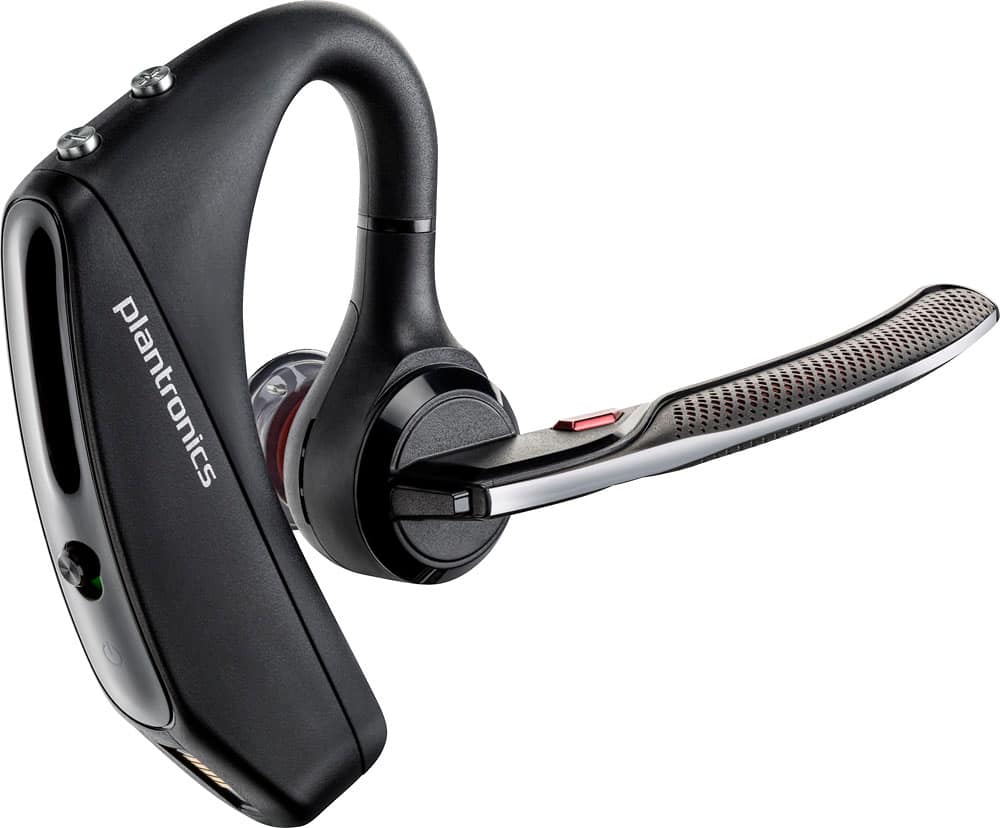
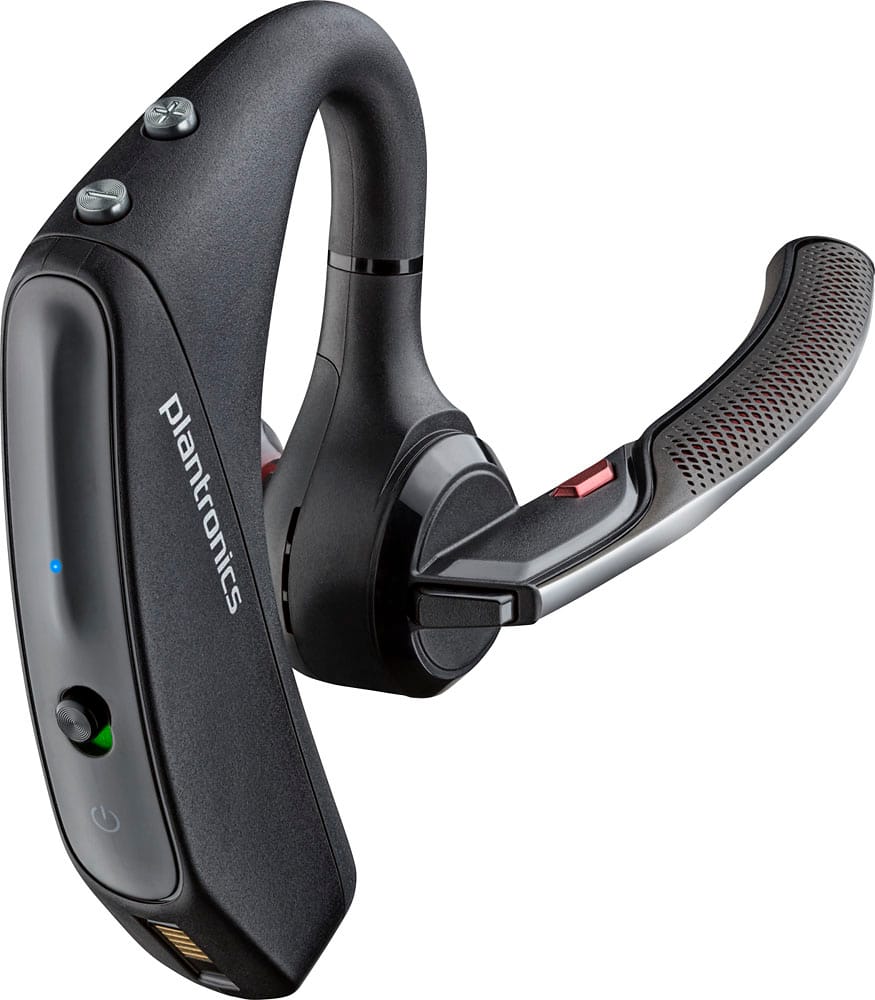
Customers commend the Voyager 5220 for its excellent sound quality, comfortable fit, and long-lasting battery life. Many users appreciate its reliable Bluetooth connectivity and lightweight design. However, some customers have noted concerns about the fit being a little loose, the volume being too low, and the range not meeting expectations.
This summary was generated by AI based on customer reviews.
Audio issues and mute button failed
||Posted .This reviewer received promo considerations or sweepstakes entry for writing a review.I got this for my office use and with in a few weeks mute button failed working and I hear lot of complains in meetings my voice is not clear is going in and out or it’s low voice. I stopped using for most of my customer calls now.
No, I would not recommend this to a friendKeep disconnect
||Posted .This reviewer received promo considerations or sweepstakes entry for writing a review.Im not happy just waited to long to return back to the store
No, I would not recommend this to a friendBrand response from PlantronicsRepresentative
Posted .Thank you for your honest review on our Voyager 5200 series Bluetooth headset. We are very sorry for your experience. Our customer care group is available any time to address any questions or issues at www.plantronics.com/support before returning your headset to the place of purchase.

Good
||Posted .This reviewer received promo considerations or sweepstakes entry for writing a review.Good................................................
I would recommend this to a friendMissing Item pictured
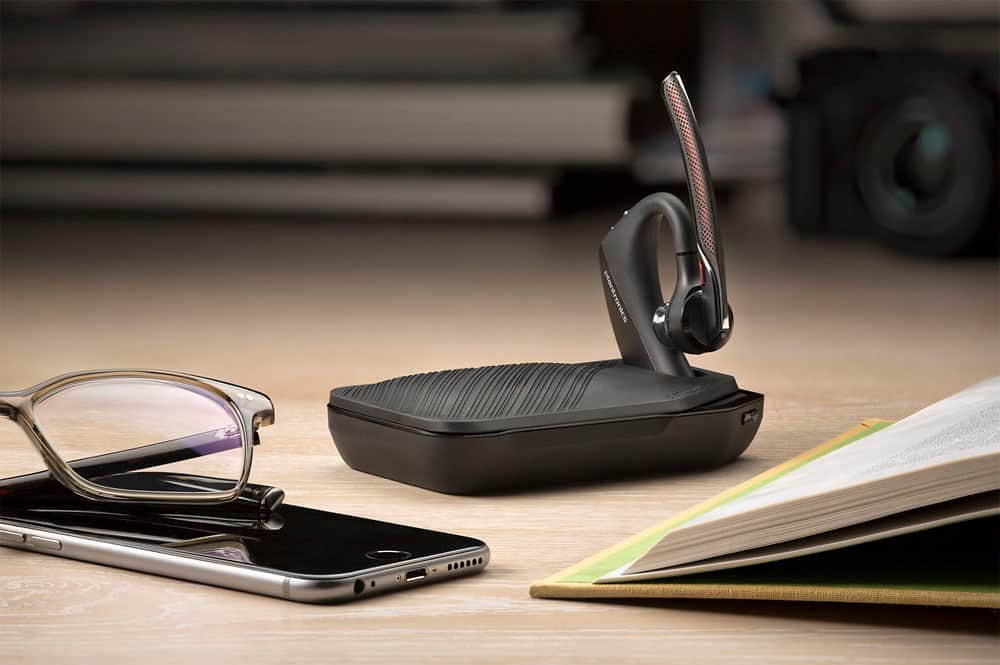
||Posted . Owned for less than 1 week when reviewed.This reviewer received promo considerations or sweepstakes entry for writing a review."Device not included" apparently is not referring to the phone or tablet, but also the travel case (shown twice) plus in some customer reviews. Misleading and disappointing.
No, I would not recommend this to a friendBrand response from PlantronicsRepresentative
Posted .We apologize for the confusion this has caused, devices labeled "UC" are the only ones that include the other accessories mentioned, the USB dongle and charging case, UC bundles are usually more expensive because of this.

Not a good Bluetooth
||Posted . Owned for 3 weeks when reviewed.This reviewer received promo considerations or sweepstakes entry for writing a review.Not real pleased with this Bluetooth at all, people complaining about Hearing their self repeat their self cutting out because the winds blowing people can’t hear me going to try to take it back
No, I would not recommend this to a friendBrand response from PlantronicsRepresentative
Posted .Hi Dave and thank you for your honest review on our Voyager 5220; However, we're deeply sorry to hear about your experience. Was it purchased brand new? Did the packaging present any tear or evident tampering? Please rest assured scenarios like these are very unlikely. To troubleshoot audio issues, please reset the connection. To do so: https://bit.ly/2OOMfnw. Reset the Network settings on your phone. Also, please ensure the firmware version is up to date through our Hub Software for Desktop: https://bit.ly/30jDXJM. If the issues persist, testing the unit with a different cell phone model is also ideal to determine the cause of the issue. Please note this model comes with a one-year limited warranty. We will forward your comments to our team for review and consideration. If you have any questions, feel free to contact our Customer Care Team at: 1 888 248 4143 or 1 916 928 7561
Good
||Posted .This reviewer received promo considerations or sweepstakes entry for writing a review.Decent Bluetooth earbud but some noise interference
I would recommend this to a friendBrand response from PlantronicsRepresentative
Posted .Thank you for your honest review on our Voyager 5220, we are sorry to hear you experienced trouble with your unit.
You might want to try resetting the Bluetooth connection between your phone and headset to see if that helps the issue. To do so:
1. Delete the headset from your cell phone's list of paired devices.
2. Once deleted, power your phone completely off, then power it back on. This resets the Bluetooth stack in the Bluetooth software on the phone.
3. Re-pair the headset with your phone.
If this does not fix your issue, we suggest pairing the headset to another cell phone as a test. If the issue is not present on the second phone, then the problem may be with the first phone, rather than the headset. If the issue exists on the second phone as well, you will need to replace the headset.
Please don't hesitate to contact our customer care group at www.plntronics.com/support if you require assistance!
Over priced garbage
||Posted . Owned for 1 week when reviewed.This reviewer received promo considerations or sweepstakes entry for writing a review.If I could give it 0 stars I would. My husband is a trucker and needed a good headset for while he drives. Nobody can understand a word he says when he uses this. He ends up using his Samsung Galaxy ear buds instead. Cannot believe we spent over a hundred dollars on complete junk!
No, I would not recommend this to a friendBrand response from PlantronicsRepresentative
Posted .Hello and thank you for your honest feedback; However, we're sorry to hear about your husband's experience. Was the headset purchased brand new? Did the packaging present any tear or evident tampering? Please rest assured that scenarios like these are very unlikely. The Voyager 5220 features built-in four-mic active digital signal processing (DSP), acoustic echo cancellation and six layers of protection against wind noise. To troubleshoot audio issues, please reset the connection: https://bit.ly/2OOMfnw. To re-pair, make sure you set it in pair mode by pressing and holding the call button for 6-8 seconds until LED flashes red and blue repeatedly. You might also want to ensure the firmware version is up to date through our Hub Software. Lastly, testing the earpiece with a different cell phone model and while it is paired with a single Bluetooth device is also ideal to determine the cause of the issue. Please note this model comes with a one-year limited warranty. We will forward your comments to our Team for review and consideration. If you require further assistance, please don't hesitate to contact our Customer Care Team at: 1 888 248 4143 or 1 916 928 7561
Not impressed
||Posted .This reviewer received promo considerations or sweepstakes entry for writing a review.I though by now Plantronics would have figured out the static issue with their bluetooth ear pieces but they have not. I also thought they would have figured out the dropping of the connected phone issue but they have not. They always have all the features but not the quality
No, I would not recommend this to a friendBrand response from PlantronicsRepresentative
Posted .That may be an issue with the headset or with the connection between the headset and phone. You might want to try resetting the Bluetooth connection between your phone and headset to see if that helps the issue. To do so,
1. Delete the headset from your cell phone's list of paired devices.
2. Once deleted, power your phone completely off, then power it back on. This resets the Bluetooth stack in the Bluetooth software on the phone.
3. Re-pair the headset with your phone. and test.
If the issue is the same we can replace that device. You can use the following url to view our replacement steps.
http://www.plantronics.com/us/support/kb/detail.jsp?vfurl=/articles/en_US/Warranty/RN9669&retURL=%2Fapex%2FknowledgeSearch®ion=us&p=&c=All&k=replacement&t=All&lang=en_US&popup=false&c=All
Don’t expect longevity
||Posted .This reviewer received promo considerations or sweepstakes entry for writing a review.At 1st the device was great after few months sucks
No, I would not recommend this to a friendBrand response from PlantronicsRepresentative
Posted .Thank you for your honest review on our Voyager 5220, we are sorry for your experience.
Please don't hesitate to contact our customer care group at www.plantronics.com/support if you require assistance with your unit.
Big disappointment
||Posted .This reviewer received promo considerations or sweepstakes entry for writing a review.I was very excited when I saw this, a direct replacement of the Voyager Legend model I used for several years, I was buying one Legend after the other, even knowing it was already an old model, but trustable. When I saw this new version I got excited, looks exactly like the previous one, so it had to be as good at least with the plus that this one has already the Micro USB connector, big mistake, this is a piece of junk, just impossible to maintain the connection, when it actually connects; there is no call where you have to manually re-connect at least once or twice... it is now sitting in my desk, I already bought again a Voyager Legend without Micro USB connector, but working great. Stay away from this "new" expensive worthless model....
No, I would not recommend this to a friendBrand response from PlantronicsRepresentative
Posted .That may be an issue with the headset or with the connection between the headset and phone. You might want to try resetting the Bluetooth connection between your phone and headset to see if that helps the issue. To do so:
1. Delete the headset from your cell phone's list of paired devices.
2. Once deleted, power your phone completely off, then power it back on. This resets the Bluetooth stack in the Bluetooth software on the phone.
3. Re-pair the headset with your phone and test.
You might also want to ensure your headset's firmware is up to date through our Hub app for Android, iOS, MacOS and Windows and disable the wearing sensors if the headset doesn't disconnect but the call audio switches back to your phone automatically.
If the issue is the same we recommend testing the device with another phone to determine if it's on the phone or headset. If the issue persists even on a different phone we can replace that device, it comes with a 1 year warranty from the date of purchase. You can use the following URL to view our replacement steps: http://www.plantronics.com/us/support/kb/detail.jsp?vfurl=/articles/en_US/Warranty/RN9669&retURL=%2Fapex%2FknowledgeSearch®ion=us&p=&c=All&k=replacement&t=All&lang=en_US&popup=false&c=All
Works good!
||Posted . Owned for 1 week when reviewed.This reviewer received promo considerations or sweepstakes entry for writing a review.Purchased this for my dad as a Christmas gift as he requested one. Uses it for driving heavy machinery and enjoys it a lot! He wanted a traditional style as he does not like airpods or galaxy buds.
I would recommend this to a friendDoesn't live up to the hype
||Posted .This reviewer received promo considerations or sweepstakes entry for writing a review.I purchased a week ago and everyday, people tell me I am garbled when I walk with this. It also is not comfortable on the ear for all day wearing. I will be returning this and exchanging this for another Legend as I have before and no problems with
No, I would not recommend this to a friendBrand response from PlantronicsRepresentative
Posted .Thank you for your honest review on our Voyager 5220 Headset. We're sorry to hear you didn't find a comfortable fit, please be sure to try wearing your headset on either ear and also trying all of the included ear gel sizes/foam covers in order to find the most secure fit and comfortable fit. Our headsets are designed to fit the vast majority of ear shapes and sizes; however, we do know that one size may not fit all and if you find the product too uncomfortable for normal use we strongly recommend that you consider using a headset with a different wearing style. Regarding the audio issues, please note you can try updating the firmware version of your headset through our Plantronics Hub Software for Desktop: https://goo.gl/5ceQ1v. In case you get the same results, please note that testing your headset with different phones and also at different locations and while connected to a single device at a given time is ideal to isolate the cause of the problem.
In any case we thank you for bringing this to our attention. We will forward your feedback to our team for consideration. Please feel free to contact our Customer Care Team at: https://www.plantronics.com/us/en/support/contact
Having problems
||Posted .This reviewer received promo considerations or sweepstakes entry for writing a review.My Bluetooth seems to be defective when talking there seems to be a problem with the other person hearing me and sometimes I get a lot of static and my phone is right near me so good thing I purchased the insurance I'm going to have to bring it back
No, I would not recommend this to a friendBrand response from PlantronicsRepresentative
Posted .Hello and thank you for your honest review! We are sorry to hear about your experience with the Voyager 5220, most of the time this can be resolved by refreshing the connection. To do so: Unpair the headset from your phone, power off the phone for 10 seconds and turn back on, turn on your headset and press (and hold) the call button for 7 seconds (let go when the LED flashes red/blue), scan with your phone and connect. If you continue to experience difficulties, please contact Plantronics Customer Care at 855-765-7878 so we can help you. Please note that the headset comes with a 1 year manufacturer's warranty.
Not as great as last model
||Posted .This reviewer received promo considerations or sweepstakes entry for writing a review.Headset works ok but not as good as last model. But ok.
I would recommend this to a friendBrand response from PlantronicsRepresentative
Posted .Please don't hesitate to contact us at www.plantronics.com/support if you require assistance with your unit.
I was expecting a little more for the $.
||Posted .This reviewer received promo considerations or sweepstakes entry for writing a review.I get some noise and digital static here and there.
I would recommend this to a friendBrand response from PlantronicsRepresentative
Posted .Thank you for your honest review on our Voyager 5220, we are sorry to hear you're experiencing trouble with your unit.
In order to troubleshoot connectivity or audio issues you might want to try resetting the Bluetooth connection between your phone and headset to see if that helps the issue. To do so:
1. Delete the headset from your cell phone's list of paired devices.
2. Once deleted, power your phone completely off, then power it back on. This resets the Bluetooth stack in the Bluetooth software on the phone.
3. Re-pair the headset with your phone. If this does not fix your issue, we suggest pairing the headset to another cell phone as a test.
If the issue is not present on the second phone, then the problem may be with the first phone, rather than the headset. If the issue exists on the second phone as well, you will need to replace the headset. Please don't hesitate to contact our customer care group at www.plantronics.com/support if you require assistance.
Not impressed with length of battery charge
||Posted .This reviewer received promo considerations or sweepstakes entry for writing a review.It requires to be charged at least every other day.
I would recommend this to a friendBrand response from PlantronicsRepresentative
Posted .Hello Brad, our Voyager 5220 should provide you with up to 7 hours of talk time with a full charge.
If you're getting considerably lower talk time we recommend that you try fully draining then recharging your unit's battery. In case the problem is the same even then you will need to replace that unit. Please don't hesitate to contact our customer care group at www.plantronics.com/support if you require assistance.
It's ok
||Posted .This reviewer received promo considerations or sweepstakes entry for writing a review.Battery life sucksssssss@ went back to 5000 .?......
No, I would not recommend this to a friendBrand response from PlantronicsRepresentative
Posted .Our Voyager 5220 should provide you with up to 7 horus of talk time on a full charge. If your unit gives you considerably less talk time this could indicate an issue with your unit's battery and we recommend that you try disabling HD Voice/Wideband audio through our Hub app for Android, iOS, macOS and Windows. Please don't hesitate to contact us at www.plantronics.com/support if you require assistance.
- Cons mentioned:Fit
Bluetooth
||Posted . Owned for 5 months when reviewed.This reviewer received promo considerations or sweepstakes entry for writing a review.This item did not fit my small ear hole. Until today it is sitting in my drawer.
No, I would not recommend this to a friend Not at all what I expected. None of the features
||Posted .This reviewer received promo considerations or sweepstakes entry for writing a review.I'm a truck driver and this doesn't work out for me.
No, I would not recommend this to a friendBrand response from PlantronicsRepresentative
Posted .Please don't hesitate to contact us at www.plantronics.com/support if you require assistance with your product.
Wouldn't buy
||Posted . Owned for 3 months when reviewed.This reviewer received promo considerations or sweepstakes entry for writing a review.Over the years I have owned a number of Plantronics Voyagers. I had been using Apple earbuds and when they died I needed something for business calls. I am very disappointed with the distortion, on my end and the people I call. I called and their RMA process was great and they exchanged it without question. The new one arrived and it is no better than the original. I am using a new iPhone 13, so I don't believe it is the phone. I went back to the earbuds, and they work fine. I am very disappointed!
No, I would not recommend this to a friendBrand response from PlantronicsRepresentative
Posted .Thank you for sharing your honest review on our Voyager 5220; Though we're sorry to hear this has been your experience. This model is one of our best communication devices and specially engineered to deliver superior call clarity. As you know, this model features four-mic active digital signal processing (DSP), acoustic echo cancellation and six layers of protection against wind noise. To isolate the cause of the issue, we strongly suggest to test the earpiece with a different cell phone model, as this will help us to verify if its related to iOS/hardware/Bluetooth stack, and so on. In any case we do thank you for bringing this to our attention. We will forward your comments to our team for review and consideration. If you have any questions, feel free to contact our Customer Care Team at: (888) 248-4143 or (916) 928-7561