Customer Ratings & Reviews
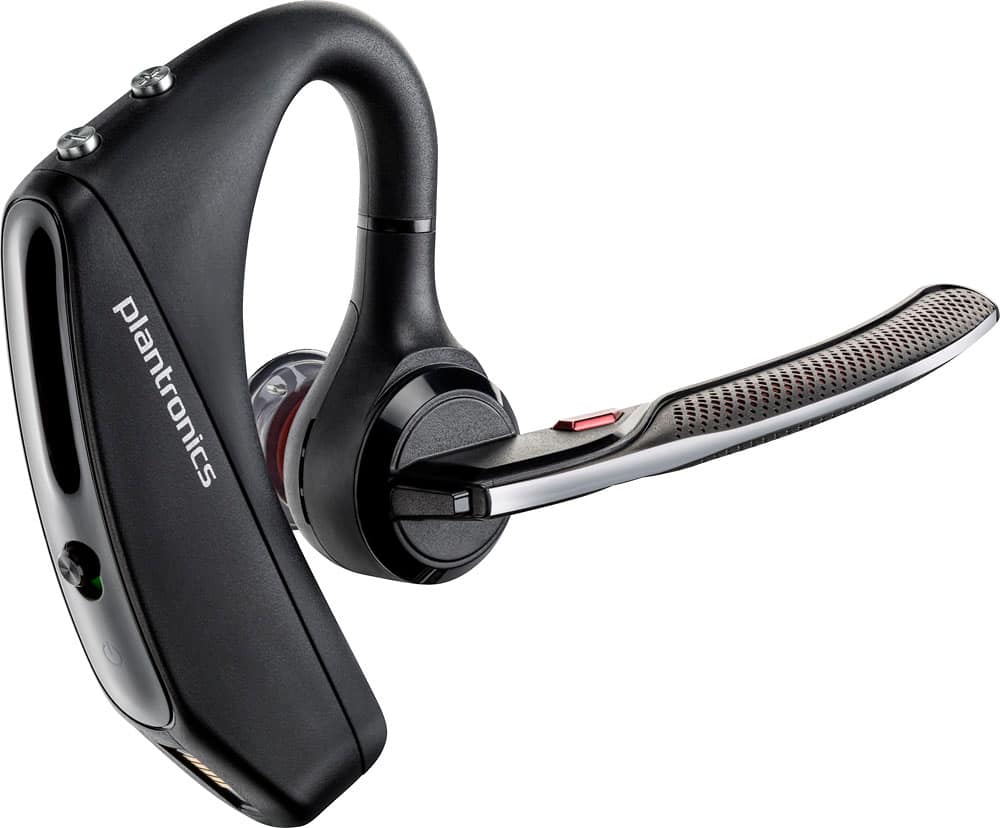
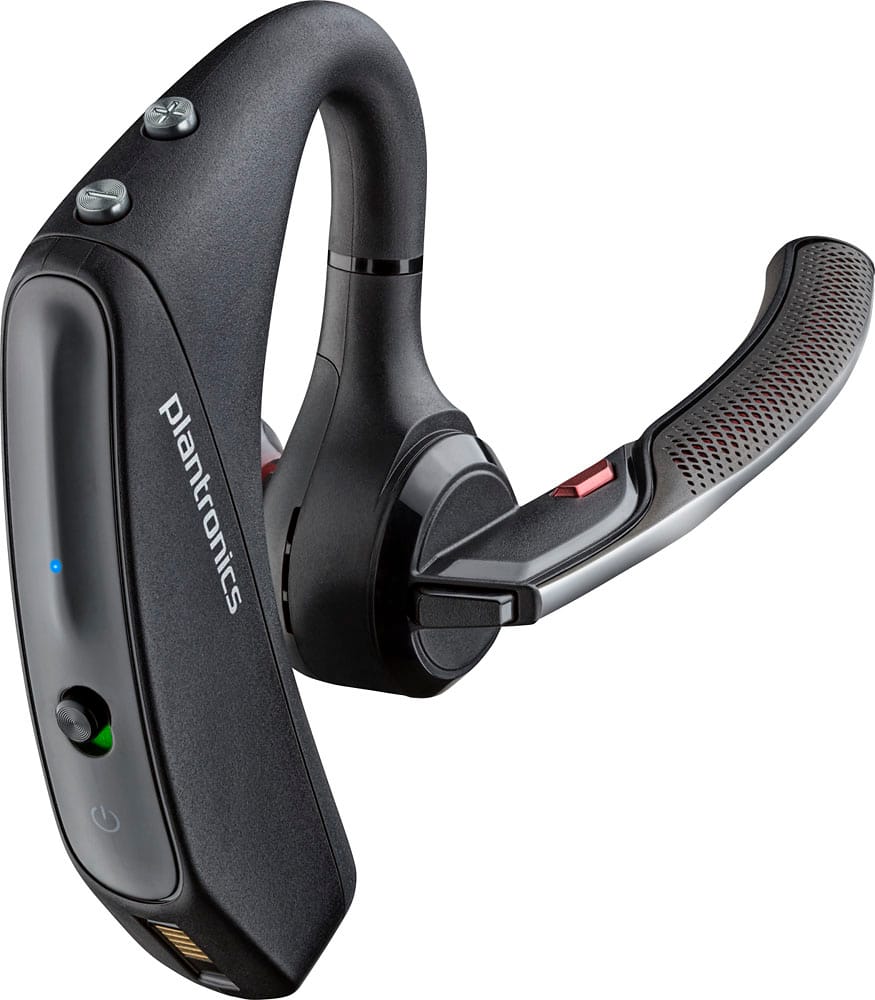
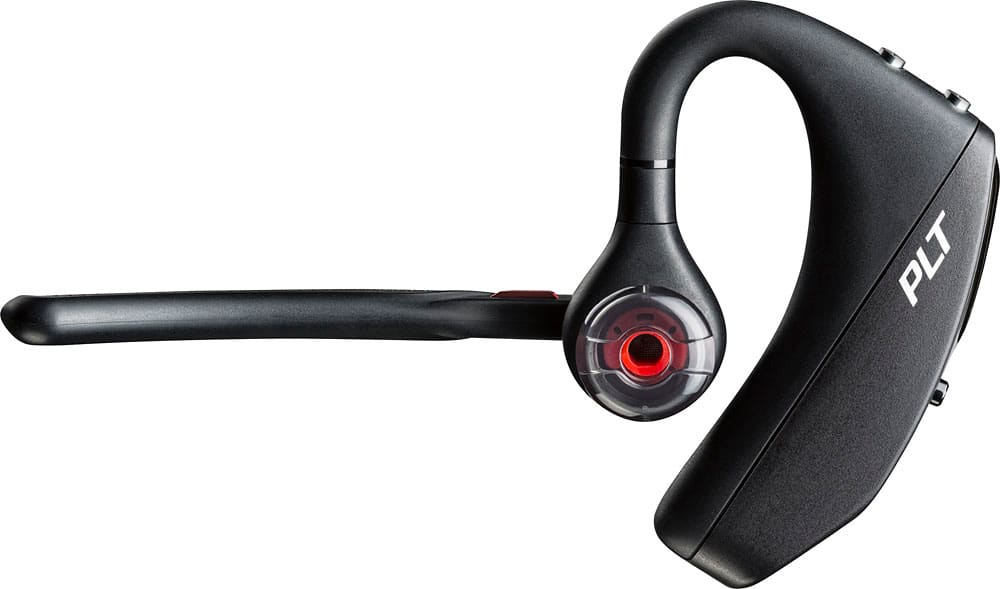





- Model:
- 7Y206AA#ABA
- SKU:
- 6563035
Rating by feature
- Sound Quality
Rating 4.4 out of 5 stars
- Battery Life
Rating 4.3 out of 5 stars
- Connectivity
Rating 4.4 out of 5 stars
Customers are saying
Customers commend the Voyager 5220 for its excellent sound quality, comfortable fit, and long-lasting battery life. Many users appreciate its reliable Bluetooth connectivity and lightweight design. However, some customers have noted concerns about the fit being a little loose, the volume being too low, and the range not meeting expectations.
This summary was generated by AI based on customer reviews.
Snap crackle pop
||Posted .This reviewer received promo considerations or sweepstakes entry for writing a review.One week after owning this everyone is scratchy, popping noises and hard to hear. Folks say I’m very muffled as well.
No, I would not recommend this to a friendBrand response from PlantronicsRepresentative
Posted .Thank you for sharing your honest review on our Voyager 5220; However, we're very sorry to hear about your experience. This model is one of our best communication headsets and specially engineered to deliver superior call clarity. There are a couple of things you could try to solve audio issues. Please try to reset the connection between the earpiece and your phone: https://goo.gl/emzUTA. You might also want to ensure the unit's firmware version is up to date through our Plantronics Hub Software: https://goo.gl/5ceQ1v. Connect the earpiece via USB cable to your computer and go to the notifications tab on Hub. We also recommend you to reset the Network settings from your phone. Lastly, testing the headset with a different phone and while it is connected to a single BT device is also ideal to isolate the cause of the issue. If you get the same results, even after performing the previous suggestions, then most likely your unit has an actual problem. Please note when this unit is purchased as brand new, it comes with a one-year manufacturer's warranty, in case you're no longer able to replace it through your seller. If you have any questions, please don't hesitate to contact our Customer Care Team at: 1-888-363-0726

Poor life battery product
||Posted . Owned for 1 week when reviewed.This reviewer received promo considerations or sweepstakes entry for writing a review.Don’t waste your money. The charge don’t last long is costly annoying to be charging your Bluetooth every three hours. When connecting to my two way radio it a couple of times as it lags to find it. The price is too expensive for the charge it gives to talk. I charged it all night and when I turn it on the time charge it tells me I only get between 3 to 4 hours.
No, I would not recommend this to a friendNot worth the money. Sound 2 star!
||Posted . Owned for 1 month when reviewed.This reviewer received promo considerations or sweepstakes entry for writing a review.The sound qualities sucks for the price. I might as qell bought a $29.00 ear piece.
No, I would not recommend this to a friendBrand response from PlantronicsRepresentative
Posted .Thank you for sharing your honest review; However, we're sorry to hear you were not happy with our product. The Voyager 5220 is one of our best communication devices, specially engineered to deliver superior call clarity. To troubleshoot audio issues, please reset the Bluetooth connection between your phone and earpiece. To do so: https://bit.ly/2OOMfnw. Also, ensure the earpiece has the latest firmware version through our Hub Software: https://bit.ly/30jDXJM. Lastly, testing the earpiece with a different mobile phone model, and while it is paired with a single Bluetooth device, is also ideal to determine the cause of the issue. If you still get the same results, even after following the previous steps, then the earpiece might have an actual problem and it is best to replace it. This model counts with a one-year limited warranty. If you require further assistance, please don't hesitate to contact our Customer Care Team at: (888) 248-4143 or (916) 928-7561
Only lasted 25 days this time!
||Posted .This reviewer received promo considerations or sweepstakes entry for writing a review.I've had 5 Plantronics headsets in the past 2 years. My recent purchase (25 days ago) was to replace my 4 month old headset that stopped taking a charge. Now after 25 days, this headset has also stopped working. I'll be filling out the warranty form, so I can get a "rebuilt" headset to replace my 25 day old "new" headset. Doesn't seem fair, but it is what it is. I'm done spending money on junk products from Plantations
No, I would not recommend this to a friendBrand response from PlantronicsRepresentative
Posted .Thank you for taking the time to share your feedback on our Voyager 5220 Headset. We're sorry to hear about your experience. Please note the life span of the product depends on the usage but on many cases they last for way past their warranty period. Here is a link with tips on how to extend the battery life of your unit https://goo.gl/Gj9EBp. You might also want to ensure your unit's firmware is up to date by checking for updates and applying any (if available) through our Plantronics Hub software: https://goo.gl/fMbdJ7. As you may know, this product has a one-year warranty from date of purchase of your original unit. We thank you for your comments. We will surely forward them to our team for consideration. Feel free to contact our Customer Care Team at: https://www.plantronics.com/us/en/support/contact if you require further assistance!

Too bulky
||Posted . Owned for 3 weeks when reviewed.This reviewer received promo considerations or sweepstakes entry for writing a review.Hard to hear callers. Difficult to operate and too bulky for my liking,
No, I would not recommend this to a friendBrand response from PlantronicsRepresentative
Posted .Thank you for your honest review; however, we are sorry to hear about your experience.
We intend to provide the highest quality products to our customers, unfortunately, we failed to meet your expectations this time.
Thank you for letting us know about this. Your feedback helps us do better.
please don't sell this product it doesn't work
||Posted . Owned for 1 month when reviewed.This reviewer received promo considerations or sweepstakes entry for writing a review.Well they sold me this product in the first 5 days it gave me problems charging, it loses the charge and has problems with the headset I can't return it because they don't sell a guarantee
No, I would not recommend this to a friendIts like a BMW drives great but no reliability
||Posted . Owned for 2 months when reviewed.This reviewer received promo considerations or sweepstakes entry for writing a review.These are the best bluetooth's on the market but only for about two months. Mine stopped charging even after two charging cable changes. Its funny that Best Buy doesn't offer you an extended warranty on this product at time of purchase but there is a reason for that.
No, I would not recommend this to a friendBrand response from PlantronicsRepresentative
Posted .Hello and thank you for sharing your honest feedback; However, we're sorry to hear this has been your experience. Please rest assured the Voyager 5220 is one of our best communication headsets, specially engineered to deliver superior call clarity and scenarios like these are very unlikely. To troubleshoot charging issues, please test a different micro-USB charging cable, along with a 5-volt wall charger for optimal performance. You might also want to ensure the firmware version is up to date through our Hub Software: https://bit.ly/30jDXJM. Lastly, we have a few tips to take into account in order to extend the battery life of our products: https://bit.ly/35IMed5. If you still get the same results after following the previous suggestions, then earpiece might have an actual problem and it is best to replace it. This model counts with a one-year limited warranty. We will surely forward your comments to our Quality Team for review and consideration. For further assistance, please contact our Customer Care Team at: 1 888 248 4143 or 1 916 928 7561.
- Cons mentioned:Fit
Uncomfortable
||Posted . Owned for 1 week when reviewed.This reviewer received promo considerations or sweepstakes entry for writing a review.This headset hurt my ears after wearing it for a long duration. It is also very bulky.
No, I would not recommend this to a friendBrand response from PlantronicsRepresentative
Posted .Hello Alex and thank you for your honest review, however, we are sorry to hear you weren't able to find a comfortable fit. Please be sure to try wearing your headset on either ear and also trying all of the included ear gel sizes in order to find the most secure fit and comfortable fit. These headsets are designed to fit the vast majority of ear shapes and sizes; however, we do know that one size may not fit all and if you find the product too uncomfortable for normal use we strongly recommend that you consider using a headset with a different wearing style. Our intention is to provide the highest quality products to our customers and we thank you for bringing this issue to our attention. We will forward your comments and feedback to our team for future consideration when developing new products. Please feel free to contact our Customer Care Team at https://www.plantronics.com/us/en/support/contact if you require assistance!
- Cons mentioned:Fit
Bad Earpiece
||Posted . Owned for 3 weeks when reviewed.This reviewer received promo considerations or sweepstakes entry for writing a review.hated it! keeps falling off our ears! Would not buy ever again
No, I would not recommend this to a friendBrand response from PlantronicsRepresentative
Posted .Hi Nonie and thank you for your honest review; However, we're deeply sorry to hear you were not able to find a secure fit. These headsets are designed to fit the vast majority of ear shapes and sizes, including the different sizes of ear gels and foam covers for a more comfort and secure fit; however, we do know that one size may not fit all and if you find the product too uncomfortable for normal use we strongly recommend that you consider using a headset with a different wearing style. We will that along to our Product Development Team for review and consideration when making new products.
- Cons mentioned:Fit
Worst Bluetooth earphone
||Posted . Owned for 1.5 years when reviewed.This reviewer received promo considerations or sweepstakes entry for writing a review.Did not fit properly and the hearing ends muffled.
No, I would not recommend this to a friendBrand response from PlantronicsRepresentative
Posted .Thank you for sharing your honest feedback on our Voyager 5220; Though we're sorry to hear you were not able to find a comfortable fit. Please note this model is designed to fit the vast majority of ear shapes and sizes, including 3 different sizes of ear tips; however, we do know that one size may not fit all and we thank you for bringing this to our attention. Keep in mind that not getting a proper fit is likely to impact the quality of the audio. To troubleshoot audio issues, please reset the Bluetooth connection. To do so: https://bit.ly/2OOMfnw. Also, please make sure the earpiece has the latest firmware through our Hub Software: https://bit.ly/30jDXJM. Lastly, in order to isolate the cause of the issue, please test the earpiece with a different phone model and while it is paired with a single Bluetooth device. If the issue is still present, please note this model counts with a one-year manufacturer's warranty. For further assistance, feel free to contact our Customer Care Team at: (888) 248-4143 or (916) 928-7561
Nice
||Posted .This reviewer received promo considerations or sweepstakes entry for writing a review.I like this product. Is my 2nd 1. I still have the old one. The ear bud broke. But the new on has some upgrades so I'm happy
I would recommend this to a friendThis one has been junk
||Posted .This reviewer received promo considerations or sweepstakes entry for writing a review.I have had several of these and have really liked them and this one for some reason hasn’t worked as good as the others. People I am talking to complain about me breaking up real bad and there being allot of background noise. It’s almost Brand new which is fairly discouraging!! I am scared to recommend this to anyone if this is the new normal! Otherwise it’s fine..
No, I would not recommend this to a friendBrand response from PlantronicsRepresentative
Posted .Thank you for your honest review; However, we're truly sorry to hear about your experience. The Voyager 5220 is one of our best communication headsets and specially engineered to deliver superior call clarity. It has built-in four-mic active digital signal processing (DSP), acoustic echo cancellation and six layers of protection against wind noise, therefore scenarios like these are very unlikely. To troubleshoot it, please reset the connection between your cell phone and earpiece: https://bit.ly/2OOMfnw. Ensure the unit's firmware version is up to date through our Hub Software for Desktop: https://bit.ly/30jDXJM. You might also want to reset the network settings on your phone. Lastly, testing the earpiece with a different phone and while it is connected to a single device is also ideal to isolate the cause of the issue. If you still get the same issues, then there might be an actual problem with the unit. This model comes with a one-year limited warranty. We have shared your comments with our team for review and consideration. If you require further assistance, feel free to contact our Customer Care Team at: 1-888-363-0726.
So so
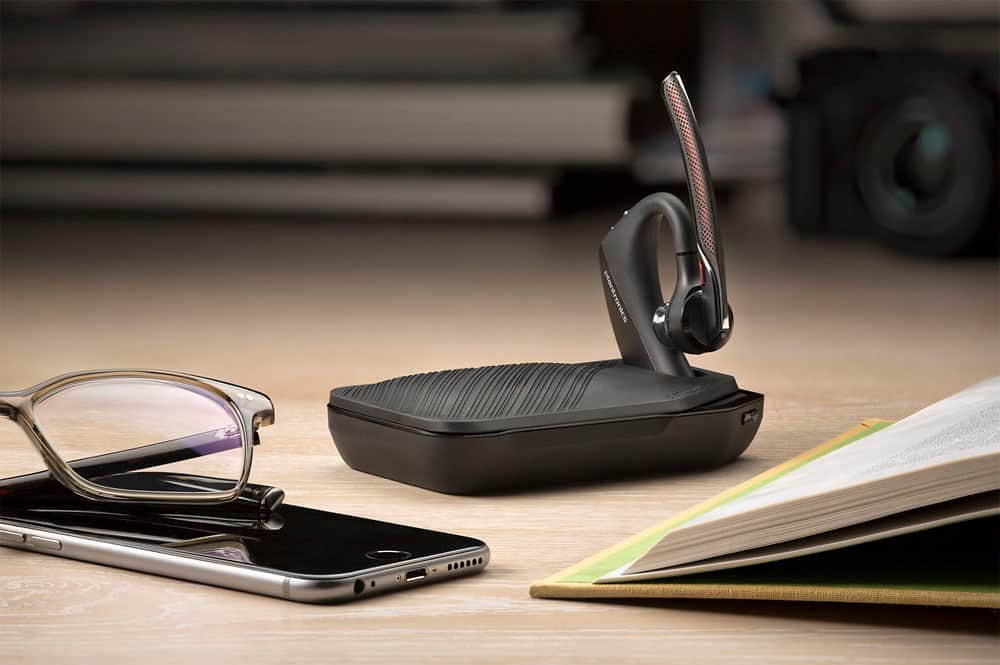
||Posted . Owned for 2 months when reviewed.This reviewer received promo considerations or sweepstakes entry for writing a review.The charging stand doesn’t come with it and I can’t find one
No, I would not recommend this to a friend- Cons mentioned:Volume
Defective unit
||Posted .This reviewer received promo considerations or sweepstakes entry for writing a review.I Always buy Plantronics Voyager headsets. Had to return this unit. Volume very low.
No, I would not recommend this to a friendBrand response from PlantronicsRepresentative
Posted .Hi! Thank you for your review, however, we are sorry to hear about your experience. If you are experiencing low volume on the headset you can adjust it directly from your mobile of from the headset. Next time, you may want to reset the Bluetooth connection with your mobile to see if there is an improvement with the audio. To do so: 1) Unpair the headset from your mobile phone by accessing your Bluetooth settings. 2) Power off your mobile phone for 2 minutes and turn it back on. 3) Re-pair the headset by pressing and holding down the call control button until you see the LED flashing red and blue. 4) Access to your Bluetooth settings and select "PLT_V5200". Once successfully paired, you will hear "pairing successful" and the LED on your headset will stop flashing red and blue. If for some reason the volume is still too low, then it means the headset has an actual poblem and it is best to replace it. Remember this unit counts with a limited warranty since the first day of purchase and you can request a replacement directly through our official website. Please note the life span of the product depends on the usage but on many cases they last for way past their warranty period. Please don't hesitate to contact our Customer Care Team at 800-985-9815 if you require assistance.
Dud bluetooth
||Posted . Owned for 3 weeks when reviewed.This reviewer received promo considerations or sweepstakes entry for writing a review.Hadnt had it a year before it stopped working totally
No, I would not recommend this to a friendBad
||Posted . Owned for 1 month when reviewed.This reviewer received promo considerations or sweepstakes entry for writing a review.Very Disappointed with this product. constant in and out, static reception. Read all the reviews, supposed to be the best on the market?? Had it only for a little over 30 days. Getting something else. Previous newbee for under $20 was better..
No, I would not recommend this to a friendBrand response from PlantronicsRepresentative
Posted .Thank you for taking the time to share your honest review on our Voyager 5220; however, we're deeply sorry to hear about your experience. If you are experiencing audio and connectivity issues, we recommend resetting the headset by pressing and holding the call control and mute buttons for 5 seconds while it's turned off, this will reset the headset. We also recommend unpairing and repairing the headset with your mobile phone, testing with a different phone can also help us isolate the problem. Last but not least we always recommend checking if there are any firmware updates with the Plantronics Hub application. If the same issue persists, then it could be a problem with the headset and it will be best to replace it. Remember this unit does have a limited warranty from the date of purchase and you can request a replacement directly through our official website. If you require further assistance, please don't hesitate to contact our Customer Care Team at 1-888-363-0726.
Very easy to set up
||Posted .This reviewer received promo considerations or sweepstakes entry for writing a review.It was a great gift. My dad loves it. He said he loves the noise reduction on it because no one can hear anything in the background when he’s talking to them. Excellent!!
I would recommend this to a friendBluetooth Headset
||Posted . Owned for 1 month when reviewed.This reviewer received promo considerations or sweepstakes entry for writing a review.Exactly what i wanted and works well for my job. I would definitely recommend this product.
I would recommend this to a friendOften doesn't work
||Posted .This reviewer received promo considerations or sweepstakes entry for writing a review.When it works it works well. Often it says it's connected to the phone but there's no audio.
No, I would not recommend this to a friendBrand response from PlantronicsRepresentative
Posted .Thank you for your honest review on our Voyager 5220, we are sorry to hear you're experiencing trouble with your unit.
In order to troubleshoot connectivity or audio issues you might want to try resetting the Bluetooth connection between your phone and headset to see if that helps the issue. To do so:
1. Delete the headset from your cell phone's list of paired devices.
2. Once deleted, power your phone completely off, then power it back on. This resets the Bluetooth stack in the Bluetooth software on the phone.
3. Re-pair the headset with your phone. If this does not fix your issue, we suggest pairing the headset to another cell phone as a test.
If the issue is not present on the second phone, then the problem may be with the first phone, rather than the headset. If the issue exists on the second phone as well, you will need to replace the headset. Please don't hesitate to contact our customer care group at www.plantronics.com/support if you require assistance.
Not so happy
||Posted . Owned for 5 months when reviewed.This reviewer received promo considerations or sweepstakes entry for writing a review.Worked great for awhile. Then got complaints that I sounded muffled and distorted
I would recommend this to a friendBrand response from PlantronicsRepresentative
Posted .Hello! Thank you for reviewing our Voyager 5220, however, we are sorry to hear you are having problems with your headset. We intend to provide the highest quality products to our customers and we thank you for bringing this to our attention. If you are experiencing audio issues, we recommend resetting the headset by pressing and holding the call control and mute buttons for 5 seconds while it's turned off, this will reset the headset. We also recommend unpairing and repairing the headset with your mobile phone. Last but not least we always recommend disabling the smart sensors of the headset with the Plantronics Hub application and check if it doesn't have any updates available. Testing the headset with a different mobile phone can also help us isolate the problem. If you require further assistance, please don't hesitate to contact our Customer Care Team at 1-888-363-0726.