Customer Ratings & Reviews




- Model:
- 7Y206AA#ABA
- SKU:
- 6563035
Rating by feature
- Sound Quality
Rating 4.4 out of 5 stars
- Battery Life
Rating 4.3 out of 5 stars
- Connectivity
Rating 4.4 out of 5 stars
Customers are saying
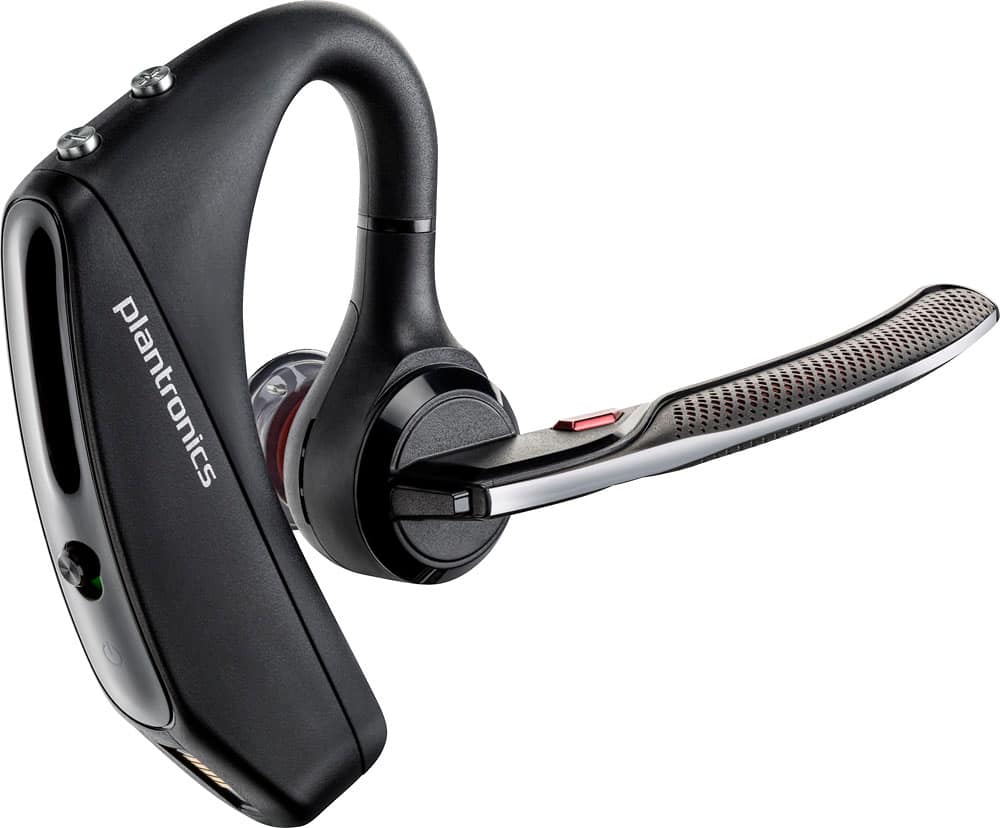
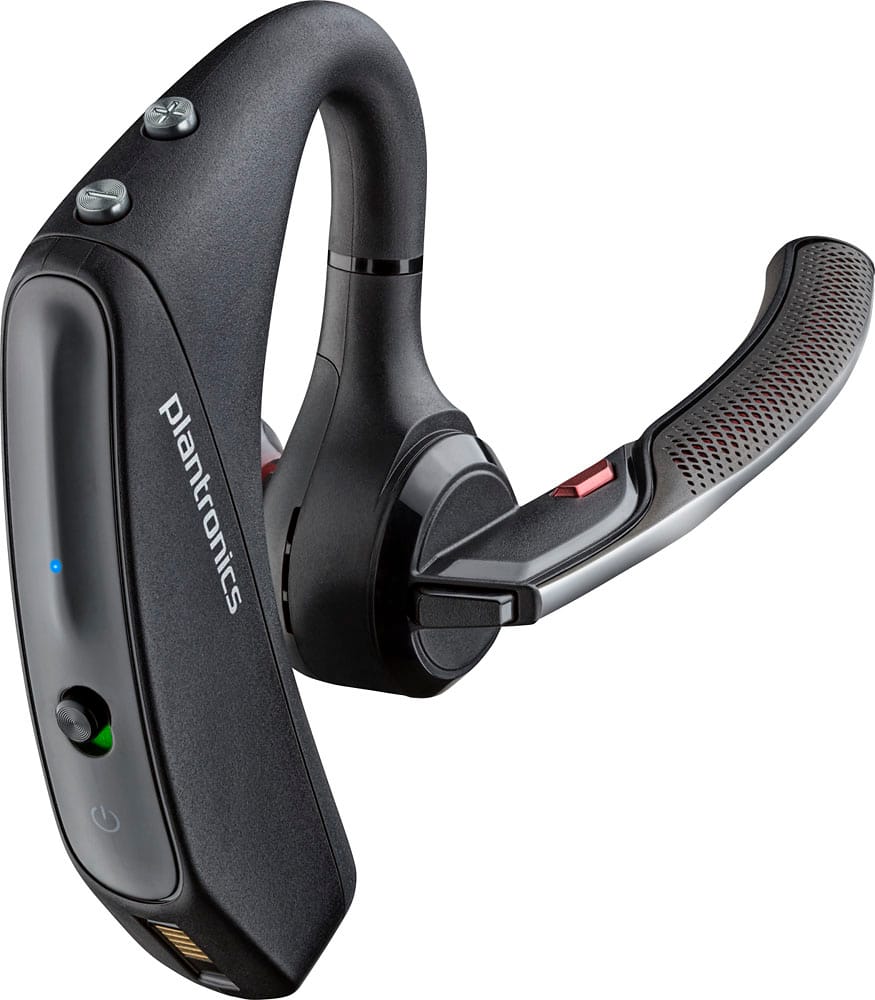
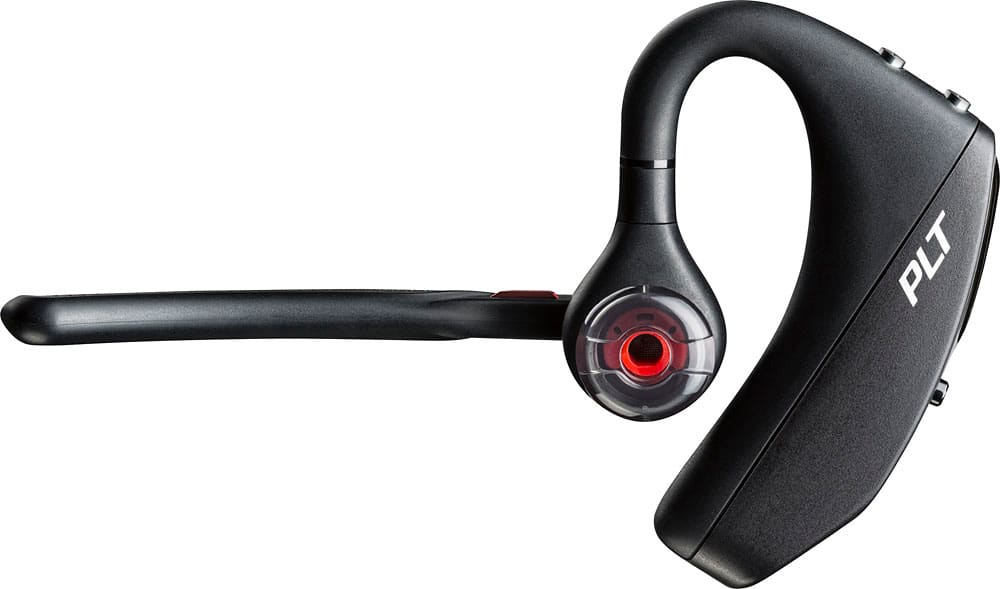
Customers commend the Voyager 5220 for its excellent sound quality, comfortable fit, and long-lasting battery life. Many users appreciate its reliable Bluetooth connectivity and lightweight design. However, some customers have noted concerns about the fit being a little loose, the volume being too low, and the range not meeting expectations.
This summary was generated by AI based on customer reviews.
Manufacturing problem
||Posted . Owned for 2 weeks when reviewed.This reviewer received promo considerations or sweepstakes entry for writing a review.Just got this 20 days ago and it’s not working. Its glitching like get connect and desconect by self. And not longer returnable
No, I would not recommend this to a friendBrand response from PlantronicsRepresentative
Posted .We're so sorry to hear that you are experiencing connectivity issues with the Voyager headset. Please reset the Bluetooth connection and also ensure the firmware is up to date. To do so, please follow the steps in the link: http://surl.li/evyap. To check and update firmware of the headset on PC, download the Plantronics Hub app from link: http://surl.li/evyas. If you have any additional concerns or if the issue persists even after performing the steps mentioned above, please do not hesitate to contact our Customer Care Team at 1-855-765-7878. Thank you for your honest review, we appreciate your feedback.

SAVE YOUR MONEY.
||Posted . Owned for 1 week when reviewed.This reviewer received promo considerations or sweepstakes entry for writing a review.WORST ITEM I HAVE EVER SENT MONEY ON! Not only does it not connect correctly it makes you sound like your under water... SAVE YOUR MONEY.
No, I would not recommend this to a friendBrand response from PlantronicsRepresentative
Posted .Hello and thank you for your honest review. We're sorry to hear you feel this way. The Voyager 5200 is one of our best communication headsets and specially engineered to deliver superior call clarity. It has built-in four-mic active digital signal processing (DSP), acoustic echo cancellation and six layers of protection against wind noise. Was the headset purchased brand new? Did the packaging present any tear or evident tampering? Please rest assured that we take the quality of our products very seriously, and scenarios like these are very unlikely. To troubleshoot it please reset the BT connection. To do so: https://bit.ly/2OOMfnw. Also, ensure the unit's firmware version is up to date through Hub Software: https://bit.ly/30jDXJM. Lastly, testing the earpiece with a different phone model is also ideal to determine the cause of the issue. If you still get the same results, please note this model counts with a one-year limited warranty. We will surely forward your comments to our team for review and consideration.
Junk
||Posted . Owned for 1 year when reviewed.This reviewer received promo considerations or sweepstakes entry for writing a review.My husband bought this for his work as a mechanic. It lasted 2 months and than it wouldn’t dial for him anymore. I bought another one thinking maybe he damaged it in some way. NOPE!! Same thing happened again
No, I would not recommend this to a friendBrand response from PlantronicsRepresentative
Posted .Hi Andrea and thank you for your honest review on our Voyager 5220; However, we're sorry to hear you've had trouble with your unit. If you are referring to the voice dial feature, please make sure you've accepted the request to phone book access when the headset pairs to the phone, as this feature can be unchecked by new updates on the phone. You might also want to try resetting the Bluetooth connection between your phone and earpiece: https://goo.gl/emzUTA. Please ensure your unit's firmware version is up to date. It is not common to experience the same exact issue with consecutive units. If the issue persists, please note this model counts with a one-year warranty from date of purchase. Thank you for your comments. If you require further assistance, please don't hesitate to contact our Customer Care Team at: https://bit.ly/2HQmBLa
Buy something else.
||Posted . Owned for 3 weeks when reviewed.This reviewer received promo considerations or sweepstakes entry for writing a review.Absolutely horrible. Tried to talk to 4 different people and all claimed its spotty and very hard to hear. Stay far away from.
No, I would not recommend this to a friendBrand response from PlantronicsRepresentative
Posted .Hello! Thank you for taking the time to share your honest feedback on our Voyager 5220; However, we're deeply sorry to hear about your experience. If you are experiencing audio issues, we recommend resetting the headset by pressing and holding the call control and mute buttons for 5 seconds while it's turned off, this will reset the headset. We also recommend unpairing and repairing the headset with your mobile phone, testing with a different phone can also help us isolate the problem. Last but not least we always recommend checking if there are any firmware updates with the Plantronics Hub application. If you require further assistance, please don't hesitate to contact our Customer Care Team at 1-888-363-0726.
Not worth the money you pay for it
||Posted .This reviewer received promo considerations or sweepstakes entry for writing a review.Purchased it March 20th 2017, and by June 9th it does not work. Had a Bose Bluetooth series 2 for over 2 years before I had to replace it and then they did not make them anymore. This is the reason I purchased this brand, I DO NOT RECOMMEND.
No, I would not recommend this to a friendBrand response from PlantronicsRepresentative
Posted .Thank you for your honest review on our Voyager 5220, we are sorry to hear you're experiencing trouble with your unit. Please don't hesitate to contact our customer care group at www.plantronics.com/support if you require troubleshooting or replacement assistance.

Mr
||Posted . Owned for 1 month when reviewed.This reviewer received promo considerations or sweepstakes entry for writing a review.Hard to hear and stopped working after three weeks.
No, I would not recommend this to a friendDisappointed
||Posted . Owned for 11 months when reviewed.This reviewer received promo considerations or sweepstakes entry for writing a review.I would not recommend this product. Poor quality. The item cuts in and out and cuts calls off. I was very disappointed in this model of Plantronics but I am still and will remain a Plantronics buyer
No, I would not recommend this to a friendBrand response from PlantronicsRepresentative
Posted .Thank you for sharing your honest review; However, we're deeply sorry to hear about your experience. The Voyager 5200 is one of our best communication headsets and specially engineered to deliver superior call clarity. It has built-in four-mic active digital signal processing (DSP), acoustic echo cancellation and six layers of protection against wind noise. To troubleshoot audio and connection issues, try to reset the connection between your phone and earpiece. To do so: https://goo.gl/emzUTA. Reset the network settings from your phone, and ensure the earpiece firmware version is up to date through our Plantronics Hub Software. If the call is actually disconnecting and going back to the phone, then this issue might be related to the smart sensors. These detect the pressure from your ear; However, they can be triggered by several conditions like having the earpiece a bit loose from your ear, or wearing glasses. To isolate the cause of the issue, please try disabling the sensors through Hub for Desktop. Connect the earpiece powered-off via USB cable and go to settings>sensors>master sensor. If you still get the same results, as a last effort test it with a different phone, as it is ideal to determine where the issue is coming from. This model counts with a one-year limited warranty. Thank you for bringing this to our attention. If you require further assistance, don't hesitate to contact our Customer Care Team at: https://www.plantronics.com/us/en/support/contact
Bluetooth earpiece
||Posted . Owned for 4 months when reviewed.This reviewer received promo considerations or sweepstakes entry for writing a review.This is the second one I’ve purchased, both stop charging.
No, I would not recommend this to a friendPoor connection, did not work well.
||Posted .This reviewer received promo considerations or sweepstakes entry for writing a review.AT first I liked it, but the more I used it, the more others reported having difficulty hearing me completely. My callers were reporting that my conversation was cutting in and out. I ended up returning this item.
No, I would not recommend this to a friendBrand response from PlantronicsRepresentative
Posted .Hello and thank you for your honest review on our Voyager 5220 Headset; However, we're sorry to hear you've had trouble with your unit. There are a couple of steps we recommend in order to troubleshoot mic issues that might fix them: Please ensure the unit's firmware version is up to date through our Plantronics Hub Software for Desktop: https://goo.gl/5ceQ1v. You may also want to try resetting the BT connection between your headset and phone. To do so: https://goo.gl/emzUTA. Testing your headset with a different phone and while connected to a single device is also ideal to isolate the cause of the issue. If you get the same results then the headset must have a problem and it is best to replace it. We thank you for bringing this to our attention. We will forward your comments to our team for review and consideration. If you have any questions, feel free to contact our Customer Care Team at: 855-765-7878.
Horrible
||Posted . Owned for 1 month when reviewed.This reviewer received promo considerations or sweepstakes entry for writing a review.Had this headset maybe a couple months already stopped working. Will not connect to blue tooth on my computer. What a waste of money spent.
No, I would not recommend this to a friendPoor charging
||Posted . Owned for 11 months when reviewed.This reviewer received promo considerations or sweepstakes entry for writing a review.The charging is very weak and breaks. this is the second time I purchased this device with the same issue. My fault for giving it another try.
No, I would not recommend this to a friendBrand response from PlantronicsRepresentative
Posted .Thank you for your honest review on our Voyager 5220, however, we are sorry to hear about your experience. We intend to provide the highest quality products to our customers and we thank you for bringing this to our attention.
If your headset is not charging correctly, we recommend that you try another charging cable, another charger, or another wall outlet if possible to isolate the problem. If the headset still won't charge, then it could mean an actual problem with the unit and it will be best to replace it. Please note this model does have a one-year warranty from the date of purchase and you can request a replacement directly through our official website.
We will forward your comments to our Product Development Team, as we appreciate feedback based on customer use to create the best possible products. If you have any questions or require further assistance, feel free to contact our Customer Care Team at 1-888-363-0726.
Planatronics V5200
||Posted . Owned for 1 month when reviewed.This reviewer received promo considerations or sweepstakes entry for writing a review.The bluetooth broke, not a good product, i will not buy again, and now I can't return it or get it replaced, not good.
No, I would not recommend this to a friendBrand response from PlantronicsRepresentative
Posted .We apologize for any inconvenience caused, please be advised this device has a one-year manufacturer's warranty. Please do not hesitate to call us at 1 8882 484143 for additional assistance. Thank you for bringing this to our attention.
No Good Don't Buy
||Posted . Owned for 6 months when reviewed.This reviewer received promo considerations or sweepstakes entry for writing a review.Worked great for 2 months. Went on Plantroics/Poly site to register it. Site can't find the serial number. Chat doesn't work. Aweful!
No, I would not recommend this to a friendVery disappointed
||Posted . Owned for 1.5 years when reviewed.This reviewer received promo considerations or sweepstakes entry for writing a review.The noise cancelation was more like noise amplification! My clients could hear me wading up a tissue, saying it hurt their ears. I wish someone could manufacture one that really did work.
No, I would not recommend this to a friendBrand response from PlantronicsRepresentative
Posted .Hi Perry and thank you for your honest review; However, we're deeply sorry to hear you've had trouble with your unit. The Voyager 5220 is one of our best communication headsets and specially engineered to deliver superior call clarity. It has built-in four-mic active digital signal processing (DSP), acoustic echo cancellation and six layers of protection against wind noise. To troubleshoot your unit, please reset the connection between your phone and earpiece: https://goo.gl/emzUTA. You might also want to ensure the unit's firmware version is up to date through our Hub Software for Desktop: https://goo.gl/5ceQ1v. Lastly, testing the earpiece with a different phone, and while it is connected to a single device is ideal to isolate the cause of the issue. If you get the same results, even after performing the previous steps, then most likely the unit has an actual problem and it is best to replace it. This model counts with a one-year manufacturer's warranty. We thank you for your comments. Your feedback has been shared with our team for review and consideration. If you require further assistance, please don't hesitate to contact our Customer Care Team at: 1-888-363-0726
Do not Buy
||Posted . Owned for 1 month when reviewed.This reviewer received promo considerations or sweepstakes entry for writing a review.I am very disappointed in this item , only lasted two months and stop working . And this is not the first one to fail quickly .
No, I would not recommend this to a friendKeeps going in and out when speaking to someone
||Posted . Owned for 3 weeks when reviewed.This reviewer received promo considerations or sweepstakes entry for writing a review.When speaking through ear piece conversation, the conversations go in and out like there a pause in the call very frustrating as this unit cost 129.00 never had a plantronics ear piece work this poorly
No, I would not recommend this to a friendBrand response from PlantronicsRepresentative
Posted .Hello and thank you for your honest review on our Voyager 5220 headset, however, we are sorry to hear about your experience. If your headset is constantly cutting off, it could be due to the smart sensors. If they are not calibrated or working as expected you can encounter these type of issues. You may want to try disabling the smart sensors. In an idle state, simultaneously press and hold the call and mute buttons for 5 seconds and a voice prompt will inform you of smart sensors status. You may also want to reset the Bluetooth connection with your mobile. To do so: 1) Unpair the headset from your mobile phone by accessing your Bluetooth settings. 2) Power off your mobile phone for 2 minutes and turn it back on. 3) Re-pair the headset by pressing and holding down the call control button until you see the LED flashing red and blue. 4) Access to your Bluetooth settings and select "PLT_V5200". Once successfully paired, you will hear "pairing successful" and the LED on your headset will stop flashing red and blue. Last but not least, we recommend testing the headset with a different mobile to completely isolate the issue. If for some reason you still encounter the same issue, then it means the headset has an actual problem and it is best to replace it. Remember this unit counts with a limited warranty since the first day of purchase, and if you need a replacement you can click on the following link for further instructions: https://bit.ly/2N637EC.P lease don't hesitate to contact our Customer Care Team at https://www.plantronics.com/us/en/support/contact if you require assistance!
Does NOT COME WITH CASE
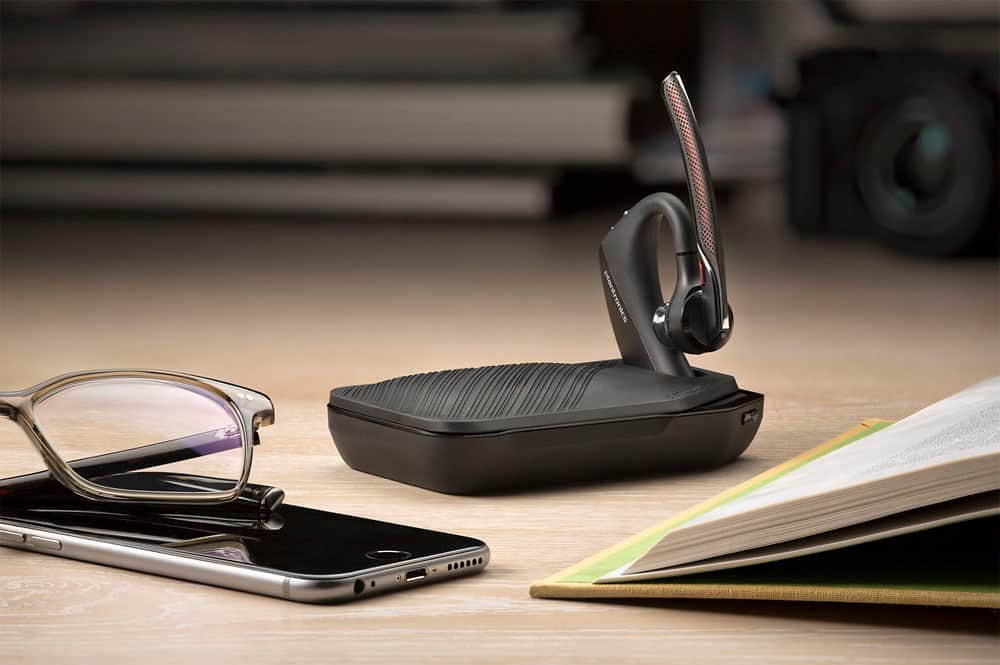
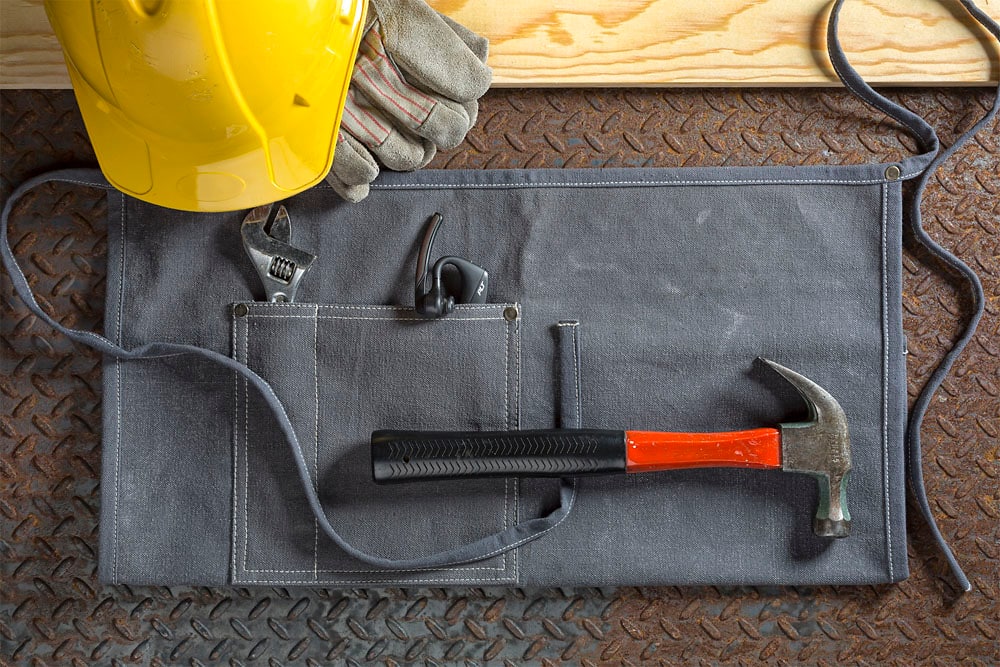
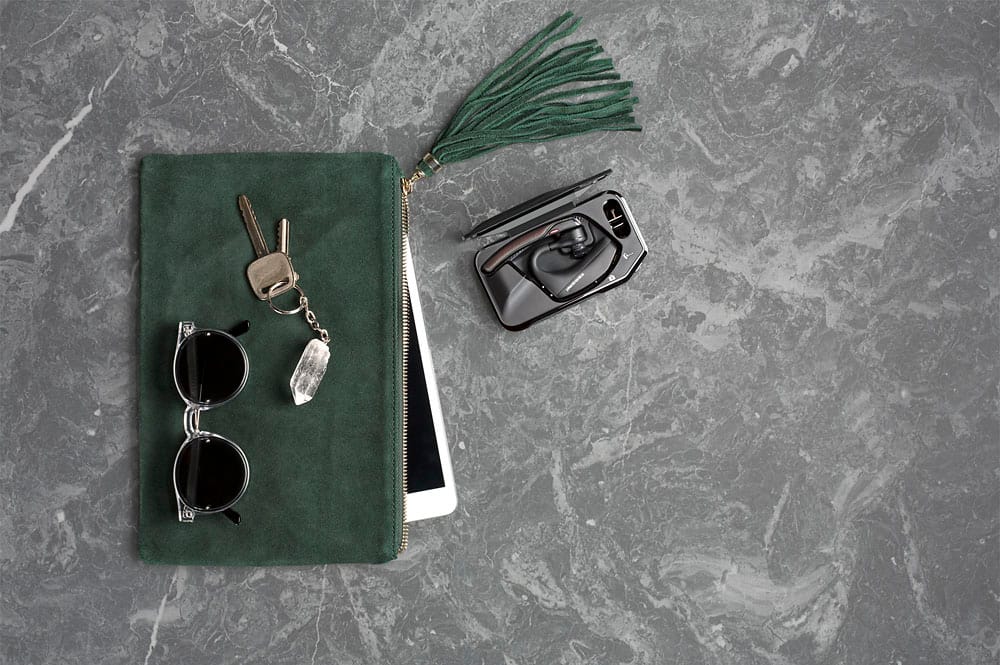
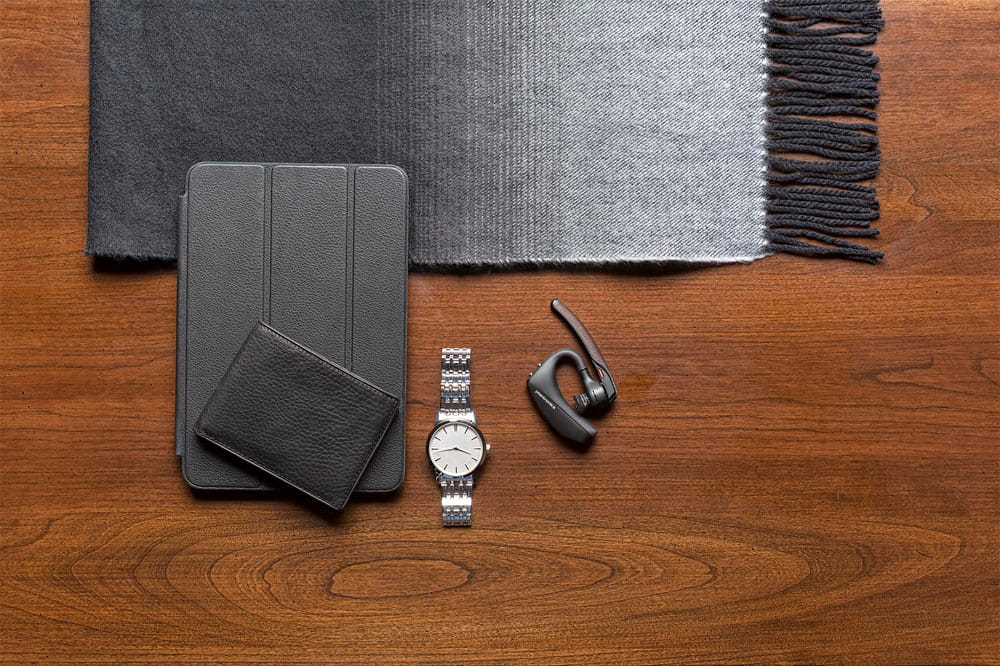
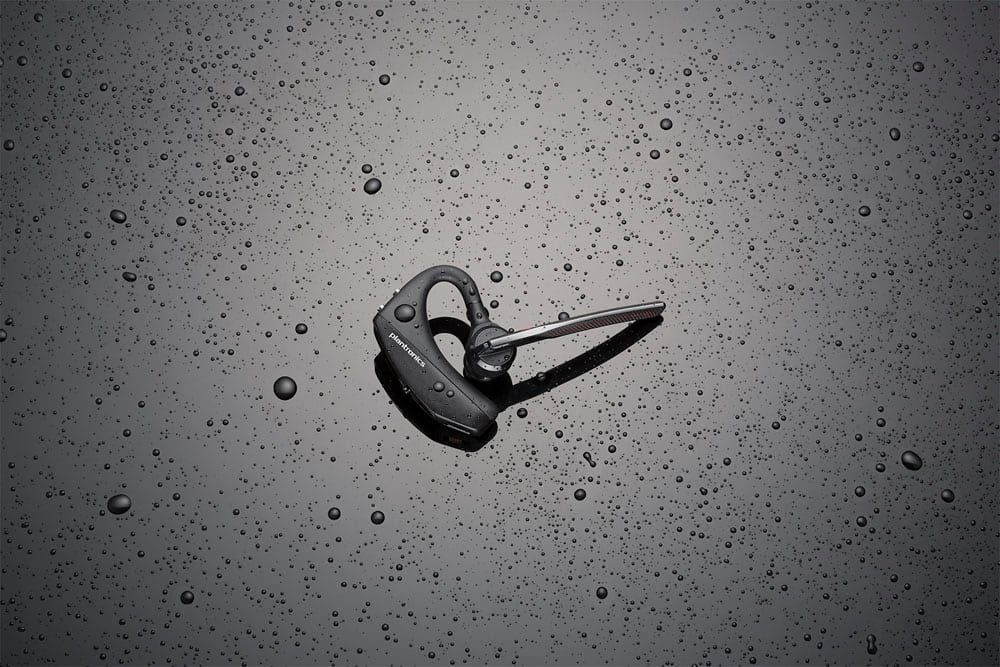
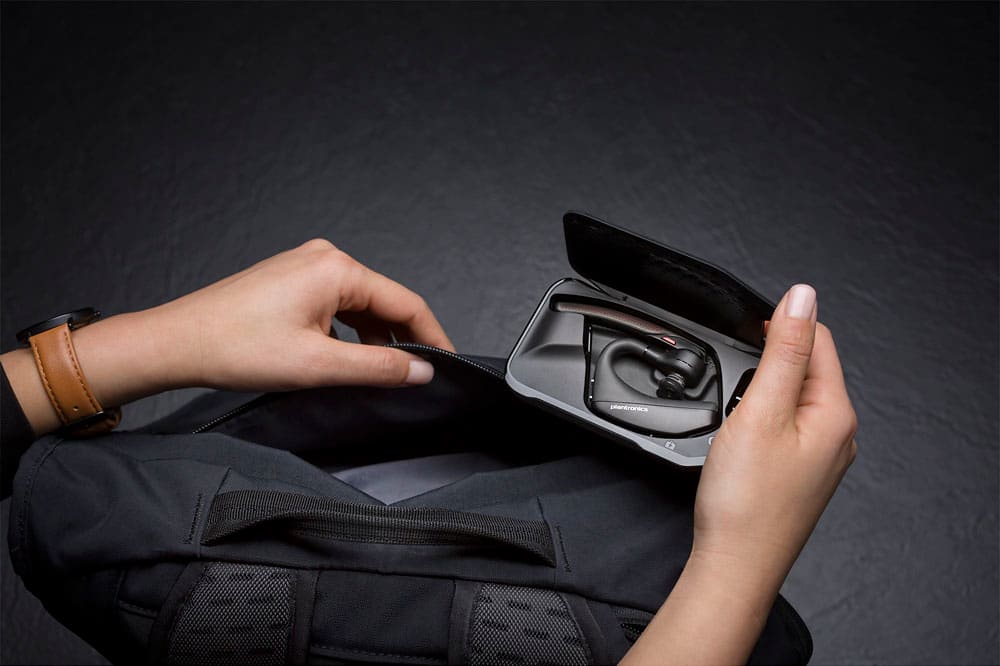
||Posted . Owned for less than 1 week when reviewed.This reviewer received promo considerations or sweepstakes entry for writing a review.The images imply that this comes with the case. The 'device not included' doesn't specify that the CASE is NOT what isn't in the package. This is extremely misleading.
No, I would not recommend this to a friendBrand response from PlantronicsRepresentative
Posted .Hi Phil. Thank you for sharing your honest review on our Voyager 5220. We're very sorry to hear about your experience. The part number included in the description 203600-63, belongs to the standard version where the charging case is not included. Furthermore, the additional Accessories Included section doesn't mention a charging case as well. In any case we do thank you for bringing this to our attention, we will forward this to the vendor for review and consideration. If you have any questions related to our products, feel free to contact our Customer Care Team at: 1-855-765-7878
Don't know what happen
||Posted . Owned for 3 weeks when reviewed.This reviewer received promo considerations or sweepstakes entry for writing a review.It stop working. I try recharging but, still won't work.
No, I would not recommend this to a friendjunk
||Posted . Owned for 1 year when reviewed.This reviewer received promo considerations or sweepstakes entry for writing a review.My second Plantronics bluetooth headset. Both died shortly after the 1 year warranty. They will not do anything for you when you call Plantronics.
No, I would not recommend this to a friendBrand response from PlantronicsRepresentative
Posted .Hello! Thank you for reviewing our Voyager 5220, however, we are truly sorry to hear about your experience. If you require technical assistance, please don't hesitate to contact our Customer Care Team at 1-888-363-0726.
Worst in this brand I ever had
||Posted . Owned for 2 months when reviewed.This reviewer received promo considerations or sweepstakes entry for writing a review.I buy this brand cuz it works for me. I like noise reduction but this one would not stay connected to my phone. Every time I turned ear piece off I had to pair it again to same phone. It was hectic
No, I would not recommend this to a friendBrand response from PlantronicsRepresentative
Posted .Hello and thank you for your review on our Voyager 5200 headset, however, we are sorry to hear about your experience. Our intention is to provide the highest quality products to our customers and we thank you for bringing this issue to our attention. If you are experiencing some connectivity issues with your headset, you may want to try resetting the Bluetooth connection with your mobile. To do so: 1) Unpair the headset from your mobile phone by accessing your Bluetooth settings. 2) Power off your mobile phone for 2 minutes and turn it back on. 3) Re-pair the headset by pressing and holding down the call control button until you see the LED flashing red and blue. 4) Access to your Bluetooth settings and select "PLT_V5200". Once successfully paired, you will hear "pairing successful" and the LED on your headset will stop flashing red and blue. You may also want to disable the smart sensors of the headset. If they are not calibrated or working as expected, you could encounter these type of issues. In an idle state, simultaneously press and hold the call and mute buttons for 5 seconds and a voice prompt will inform you of smart sensors status. Last but not least, we recommend testing the headset with a different mobile to completely isolate the issue. If for some reason you still encounter the same issue with the headset, then it means it has an actual problem and it is best to replace it. Remember this unit counts with a limited warranty since the first day of purchase, and if you need a replacement you can click on the following link for further instructions: https://bit.ly/2N637EC.Please don't hesitate to contact our Customer Care Team at 800-985-9815 if you require assistance.