Customer Ratings & Reviews





- Model:
- 7Y206AA#ABA
- SKU:
- 6563035
Rating by feature
- Sound Quality
Rating 4.4 out of 5 stars
- Battery Life
Rating 4.3 out of 5 stars
- Connectivity
Rating 4.4 out of 5 stars
Customers are saying
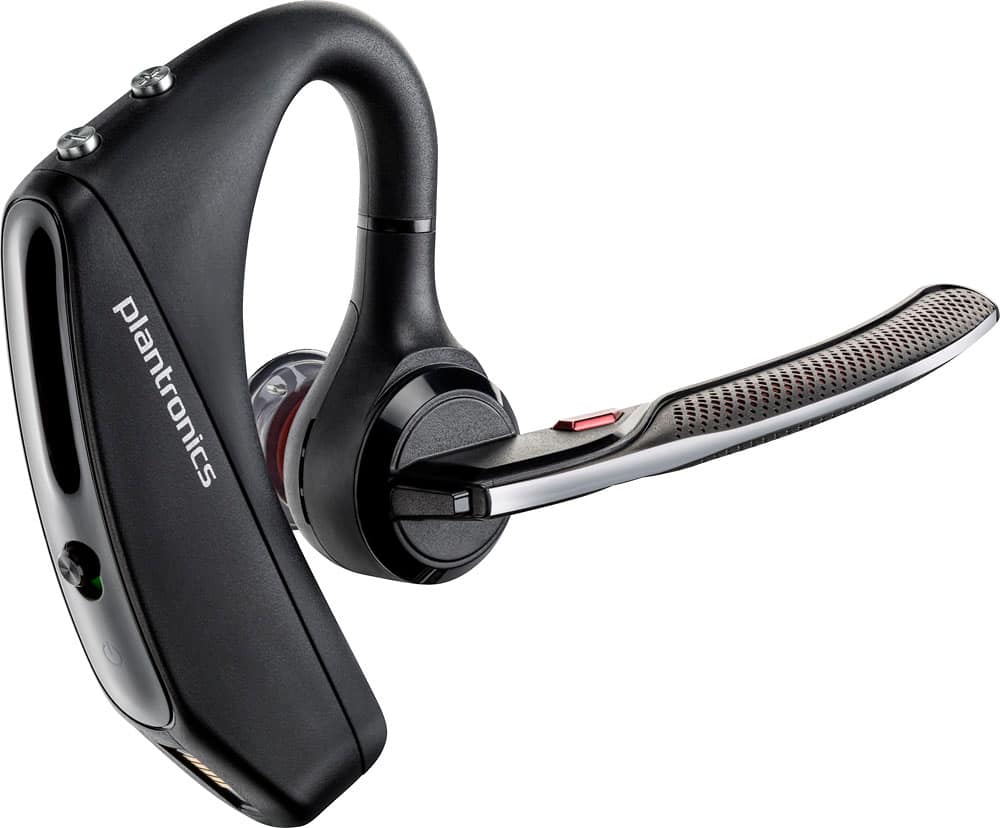
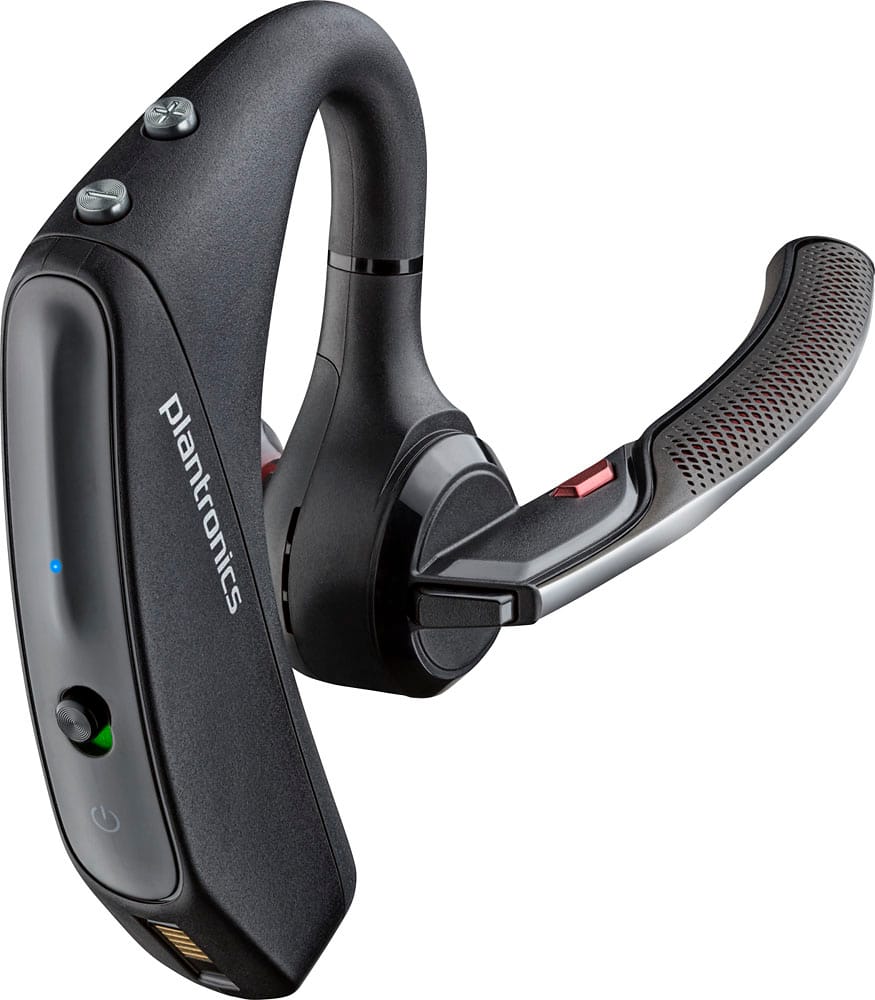
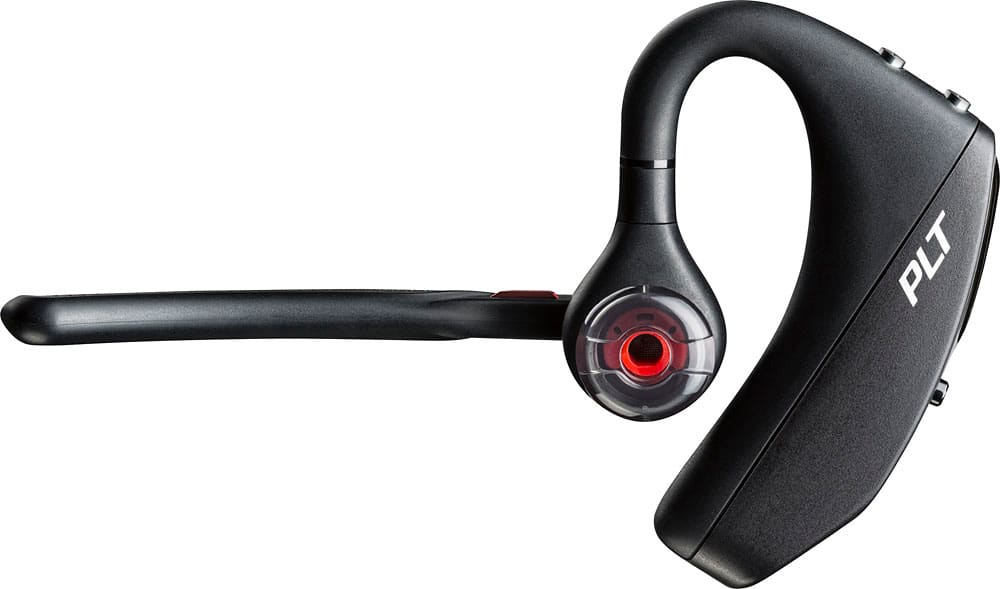
Customers commend the Voyager 5220 for its excellent sound quality, comfortable fit, and long-lasting battery life. Many users appreciate its reliable Bluetooth connectivity and lightweight design. However, some customers have noted concerns about the fit being a little loose, the volume being too low, and the range not meeting expectations.
This summary was generated by AI based on customer reviews.
Headset
Posted .This reviewer received promo considerations or sweepstakes entry for writing a review.Will be returning It cuts out a lot and doesn’t block wind out
No, I would not recommend this to a friend- Pros mentioned:Sound quality
Very good
Posted .This reviewer received promo considerations or sweepstakes entry for writing a review.My husband love it. Very good quality.
I would recommend this to a friend - Cons mentioned:Fit
Not worth it
Posted .This reviewer received promo considerations or sweepstakes entry for writing a review.Even after trying the different ear sizes it will not stay on my ear while moving around. Falls off. Do not get if you have glasses. The arm sits on top of the device and the glasses are slanted.
No, I would not recommend this to a friendBrand response from PlantronicsRepresentative
Posted .Thank you for your honest review; We will forward your comments to our team for review and consideration.Your feedback helps us do better.

Worst headset we owned
Posted .This reviewer received promo considerations or sweepstakes entry for writing a review.We bought this headset for my husband, who is a truck driver. It is very important for him to have a good quality headset, as he is communicating alot when driving. Based on the good rating and the fact that it says 4 microphones, we got it, thinking it should be good. This headset has the worst sound quality. When we talk, his voice sounds like robot, not clear, expecially when there is noise on the road and in his truck. And I can also hear myself when I talk. He says that same things happen on his side also. This has never happened with his previous headset with only 1 microphone. Also, we just found out that his friend bought the same headset, had the same issues, and had to return it.
No, I would not recommend this to a friendBrand response from PlantronicsRepresentative
Posted .Thank you for sharing your honest feedback; Though we're sorry to hear this has been your experience. As you may know, the Voyager 5200 is one of our best communication headsets and specially engineered to deliver superior call clarity. We do have a few procedures in order to troubleshoot audio issues that hopefully can solve them. First, please reset the BT connection with your phone. To do so: https://bit.ly/2OOMfnw. You may also want to ensure the firmware version is up to date through our Hub Software for Desktop: https://bit.ly/30jDXJM. Lastly, testing the earpiece with a different cell phone at different locations is also ideal to determine the cause of the issue. If this issue persists, even after following the previous steps, then the earpiece might have an actual problem and it is best to replace it. This model counts with a one-year limited warranty. Thank you for bringing this to our attention. If you require further assistance, please don't hesitate to contact our Customer Care Team at: https://www.poly.com/us/en/support/contact
Plantronics bluetooth
Posted .This reviewer received promo considerations or sweepstakes entry for writing a review.The last model was much better. This model battery does not hold charge , ear piece is not stable , weak. The sound is not clear . Also, the warranty unknown coverage.
No, I would not recommend this to a friendNot for me , maybe you
Posted .This reviewer received promo considerations or sweepstakes entry for writing a review.I brought three of these headphones and they all only gave me a good 4 to 6 months run. People on the phone always say they can’t hear me so I turn the headphones off then back on and they work. Return then and won’t buy again.
No, I would not recommend this to a friendBrand response from PlantronicsRepresentative
Posted .Hi Rodrick and thank you for your honest review. We're sorry to hear about your experience. The Voyager 5220 is one of our best communication headsets and specially engineered to deliver superior call clarity. Please rest assured audio issues can be easily solved by a couple of procedures. First reset the Bluetooth connection between your phone and the earpiece: https://bit.ly/2OOMfnw. You may also want to reset the network settings on your phone. Ensure the firmware version is up to date through our Hub Software and lastly, test the earpiece with a different cell phone while it is paired with a single Bluetooth device, as it is ideal to determine the cause of the issue. If the issue is still present, then it is best to replace the unit. This model counts with a one-year limited warranty. Thank you for bringing this to our attention. If you have any questions, feel free to contact our Customer Care Team at: (888) 248-4143 or (916) 928-7561
This headset drops calls.
Posted .This reviewer received promo considerations or sweepstakes entry for writing a review.I purchased the Plantronics 5200 about 4 years ago. And it has taken this long to figure out why my cell phone would drop calls while in the middle of cell tower rich areas. It's because the headset has intermittent power issues. That's why it would drop calls about 20 minutes into them. I even changed cell phone carriers trying to resolve the dropped call issue. It was the headset the whole time.
No, I would not recommend this to a friendBrand response from PlantronicsRepresentative
Posted .Thank you for your honest review on our Voyager 5220 headset; Though we're sorry to hear this has been your experience. For battery issues, please be sure to use a 5-volt wall charger for optimal performance. We also have a few tips on how to extend the battery life of our products: https://bit.ly/35IMed5. On the other hand, this issue could be related to the smart sensors. These detect the pressure from your ear while wearing it, however these can get triggered by having the earpiece a bit loose from your ear or wearing glasses. To isolate the cause of the issue, please disable the master sensor through our Hub Desktop app on your PC: https://bit.ly/30jDXJM. Once installation is complete, connect the earpiece via USB cable, go to Settings>Sensors and Presence to disable it. We thank you for bringing this to our attention. We will forward your comments to our Team for review and consideration. If you require further assistance, please don't hesitate to contact our Customer Care Team at: https://www.poly.com/us/en/support/contact
Great when it works...
Posted .This reviewer received promo considerations or sweepstakes entry for writing a review.I've had this one for a few months, and it worked great with my PC, ipad and iphone but now it suddenly stopped working. Won't do anything. I've tried recharging over night, but still nothing. I would get this again, but only with the insurance Best Buy offers for a fee.
No, I would not recommend this to a friendBrand response from PlantronicsRepresentative
Posted .Thank you for your honest review on our Voyager 5220 Bluetooth headset, we are sorry to hear you are experiencing trouble with your unit. If the headset is not charging or not powering on anymore we recommend that you request a replacement for your unit, it comes with our one year limited warranty. Please don't hesitate to contact us at www.plantronics.com/support if you require assistance.

Don't waste your money
Posted .This reviewer received promo considerations or sweepstakes entry for writing a review.Honestly really love this brand but this specific model is horrible. I have had so many connectivity issues and then when I finally get the device to pair it just won't play any sound. Highly disappointed in this model.
No, I would not recommend this to a friendjust average
Posted .This reviewer received promo considerations or sweepstakes entry for writing a review.im often told they cant hear me. Id hoped it would work better
No, I would not recommend this to a friendPlantronics Voyager 5200 is Trash!
Posted .This reviewer received promo considerations or sweepstakes entry for writing a review.Total trash. Headset lasted 1 year and 12 days. No longer takes a charge. Defective Chinese garbage! Used inside an air conditioned office about 2 days a week. Warranty is 364 days from purchase date. No support from POLY. They know the have a 93% failure rate and do nothing to fix it. I would not recommend this headset.
No, I would not recommend this to a friendPoor connectivity issues for a bluetooth headset
Posted .This reviewer received promo considerations or sweepstakes entry for writing a review.I'm extremely disappointed in this headset. I'm continuously being told in the middle of a conversation that they can't hear me because my voice is breaking up. I have disconnected and re-paired the headset with my i-phone 5 multiple times. At times, this fixes the issue temporarily and other times I have to pair it multiple times to get it to work correctly. I hear the people fine on my end but unfortunately it's not the same on the other end of the call. This is extremely disappointing considering the cost of the headset. I read a majority of the reviews and thought that I was buy a quality product that was consider one of the best.
No, I would not recommend this to a friendBrand response from PlantronicsRepresentative
Posted .Sorry to hear you are experiencing issues with your headset.
Usually acoustic or connectivity issues can be resolved just by pairing your headset, restarting your phone then repairing them in order to create a brand new connection.
If the problem persists this will indicate a problem with your headset or phone's Bluetooth radio. We recommend that you try your headset with another device in order to isolate the problem component.
If you find out the problem persists even with a different device we recommend that you request a replacement for your headset by following the instructions on the following article:
www.plantronics.com/us/support/kb/detail.jsp?vfurl=/articles/en_US/Warranty/RN9669&retURL=%2Fapex%2FknowledgeSearch®ion=us&p=&c=All&k=replacement&t=All&lang=en_US&popup=false&c=All
If you require troubleshooting assistance please don't hesitate to contact us at www.plantronics.com/support
My Plantronics
Posted .This reviewer received promo considerations or sweepstakes entry for writing a review.Been using plantroics for years I do not understand why they say it's noise canceling because it's not.
I would recommend this to a friendI’ve had two of these before; new version bad
Posted .This reviewer received promo considerations or sweepstakes entry for writing a review.And Bestbuy no longer offers a warranty for these. I bought one and now am apprehensive to keep it given the awful quality of the newer version.
No, I would not recommend this to a friendBrand response from PlantronicsRepresentative
Posted .Hello! Thank you for reviewing our Voyager 5220, however, we are truly sorry to hear about your experience. If you require technical assistance, please don't hesitate to contact our Customer Care Team at 1-888-363-0726.
Product doesn't last. It fails.
Posted .This reviewer received promo considerations or sweepstakes entry for writing a review.I've had several of these. They have all failed out of warrenty except one. I returned it for warrenty and was sent a used / verified headset. It had an intermittent problem which I was not able to pin point until after the 90 day warrenty had expired. Poly, the current owner of Voyager 5200 headset, refused to resolve the problem. End result, I won't buy another Poly product since they fail and Poly won't stand behind their products.
No, I would not recommend this to a friendBrand response from PlantronicsRepresentative
Posted .Thank you for your honest review; However, we're sorry to hear this has been your experience. The life span of the product depends on the usage but on the vast majority of cases they last for way past their warranty period. We always try to provide tips to extend the life span of our products, as well as simple troubleshooting steps, aiming to isolate the cause of the issue. We will forward your comments to our team for review and consideration. We hope that in the future you will have a better experience. If you have any questions, please contact our Customer Care Team at: 1 888 248 4143 or 1 916 928 7561
Comically poor audio quality
Posted .This reviewer received promo considerations or sweepstakes entry for writing a review.Hooked it up for the first time and called my cell phone from my office number. If you're in a busy office DO NOT BUY THIS. Headset sounded like I was a mile away talking through everyone else. The mic picked up myself and everything within 30 feet of me. Ensured it was on myself and set up correctly. Tried again. Same issue. Not worth fussing with.
No, I would not recommend this to a friendBrand response from PlantronicsRepresentative
Posted .Hi Mark and thank you for your honest review on our Voyager 5220. However, we're sorry to hear about your experience. The Voyager 5220 has built-in four-mic active digital signal processing (DSP), acoustic echo cancellation and six layers of protection against wind noise. To troubleshoot microphone issues, please reset the BT connection between your mobile phone and earpiece. To do so: https://rb.gy/scij9e. You may also want to ensure the firmware version is up to date through our Hub Desktop app by connecting the earpiece via USB cable: https://bit.ly/30jDXJM. Lastly, testing the earpiece with a different cell phone model and while it is paired with a single device is also ideal to determine the cause of the issue. Thank you for bringing this to our attention. Your comments have been shared with our Product Development Team for review and consideration. If you require further assistance, please don't hesitate to contact our Customer Care Team at: https://www.poly.com/us/en/support/contact
Worst than the Legend!
Posted .This reviewer received promo considerations or sweepstakes entry for writing a review.I originally purchased the Legend which is supposed to be a level below the Voyager, but I disagree. I could not walk into the next room over without my call breaking up. The call quality was horrible according to people on the other end. I spent the extra $30 bucks thinking I would get a better product but I'm starting to think everything is refurbished. I give up.
No, I would not recommend this to a friendBrand response from PlantronicsRepresentative
Posted .Usually issues like poor audio quality, static, crackling or low range can indicate a problem with the Bluetooth connection between your headset and phone.
We recommend that you try creating a brand new connection by following these steps:
1. Delete/Remove/Unpair your headset from your phone's paired devices list.
2. Restart your phone.
3. Place your headset in pairing mode and re pair it to your phone.
If the issue is the same we recommend testing the device with another phone to determine if its on the phone or headset. If the issue persists even on a different phone we can replace that device, it comes with a 1 year warranty from the date of purchase. You can use the following url to view our replacement steps: http://www.plantronics.com/us/support/kb/detail.jsp?vfurl=/articles/en_US/Warranty/RN9669&retURL=%2Fapex%2FknowledgeSearch®ion=us&p=&c=All&k=replacement&t=All&lang=en_US&popup=false&c=All
Very disappointed
Posted .This reviewer received promo considerations or sweepstakes entry for writing a review.I bought from bestbuy store. When I opened box at home. I'm very surprised, because box is unopened, but the device is totally used, old model not this 5220 there is no red in the mic. I have to take 30 mins to go back to that store to return it. I know this is used because there many scraf on it. I may not buy something from bestbuy
No, I would not recommend this to a friendMight look at other options
Posted .This reviewer received promo considerations or sweepstakes entry for writing a review.Shuts off all the time and sounds like speaker is blown
No, I would not recommend this to a friendIssues
Posted .This reviewer received promo considerations or sweepstakes entry for writing a review.Headset works sometimes. Very bad connection at times, especially when driving in a work van, constant complaints about sounding muffled of far away. Very very dissappointed, the older one I had worked perfectly. This is my 2nd headset
No, I would not recommend this to a friendBrand response from PlantronicsRepresentative
Posted .Thank you for taking the time to share your feedback on our Voyager 5220 Headset. We're sorry to her you've had trouble with your unit. Please ensure your unit's firmware is up to date by checking for updates and applying any (if available) through Plantronics Hub for Desktop: https://goo.gl/5ceQ1v. You might also want to try resetting the Bluetooth connection with your phone. To do so: https://goo.gl/hf3Rvc. Testing your headset with different phones and also at different locations and while connected to a single device at a given time is ideal in order to isolate the cause of the problem. As you may know, this product has a one-year limited warranty from date of purchase. Please don't hesitate to contact our Customer Care Team at: https://www.plantronics.com/us/en/support/contact if you require further assistance!