Customer Ratings & Reviews


- Model:
- 7Y206AA#ABA
- SKU:
- 6563035
Rating by feature
- Sound Quality
Rating 4.4 out of 5 stars
- Battery Life
Rating 4.3 out of 5 stars
- Connectivity
Rating 4.4 out of 5 stars
Customers are saying
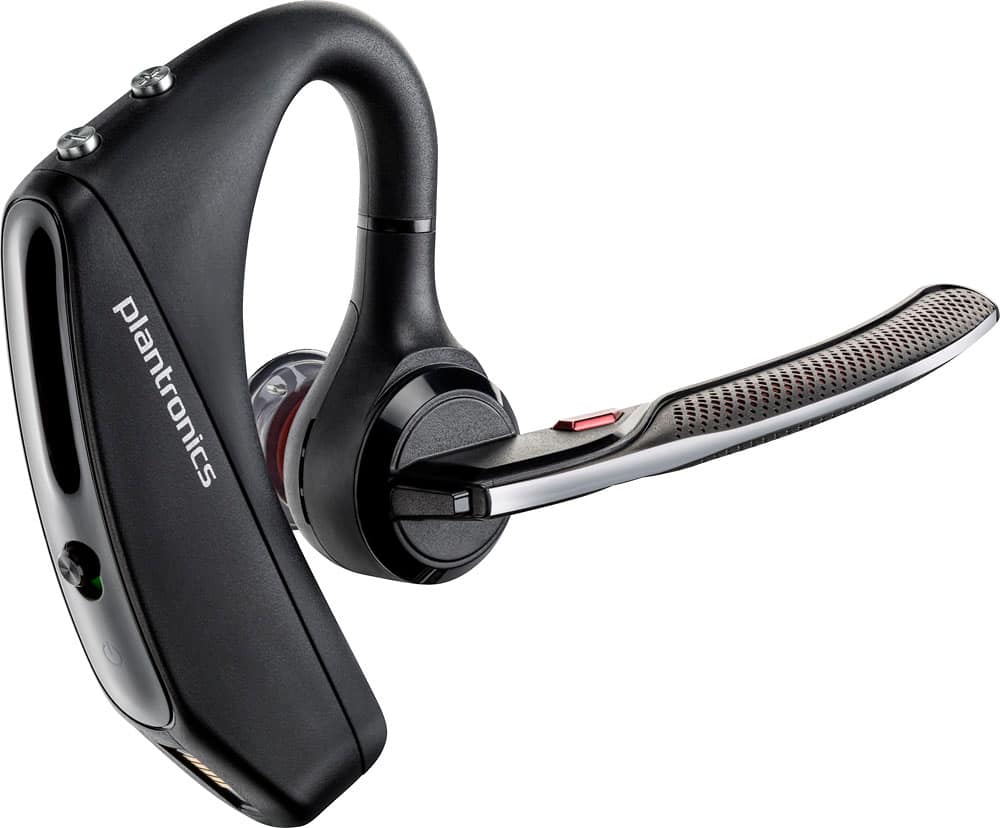
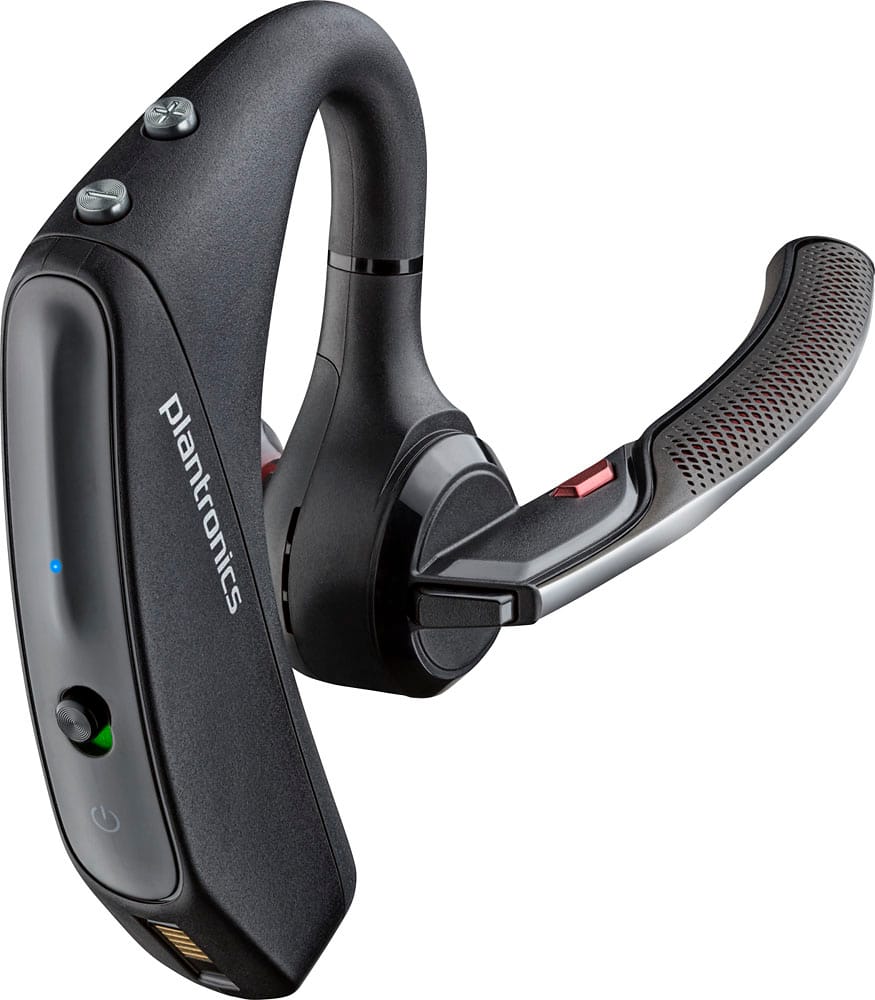
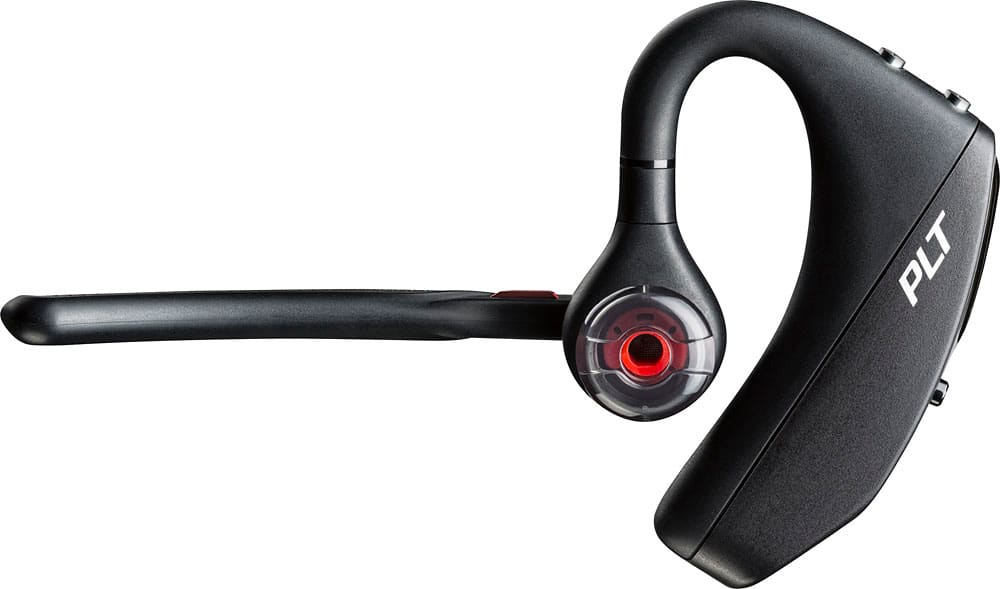
Customers commend the Voyager 5220 for its excellent sound quality, comfortable fit, and long-lasting battery life. Many users appreciate its reliable Bluetooth connectivity and lightweight design. However, some customers have noted concerns about the fit being a little loose, the volume being too low, and the range not meeting expectations.
This summary was generated by AI based on customer reviews.
Very Poor Battery
Posted .This reviewer received promo considerations or sweepstakes entry for writing a review.This bluetooth was nice to start with but the battery has degraded over a period of 20 days. Does not last beyond 2 hours. Now stuck with it :(. The product is good but without robust battery how will i enjoy it ?
No, I would not recommend this to a friendBrand response from PlantronicsRepresentative
Posted .Hello, we are sorry to hear about your experience with the Voyager 5220 headset, please try the following: 1) Completely unpair from your phone. 2) Power off and on both devices. 3) Press and hold the call button until the LED flashes red/blue on your headset. 4) Reconnect, drain the battery and fully charge. We also recommend to download the Plantronics Hub on your computer, from our official website, connect the headset using a USB cable, click on Notifications > Search for updates, and test. If the issue continues, there might be an actual fault with the headset, in which case a replacement will be necessary. The Voyager 5220 comes with a 1 year Limited Warranty, if you continue to experience difficulties, please don't hesitate to contact Plantronics Customer Care at 855-765-7878.

Planteronics earbud
Posted .This reviewer received promo considerations or sweepstakes entry for writing a review.Doesn't work as well as expected. Goes in and out
No, I would not recommend this to a friendDoes not work with native wireless
Posted .This reviewer received promo considerations or sweepstakes entry for writing a review.Found out that it is unusable with my laptop unless I purchase a USB adapter which costs another $81.00.
No, I would not recommend this to a friendNo good
Posted .This reviewer received promo considerations or sweepstakes entry for writing a review.When I’m outside in the cold its not working person on the on end can’t hear u. Can’t understand a word u saying
No, I would not recommend this to a friendBrand response from PlantronicsRepresentative
Posted .Hello! thank you for reviewing our Voyager 5220, however, we are sorry to hear you are having problems with your headset. If you are experiencing audio issues, we recommend resetting the headset by pressing and holding the call control and mute buttons for 5 seconds while it's turned off, this will reset the headset. We also recommend unpairing and repairing the headset with your mobile phone, testing with a different phone can also help us isolate the problem. You may also want to disable the smart sensors of the headset with the Plantronics Hub application and check if it doesn't have any firmware updates available. If you require further assistance, please don't hesitate to contact our Customer Care Team at 1-888-363-0726.
Not it
Posted .This reviewer received promo considerations or sweepstakes entry for writing a review.Did not stay connected to device, others could not hear me clearly
No, I would not recommend this to a friendEarpiece
Posted .This reviewer received promo considerations or sweepstakes entry for writing a review.Wouldn’t pare with my iPhone 13 for some reason it just didn’t
No, I would not recommend this to a friendBrand response from PlantronicsRepresentative
Posted .Hi, make sure you press and hold the black button behind the mic, press and hold until you hear "pairing", and your phone should be able to pick it up. If not, please call us at (916) 928-7561 for further assistance.
Buy something else
Posted .This reviewer received promo considerations or sweepstakes entry for writing a review.I replaced a voyager legend with the 5220 and it was a big mistake. I replaced the unit because it did not appear to have any noise cancellation. Plantronics replaced the unit with a refurbished unit. It worked better but after about a month has the same problem. People on the other end hear even the slightest background noise. I also have a lot of problems with the unit disconnecting from my phone.
No, I would not recommend this to a friendBrand response from PlantronicsRepresentative
Posted .Hello and thank you for your honest review on our Voyager 5220 headset, however, we are sorry to hear about your experience. If you are experiencing some audio issues with the headset, you may want to reset the Bluetooth connection with your mobile. To do so: 1)Unpair the headset from your mobile phone by accessing your Bluetooth settings. 2) Power off your mobile phone for 2 minutes and turn it back on. 3) Re-pair the headset by pressing and holding down the call control button until you see the LED flashing red and blue.
4) Access to your Bluetooth settings and select "PLT_V5200". Once successfully paired, you will hear "pairing successful" and the LED on your headset will stop flashing red and blue. If the headset is also disconnecting from your mobile it could be due to the smart sensors. We recommend you disabling the smart sensors of the headset: In an idle state, simultaneously press and hold the call and mute buttons for 5 seconds and a voice prompt will inform you of smart sensors status. Our intention is to provide the highest quality products to our customers and we thank you for bringing this issue to our attention. Please don't hesitate to contact our Customer Care Team at 800-985-9815 if you require assistance.